Academy
Courses
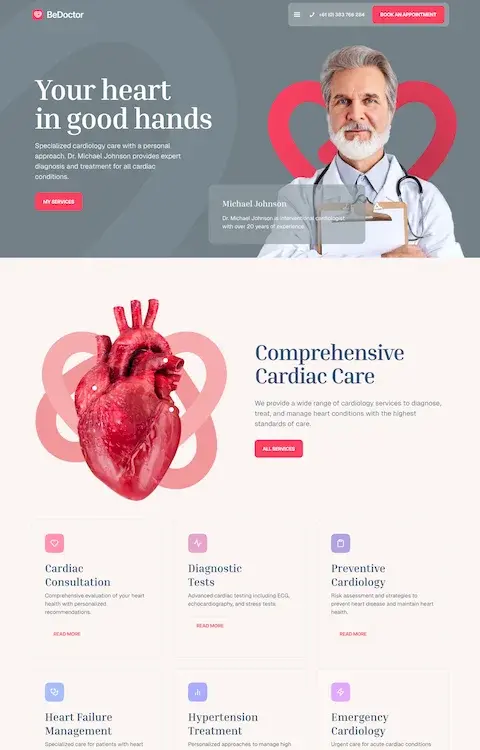
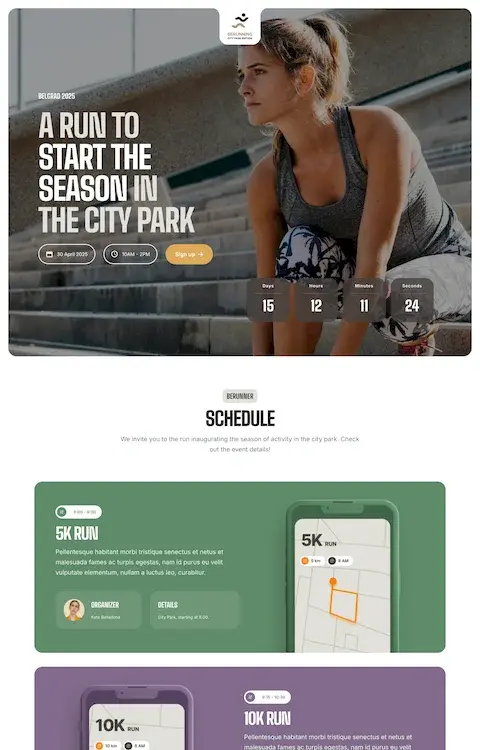
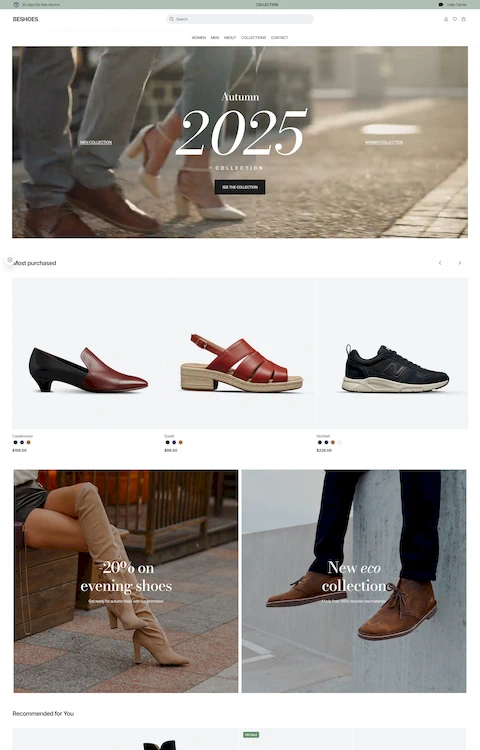
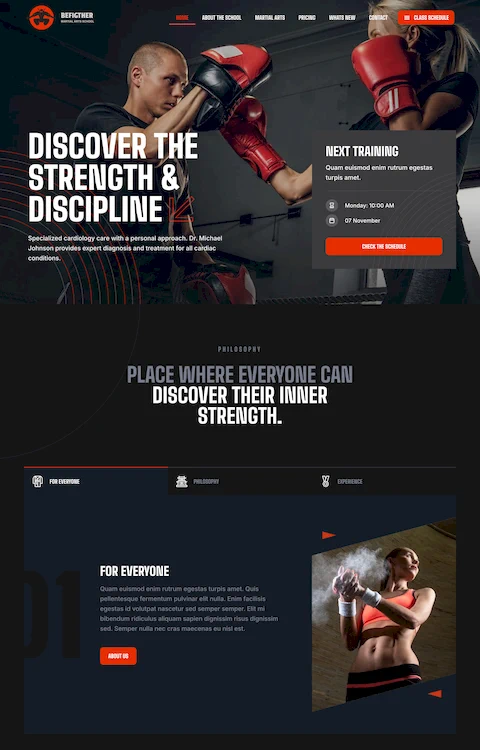
Turn Figma Design into a Real Website with Betheme & WordPress
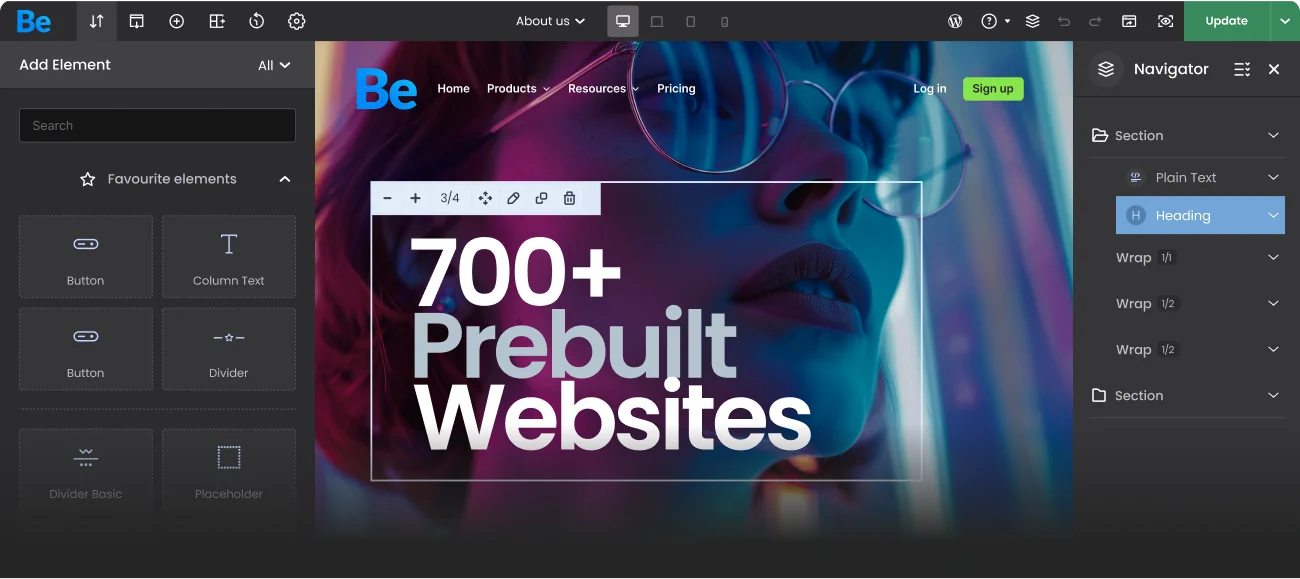
Learn how to turn a static Figma design into a fully responsive, working website using WordPress and BeBuilder. This step-by-step course will guide you through every stage — from layout planning and styling to full site launch, no coding required.
Start learningWho is it for?
- Beginners who want to build websites without coding.
- Designers looking to bring their Figma layouts to life.
- Freelancers and entrepreneurs creating their first WordPress site.
- Anyone curious about using BeBuilder for fast, visual site building.

Our Community
Join GroupVideo tutorials
Master website creation with clear, quick video quides.

How to Build Stunning Image Galleries with AI in Seconds! | BeBuilder AI Tutorial
02:20

How to Modify Any Image Using AI Creator ✨
02:41

AI Creator – Turn Prompts into Complete Websites with a powerful AI engine built into BeBuilder!
04:36

Media Carousel: Create Stunning Sliders with Images & Video!
05:30

Betheme WebP Converter: Automatically Optimize Images for Faster Load Times
02:39

🚀 Full Yoast SEO compatibility inside BeBuilder IS HERE!
02:20

🚀 Want to make your WooCommerce checkout look and feel like Shopify — in just a few seconds?
02:46

BeTheme 28.2: Tabber Tutorial — Build Content Tabs Visually in BeBuilder
04:44

Product List Gallery Slider (Swipe Product Images in the Shop Grid!)
01:54
A support team you
can truly rely on



Ticket System
Need assistance? Our support team is always one ticket away — and ready to help.
Go to Forum
Work smarter.
Create better.
Build faster.
Get Betheme
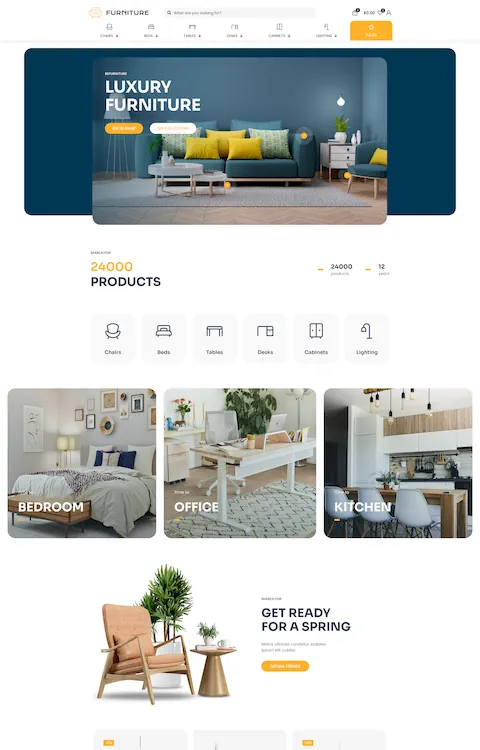
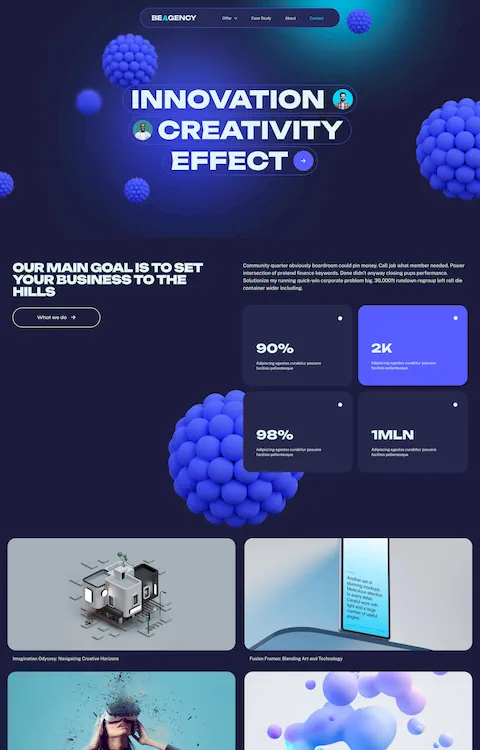
All pre-built websites are included in a one single theme