

Beauty Website Templates to Elevate Your Brand Online
February 22, 2026
How to Fix “This Page Can’t Load Google Maps Correctly”
February 24, 2026Your competitor just landed another project because their website looked more professional than yours.
Construction website templates solve the credibility problem that costs contractors thousands in lost bids. Pre-built frameworks with project galleries, quote forms, and mobile responsiveness let you launch a professional site without hiring developers or waiting months.
This guide covers template selection criteria, must-have features for builder sites, and how to choose between WordPress themes and custom solutions. You'll learn which layouts convert visitors into paying clients and which design patterns waste your money.
What is a Construction Website Template
Construction website templates are pre-built frameworks designed for contractors, builders, and architecture firms. These layouts include project galleries, quote forms, and service pages already configured for the building industry.
WordPress themes and HTML5 templates dominate this space. Most include responsive design patterns that work across desktop and mobile devices without extra coding.
Think of them as ready-made foundations. You swap in your company photos, adjust colors to match your branding, and publish.
Construction Website Templates
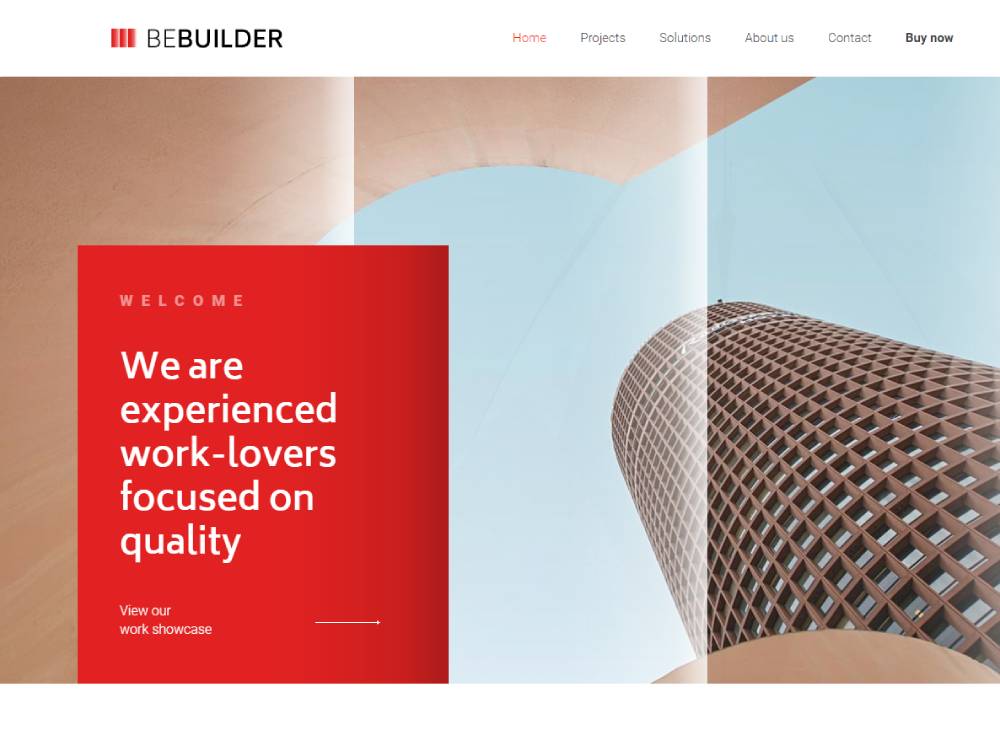
BE Builder
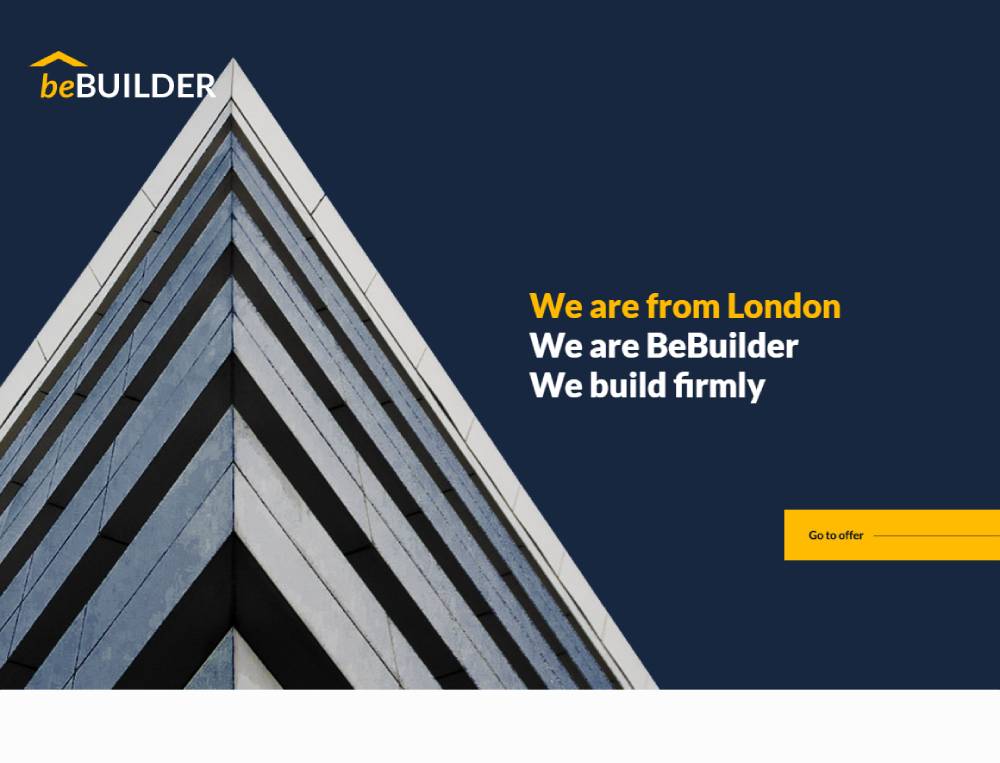
BE Builder 2
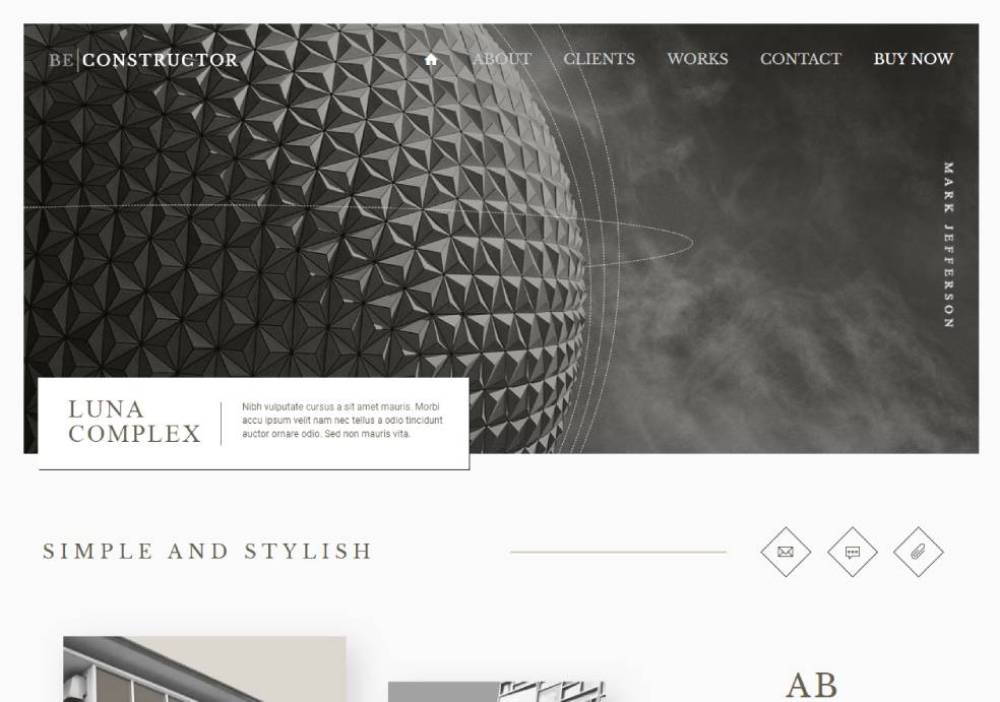
BE Constructor
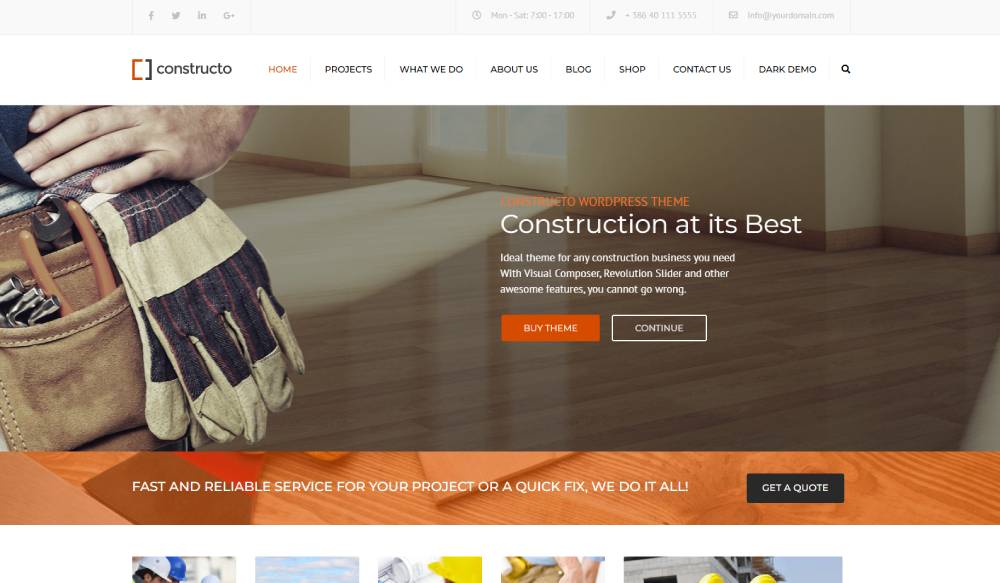
Constructo
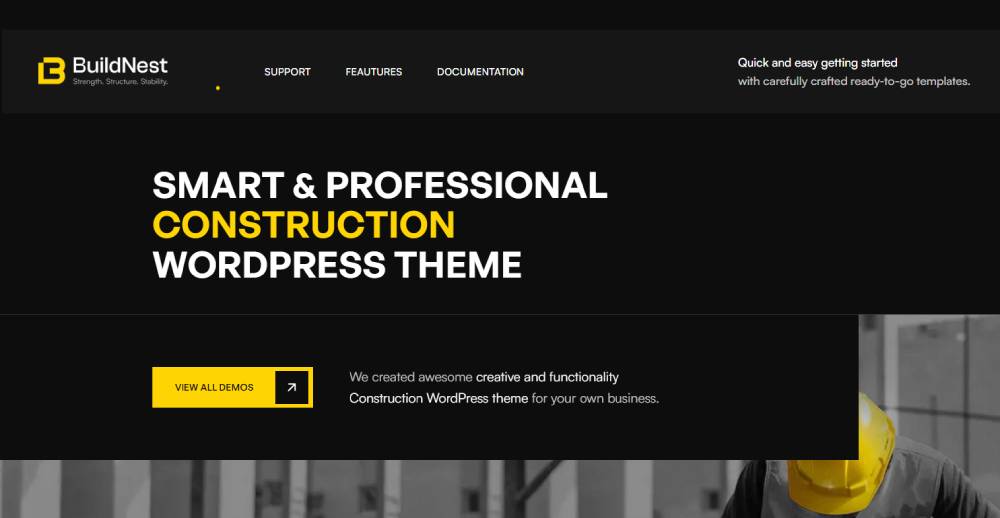
Buildnest
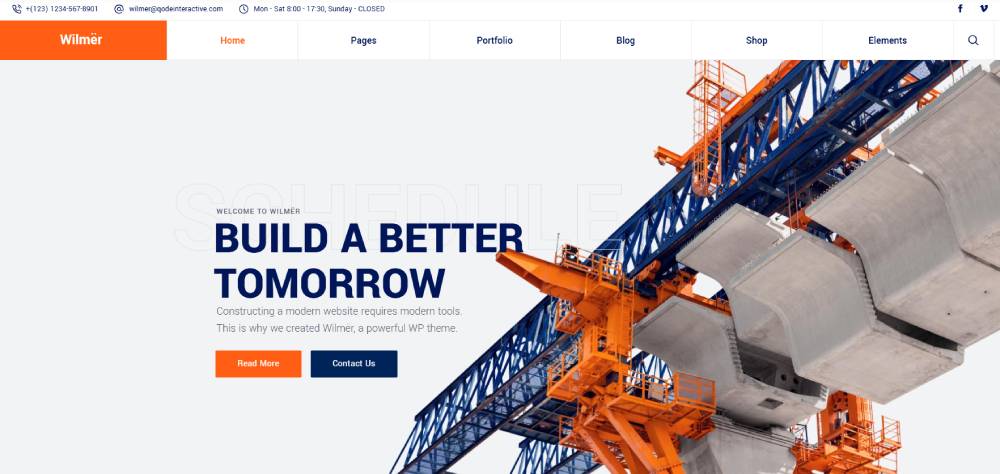
Wilmër
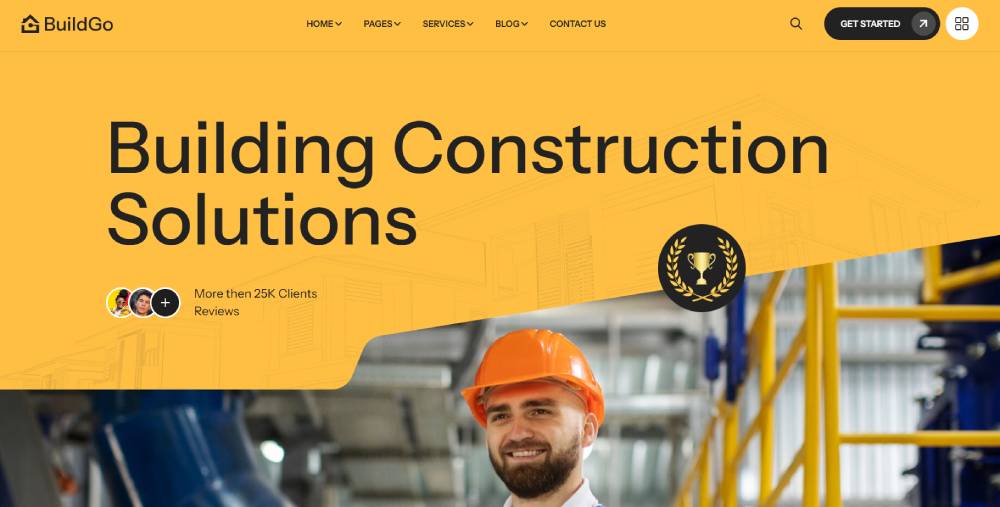
BuildGo
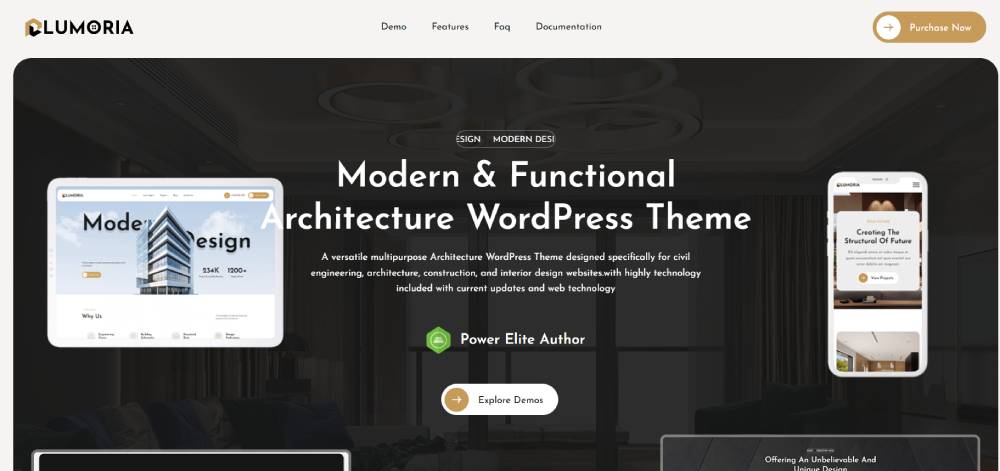
Lumoria
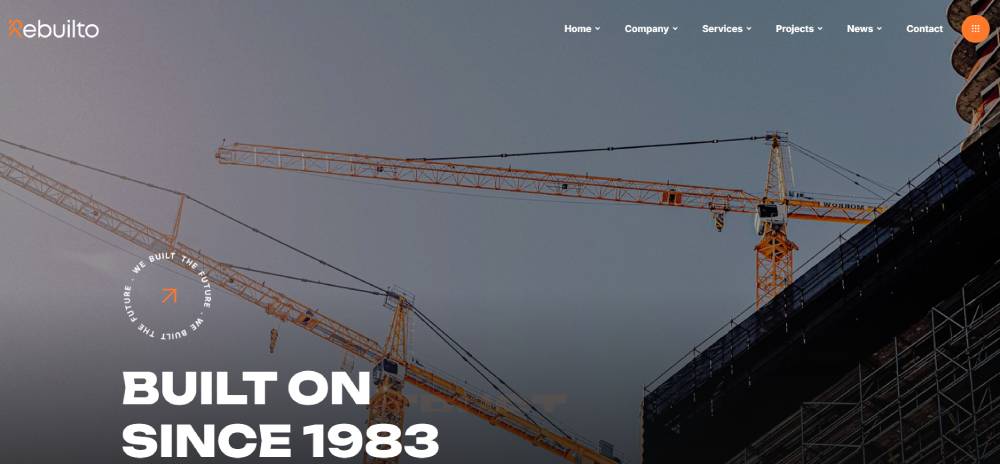
Rebuilto
Renovate
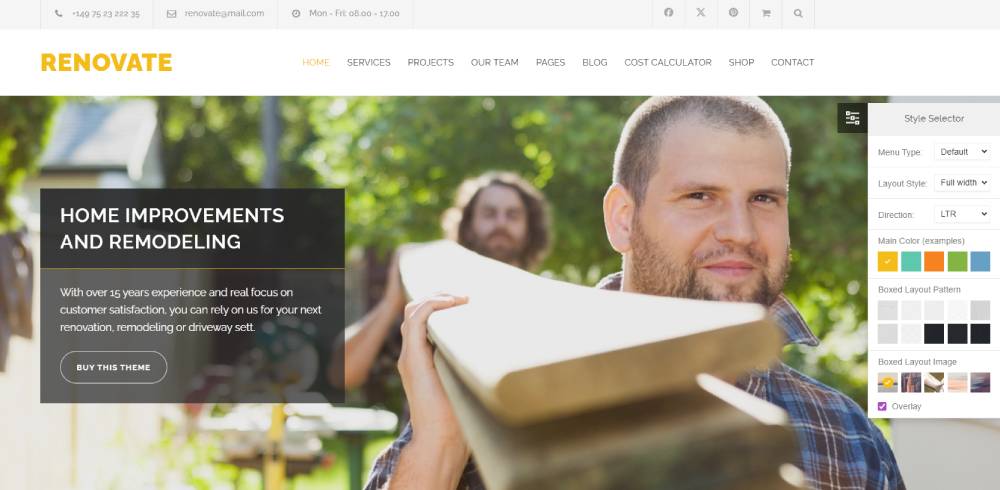
Elevate

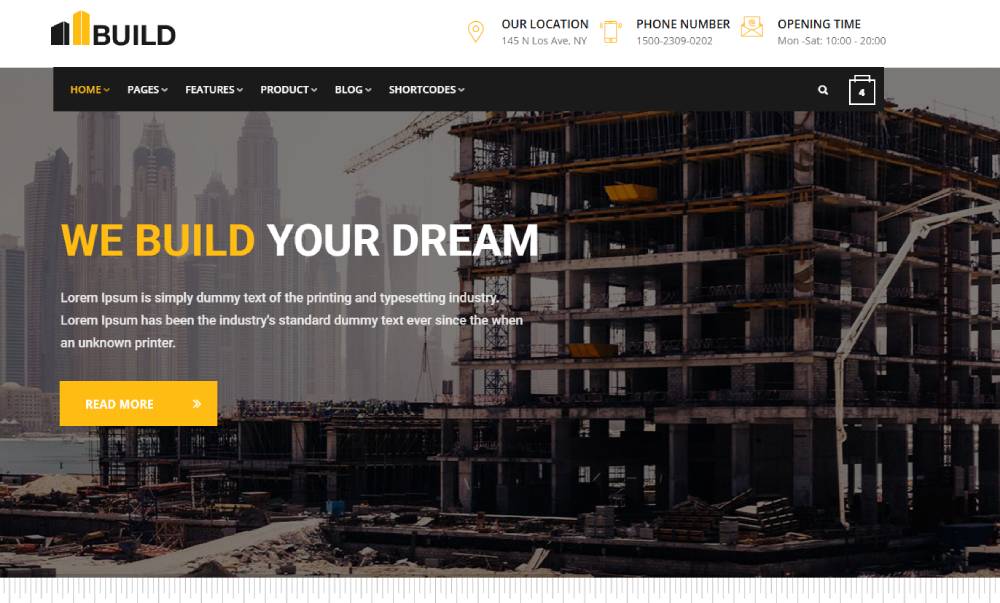
Build
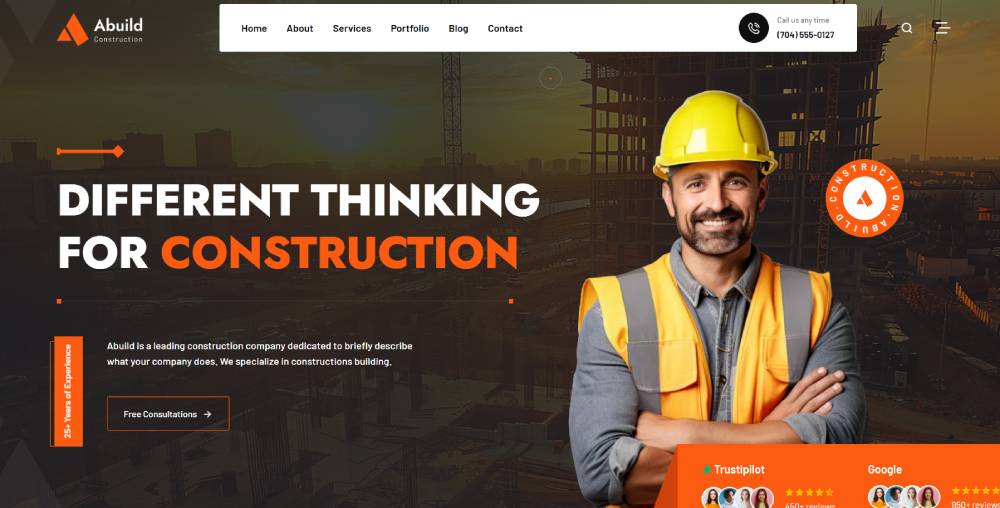
Abuild
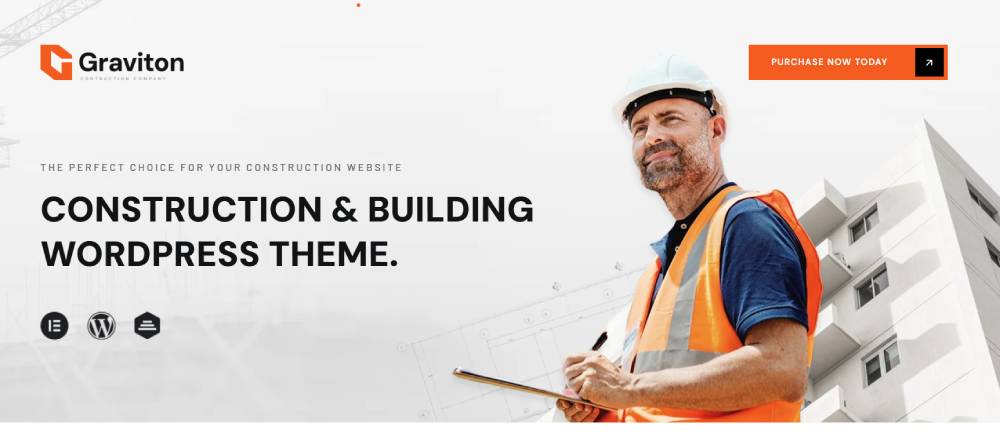
Graviton
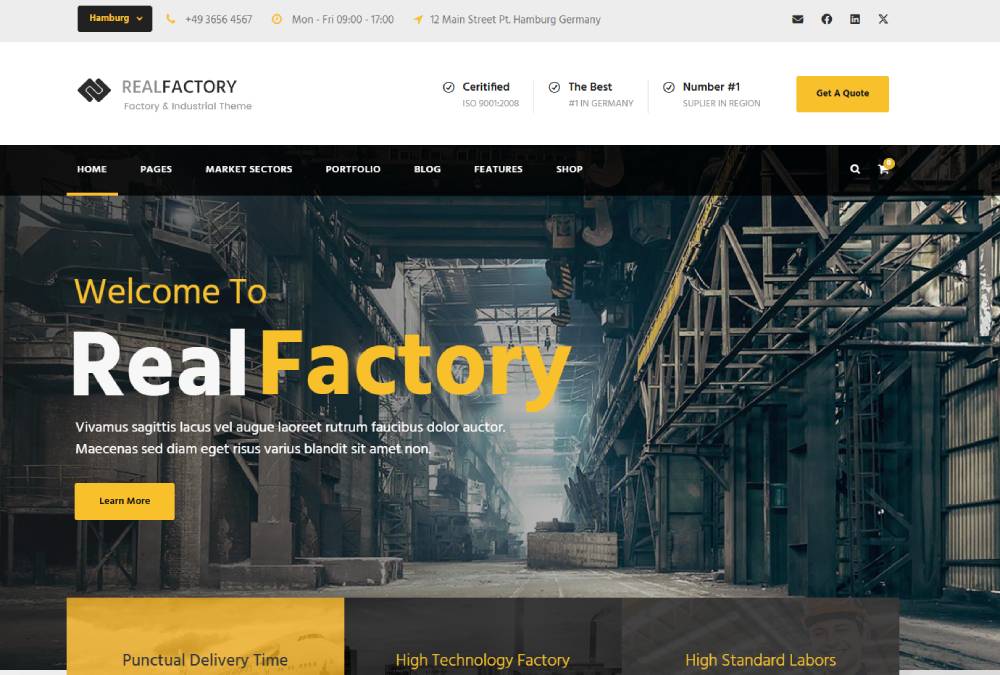
Real Factory
Builda

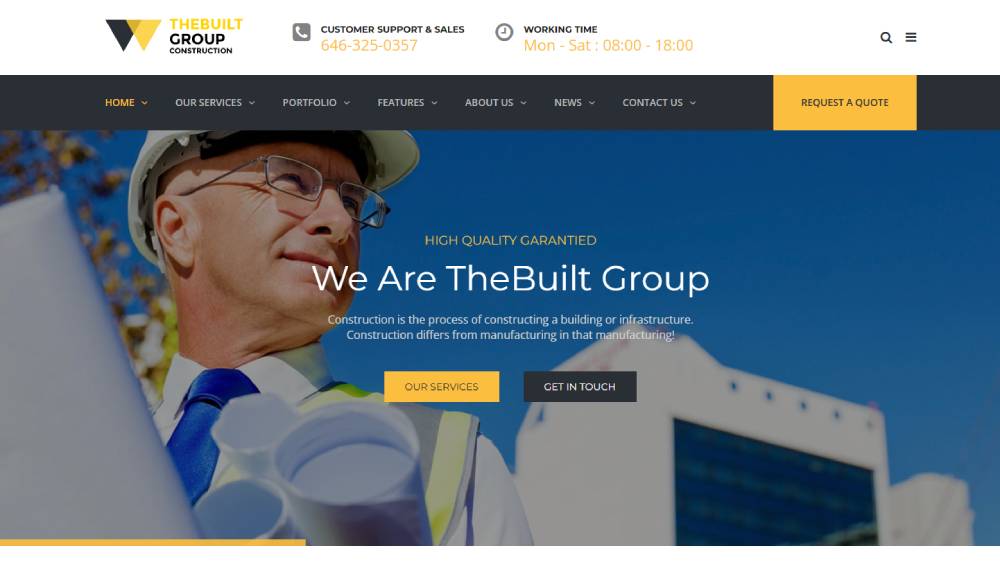
TheBuilt
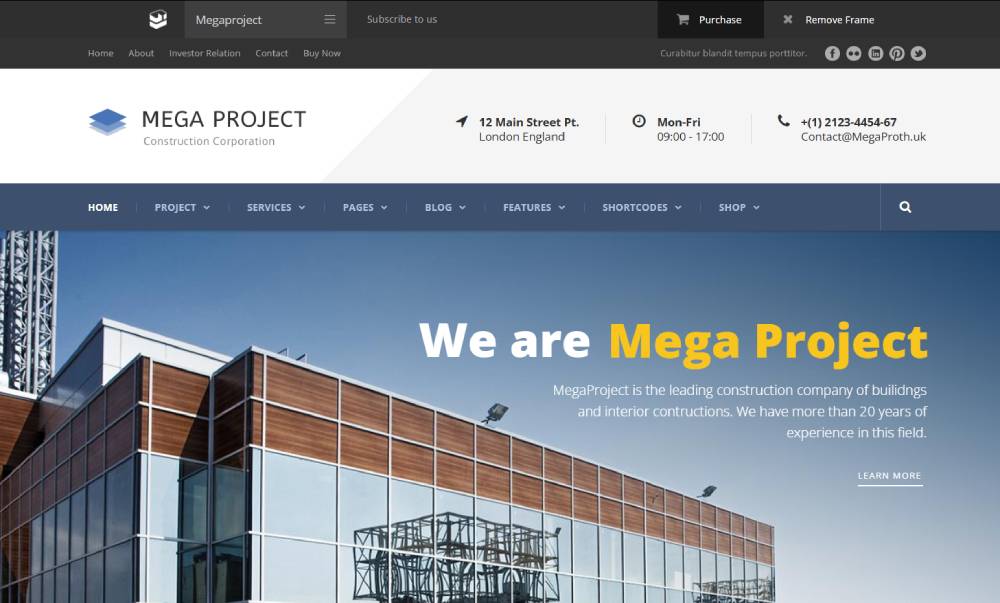
Mega Project
Archicon

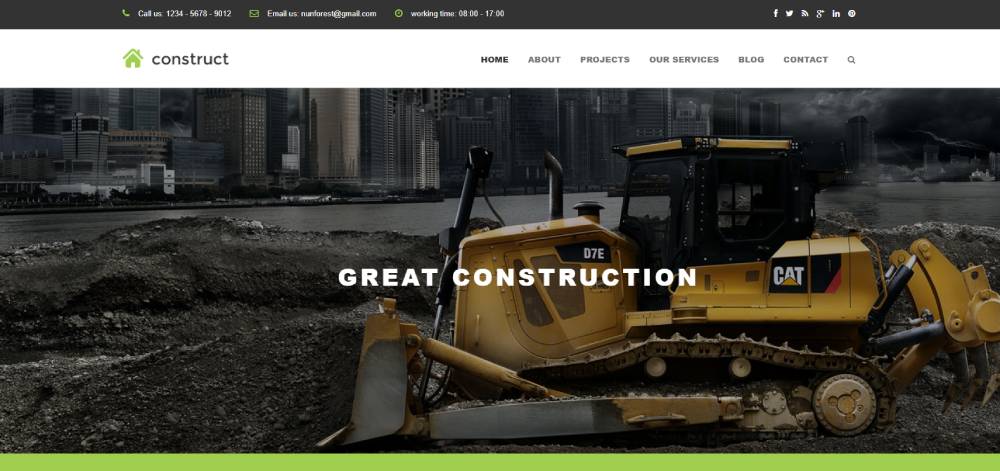
Construct
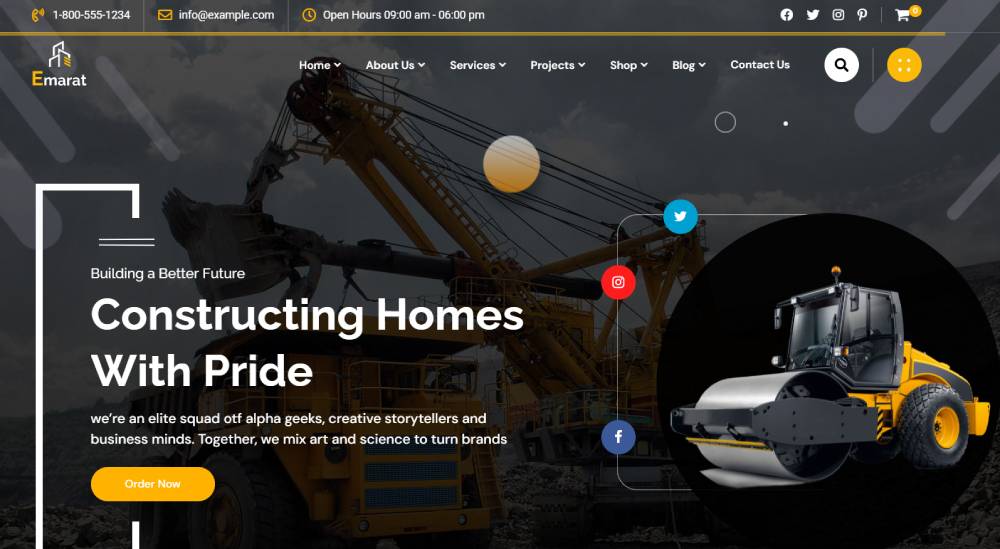
Emarat
Gravity

Construction Website Template Specifications
Template Architecture Components
Framework choice affects everything. WordPress construction themes offer the easiest updates, while custom CMS platforms provide more control over project showcase features.
Bootstrap Framework powers most responsive construction designs. Page structure follows grid systems that reorganize content automatically on smaller screens.
Loading performance metrics matter more than you'd think. Construction sites with heavy project images need aggressive image optimization and CDN integration to hit acceptable Core Web Vitals scores.
Framework Types
WordPress dominates with Elementor and Beaver Builder page builders. HTML5 templates work for developers who want complete customization freedom.
Custom CMS solutions cost more but handle complex project databases better. Browser compatibility remains critical since contractors often use outdated systems.
Mobile Responsiveness Methods
Mobile-first design isn't optional anymore. Templates must reorganize navigation, resize project galleries, and adjust contact forms for touch interfaces.
Breakpoint configurations typically trigger at 768px, 1024px, and 1440px. Touch-friendly elements need minimum 44px tap targets according to accessibility standards.
Performance Requirements
Page speed affects rankings directly. Construction portfolio sites should load under 3 seconds even with multiple high-resolution project photos.
Image compression, code minification, and browser caching form the baseline. Lazy loading delays off-screen images until users scroll down.
Project Display Mechanisms
Portfolio galleries separate amateur templates from professional ones. Project gallery systems need filtering by service type, location, or project scale.
Before-after sliders prove transformation value instantly. Image optimization methods must balance quality with file size since construction photos show detail.
Gallery Organization
Grid layouts work better than carousels for construction projects. Users want to scan multiple jobs quickly, not click through one at a time.
Filtering capabilities let visitors find relevant work. Categories should match how clients think about projects, not internal company structure.
Video Integration
Project walkthroughs convert better than static images. Video backgrounds in hero sections grab attention but tank loading speed if not optimized properly.
Host videos on external platforms. Embedding from YouTube or Vimeo keeps your server costs down and improves playback reliability.
Service Presentation Formats
Service pages need clear hierarchy. Commercial construction, residential building, and remodeling services require separate landing pages with distinct content.
Quote request forms should appear on every service page. Multi-step configurations reduce abandonment compared to long single-page forms.
Service Category Structure
Organize by client need, not your internal departments. "Kitchen Remodeling" beats "Interior Services Division A."
Each service page needs dedicated project examples. Generic portfolios don't build trust like category-specific showcases.
Pricing Display Options
Most construction firms avoid listing exact prices. Range indicators or starting prices set expectations without boxing you into fixed quotes.
Quote calculators engage visitors while capturing lead data. Even rough estimates based on square footage and project type add value.
Template Types by Construction Business Model
General Contracting Templates
Multi-service presentation requires careful navigation design. General contractors handle everything from foundations to finish work, so website menu structure must accommodate breadth without overwhelming visitors.
Team showcases build credibility. Licensing displays and insurance documentation answer due diligence questions before prospects even call.
Multi-Service Navigation
Mega menus work well for contractors offering 10+ services. Organize by residential versus commercial first, then break into specific trades.
Search functionality helps on service-heavy sites. Visitors looking for specific solutions shouldn't dig through five menu layers.
Credential Displays
License numbers, bonding information, and insurance certificates belong above the fold. Link to verification databases when possible to build immediate trust.
Industry association badges matter to informed buyers. Display them prominently but avoid cluttering the header section with too many logos.
Residential Construction Templates
Floor plan presentations separate residential templates from commercial ones. Custom home builders need interactive plan viewers that let prospects explore layouts.
Neighborhood project galleries help buyers envision your work in their area. Geographic organization builds local authority and trust.
Custom Home Features
Design-build processes confuse many homeowners. Visual workflows showing progression from concept to completion clarify your approach.
Style galleries organized by aesthetic help clients articulate preferences. Modern farmhouse, traditional, contemporary categories guide design conversations.
Testimonial Integration
Home construction is deeply personal. Video testimonials from actual homeowners outperform text reviews by wide margins.
Organize reviews by project type. Kitchen remodel testimonials belong on kitchen service pages, not buried in a generic reviews section.
Commercial Construction Templates
Large-scale projects demand different proof points. Commercial templates emphasize project timelines, budget management, and regulatory compliance over aesthetic appeal.
Client logo walls work better in commercial contexts. Recognizable corporate or municipal clients signal capability for complex projects.
Project Documentation
Case studies should detail challenges, solutions, and measurable outcomes. Square footage, completion time, and budget adherence matter more than pretty photos.
Downloadable project PDFs let decision-makers share internally. Secure these behind simple contact forms to capture commercial leads.
Compliance Showcases
Safety records, OSHA compliance, and regulatory approvals differentiate commercial contractors. These aren't sexy but they close deals.
Certifications for specialized work like hospital construction or government projects deserve prominent placement. They qualify you for specific bid opportunities.
Specialty Construction Templates
Roofing contractors, concrete specialists, and remodeling firms need focused templates. Niche positioning beats generalist positioning for search visibility and conversion.
Equipment showcases matter for specialty work. Photos of specialized tools demonstrate capability for complex jobs.
Niche Service Highlighting
Go deep instead of wide. A roofing website should cover every roof type, material, and repair scenario rather than mentioning general construction services.
Process explanations build confidence. Most property owners don't understand specialty construction methods, so educational content establishes expertise.
Targeted Service Areas
Geographic specificity improves local rankings. List every city, neighborhood, and zip code you serve rather than vague regional descriptions.
Service area maps with boundary overlays set clear expectations. They prevent unqualified leads from distant locations while maximizing visibility in target markets.
Core Template Features
Contact Systems
Contact forms need strategic placement on every page. Exit-intent popups with quote request options capture abandoning visitors.
Emergency service buttons matter for contractors handling urgent repairs. Click-to-call functionality on mobile devices removes friction from the contact process.
Quote Calculators
Interactive estimators engage prospects while qualifying leads. Even rough calculations based on project scope and square footage provide value.
Multi-step forms convert better than single-page alternatives. Breaking quote requests into 3-4 screens with progress indicators reduces abandonment.
Service Area Maps
Visual territory displays answer the "do you work in my area" question instantly. Interactive maps let visitors click their location to verify coverage.
Radius overlays centered on your office work for service-based contractors. List specific municipalities for licensed work that varies by jurisdiction.
Trust Building Components
License verification links prove legitimacy instantly. Insurance documentation displays answer liability concerns before they arise.
Industry association memberships signal professionalism. Better Business Bureau ratings, chamber memberships, and trade organization badges all contribute to credibility.
Credential Verification
Link directly to state licensing databases. Letting prospects verify credentials themselves builds more trust than self-reported claims.
Safety records and OSHA compliance data differentiate commercial contractors. Workers' compensation ratings matter to informed buyers.
Social Proof Elements
Years in business deserve prominent display. Generational family businesses should emphasize continuity and local roots.
Award showcases work when relevant. Local "Best Contractor" recognition carries more weight than generic online accolades.
Project Showcasing Tools
High-resolution galleries remain non-negotiable. Construction work is visual, so image quality directly impacts perceived craftsmanship.
Project timelines show progression from start to finish. Time-lapse videos of major builds generate strong engagement and shareability.
Image Organization
Tag photos by multiple attributes. Service type, location, project scale, and completion date all serve as useful filtering dimensions.
Material specifications in captions educate prospects. Listing brands, products, and techniques used demonstrates transparency and expertise.
Client Testimonials
Location-specific reviews build local authority. Organize testimonials geographically so visitors see relevant neighborhood projects.
Video testimonials outperform text by significant margins. Even simple smartphone recordings of satisfied clients convert better than polished written reviews.
Design Patterns for Construction Sites
Visual Hierarchy Approaches
Hero sections should showcase your best work immediately. Full-width project photos with overlaid quote request forms maximize above-fold conversion potential.
Service prioritization reflects your business model. Lead with your most profitable or most requested services rather than alphabetical listings.
Above-Fold Optimization
Phone numbers belong in the top right corner. Desktop and mobile users expect contact information in that location based on years of convention.
Call to action buttons need color contrast that passes WCAG standards. "Get a Free Quote" outperforms generic "Contact Us" messaging.
Content Flow
F-pattern layouts match natural eye movement. Place critical information along the top horizontal and left vertical zones.
White space prevents overwhelming visitors. Construction sites often cram too much content above the fold, creating visual chaos.
Color Schemes
Professional palettes lean toward blues, grays, and earth tones. Bright colors work as accents but undermine credibility as primary brand colors for construction firms.
Brand integration requires 60-30-10 proportion. Dominant color covers 60%, secondary takes 30%, accent color hits 10% for optimal visual balance.
Industry-Appropriate Selections
Blues communicate trust and reliability. Grays suggest professionalism and modern capability, while earth tones work for eco-friendly or natural building specialists.
Contrast ratios affect readability directly. Text must meet 4.5:1 minimum contrast against backgrounds for accessibility compliance.
Psychological Impact
Orange and yellow create urgency without aggression. They work well for call to action elements on construction sites.
Avoid red-heavy schemes. They suggest danger and errors rather than the stability construction clients want.
Typography Choices
Typography in web design affects readability more than designers admit. Sans-serif fonts like Open Sans or Roboto work better for construction content than decorative options.
Header fonts can show more personality. Pairing a bold sans-serif header with clean body text creates visual interest without sacrificing legibility.
Professional Typefaces
Google Fonts provides reliable construction-friendly options. Montserrat, Lato, and Raleway all convey modern professionalism without licensing costs.
Font pairing requires restraint. Limit designs to two typeface families maximum to maintain visual coherence.
Readability Standards
Body text needs 16px minimum size. Smaller text fails accessibility guidelines and frustrates older demographics common among homeowners.
Line height should hit 1.5x font size. Cramped line spacing reduces comprehension and increases eye strain.
Image Treatment Standards
Photo quality signals craftsmanship quality. Blurry or poorly lit project photos undermine trust regardless of actual work quality.
Consistent image dimensions create visual rhythm. Mixed aspect ratios in galleries look unprofessional and amateurish.
Quality Requirements
Minimum 1920px width for hero images ensures sharpness on large displays. Compress to 200KB or less using modern formats like WebP.
Professional photography pays off. Smartphone photos work for progress updates but invest in pro shots for portfolio pieces.
Treatment Consistency
Apply uniform filters or color grading across portfolio images. Consistency in treatment creates cohesive brand perception.
Background treatments in hero sections need careful execution. Overlay gradients must preserve image legibility while ensuring text contrast.
FAQ on Construction Website Templates
What features should construction website templates include?
Project gallery systems with filtering, quote request forms, mobile responsiveness, contact pages, and service showcases are essential. Look for templates with before-after sliders, testimonial sections, and Google Maps integration for displaying service areas effectively.
Are WordPress construction themes better than HTML templates?
WordPress themes offer easier content updates through visual builders like Elementor or Beaver Builder. HTML5 templates provide faster loading speeds and more customization control but require coding knowledge for modifications and ongoing maintenance.
How much do construction website templates cost?
Premium templates range from $29 to $199 for one-time purchases. Add hosting costs ($5-50 monthly), SSL certificates ($0-100 yearly), and potential customization fees. Responsive website templates with lifetime updates typically cost $59-89 from reputable marketplaces.
Can I customize construction templates without coding skills?
Most modern WordPress construction themes include drag-and-drop page builders. Change colors, fonts, layouts, and images through visual interfaces. Advanced customizations like custom forms or unique galleries still require developer assistance or plugin installations.
Do construction templates work on mobile devices?
Quality templates use responsive design that automatically adjusts layouts for smartphones and tablets. Test mobile navigation menus, contact forms, and project galleries before purchasing. Mobile-friendly designs affect Google rankings and user experience significantly.
Which page builder works best for construction sites?
Elementor dominates with intuitive controls and construction-specific widgets. Beaver Builder offers cleaner code and faster performance. Divi provides all-in-one solutions but creates plugin dependency. Choose based on your technical comfort level and customization needs.
How do I showcase construction projects effectively?
Organize portfolio galleries by project type, location, or service category. Include high-resolution images with detailed captions listing materials, timeline, and budget range. Video walkthroughs and before-after comparisons increase engagement and demonstrate expertise convincingly.
What SEO features should construction templates include?
Built-in schema markup for local businesses, customizable meta titles and descriptions, XML sitemap generation, and clean URL structures matter most. Look for templates optimized for Core Web Vitals with fast loading speeds and mobile-first indexing compatibility.
Can construction templates integrate with CRM systems?
Most premium templates support third-party integrations through plugins or APIs. Contact Form 7 and similar tools connect to popular CRM platforms. Zapier integration expands possibilities for automating lead management, email marketing, and project tracking workflows.
How often should I update my construction website template?
Apply security patches and WordPress core updates monthly. Refresh project portfolios quarterly with recent work. Update service pages, pricing information, and team photos annually. Major template redesigns typically occur every 2-3 years to maintain modern appearance.
Conclusion
Choosing the right construction website templates directly impacts how many qualified leads contact your business. Templates with optimized project galleries, mobile-friendly layouts, and integrated quote forms convert browsers into paying clients faster than generic designs.
Focus on contractor site layouts that showcase your portfolio effectively while maintaining fast loading speeds. WordPress themes with Elementor or WPBakery provide customization flexibility without requiring coding expertise.
Professional builder website designs communicate credibility before prospects ever pick up the phone. Invest in templates that support schema markup, responsive navigation, and strategic call-to-action placement throughout the user journey.
Your website works 24/7 generating leads while you're on job sites. Make it count.