

Fixing “sorry, this file type is not permitted for security reasons”
January 19, 2026
Modern Optometrist Website Design Examples to Inspire
January 19, 2026Flat pages are starting to feel like yesterday's problem.
The best VR website design examples prove that browsers can deliver full 3D immersive experiences, no app install, no headset required. WebXR, Three.js, and A-Frame have made it possible to build spatial web interfaces that actually run well on standard hardware.
Brands from Gucci to Meta are already shipping these.
This article breaks down 10 live VR websites worth studying, the technologies behind them, design principles that prevent motion sickness and performance issues, and the common mistakes that wreck most attempts at immersive web design.
Whether you're building a virtual showroom, a 3D portfolio, or an interactive product page, you'll find practical examples and technical specifics to work from.
What Is VR Website Design
VR website design is the practice of building web-based experiences that place users inside a three-dimensional virtual environment, accessed directly through a browser without installing any app.
Instead of scrolling a flat page, visitors move through a spatial web interface, interact with 3D objects, and explore scenes using gaze, controllers, or mouse input.
The whole thing runs on WebXR Device API and WebGL rendering. A-Frame, Three.js, and Babylon.js handle the heavy lifting on the development side.
Standard websites rely on the Document Object Model to arrange text, images, and boxes in a grid. VR websites use a scene graph, where every element exists in 3D space with coordinates, rotation, and depth.
That difference changes everything about how you plan layout, navigation, and interaction. Most VR sites work on desktop browsers, mobile screens, and headsets like Meta Quest or HTC Vive. Some support Apple Vision Pro.
The best ones degrade gracefully, giving flat-screen users a solid experience while offering full immersion to headset owners.
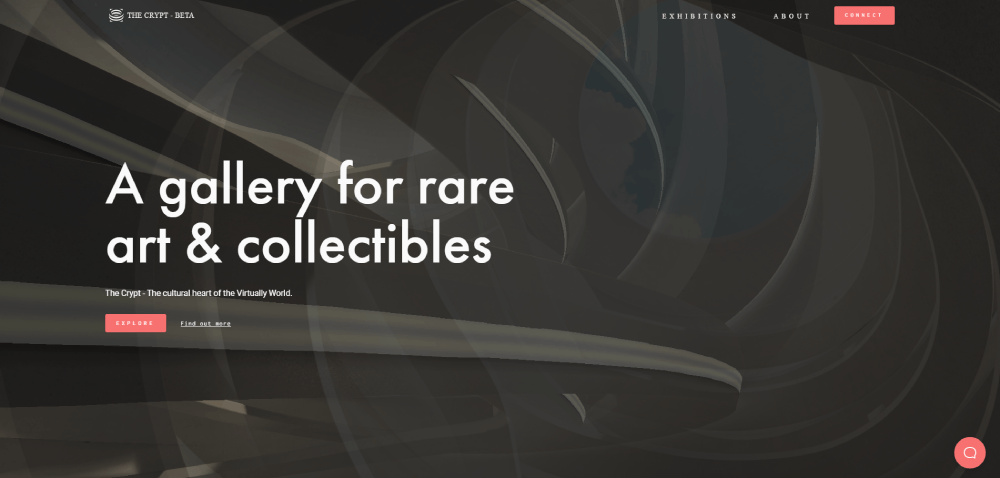
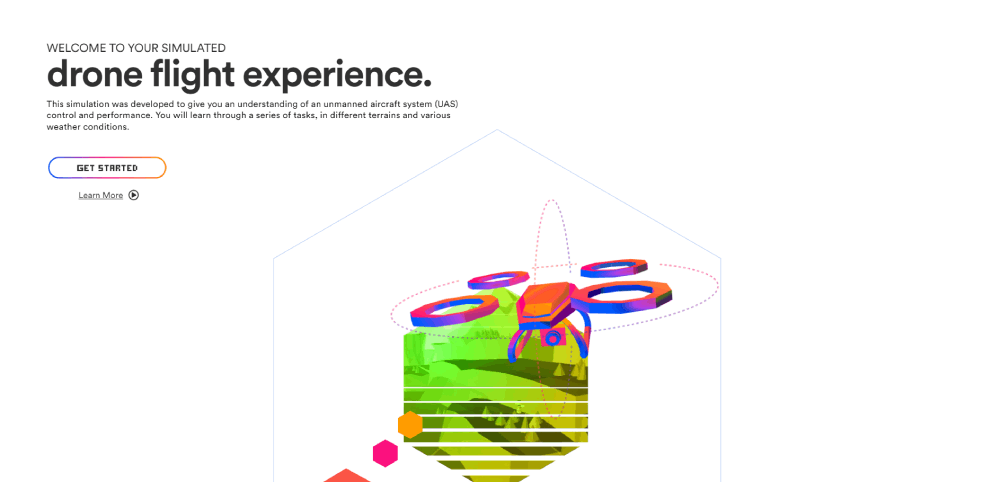
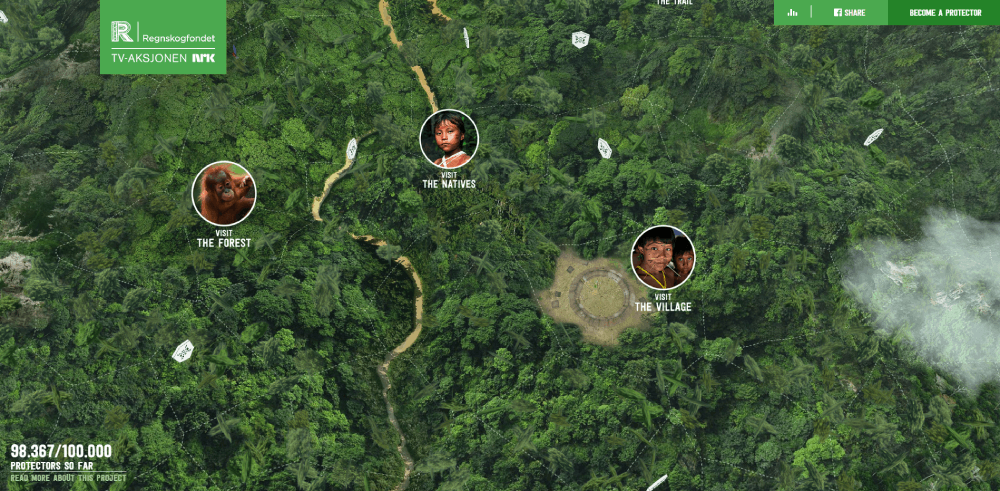
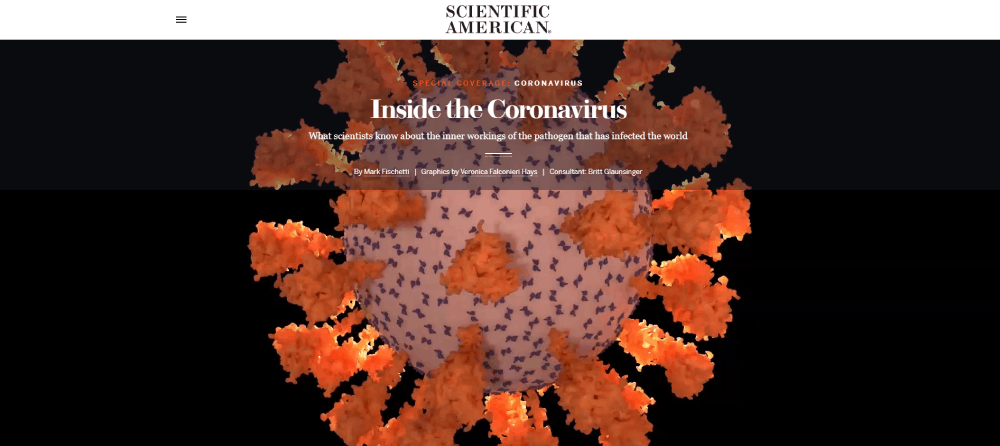
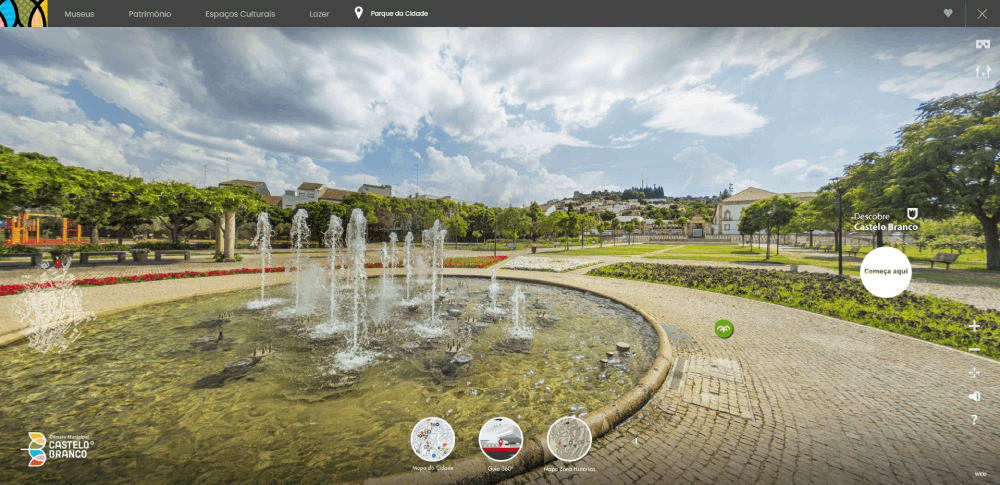
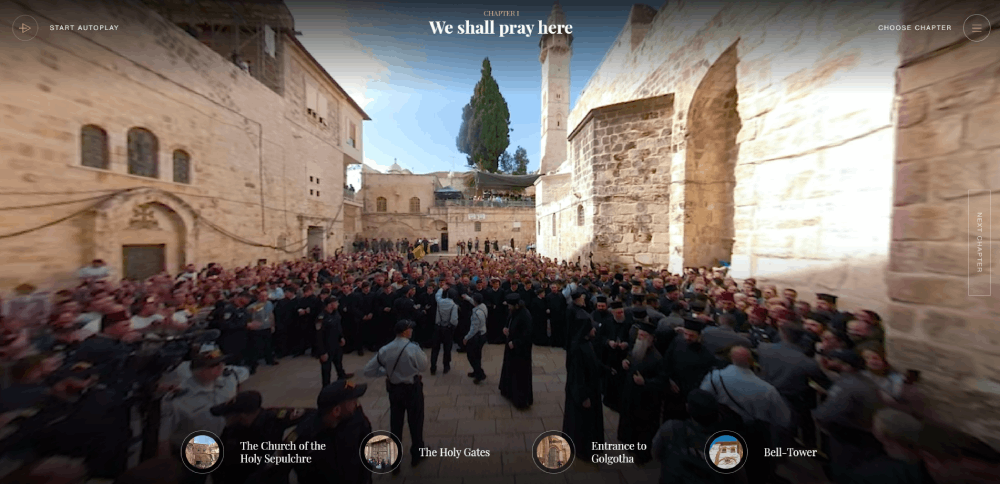
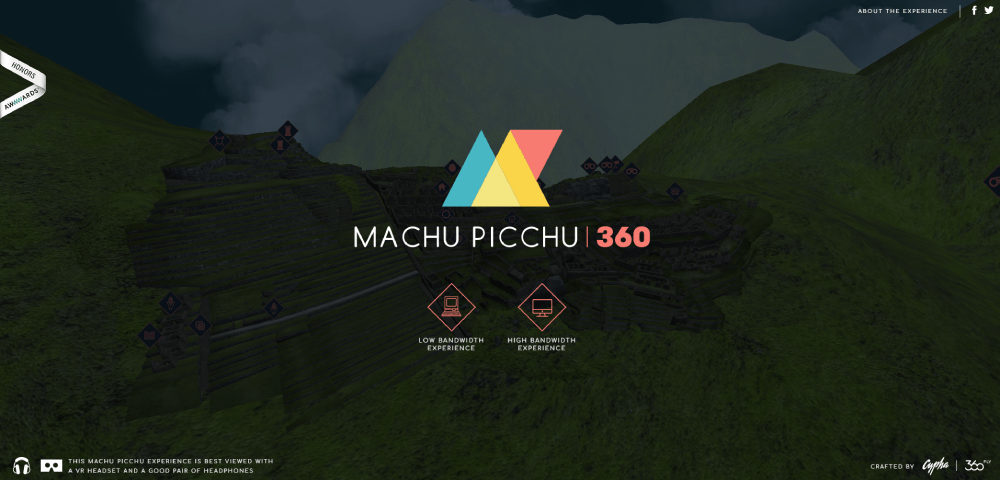
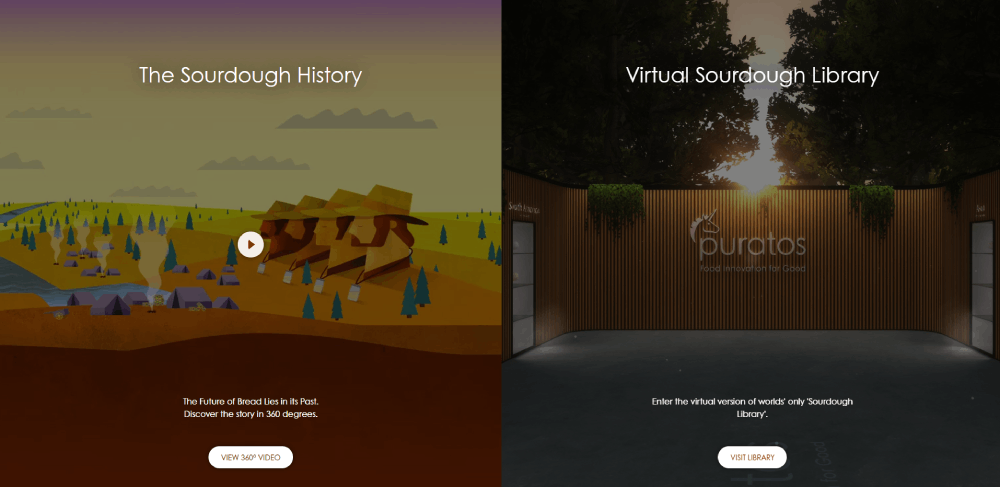
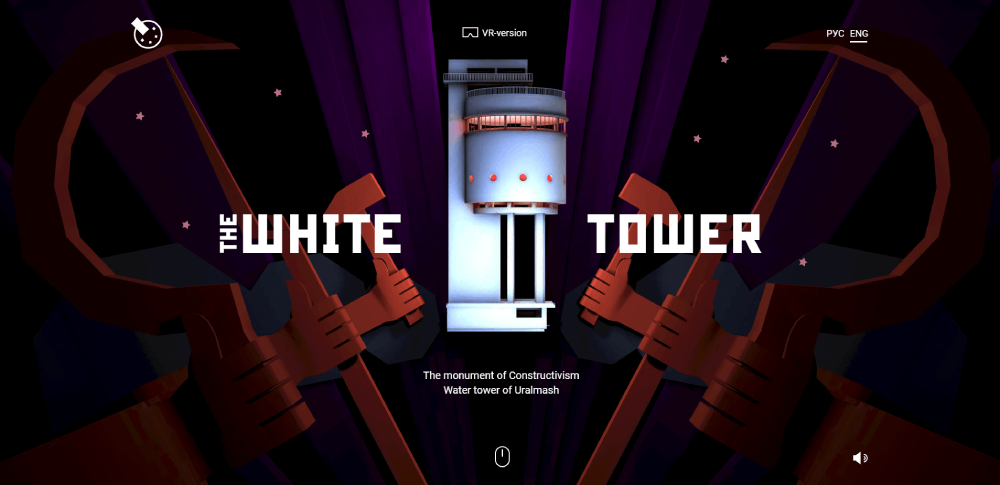
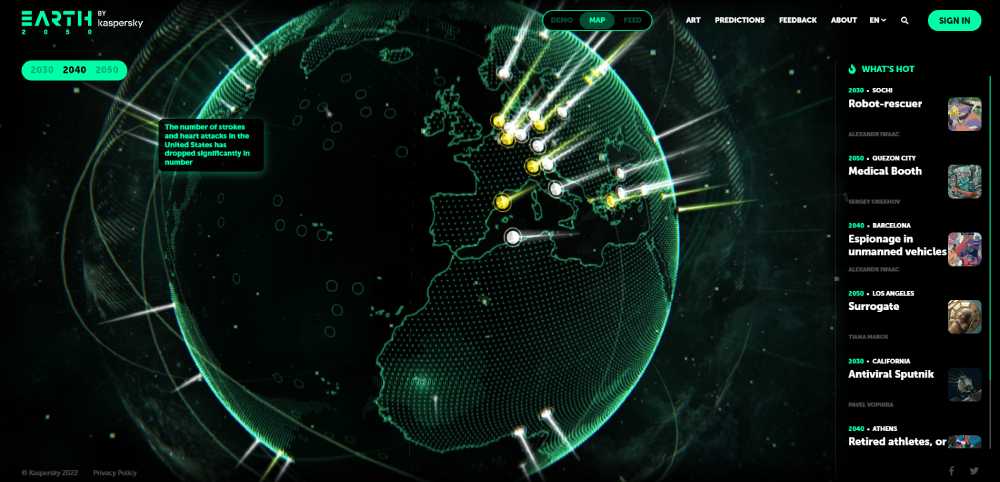
VR Website design examples
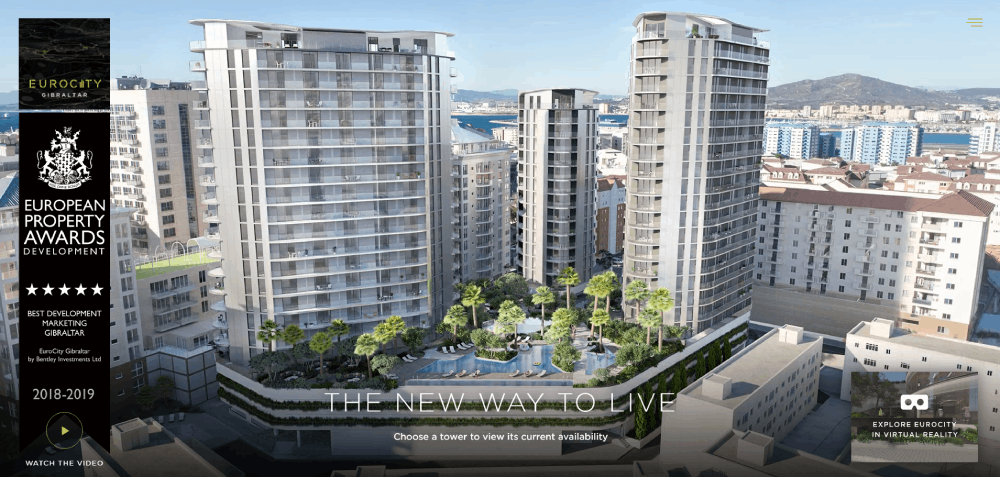
EuroCity
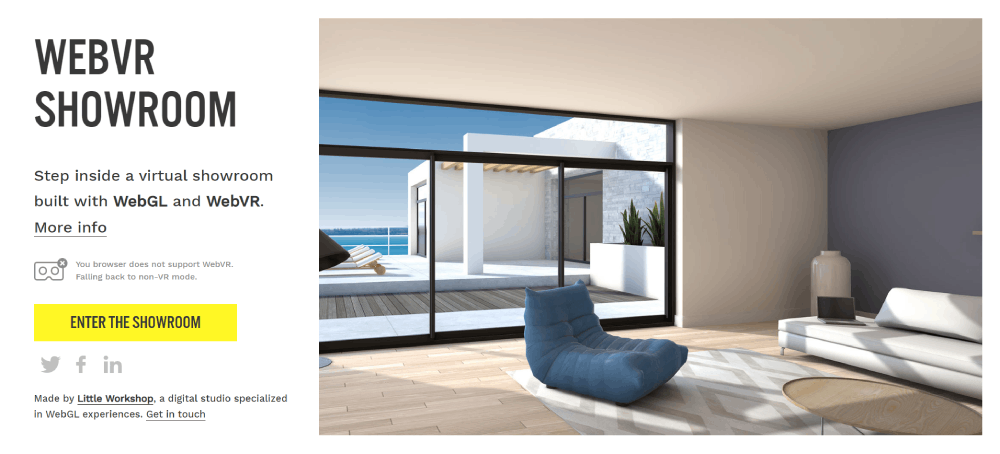


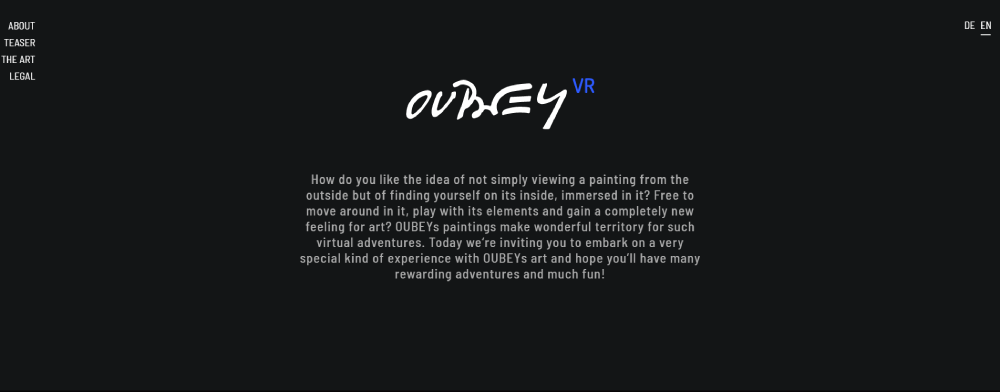
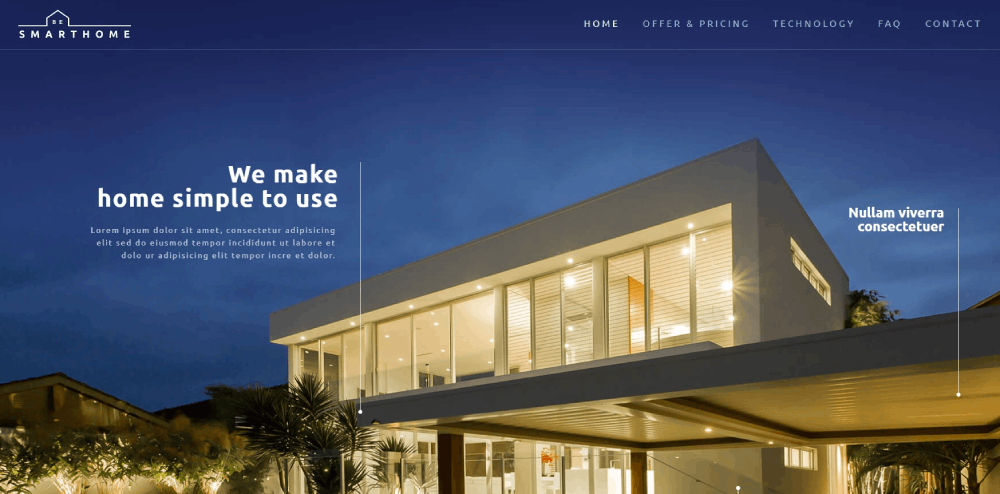
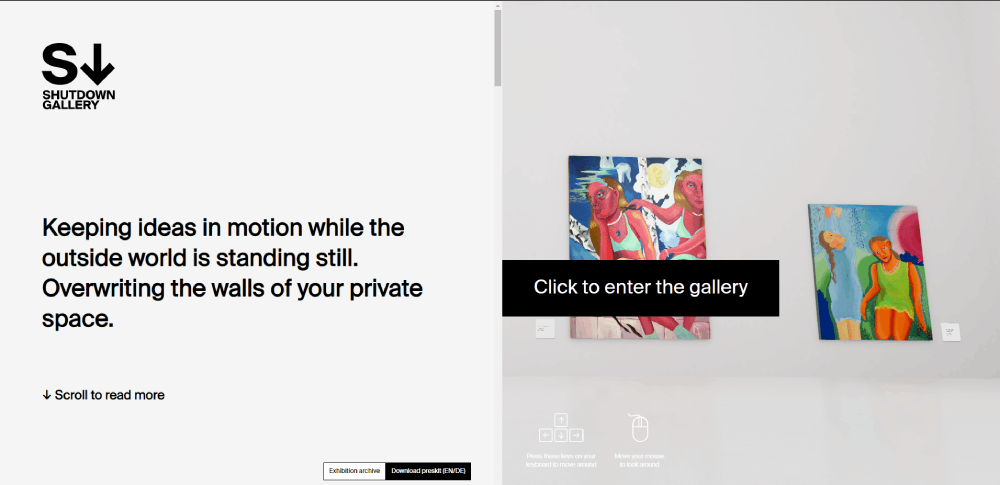






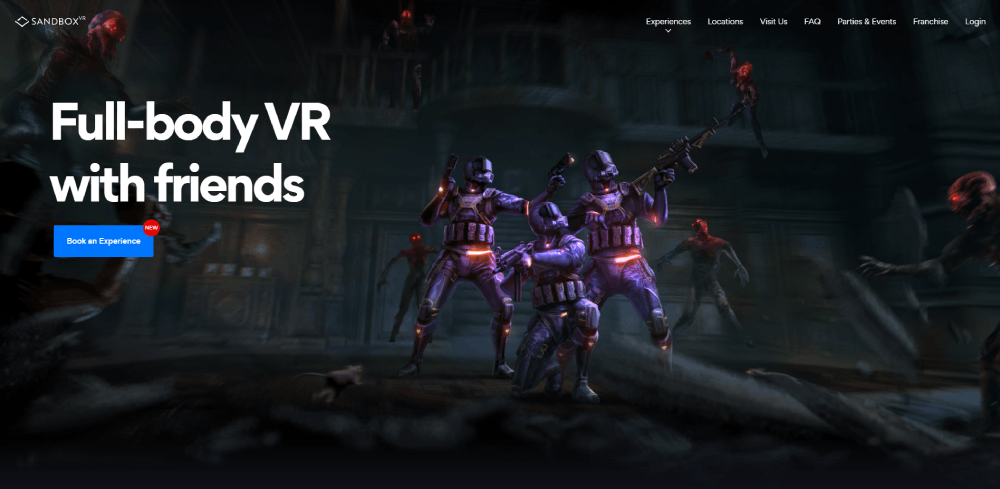



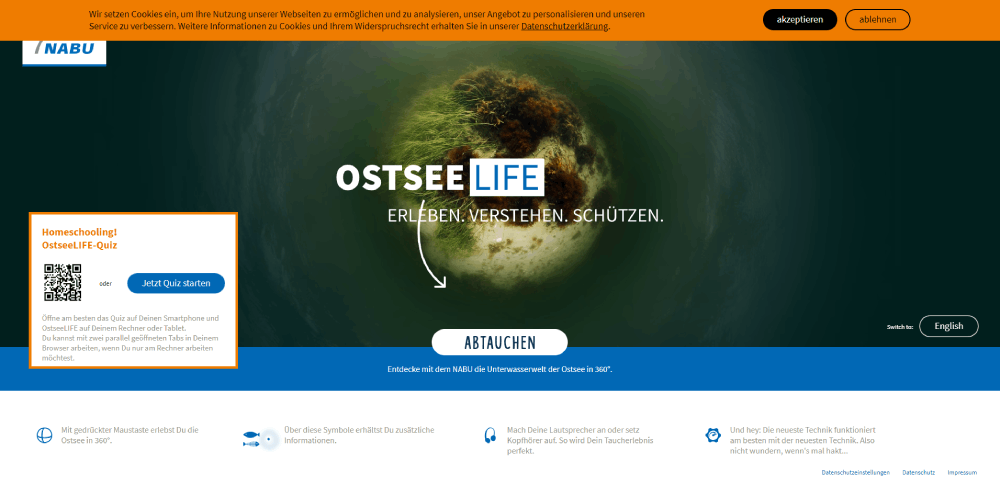
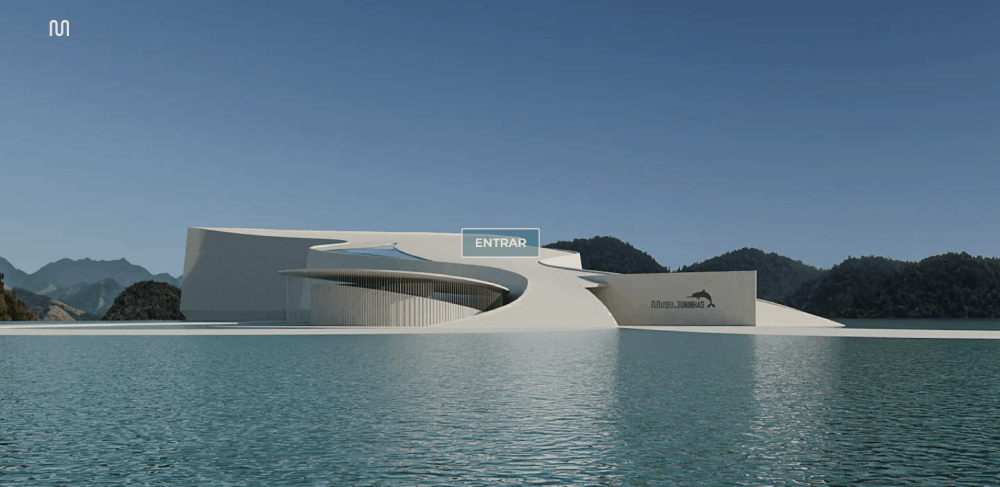






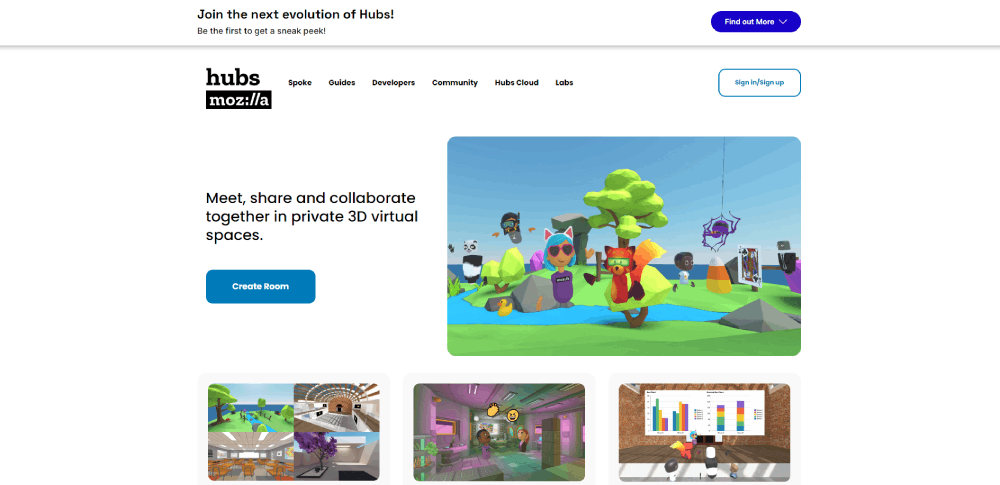
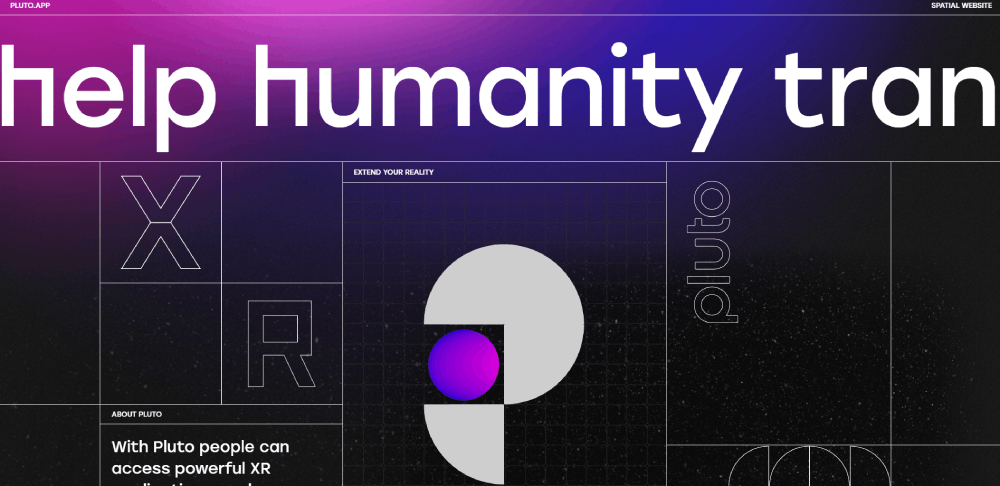
How Does VR Website Design Differ from Traditional Web Design
Traditional web pages are two-dimensional. You scroll vertically, click links, fill out forms. The layout follows grid systems, flexbox, or CSS columns.
VR web experiences throw that out.
Users navigate a 3D environment using spatial movement. They look around, walk forward, grab objects, or teleport between locations.
The interaction model shifts from click-and-tap to gaze-based input, controller mapping, and gesture recognition. Rendering works differently too.
Traditional sites paint DOM elements to a 2D screen.
VR sites push polygons through WebGL, running real-time rendering at 60fps minimum for desktop, 90fps for headset comfort. Frame rate matters more than page load time here.
Drop below 60fps and users feel motion sickness, not just annoyance. Layout planning changes completely.
There's no fold, no above-the-fold content hierarchy.
Spatial design requires wayfinding cues, depth layering, and 360-degree navigation paths that guide users without overwhelming them.
The website navigation approach that works on flat pages, menus at the top, links in sidebars, breaks in VR.
You replace those with spatial anchors, floating UI panels, and proximity triggers.
Sound design also plays a bigger role.
Spatial audio cues tell users where to look and what to interact with.
Traditional sites barely use audio at all.
What Technologies Power VR Websites
Five core technologies make browser-based VR possible.
Each handles a different layer of the experience.
WebXR Device API
WebXR is the W3C browser standard that connects VR and AR hardware to web content.
It manages headset tracking, controller input, and session rendering without plugins.
WebGL
WebGL handles 3D rendering directly in the browser.
Active since 2011, it's the foundation every VR web framework builds on, turning GPU power into real-time scene drawing.
A-Frame
Mozilla's open-source framework lets developers build VR scenes using HTML-like markup.
Lowest barrier to entry for immersive web experiences, runs on top of Three.js under the hood.
Three.js
A JavaScript 3D library (version r128 and beyond) for custom-built VR websites.
More control than A-Frame, steeper learning curve, better performance tuning for complex scenes and animated websites.
Babylon.js
Microsoft-backed 3D engine with built-in physics, particle systems, and WebXR support.
Strong choice for interactive product configurators and virtual showroom design.
What Design Principles Apply to VR Websites
Building a VR site that people actually enjoy using comes down to a few rules that flat web design never had to deal with.
Wayfinding is the biggest one.
In a 3D space, users get lost fast.
Visual anchors, floor markers, directional lighting, and spatial audio cues keep people oriented without breaking immersion.
Motion sickness kills engagement faster than a slow page load ever could.
Maintain 60fps minimum on desktop, 90fps on headsets.
Avoid sudden camera jumps, keep locomotion smooth, and always give users control over their own movement.
Every VR site needs a fallback design for non-VR browsers.
Not everyone owns a headset.
Most visitors arrive on a phone or laptop, and they still need a functional, user friendly website experience.
Accessibility matters here too: keyboard navigation for non-VR users, captions on spatial audio content, descriptive alt text for 3D objects.
Most VR sites skip this entirely, which is a problem as accessible websites become a stronger ranking signal.
How Does VR Website Design Affect Loading Performance
D assets are heavy.
A single untextured 3D model can weigh more than an entire traditional webpage.
The GLTF and GLB file formats are the standard for web-based 3D content.
Pair them with Draco compression and you cut file sizes by 80-90% without visible quality loss.
Lazy loading 3D scenes is non-negotiable.
Load what the user can see first, pull in distant objects as they move closer.
Progressive loading keeps initial render times under 3 seconds even on mid-range hardware.
Texture resolution, polygon count, and draw call optimization all affect frame rates directly.
Level of detail rendering (LOD) swaps high-poly models for simpler versions at distance, saving GPU cycles where users won't notice.
A VR site that ignores these steps ends up with stuttering frames and abandoned sessions.
Performance problems are the number one reason bad design in VR feels so much worse than on flat pages.
What Industries Use VR Website Design
VR web experiences show up across specific industries where seeing, exploring, or testing a product online replaces a physical visit.
Real Estate
Virtual property tours and 360-degree walkthroughs let buyers inspect homes remotely.
Matterport powers most of these.
Many realtor websites now include 3D floor plan navigation as a standard feature.
E-Commerce
Virtual try-ons for glasses, shoes, and makeup.
Shopify supports 3D model uploads and AR product previews natively.
Furniture websites use room-scale AR so buyers can place a sofa in their living room before checkout.
Education
Interactive 3D learning environments and virtual campus tours.
Universities use WebXR to give prospective students a feel for the campus without flying in.
Educational websites with VR labs see longer session times and higher enrollment page visits.
Tourism and Hospitality
Destination previews and hotel website VR tours let travelers walk through a resort before booking.
Marriott's VR Postcards let potential guests visit destinations in full VR.
Tourism websites using 360-degree video see measurably higher engagement.
Healthcare
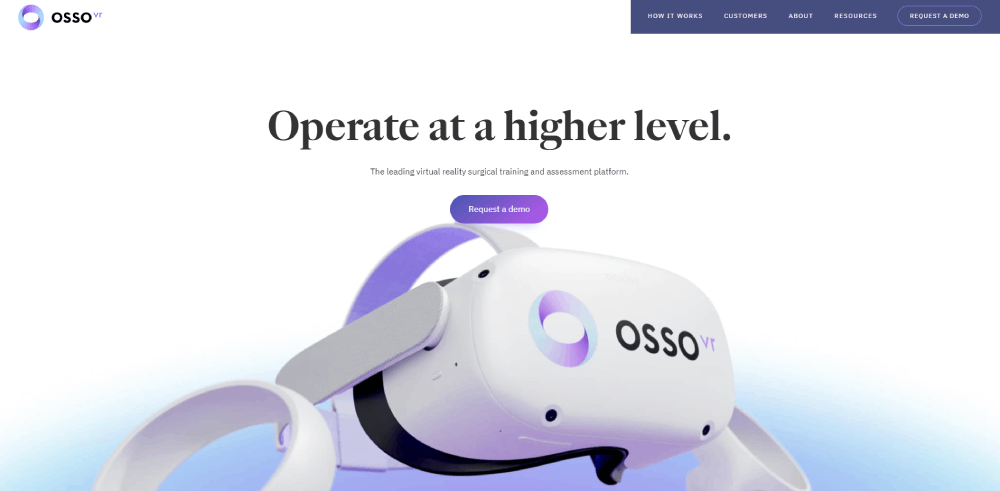
Osso VR trains surgeons using Oculus Rift headsets in simulated operating environments.
Healthcare websites increasingly embed 3D anatomy viewers and virtual consultation rooms.
Entertainment and Gaming
Immersive storytelling, game showcases, and promotional experiences.
Gaming websites and entertainment websites are the earliest and most aggressive adopters of WebXR-based promotion.
How to Build a VR Website
The process breaks into six steps.
Skip any of them and you'll end up rebuilding later.
- Pick a framework. A-Frame for quick prototypes and HTML-comfortable teams. Three.js for custom-built scenes with fine-grained control. Babylon.js if you need physics and particle systems out of the box.
- Create or source 3D assets. Use Blender for custom models, Sketchfab for ready-made assets. Export everything in GLTF format. Avoid OBJ and FBX for web delivery.
- Set up WebXR session handling. Initialize inline sessions for desktop preview, immersive-vr sessions for headset users. The WebXR Device API handles hardware detection automatically.
- Test across devices. Desktop Chrome, mobile Safari, Meta Quest browser, and whatever else your audience uses. Device fragmentation is real and brutal.
- Optimize assets. Draco compression for geometry, texture atlasing, polygon reduction, and LOD switching. Target 60fps desktop, 90fps headset. No exceptions.
- Build a 2D fallback. Non-VR visitors need a functional site. Static renders, video walkthroughs, or flat-screen 3D viewers using orbit controls cover most cases.
Tools like Verge3D let Blender artists export immersive scenes directly to the web without writing JavaScript.
Spline handles simpler 3D web interactions with a visual editor.
PlayCanvas offers a full cloud-based 3D engine for team collaboration.
What Are Common Mistakes in VR Website Design
Took me a while to figure out why so many VR sites feel broken despite looking impressive in screenshots.
It usually comes down to the same handful of mistakes.
Forcing VR on every page.
The homepage gets the immersive treatment, fine. But your contact page and blog don't need a 3D scene graph. Scope it to where it adds value, leave the rest as clean, fast-loading traditional pages like any solid modern website design would.
Ignoring mobile users.
Most visitors don't own a headset.
If your VR experience only works with Oculus or Vive, you're locking out 95% of your traffic.
Build for the browser first, headset second.
Uncompressed 3D assets.
A 50MB model file that could be 3MB with Draco compression.
Heavy textures at 4K resolution when 1K would render identically at the viewing distance.
These mistakes destroy load times and frame rates.
No fallback content.
Users on older browsers or devices that don't support WebXR hit a blank screen.
Always serve a 2D alternative, even if it's just a video preview of the VR experience.
Poor frame rates.
Anything below 60fps causes discomfort on screens.
Below 72fps in a headset triggers motion sickness.
This isn't a "nice to have" like smooth parallax scrolling on a flat site. It's a hard requirement.
Missing accessibility features.
No keyboard navigation, no captions on spatial audio, no screen reader support for 3D content.
VR sites consistently rank worst for accessibility compliance across all web design elements categories.
FAQ on VR Website Design
What is VR website design?
VR website design is the process of building browser-based 3D experiences where users move through spatial web interfaces instead of scrolling flat pages.
It uses WebXR, WebGL, and frameworks like Three.js or A-Frame to render interactive virtual environments.
Do VR websites work without a headset?
Yes. Most VR websites run on desktop and mobile browsers using mouse, touch, or keyboard input.
Headsets like Meta Quest or HTC Vive add full immersion, but a well-built site includes a 2D fallback for standard screens.
What technologies are used to build VR websites?
The core stack includes WebXR Device API for hardware access, WebGL for 3D rendering, and frameworks like A-Frame, Three.js, or Babylon.js.
D assets typically use GLTF format with Draco compression for performance.
How much does a VR website cost to build?
Simple A-Frame scenes start around $5,000-$10,000.
Custom Three.js builds with original 3D assets, spatial audio, and headset optimization range from $25,000 to $100,000+, depending on immersive experience complexity and interaction depth.
Do VR websites affect SEO performance?
D content is harder for search engines to crawl than standard HTML.
Add structured data, descriptive alt text for 3D objects, metadata on every scene, and a flat HTML fallback to keep your site visible in search results.
What industries benefit most from VR web design?
Real estate, e-commerce, tourism, healthcare, and education see the strongest results.
Virtual property tours, 3D product visualization, hotel previews, surgical training simulations, and interactive campus walkthroughs all convert better than static pages.
What is the best framework for beginner VR web development?
A-Frame, built by Mozilla, is the easiest entry point.
It uses HTML-like syntax to create VR scenes and runs on Three.js under the hood.
No deep JavaScript knowledge required to get a basic immersive web application running.
Can VR websites cause motion sickness?
Yes, if frame rates drop below 60fps on desktop or 72fps in headsets.
Sudden camera movements, forced locomotion, and poor rendering optimization are the main triggers.
Smooth transitions and user-controlled movement reduce discomfort significantly.
What file format works best for 3D web assets?
GLTF and GLB are the standard formats for browser-based 3D content.
They're compact, GPU-friendly, and supported by every major VR web framework.
Apply Draco compression to cut geometry file sizes by up to 90%.
How long does it take to load a VR website?
Unoptimized VR sites can take 15-30 seconds.
With progressive loading, texture compression, and level of detail rendering, initial load drops to 2-4 seconds.
Lazy loading pulls distant 3D objects only as users move closer to them.
Conclusion
These VR website design examples show what's already working in production, not what might work someday.
Real brands ship real 3D web experiences that run in standard browsers right now.
The gap between sites that get it right and those that don't comes down to performance optimization, smart scoping, and device fallbacks.
Compressed GLTF assets, progressive scene loading, and frame rate discipline separate a polished virtual showroom from a stuttering mess.
Pick the right framework for your team.
A-Frame if you want speed, Three.js if you want control, Babylon.js if you need built-in physics.
Test on real devices, not just desktop Chrome. Build the 2D fallback before you build the immersive experience.
Start with one page, one interaction, one scene. Scope it tight, ship it fast, and expand from there based on what your audience actually uses.
























