

The Best Interior Design Website Templates For Stylish Portfolios
March 19, 2026
Global Styles in Betheme: How to Drastically Speed Up Your Workflow in BeBuilder
March 25, 2026About 70% of people check a church's website before they ever walk through the door. If your site looks like it was built in 2012, most of them won't bother showing up.
The right church website templates solve this problem without requiring a web developer on staff. Whether you're building on WordPress, Squarespace, or Wix, a good template gives your congregation a modern online presence with sermon archives, event calendars, and online giving built in.
This guide breaks down the best options across every major platform, what features actually matter for a church site, and how to pick a template that fits your budget and your team's skill level. No fluff, just practical choices you can act on this week.
What Is a Church Website Template
A church website template is a pre-built site layout made for religious organizations. It comes with sections for sermons, event calendars, online giving, and ministry pages already baked into the structure.
That's the short version. But here's what actually matters.
Most churches don't have a dedicated web developer on staff. They've got a volunteer who's "good with computers" or a pastor trying to learn WordPress between sermon prep and hospital visits. A church website template removes the blank-canvas problem and gives these teams a starting point that already understands what a congregation needs.
There's a difference between a theme and a template, and it trips people up. A WordPress theme controls the entire look and behavior of your site. A template (on platforms like Squarespace or Wix) is more like a preset layout you customize within the platform's builder. Some WordPress themes include multiple page templates inside them. The terms get used interchangeably, which is annoying but unavoidable at this point.
WordPress powers roughly 43% of all websites on the internet, according to W3Techs. That dominance extends to church sites. ThemeForest alone has thousands of options built specifically for religious organizations.
But WordPress isn't the only game. Squarespace, Wix, and dedicated church platforms like Subsplash and Faithlife Sites all offer their own template systems. Each comes with tradeoffs between flexibility, ease of use, and church-specific features.
Your mileage may vary, but the platform choice usually comes down to three things: budget, technical skill on your team, and whether you need built-in tools like sermon management or online donation pages.
Theme vs. Template vs. Church Website Builder
These three categories overlap, and vendors love to blur the lines. Here's a quick breakdown.
|
Type |
Platform |
Control Level |
|
Theme |
WordPress, Joomla |
Full code access, plugin ecosystem |
|
Template |
Squarespace, Wix |
Drag-and-drop, limited code editing |
|
Church Builder |
Subsplash, Sharefaith |
Pre-configured, minimal setup |
WordPress themes give you the most freedom but ask the most of your team. Church-specific builders like Subsplash handle the heavy lifting but lock you into their ecosystem. Squarespace and Wix sit somewhere in the middle.
I've seen small churches spend months trying to customize a WordPress theme when a Squarespace template would have had them live in a weekend. Pick based on what your team can actually maintain, not what looks best in a demo.
Best Church Website Templates for WordPress
WordPress holds about 60% of the CMS market share and powers over 35 million live websites, per WPBeginner. For churches, it remains the default choice because of one thing: plugins.
No other platform comes close to the WordPress plugin ecosystem for church-specific tools. Sermon managers, event calendars, giving integrations, volunteer schedulers. If you need a feature, there's probably a plugin for it. Whether that plugin is well-maintained is another story.
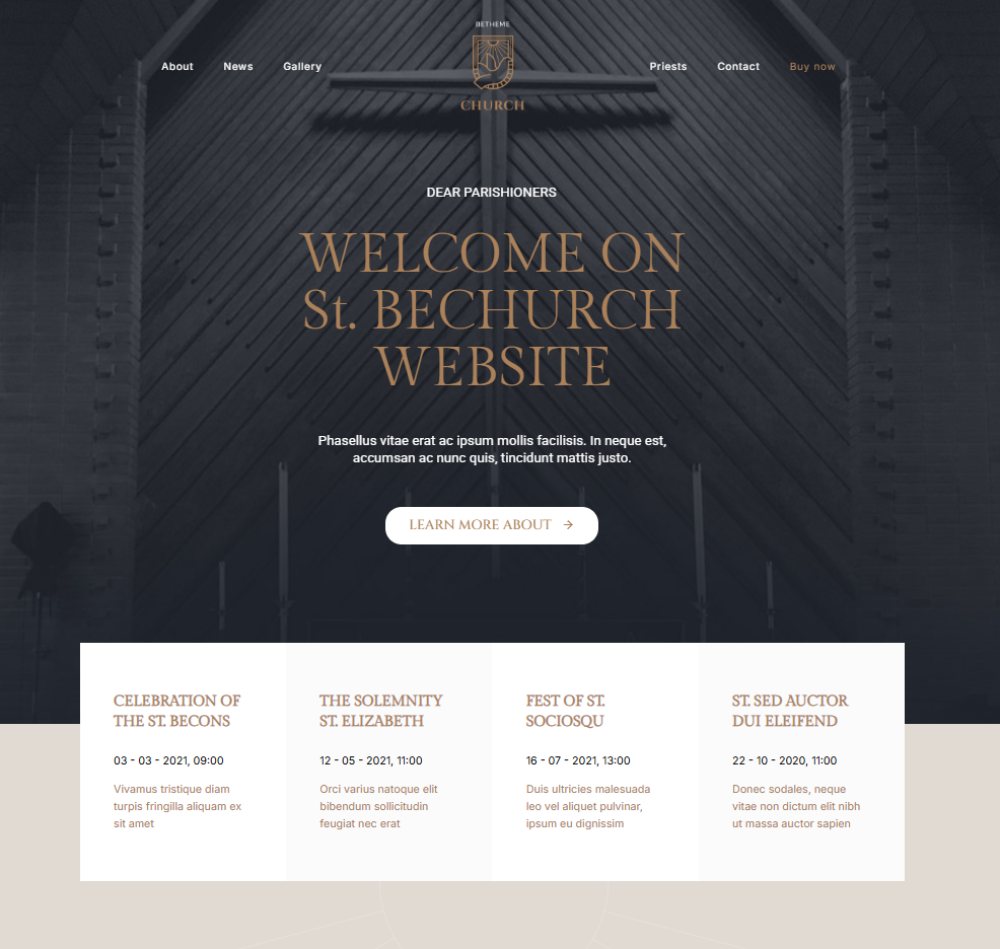
BE Chruch
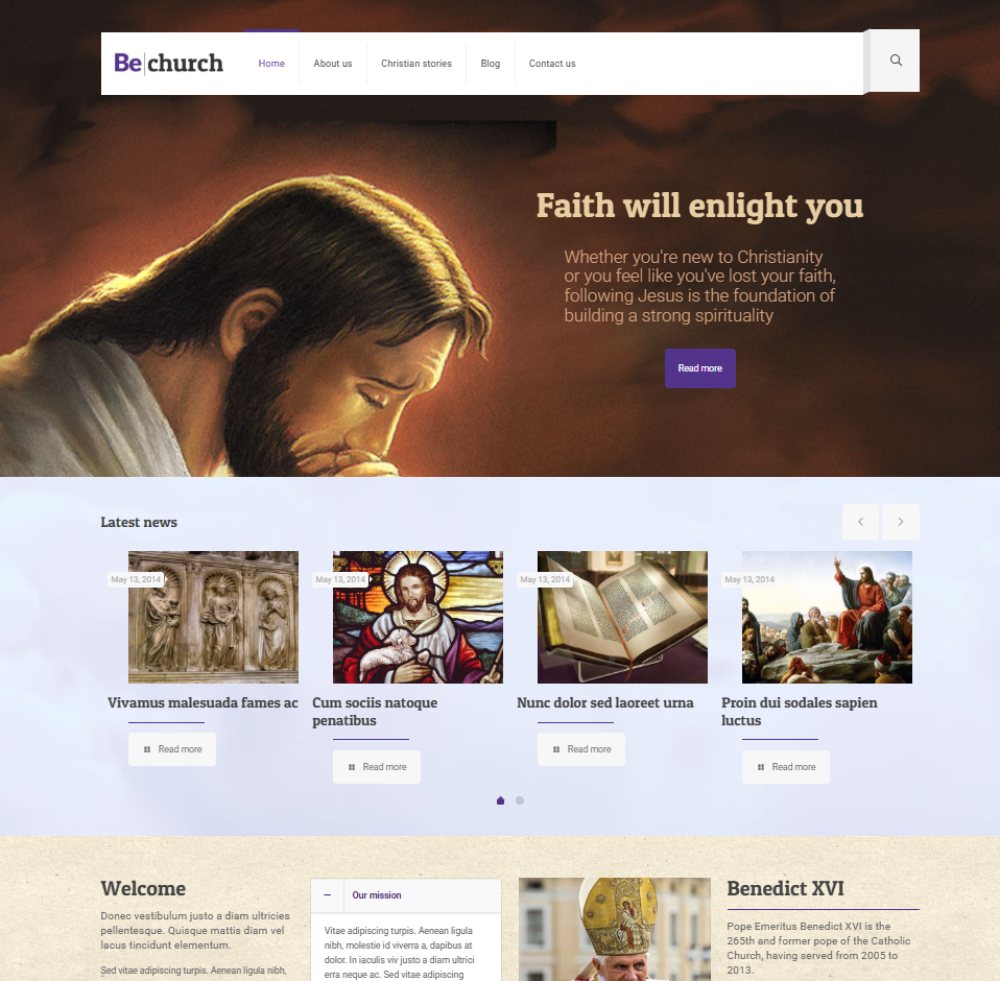
BE Church 2
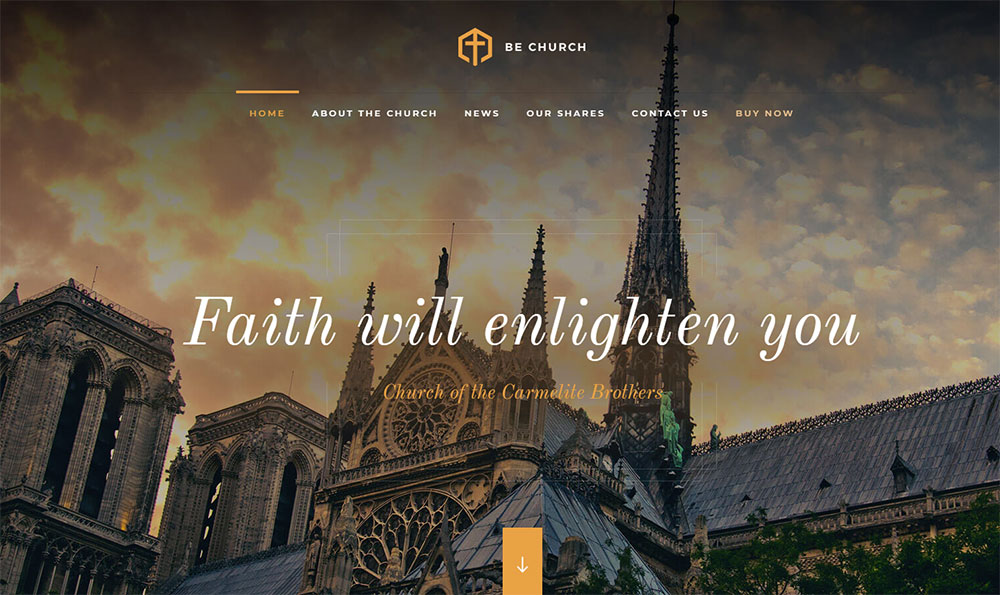
BE Church 3
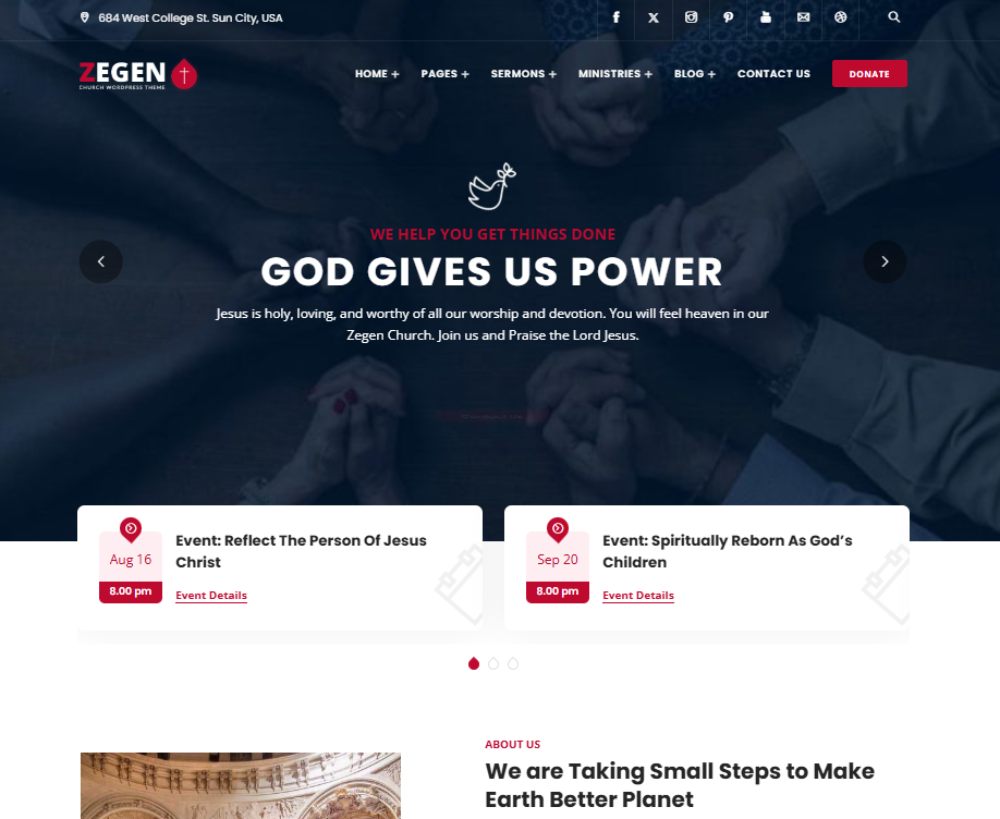
Zegen
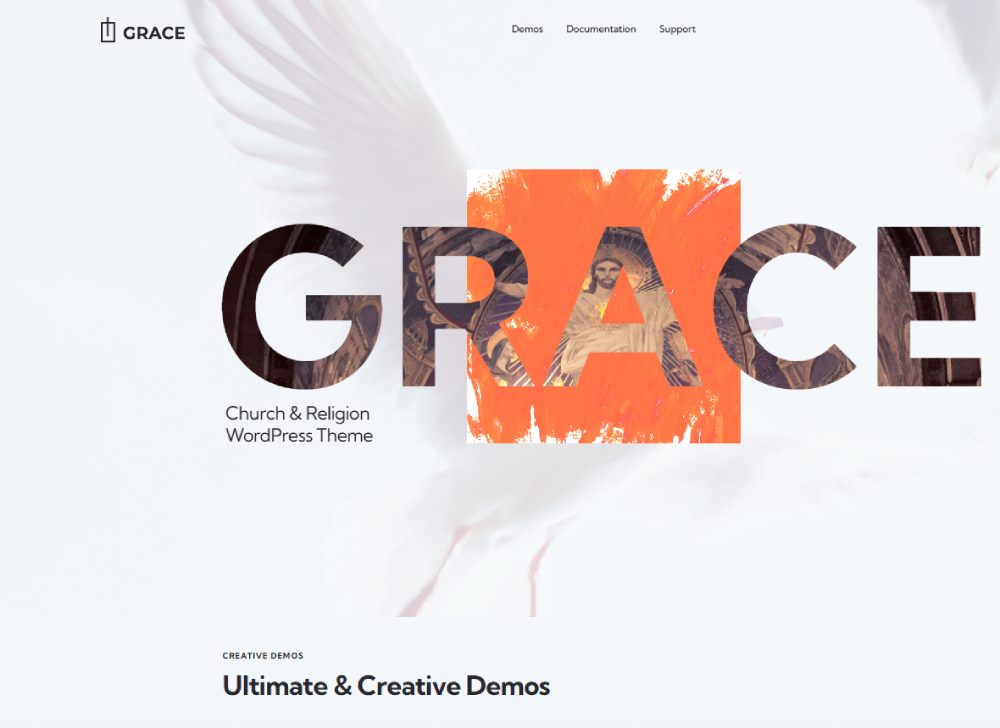
Grace
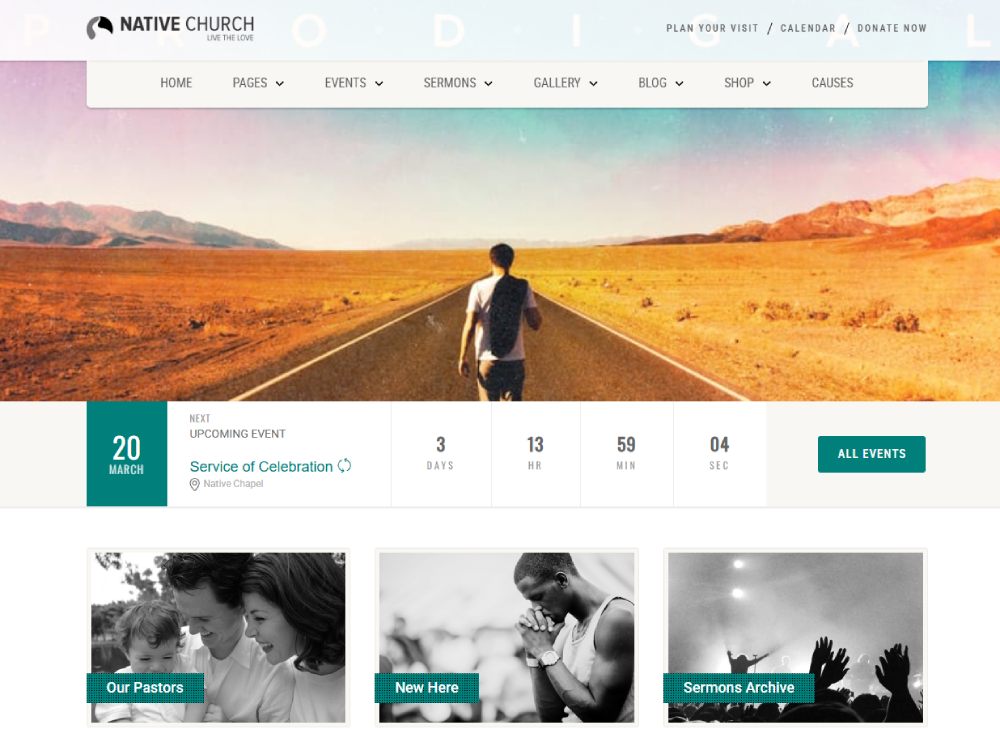
Native
Christian
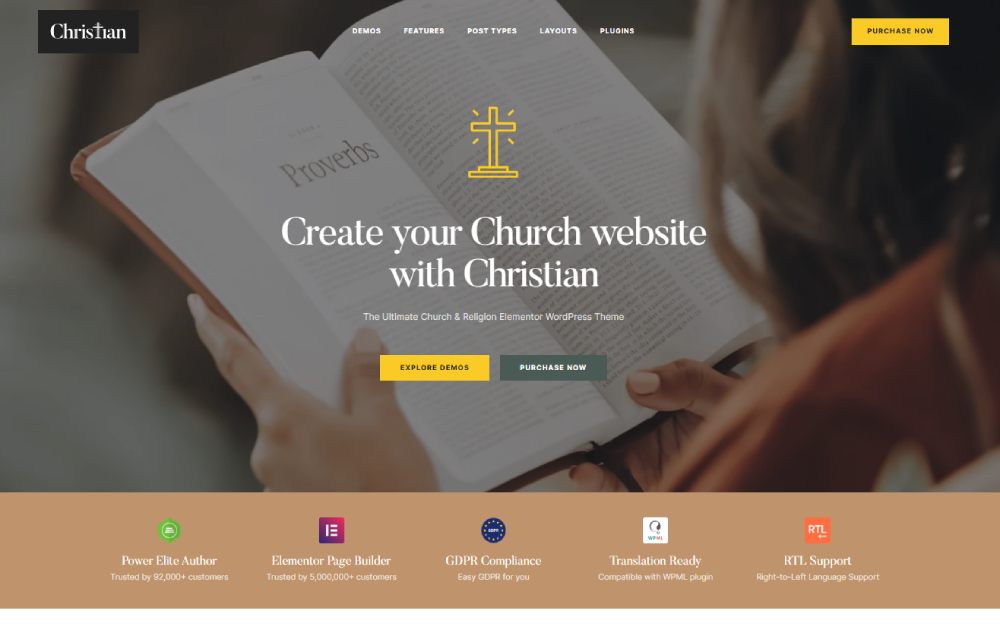
Ichthys
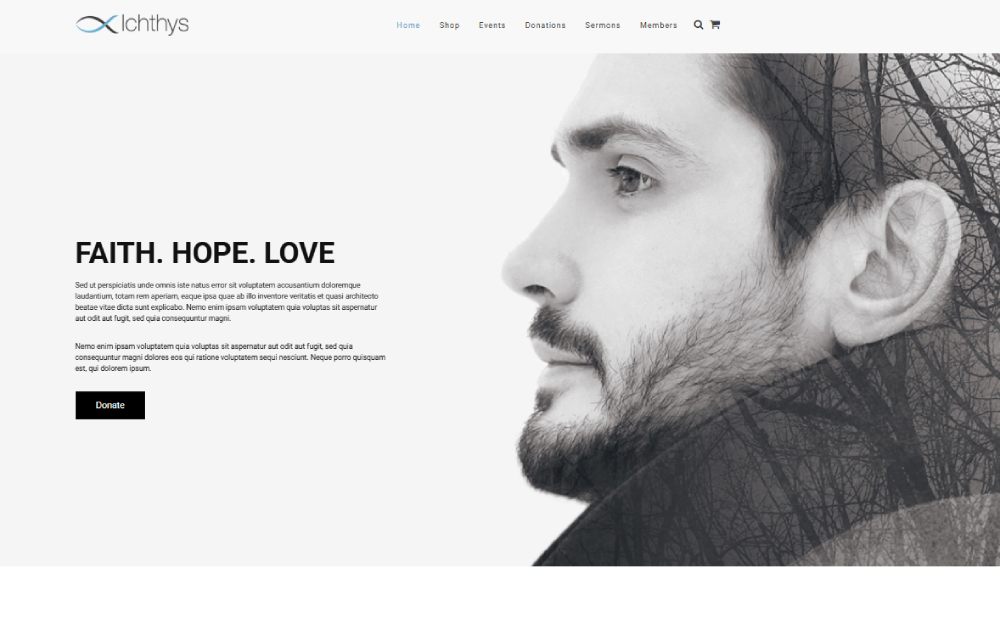
My Religion
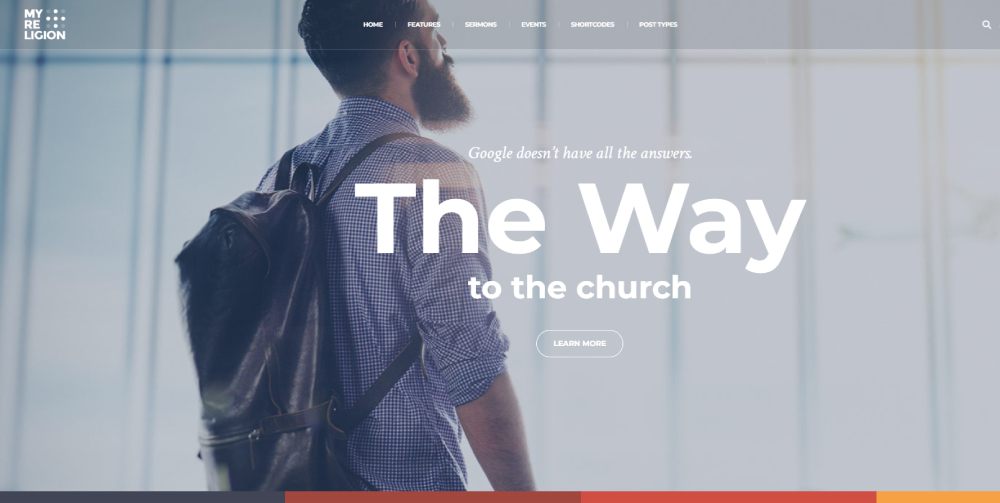
Bethlehem
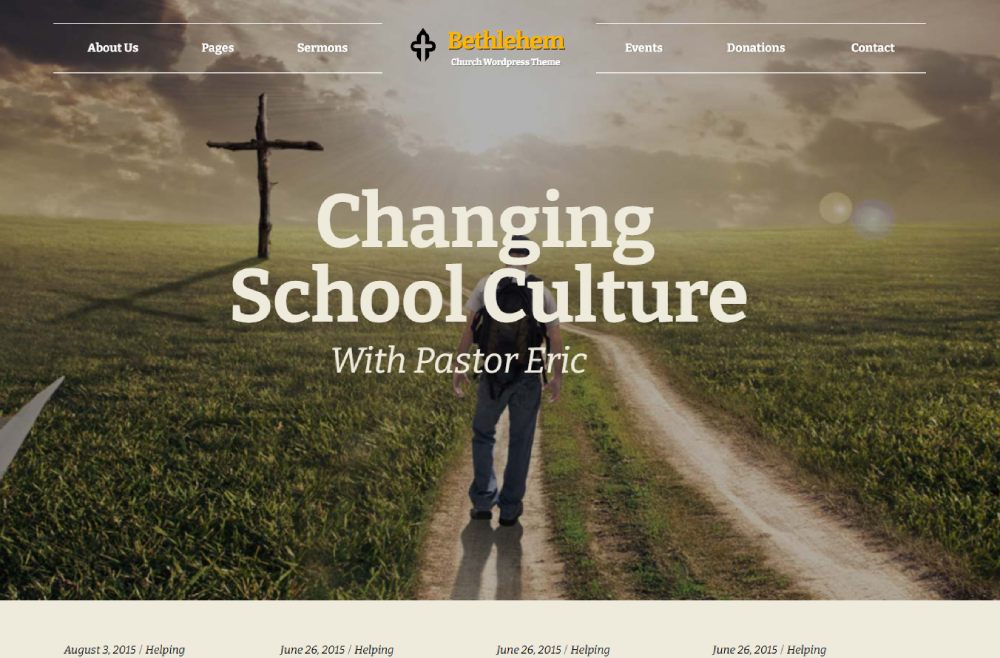
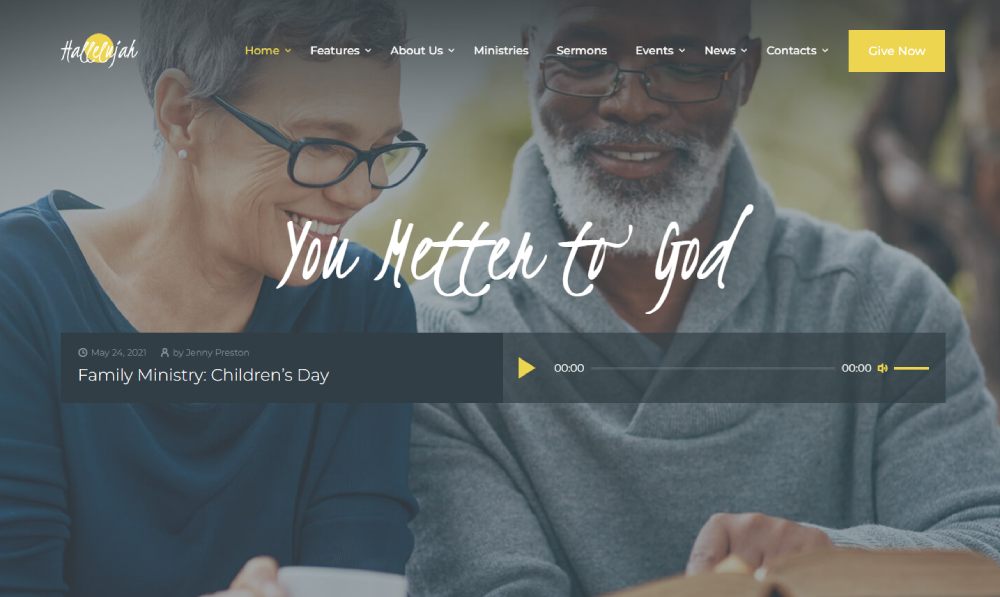
Hallelujah
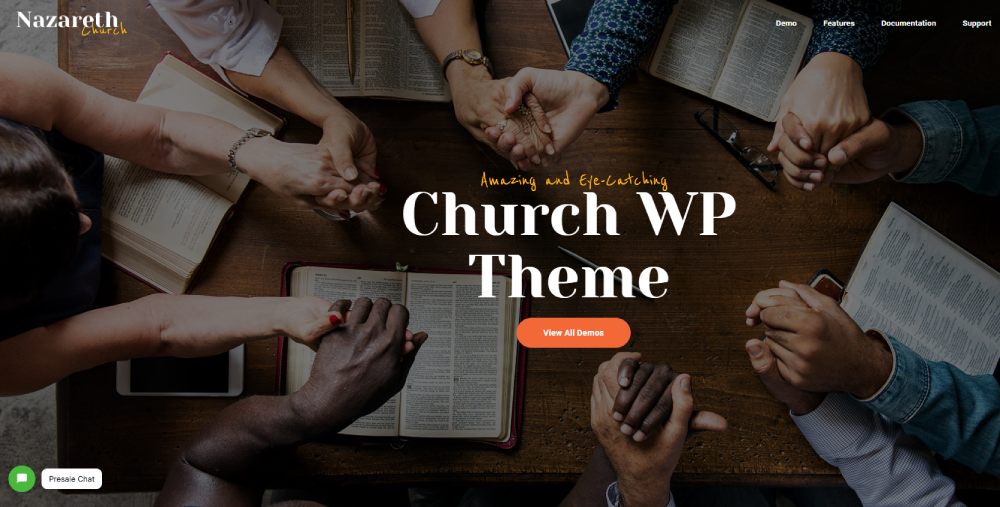
Nazareth
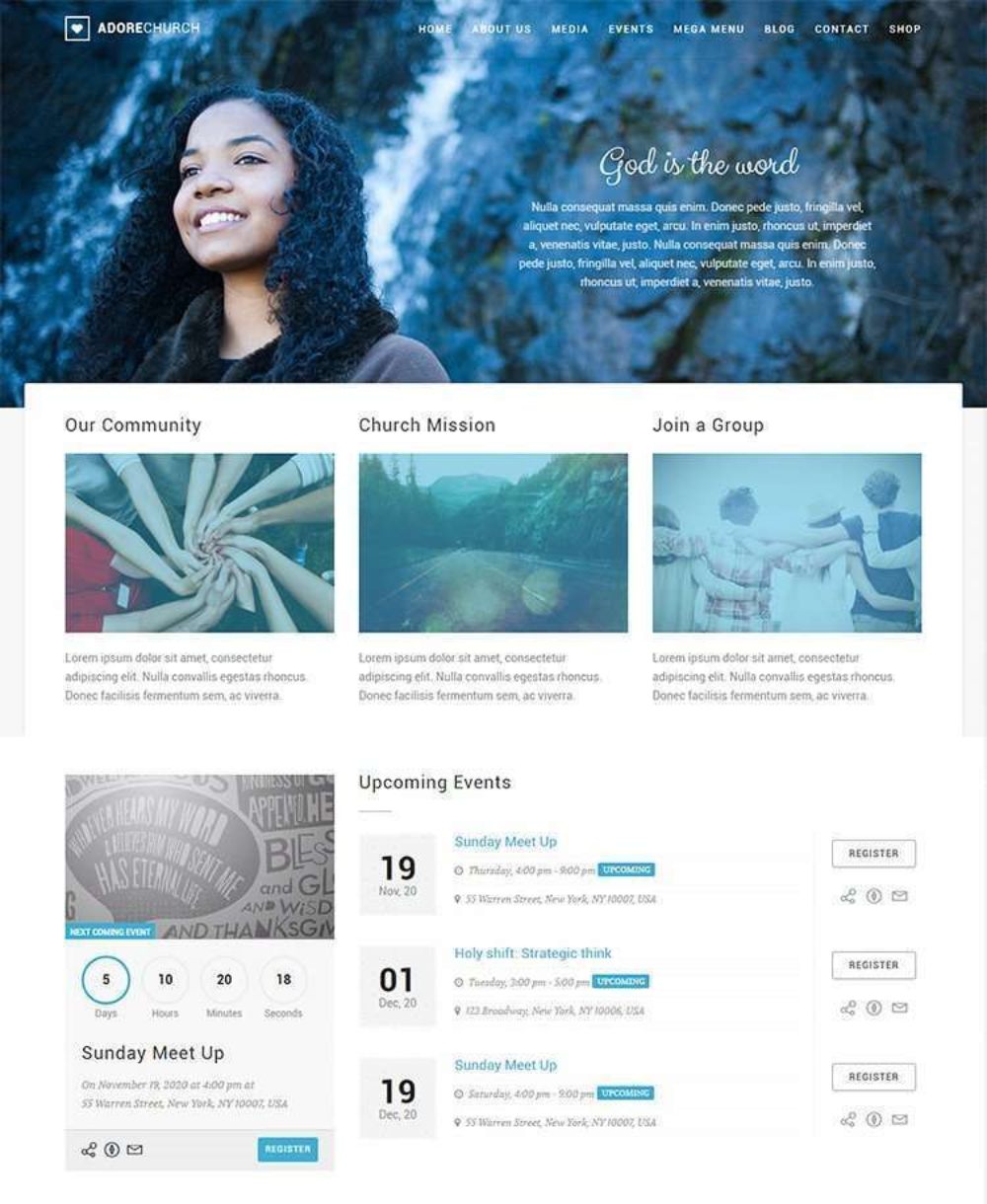
Adore
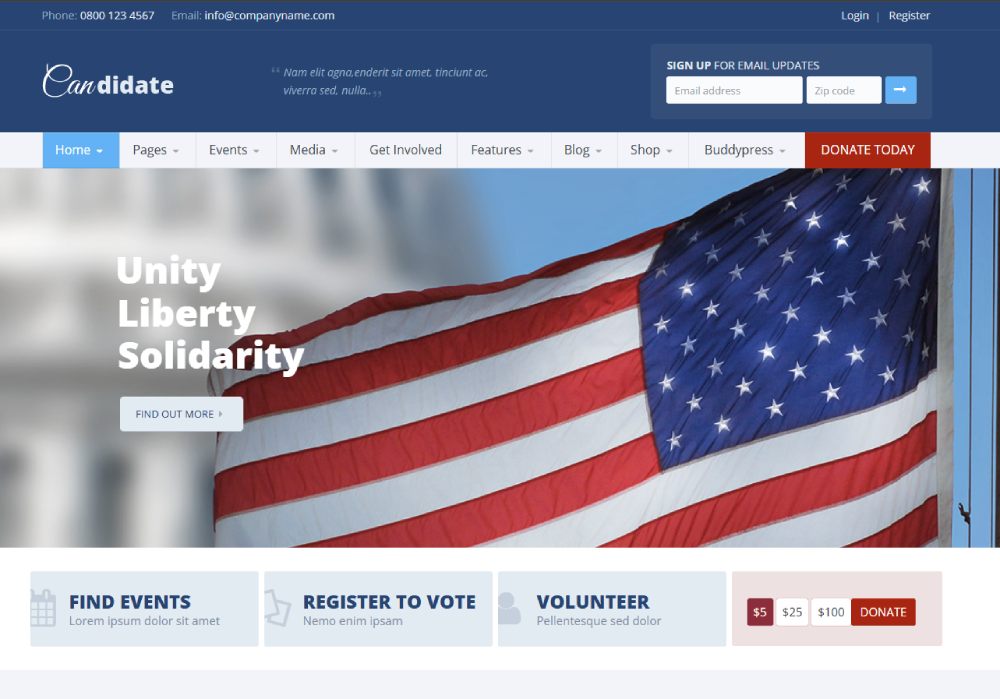
Candidate
Exodos

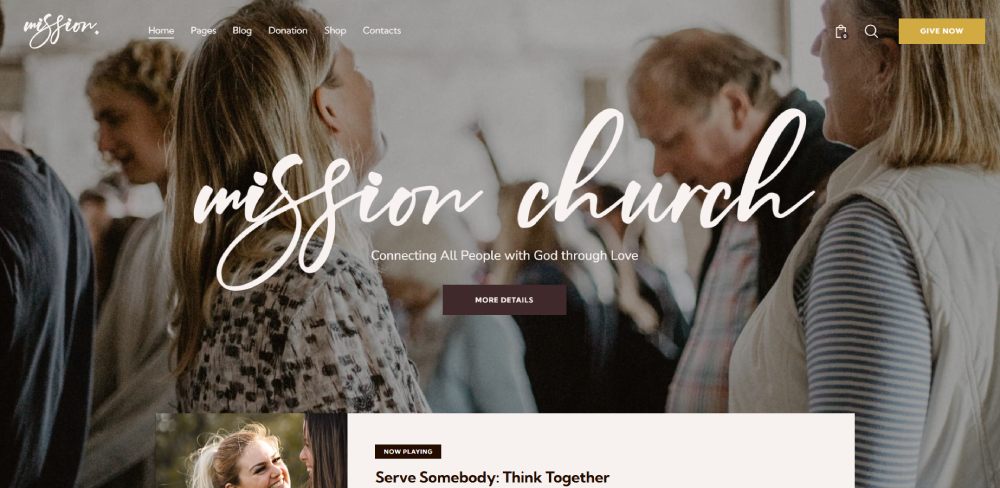
Mission
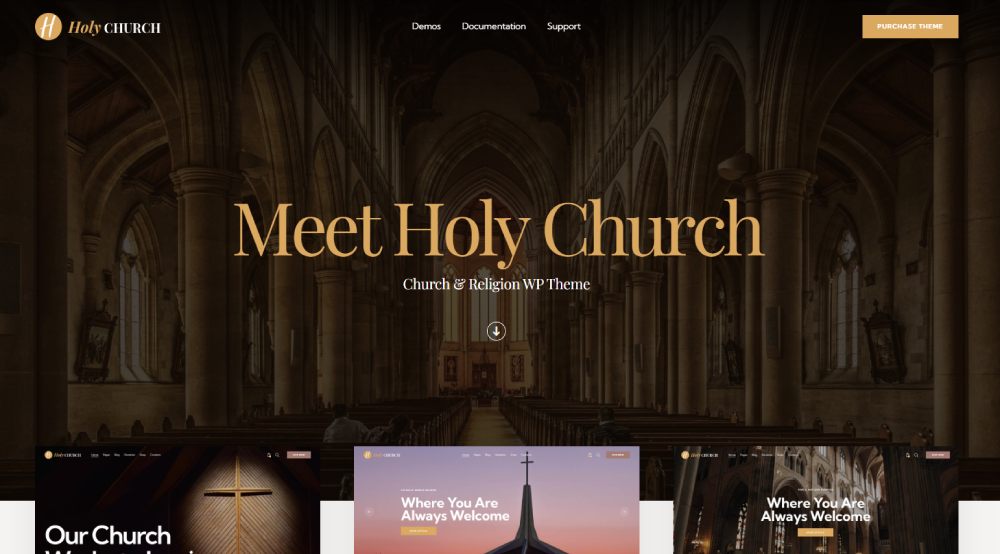
Holy
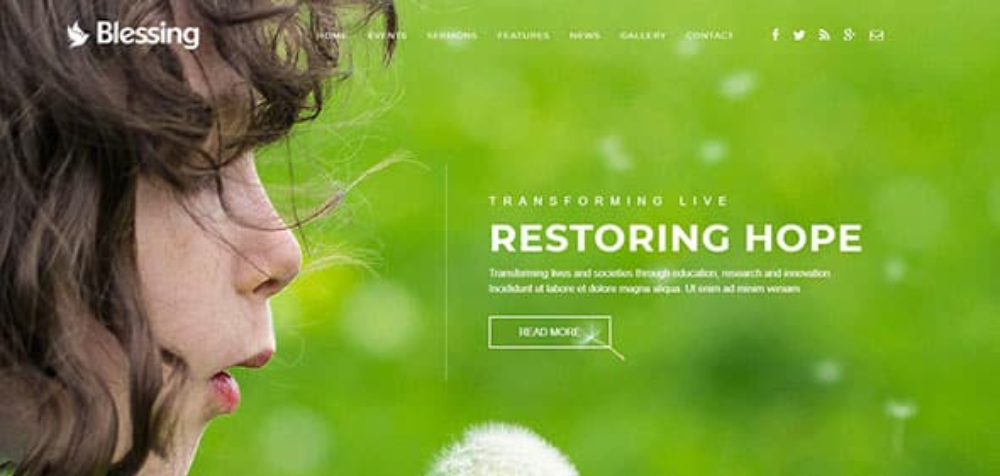
Blessing
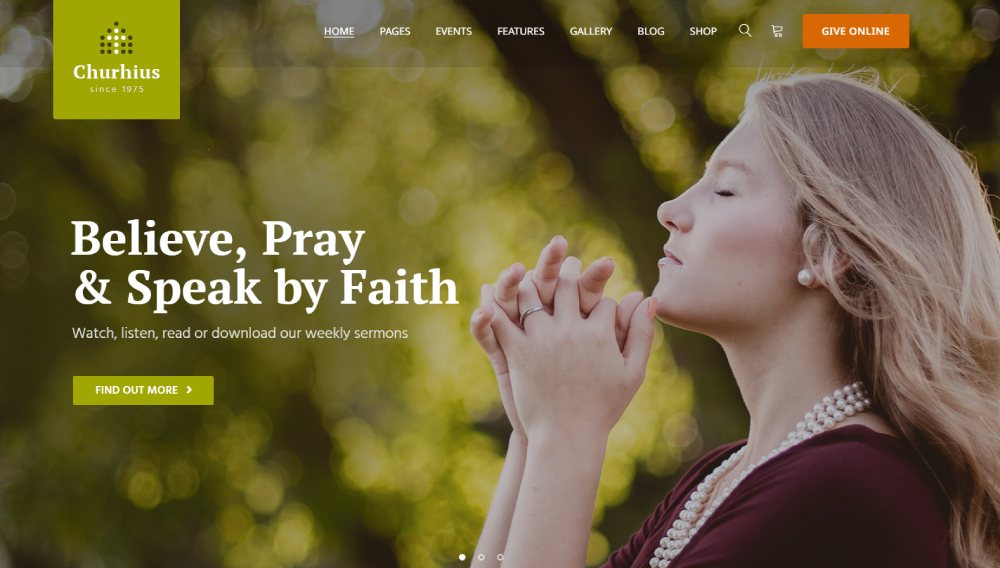
Churhius
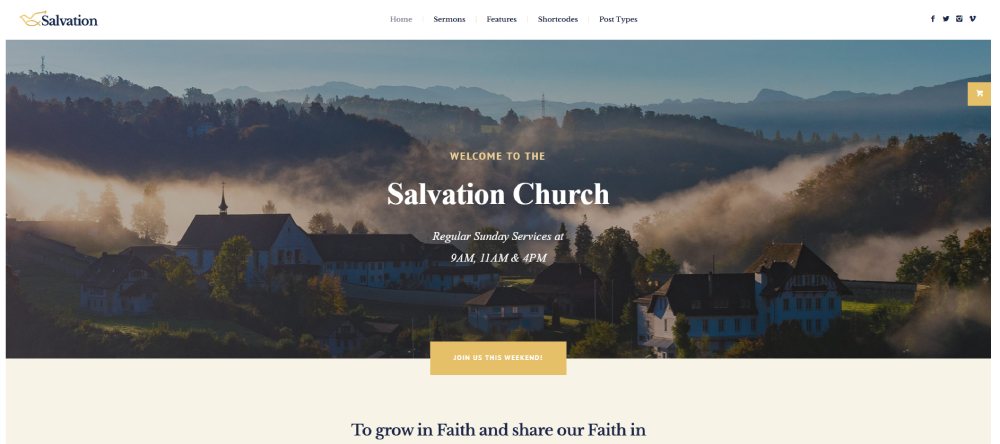
Salvation
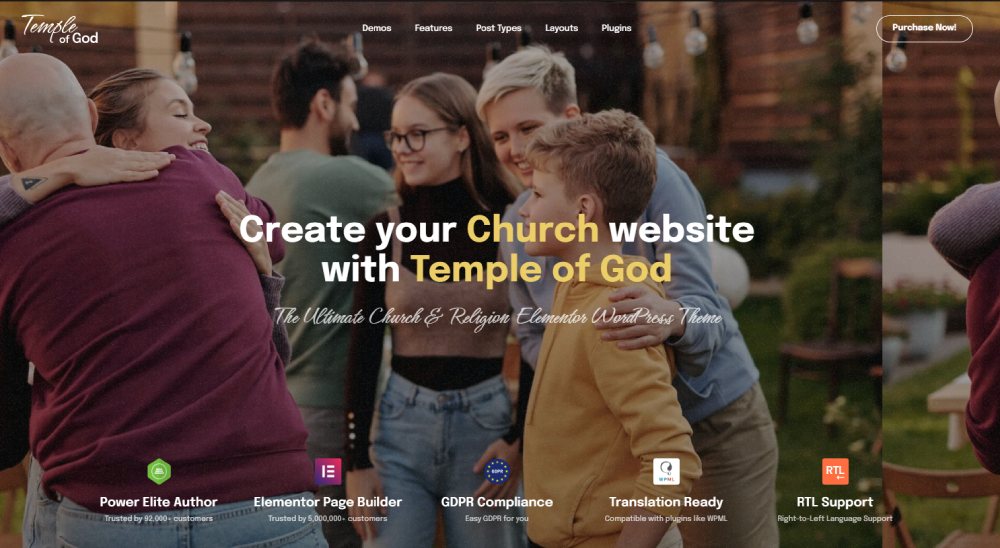
Temple of God
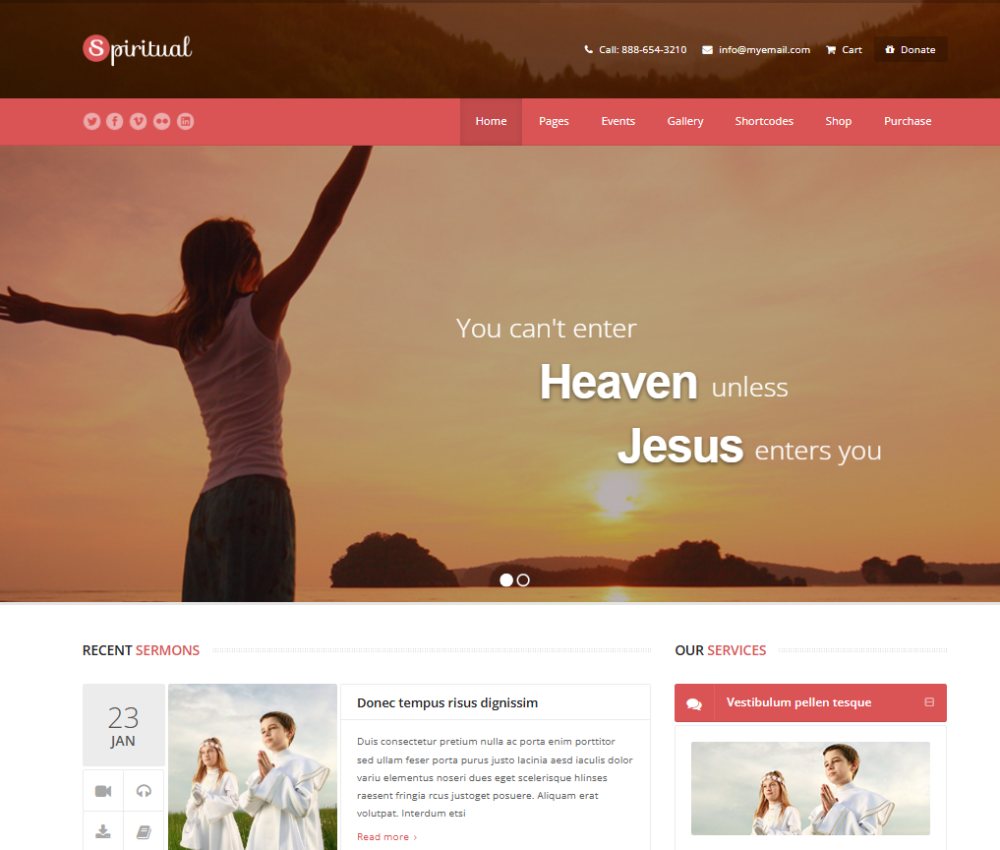
Spiritual
What a Good Church Website Template Includes
Not every template labeled "church" actually does the job. Some are generic non-profit websites with a cross slapped on the homepage. The real test is whether it handles the things churches actually need on a weekly basis.
WifiTalents research found that 86% of churches report having a website increased their community outreach efforts. But just having a site isn't enough. The template has to support how a church actually operates.
Here are the features that separate a functional church template from a dressed-up brochure site:
- Sermon archive: Audio, video, speaker filters, and series grouping. This is the single most church-specific feature, and many generic templates skip it entirely.
- Event calendar with RSVP: Not just a list of dates. Actual registration for small groups, volunteer signups, and special services.
- Online giving integration: Tithe.ly, Pushpay, Stripe, or PayPal embeds with recurring donation support.
- Staff directory: Leadership and pastoral team bios with contact info.
- Mobile responsiveness: StatCounter data shows roughly 60% of global web traffic is mobile. For churches, it's often higher.
A template missing any of these forces you into workarounds. Workarounds become maintenance headaches. Maintenance headaches become "we'll fix it later." Later never comes.
Sermon and Media Management Features
This is where church templates live or die.
A proper sermon archive isn't just a page with YouTube links. It needs to group messages by series, filter by speaker, and ideally generate a podcast RSS feed so people can subscribe through Apple Podcasts or Spotify.
Integration with Vimeo or YouTube for video hosting keeps your server costs down. Some WordPress themes include built-in media players. Others rely on plugins like Jeremie Boissinot's Jeremie Tisseau... actually, most rely on Sermon Manager for WordPress or similar tools.
According to The Lead Pastor, pages with video get 88% more engagement. Sermon content is the most replayable asset a church produces. The template should make it easy to find and share.
Online Giving and Donation Pages
About 50% of all church donations now come through card or digital methods, according to Enterprise Apps Today. Recurring online givers contribute 120% more than one-time digital donors, per Vanco's Benchmark Giving Study.
Those numbers make one thing clear: your template's donation page layout matters more than most churches realize.
The giving page needs both one-time and recurring options visible without extra clicks. Platforms like Tithe.ly, Pushpay, and Stripe each offer embed codes, but the template has to place them where visitors actually see them.
A strong call to action button on the homepage pointing to the giving page is non-negotiable. Bury the donate link three menus deep and you've already lost people.
How to Choose the Right Church Website Template
There's no single best church website template. There's only the best one for your situation.
The decision depends on three things: church size, monthly budget, and who's going to maintain the site after launch. Get any of those wrong and you'll be rebuilding within a year.
Small churches with volunteer-run websites should lean toward managed platforms. The time savings alone justify the higher monthly cost when nobody on the team knows how to update WordPress plugins or troubleshoot PHP errors.
Mid-size congregations usually have at least one person comfortable with technology. That's where WordPress with a page builder like Elementor shines, because it balances customization with manageable complexity.
Large multi-campus churches like Saddleback Church or Church of the Highlands typically run custom WordPress builds or dedicated church platforms with mobile app integration. Their needs (multiple campus pages, complex event calendars, livestream routing) go beyond what any off-the-shelf template handles well.
The migration question matters more than most churches realize. If you pick a platform now, how hard is it to move later? WordPress content exports cleanly. Wix and Squarespace content... doesn't. Church-specific platforms like Faithlife Sites are even harder to leave.
Think about where your church will be in three years, not just where it is today. A template that works for 80 members might buckle at 300.
Common Mistakes Churches Make When Picking a Template
The Lead Pastor reports that 75% of visitors judge a church's credibility based on its website design. That stat alone should make template selection feel less like a side project and more like a strategic decision.
But churches keep making the same mistakes.
Choosing Based on Looks Alone
A template demo site with professional stock photos and perfectly placed text will always look great. That's the point of a demo.
The real test is what happens when you replace those photos with actual pictures from your Sunday service and swap the placeholder text for your pastor's bio. Some templates fall apart the moment you add real content because the design only works with specific image dimensions or text lengths.
Before buying any template, replace every demo image with photos from your church. If it still looks good, it's a keeper.
Ignoring Mobile Responsiveness
StatCounter data shows roughly 60% of global web traffic comes from mobile devices. For churches, the number is likely higher since most people check service times or directions from their phone on Sunday morning.
The WebAIM 2025 report found that 94.8% of websites still have at least one detectable accessibility failure. Church sites are no exception.
Test the template on your actual phone before you commit. Not just the homepage. Click through the sermon page, the events page, and especially the giving page. If the online donation form is awkward to use on a phone, you'll lose contributions.
Picking a Template Nobody Can Maintain
This is the big one. Churches install a gorgeous WordPress theme that requires a developer to make even small changes, then the site goes stale within months because nobody knows how to update it.
Google research shows 53% of mobile visitors leave when a page takes longer than three seconds to load. A bloated template with unused features slows everything down, and without someone to optimize it, the problem only gets worse.
Match the template to your team's skill level. A simple website that stays updated beats a complex one that gathers dust.
Skipping the Workflow Test
Test before you buy. Upload a sermon. Create an event. Set up a donation page. If any of those tasks take more than five minutes the first time, they'll feel like a chore every week.
One Eighty Digital's audit of 2,725 churches found that 59% had no online giving at all. Many of those churches had templates that technically supported donations but made the setup so confusing that nobody finished it.
How to Customize a Church Website Template After Installation
Installing the template is maybe 10% of the work. The other 90% is making it look and function like your church, not like the demo site.
Start with branding. Your church's logo, color scheme, and fonts should go in first. Most templates have a global settings panel where you set primary and secondary colors, heading fonts, and body text. Do this before building any pages, because it applies everywhere.
The hero section on your homepage sets the tone for the entire site. Use a real photo of your congregation or worship space, not a stock image of a sunset over a wheat field. People visiting your site want to see what they'll experience when they walk through the door.
Prioritize good UX over visual flair. A clean layout with clear paths to your most-visited pages (service times, sermon archive, online giving, contact) will serve your congregation better than parallax effects and animated backgrounds.
Set up integrations early. Connect your giving platform (Tithe.ly, Pushpay, or Stripe), link your email newsletter tool (Mailchimp is the most common for churches), and embed your social media feeds from Facebook and Instagram. These connections are easier to configure before you start building individual pages.
Content That Belongs on Every Church Website
Service times and location: Front and center on the homepage with an embedded Google Maps link. Zero clicks to find this information.
About page: Who leads the church, what you believe, and how long you've been around. Include the pastoral team page with real photos.
Giving page: Prominent form design with one-time and recurring options. WifiTalents data shows churches with online giving pages see a 21% average increase in donations compared to traditional methods alone.
Sermon archive: Even if you're starting with just a few recordings. Organizing by series and speaker from day one saves you from reorganizing later.
Contact page: A visitor connection card, email address, phone number, and physical address. The website footer should repeat the address and service times on every page so visitors never have to hunt for basics.
These five pages are your launch minimum. Everything else (small group finder, youth ministry page, church blog, photo gallery) can come later. Trying to build everything before going live is the fastest way to never actually launch.
ReachRight reports that 33% of church attendees first found their church online. That means a third of your future congregation might meet you through this site before they ever meet you in person. The template you pick and how you customize it shapes that first impression.
Get the basics right first. Add complexity only when your team can maintain it.
FAQ on Church Website Templates
What is a church website template?
A pre-built site layout designed for religious organizations. It includes sections for sermons, events, online giving, and ministry pages. Available on platforms like WordPress, Squarespace, and Wix, these templates let churches launch a functional site without coding.
Are free church website templates worth using?
For churches on tight budgets, yes. Free WordPress themes cover the basics like mobile responsiveness and plugin compatibility. But they typically lack built-in sermon archive features and donation page styling, so expect to add 3-5 plugins to fill the gaps.
Which platform is best for a church website?
WordPress offers the most flexibility with over 60,000 plugins and hundreds of church-specific themes. Squarespace works well for small teams wanting simplicity. Dedicated platforms like Subsplash and Faithlife Sites bundle church tools out of the box.
How much does a church website template cost?
Free to around $80 for a one-time premium WordPress theme purchase. Squarespace and Wix run $16-40 per month. Church-specific platforms like Subsplash or Sharefaith charge $50-200 monthly, which includes hosting and built-in ministry tools.
Do church website templates support online giving?
Most premium templates do, either natively or through third-party embeds. Popular giving integrations include Tithe.ly, Pushpay, Stripe, and PayPal. Look for templates with a prominent donation button placement and support for recurring gifts.
Can I add a sermon archive to my church website?
On WordPress, plugins like Jeremie... like Sermon Manager handle audio, video, speaker filters, and series grouping. On Squarespace and Wix, you'll create a blog-style page with embedded YouTube or Vimeo content for each message.
How do I make my church website mobile friendly?
Pick a responsive website template that adapts to any screen size. Test the sermon page, event calendar, and giving form on your actual phone. Over 60% of web traffic is mobile, so this isn't optional.
What pages should every church website have?
At minimum: homepage with service times, about page with leadership bios, sermon archive, events calendar, online giving page, and a contact page. Put your address and service schedule in the footer of every page for quick access.
How often should a church update its website?
Weekly, at minimum. Upload new sermons, update the event calendar, and remove outdated announcements. Stale content signals neglect. Churches that keep their site current see better engagement from both existing members and first-time visitors searching online.
Can I build a church website without coding skills?
Absolutely. Wix and Squarespace require zero coding. WordPress with Elementor or Divi offers drag-and-drop editing. Church-specific builders like Faithlife Sites handle everything from hosting to design, so even a volunteer with basic computer skills can manage the site.
Conclusion
Picking the right church website templates comes down to matching your congregation's size, technical ability, and budget to the right platform. Nothing else matters if those three things don't align.
WordPress gives you depth and control. Squarespace and Wix trade flexibility for speed. Platforms like Subsplash and Sharefaith hand you sermon hosting, donation integration, and a church app without the setup headache.
Focus on what your visitors need first. Clear service times, a working online giving page, a sermon library, and mobile responsiveness will do more for your church than any visual effect or premium theme feature.
Test your template with real content before you commit. Upload an actual sermon, create a real event, and run through the donation flow on your phone. If it feels smooth, launch it. If it doesn't, keep looking.
Your church website is how a third of your future members will find you. Make it count.