


Landscaping Website Design Examples for Inspiration
July 2, 2025Exquisite Barbershop Website Design Examples You Can Find Online
July 3, 2025Your portfolio is the first interview. Before any email exchange or video call, clients judge your design skills through your online presence.
That's why studying graphic designer portfolio website design examples matters more than following generic templates.
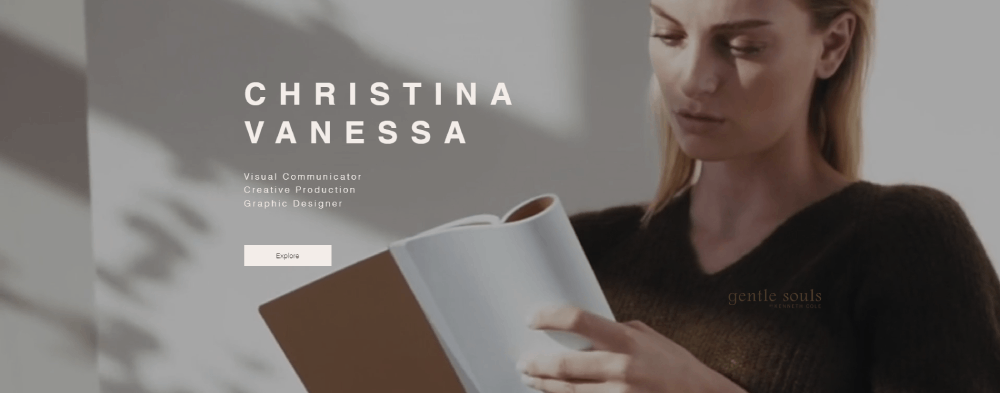
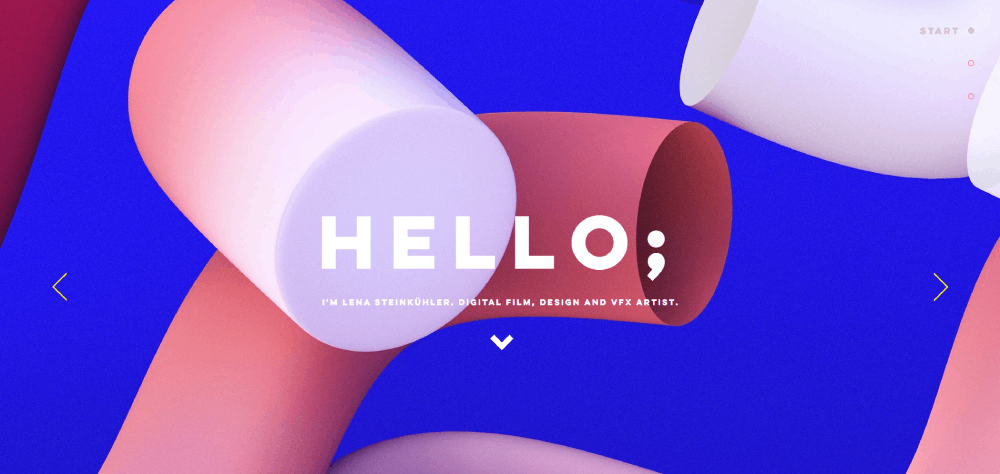
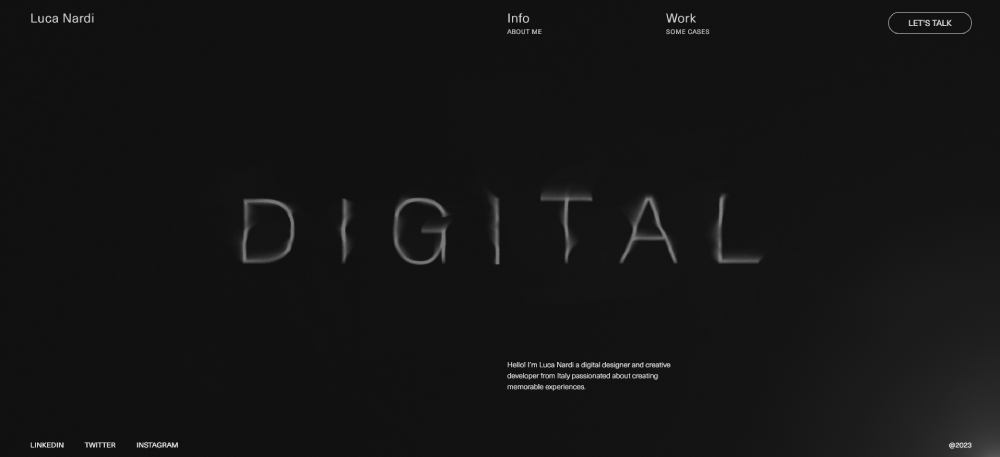
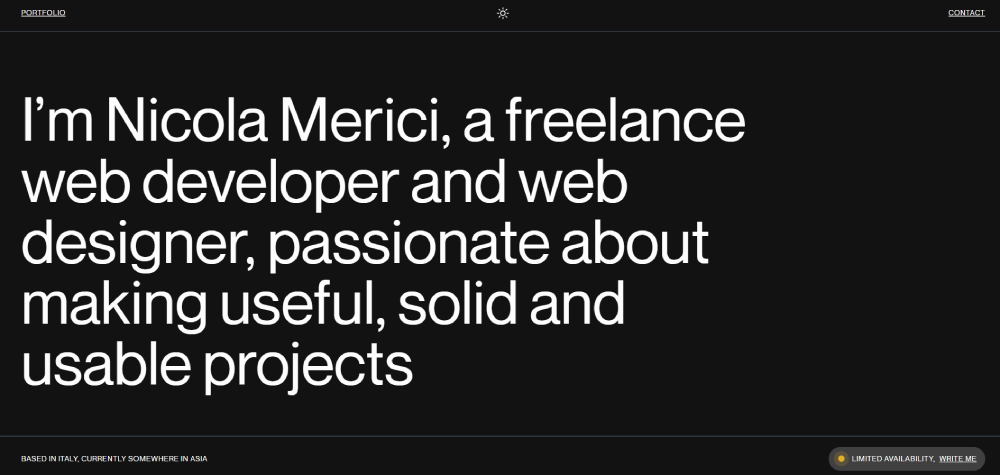
The best creative portfolios on platforms like Behance, Dribbble, and custom Webflow builds share specific patterns. Strategic layout choices. Intentional typography. Smart project presentation.
This guide breaks down 15 standout portfolio websites from working designers. You'll see what makes each one effective, which platforms they use, and how to apply these techniques to your own portfolio website design.
Whether you're a freelance designer or agency creative, these examples deliver actionable inspiration.
What is a Graphic Designer Portfolio Website
A graphic designer portfolio website is a digital platform where creatives display their work samples, skills, and professional background to potential clients and employers.
Think of it as your online showroom. Every project thumbnail, case study, and about section works together to communicate your design identity.
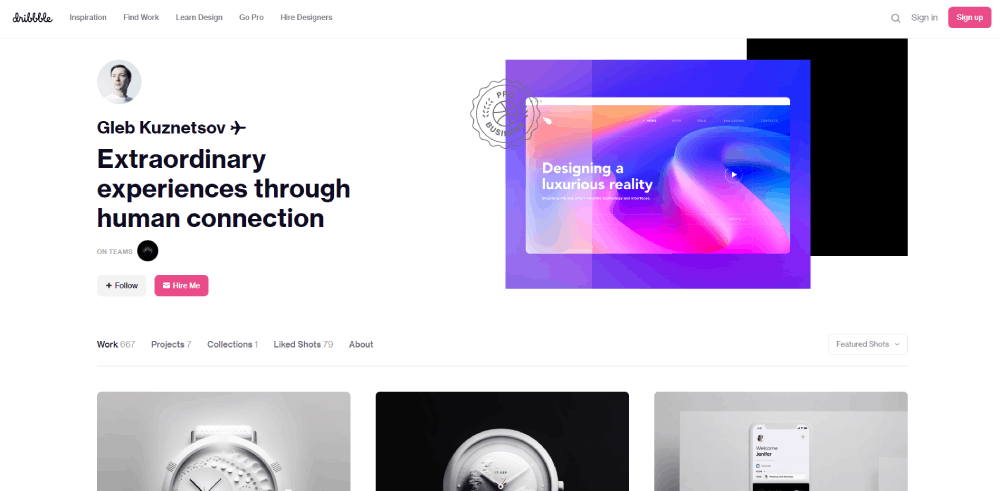
Platforms like Behance and Dribbble serve as community galleries. But a dedicated portfolio website gives you complete control over your personal website presentation and brand narrative.
These sites typically include:
- Project galleries with filtered categories
- Case studies showing process and results
- About page with background and skills
- Contact integration for client inquiries
- Social media links to Dribbble, Instagram, LinkedIn
Freelance designers, agency creatives, and design students all use portfolio websites differently. Some focus on volume. Others highlight 5-8 signature projects with deep case study documentation.
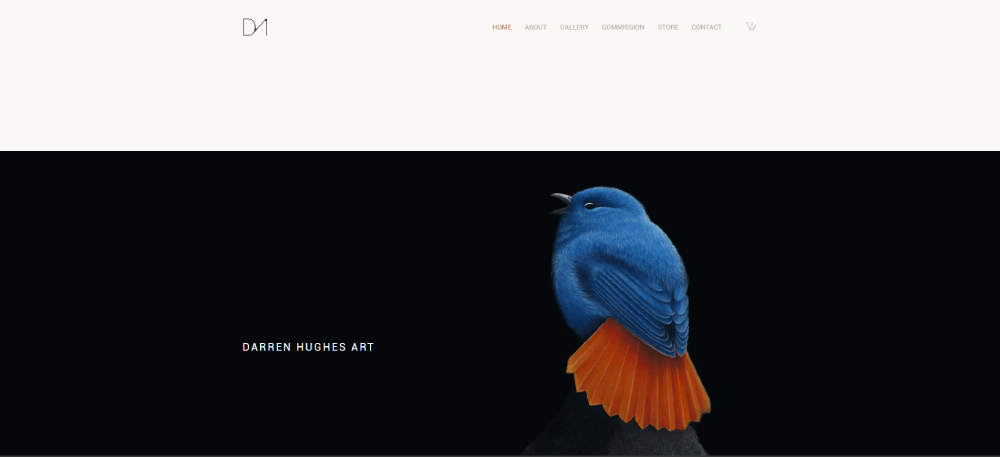
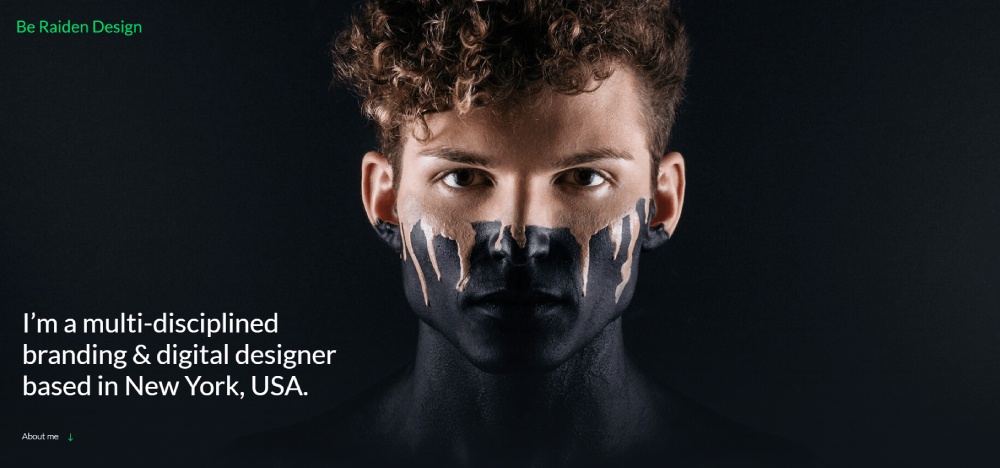
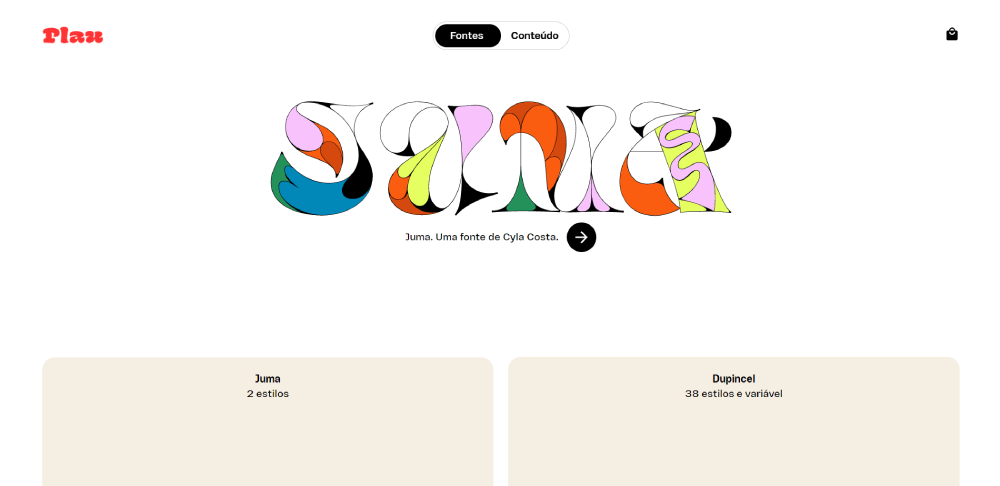
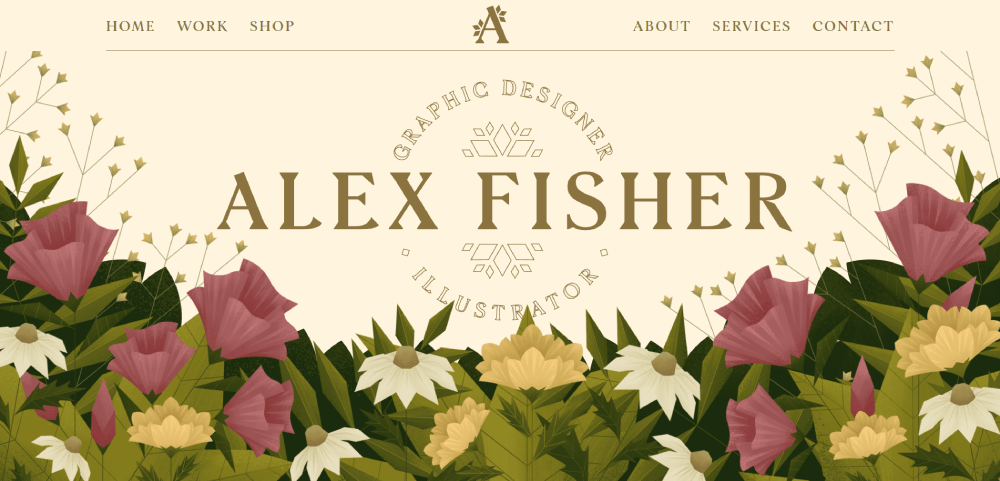
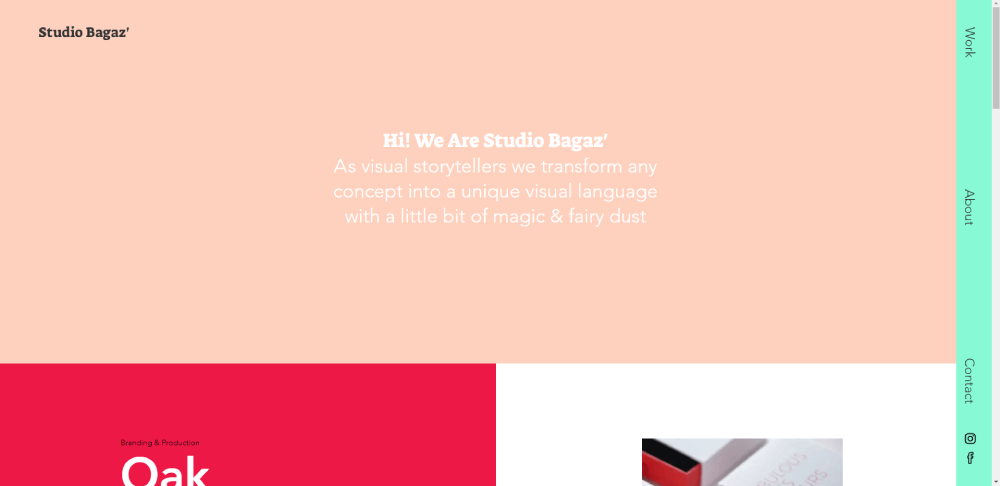
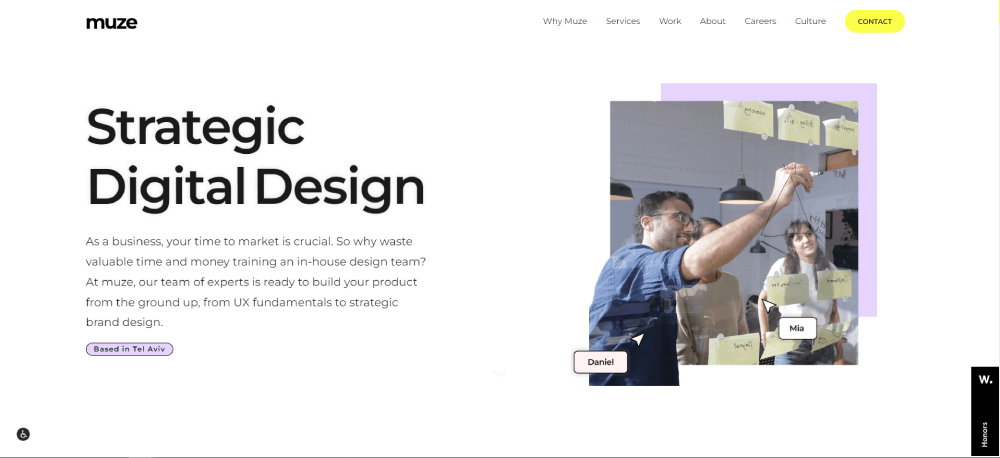
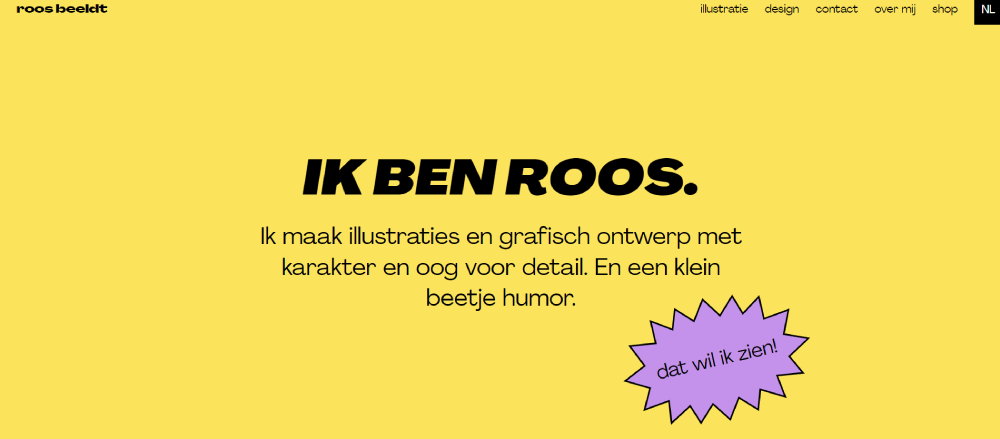
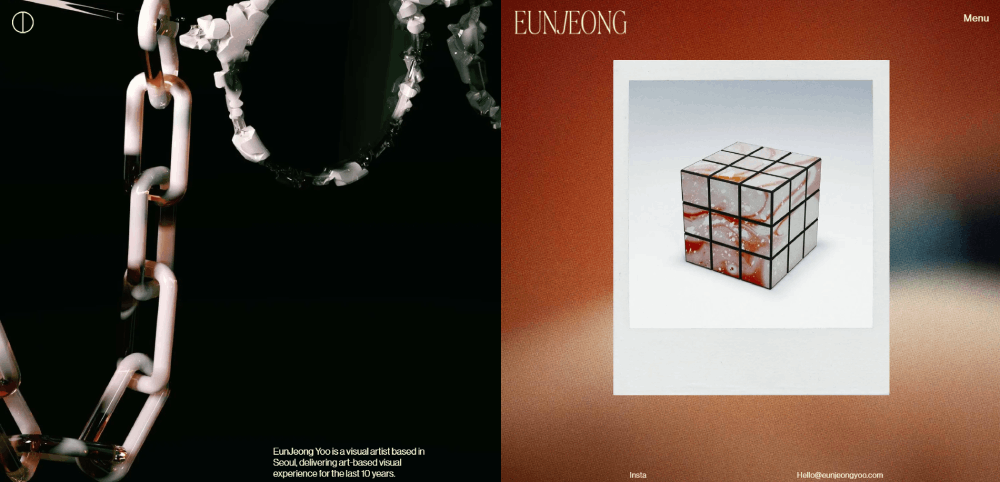
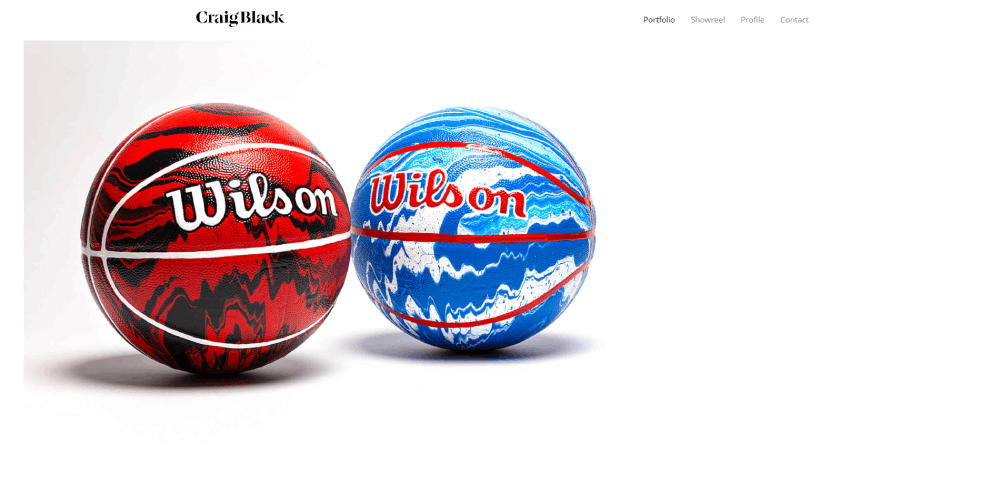
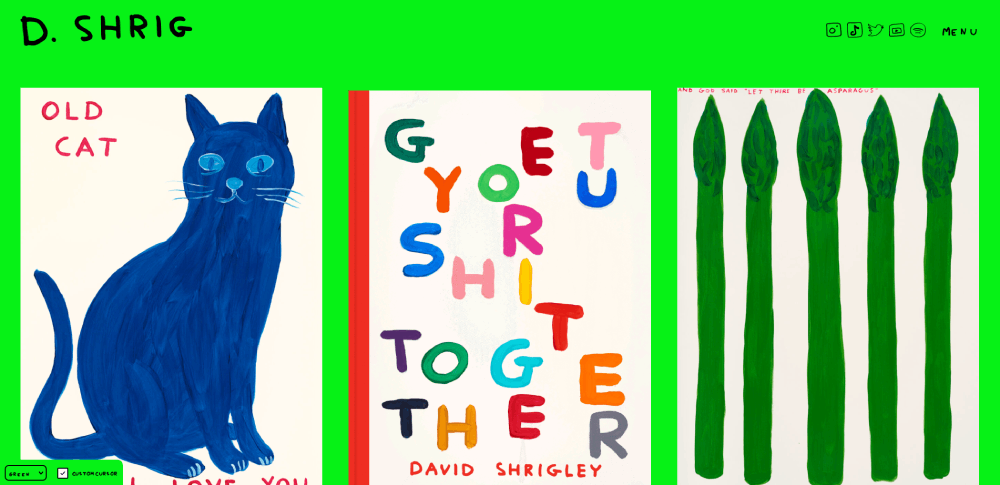
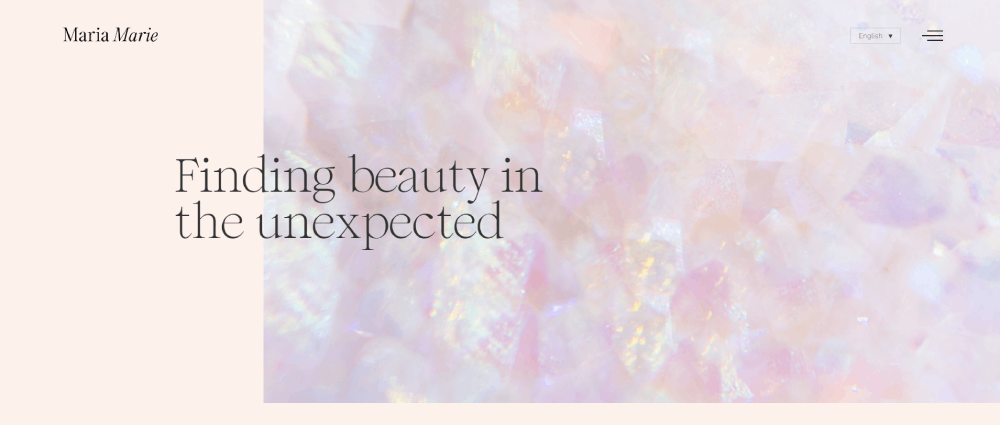
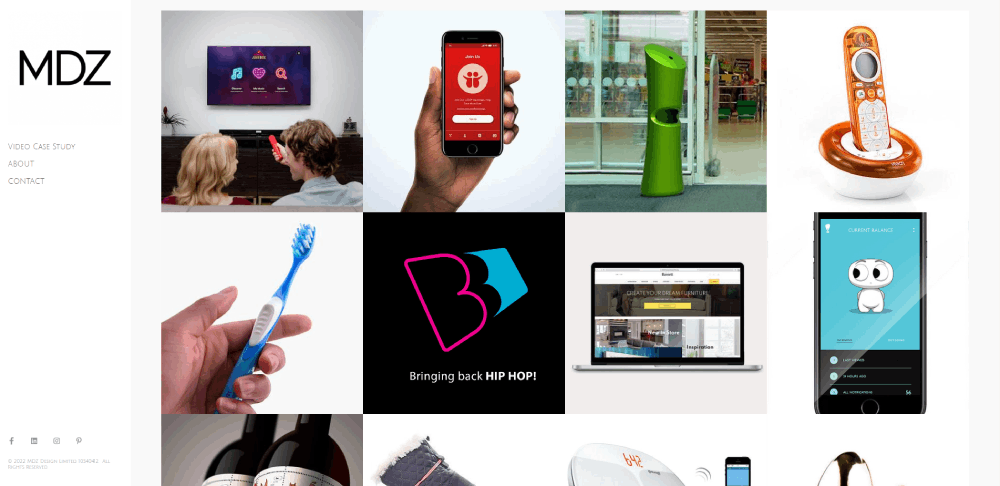
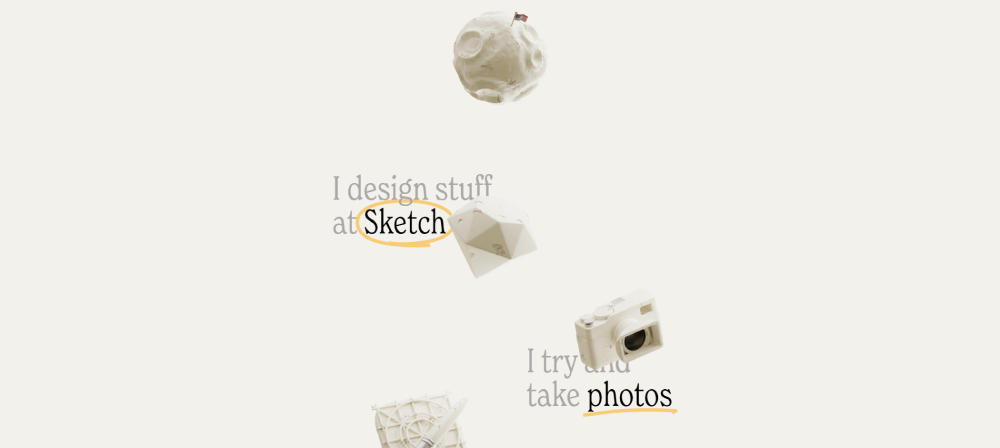
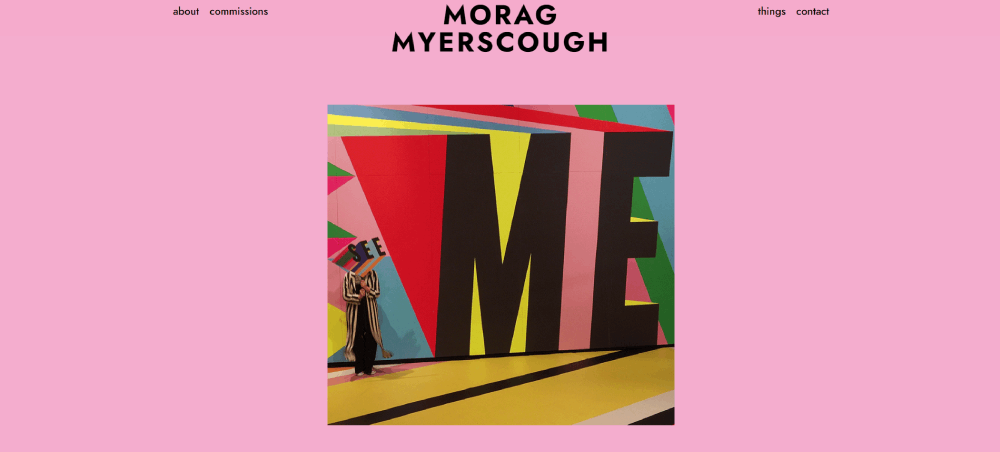
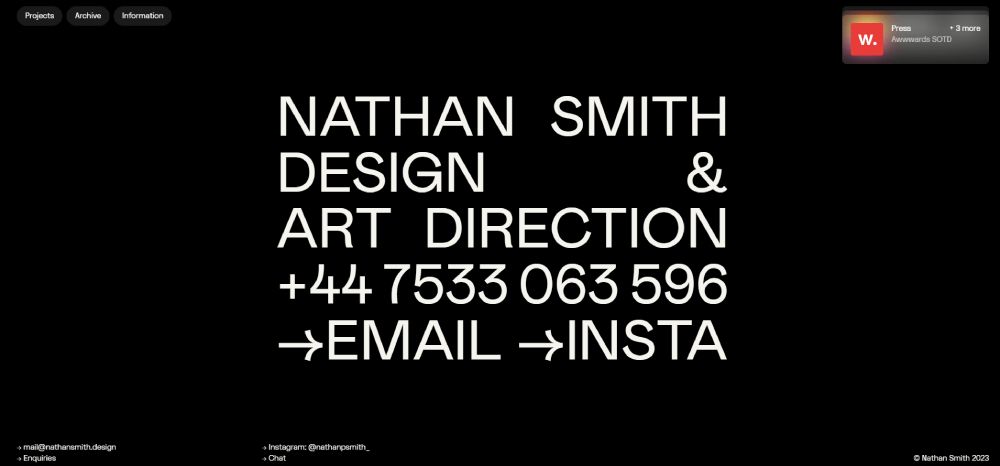
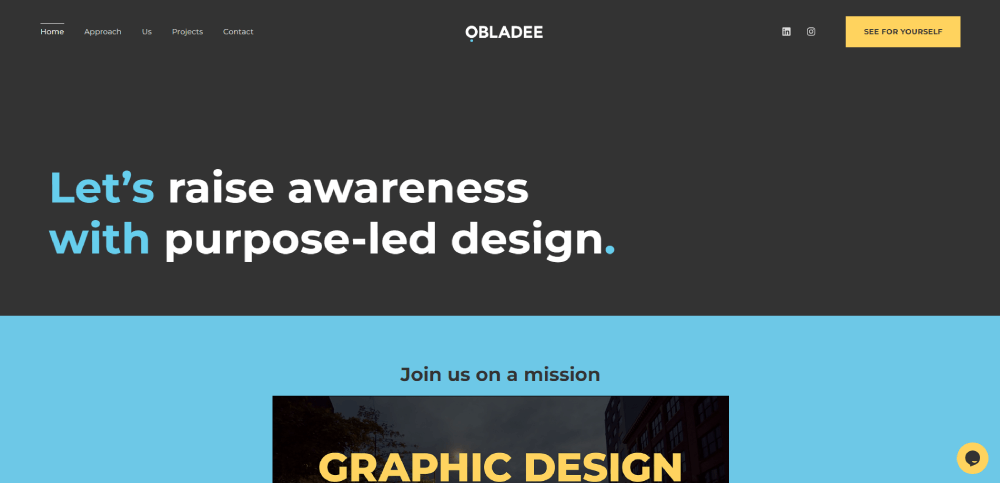
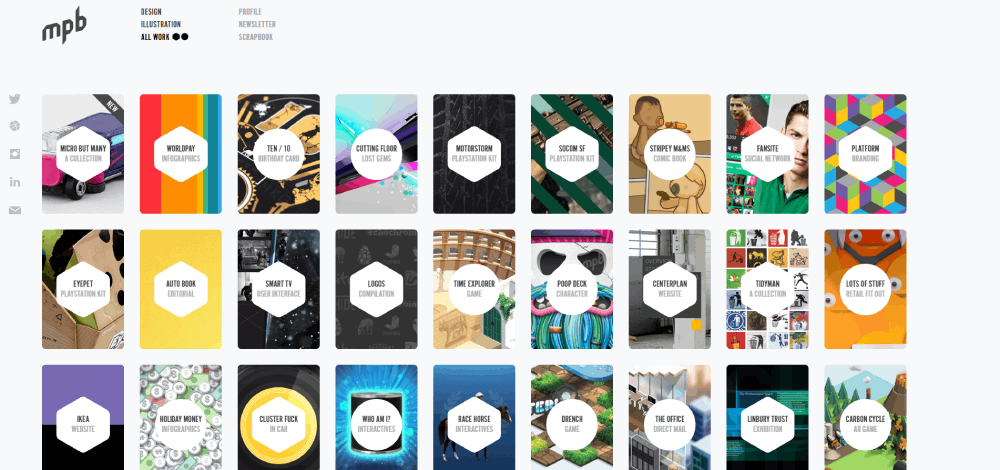
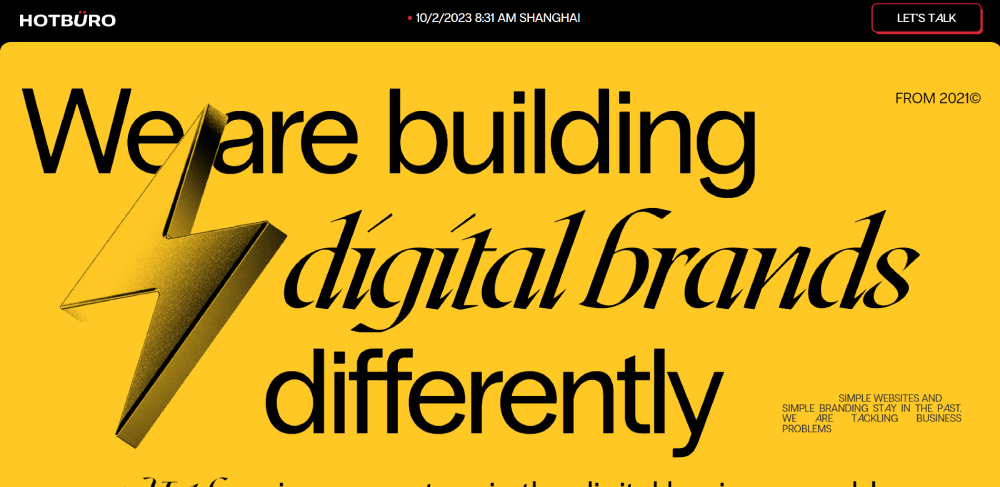
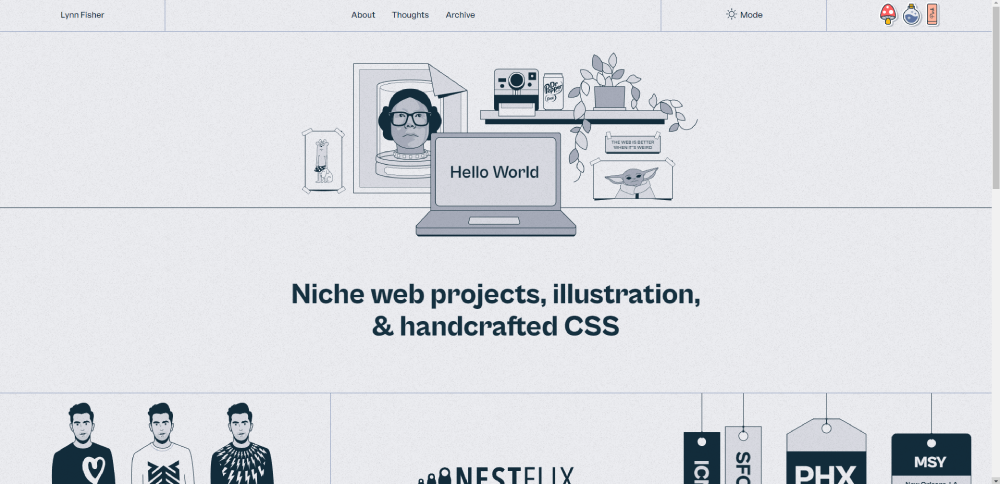
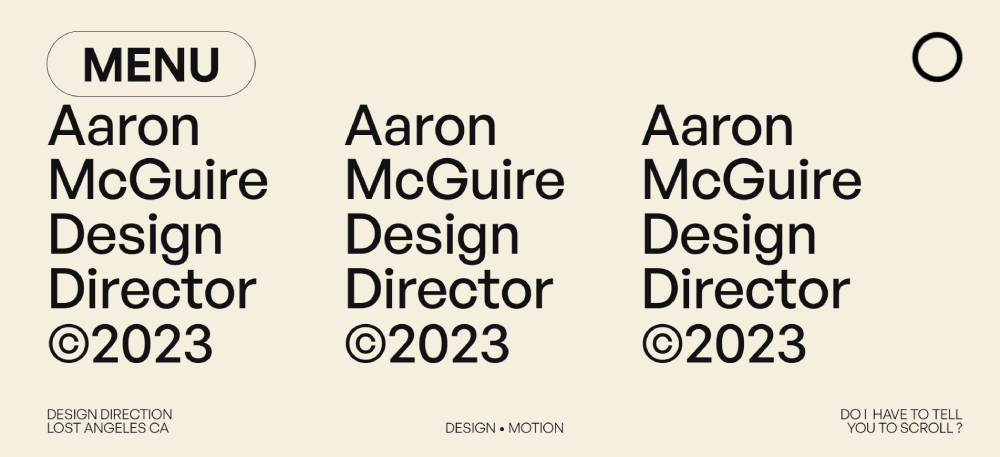
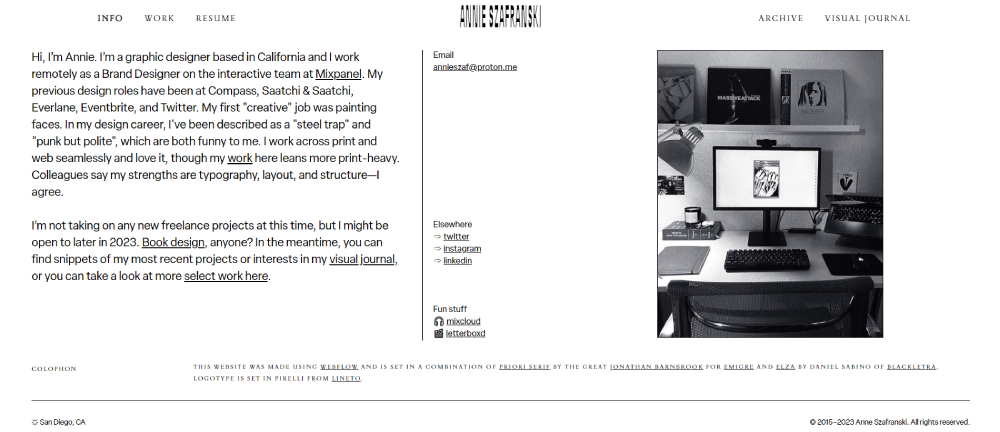
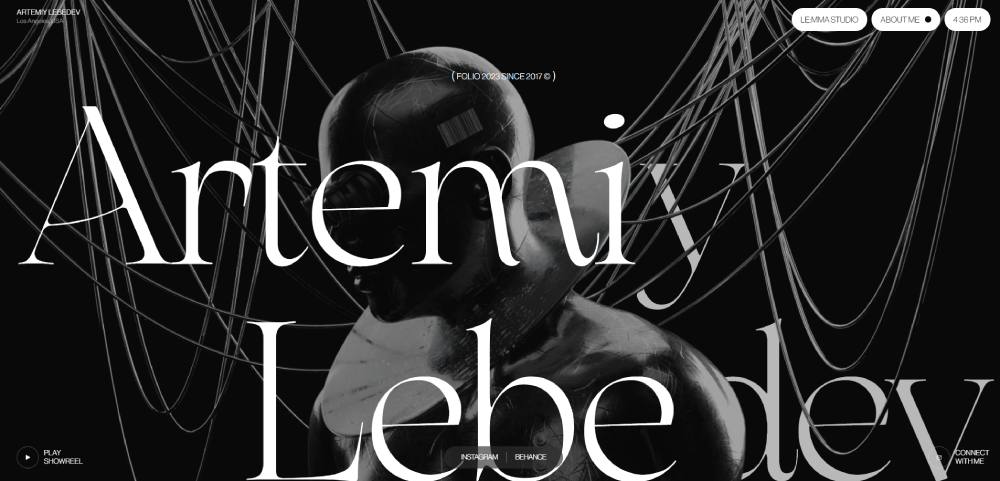
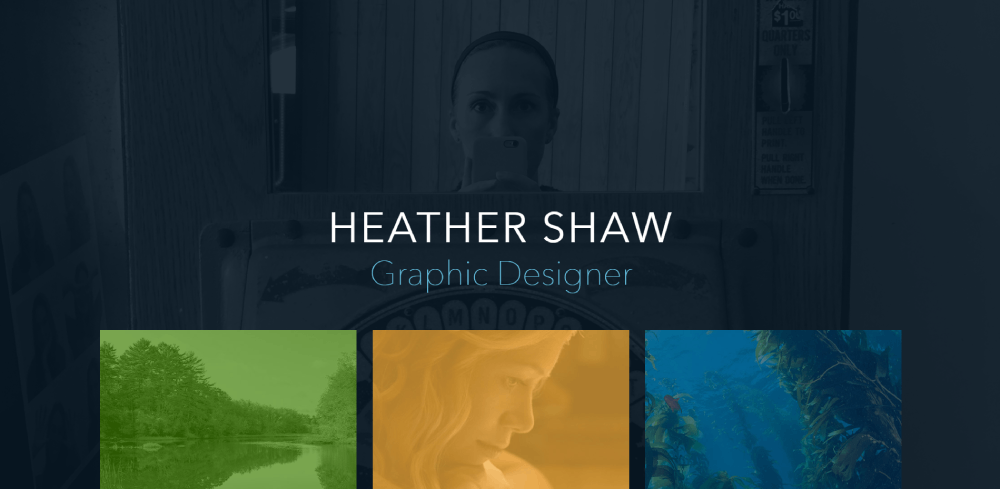
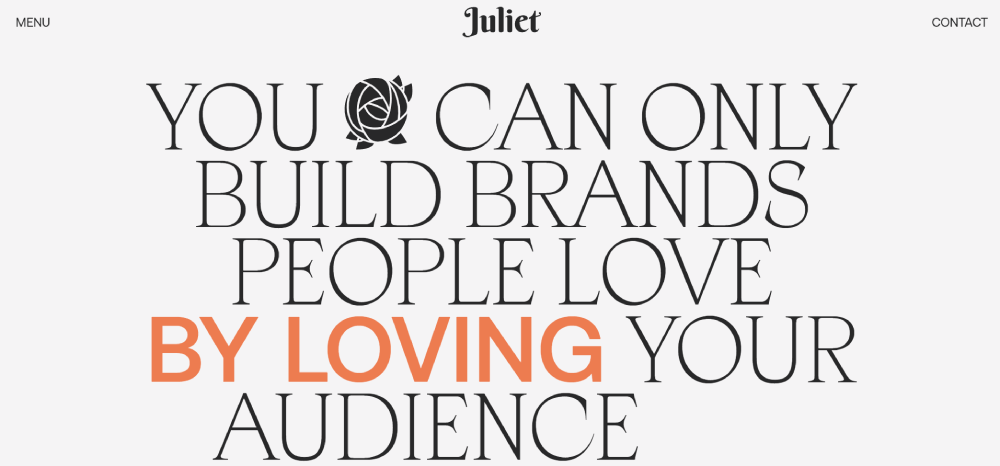
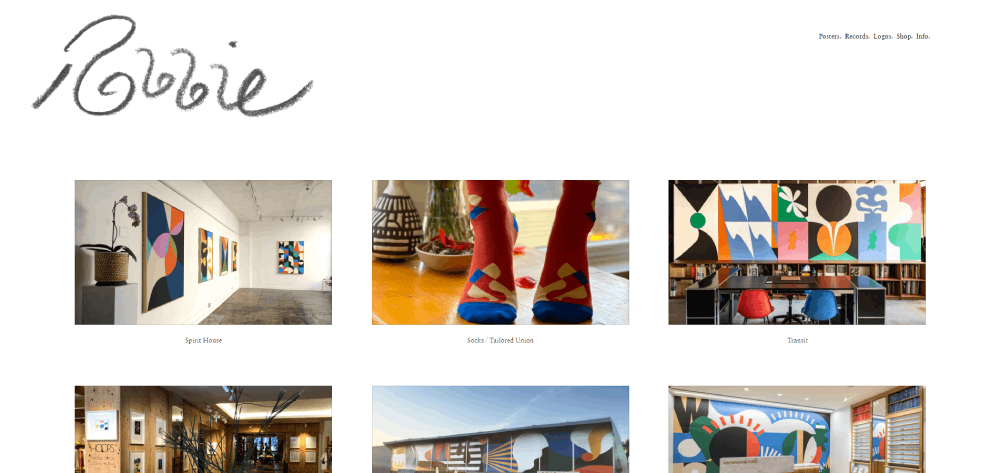
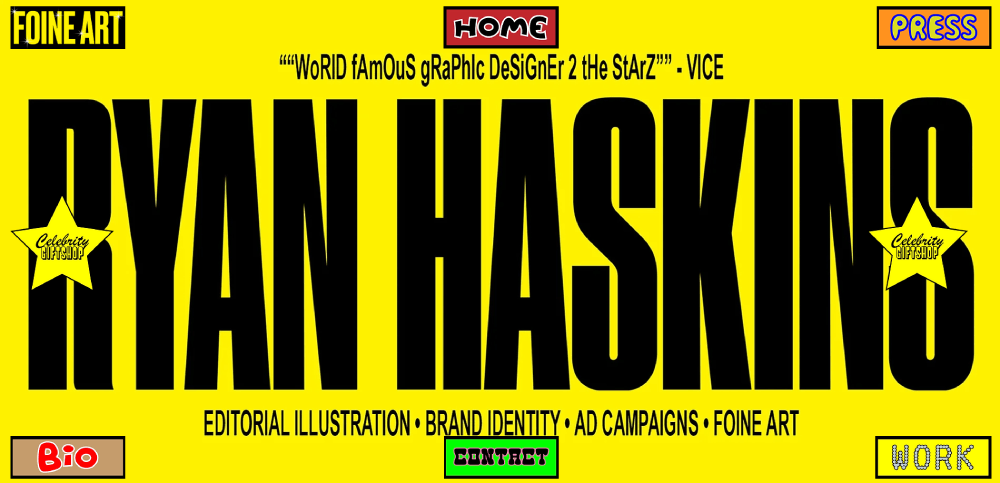
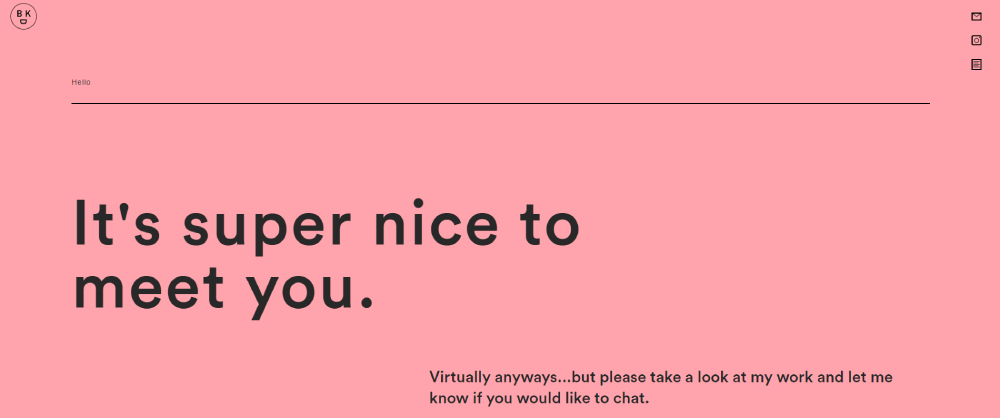
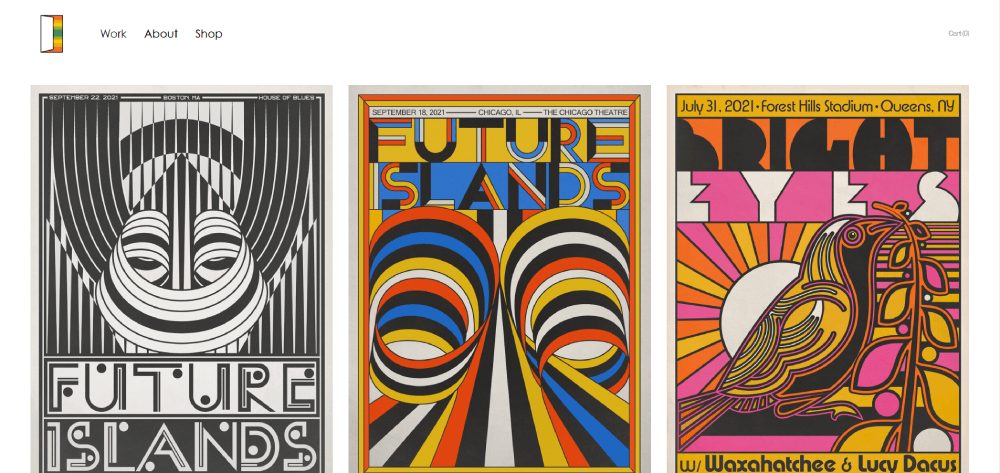
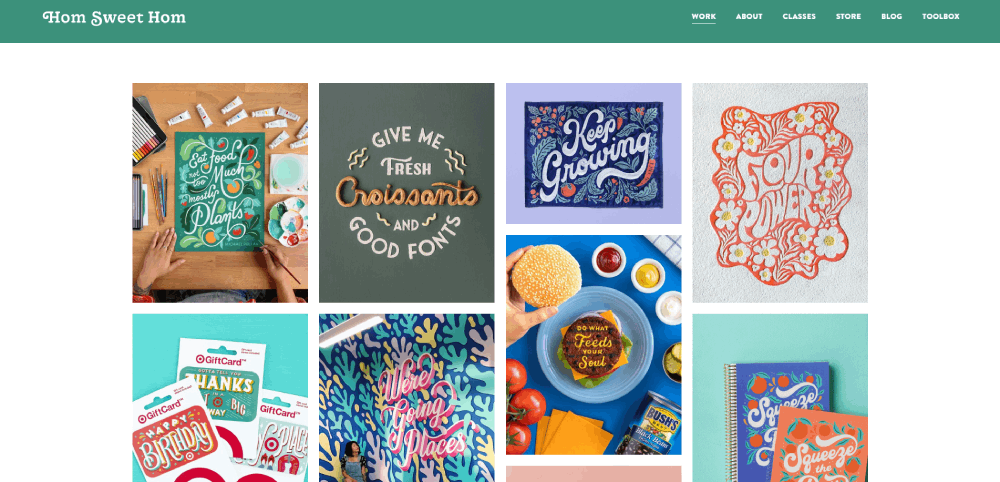
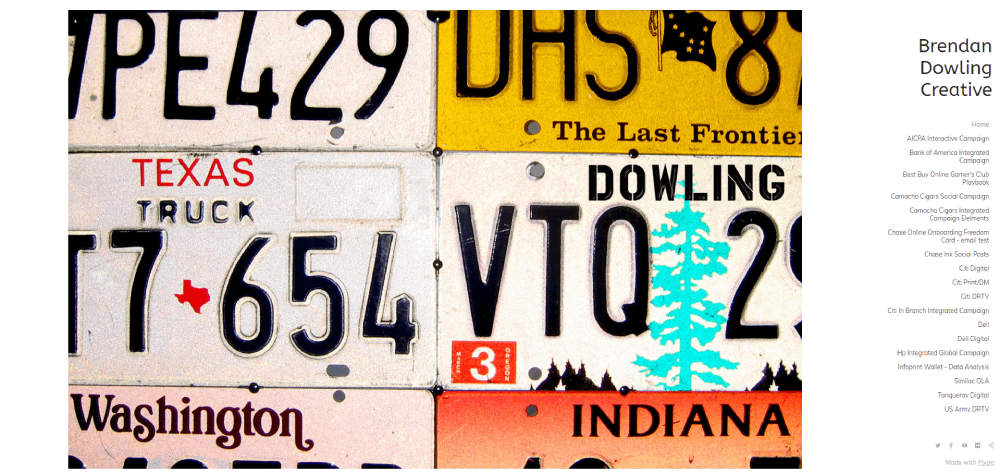
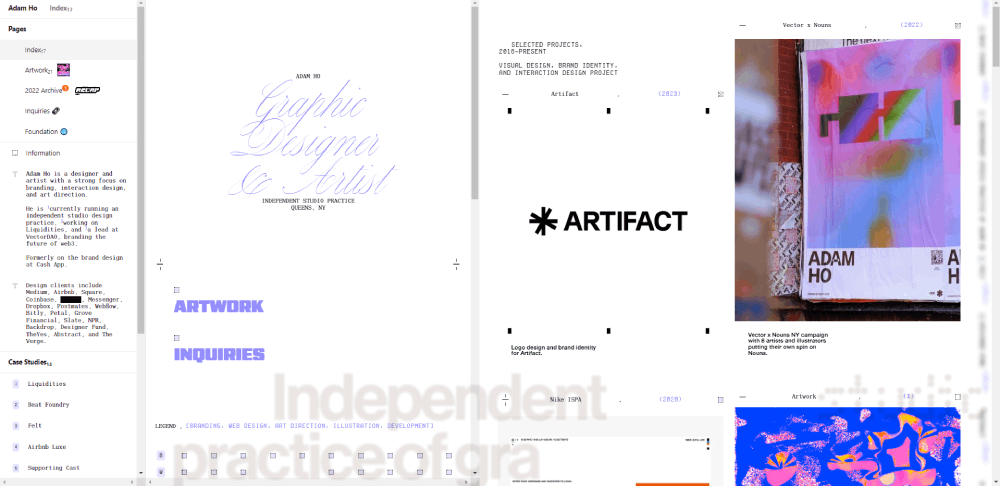
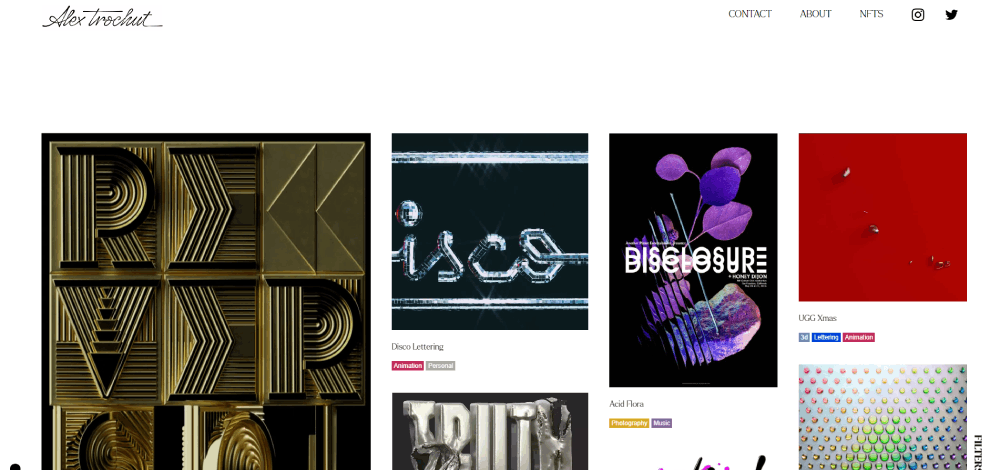
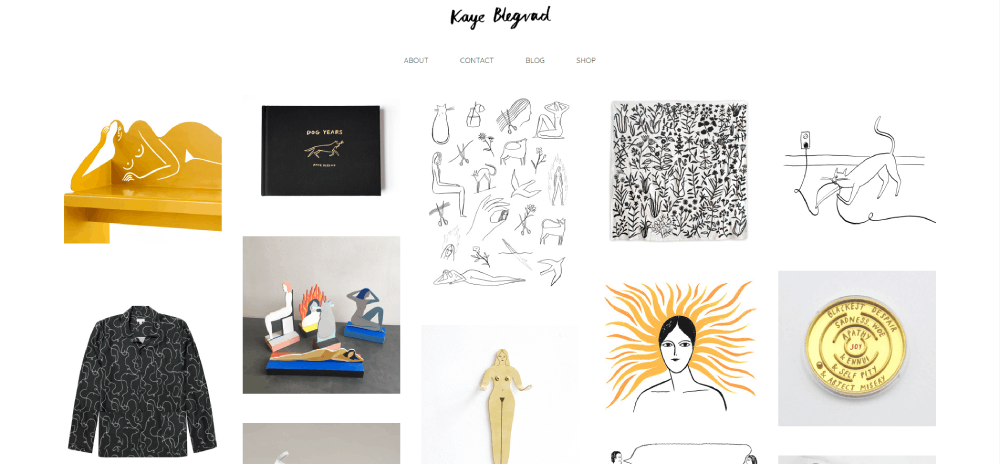
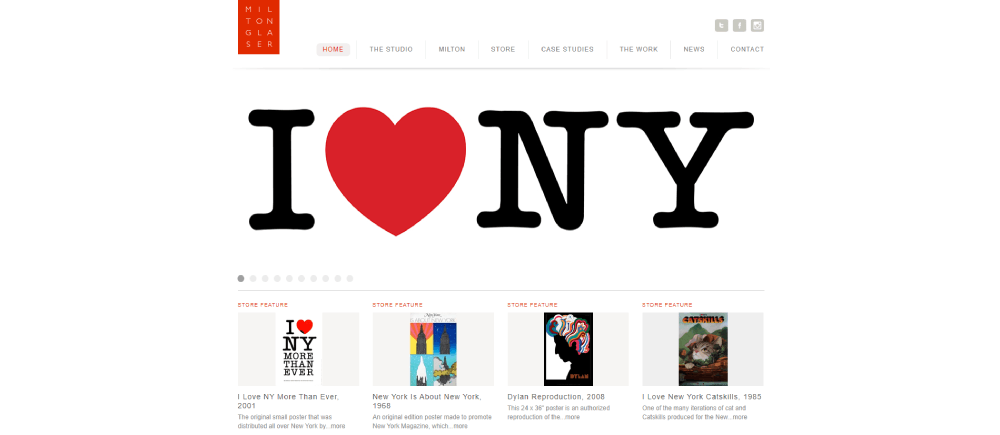
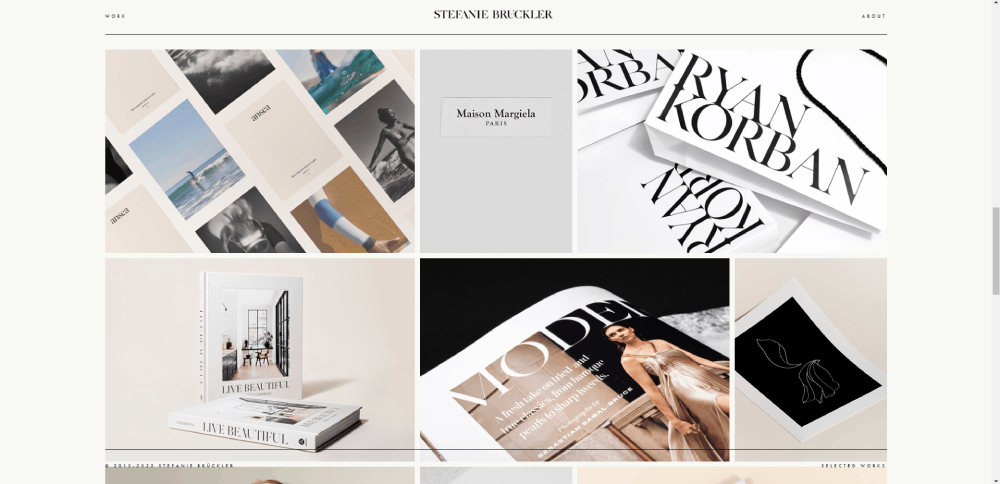
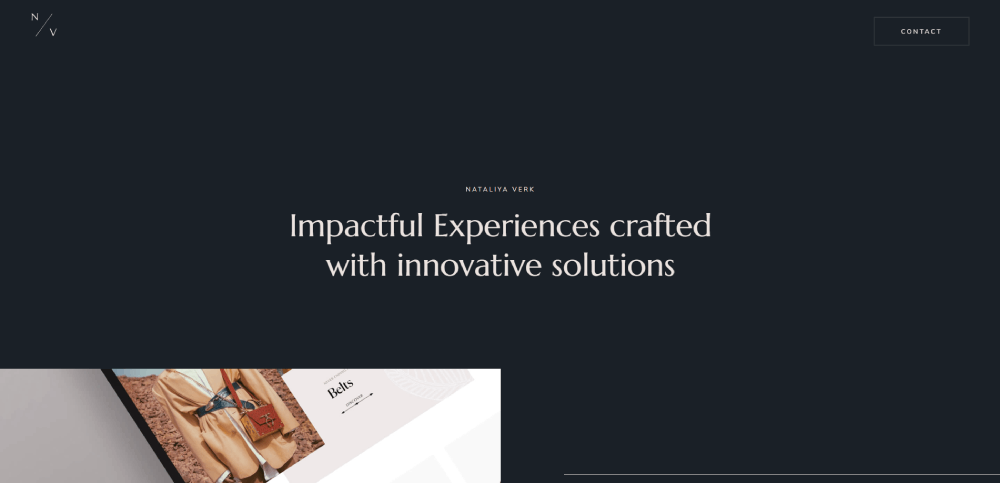
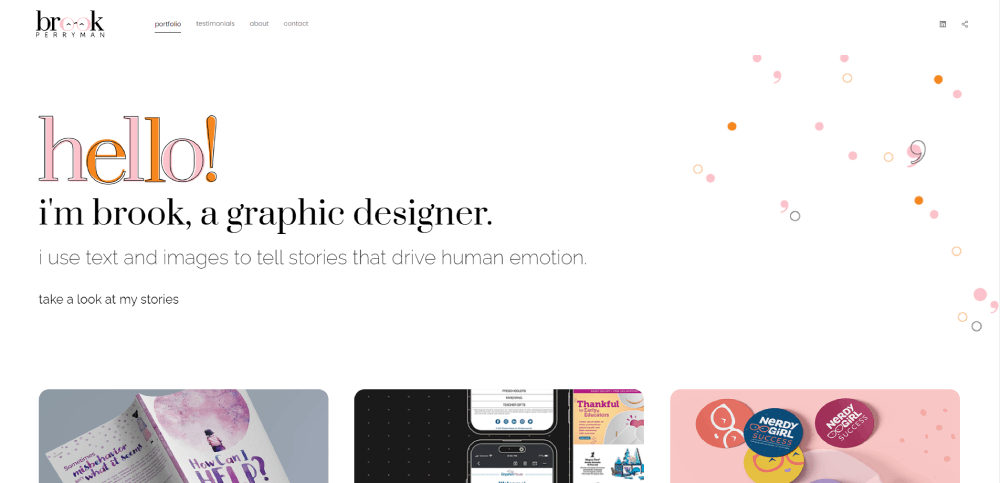
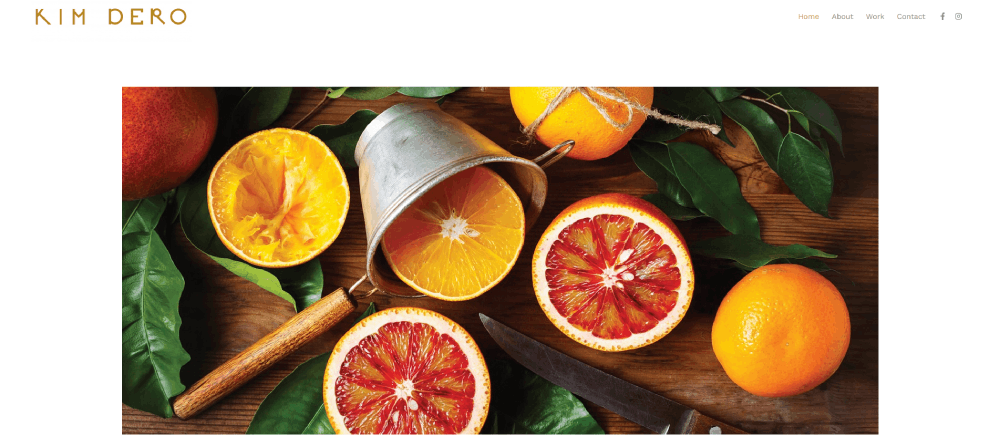
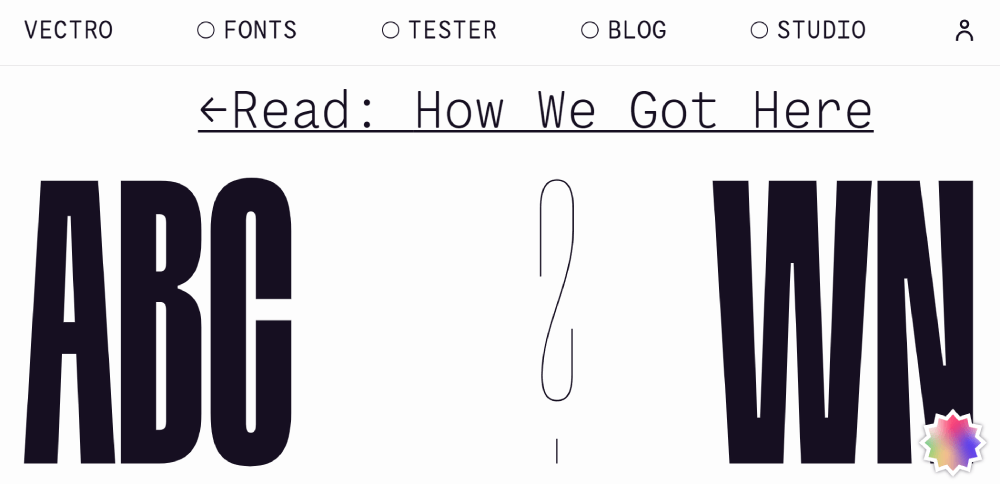
Graphic Design Portfolio Website Examples
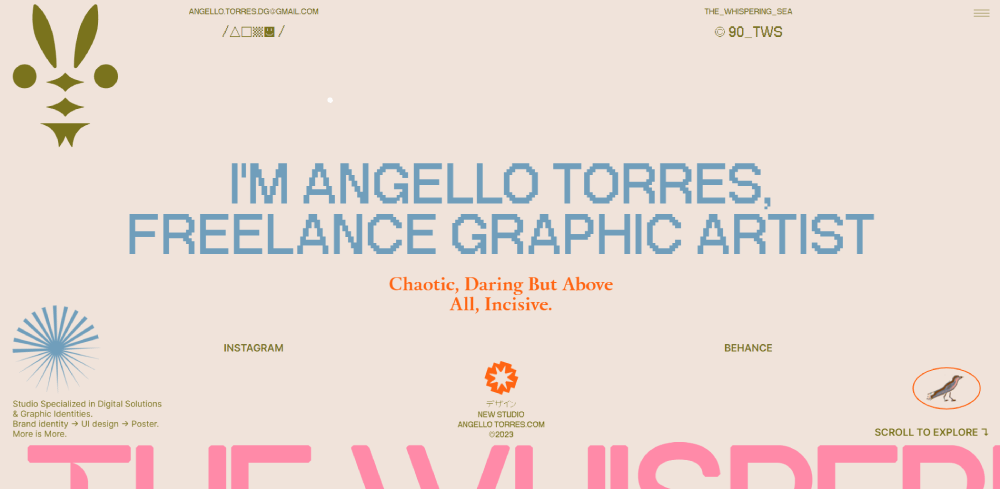
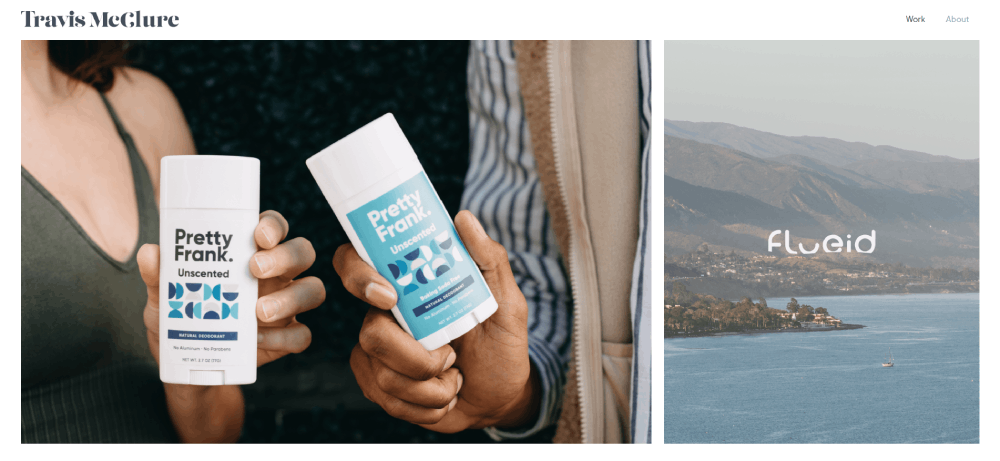
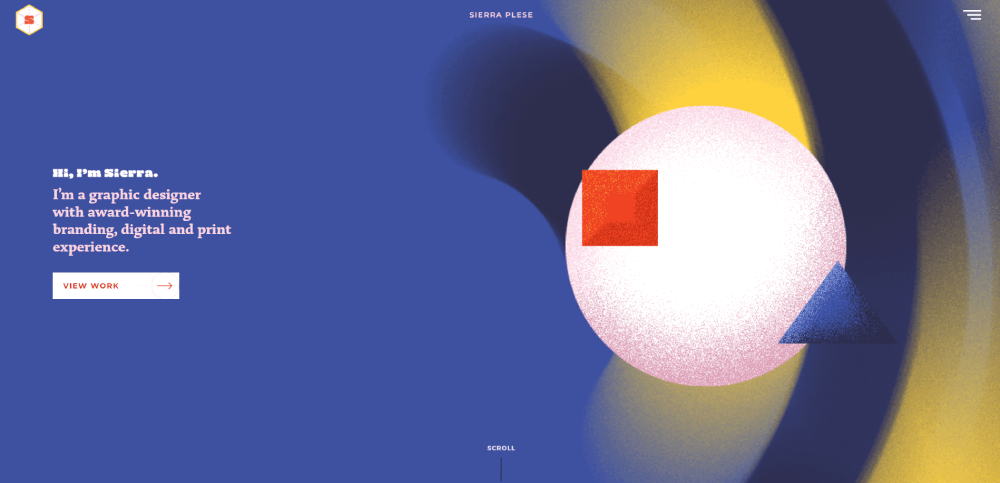
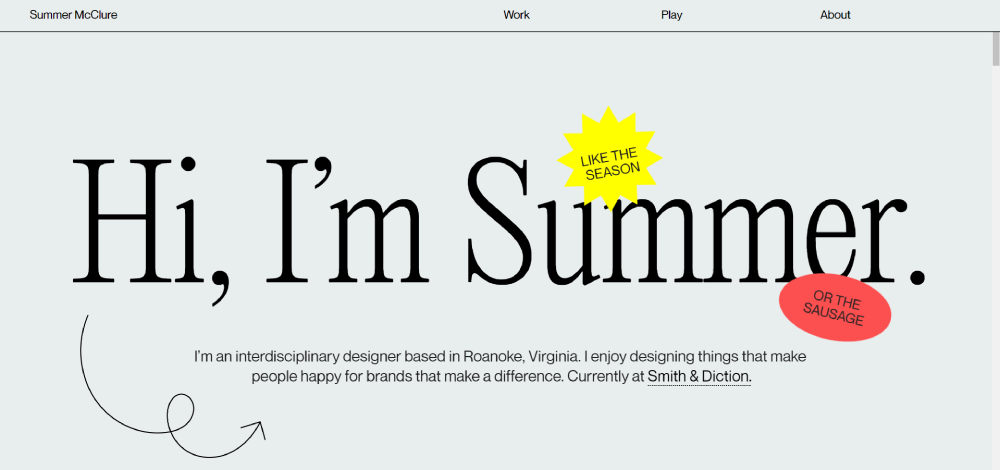
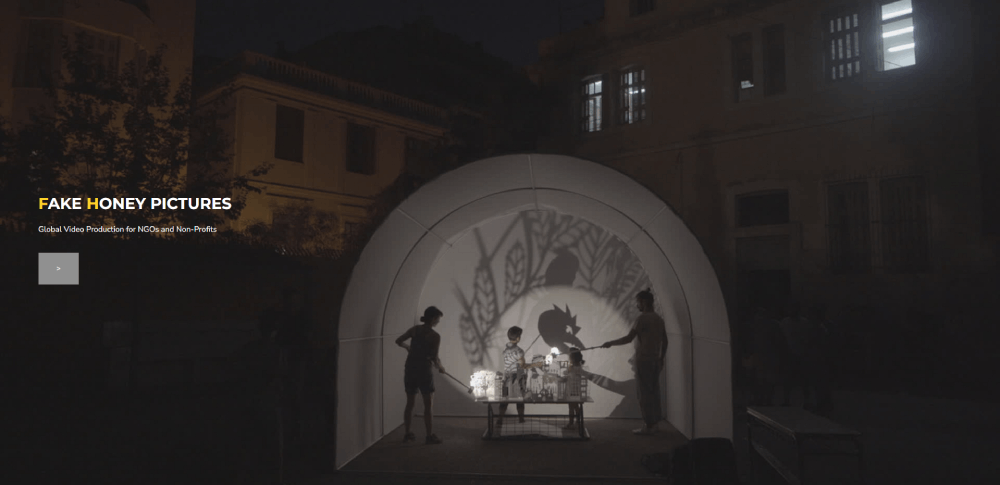
Angello Torres
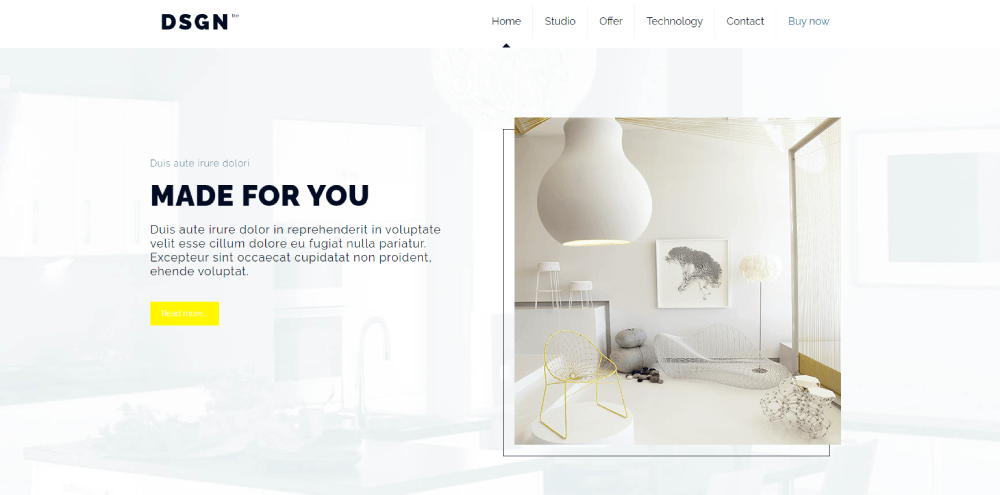

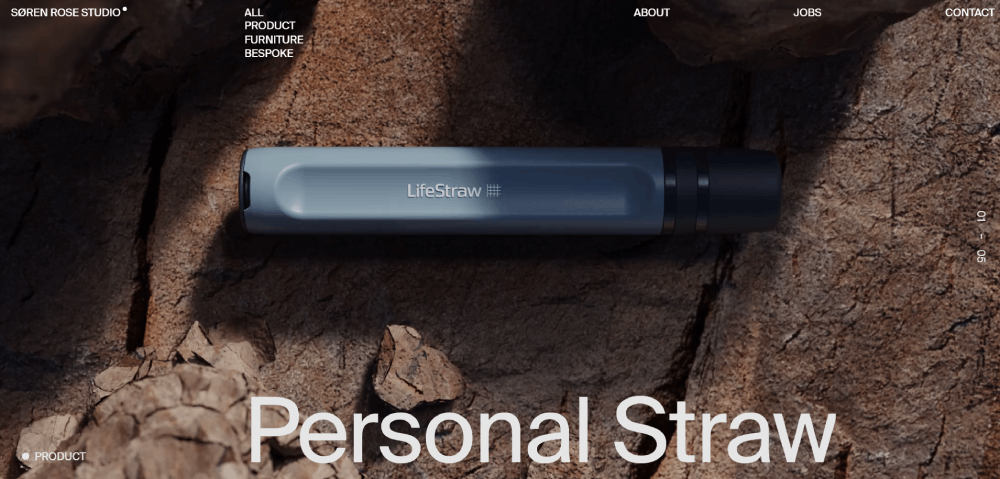
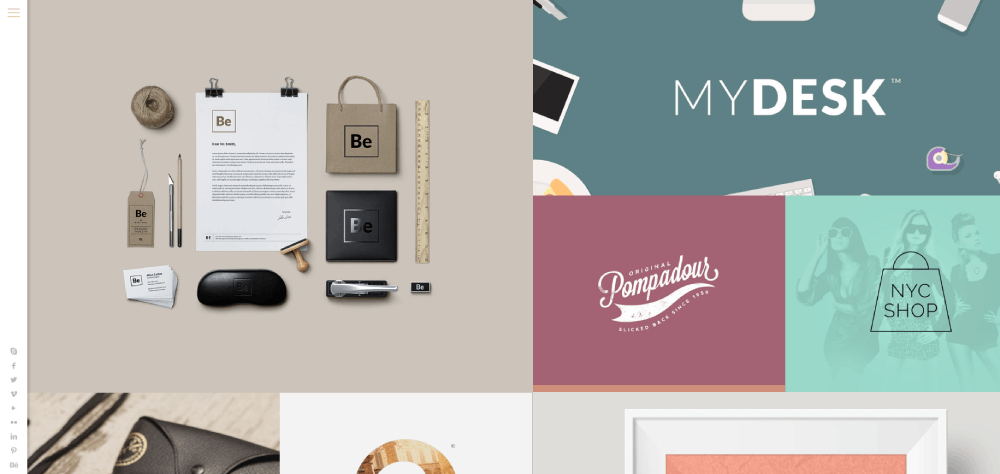
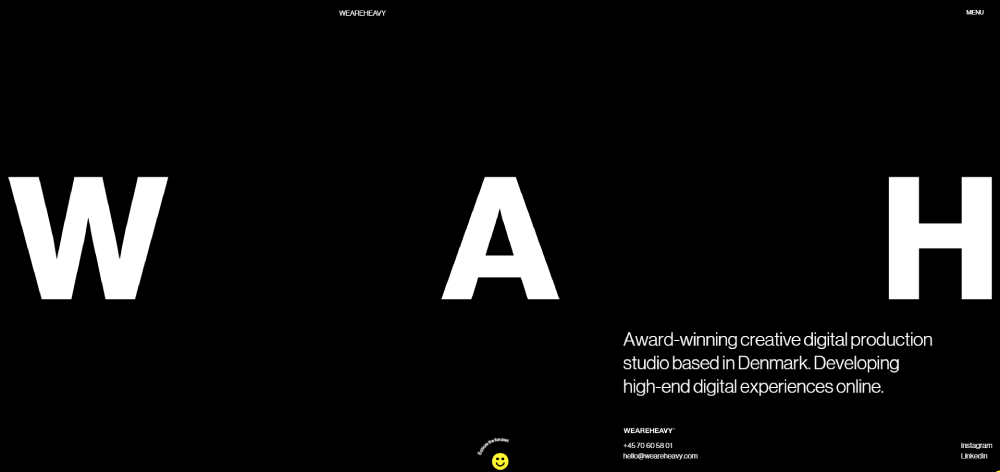



What Makes a Portfolio Website Stand Out
Standing out requires more than pretty visuals. The best portfolio designs balance aesthetics with usability and strategic content placement.
Three factors separate forgettable portfolios from memorable ones: visual hierarchy, load performance, and mobile optimization.
How Does Visual Hierarchy Affect Portfolio Effectiveness
Visual hierarchy guides visitors through your work in a deliberate sequence. Strong portfolios use size, contrast, and positioning to direct attention to flagship projects first.
Your hero section sets expectations within 3 seconds. Weak hierarchy creates confusion; visitors leave without exploring deeper.
What Role Does Load Speed Play in Portfolio Performance
Image-heavy portfolios often suffer from slow load times. Google Lighthouse scores below 50 hurt both user experience and search visibility.
Compress images, lazy-load galleries, use WebP format. Every extra second of load time increases bounce rate by roughly 32%.
Why Does Mobile Responsiveness Matter for Designer Portfolios
Over 60% of portfolio traffic comes from mobile devices. Art directors scroll through candidates on phones during commutes and meetings.
A responsive website adapts grid layouts, scales typography, and maintains tap-friendly navigation across all screen sizes.
How to Evaluate Portfolio Website Design Quality
Judging portfolio quality goes beyond subjective taste. Specific measurable criteria separate amateur presentations from professional websites.
Focus on layout structure, color application, and navigation clarity when analyzing any designer portfolio example.
What Layout Styles Work for Portfolio Websites
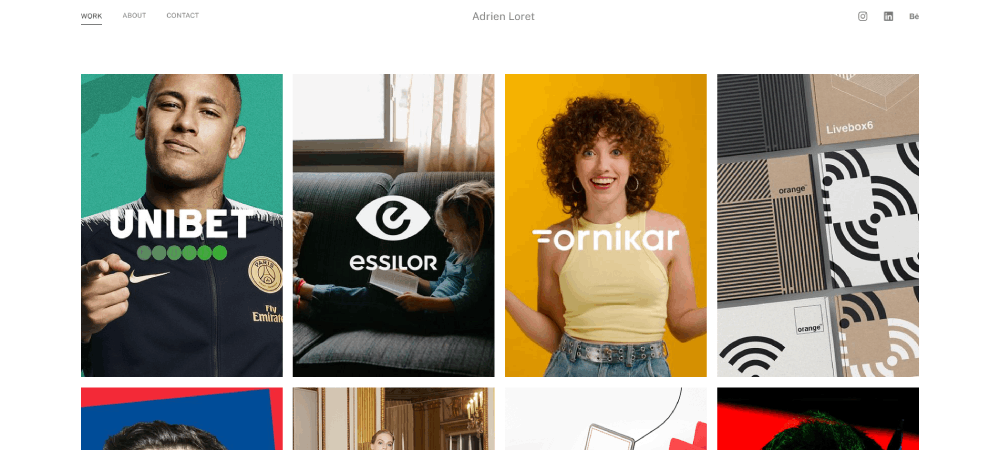
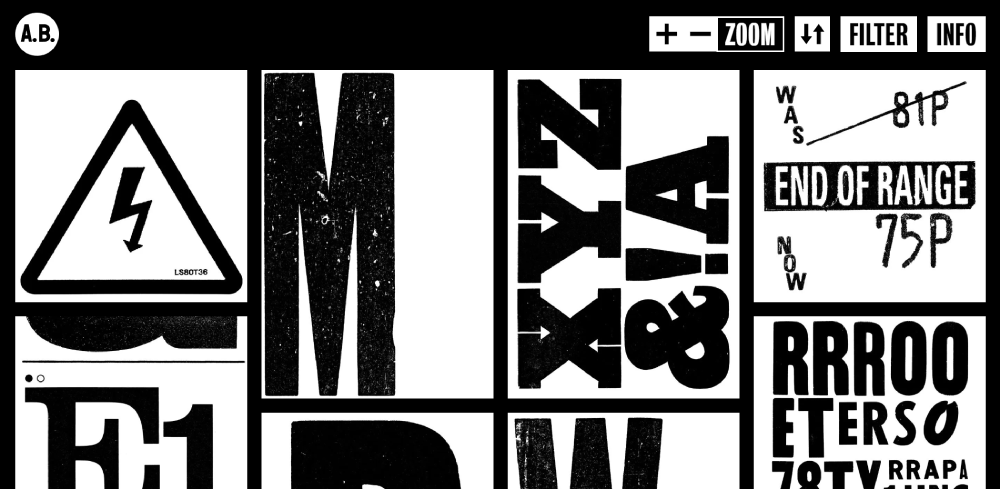
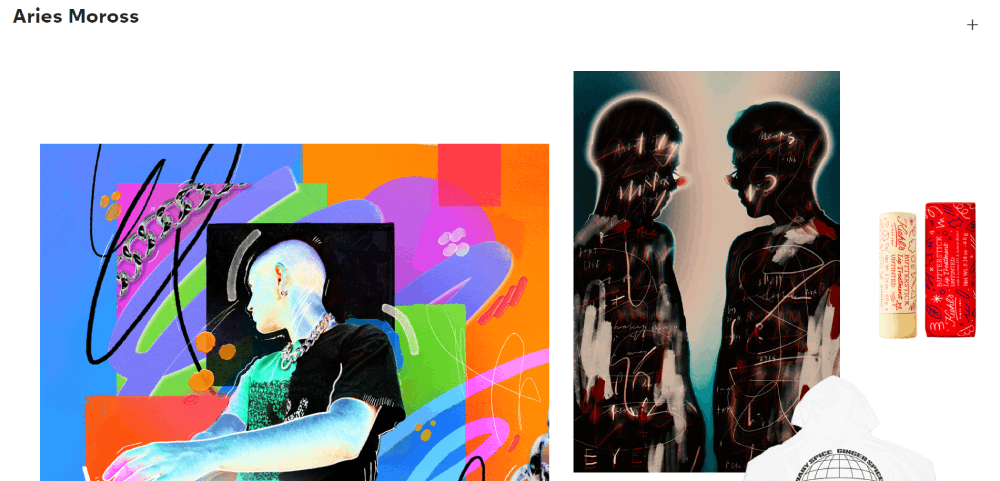
Grid layouts dominate portfolio design. Masonry grids, CSS Grid configurations, and card-based systems each serve different presentation goals.
Common website layout approaches:
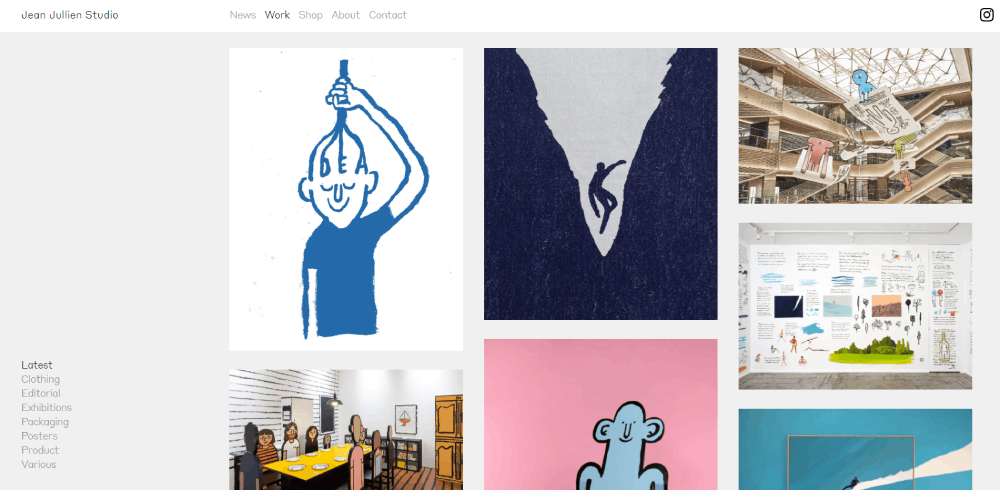
- Masonry grid - varied image sizes, Pinterest-style flow
- Uniform grid - consistent thumbnails, clean organization
- Case study focus - fewer projects, deeper storytelling
- Single-scroll - linear narrative, one-page structure
How Does Color Usage Impact First Impressions
Your portfolio color scheme communicates your design sensibility before visitors see any work.
Neutral backgrounds let projects shine. Bold palettes signal creative confidence but risk overwhelming the actual work samples.
What Navigation Patterns Perform Best
Simple navigation wins. Top horizontal menus, hamburger icons on mobile, and clear category filters are website navigation examples that work.
Avoid nested dropdowns and hidden menus. Portfolio visitors want immediate access to work, about, and contact sections.
What Design Elements Appear in Top Portfolio Websites
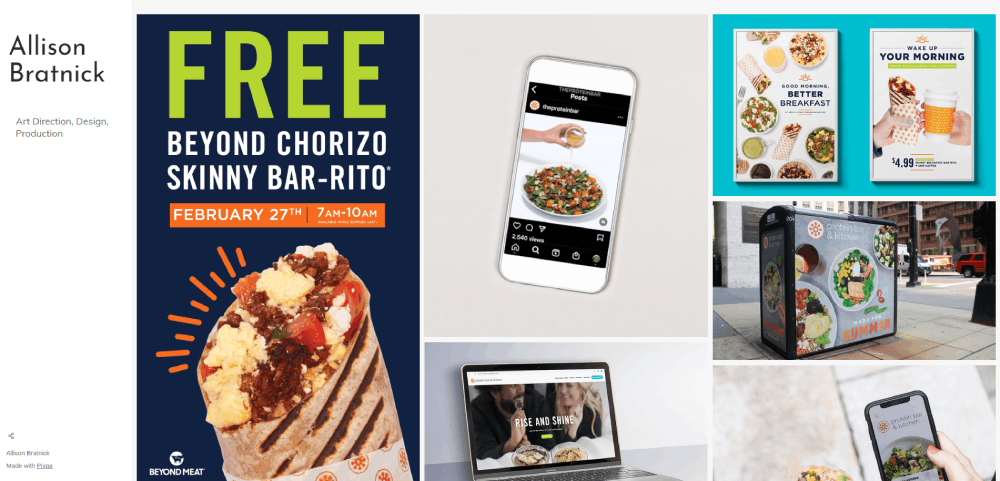
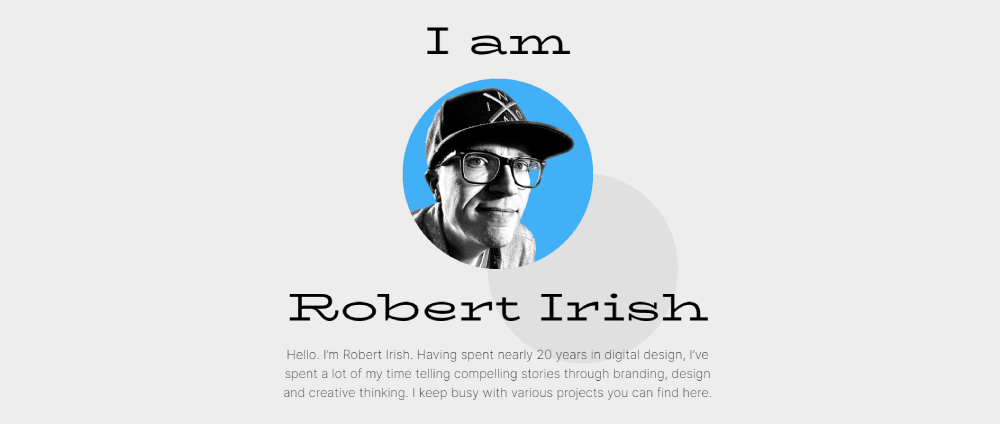
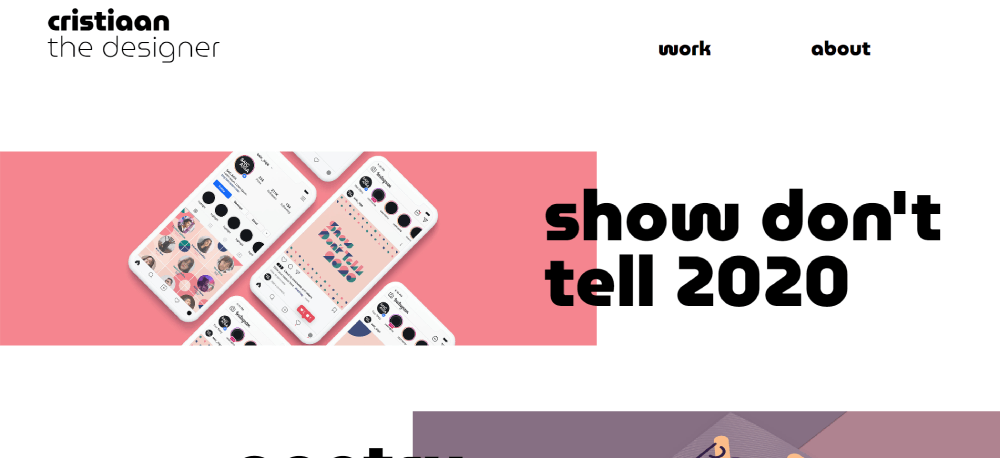
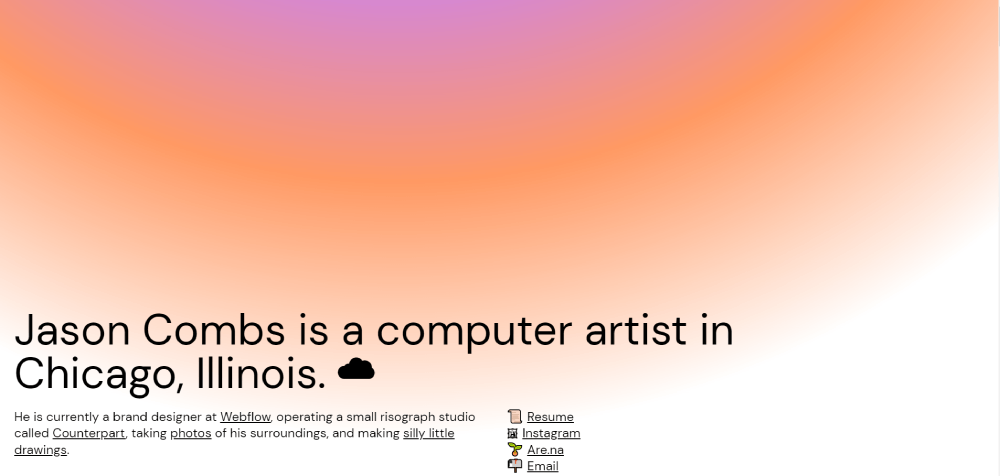
Analyzing these 15 examples reveals patterns in typography, imagery, and contact integration that separate effective portfolios from average ones.
Typography Choices Across Portfolio Examples
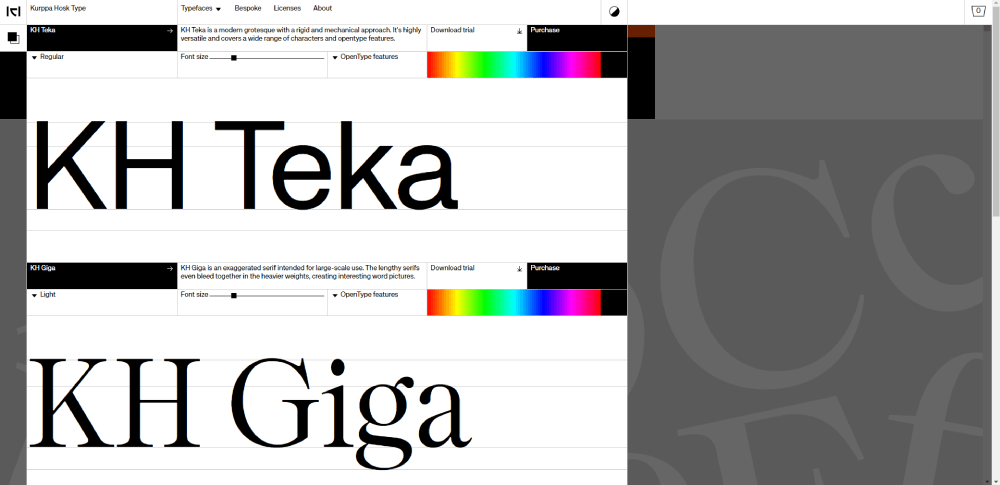
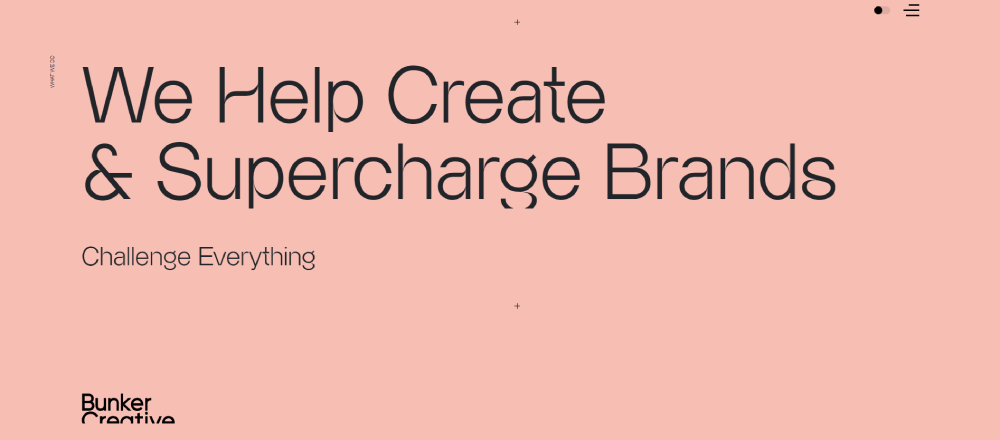
Most portfolios use 2-3 font families maximum. Sans-serif dominates for navigation and body text; display fonts appear in headers and branding.
Google Fonts favorites include Inter, Space Grotesk, and DM Sans. Sites with strong typography pair these with distinctive display choices.
Image Presentation Methods Used
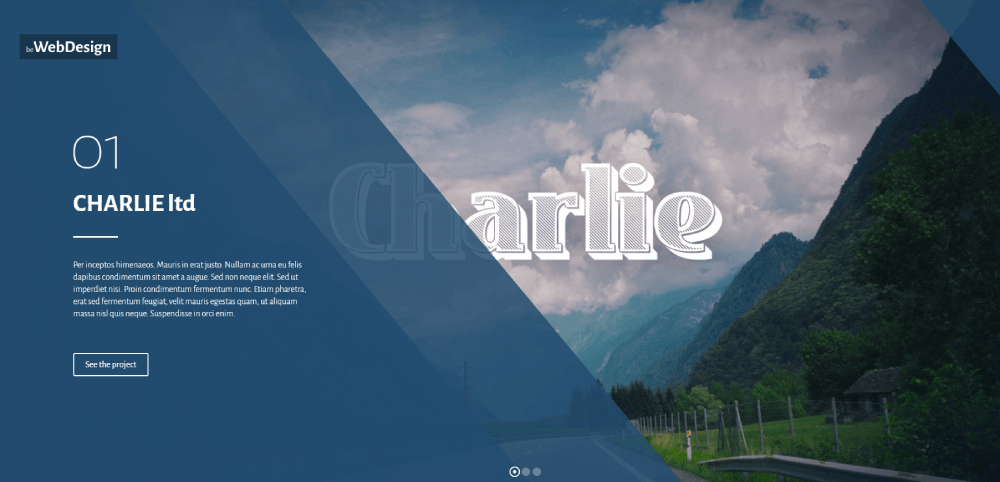
Full-bleed hero images, hover-state previews, and lazy-loaded galleries appear consistently. Most examples compress images to under 200KB while maintaining quality.
Video integration is increasing. Motion design reels and process videos add depth beyond static imagery.
Contact and Hiring Integration Approaches
Effective portfolios make contact dead simple. Email links, contact forms, and Calendly integrations reduce friction for potential clients.
Common elements:
- Sticky contact call to action buttons
- Footer email with availability status
- Social links to Dribbble, LinkedIn, Instagram
- Downloadable resume or media kit
FAQ on Graphic Designers Portfolio Website Design
What platform is best for graphic designer portfolios?
Squarespace, Webflow, and WordPress dominate portfolio hosting. Squarespace offers simplicity. Webflow provides design flexibility. WordPress delivers full customization with plugins like Elementor. Adobe Portfolio works well for Creative Cloud subscribers who want quick setup.
How many projects should a portfolio include?
Quality beats quantity. Include 8-15 of your strongest projects. Hiring managers spend 6-10 seconds on initial review. Curate ruthlessly. Remove older work that no longer represents your current skill level or target client base.
Should designers use templates or custom builds?
Templates from Semplice, Cargo Collective, or Format save time and work well. Custom builds showcase web designer skills but require more maintenance. Match your choice to your technical comfort and available time for updates.
What makes a portfolio homepage effective?
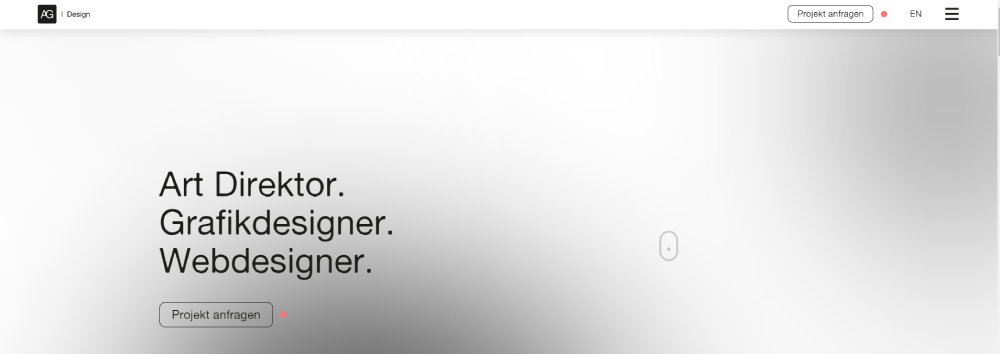
Strong homepage design includes a clear visual hierarchy, immediate work samples, and obvious navigation. Avoid lengthy introductions. Show your best project above the fold. Let the work create the first impression, not paragraphs of text.
How important is mobile optimization for portfolios?
Critical. Over 60% of portfolio traffic comes from mobile devices. Art directors review candidates on phones. Test your portfolio grid layout on multiple screen sizes. Ensure images load fast and tap targets remain accessible.
Should portfolios include case studies or just images?
Both serve different purposes. Quick image galleries work for initial browsing. Case studies demonstrate process, problem-solving, and results. Include 3-5 detailed case studies for your flagship projects alongside a broader visual gallery.
What file formats work best for portfolio images?
WebP offers the best compression-to-quality ratio. JPEG works for photographs. PNG handles transparency. Keep images under 200KB each. Use lazy loading for galleries. Compress everything through tools like TinyPNG or Squoosh before uploading.
How do top designers organize portfolio navigation?
Simple structures win. Most successful portfolios use Work, About, and Contact as primary website menu items. Category filters help visitors find specific project types. Avoid complex dropdowns or hidden navigation patterns.
Should designers show personal projects alongside client work?
Yes, when personal projects demonstrate skills clients want. Passion projects reveal creative range beyond commercial constraints. Label them clearly. Balance personal work with professional projects so visitors understand your commercial capabilities too.
How often should portfolios be updated?
Update quarterly at minimum. Add new projects within 30 days of completion. Remove outdated work annually. Fresh content signals active practice. Stale portfolios suggest inactive designers, even when that's not the case.
Conclusion
These graphic designers portfolio website design examples prove one thing. Presentation matters as much as the work itself.
The best portfolios share common traits: fast load times, intuitive project galleries, and strategic use of case studies. Whether built on Squarespace, WordPress, or custom code, each prioritizes the visitor experience.
Your portfolio platform matters less than your web design principles. Focus on clear visual hierarchy and mobile optimization first.
Start with 8-12 strong projects. Add detailed case studies for signature work. Keep navigation simple.
Tools like Figma, Adobe Creative Cloud, and Canva help create assets. But thoughtful portfolio presentation converts visitors into clients.
Build, test, iterate. Your portfolio is never finished.
























