


The Best WordPress Themes for Small Business Websites
June 17, 2026
Consulting Website Templates That Win More Clients
June 24, 2026Your website is often the first place a donor decides whether to give, or leave.
Picking the right nonprofit website template affects more than design. It shapes donation conversion, volunteer sign-up rates, accessibility compliance, and how much your team can manage without outside help.
This guide covers what separates a genuinely nonprofit-ready template from a generic layout with a charity color scheme. You will find free and premium options, platform comparisons, donation integration requirements, cost breakdowns, and a practical framework for choosing based on your org size and budget.
What Is a Nonprofit Website Template?
A nonprofit website template is a pre-built website layout designed around the specific structural needs of nonprofit organizations. It includes ready-made sections for donation forms, volunteer sign-up pages, mission statements, event management, and impact display, all built to support cause-based web design from day one.
This is different from a general-purpose template. A standard business template is built to sell products or services. A nonprofit template is built to build trust, communicate mission, and convert visitors into donors or volunteers.
What separates a nonprofit template from a generic one?
Core functional difference: Generic templates lack pre-configured donation integration, fundraising progress bars, and volunteer coordination sections. You can technically add those to any template, but you're adding them to a structure not designed for them.
Nonprofit templates come pre-wired for payment gateway compatibility with platforms like Stripe, PayPal Giving Fund, and DonorBox. They also include trust signals baked into the layout: charity registration numbers, SSL indicators, donor counters, and impact stats sections.
85% of donors say compelling imagery and impact content significantly influence their decision to give (Square Genius, 2024). Templates built without these sections as first-class layout elements make it harder to display that content where it converts.
Two primary template types
|
Type |
Platform |
Best For |
|
CMS-based |
WordPress, Squarespace, Wix |
Orgs needing ongoing content management |
|
Standalone HTML/CSS |
ThemeForest, GitHub |
Developer-led builds with full control |
CMS-based templates are more practical for most nonprofits. Staff can update events, add donation campaigns, and publish impact reports without touching code. Standalone HTML templates give developers full control but require technical upkeep after launch.
The nonprofit CMS space is dominated by WordPress, which powers 43.3% of all websites worldwide as of 2024. That market share means more nonprofit-specific themes, more donation plugins, and more developer resources than any other platform.
What Features Does a Nonprofit Website Template Need?
A nonprofit-ready template is not just one that looks charitable. It has specific functional requirements that directly affect donor conversion, volunteer acquisition, and grant credibility.
60% of donations are now made online (Square Genius, 2024). A template without proper donation infrastructure loses those donors before they ever reach a form.
Donation and payment integration requirements
The template must support embedded donation forms from at least one major platform. The 3 most widely used are GiveWP, DonorBox, and Charitable, each with different fee structures and WordPress compatibility.
- GiveWP: over 100,000 active installs, built entirely inside WordPress, zero platform fees on the free tier
- DonorBox: embeddable on any platform, charges 2.95% platform fee, fastest setup time
- Charitable: no transaction fees on any tier, GDPR-ready forms, best for EU-based organizations
PayPal was the most widely used alternative payment method in 2024, available on 79% of nonprofit donation pages. Google Pay (58%) and Apple Pay (57%) followed (M+R Benchmarks, 2024). Templates need to accommodate these options without forcing donors into a single payment path.
Iframe-based donation forms, where the payment screen loads inside a box from an external domain, hurt both conversion and trust. Native integration or well-styled embedded forms perform better. This is a real design decision the template affects directly.
Accessibility and compliance standards
96.3% of homepages had detectable WCAG failures in 2024 (WebAIM Million). That number is not a technicality. It means nearly every nonprofit template in use today has accessibility problems that block disabled visitors from donating or engaging.
WCAG 2.1 Level AA is the relevant target for most nonprofits. The 4 core requirements under the POUR framework are:
- Perceivable: alt text, sufficient color contrast, captions for video
- Operable: full keyboard navigation, no seizure-triggering content
- Understandable: readable language, clear error messages on forms
- Robust: compatible with current assistive technologies and browsers
Nonprofits receiving federal funding or government grants face growing legal pressure here. The April 2024 DOJ rule under ADA Title II requires WCAG 2.1 AA compliance for public entities, and that standard is now the de facto benchmark courts reference for all organizations (FatLab Web Support, 2024).
Templates with built-in accessibility like Astra and GeneratePress score highest in third-party audits. Astra ships with proper heading hierarchy, keyboard-accessible menus, and sufficient contrast ratios out of the box.
What Are the Best Premium Nonprofit Website Templates?
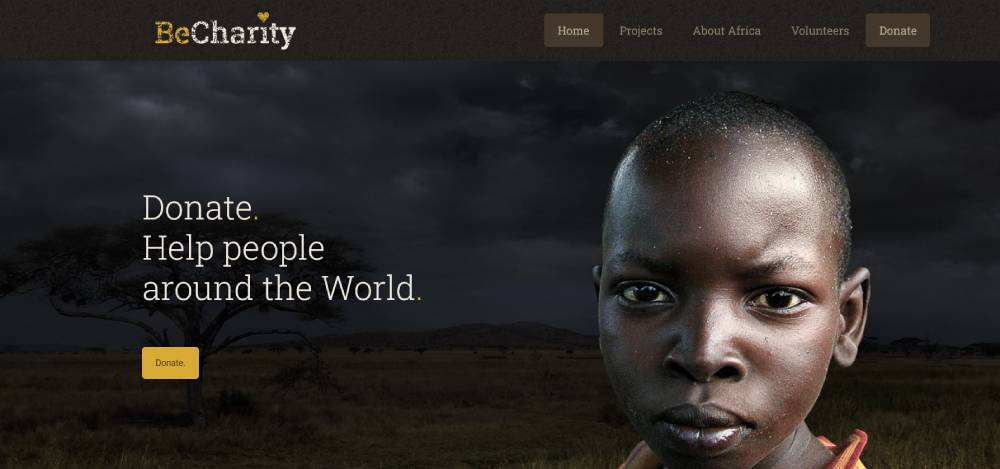
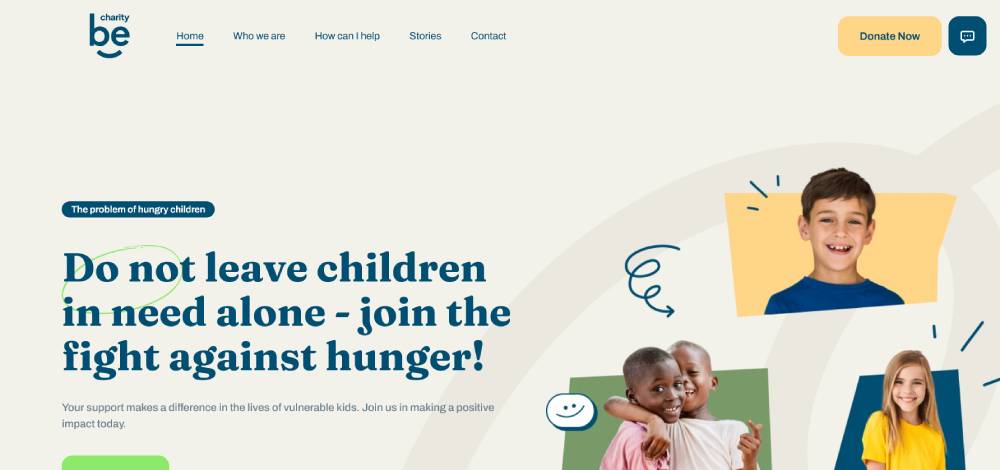
Be Charity
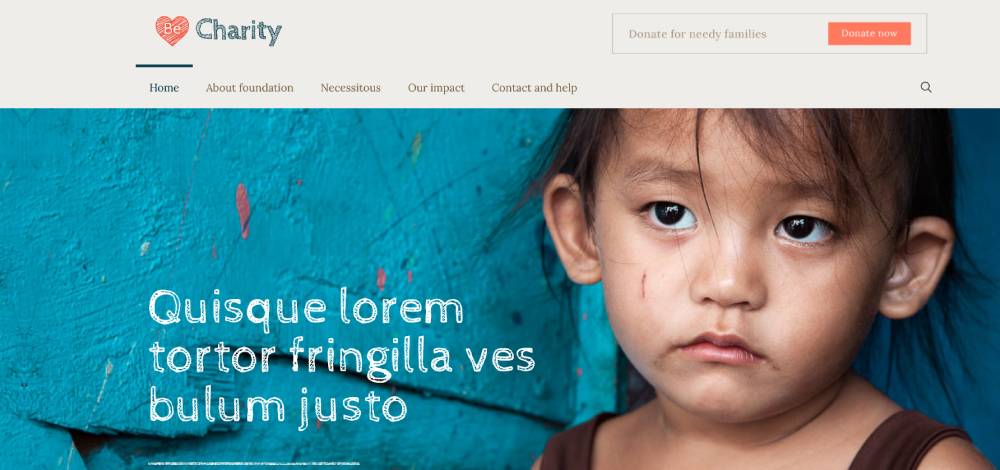
Be Charity 2
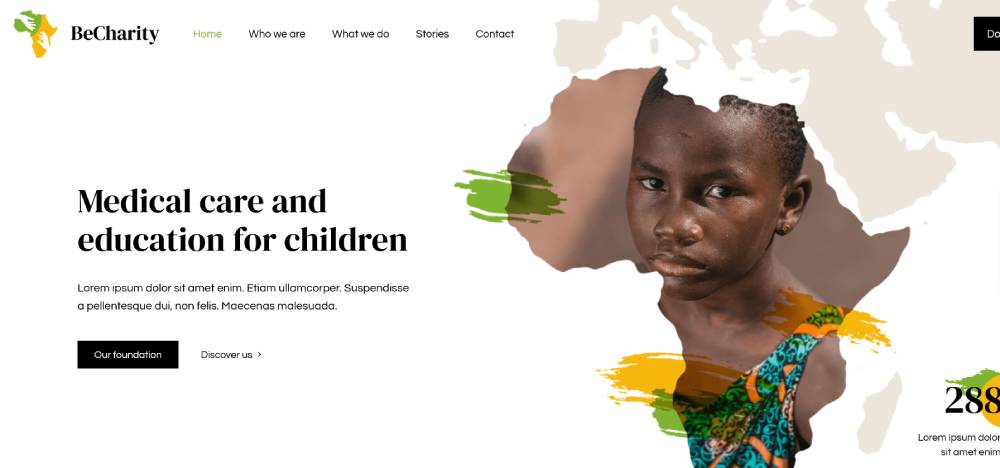
Be Charity 3
Be Charity 4
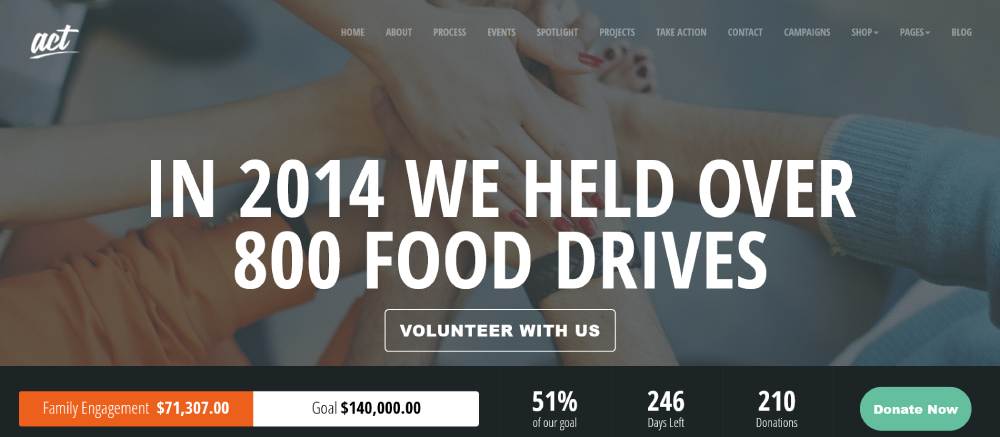
Act
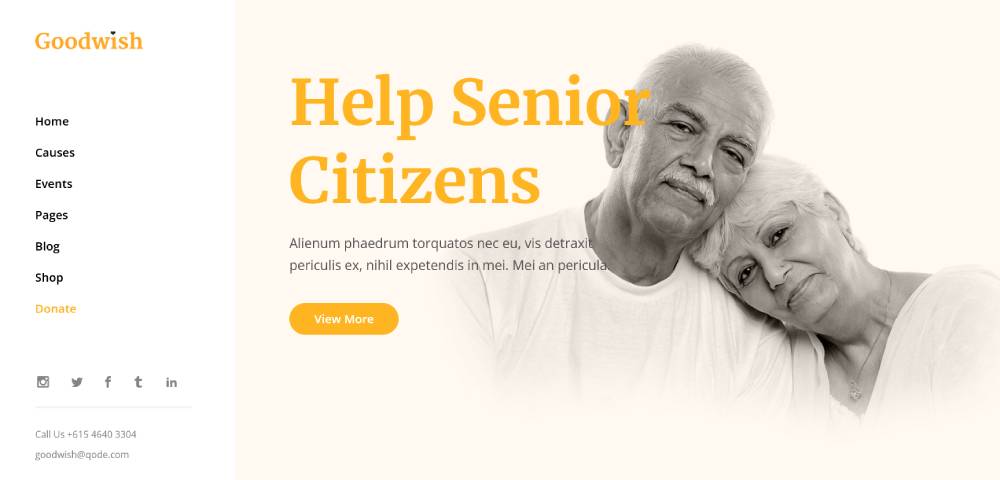
Goodwish
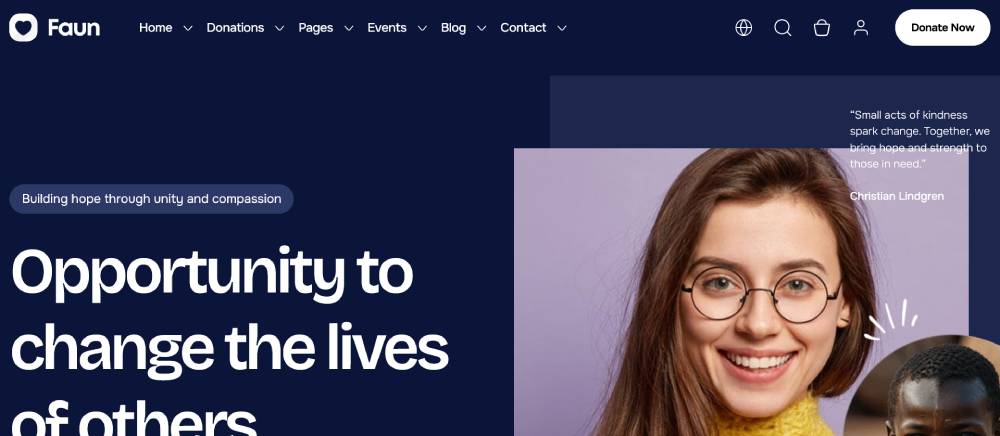
Faun
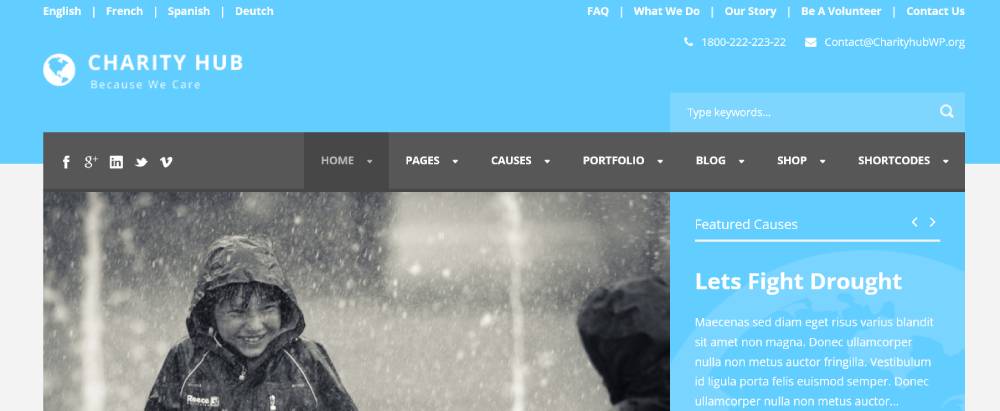
Charity Hub
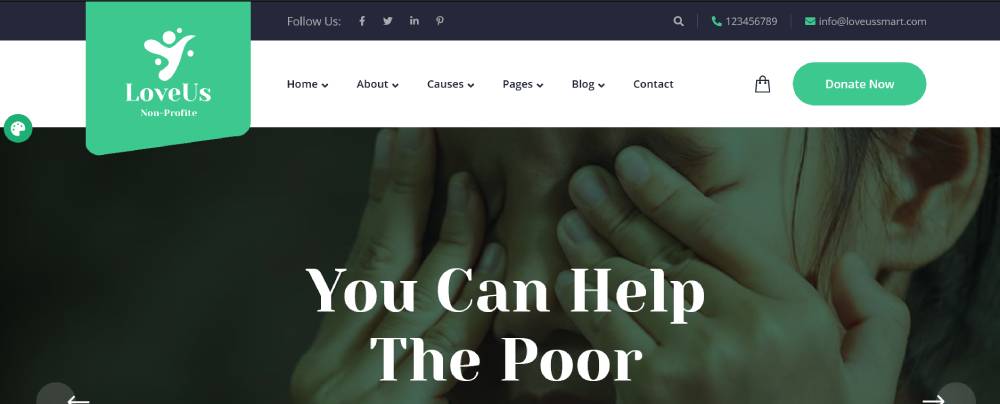
Loveus
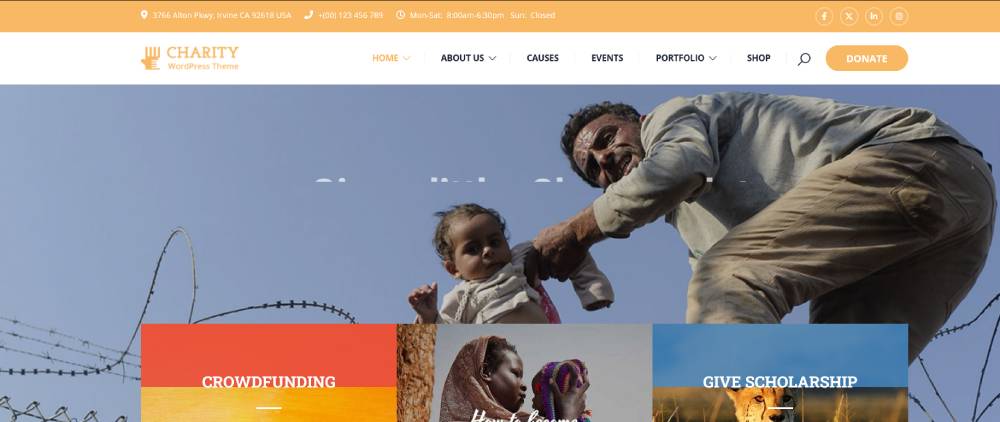
Charitix
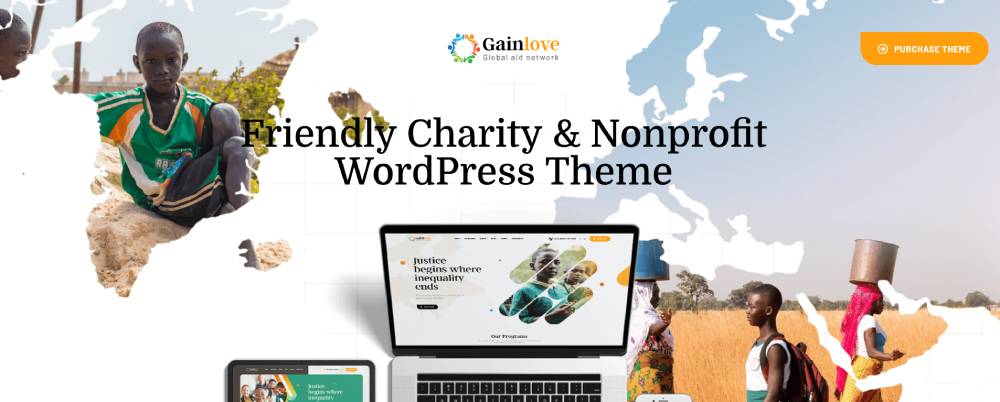
Gainlove
Candidate
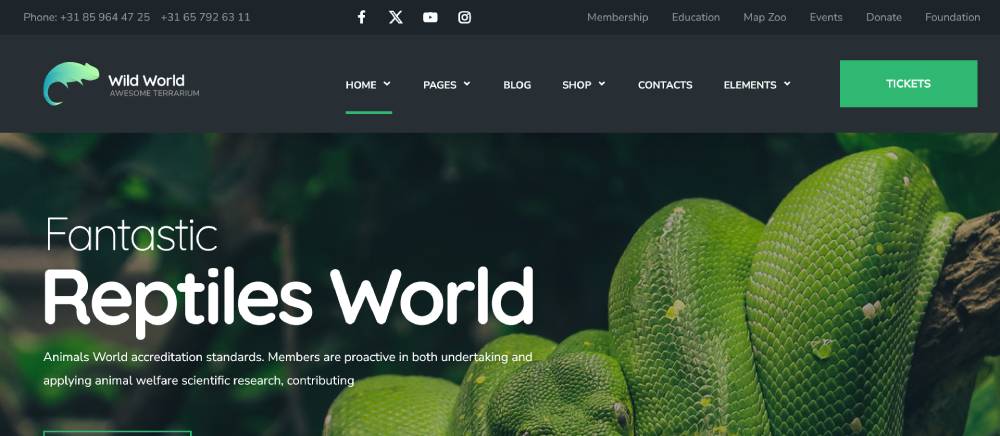
WildWorld
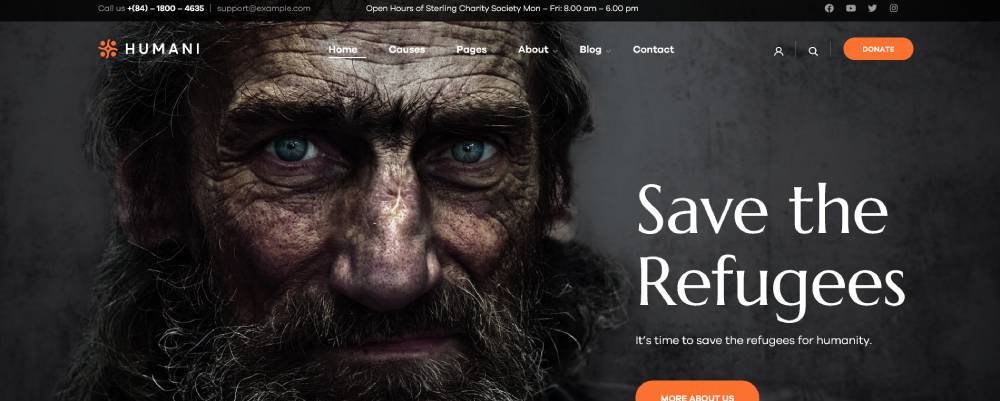
Humani
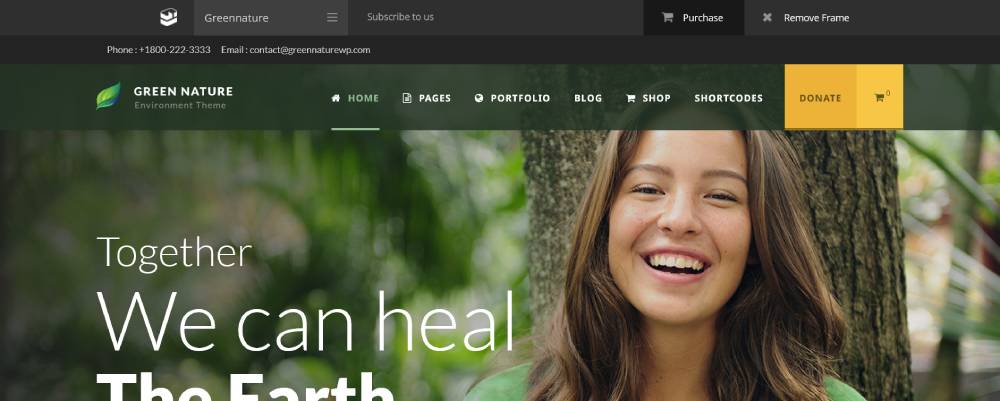
Green Nature
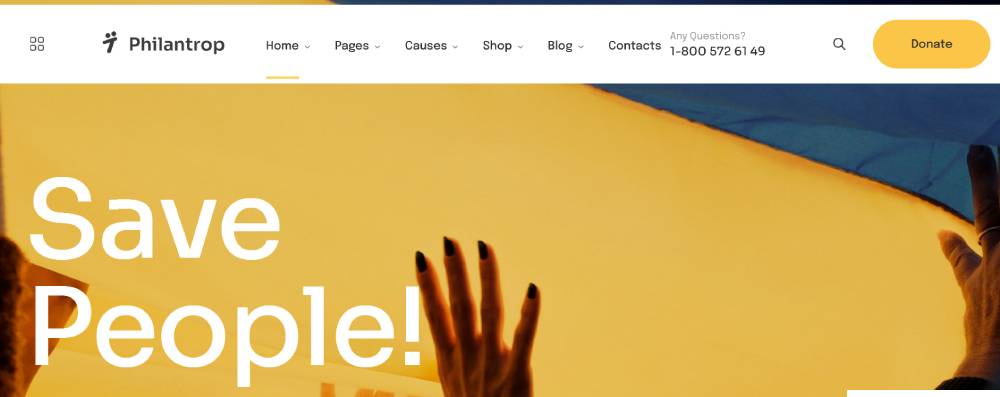
Philantrop
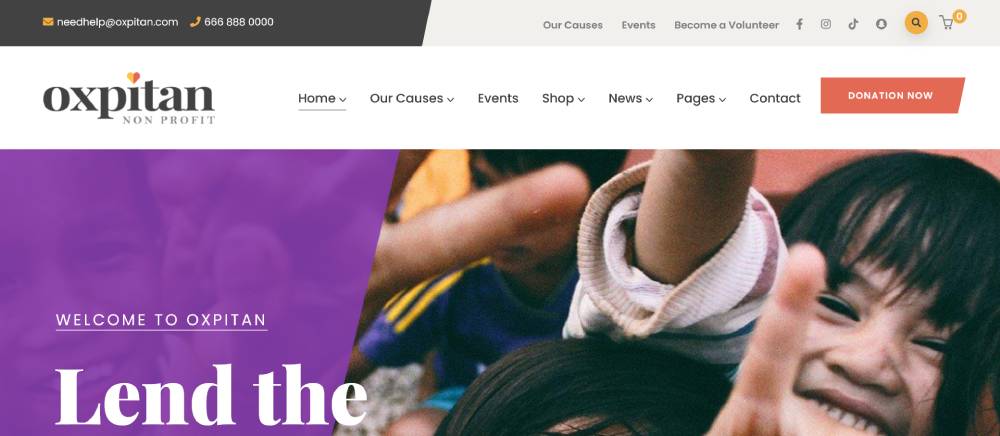
Oxpitan
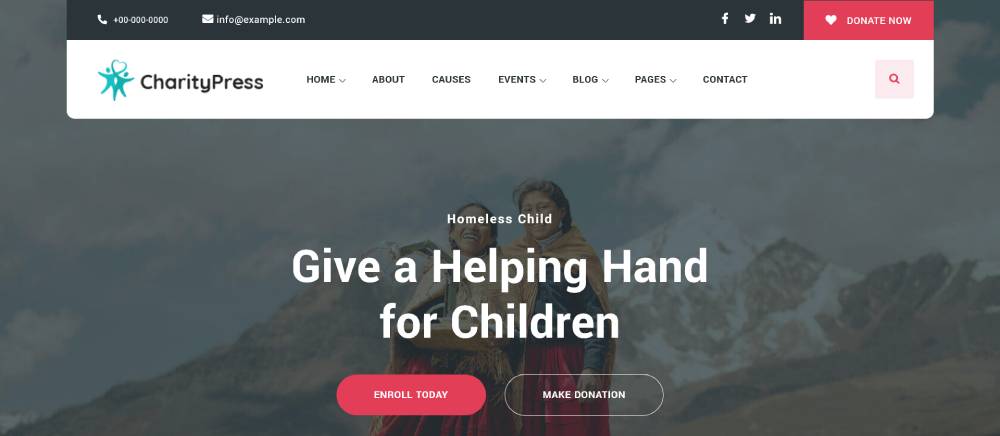
Charitious
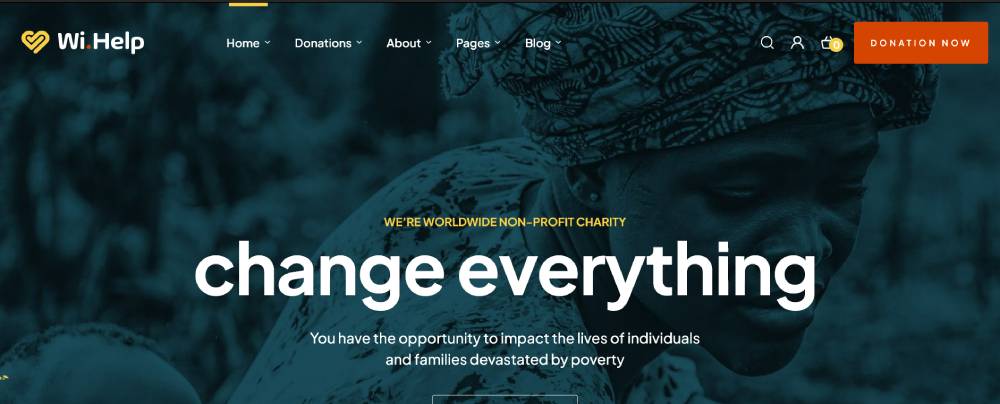
WiHelp
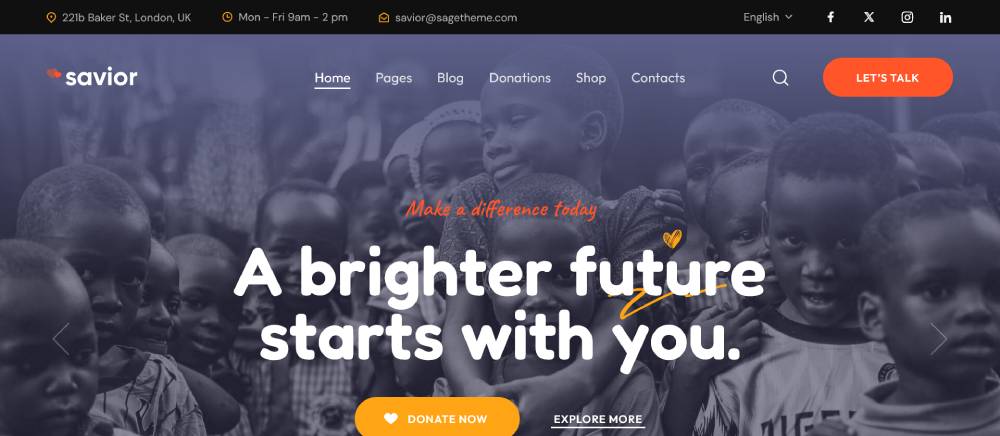
Savior
Which Website Builders Offer Nonprofit-Specific Templates?
Not every website builder treats nonprofit as a distinct category. Some offer it as a genuine vertical with dedicated features. Others use the word "nonprofit" as a label on templates that are just generic charity-adjacent designs.
|
Builder |
Nonprofit Templates |
Nonprofit Program |
Donation Tool |
|
Wix |
12+ dedicated |
Wix for Nonprofits (free plan) |
PayPal app (third-party) |
|
Squarespace |
No dedicated category |
25% off via TechSoup |
Native (Stripe only) |
|
WordPress.org |
Hundreds via themes |
None (self-hosted) |
GiveWP, DonorBox, Charitable |
|
Webflow |
Community templates |
None |
Third-party embeds |
|
Weebly |
Very limited |
None |
Square integration |
WordPress.com vs WordPress.org for nonprofits
This distinction matters more for nonprofits than almost any other type of organization. WordPress.com is a hosted platform with plan restrictions. WordPress.org is self-hosted, open-source software with full plugin access.
WordPress.com limitation: The free and personal plans do not allow third-party plugins. GiveWP and DonorBox, the two most popular nonprofit donation tools, require plugin access. This locks nonprofits out of the most capable donation infrastructure unless they upgrade to a Business plan ($25/month or higher).
WordPress.org with a hosting provider like SiteGround or Kinsta runs $5 to $30 per month and gives full access to the entire plugin ecosystem. For any nonprofit that relies on online giving, this is the more practical path.
How Does Template Choice Affect Nonprofit Donations?
Template design directly affects fundraising outcomes. This is not a design preference question. It is a revenue question.
53% of users abandon a nonprofit website if it takes more than 3 seconds to load (Square Genius, 2024). The average donation page conversion rate sits at 12% overall, with desktop converting at 16% and mobile at 10% (M+R Benchmarks, 2024). Template decisions affect both of those numbers.
CTA placement and donation conversion
The donate button placement is the single highest-impact template design decision. Placing the primary donation CTA above the fold, visible without scrolling on both desktop and mobile, directly increases conversions.
Templates that bury the donate button in the navigation menu or push it below a long hero section lose donors who arrive ready to give. The best nonprofit templates treat the donation CTA as a layout anchor, not an afterthought.
What high-converting nonprofit templates do differently:
- Donate button visible in the header on every page, not just the homepage
- Fundraising progress bars showing real-time campaign totals
- Impact stats (donors helped, funds raised, volunteer hours) placed near donation CTAs
- Recurring giving option presented before the one-time option on donation forms
Monthly giving accounted for 27% of all online nonprofit revenue in 2024 (Nonprofit Tech for Good). Templates that surface the recurring giving option prominently, rather than hiding it as a secondary checkbox, capture more of that revenue.
Page speed and template performance
A bloated template kills donations. This is especially true during high-traffic events like Giving Tuesday, which raised $3.6 billion in 2024 (GivingTuesday organization). Traffic spikes on slow templates cause load failures at exactly the wrong moment.
Page speed benchmarks by template type:
- Astra (WordPress): ships under 50KB, Google Lighthouse scores typically above 90
- GeneratePress: similar weight, strong Core Web Vitals out of the box
- Heavy ThemeForest themes with built-in sliders and animations: often score below 60 on Lighthouse without optimization
- Squarespace templates: mid-range performance, less control over optimization
Mobile users generated 52% of all nonprofit website traffic in 2024, but only 28% of online revenue (M+R Benchmarks, 2024). The average mobile gift was $88 versus $168 on desktop. A faster, better-designed mobile template narrows that gap. It does not eliminate it, but it helps.
What Is the Difference Between a Nonprofit Template and a Nonprofit Theme?
These two terms get used interchangeably. They mean different things, and the difference affects what you actually buy and how you use it.
Defining template vs theme
Template: a single design file or set of design files. It defines what pages look like. It can be an HTML/CSS file, a Figma document, a Squarespace layout, or demo content imported into a WordPress site. A template shows you what the site will look like and gives you a starting structure.
Theme: a full CMS framework. In WordPress specifically, a theme includes template files, a functions.php file, style rules, and sometimes a child theme structure. It controls how the CMS renders every page type. A theme can contain multiple templates within it.
In practice: when someone buys "Chariti" on ThemeForest, they are buying a WordPress theme. When Squarespace shows you 12 layout options for a nonprofit site, those are templates within the Squarespace system. When a designer sends you a Figma file for your new site, that is a template.
When page builders blur the line
Elementor, Divi, and Beaver Builder all sit between a theme and a template. They install inside a theme (often a lightweight base theme like Hello Elementor or GeneratePress) and let you build page layouts visually.
The practical result: you can buy an Elementor nonprofit template kit and import it into any Elementor-compatible theme. The template kit handles the page designs. The theme handles the CMS framework. This is different from buying a standalone WordPress nonprofit theme, where the design and the framework are packaged together.
For nonprofits without a developer, a standalone theme is easier to manage. For organizations working with a designer, the Elementor or Divi approach gives more flexibility. Well, honestly, it depends on your team's technical comfort level more than anything else.
If you are exploring how other industries handle similar decisions, looking at examples like church website templates or educational website templates gives useful context. Both share the same tension between template simplicity and theme flexibility, and both deal with similar trust-signal and conversion requirements.
How Do Nonprofit Website Templates Handle Donation Integration?
Donation integration is where most nonprofit templates either earn their price tag or expose their limitations. The layout matters less than whether the donation form loads correctly, processes payments reliably, and matches the visual design of the surrounding page.
PayPal was available on 79% of nonprofit donation pages in 2024, followed by Google Pay at 58% and Apple Pay at 57% (M+R Benchmarks, 2024). A template that only supports one payment method leaves money behind.
WordPress donation plugin compatibility
GiveWP is the most installed WordPress donation plugin with over 100,000 active sites. It runs entirely inside WordPress with zero platform fees on the free tier. Recurring donations, fee recovery, and peer-to-peer fundraising unlock on paid plans starting at $149/year.
Charitable charges no transaction fees on any plan tier. It uses a block-based visual form builder and is GDPR-ready. Better fit for EU-based organizations or any nonprofit that cannot accept a platform percentage cut on every gift.
DonorBox is platform-agnostic. You build the form on the DonorBox platform and embed it on the WordPress site. Setup takes under an hour. The tradeoff is a 2.95% platform fee and iframe embedding, which can create visual inconsistencies depending on the template's form styling.
One real risk worth knowing: in 2024, a critical GiveWP plugin vulnerability exposed over 100,000 WordPress sites to potential unauthorized access. The Red Barn organization had to fully rebuild their site after an attack during a live fundraising event (Trajectory Web Design, 2024). Plugin security is a maintenance decision, not a one-time setup.
Squarespace and Wix native donation tools
Squarespace added a native Donations block in 2021. It supports Stripe only. No PayPal, no Apple Pay.
Wix uses a third-party Donations app through PayPal. The integration works, but it does not match the design quality of Wix's other built-in blocks. Forms styled by the app look noticeably different from the surrounding template.
Key limitation for both platforms: neither supports native recurring giving at the same capability level as GiveWP or Charitable. Monthly giving accounted for 27% of all online nonprofit revenue in 2024 (Nonprofit Tech for Good). Organizations that rely on recurring donors need a platform that handles that workflow cleanly.
What Are Nonprofit Website Template Costs?
Template costs are the visible part of the budget. The less visible part is everything else: hosting, plugins, customization, domain, and ongoing maintenance. Most nonprofits underestimate the total.
|
Approach |
Template Cost |
Total First-Year Estimate |
|
Free DIY (Wix/Squarespace) |
$0 |
$192 - $588/year (platform subscription) |
|
Premium template (ThemeForest) |
$49 - $79 one-time |
$300 - $1,500 (template + hosting + plugins) |
|
Template with customization |
$49 - $300 |
$1,000 - $5,000 (includes developer time) |
|
Fully custom build |
N/A |
$5,000 - $25,000+ (Studio Mesa, 2024) |
Hidden costs nonprofits miss
TechSoup serves over 1.4 million nonprofits across 234 countries and offers an average of $17,000 in savings over the course of a membership (One Hundred Nights, 2024). Verified 501(c)(3) organizations get up to 25% off Squarespace and access to discounted hosting, software, and plugins.
What the TechSoup discount does not cover:
- Developer time for customizing a premium template ($50-$150/hour)
- Annual domain registration ($10-$15/year)
- Premium plugin licenses (GiveWP Plus starts at $349/year)
- SSL certificate if not bundled with hosting
A practical budget for a nonprofit launching on a premium WordPress template, with GiveWP free, shared hosting, and a domain: roughly $200-$400 in the first year. Add a developer for 5-10 hours of customization and that becomes $700-$1,900. Still well below the $5,000-$25,000 range for a custom build.
Platform subscription costs compared
Squarespace plans start at $16/month (annual billing) and go up to $99/month. The $23/month Core plan is the lowest tier with 0% transaction fees, which matters for any nonprofit processing online donations.
Wix paid plans start at $17/month. The free Wix plan displays ads on the site, which hurts donor trust. No serious nonprofit fundraising site should run on the Wix free plan.
Self-hosted WordPress with a provider like SiteGround runs $5-$30/month depending on traffic needs. Full plugin access included. This is the lowest-cost path to a complete nonprofit web presence with professional donation integration.
How Do You Customize a Nonprofit Website Template Without a Developer?
Most nonprofit staff are not developers. The good news is that the three most-used platforms for nonprofit web design, Wix, Squarespace, and WordPress with Elementor, all support meaningful customization without writing code.
Wix and Squarespace for non-technical teams
Wix drag-and-drop editor: complete freedom to place any element anywhere on the page. Brand color and font changes take under an hour. The flexibility is real, but it can also produce inconsistent layouts if a non-designer moves things without a grid system in mind.
Squarespace style editor: global font and color controls apply changes site-wide in one step. Section reordering uses drag-and-drop. It is more constrained than Wix, which actually helps non-designers produce cleaner results. Squarespace hits a sweet spot between design control and simplicity (Rooted Impact, 2024).
7% of nonprofit websites used Wix in 2023 and 6% used Squarespace (Trajectory Web Design, 2024). Both are established enough that nonprofit-specific tutorials, YouTube walkthroughs, and community forums exist for nearly every customization task.
WordPress with Elementor for more control
Elementor is a visual page builder that runs inside WordPress. It does not require PHP or CSS knowledge for basic customization. Learning curve is roughly 3-5 hours to get comfortable with layouts, widget placement, and global styling.
What you can do without a developer:
- Change fonts, colors, and spacing globally in the Theme Builder
- Rebuild page layouts by dragging sections and columns
- Add donation form widgets from GiveWP or DonorBox directly to any page
- Create popup CTAs tied to scroll depth or time on page
What needs a developer: payment gateway configuration, plugin conflicts, custom code blocks, and any integration between the donation plugin and a CRM like Salesforce or Blackbaud.
For organizations working with a designer rather than building in-house, Figma community nonprofit templates provide a design starting point. A nonprofit designer can customize the Figma template, hand off specifications, and a developer builds from that. This approach separates design decisions from development work, which reduces revision cycles.
What Makes a Nonprofit Website Template Accessible?
Accessibility in a nonprofit template is not a bonus feature. It is a baseline requirement, especially for organizations receiving government grants, partnering with public agencies, or serving communities that include people with disabilities.
94.8% of homepages still failed WCAG standards in 2025, down only slightly from 95.9% in 2024 (WebAIM Million, 2025). The problem is not awareness. It is that most templates are built without accessibility as a design requirement.
What WCAG 2.1 Level AA requires
The April 2024 DOJ rule under ADA Title II formalized WCAG 2.1 AA as the federal standard for any organization receiving federal funding (FatLab Web Support, 2024). Private nonprofits with no federal funding face no direct federal mandate, but courts are increasingly treating websites as public accommodations under ADA Title III.
Most common failures in nonprofit templates (WebAIM Million, 2025):
- Low-contrast text: affects 79.1% of homepages, averaging 29.6 instances per page
- Missing alt text on images used in mission and impact sections
- Keyboard navigation gaps, especially in donation form multi-step flows
- Form fields without visible labels (donation amount fields, volunteer sign-up forms)
Which templates score best on accessibility
GeneratePress improved its accessibility compliance score from 67.8% to 81.66% between 2024 and 2025 (Equalize Digital, 2025). That kind of improvement reflects active development work in response to audit feedback. Templates that show a history of accessibility updates are safer long-term bets than those with no recent changelog entries.
3 free tools to test a template before committing:
- WAVE (WebAIM): flags contrast errors, missing alt text, and structural issues
- axe DevTools: Chrome extension, catches 57% of WCAG issues automatically
- Google Lighthouse: accessibility score built into Chrome DevTools, no install needed
Run any template demo through these tools before purchase. A score below 80 on Lighthouse accessibility means visible, fixable problems. A score below 60 means the template needs significant remediation work before it is usable by the 84 million disabled internet users in the US (Pew Research Center).
Looking at how other mission-driven sectors approach this problem is useful. Charity website design shares many of the same accessibility requirements, and examples from healthcare or public-service sectors illustrate how accessible design and trust-building layout work together. Organizations building pages for specific campaigns can also draw from non-profit website design examples that prioritize WCAG compliance alongside donation conversion.
How Do You Choose the Right Nonprofit Website Template?
Template selection is a decision about more than design. It is a decision about which platform your team can actually maintain, which donation tools you need to support, and what your budget looks like over 3-5 years, not just at launch.
Decision framework by org size
|
Org Size |
Recommended Path |
Why |
|
Small (under 10 staff, under $500K budget) |
Wix or Squarespace template |
Low maintenance, no developer needed |
|
Mid-size (10-50 staff, active fundraising) |
WordPress + Astra + GiveWP |
Scalable, full donation plugin access |
|
Large (50+ staff, multiple programs) |
Webflow or custom WordPress |
Full design control, CRM integration |
The World Wildlife Fund (WWF) runs a large-scale WordPress site with custom campaign landing pages and integrated donation flows. That is a useful benchmark for larger nonprofits evaluating what a fully built-out WordPress nonprofit web presence looks like at scale.
Three questions to ask before choosing
Well, honestly, most nonprofits skip these and regret it later.
Does the template support your donation tool? If you plan to use GiveWP, confirm the template has been tested with GiveWP. Not all ThemeForest themes have explicit compatibility documentation. Check the theme changelog and support forum for GiveWP-related issues.
Is it WCAG 2.1 compliant? Run the demo URL through WAVE or Lighthouse before buying. A theme that scores below 70 on Lighthouse accessibility starts you in a deficit that takes developer time to fix.
Can your team maintain it without help? A template that requires a developer for every content update is not sustainable for most nonprofits. Test the admin experience before committing. Squarespace and Wix are self-evident. WordPress with Elementor has a learning curve but manageable with training.
Red flags in template selection
Last updated more than 18 months ago. This signals potential PHP compatibility issues and unpatched security vulnerabilities, both real problems on WordPress.
No active support forum or documentation. When something breaks during a high-traffic fundraising event, you need answers fast. A template with no community and no developer support is a liability.
No explicit plugin compatibility list. Premium templates should document which donation plugins, page builders, and CRM integrations they support. If that list does not exist, assume compatibility is untested.
Templates designed for nonprofit web design often share structural patterns with other trust-dependent sectors. Looking at responsive website templates across industries shows how mobile-first structure and accessibility-ready layouts translate across use cases. The same principles that make a professional website template trustworthy for a service business apply directly to a nonprofit homepage trying to convert first-time visitors into donors.
FAQ on Nonprofit Website Templates
What is a nonprofit website template?
A nonprofit website template is a pre-built layout designed for cause-based organizations. It includes sections for donation forms, volunteer sign-ups, mission statements, and impact stats. Unlike generic templates, nonprofit-ready designs prioritize donor trust signals and payment gateway compatibility from the start.
Are free nonprofit website templates good enough?
Free templates from Wix, WordPress, or Squarespace work for small organizations with basic needs. The main gaps are donation integration and customization depth. Most serious fundraising sites eventually need a premium theme or paid plugins like GiveWP to handle recurring giving properly.
Which platform is best for a nonprofit website?
WordPress with a nonprofit theme gives the most flexibility and the strongest donation plugin ecosystem. Squarespace suits smaller orgs that need a polished site fast. Wix works for community outreach websites with minimal fundraising requirements. Platform choice depends on budget, technical capacity, and online giving goals.
How much does a nonprofit website template cost?
Free templates cost nothing upfront but require paid hosting and plugins. Premium WordPress themes on ThemeForest range from $49 to $79. Total first-year costs for a template-based nonprofit site typically fall between $200 and $1,500, depending on hosting, plugins, and customization work.
Do nonprofit website templates include donation forms?
Some do, most do not. Premium WordPress nonprofit themes often include GiveWP or DonorBox compatibility, but the donation form itself requires a separate plugin. Squarespace has a native Donations block that supports Stripe only. Wix uses a third-party PayPal app for donation processing.
What is the difference between a nonprofit template and a nonprofit theme?
A template is a design file or page layout. A nonprofit theme is a full CMS framework that includes template files, style rules, and functions. In WordPress, themes contain templates. On Squarespace and Wix, all layouts are templates within the platform's own system.
Can I customize a nonprofit website template without coding?
Yes, on most platforms. Wix and Squarespace support full visual editing with no code required. WordPress with Elementor allows drag-and-drop customization with a learning curve of roughly 3 to 5 hours. Payment gateway configuration and plugin conflict fixes typically require developer involvement.
Do nonprofit website templates meet WCAG accessibility standards?
Most do not out of the box. The WebAIM Million 2025 report found 94.8% of homepages still fail WCAG standards. GeneratePress and Astra score highest among free WordPress themes. Always test a template demo with WAVE or Google Lighthouse before committing to a purchase.
Can nonprofits get discounts on website templates or platforms?
Yes. Verified 501(c)(3) organizations get 25% off Squarespace through TechSoup. TechSoup serves over 1.4 million nonprofits globally and offers average savings of $17,000 per membership. Some hosting providers and premium plugin developers also offer nonprofit pricing for registered charitable organizations.
What should I look for when choosing a nonprofit website template?
Check for donation plugin compatibility, WCAG accessibility scores, mobile responsiveness, and recent update history. Templates last updated over 18 months ago carry PHP compatibility risks. Confirm your team can manage content updates without a developer before committing to any platform or theme.
Conclusion
This conclusion is for an article presenting nonprofit website templates as a practical starting point, not a shortcut.
The right template reduces your launch cost, speeds up setup, and gives your fundraising website a structure built around donor trust and online giving from day one.
Platform choice matters. WordPress with GiveWP suits mid-size organizations that need full donation plugin control. Squarespace and Wix work for smaller teams prioritizing ease of management over flexibility.
Check WCAG compliance, verify payment gateway compatibility, and confirm your team can handle content updates independently.
Whether you run a humanitarian organization, a faith-based group, or a community outreach program, a well-chosen charity website template does more than look professional. It converts visitors into donors.
























