

How to fix the “WordPress publishing failed” error
May 5, 2026
WordPress missing a temporary folder: Easy fixing guide
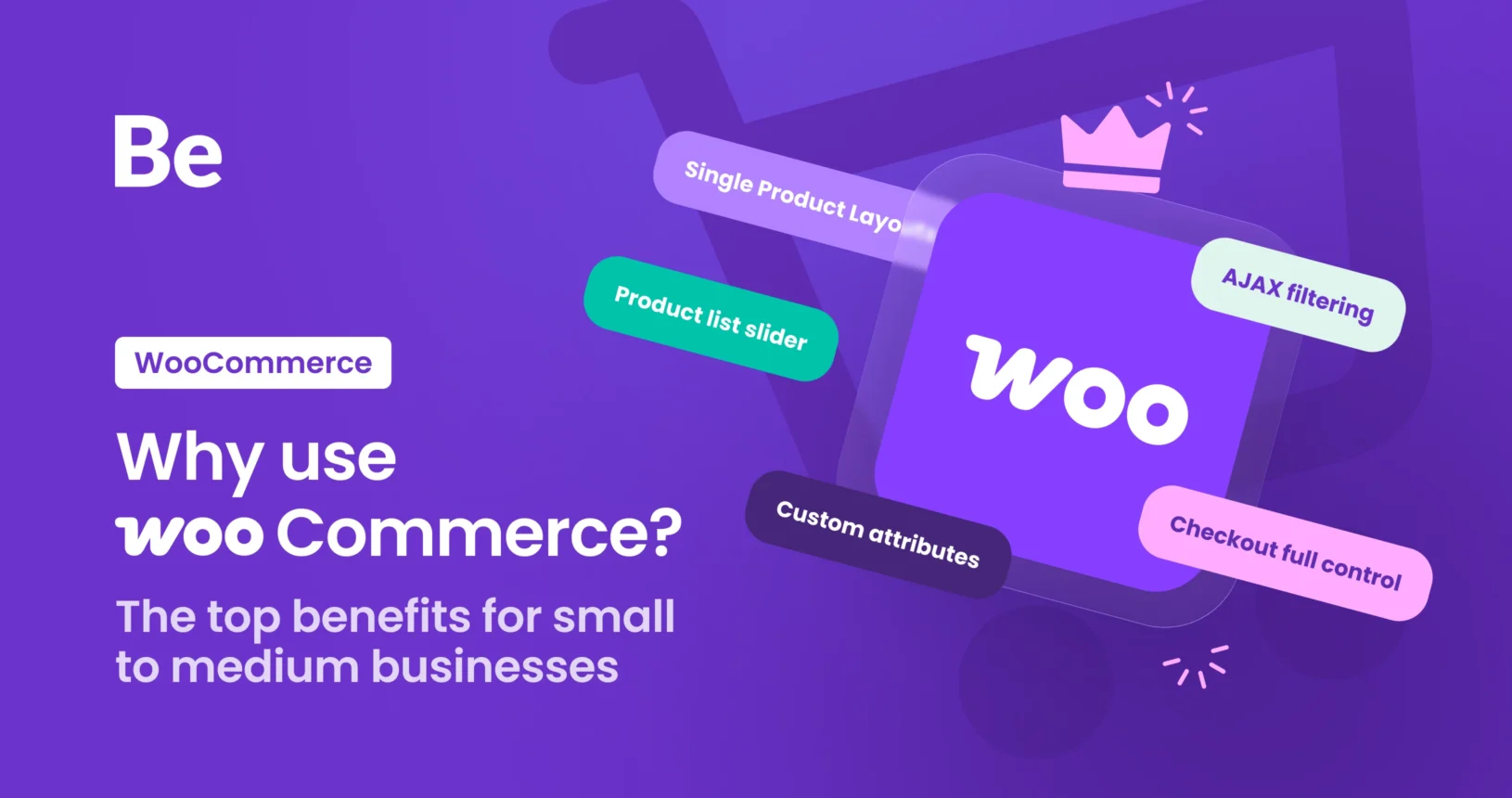
May 7, 2026If you’ve been looking into building an online store, you’ve probably heard the name WooCommerce come up more than once. And for good reason — it’s the most widely used eCommerce platform in the world. In this guide, we’ll walk through what WooCommerce is, what it’s used for, how it compares to other options, and why it’s one of the smartest choices a small or medium business can make.
What is WooCommerce?

WooCommerce is a free, open-source eCommerce plugin built specifically for WordPress. It turns any WordPress website into a fully functional online store — with product listings, a shopping cart, checkout, payment processing, and order management.
Launched in 2011 and acquired by Automattic (the company behind WordPress.com) in 2015, WooCommerce now powers around 30% of all online stores globally — from one-person shops to large-scale retailers.
If you’re building your first website, you might want to start by reading How to build a WordPress website from zero to live to get your foundation in place before layering WooCommerce on top.
What is WooCommerce used for?
WooCommerce is used to sell things online. But “things” can mean a lot of different stuff:
- Physical products — clothing, food, electronics, handmade goods, anything with shipping
- Digital products — ebooks, music files, software, templates, stock photos
- Subscriptions — monthly boxes, membership plans, SaaS billing
- Bookings and appointments — services like coaching, photography, consulting
- Variable products — items with multiple sizes, colors, or configurations
- Wholesale stores — B2B pricing, bulk orders, restricted access
Woo is also widely used for dropshipping, print-on-demand, and affiliate-driven sites. Because it’s open source, developers can extend it to do almost anything. Whether you’re selling five handmade candles or five thousand SKUs, WooCommerce can handle it.
Key benefits:
Here’s why businesses choose WooCommerce — especially when starting out or scaling without blowing the budget:
- It’s free to start — the core plugin costs nothing to download or use
- No percentage-based transaction fees — unlike some platforms that take a cut of every sale, WooCommerce doesn’t (though your payment processor still does)
- Full ownership of your data — your store lives on your hosting, not someone else’s server
- Massive customization potential — thousands of themes, plugins, and extensions available
- Scales with your growth — works just as well for 10 products as it does for 10,000
- SEO-friendly architecture — built on WordPress, one of the best platforms for search visibility
- Large support community — millions of users, thousands of tutorials, developers worldwide
These benefits make this plugin especially attractive to small and medium businesses that want professional-level eCommerce without the price tag of enterprise solutions.
What is the difference between WordPress and WooCommerce?
WordPress is a content management system (CMS) that lets you build websites — blogs, business sites, portfolios, landing pages. On its own, it has no eCommerce features at all.
WooCommerce is a plugin that runs on top of WordPress. You can’t install this without WordPress first. Think of WordPress as the foundation of a house, and WooCommerce as the store you build inside it. WordPress handles your pages, menus, and site structure. WooCommerce adds the product catalog, cart, checkout, payment gateways, shipping, and order management.
Together, they form one of the most powerful website-plus-store combinations available. This is also why people choose WooCommerce over something like Wix. Wix is a closed platform — you’re on their infrastructure, following their rules, and moving away is painful. WooCommerce gives you complete ownership and portability. Your store, your data, your rules.
What is the best hosting for WooCommerce?
The hosting market is huge — there are plenty of solid providers with plans built for WordPress and WooCommerce. When comparing them, focus on a few key things: server speed and SSD storage (it directly affects your conversion rate and Google rankings), scalability for traffic spikes during sales, one-click WordPress installs, daily backups, and reliable support. Most reputable providers today explicitly support WooCommerce, so read recent reviews, compare plans, and pick one that fits your budget and expected traffic.
Is WooCommerce free?
Yes — the core WooCommerce plugin is completely free to download and use. But while the plugin itself is free, running a store does come with costs:
- Hosting: $5–$50/month depending on your plan
- Domain name: around $10–$15/year
- SSL certificate: often free with your host
- Theme: free options available, or premium themes $30–$100 (one-time)
- Extensions/plugins: $0–$200/year depending on features needed
A simple store can run for as little as $10–$20/month total. Compared to Shopify (starting at $39/month plus transaction fees), WooCommerce is significantly more cost-effective — especially as your sales volume grows.
Elementor WooCommerce
If you want to design a beautiful store without touching code, Elementor is one of the best tools for WooCommerce. It’s a visual drag-and-drop page builder that lets you customize every part of your store — product pages, shop archives, cart and checkout — all visually.
Elementor has a WooCommerce Builder built right in, which gives you full control over how your store looks. You can customize product grids, add custom upsells, and build high-converting product pages without needing a developer.

One theme that works exceptionally well for Elementor WooCommerce stores is Betheme. Betheme comes with one of the largest collections of WooCommerce-ready demo templates built specifically for Elementor — covering dozens of industries and store types. Whether you’re selling fashion, electronics, organic food, or digital downloads, there’s almost certainly a Betheme demo that fits your niche. You can browse their WooCommerce Elementor demos at WooCommerce Website Templates.
Instead of building from a blank canvas, you import a fully designed store template, replace the content with your own, and you’re live — often in a single day.

WooCommerce product configuration
Out of the box, Woo supports several product types that cover most common use cases:
- Simple products — a single item with one price. Great for books or anything with no variants.
- Variable products — items in different sizes, colors, or materials, each with its own price, SKU, and stock level.
- Grouped products — a collection of related products shown together. Useful for bundles.
- Virtual and downloadable products — for digital goods like courses, music, ebooks, or software.
A WooCommerce product configurator plugin can add more advanced options — like file uploads, custom text fields, or product builders. Especially useful for print-on-demand, custom apparel, or made-to-order products. And if you’re migrating from another platform, it’s worth learning how to import products into WooCommerce via CSV to save a lot of manual work.
WooCommerce integration
One of the strongest arguments for Woo is how well it plays with other tools. WooCommerce integrations cover accounting, email marketing, shipping, CRM, inventory, social media, and more.
- Accounting & Bookkeeping — A huge plus for Woo is how easily it syncs with professional accounting tools. Instead of manually exporting spreadsheets, you can connect your store to your financial platform to automatically track orders, customers, and inventory. It cuts out the grunt work and saves you hours of manual data entry every month.
- Email marketing — Woo plays nicely with all the major email marketing platforms. You can set up automated flows, cart abandonment sequences, and post-purchase campaigns without exporting data manually.
- Shipping and fulfillment — real-time rate calculations and label printing straight from your dashboard.
- Social commerce — sync your catalog with Facebook, Instagram, Pinterest, and TikTok Shop.
- CRM and customer service — connect to CRM tools to manage customer relationships beyond the transaction.
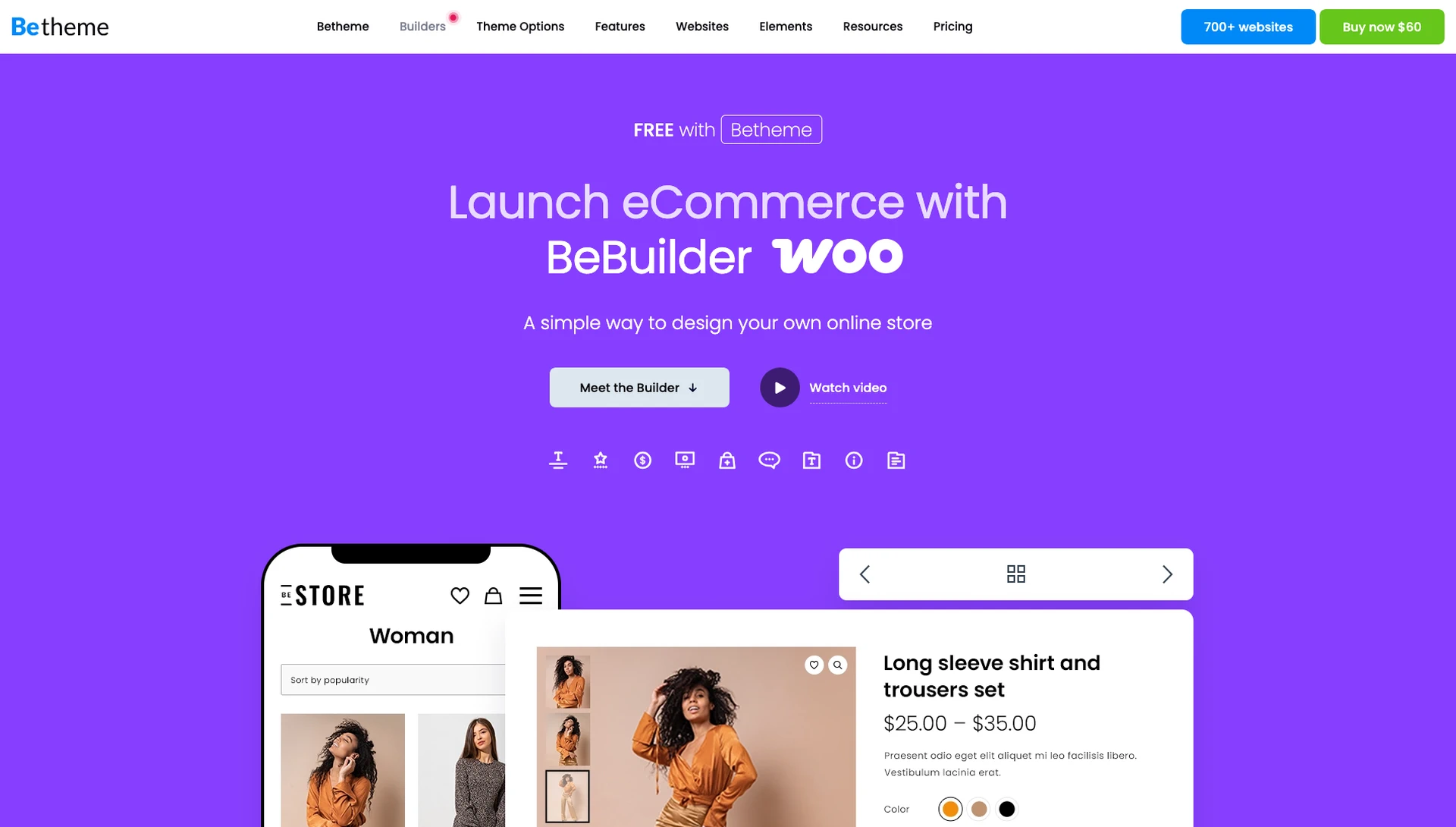
Betheme stands out here with deep, built-in WooCommerce integration — engineered from the ground up to work seamlessly with WooCommerce, not just bolted on. The Betheme WooCommerce builder includes dedicated builders for shop pages, product pages, cart, checkout, and account pages — giving you full design control over every step of the purchase experience. Explore all the options at BeBuilder Woo.
Final thoughts: Why WooCommerce?
For small and medium businesses, WooCommerce hits a rare sweet spot—it’s free to start, it doesn’t take a cut of your sales, and it gives you complete control over your store and data. While building a custom store used to feel like a massive technical undertaking, tools like Betheme have completely changed the game. With its massive library of ready-made WooCommerce demos and intuitive Elementor integration, you can skip the complex setup and launch a professional, high-converting shop in a fraction of the time. If you want a store that scales and stays 100% yours, WooCommerce—paired with a powerhouse like Betheme—is hard to beat.
Ready to get started? Check out our guide on How to choose the best affordable website template for small business to find the right look for your store from day one.