


The Best Lead Generation WordPress Themes
May 11, 2026
Event Website Templates for Unforgettable Experiences
May 14, 2026Your art deserves more than an Instagram grid.
Choosing the right artist website template determines how collectors, galleries, and clients experience your work before they ever contact you.
Online art sales exceeded $8.9 billion in 2025. Artists selling directly through their own sites keep the full revenue. Those relying on marketplaces don't.
This guide covers everything from platform comparisons and portfolio grid behavior to e-commerce setup, mobile performance, and the customization decisions that actually matter. Whether you paint, illustrate, photograph, or create digital art, you'll find a clear path to a professional online portfolio that works.
What Is an Artist Website Template?
An artist website template is a pre-built page layout designed to display creative work. It includes structured sections for a portfolio grid, artist bio, contact form, and optionally an online shop, arranged so that artwork is the primary visual focus rather than decorative UI elements.
This is different from a general-purpose template. A law firm's site is built around text hierarchy and trust signals. An artist's site is built around image density, gallery grid behavior, and minimal chrome that keeps the viewer's eye on the work.
What Types of Artist Website Templates Exist?
3 main template types cover nearly all use cases for artists building online:
- Static HTML templates -- fully custom-coded layouts, maximum design control, no CMS, high technical overhead
- CMS-based themes -- WordPress themes like Be Theme, self-hosted, plugin-extensible
- Hosted builder templates -- Squarespace, Format, Cargo, Adobe Portfolio; no server management, updates handled automatically
Adobe Portfolio is worth singling out. It's included free with any Adobe Creative Cloud subscription, renders cleanly, and takes under an hour to set up. For illustrators and photographers already paying for Creative Cloud, it's the lowest-friction starting point available.
Who Uses Artist Website Templates?
Painters, illustrators, photographers, digital artists, sculptors, and musicians all use purpose-built artist templates. So do ceramicists, textile artists, and muralists -- basically anyone whose primary product is visual work rather than written or service-based content.
The online art market exceeded $10 billion in total online sales in 2024 (Statista), with dealers' own websites accounting for 20% of their total sales -- up from 12% in 2022 (Art Basel and UBS Art Market Report 2024). A well-structured portfolio is no longer optional for working artists who want direct client relationships.
Examples of Artist Website Templates
Be Artist
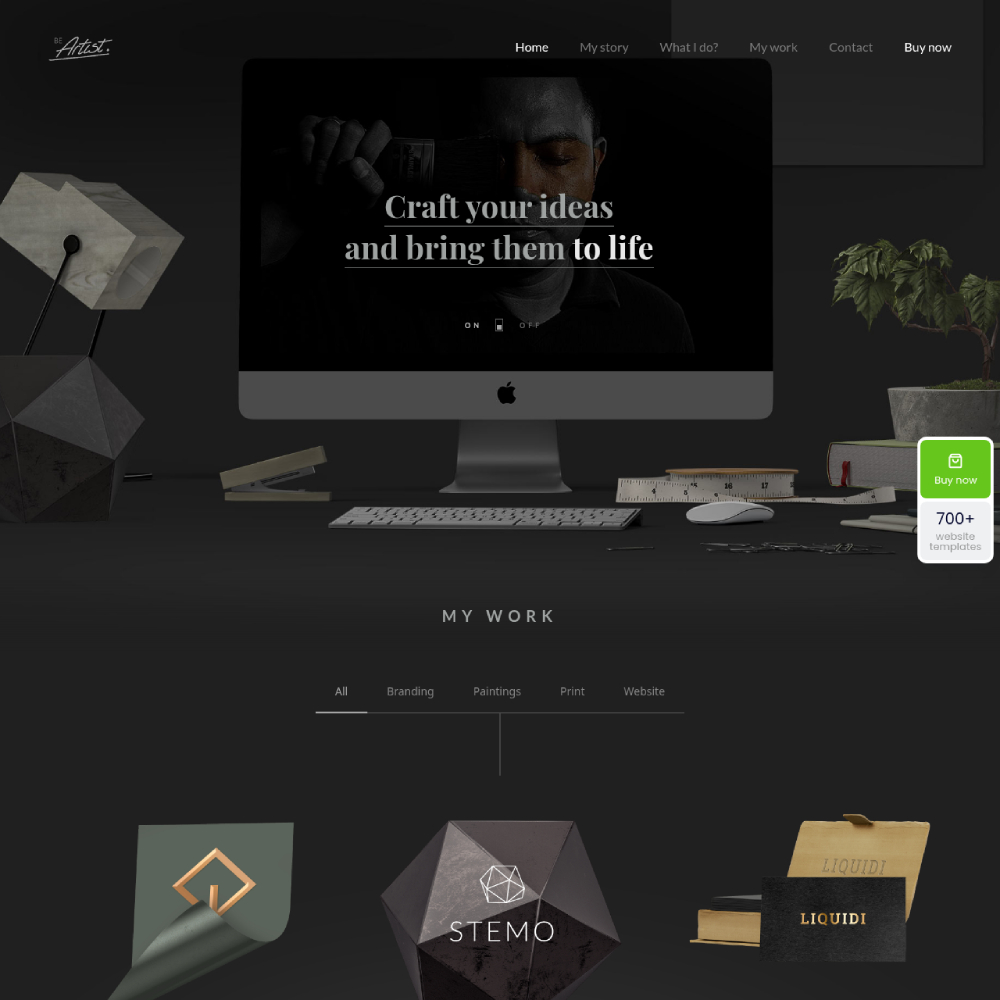
Be Artist 2
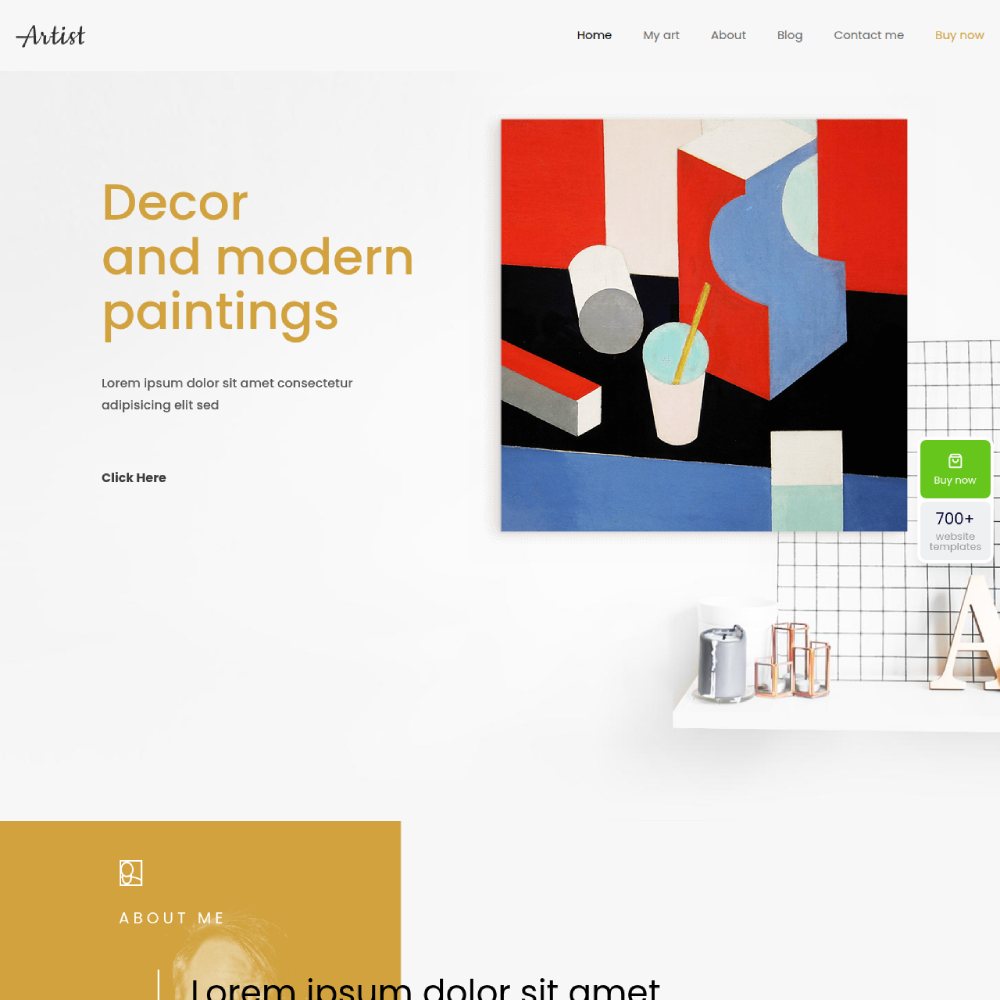
Be Artist 3
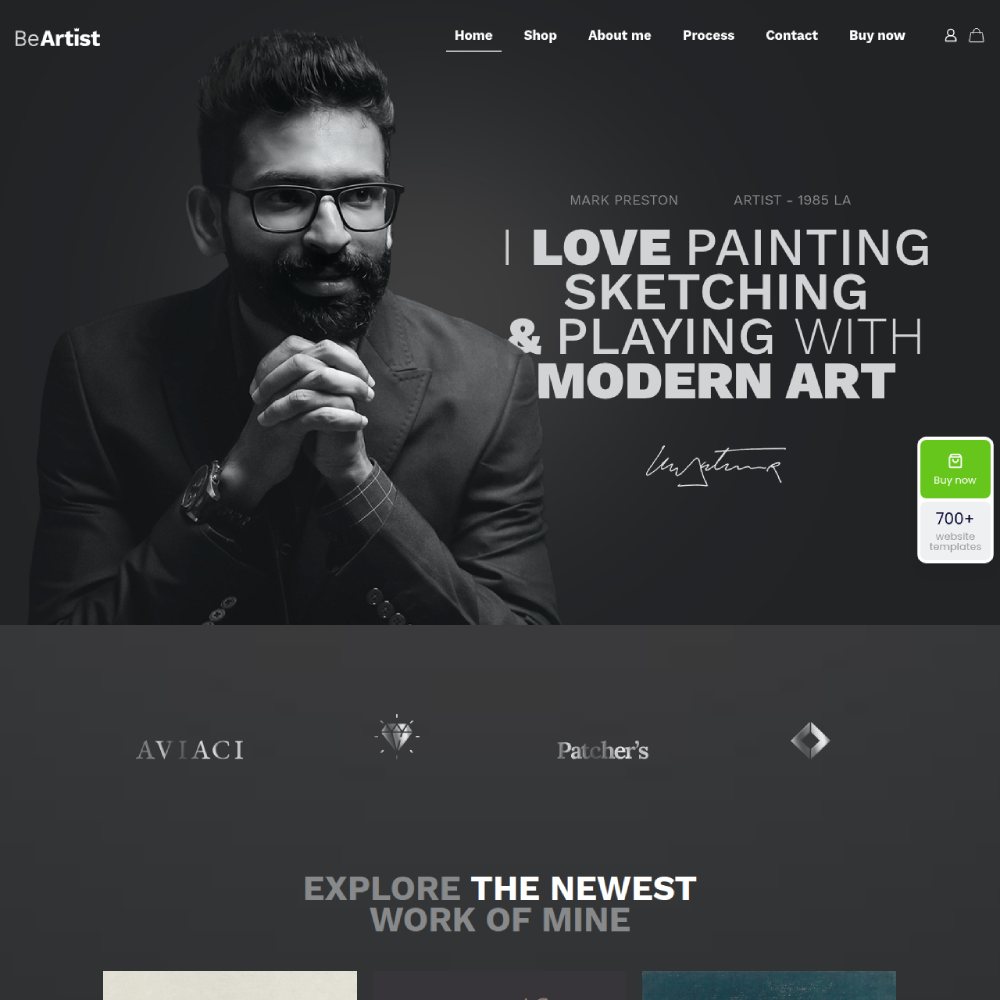
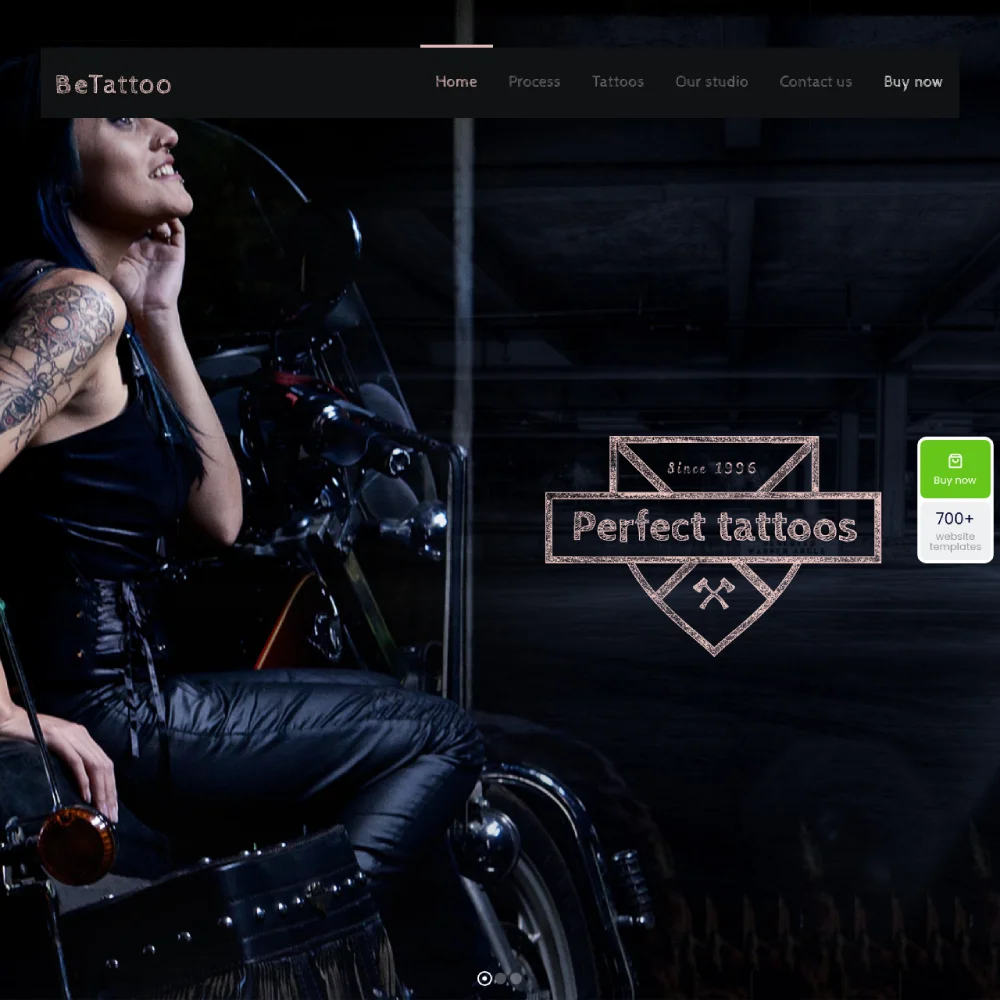
Be Tattoo
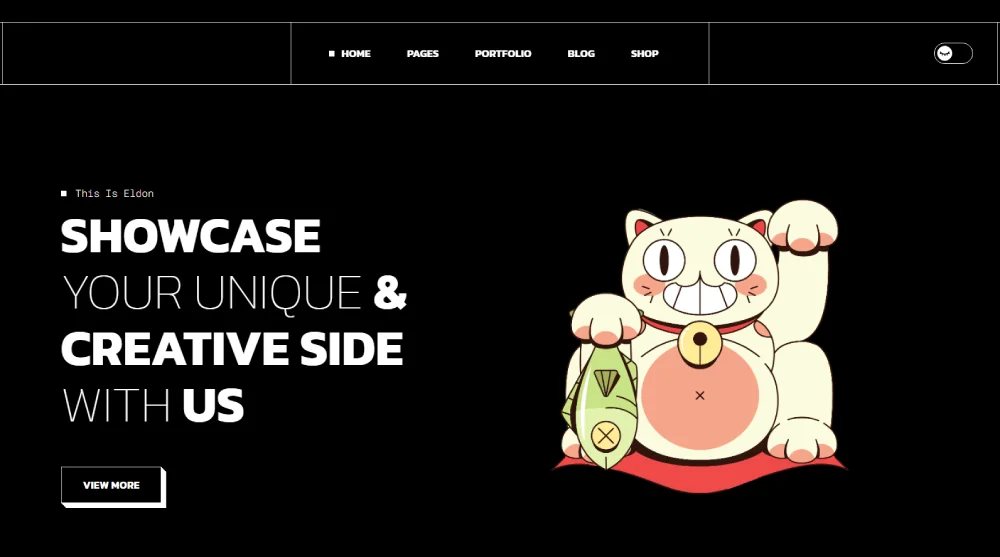
Eldon
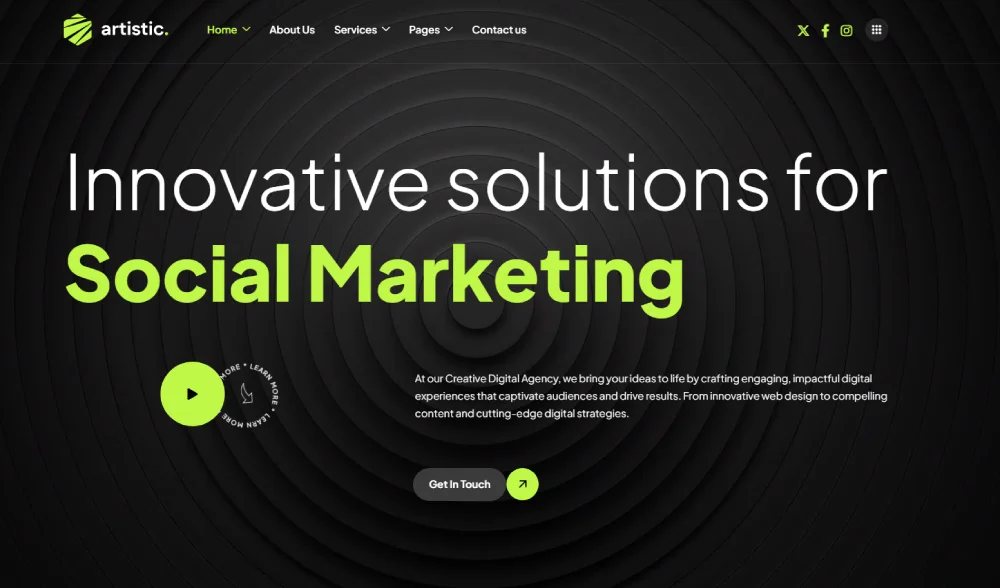
Artistic
Mixtape

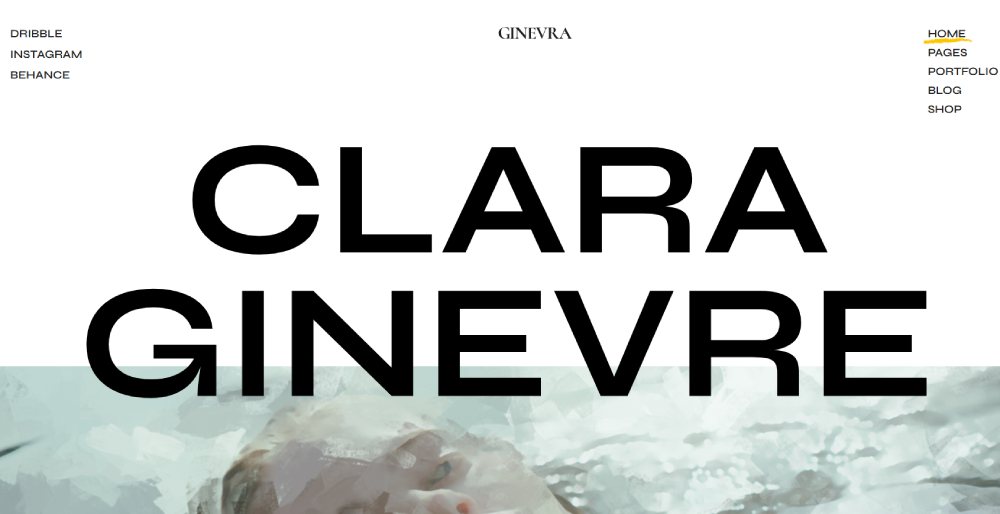
Ginevra
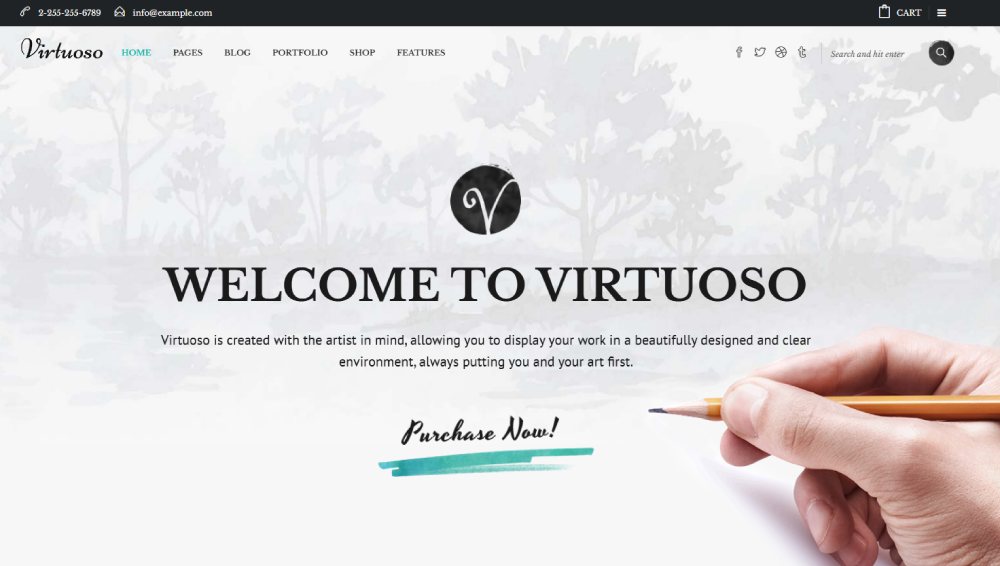
Virtuoso
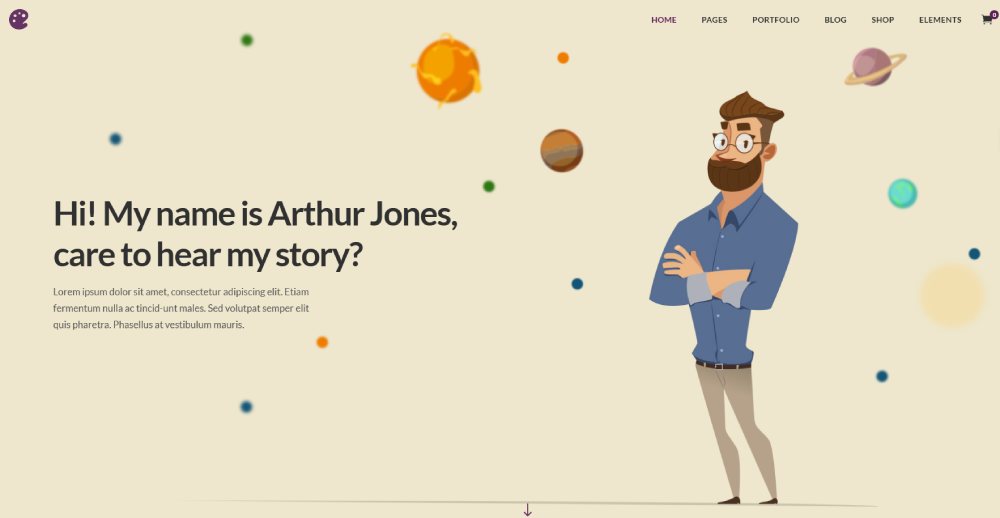
Illustrator
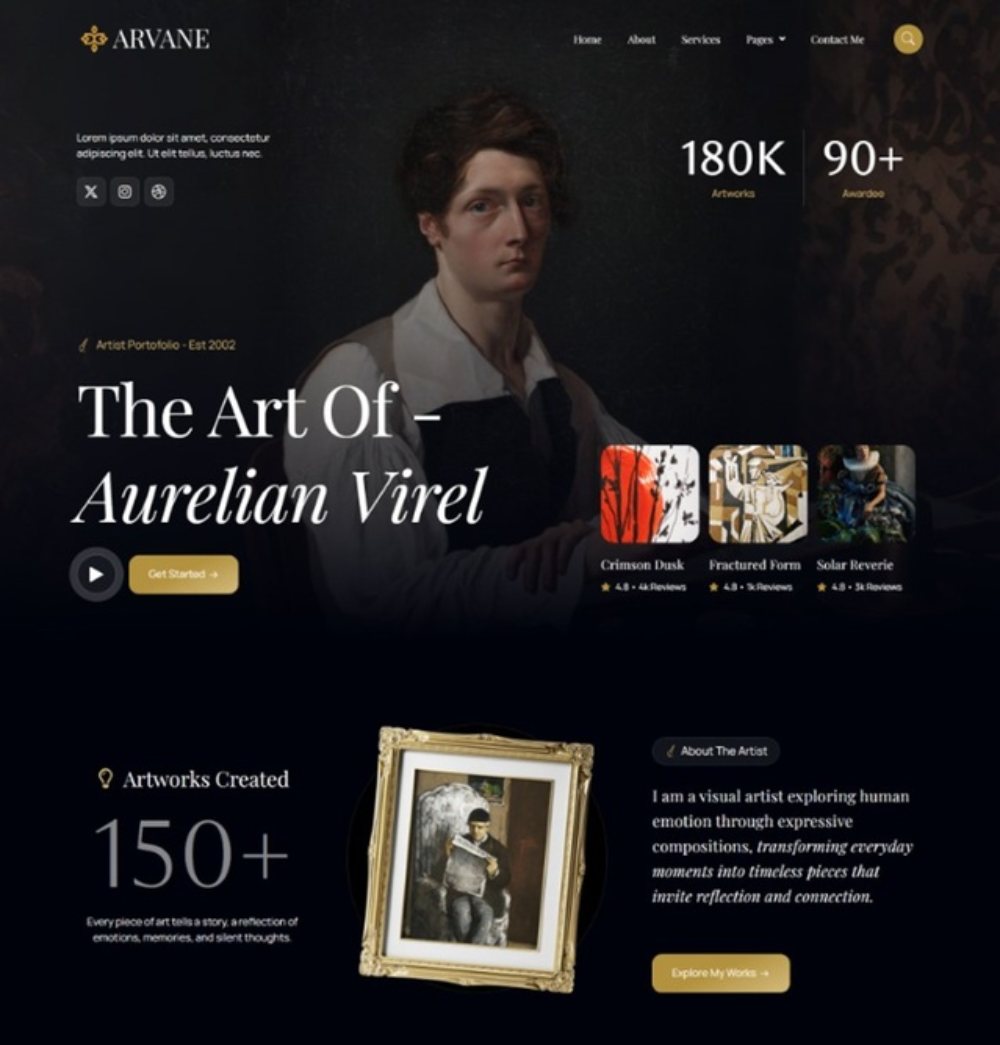
Arvane
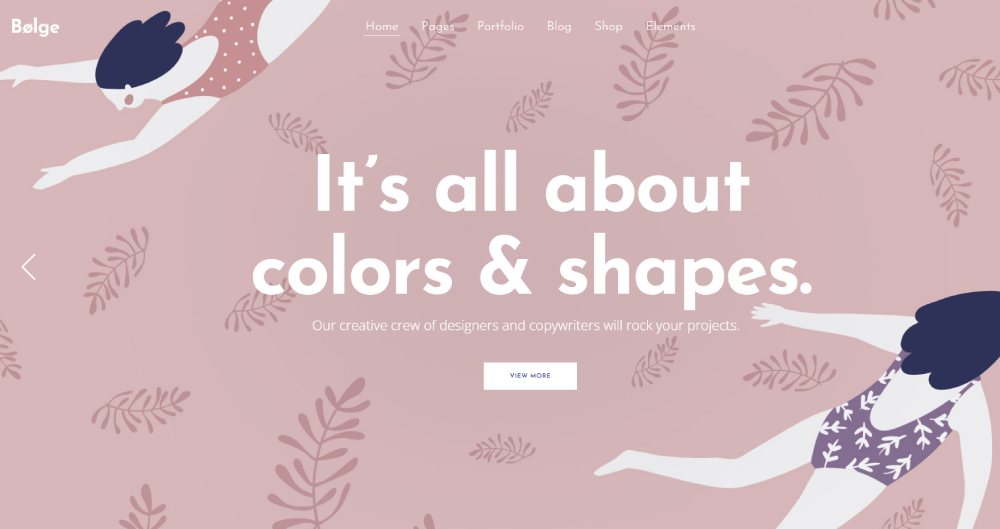
Bolge
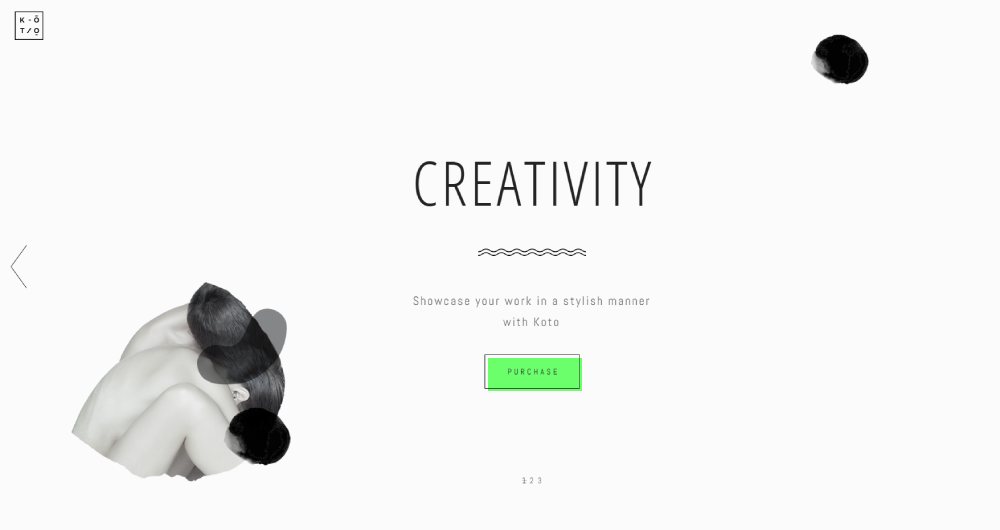
Koto
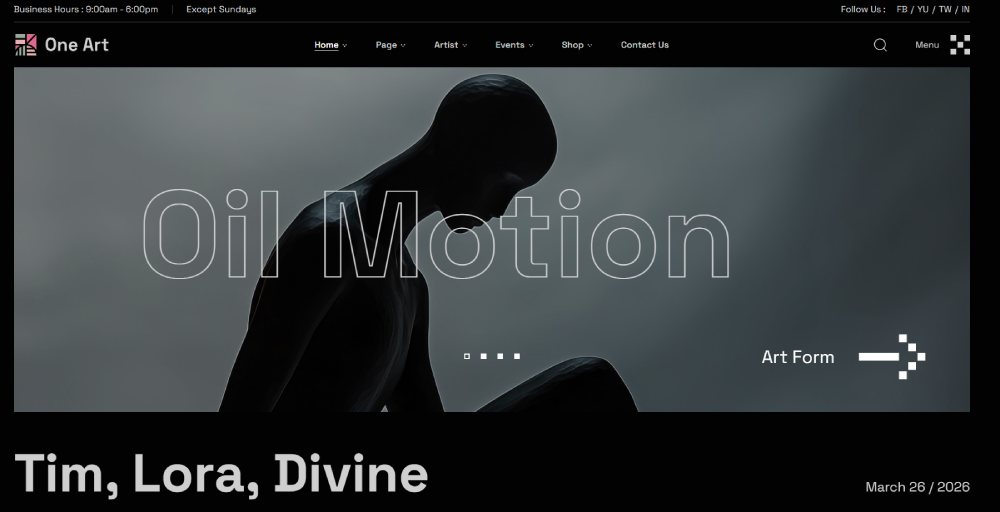
One Art
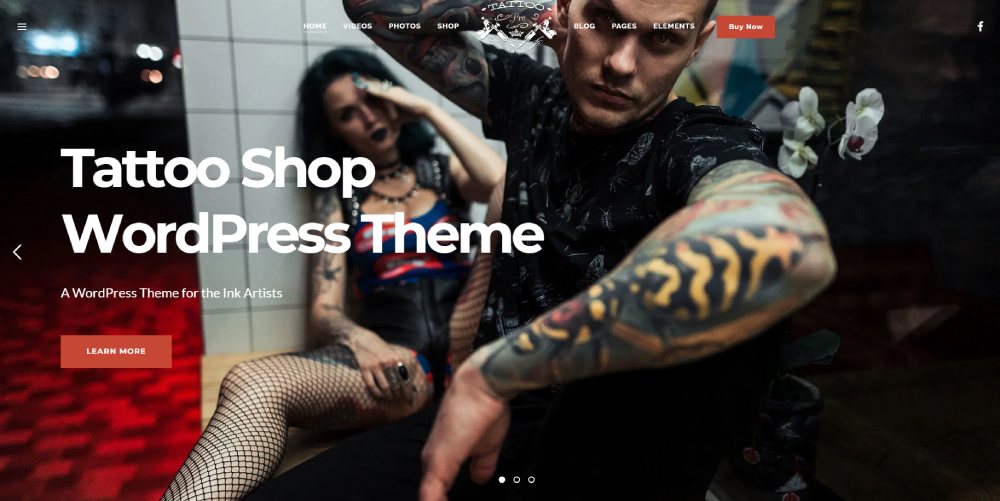
TattooPress
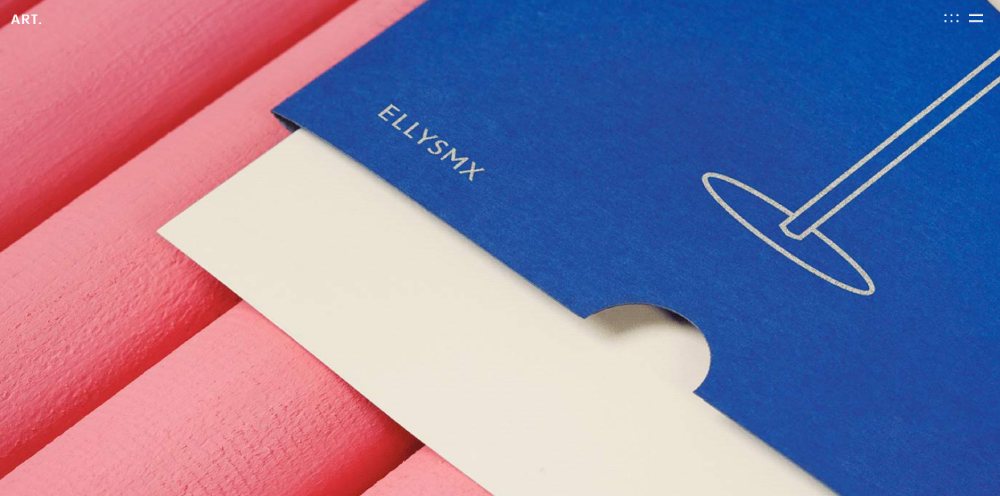
ART
Haar
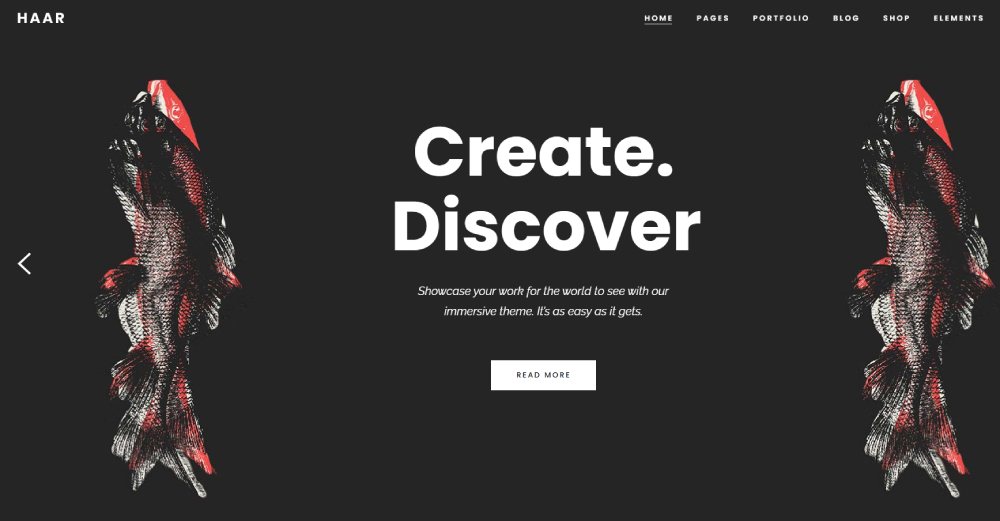
Amedeo
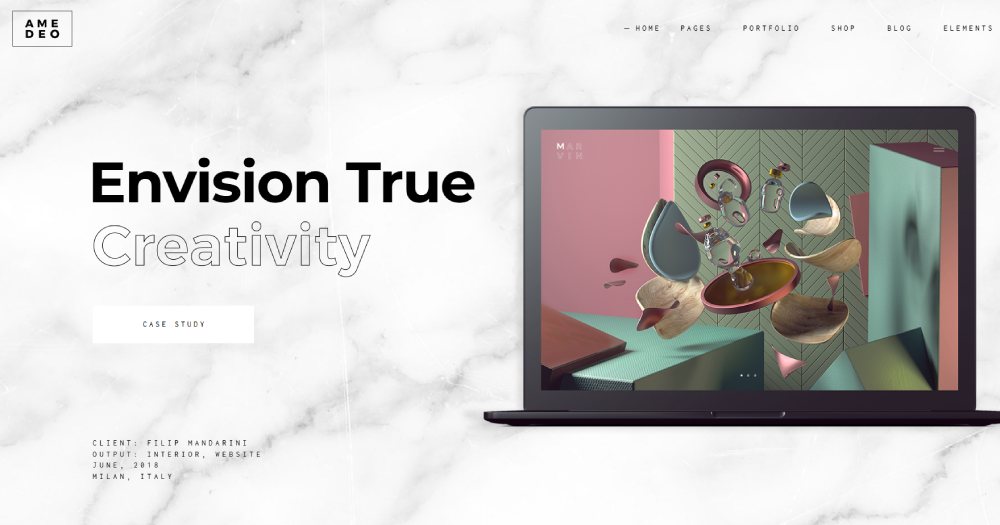
The Artist
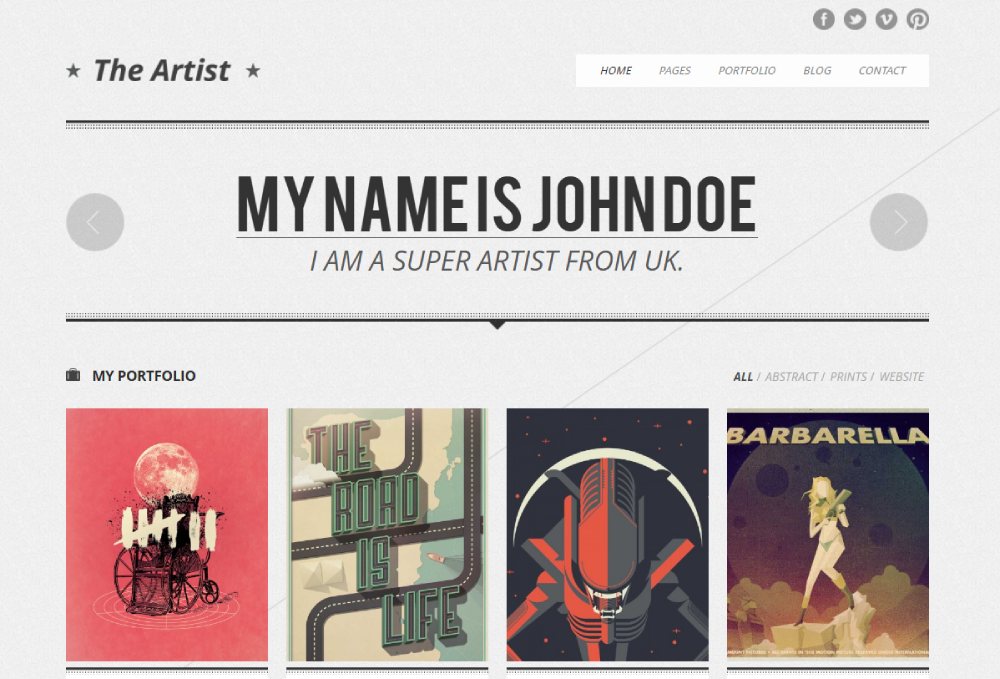
SoundRise
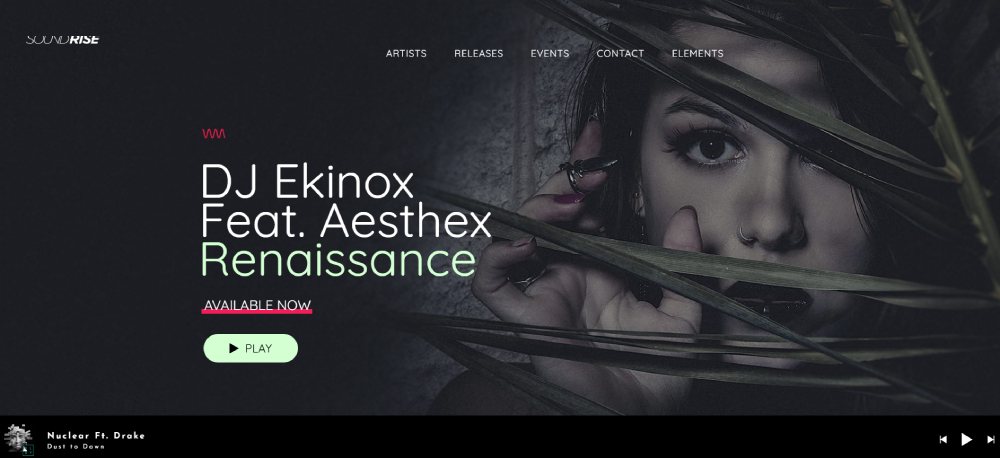
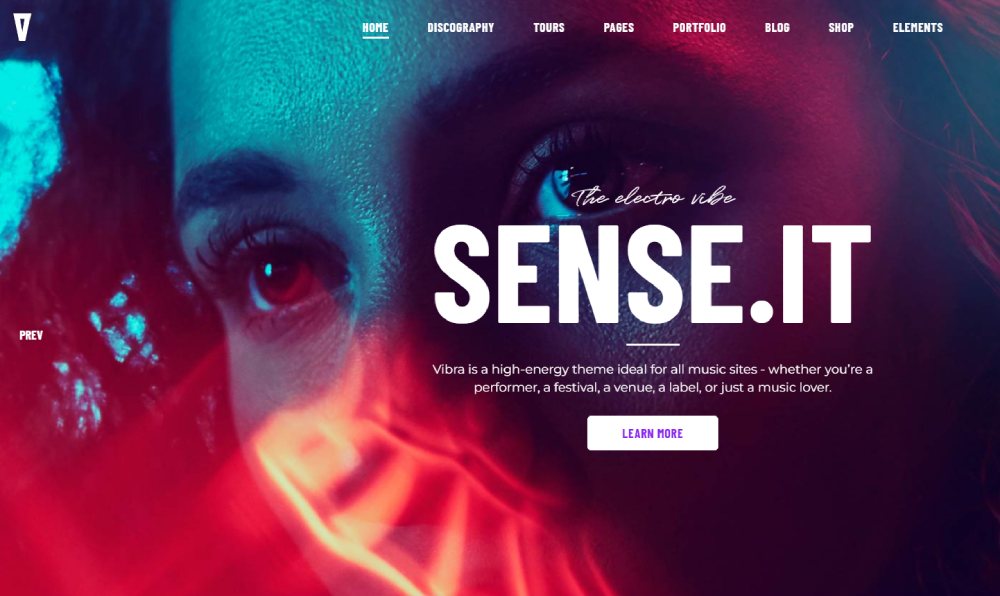
Vibra
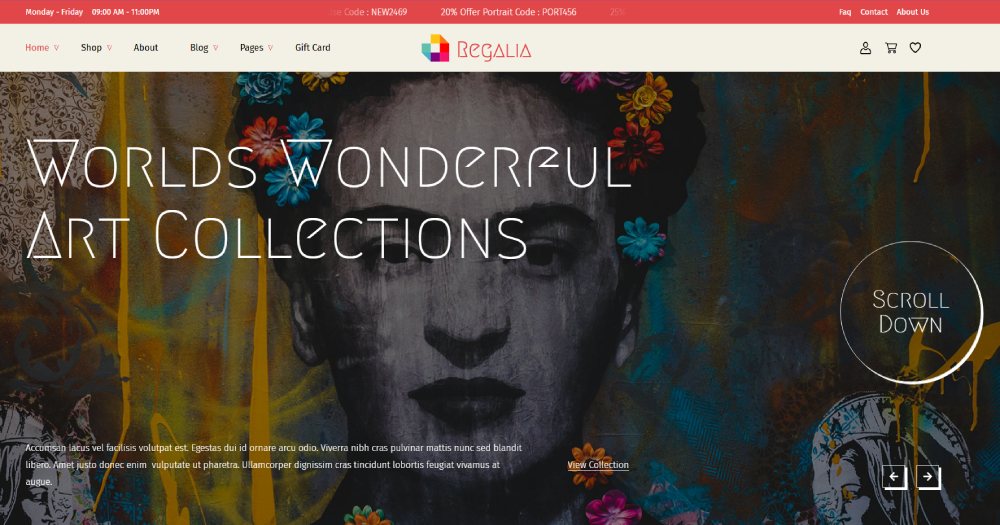
Regalia
What Makes an Artist Website Template Different from a Generic Template?
A generic business template is built to balance text blocks, hero sections, and calls to action across a standard grid. An artist template inverts that priority: images lead, text supports.
The design decisions that follow from that shift are specific and consequential.
Image Display and Gallery Grid Behavior
Artist templates ship with retina-ready, full-bleed image support as a baseline. A generic template treats images as supporting elements inside containers. An art portfolio template treats images as the containers -- everything else fits around them.
Gallery grid density matters. Most artist templates offer 2-column, 3-column, and masonry grid options. The masonry layout, which lets images sit at their natural height without forced cropping, is common on platforms like Cargo and in WordPress themes like Kalium.
Lazy loading is standard in well-built artist templates. Without it, a 30-image portfolio grid on a slow mobile connection turns into an unusable page.
UI Chrome and Navigation Simplicity
Minimal UI chrome is not an aesthetic choice. It's a functional one. Every header element, sidebar widget, or decorative border competes visually with the artwork being displayed.
Good artist templates default to 4 to 5 navigation items at most: Work, About, Shop (optional), Contact, and sometimes Press. Tyler Hobbs' generative art site, built to showcase the "Fidenza" collection, uses just his name and a single menu link -- the rest is artwork. That's an extreme example, but the principle holds across most fine art and illustration portfolios.
Compare this to a SaaS site or a B2B website, where navigation typically spans 6 to 10 items with dropdowns. The complexity is justified there by product depth. On an artist site, it's just noise.
Typography and Color Defaults
Neutral base palettes are the standard for artist templates -- white, off-white, black, and muted grays -- because the artwork itself provides the color. A template that ships with a bold teal or burnt orange background will clash with most portfolios, requiring redesign before the site is usable.
Typography in artist templates is intentionally restrained. Most use a single sans-serif typeface at a small point size, with generous line spacing. The goal is legibility without visual competition. Typography that draws attention to itself pulls the viewer away from the work.
Lightbox and Gallery Modal Behavior
Built-in lightbox support -- the overlay that opens when a visitor clicks an image -- is a baseline requirement for art portfolio templates. It should load without plugins, handle swipe gestures on mobile, and display images at full resolution.
On hosted platforms, this is handled natively. On WordPress, it typically requires a plugin like FooGallery or Envira Gallery, which adds maintenance overhead. This is one practical reason many solo artists choose Squarespace or Format over self-hosted WordPress: fewer moving parts.
What Are the Best Platforms for Artist Website Templates?
Platform choice determines what templates are available, how much customization is possible, what the ongoing cost looks like, and how much technical maintenance the artist takes on. These 6 platforms cover the majority of artist websites built today.
Hosted Builders vs. Self-Hosted Platforms
|
Platform |
Type |
Starting Price |
Best For |
Key Limitation |
|---|---|---|---|---|
|
Squarespace |
Hosted builder |
$16/month |
Fine artists, illustrators, painters |
Limited layout customization |
|
Format |
Hosted builder |
$12/month |
Photographers, client proofing |
Smaller template library |
|
Cargo |
Hosted builder |
Free / $13/month |
Experimental, fine art, MFA graduates |
Mobile rendering inconsistencies |
|
Adobe Portfolio |
Hosted builder |
Free (with CC) |
Fast setup, CC subscribers |
Very limited customization |
|
Wix |
Hosted builder |
$17/month |
Broad template variety |
Inconsistent template quality, weaker SEO defaults |
|
WordPress + theme |
Self-hosted |
$59-$100 (theme) + hosting |
High-volume galleries, maximum flexibility |
Highest technical overhead |
Squarespace holds roughly 13% of the hosted-solution website builder market (Mariana Durst Studio, 2024) and is the most commonly used platform among illustrators and fine artists, based on BuiltWith CMS usage data.
Free vs. Paid Artist Website Templates
Free options that actually work:
- Adobe Portfolio -- free with any Creative Cloud plan, clean output, fast setup
- Cargo free plan -- limited to 1 project, but good for testing the layout style
- Astra and OceanWP on WordPress -- free themes with art-specific demo content available
Paid templates on ThemeForest -- Kalium at $69, Oshine at $59, Bridge at $69 -- are one-time purchases that include demo content, documentation, and plugin bundles. The catch is update dependency: if the theme developer stops maintaining the theme, security and compatibility issues follow.
Hosted platform pricing (Squarespace, Format) includes hosting, SSL, automatic updates, and support. The comparison with a self-hosted WordPress setup is not just theme cost vs. subscription -- it's total cost of ownership including hosting fees, plugin licenses, and maintenance time.
What Features Should an Artist Website Template Include?
A template's visual appeal in a demo environment tells you very little about whether it will work for your actual needs. These are the functional features to verify before committing to any template or platform.
Portfolio and Gallery Functionality
Full-bleed image support and retina display optimization should be non-negotiable. An image that renders at half its intended quality on a high-DPI screen undermines the work immediately.
Gallery filtering by series, medium, or category is a secondary but important feature. Artists with a large body of work -- or work across multiple disciplines -- need visitors to be able to navigate by type without scrolling through everything. Squarespace 7.1 handles this with portfolio collection pages; WordPress handles it through category taxonomies with gallery plugins.
The lightbox modal behavior needs testing with your actual images. Some templates clip landscape images or add unwanted padding in the overlay view. Check this before launching.
Contact, Commerce, and Client Access
Contact form with inquiry type selector -- differentiating commission requests, licensing inquiries, press, and general contact -- reduces the friction of managing inbound messages. A single open text field works, but categorized inquiries are easier to route.
E-commerce requirements vary by artist type:
- Print-on-demand compatibility (Printful, Prodigi) for artists selling reproductions
- Original work listings with condition fields, provenance notes, and shipping calculation
- Digital download delivery for illustrators selling files, brushes, or patterns
- Password-protected client galleries for photographers delivering commercial work
Transaction fees are worth checking carefully. Squarespace charges 0% on Commerce plans ($23/month+). Format charges 0% on all plans. Wix transaction fees vary by plan tier and payment processor.
Blog and SEO Defaults
A blog or journal section is optional, but it's one of the more practical long-term tools for organic search visibility. Artists who write about their process, materials, or exhibition context give Google indexable content beyond gallery images, which carry very little text signal.
Most artist templates ship with poor SEO defaults: missing alt text fields, no heading hierarchy on gallery pages, and no schema markup. Person schema and ArtWork schema are almost never included by default in any hosted builder template. These gaps need manual attention after launch.
How Does Template Structure Affect an Artist Website's SEO?
Template choice has direct consequences for search visibility. Image-heavy sites built on poorly structured templates rank less effectively -- not because of content quality, but because of technical signals that are invisible to most artists.
Core Web Vitals and Image Loading
Largest Contentful Paint (LCP) is the most commonly failed Core Web Vital on artist websites. The LCP element on most portfolio homepages is a large hero image or the first gallery row. Without lazy loading enabled by default, these images load simultaneously and drive LCP scores above Google's 2.5-second threshold.
Format averages 2.8s LCP on mobile; Squarespace averages 3.2s (WebPageTest, 2024). Both are marginal at the threshold. Self-hosted WordPress sites built on unoptimized themes routinely fail LCP at 5 to 8 seconds without explicit performance configuration.
53% of mobile visits are abandoned if a page takes more than 3 seconds to load (Google). For art portfolio sites, where first impressions drive commission and purchase decisions, LCP failure is a direct revenue problem.
Heading Hierarchy on Portfolio Pages
Most artist templates place the site name as the H1 on the homepage, which is reasonable. The problem is that individual gallery pages and artwork detail pages often have no H1 at all -- or use the template's default "Untitled" placeholder.
Each gallery page needs a descriptive H1 that names the series, medium, or collection. "Abstract Oil Paintings 2024" is indexable. A blank field or a generic page title is not.
WordPress themes give more control over heading output than hosted builders. Squarespace and Format limit heading customization on gallery and portfolio pages more than on standard content pages.
Schema Markup Gaps
Person schema, ArtWork schema, and BreadcrumbList schema are almost never included in artist templates by default. These structured data types help search engines understand who created the work, what type of work it is, and how the site is organized.
On WordPress, plugins like Schema Pro or RankMath handle this. On Squarespace and Format, implementing custom schema requires injecting JSON-LD into the page header -- possible, but not documented prominently by either platform.
URL structure also varies. Squarespace generates clean slugs automatically. WordPress permalink structure requires manual configuration. Format uses a subdomain structure that can create canonical confusion if the artist also has a custom domain pointed at the same content.
How Do Artist Website Templates Handle E-Commerce?
Online art sales exceeded $10 billion globally in 2024 (Statista), with dealers' own websites now accounting for 20% of total dealer sales -- up sharply from 12% in 2022 (Art Basel and UBS Art Market Report 2024). Selling directly through a personal website, rather than through a marketplace, keeps the full sale value with the artist.
The 3 selling models artist templates need to support are: original works, print-on-demand reproductions, and digital downloads. Most platforms handle at least 2 of the 3 natively.
Platform Commerce Comparison
|
Platform |
Transaction Fee |
Print-on-Demand |
Digital Downloads |
Client Proofing |
|---|---|---|---|---|
|
Squarespace Commerce |
0% (Commerce plans) |
Via Printful integration |
Yes, native |
No |
|
Format |
0% |
Via Prodigi integration |
Limited |
Yes, native |
|
WordPress + WooCommerce |
0% (payment processor fees apply) |
Via Printful or Prodigi plugin |
Yes, via plugin |
Via plugin |
|
Wix |
Varies by plan |
Via Printful integration |
Yes, native |
No |
Print-on-Demand Integration
Printful and Prodigi are the 2 most widely used print-on-demand integrations for artist websites. Both handle order fulfillment, shipping, and returns. The main difference is print quality positioning: Prodigi is generally preferred for fine art prints (giclée, museum-quality paper); Printful covers a wider range of product types including apparel and home goods.
Integration depth matters. Squarespace's Printful integration syncs product listings bidirectionally. WordPress with WooCommerce and the Printful plugin does the same. Format's Prodigi integration is more limited -- it handles print fulfillment but doesn't sync inventory or variant management with the same depth.
Licensing and Rights Fields
Selling art online involves licensing decisions that generic e-commerce product pages don't address. Most templates provide a standard product description field. None of the major hosted platforms include a dedicated licensing or rights field in their default product templates.
Artists who sell commercial licenses alongside prints -- illustrators licensing work for editorial use, photographers licensing images for advertising -- need either a custom form linked to the product page or a separate inquiry workflow. WooCommerce on WordPress accommodates custom product fields most flexibly. Squarespace requires workarounds using additional text blocks or linked contact forms.
What Are the Common Mistakes Artists Make When Choosing a Website Template?
Most template mistakes happen before a single image is uploaded. The decision gets made based on a demo that looks nothing like the artist's actual work.
Format's CEO Lukas Dryja has noted that an endless horizontal scroll of images overwhelms visitors and undermines the work -- the most common structural mistake on portfolio sites.
Choosing Based on Demo Aesthetics Alone
The demo is never your artwork. Demo sites use carefully selected, uniformly sized, high-contrast images shot specifically to make the template look good.
Before committing to any template, upload 6 to 10 of your actual images and test how they render. Color clashes, scale mismatches, and cropping issues only appear with real content.
The California College of the Arts recommends selecting 10 to 15 high-quality pieces for a portfolio, not because of the number, but because curation forces quality filtering. A template that makes 10 strong pieces look good will serve far better than one that hides weaknesses in volume.
Ignoring Platform Lock-in and Data Portability
Hosted platforms own your site structure. Squarespace, Format, and Cargo do not export your website in a portable format if you decide to leave.
What you can export: your images and content text. What you cannot export: the design, page structure, URL hierarchy, and accumulated SEO signals.
Artists who build significant organic traffic on a hosted platform and then migrate to WordPress typically lose 40 to 60% of that traffic during the transition period. Decide on a platform as if you plan to stay for 5 years.
Overloading the Homepage
47% of small business owners who start DIY website builds eventually hire professionals because the results miss expectations (Elegant Themes, 2025). The most common reason: trying to show everything on the homepage.
Limit homepage artwork to 6 to 10 curated pieces. Each additional image beyond that reduces the visual impact of the pieces already there.
Ashley Tarr's portfolio, built on Squarespace, uses an infinite horizontal scroll with hover-reveal categories -- a layout that shows a handful of pieces upfront while making the full body of work feel discoverable rather than overwhelming.
Skipping Mobile Testing Before Launch
Mobile devices accounted for 64.35% of global web traffic as of mid-2025 (StatCounter). Most template demos show desktop layouts only.
Check 3 things on mobile before launching:
- Gallery grid behavior on screens under 400px width
- Lightbox swipe navigation with touch input
- Contact form field spacing (small tap targets are a consistent failure point)
How Do Artist Website Templates Compare Across Price Points?
Online art sales reached $8.9 billion in 2025, with 46% going to new buyers (Art Basel and UBS Art Market Report, 2026). A direct sales channel -- your own site -- captures that demand without marketplace commission cuts.
The price you pay for a template or platform determines how much control you get, not how good the site looks.
Free Options
Adobe Portfolio -- included with any Creative Cloud subscription, clean output, limited customization, fast setup. The right call for anyone already paying for CC who needs a portfolio live this week.
Cargo's free plan limits publication to 1 project. It's useful for testing the layout style before committing to the $13/month paid tier.
WordPress free themes (Astra, OceanWP) with art-specific demo content are technically free but require paid hosting ($3 to $15/month) and carry a higher setup overhead than hosted builders.
Mid-Tier: $10 to $23/Month
|
Platform |
Monthly Cost |
What's Included |
Transaction Fee |
|---|---|---|---|
|
Squarespace Basic |
$16 |
Hosting, SSL, templates, basic e-commerce |
0% |
|
Format Pro |
$12 |
Hosting, client proofing, Prodigi integration |
0% |
|
Wix Light |
$14 |
Hosting, 2GB storage, custom domain |
Varies by processor |
|
Cargo |
$13 |
Hosting, unlimited projects, e-commerce |
0% |
Premium: One-Time Theme Purchases
ThemeForest WordPress themes -- Kalium at $69, Oshine at $59, Bridge at $69 -- are one-time purchases. No recurring subscription beyond hosting.
The tradeoff is maintenance. If the theme developer stops issuing updates, you carry security and compatibility risk. Well-maintained themes like Kalium (with consistent update history through 2025) are lower risk than obscure niche themes with sparse update records.
Squarespace custom templates from third-party shops (Station Seven, SQSP Themes) range from $150 to $400. They include a 180-day free trial period to build before paying, which effectively delays the first subscription payment by 6 months.
How Should an Artist Customize a Website Template?
Customization priority matters. Most artists spend time on colors and fonts before fixing the things that actually affect whether visitors stay and buy.
Homepage Layout: Curate Before You Design
Lead with 1 hero image or a curated 6-image grid. Not a slideshow.
Auto-playing slideshows reduce viewer control and compress the time spent on each image. A static grid or a single strong hero image performs better for both user engagement and LCP scores.
First row of the grid carries the most weight. Place the 3 strongest pieces there. Visitors who scroll past the first row are already interested -- the first row determines whether they scroll at all.
About Page Structure
A survey of high-performing personal website examples consistently shows the same 4-element structure on About pages that convert visitors to buyers:
- A recent, professional photo -- not a crop from a social media post
- 2 to 3 paragraphs of bio text that mention medium, location, and influences
- Exhibition history or client list (whichever is more relevant to your audience)
- A clear contact CTA at the bottom of the page
Illustrator Bodil Jane, based in Amsterdam, organizes her About page so art directors can immediately identify her style, medium, and availability for commission work -- a model worth following for any artist targeting commercial clients.
Navigation and Typography
4 to 5 navigation items maximum. Work, About, Shop (if selling), Contact. Add Press only if you have press coverage to show.
Typography decisions on artist templates are mostly about restraint. Most platforms default to Google Fonts, which work fine. Switching to a paid typeface from Klim or Milieu Grotesque adds distinctiveness, but only if the font choice doesn't compete with the work visually. Serif fonts at small body sizes tend to fight image-heavy layouts. A clean sans-serif -- Inter, Neue Haas Grotesk, or similar -- reads better at the small sizes most artist templates use for supporting text.
For good typographic decisions on art portfolio sites, the key principle is: the type should be invisible. If visitors notice the typography, it's competing with the artwork.
Color Scheme Overrides
Override default palettes only if the template's neutral base conflicts with the tonal range of the artwork.
A photographer whose work is high-contrast black and white might push the background from off-white to true white (#FFFFFF) for more impact. An artist whose work is warm and earthy might soften to cream (#FAF8F5). These are small adjustments with real effect.
Changing a template's color scheme to something bold -- a deep navy, a terracotta -- works for some portfolios and breaks others. Test with 10 representative images before committing. If more than 3 images look wrong against the new background, revert.
For reference on how color theory applies to layout decisions, neutral backgrounds with selective accent use consistently outperform full-palette color schemes on visual art sites.
Which Artist Website Template Platforms Offer the Best Mobile Experience?
Mobile traffic exceeded desktop globally in 2016 and has not looked back. As of Q3 2024, mobile hit a high of 62.99% of global web traffic (StatCounter). For art portfolio sites, the implication is direct: if the mobile layout is broken, the majority of visitors never see the work properly.
Squarespace and Format Mobile Rendering
Both platforms render mobile portfolio grids most consistently without manual adjustment. Squarespace's Fluid Engine editor previews mobile and desktop layouts simultaneously, making it easy to catch render issues before publishing.
Format's mobile performance is notably stronger on image-heavy pages. Format averages 2.8s LCP on mobile (WebPageTest, 2024), which meets Google's recommended threshold. Squarespace averages 3.2s on comparable gallery pages, which is marginal but passable.
Both platforms handle lightbox swipe navigation natively on mobile. No plugin required, no configuration needed.
Cargo Mobile Limitations
Cargo's experimental layouts frequently require CSS adjustments to render correctly below 768px. Grid-breaking designs, overlapping elements, and non-standard column structures -- all hallmarks of Cargo's aesthetic -- do not translate to narrow mobile screens without custom CSS work.
This is a real tradeoff, not a minor inconvenience. Artists choosing Cargo for its layout flexibility need to budget time for mobile-specific CSS fixes on each project. Those without CSS experience should stick to Cargo's simpler template options or choose a different platform.
WordPress Mobile Testing Requirements
WordPress themes require separate mobile testing regardless of the theme's "responsive" claim. Kalium and Bridge both have strong responsive defaults, but plugin interactions -- gallery plugins, lightbox scripts, custom font loading -- can break mobile rendering in ways the theme itself doesn't cause.
Test on 3 actual devices before launch: a recent iPhone (Safari), an Android (Chrome), and a mid-range Android device (Chrome). Emulators miss rendering edge cases that appear on real hardware.
A practical responsive design approach for WordPress artist sites: start with the mobile layout in the theme customizer, then adjust desktop. It's easier to scale up than to compress a desktop layout into mobile.
Page Speed by Platform
|
Platform |
Avg. Mobile LCP |
Lazy Loading Default |
Manual Speed Config Needed |
|---|---|---|---|
|
Format |
2.8s |
Yes |
Minimal |
|
Squarespace |
3.2s |
Yes |
Low |
|
Cargo |
Varies (3.5-6s) |
Partial |
Moderate |
|
WordPress + Kalium |
Varies (2.5-8s) |
Plugin-dependent |
High |
FAQ on Artist Website Templates
What is the best platform for artist website templates?
Squarespace leads for fine artists and illustrators. Format suits photographers needing client proofing. Cargo fits gallery-represented and experimental artists. WordPress with Kalium or Oshine gives the most flexibility but requires the most setup time and technical management.
Are there free artist website templates?
Yes. Adobe Portfolio is free with any Creative Cloud subscription. Cargo offers a free plan limited to one published project. WordPress themes like Astra and OceanWP are free but require paid hosting, adding $3 to $15 monthly to the total cost.
What should an artist website template include?
A gallery grid with lightbox support, a bio page, a contact form with inquiry type selector, and mobile-responsive layout. E-commerce integration for print-on-demand or original sales, plus password-protected client galleries for photographers, round out a complete setup.
How many pieces should I show in my online art portfolio?
10 to 15 curated pieces is the widely recommended range. The California College of the Arts advises selecting work that demonstrates range and technique without overwhelming the viewer. Quality and coherence matter far more than total image count.
Does template choice affect SEO for an artist website?
Yes. Most artist templates ship with missing alt text defaults, no heading hierarchy on gallery pages, and zero schema markup. Person schema and ArtWork schema are almost never included by default, requiring manual implementation after launch on any platform.
What is the difference between Squarespace and Format for artists?
Squarespace offers broader template variety and stronger e-commerce tools, starting at $16/month. Format is built specifically for creatives, with native client proofing and faster mobile LCP averaging 2.8s versus Squarespace's 3.2s. Both charge 0% transaction fees.
Can I sell art directly through a website template?
Yes. Squarespace, Format, Wix, and WordPress with WooCommerce all support direct art sales. Print-on-demand integrations via Printful or Prodigi handle fulfillment automatically. Squarespace and Format charge 0% transaction fees on their standard paid plans.
Is Cargo good for artist websites?
Cargo works well for fine artists, MFA graduates, and gallery-represented creatives who want unconventional grid layouts. The tradeoff is mobile rendering. Experimental layouts often require custom CSS fixes below 768px width, making it less practical for artists without front-end skills.
How much does an artist website template cost?
Hosted platforms run $12 to $23 per month. WordPress themes on ThemeForest cost $59 to $69 as a one-time purchase, plus $3 to $15 monthly for hosting. Custom third-party Squarespace templates from shops like Station Seven range from $150 to $400.
What makes an artist website template different from a generic one?
Artist templates prioritize full-bleed image display, retina optimization, built-in lightbox behavior, and minimal UI chrome. Typography and navigation are intentionally restrained so artwork stays visually dominant. Generic templates balance text, images, and CTAs without that image-first hierarchy.
Conclusion
This conclusion is for an article presenting artist website templates across every platform, price point, and creative use case.
The right template is not the prettiest one in the demo. It is the one that renders your actual artwork cleanly, loads fast on mobile, and supports how you sell.
Squarespace suits most fine artists and illustrators. Format works best for photographers. Cargo fits experimental and gallery-represented creatives. WordPress with Kalium gives maximum control for those willing to manage it.
Beyond platform choice, curation beats volume every time. A professional art portfolio with 10 strong pieces outperforms a cluttered gallery of 40.
Pick a platform you will stay on. Build it once. Then focus on the work.
























