


29 Top Esports Website Design Examples
March 22, 2026
Modern Church Website Templates To Grow Your Ministry
March 23, 2026Motion stops people. Static design does not.
The best animated website design examples prove that web animation is not decoration. It guides attention, explains products, and builds the kind of brand recall that flat layouts simply cannot match.
This article covers 30 real examples across creative agencies, SaaS products, portfolios, and e-commerce sites.
You will also find the animation techniques behind each example, the tools used to build them, and the performance and accessibility decisions that separate good motion design from broken Core Web Vitals scores.
Whether you are looking for scroll-triggered animation inspiration, interactive landing page ideas, or just trying to understand what makes a site feel alive, this is the reference you need.
What Is Animated Website Design?
Animated website design is the use of motion, CSS transitions, JavaScript-driven effects, WebGL scenes, SVG animation, and Lottie files to create interactive or auto-playing visual behavior on web pages.
It is not the same as embedding a video background or dropping in a GIF. Those can overlap with animation, but they are separate techniques.
The global animation market reached $400 billion in 2023, up from $250 billion in 2018, reflecting how deeply motion design has embedded itself into digital communication (Educational Voice).
There are 4 core animation types used in website design:
- Micro-interactions: small state-change responses to user actions, like a button hover or form validation feedback
- Scroll-triggered animations: elements that animate as the user scrolls down a page
- Loading animations: motion shown while content fetches, reducing perceived wait time
- Full-page motion design: immersive animation systems covering the entire viewport, common on creative agency sites
The tools that power animated websites include GSAP (GreenSock Animation Platform), Three.js, Framer, Webflow, Lottie by Airbnb, and the ScrollTrigger plugin. Each targets a different layer of the animation stack.
The purpose of motion on a website is not decoration. Animation guides attention, communicates interface state changes, and reinforces brand personality in ways static design cannot.
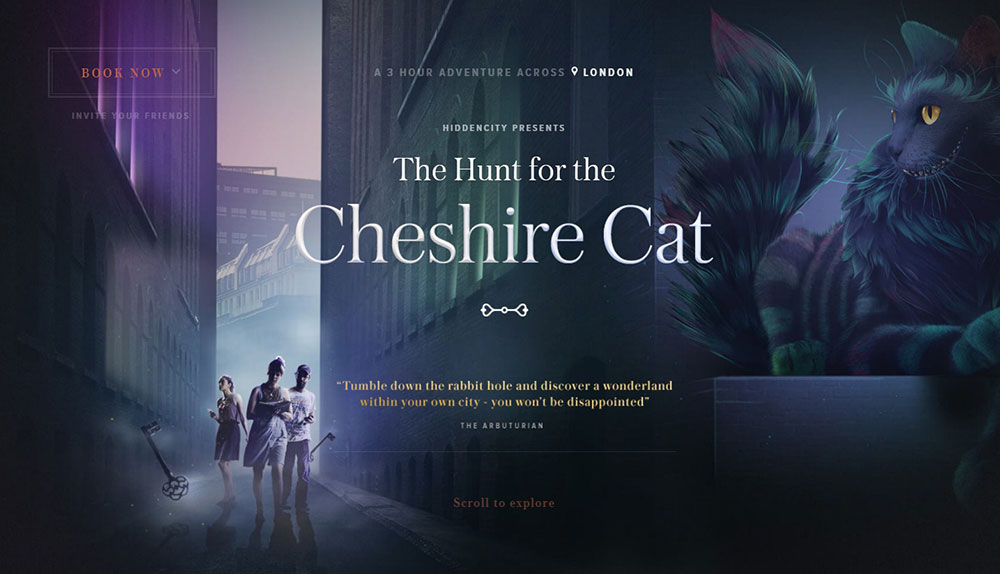
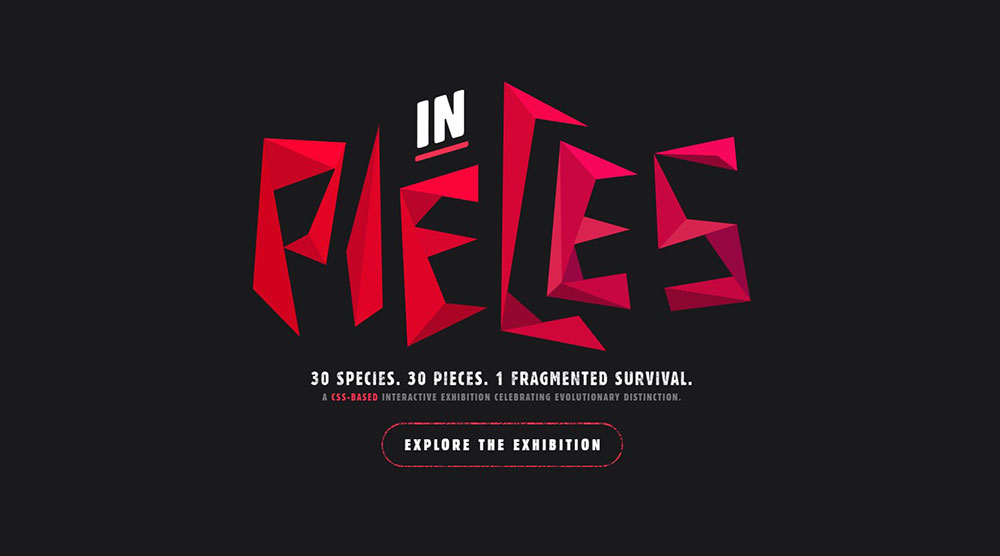
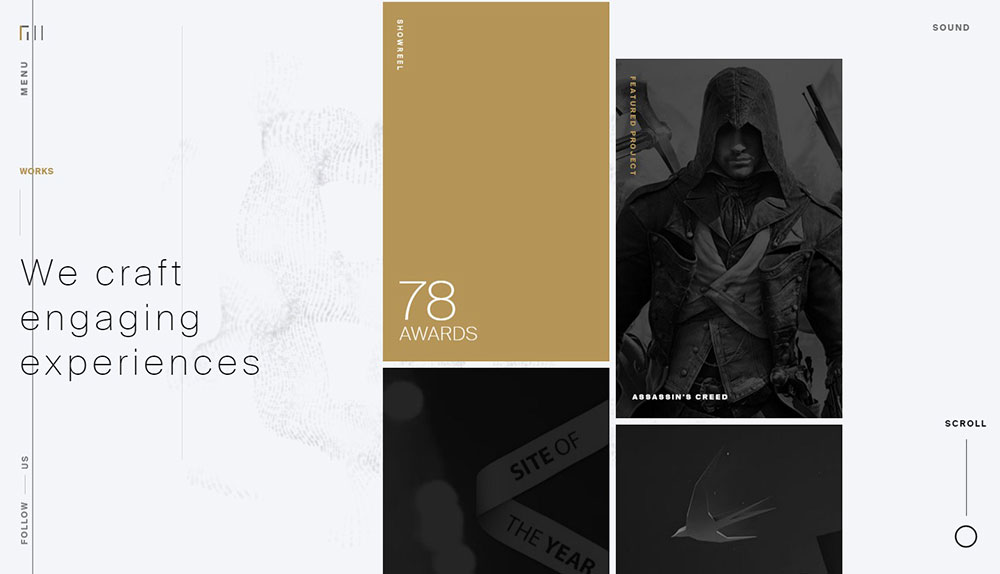
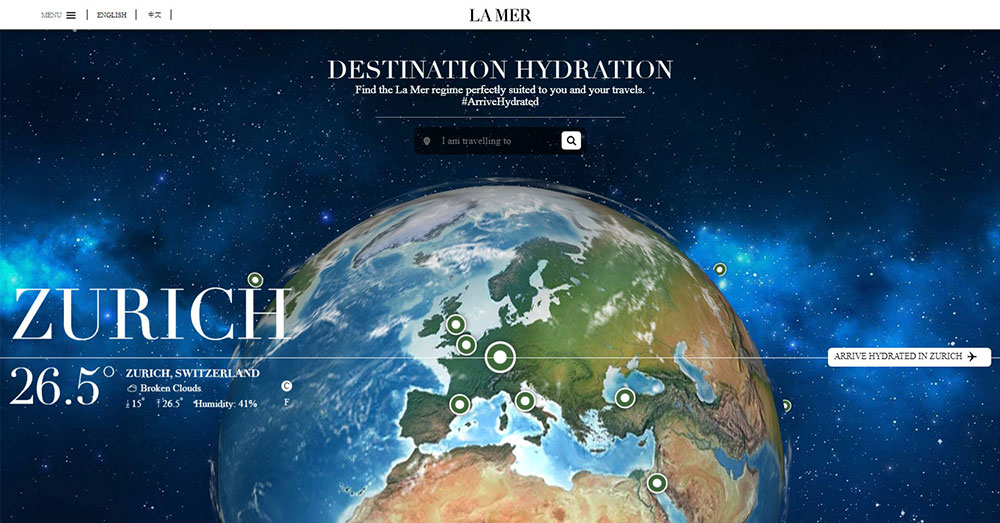
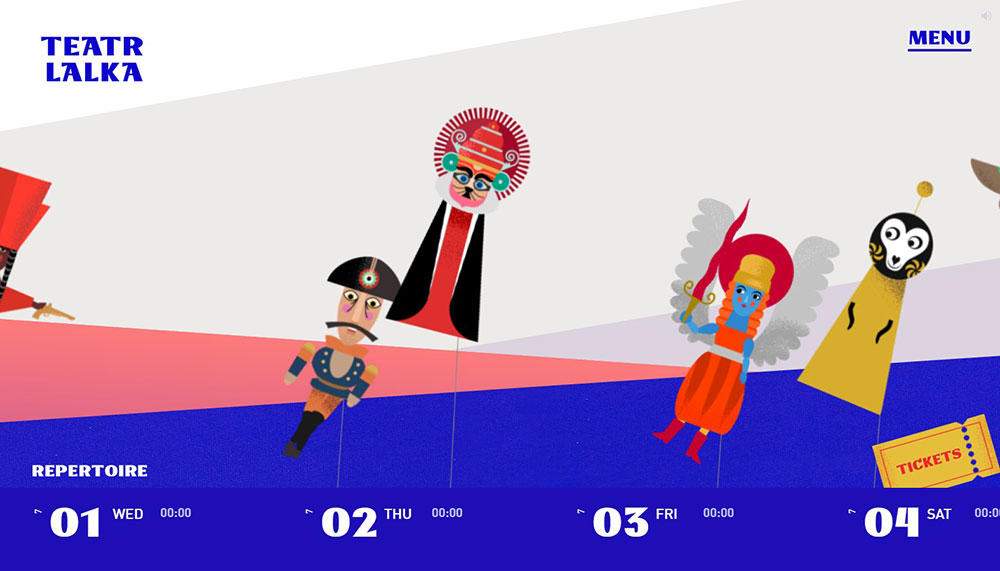
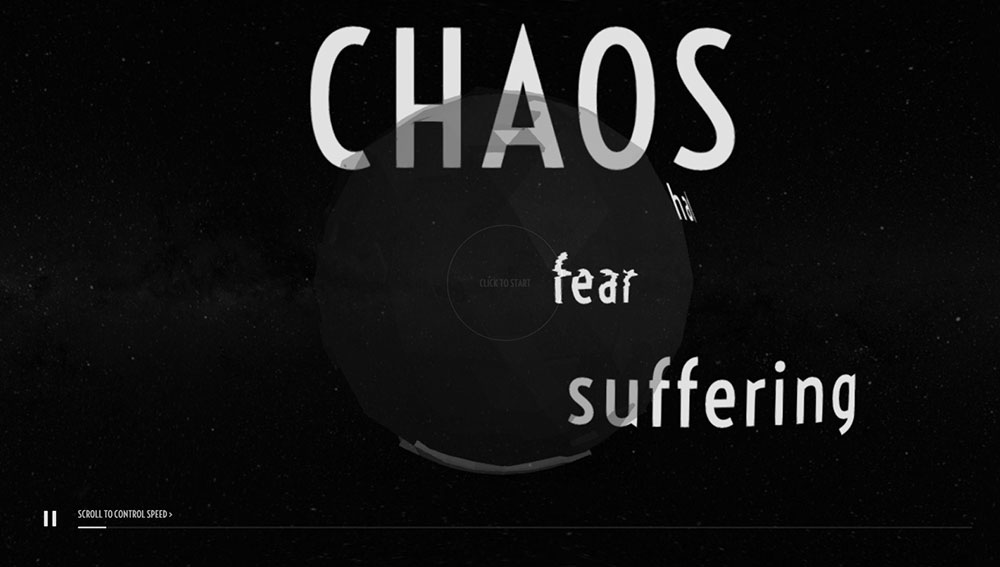
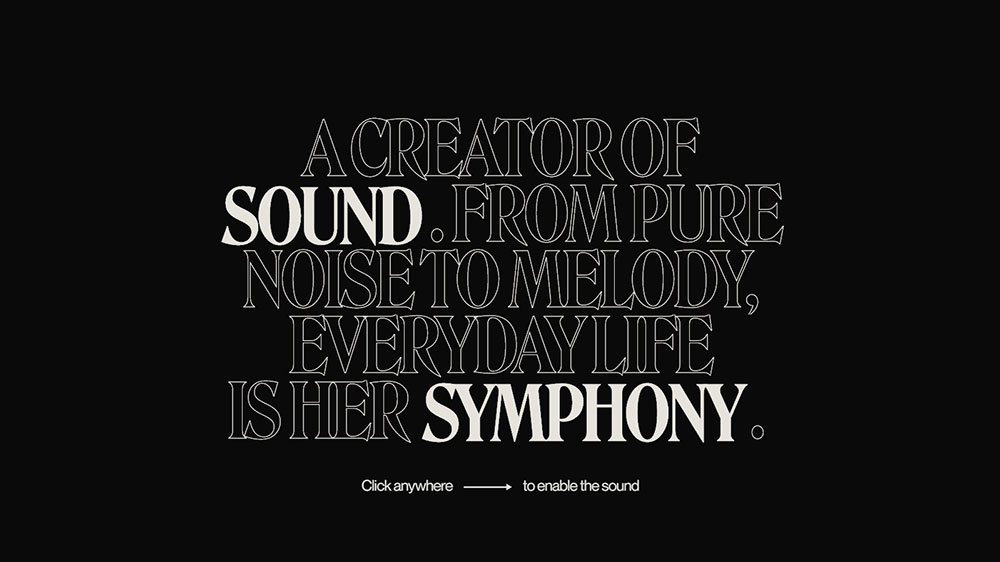
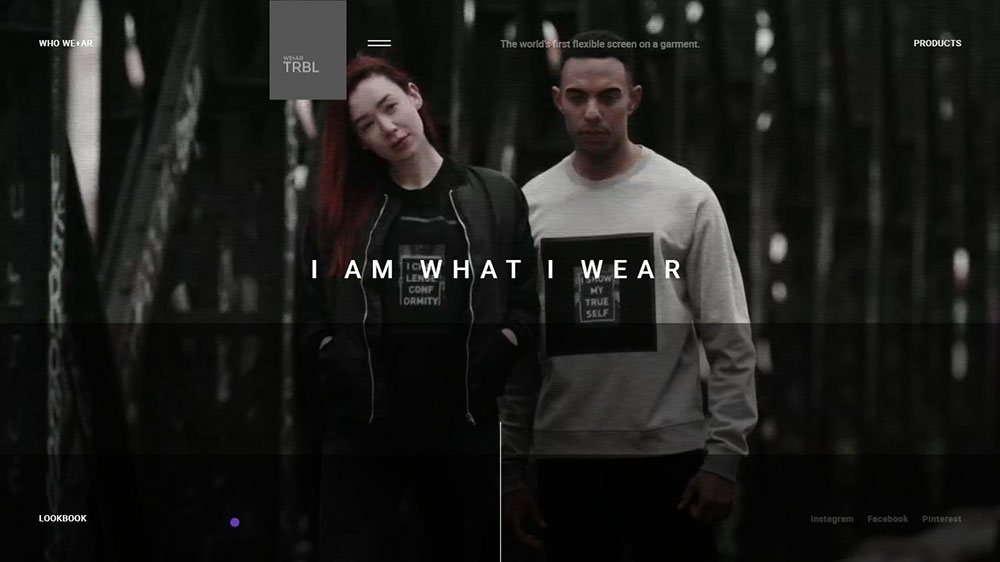
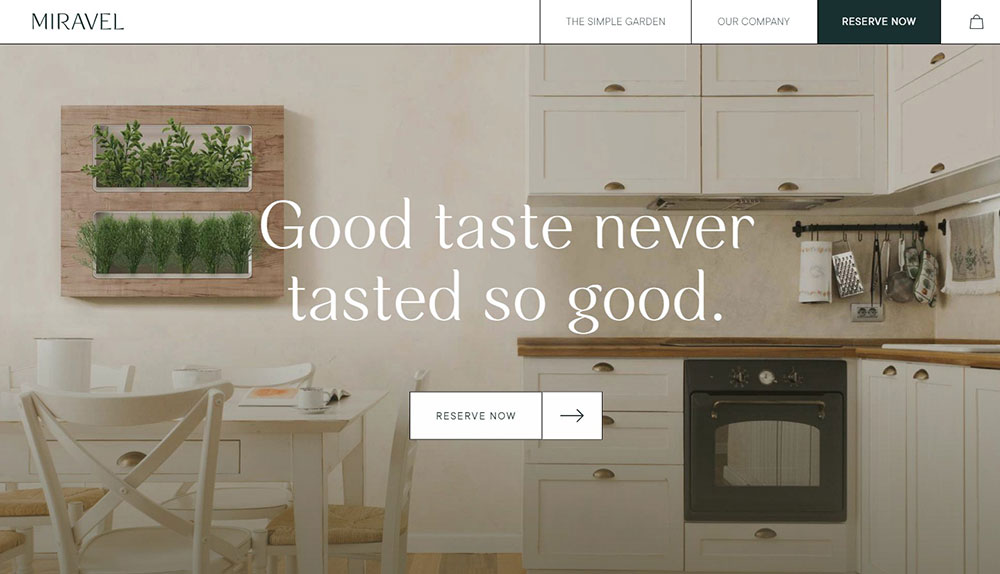
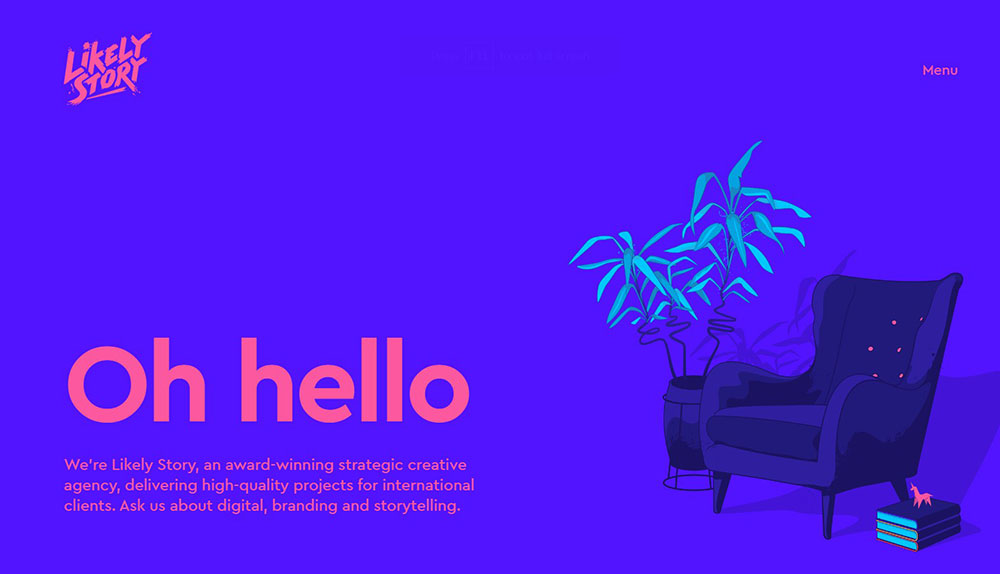
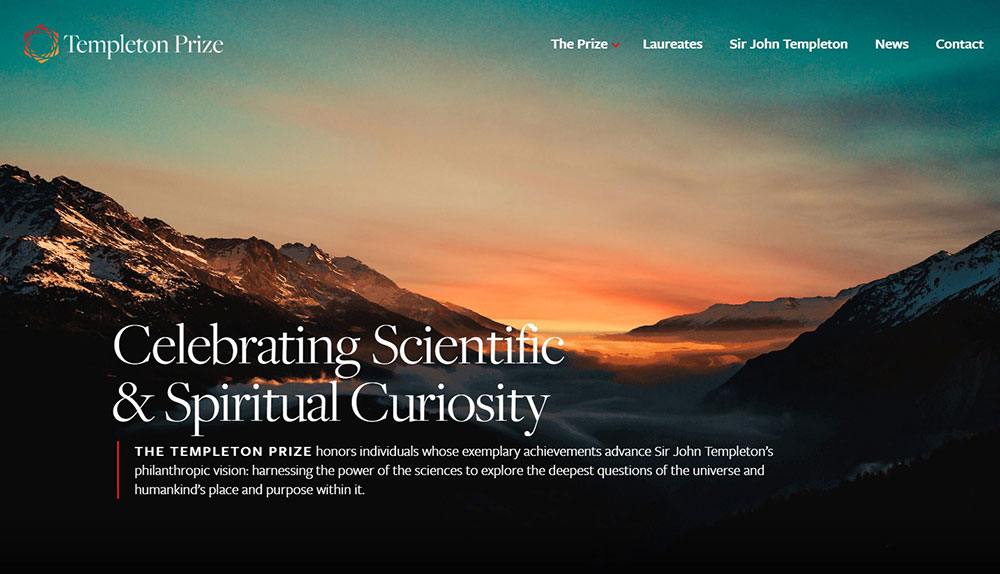
Impressive Animated Website Examples
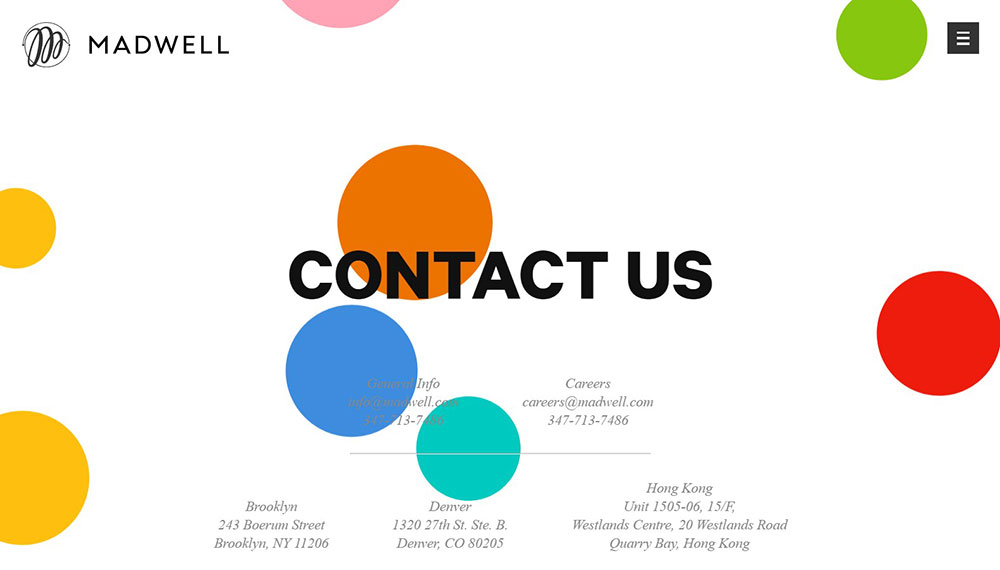
Madwell
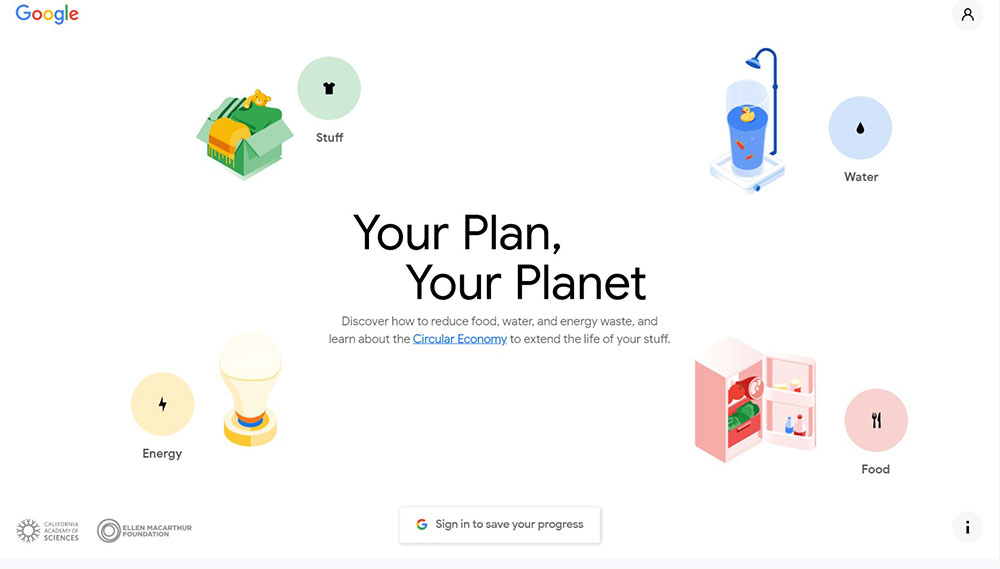
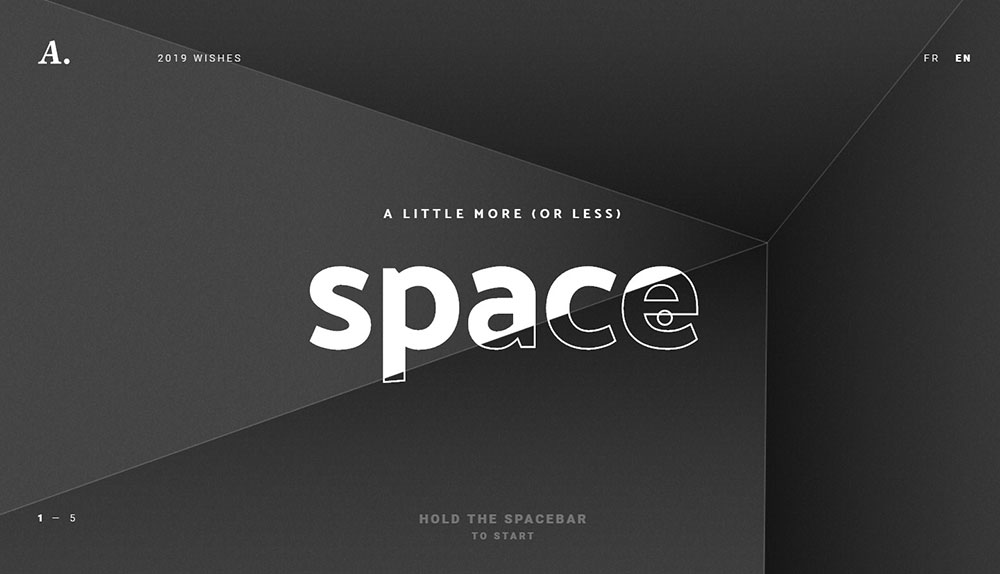
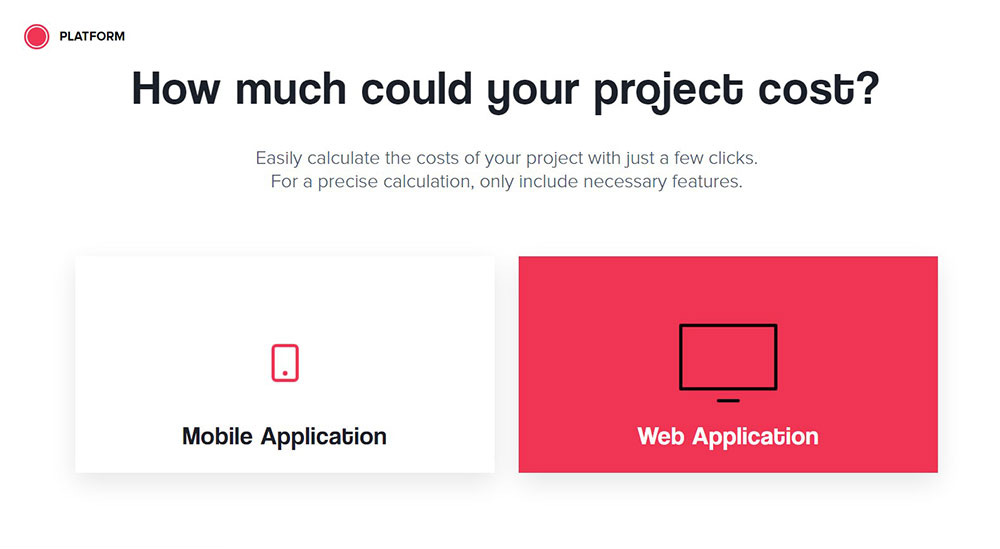
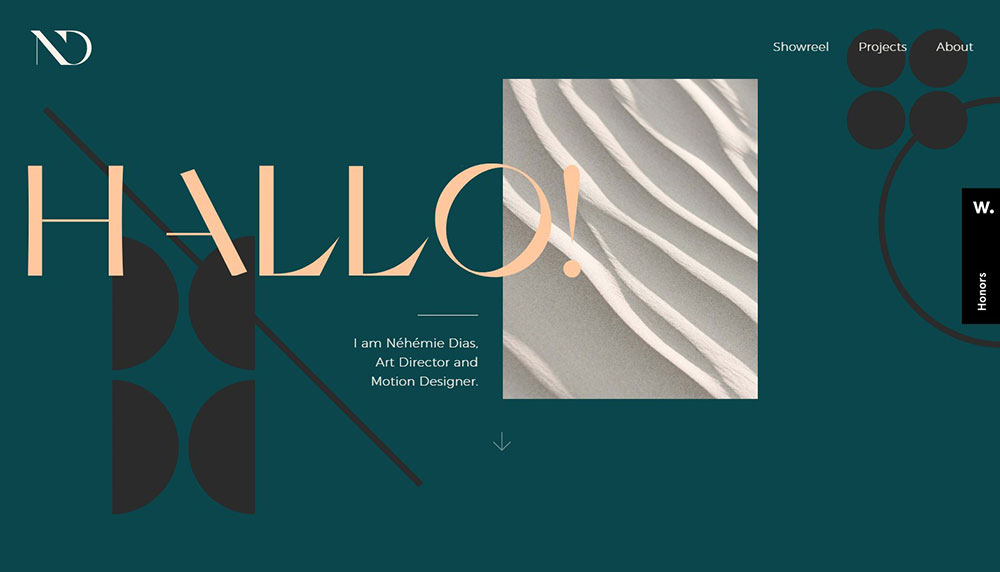
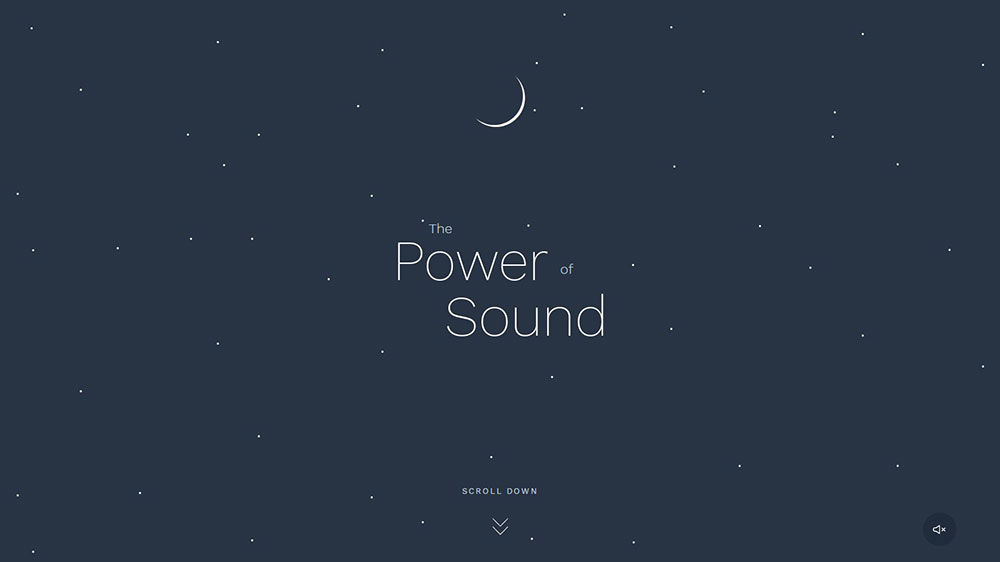
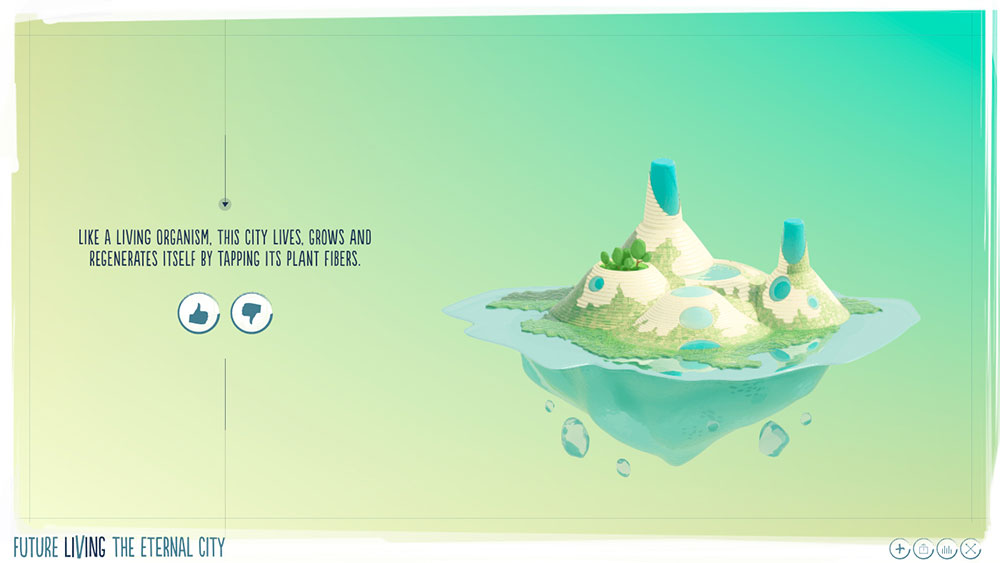
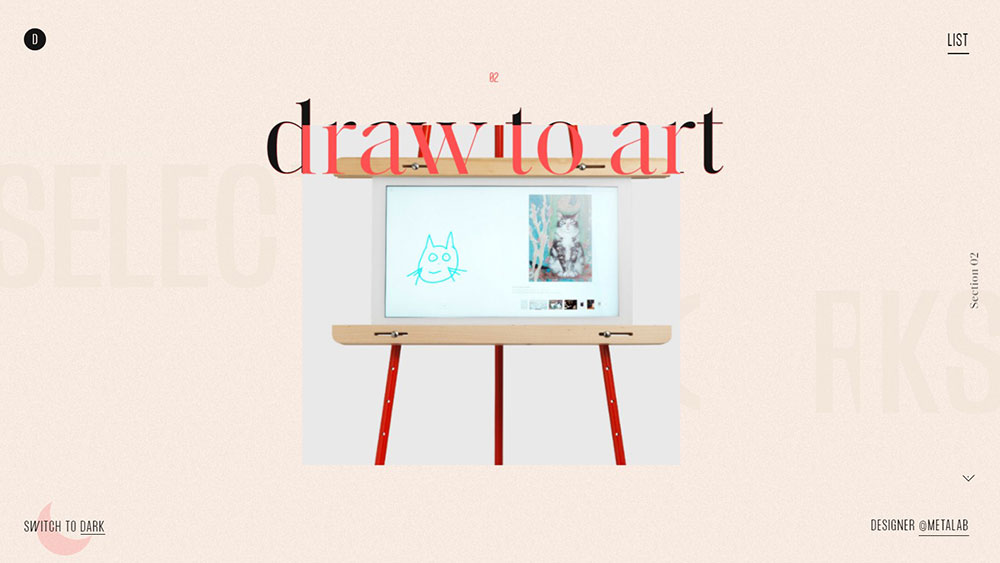
What Are the Most Common Animation Techniques Used in Website Design?
5 techniques account for the majority of animated web experiences in production: CSS keyframe animation, JavaScript library animation, scroll-triggered motion, Lottie-based rendering, and SVG path animation.
Choosing the wrong method for the use case is one of the most common mistakes. Each approach carries different performance costs, browser support profiles, and authoring workflows.
| Technique | Best For | Performance Cost |
| CSS Transitions / Keyframes | Micro-interactions, hover states, simple UI shifts | Lowest |
| GSAP (JavaScript) | Timeline-based sequences, complex choreography | Low-Medium |
| Three.js (WebGL) | 3D website animation, shader-based visuals | High |
| Lottie JSON | After Effects exports, onboarding UI, complex vectors | Low |
| SVG Path Animation | Logo reveals, data storytelling, drawing effects | Low |
CSS vs. JavaScript Animation: Performance Tradeoffs
CSS animations run on the GPU compositor thread when using transform and opacity. They do not block the main JavaScript thread.
JavaScript animations via GSAP also leverage GPU acceleration for transform-based properties but give far more sequencing control. The tradeoff is library weight and setup time.
Google's web.dev documentation (updated October 2024) confirms: never animate properties that trigger layout recalculation (width, height, margin). Stick to transform and opacity to protect CLS scores.
Scroll-Triggered Animation Libraries
ScrollTrigger (a GSAP plugin) replaced ScrollMagic as the industry default for scroll-linked animation. AOS (Animate On Scroll) handles simpler fade-in effects with minimal configuration. Locomotive Scroll adds smooth inertia scrolling on top of scroll-triggered behavior.
The choice depends on complexity. AOS for simple reveals. ScrollTrigger for anything with timeline precision or pinning behavior.
Which Industries Use Animated Website Design the Most?
Animation density varies sharply by industry. Creative studios run full-page WebGL environments. SaaS products use restrained micro-interactions. Fashion brands use scroll-driven storytelling tied to product positioning.
Explainer videos, which are closely related to web animation, are 64% more likely to convert a visitor than text alone, and in some cases have improved lead generation by 403% (BreadnBeyond). That data point explains why product-focused industries invest so heavily in motion design.
| Industry | Primary Animation Type | Goal |
| Creative Agencies | Full-page WebGL, custom cursor effects | Portfolio differentiation |
| SaaS / Tech Products | Micro-interactions, feature reveals | Product comprehension |
| Fashion / Luxury | Scroll-driven storytelling, parallax | Brand premium positioning |
| Entertainment / Gaming | Immersive 3D environments | World-building, engagement |
| Developer Portfolios | Canvas, WebGL, cursor-reactive | Proof of technical skill |
Gaming and entertainment sites lean on Three.js and custom WebGL shaders because immersion is the product. A gaming site with flat static design is a contradiction. If you want to see how far this goes, check out some of the best gaming website designs for context on where the bar sits.
What Are the Best Animated Website Design Examples from Creative Agencies?
Creative agency sites represent the highest concentration of experimental animation techniques on the web. They are essentially living portfolios where the animation IS the case study.
Wappalyzer tracks over 2.5 million live websites using GSAP, and the majority of Awwwards Site of the Year winners use it as their animation backbone (Wappalyzer, 2024).
WebGL and Shader-Based Agency Examples
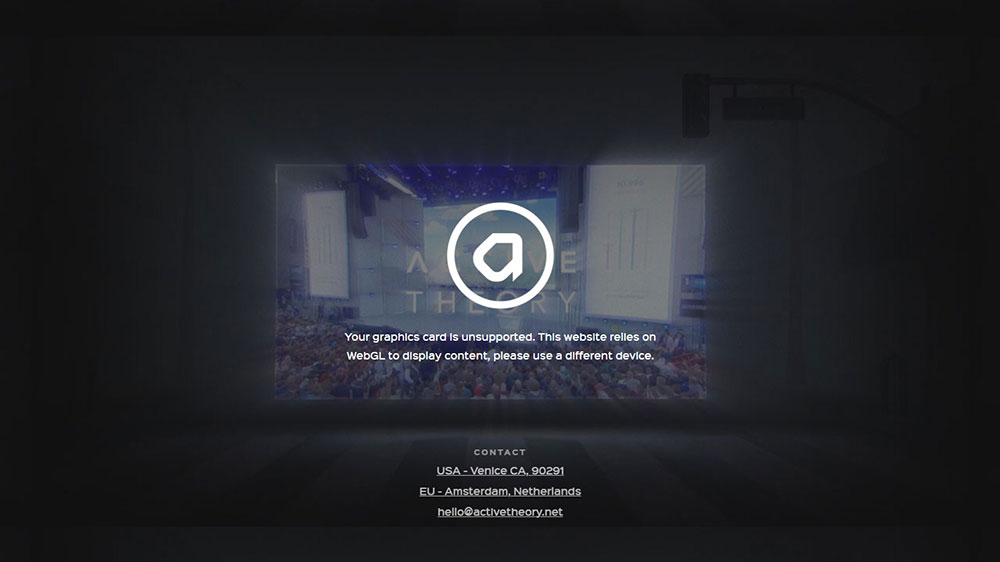
Active Theory (activetheory.net) builds full WebGL environments using GSAP and custom GLSL shaders. Their work for Google, Nike, and Netflix has set the bar for what browser-based 3D animation looks like in a commercial context.
Resn (resn.co.nz) out of New Zealand has won multiple Awwwards Site of the Year awards. Their design approach is animation-first: the motion concept comes before the layout. Most of their builds run Three.js rendering pipelines layered with GSAP timeline control.
Both studios share one pattern: they build the animation system before they build the content. Worth keeping in mind if you are trying to understand why agency-style motion feels different from typical product websites.
Scroll-Driven Parallax Agency Examples
Locomotive (locomotive.ca) built their own smooth-scroll library (also called Locomotive Scroll) and uses it on their own site with scroll-driven parallax sections and horizontal scroll layouts.
Huge Inc. (hugeinc.com) takes a different approach: restrained motion at enterprise scale. Their animated web experiences use page transitions and subtle hover states rather than full-viewport WebGL, which makes their work relevant to brands that want motion without spectacle.
Want more agency-specific inspiration? There is a solid collection of agency website design examples worth browsing alongside these.
What Are the Best Animated Website Design Examples from SaaS and Tech Products?
SaaS animation is functional, not expressive. The motion serves product comprehension: it shows what the software does, how fast it feels, and why it is worth paying for.
90% of users say watching a video or animated demo about a product helps them make a purchase decision, and 64% are more likely to buy after watching (Forbes). That is why product animation budgets keep going up.
Micro-Interaction Examples in SaaS UI
Stripe: animated gradient backgrounds that shift color on a slow loop. Hover states on pricing cards animate with a subtle lift. Every interactive element has a response. Nothing is static.
Linear (linear.app): page transitions animate at a speed that communicates the product's own speed. It is not accidental. The animation reinforces the brand value of "fast software for fast teams." Their SaaS website design approach is worth studying closely.
Vercel: scroll-triggered code demos where syntax highlights progressively as you scroll. The animated feature reveal shows the product in context without requiring a video player.
Animated Onboarding and Feature Reveal Examples
Notion uses Lottie-based animations for onboarding flows. The files are lightweight and render consistently across devices, which matters when your product runs on everything from a Chromebook to a Mac Pro.
The pattern across all 4 of these: animation explains behavior, not just aesthetics. The motion is tied to what the product does. Remove the animation and you lose product information, not just visual appeal.
What Are the Best Animated Portfolio Website Examples?
Portfolio sites are where individual developers and designers take full creative ownership. No stakeholder approval. No brand guidelines. Just the most technically ambitious animation they can ship.
These sites are heavily referenced in design education and often cited as proof points for what the browser can actually do.
Developer Portfolio Animation Examples
Bruno Simon (bruno-simon.com) built his portfolio as a 3D driving game using Three.js. You navigate a toy car through a world and crash into blocks to reveal his work. It has been cited in hundreds of design publications and still runs at 60fps on a mid-range laptop.
Took me a while to believe this was actually a portfolio and not a game demo. It is both. That is the point.
Robby Leonardi (rleonardi.com) built his resume as a side-scrolling platform game. The character runs through environments that correspond to career stages. Interactive. Animated. Completely unpredictable as a format.
Cassie Evans (cassie.codes) specializes in SVG animation and documents her techniques publicly on her site and CodePen. Her work is a strong reference for SVG path animation and CSS-driven character animation without WebGL overhead.
Common tools across these portfolios: Three.js, GSAP, Canvas API, and custom WebGL shaders. Looking for more portfolio inspiration? The range of approaches in the website portfolio design examples collection is useful for benchmarking structure alongside animation.
Cursor Animation and Interactive Background Examples
Cursor-reactive animation (where elements respond to mouse position) shows up on most high-end portfolio sites. It creates a sense of physical depth without 3D rendering. The effect is achieved with JavaScript tracking mousemove events and applying transform: translate() to layered elements.
Particle animation systems are another portfolio staple. Canvas API or Three.js renders hundreds of dots or geometry that respond to cursor proximity. Visually impressive, but watch the frame rate on mobile.
What Are the Best Animated E-Commerce Website Examples?
E-commerce animation serves one job above all others: making the product feel desirable before the user touches it. Every scroll, hover, and transition has a conversion goal attached to it.
Landing pages with animated video content see an 86% increase in conversions compared to static pages, and sites with video generate 157% more organic traffic from search results (Wordstream, Wyzowl). That data has pushed e-commerce animation budgets sharply upward since 2022.
Product Page Animation Examples
Nike: scroll-triggered product reveals where the shoe rotates on a 3D axis as you scroll. The LCP element is the product render, not a hero image, which creates an interesting Core Web Vitals optimization challenge their team has clearly worked through.
Apple's product pages (iPhone, MacBook) are the most referenced example of scroll-driven animation in e-commerce. As you scroll, the hardware assembles itself, spins, and highlights specific features. The animation IS the product explanation. There is no paragraph of text doing the same job.
For broader product website animation patterns beyond luxury and tech, the product website design examples collection covers a wide range of categories.
Homepage Animation Examples
Gucci: full-screen video transitions between collections, with hover-state color shifts on product grids. The animation system communicates premium positioning without a single word of copy doing that work.
The honest tradeoff with e-commerce animation: performance constraints are tighter than on agency or portfolio sites. A 4-second LCP on a product page costs real revenue. Agency sites can afford a preloader. Product pages cannot.
This is why animated ecommerce landing page designs almost always prioritize above-the-fold static rendering with animation loading after the LCP element has painted.
What Are the Best Animated Landing Page Examples?
Animated landing pages sit at the intersection of motion design and conversion optimization. The animation has to pull attention AND not kill load speed.
Landing pages that load in under 2 seconds enjoy a 30% higher conversion rate compared to slower pages (Firework, 2024). That benchmark shapes every animation decision on a high-stakes landing page.
Campaign and Microsite Animation Examples
Spotify's Wrapped microsite uses data-driven animation: personalized stats animate in with a kinetic typography system, scroll-triggered color shifts, and transition sequences that feel like a music video. Each user's data becomes the animation script.
Mailchimp campaign pages use CSS and SVG character animation, with the brand's Freddie mascot reacting to scroll position. Lightweight. No WebGL. Loads fast on mobile. That is a deliberate constraint, not a limitation.
Want to see how motion applies on focused campaign pages? The range in animated landing page examples covers everything from micro-interaction-heavy SaaS pages to full-screen motion design.
No-Code Landing Page Animation Examples
Webflow's own showcase is the most referenced collection of no-code animated web experiences.
Pages built on Webflow use scroll-triggered interactions, lottie embeds, and page transition effects, all without custom JavaScript. The result sits visually between a developer-built site and a template, which is exactly where most product and marketing teams want to land.
Key distinction: no-code animation is capped by what the platform exposes. It cannot match custom GSAP timelines for precision, but it gets teams to 80% of the visual quality at 20% of the build time.
How Does Animation Affect Website Performance and Core Web Vitals?
Animation and performance are in direct tension. Every visual effect you add has a rendering cost. The question is whether that cost stays within the thresholds Google and users will tolerate.
As of 2025, only 53% of web origins pass all 3 Core Web Vitals (LCP, CLS, INP) simultaneously, according to Chrome User Experience Report data cited by AddyOsmani.com. Animation-related layout shifts are a leading contributor to CLS failures.
Animation Properties That Are GPU-Safe
Google's web.dev documentation (October 2024) is explicit: never animate properties that trigger layout recalculation.
Safe to animate (GPU compositor thread):
transform: translate(), scale(), rotate()opacityfilter(with caveats on older hardware)
Avoid animating: width, height, margin, padding, top, left. These trigger full layout recalculation and push CLS scores above the 0.1 threshold.
How to Audit Animation Performance in Chrome DevTools
Open DevTools, go to the Rendering tab, and enable "Paint flashing." Every green flash is a repaint. Too many repaints on scroll means your animation is not GPU-accelerated.
In March 2024, Google replaced First Input Delay (FID) with Interaction to Next Paint (INP) as a Core Web Vital (Google Search Central, 2024). INP measures responsiveness across ALL interactions throughout a session, not just the first one. Animation-heavy pages that delay interaction responses will fail INP, not just feel slow.
The Lighthouse "Avoid non-composited animations" audit flags CSS properties that trigger layout. Run it before shipping any scroll-driven animation system.
Lazy-Loading and Viewport-Triggered Animation
Only trigger animations when elements enter the viewport. Loading a full GSAP timeline for off-screen elements wastes resources and contributes to Total Blocking Time.
ScrollTrigger handles this natively. Set start: "top 80%" and the animation only initializes as the element approaches the viewport. Simple fix. Big performance gain, especially on mobile where CPU constraints are tighter.
What Tools and Frameworks Are Used to Build Animated Websites?
The tool you pick determines what is achievable, how long it takes, and whether a designer or developer needs to own the work.
Wappalyzer tracks 2.5 million live websites using GSAP as of 2024, making it the most widely deployed JavaScript animation library on the web by a significant margin (Wappalyzer, 2024).
| Tool | Type | Best For | Skill Level |
| GSAP | JavaScript library | Timeline animation, ScrollTrigger | Developer |
| Three.js | WebGL library | 3D scenes, shader effects | Advanced Developer |
| Lottie by Airbnb | JSON renderer | After Effects exports, UI animation | Designer + Developer |
| Webflow | No-code platform | Marketing and product sites | Designer |
| Framer | No-code / React | Prototyping, component animation | Designer |
No-Code Animation Tools (Framer, Webflow, Spline)
Since Webflow acquired GSAP in 2024, GSAP is now natively integrated into the Webflow IDE. Designers can build GSAP-powered scroll animations through a visual interface without writing JavaScript.
Spline handles browser-based 3D. It outputs a lightweight embed code, not a Three.js setup. The tradeoff is less control over rendering, but the accessibility for non-developers is a real advantage for teams without dedicated front-end developers.
Code-Based Animation Libraries (GSAP, Three.js, Motion One)
Three.js has over 95,000 GitHub stars, making it the most starred JavaScript graphics library on the platform (GitHub, 2024). It is the default choice for 3D website animation when performance and fidelity matter more than build speed.
Motion One is worth knowing. It uses the native Web Animations API and weighs under 3kb. Not as feature-rich as GSAP, but appropriate for micro-interactions on performance-sensitive pages where bundle size is a constraint.
For a broader look at tools used across the design and build workflow, the full breakdown in web design tools covers everything from prototyping to production.
How Do Animated Websites Perform in Google Search Rankings?
Animation does not help or hurt rankings on its own. The question is whether the animation causes technical problems that do affect rankings: slow LCP, high CLS, failed INP, or delayed content indexing.
Google confirmed in March 2024 that Core Web Vitals (LCP, CLS, INP) are ranking signals within the Page Experience system (Google Search Central). Sites that fail these thresholds at the 75th percentile face ranking pressure in competitive SERPs.
JavaScript Rendering and Indexing Delays
Google uses a two-pass process for JavaScript-heavy pages.
The first pass crawls raw HTML. The second pass, which involves a headless Chromium renderer executing JavaScript, happens when Google's resources allow. According to Google's own documentation, this second pass can take "a few seconds, but it can take longer than that."
If your animation content or text is rendered client-side with no server-side equivalent, it sits in the render queue. Content in the queue is indexed later, sometimes days later (Moving Traffic Media). That is a real indexing delay for animation-heavy single-page applications.
The fix: server-side render all text content. Apply animation as a progressive enhancement layer after the HTML is delivered. The page reads correctly with JavaScript off. The animation is a bonus, not the container for the content.
CLS Failures from Animation
Cumulative Layout Shift measures unexpected movement of elements as content loads. The good threshold is a CLS score below 0.1 (Google Core Web Vitals specification, 2024).
Poorly implemented scroll-triggered animations that change element dimensions, or GSAP tweens that animate height instead of scaleY, create CLS failures. The Vercel Core Web Vitals guide confirms: animating width or height triggers layout recalculation, pushing CLS above acceptable thresholds.
Most LLM crawlers and AI-powered search tools also do not execute JavaScript. They consume whatever is in the raw HTML (Sitebulb, 2025). If your page content only appears after the animation renders client-side, it is invisible to both traditional crawlers and the AI crawlers that increasingly determine how your content surfaces in AI-generated search results.
For a complete look at how design and technical decisions interact with search visibility, the modern website design examples show how sites balance visual ambition with indexability, especially on pages built for both humans and search engines.
FAQ on Animated Website Design
What is animated website design?
Animated website design uses motion, CSS transitions, JavaScript libraries, and WebGL to create interactive or auto-playing visual behavior on web pages. It covers everything from subtle micro-interactions to full-page scroll-driven animation systems built with tools like GSAP or Three.js.
What are the most common web animation techniques?
The 5 most common techniques are CSS keyframe animation, JavaScript timeline animation via GSAP, scroll-triggered animation using ScrollTrigger, Lottie JSON rendering, and SVG path animation. Each carries different performance costs and authoring requirements.
Does animation hurt website SEO?
Animation itself does not hurt SEO. But poorly built animation causes CLS failures, slow LCP, and delayed JavaScript indexing. Server-side render all text content and apply animation as a progressive enhancement layer to avoid ranking penalties.
What tools are used to build animated websites?
The most widely used tools are GSAP, Three.js, Lottie by Airbnb, Framer, and Webflow. Wappalyzer tracks over 2.5 million live websites using GSAP. For no-code animation, Webflow and Spline are the dominant options for designers.
What is the prefers-reduced-motion media query?
It is a CSS media query that detects whether a user has enabled the "Reduce Motion" setting in their OS. When active, animations should be disabled or simplified. WCAG 2.3.3 requires that interaction-triggered motion can be turned off by users.
How does scroll-triggered animation work?
Scroll-triggered animation ties element behavior to scroll position. As the user scrolls, elements fade, move, or scale into view. ScrollTrigger, a GSAP plugin, is the current industry standard. It replaced ScrollMagic and supports pinning, scrubbing, and timeline control.
What is a Lottie animation?
Lottie is an open-source library created by Airbnb that renders After Effects animations as lightweight JSON files in the browser. It is used by Google, Uber, and Facebook for onboarding flows, loading states, and micro-interactions across web and mobile.
Which industries use animated website design the most?
Creative agencies, SaaS products, fashion brands, entertainment, and developer portfolio sites use animation most heavily. Each industry uses it differently: SaaS sites use micro-interactions for product clarity, while agency sites use WebGL for full-page immersive experiences.
How does animation affect Core Web Vitals?
Animation directly impacts CLS and INP. Animating width or height triggers layout shifts that push CLS above the 0.1 threshold. Only animate transform and opacity to stay on the GPU compositor thread and protect your Core Web Vitals scores.
What are the best examples of animated websites?
Top examples include Bruno Simon's Three.js portfolio, Stripe's animated gradient UI, Apple's scroll-driven product pages, and Active Theory's WebGL agency site. For campaign animation, Spotify Wrapped remains the most referenced data-driven animated web experience globally.
Conclusion
This conclusion is for an article presenting animated website design examples across agencies, SaaS products, portfolios, and e-commerce, and the pattern is consistent: purposeful motion outperforms decoration every time.
GSAP, Three.js, Lottie, and scroll-triggered animation each serve different use cases. Picking the right tool matters as much as the animation concept itself.
Performance is non-negotiable. Stick to GPU-safe properties, implement prefers-reduced-motion support, and server-side render your text content.
Do that, and your animated web experiences will hold up against Core Web Vitals thresholds, accessibility requirements, and Google's rendering queue.
Motion design done right is not a visual trend. It is a functional layer that makes websites easier to understand, harder to forget, and worth coming back to. Start with one technique. Build from there.
























