

Wedding Planner Website Templates to Wow Your Clients
January 28, 2026
Product Website Templates That Drive Sales
February 2, 2026Generic WordPress themes make esports teams and game studios look amateur.
Gaming website templates solve this problem with dark mode layouts, neon color schemes, and built-in features like tournament brackets and Twitch integration.
The difference shows immediately. Visitors expect gaming sites to match the visual intensity of the games themselves.
This guide covers everything you need to choose the right template for your project.
You will learn which template types exist, what features matter most, how to evaluate options across WordPress, Webflow, and HTML5 platforms, and which mistakes kill performance before launch.
Whether you are building for an esports organization, streaming channel, or indie game studio, the right template cuts development time from months to days.
What is a Gaming Website Template
A gaming website template is a pre-designed web layout built for video game studios, esports teams, streamers, and gaming communities.
These templates include specialized sections for player stats, tournament brackets, team rosters, and live stream integration.
Most gaming themes run on WordPress, HTML5, or website builders like Webflow and Squarespace.
They ship with dark mode layouts, neon color schemes, and CSS animation effects that match gamer aesthetics.
Unlike generic business themes, gaming templates prioritize visual impact and community features over corporate functionality.
Gaming Website Templates
BE Paintball

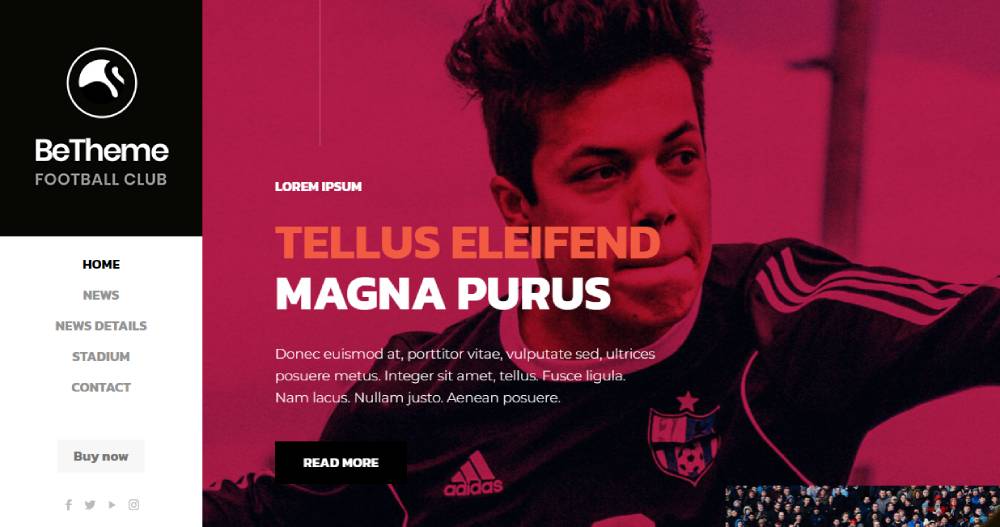
BE Football 2

BE ASG 2

BE Football
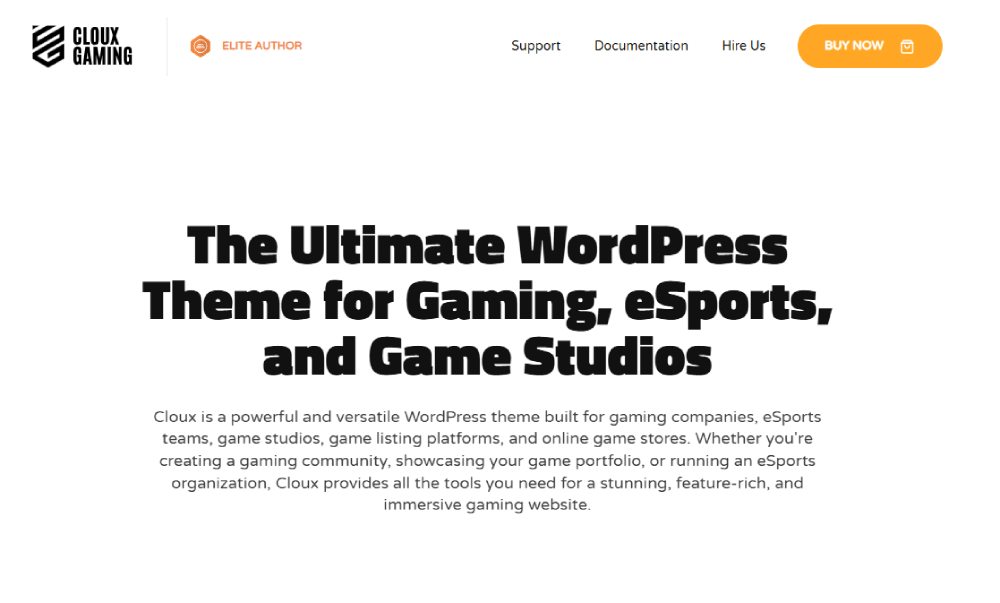
Cloux
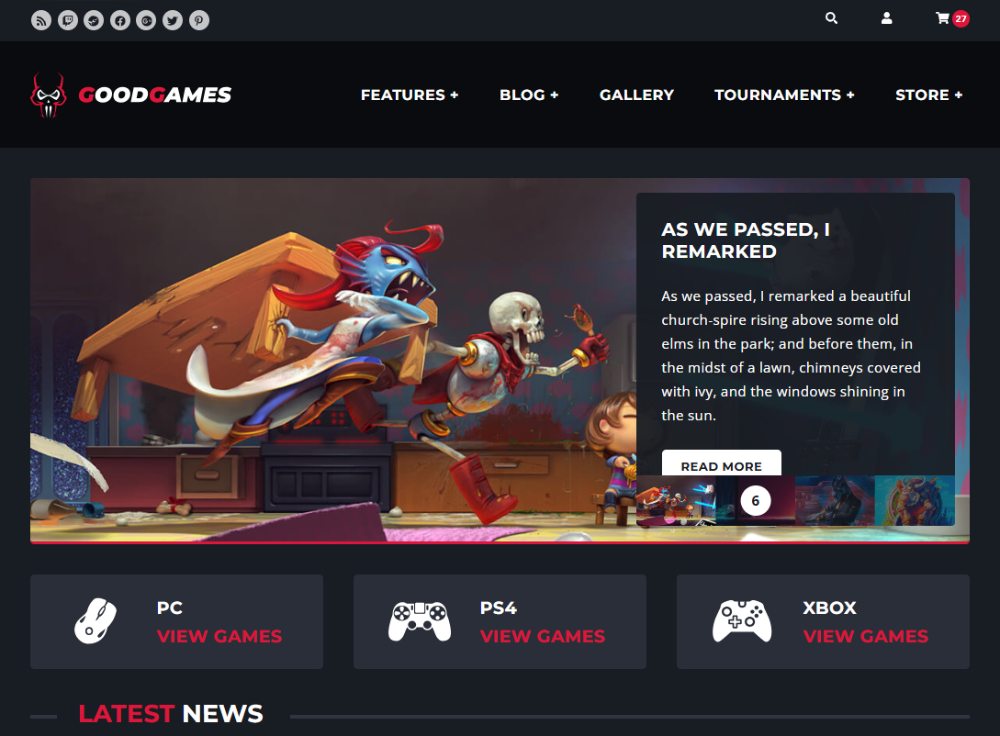
Good Games
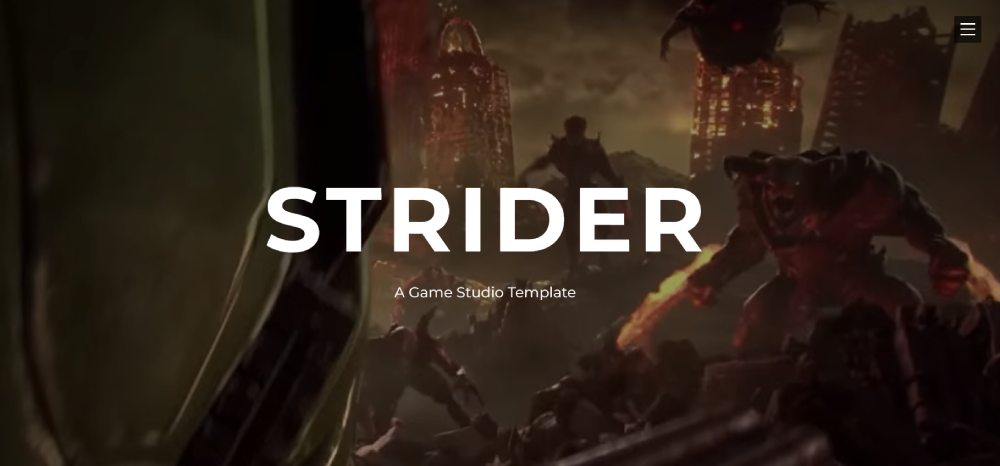
Strider
Youplay
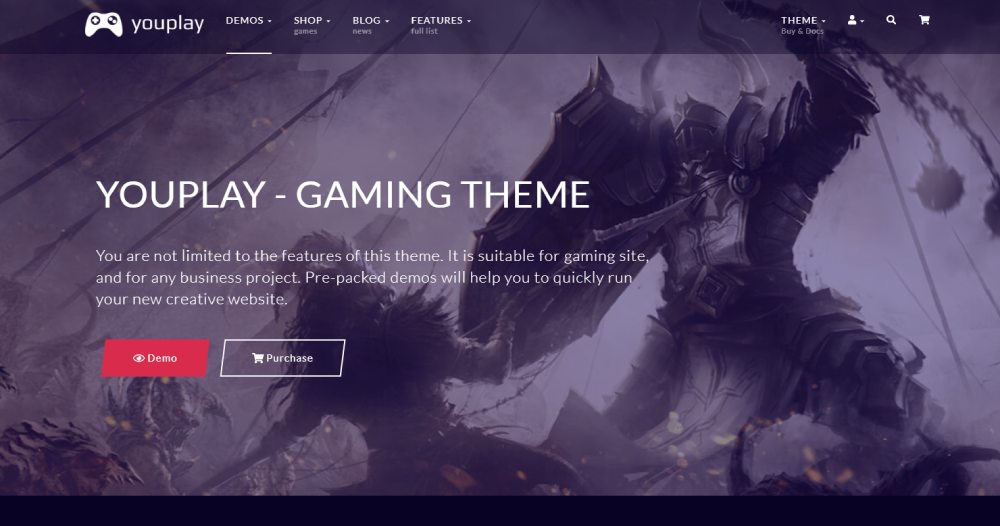
Gamic
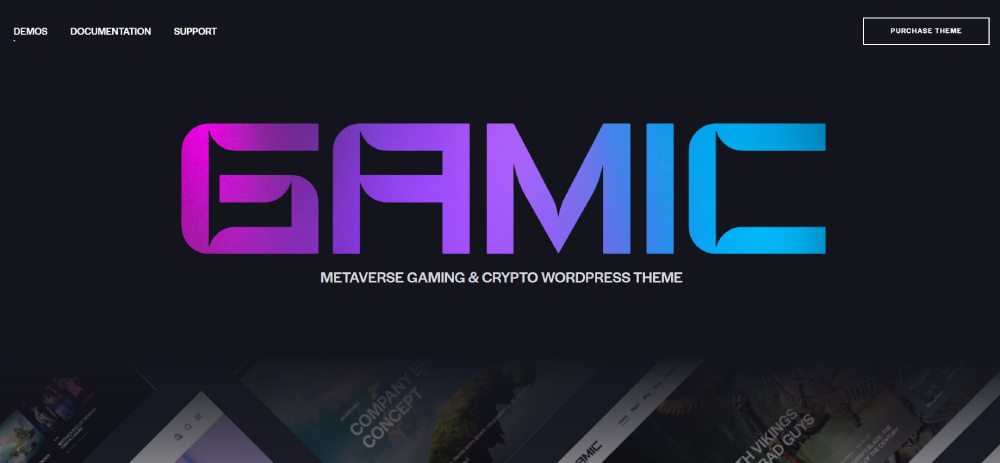
Godlike
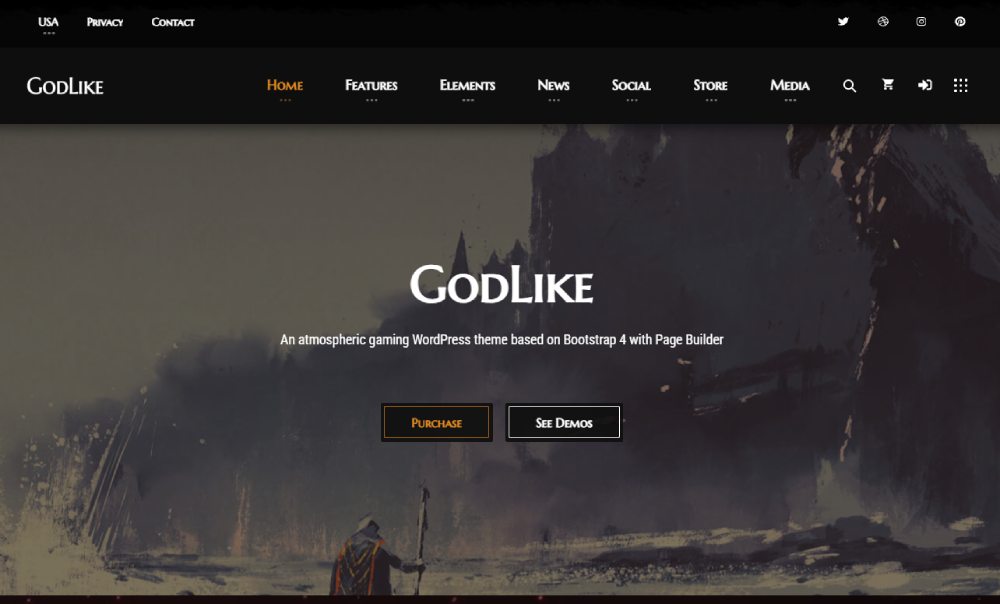
PlayerX
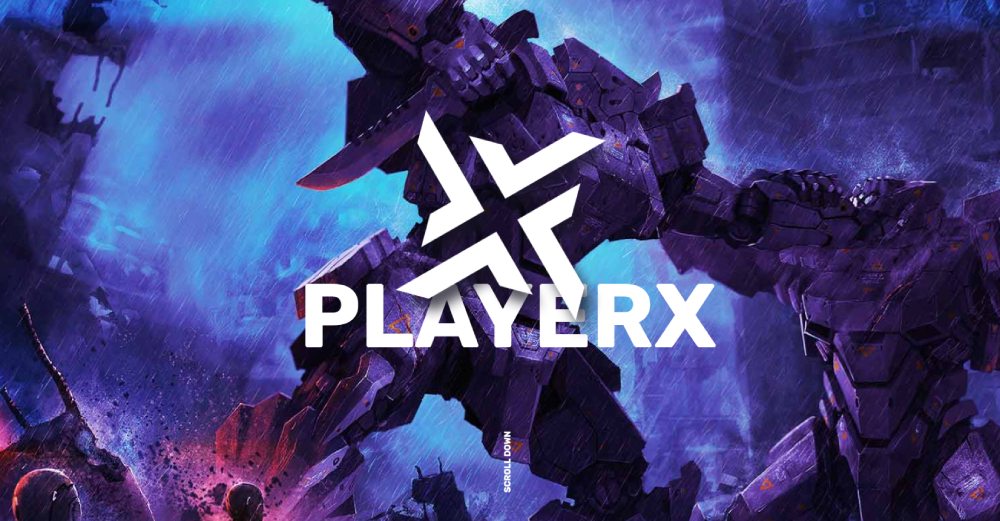
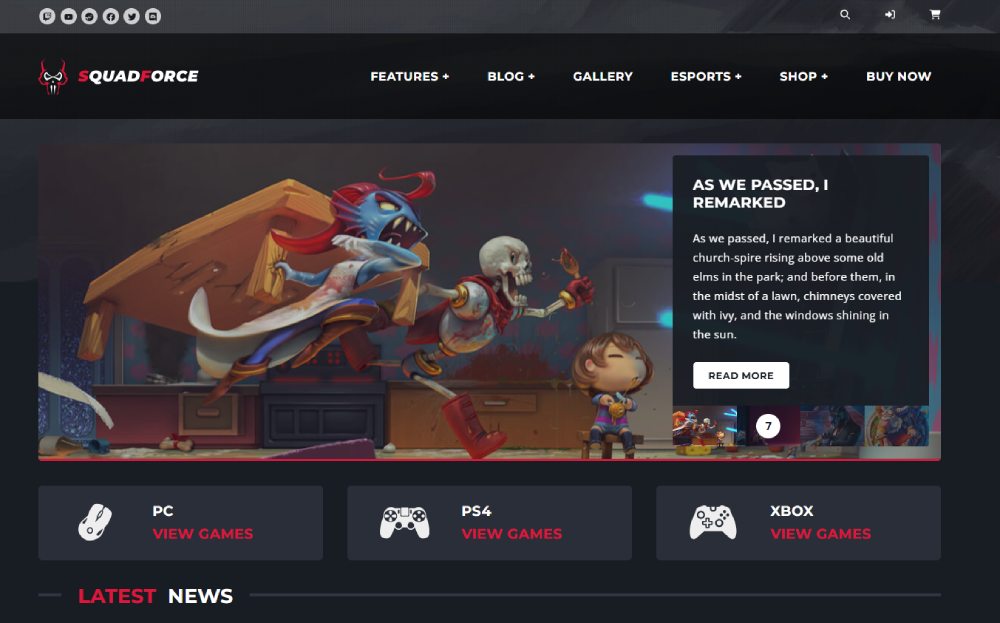
SquadForce
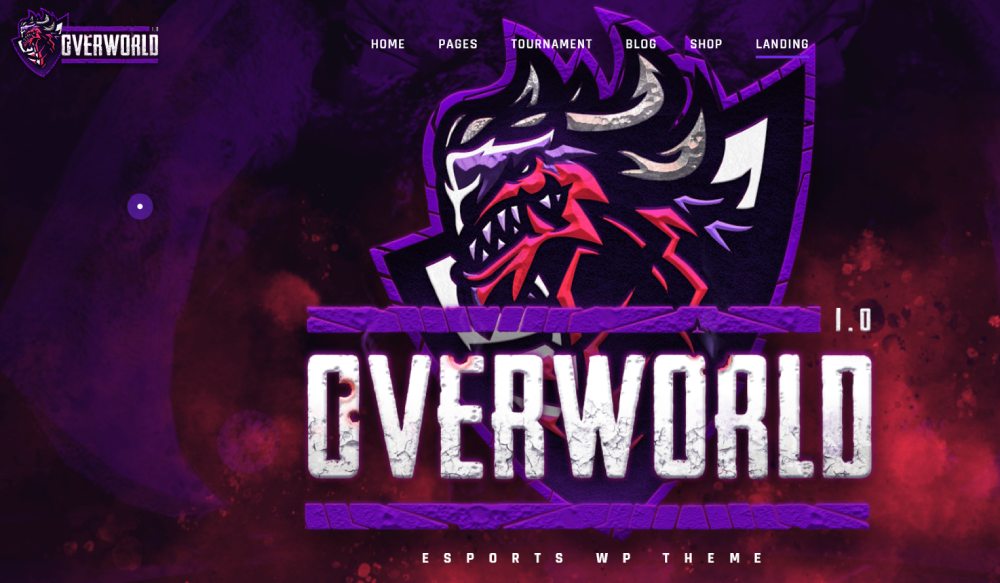
Overworld
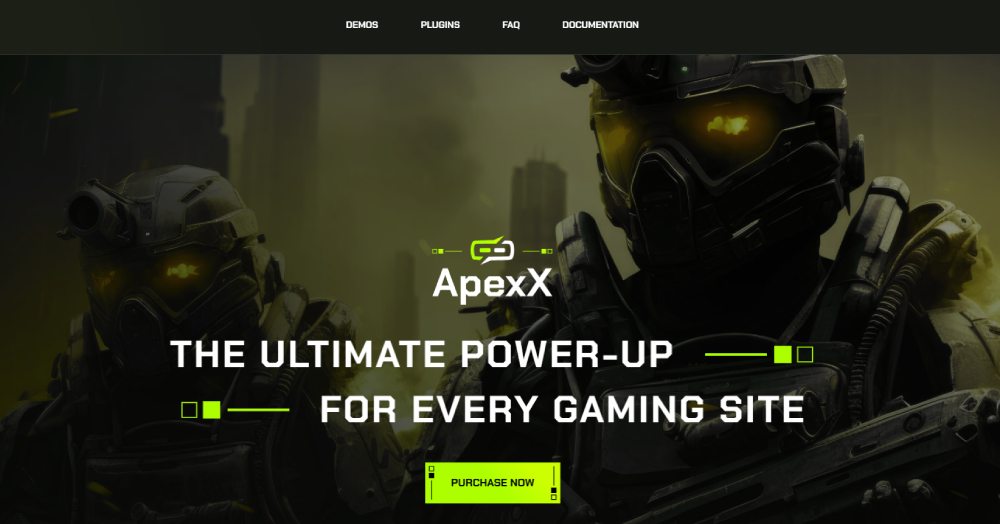
ApexX
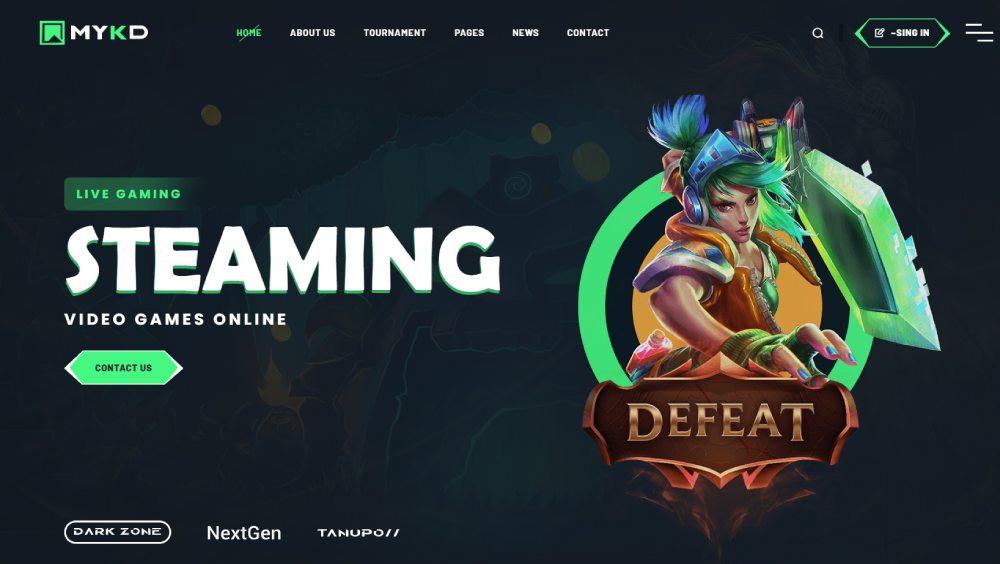
MYKD
Horr
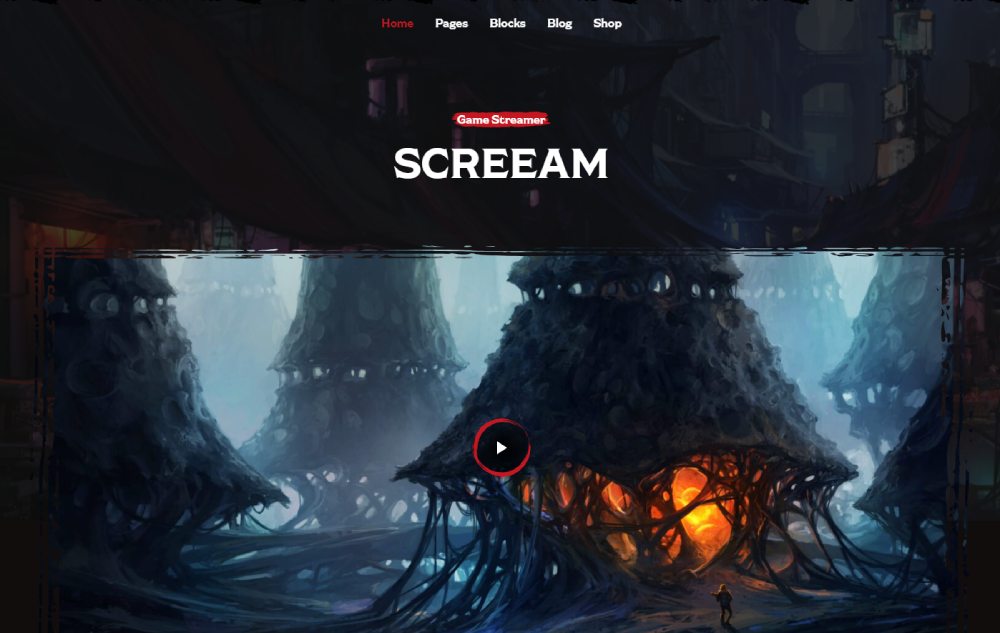
Eldritch
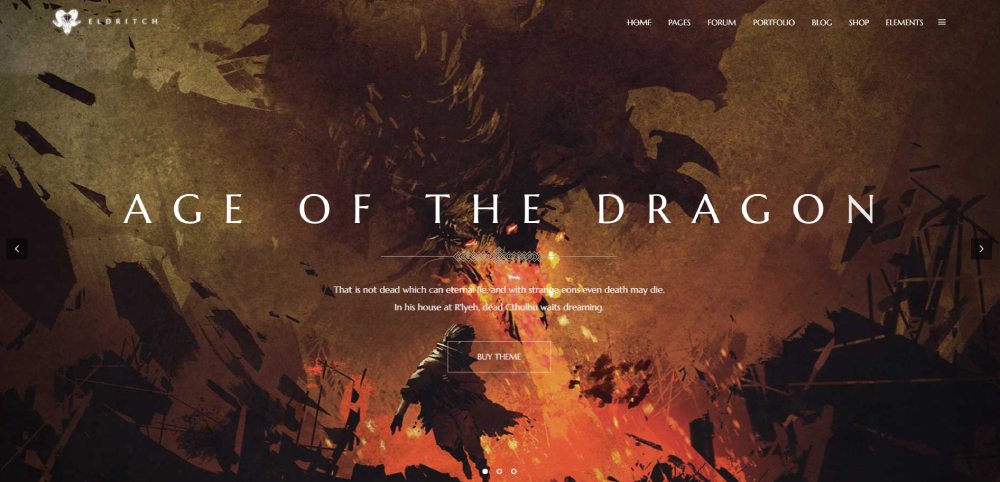
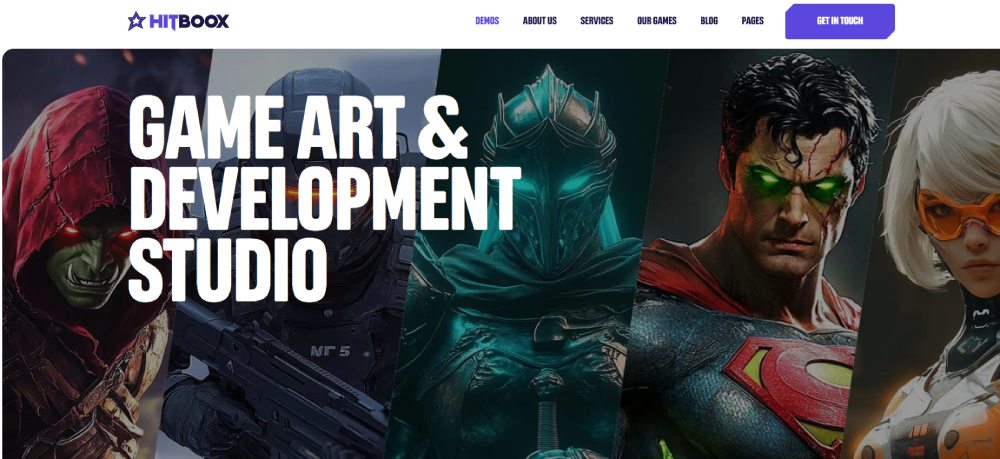
Hitboox
Xports
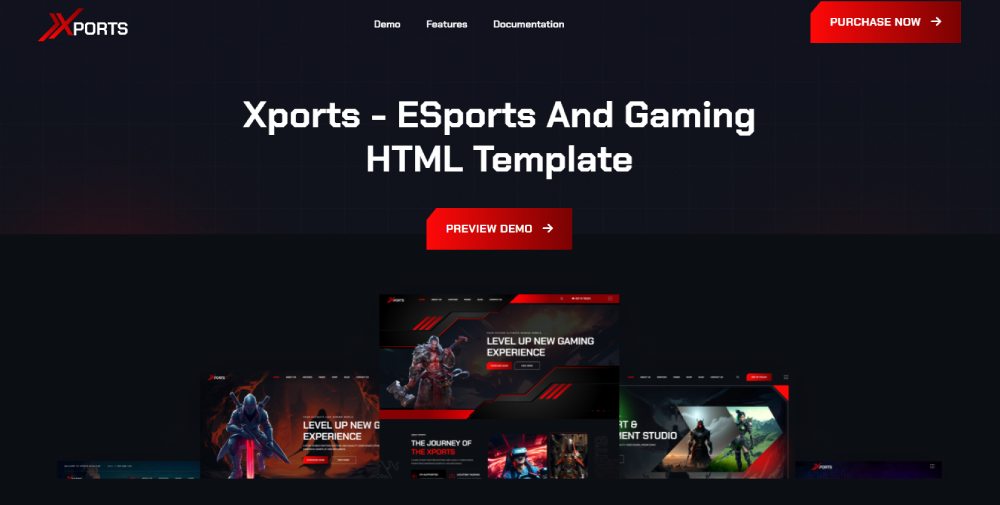
CyberPulse

Razox
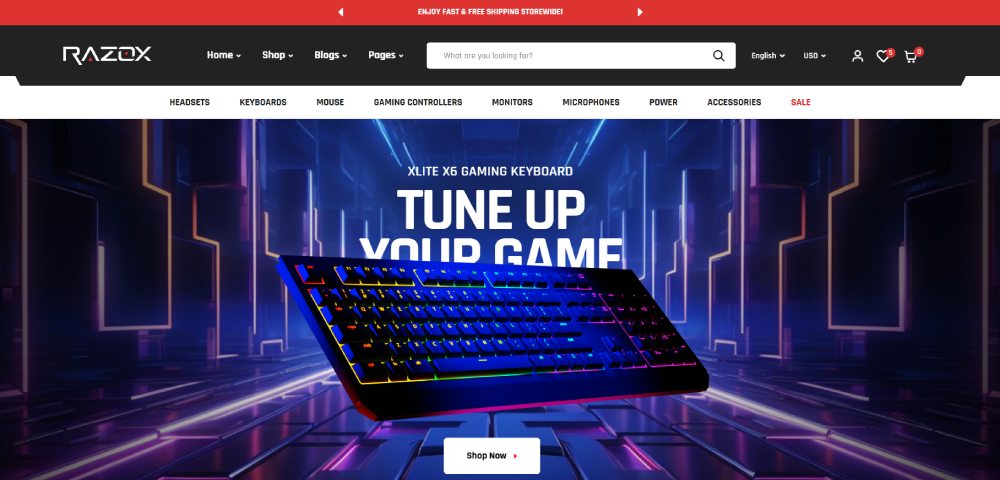
Gameleon
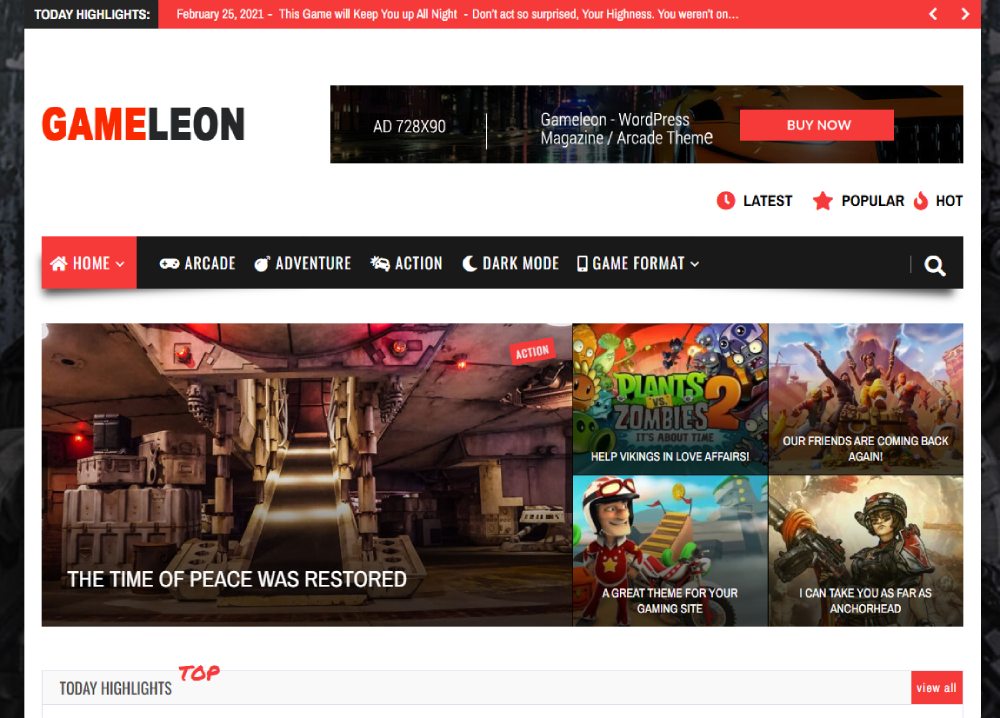
How Do Gaming Website Templates Differ from Standard Web Templates
Standard templates focus on clean layouts and white space.
Gaming templates flip that approach entirely.
Dark themed designs dominate this category; bright backgrounds strain eyes during long gaming sessions.
The visual language pulls from cyberpunk aesthetics, retro arcade styles, and sci-fi interfaces.
Technical differences matter too. Gaming templates support Discord widget embeds, Twitch panel designs, and Steam integration out of the box.
You get leaderboard widgets, match schedule sections, and player profile pages baked into the theme structure.
Standard templates rarely include these gaming-specific modules.
Performance requirements also diverge. Gaming audiences expect animated websites with video backgrounds and parallax scrolling effects.
These features demand optimized code and proper hosting to maintain fast loading speeds.
What Types of Gaming Website Templates Exist
Gaming templates split into distinct categories based on purpose and audience.
Picking the wrong type wastes time on customization that a better-matched template handles natively.
Esports Team Templates
Built for competitive gaming organizations with team roster pages, match results displays, and sponsor showcase sections. Most include tournament bracket systems and player stats modules.
Game Studio Portfolio Templates
Designed for indie studios and AAA developers showcasing their portfolio of released and upcoming titles. Heavy emphasis on video game trailers, screenshots galleries, and press kit downloads.
Gaming Community and Forum Templates
Focus on multiplayer community platforms with forum integration, membership features, and clan website builder functionality. Discord server integration comes standard.
Game Review and Magazine Templates
Structured for gaming news websites with review score systems, game database layouts, and editorial blog design sections. Support for high-volume content publishing.
Streaming and Content Creator Templates
Purpose-built for Twitch streamers and YouTube Gaming creators. Feature streamer landing pages with live stream widgets, content schedules, and direct donation integrations.
Gaming Tournament and Event Templates
Handle event websites for LAN parties, online competitions, and gaming conventions. Registration systems, bracket generators, and prize pool displays included.
What Features Should a Gaming Website Template Include
Not all gaming templates deliver equal value. The best ones share common features that separate professional results from amateur builds.
Responsive layout ranks first; mobile gaming audiences keep growing.
Your template needs to look sharp on phones, tablets, and ultrawide monitors without manual adjustments.
Dark mode support is non-negotiable. Gaming audiences expect it.
Look for templates with multiple color scheme options so you can match team branding or game aesthetics.
Essential gaming-specific features:
- Twitch and YouTube Gaming embed support
- Discord widget integration
- Tournament bracket display systems
- Player profile cards with stats
- Team roster page layouts
- Match schedule and results sections
- Leaderboard widgets
- Gaming merchandise store compatibility
On the technical side, check for WooCommerce integration if you plan to sell merch or game keys.
Elementor or other drag and drop builder compatibility speeds up customization significantly.
Page speed matters more than most realize. Gaming templates with heavy animations need clean JavaScript and optimized CSS3 to score well on Google PageSpeed.
Skip templates that sacrifice loading time for flashy effects you will disable anyway.
How to Choose a Gaming Website Template for Your Project
Template selection depends on three factors: audience type, technical skill level, and budget.
Get these wrong and you will rebuild from scratch within six months.
Audience type narrows options fast. Esports organizations need roster management and match tracking; streamers need Twitch integration and subscriber features.
A game review site needs editorial layouts that a tournament template lacks entirely.
Match the template category to your primary use case before evaluating individual designs.
Technical requirements matter equally. WordPress themes demand hosting setup, PHP knowledge, and plugin management.
Webflow and Squarespace handle infrastructure but limit customization depth.
HTML5 templates offer maximum control for developers comfortable with code.
Run through a basic website checklist before purchase:
- Does it support your required integrations (Discord, Twitch, Steam)?
- Is the theme actively maintained with recent updates?
- Does documentation cover your customization needs?
- Are demo imports included for faster setup?
- Does the developer offer support for technical issues?
Budget extends beyond the initial purchase. Factor in hosting costs, premium plugins, and potential developer fees for custom modifications.
How to Customize a Gaming Website Template
Stock templates look generic. Customization transforms them into branded experiences.
Focus efforts on high-impact changes that differentiate your site from others using the same theme.
Color Scheme and Branding Adjustments
Replace default neon colors with your team or brand palette using color theory principles. Most gaming templates include theme options panels for global color changes without touching CSS.
Adding Custom Sections and Modules
Elementor and other drag and drop builders let you create custom page sections. Add sponsor logos, achievement showcases, or game server status widgets beyond what the template includes by default.
Integrating Third-Party Tools
Connect Discord bots, Twitch alerts, YouTube Gaming feeds, and Steam wishlist buttons through embed codes or dedicated plugins. Most integrations require API keys from each platform.
Performance Optimization Steps
Gaming templates load heavy assets. Install caching plugins, compress images, enable lazy loading for videos, and consider Cloudflare CDN for global audiences. Target sub-3-second load times.
What Technical Requirements Do Gaming Templates Demand
Gaming templates run heavier than standard themes.
Cheap shared hosting struggles with animated backgrounds, video headers, and dynamic content.
WordPress requirements for most gaming themes:
- PHP 7.4 or higher (8.0+ recommended)
- MySQL 5.7+ or MariaDB 10.3+
- 256MB WordPress memory limit minimum
- HTTPS/SSL certificate
- Apache or Nginx web server
Hosting matters more than most buyers realize.
SiteGround and Bluehost handle WordPress gaming sites well at mid-tier plans. VPS hosting from providers like DigitalOcean scales better for high-traffic esports sites.
Templates with video backgrounds and WebGL effects need browsers that support these features.
Test your chosen template across Chrome, Firefox, Safari, and Edge before launch.
Mobile optimization requires extra attention. Gaming audiences access sites from phones between matches.
Verify good UI elements remain functional on touchscreens and smaller viewports.
How Much Do Gaming Website Templates Cost
Template pricing follows predictable tiers across platforms.
Free gaming templates exist but lack features, support, and update commitments. Fine for personal projects; risky for professional use.
Standard pricing breakdown:
- Free templates: $0 (limited features, no support)
- ThemeForest/Envato: $29-79 one-time
- TemplateMonster: $39-89 one-time
- Premium templates: $89-199 one-time
- Webflow templates: $49-149 one-time
- Squarespace: Included with $16-49/month subscription
- Shopify themes: $0-350 one-time
Hidden costs add up quickly.
Premium plugins for tournament brackets, membership systems, or advanced sliders run $20-80 each.
Quality WordPress hosting costs $10-50/month depending on traffic needs.
Budget $150-400 total for a properly configured gaming website on WordPress.
Webflow and Squarespace bundle hosting into subscriptions, simplifying cost calculations but limiting flexibility.
What Mistakes to Avoid When Using Gaming Website Templates
Common errors waste time and hurt site performance.
Avoiding these problems during initial setup saves rebuilding later.
Plugin overload tops the list. Installing 30+ plugins for features you might use someday slows everything down and creates security vulnerabilities.
Stick to plugins you actively need.
Ignoring mobile users kills engagement.
Over 60% of gaming site traffic comes from phones. Test every page on mobile before publishing; broken website navigation or unreadable text drives visitors away.
Heavy media without optimization destroys load times.
Compress images through tools like ShortPixel, convert videos to optimized formats, and lazy load content below the fold.
Other critical mistakes:
- Skipping legal pages (privacy policy, terms of service, cookie consent)
- Using default placeholder content in production
- Neglecting SEO basics like meta descriptions and alt text
- Forgetting mobile-friendly call to action buttons
- Breaking header navigation with too many menu items
- Choosing style over good UX
Update your template and plugins regularly.
Outdated themes create security holes and compatibility issues with newer WordPress versions.
Schedule monthly maintenance checks.
FAQ on Gaming Website Templates
What is a gaming website template?
A gaming website template is a pre-built web design for esports teams, game studios, streamers, and gaming communities. These templates include dark mode layouts, player profile sections, tournament brackets, and integrations for Discord and Twitch.
Are free gaming templates worth using?
Free templates work for personal projects and testing. Professional sites need premium options with regular updates, developer support, and advanced features like leaderboard widgets and match schedule systems. Budget $29-79 for quality themes on ThemeForest.
Which platform is best for gaming websites?
WordPress offers the largest selection of gaming themes and maximum customization. Webflow provides cleaner code with visual editing. Squarespace works for beginners. HTML5 templates suit developers wanting full control without CMS overhead.
How do I add Twitch integration to my gaming template?
Most gaming templates include Twitch embed support natively. Add your channel through theme settings or use Twitch's embed code in a custom HTML widget. Plugins like suspended player handle advanced features like live notifications.
Can I use a gaming template for an esports team?
Yes. Esports-specific templates include team roster pages, match results displays, player stats modules, and sponsor showcase sections. Look for themes with tournament bracket functionality and social media feed integration for Twitter and Discord.
What makes a gaming template mobile responsive?
Responsive templates automatically adjust layouts for phones, tablets, and desktops. Check demo sites on mobile before purchasing. Gaming audiences access sites between matches; broken mobile navigation loses visitors immediately.
How much does a quality gaming template cost?
Expect $29-79 on ThemeForest and TemplateMonster for standard themes. Premium options with advanced features run $89-199. Add hosting ($10-50/month), premium plugins ($20-80 each), and potential customization costs to your total budget.
Do gaming templates work with WooCommerce?
Most WordPress gaming themes support WooCommerce for selling merchandise, game keys, and subscriptions. Check theme documentation for ecommerce compatibility. Some templates include pre-designed shop pages matching the gaming aesthetic.
How do I customize a gaming template without coding?
Choose templates compatible with Elementor or other drag and drop builders. These tools let you modify layouts, colors, and content visually. Most premium themes include theme options panels for global changes without touching CSS or PHP.
What hosting do I need for a gaming website?
Gaming templates with animated elements and video backgrounds need quality hosting. SiteGround or Bluehost mid-tier plans handle most sites. High-traffic esports sites benefit from VPS hosting through providers like DigitalOcean.
Conclusion
The right gaming website templates cut months of development into days while delivering professional results that match industry standards.
Your choice depends on platform preference, technical comfort, and specific feature needs like Discord integration or WooCommerce support.
WordPress themes from ThemeForest offer the widest selection. Webflow delivers cleaner responsive layouts. HTML5 templates give developers complete control.
Focus on templates with fast loading speeds, mobile optimization, and the specific modules your project requires.
Skip flashy effects that slow performance. Prioritize templates with active developer support and recent updates.
Whether building for an esports organization, streaming channel, or indie game studio, invest time in template selection now.
The foundation you choose shapes every customization that follows.