
Global Styles in Betheme: How to Drastically Speed Up Your Workflow in BeBuilder
March 25, 2026Most musicians lose fans before anyone hears a note. The site loads slowly, the audio player is buried, or the whole thing looks like it was thrown together in 2014. Music website templates fix that by giving artists a pre-built layout designed around audio playback, tour dates, and fan engagement.
But picking the right one depends on your platform, your genre, and what you actually need the site to do. A solo singer-songwriter on Squarespace has different priorities than a record label running a 30-artist roster on WordPress.
This guide breaks down the best templates across Bandzoogle, Wix, Squarespace, and other major builders. You'll learn what features matter, how free and premium options compare, and how to customize a template without wrecking its performance.
What Is a Music Website Template
A music website template is a pre-built site layout designed around audio playback, artist branding, and fan engagement. It comes loaded with features you won't find in a standard business or portfolio theme, like embedded music players, tour date modules, and discography sections.
That's what separates these from generic templates. A regular theme might give you a contact form and a blog. A music-specific one gives you a working audio player, gig calendar, mailing list capture, and merch store integration right out of the box.
The people who actually use these are pretty varied. Independent musicians, bands, DJs, producers, record labels, and music schools all rely on them.
IFPI's 2025 Global Music Report puts the recorded music industry at $29.6 billion in 2024, with 69% of that revenue from streaming. That kind of growth means more artists than ever need a web presence that actually works for music.
And independent artists are driving a huge chunk of this. Octiive research found the independent sector captured 46.7% of the global market in 2024. These aren't musicians with label web teams behind them. They're building their own sites, picking their own templates, and handling their own promotion.
The most common platforms where these templates live include Squarespace, Wix, WordPress, Bandzoogle, Shopify, and Webflow. Each handles music differently (more on that later), but the template is your starting point on any of them.
What Makes a Music Template Different From a Regular One
Audio player integration: Native or embeddable players for Spotify, Apple Music, SoundCloud, and Bandcamp. This is the non-negotiable feature.
Event and tour modules: Built-in calendars that pull from Bandsintown, Songkick, or display custom gig listings with ticket links.
Fan capture tools: Email signup forms, fan subscription widgets, and social media link aggregation baked into the layout.
Merch and download sales: E-commerce sections designed specifically for vinyl, digital downloads, apparel, and physical media.
If you strip those four things out, you basically have a standard creative website. The template is what turns a portfolio page into a functioning music hub.
The Best Music Website Templates
The Musician's Census 2024, conducted by Right Chord Music and Musosoup across 300 artists in 64 countries, found that 54% of independent musicians say "getting music heard" is their biggest challenge. A good template won't fix distribution, but it gives you a home base that actually converts visitors into fans.
Luminate's Midyear Music Report showed that 62.1% of artists accumulating between 1 million and 10 million U.S. on-demand audio streams in H1 2024 were independent. These mid-tier artists are exactly the ones who benefit most from having a strong, self-managed musician website.
BE DJ 3
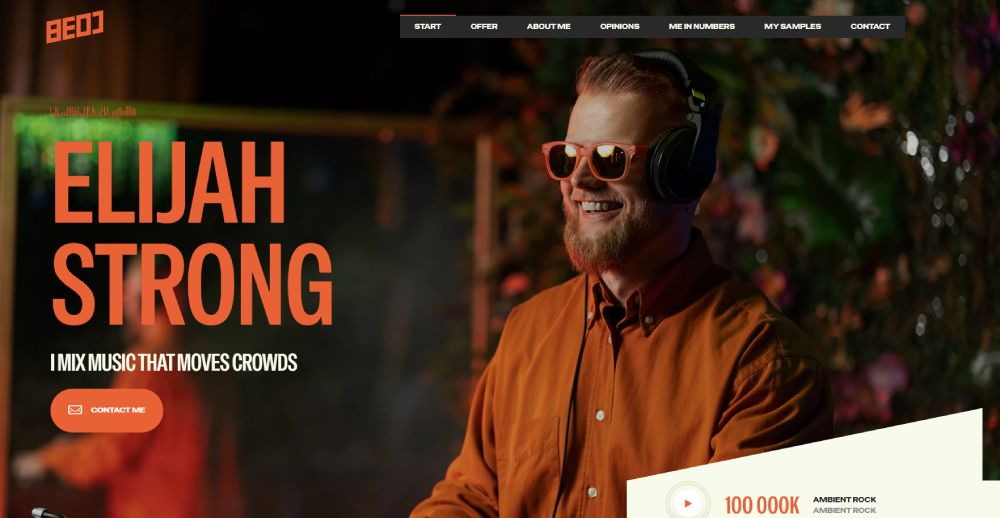
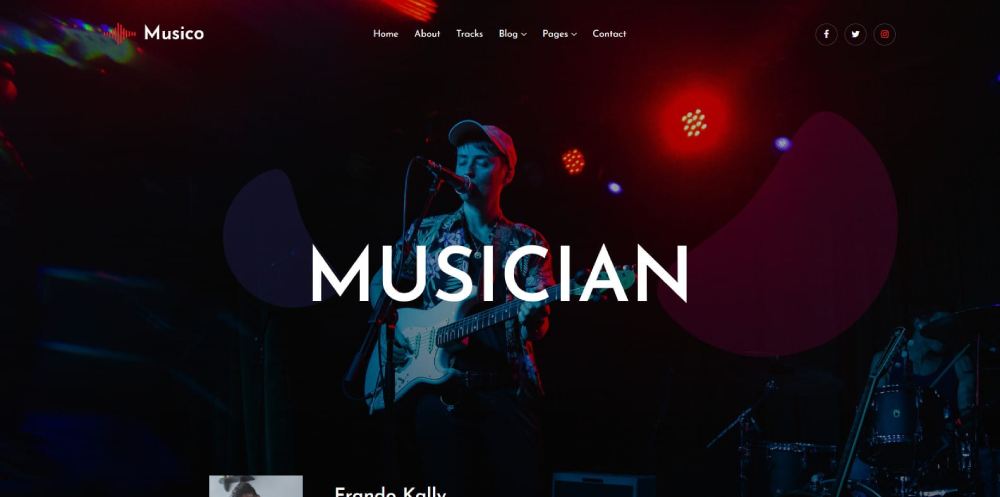
BE Musician
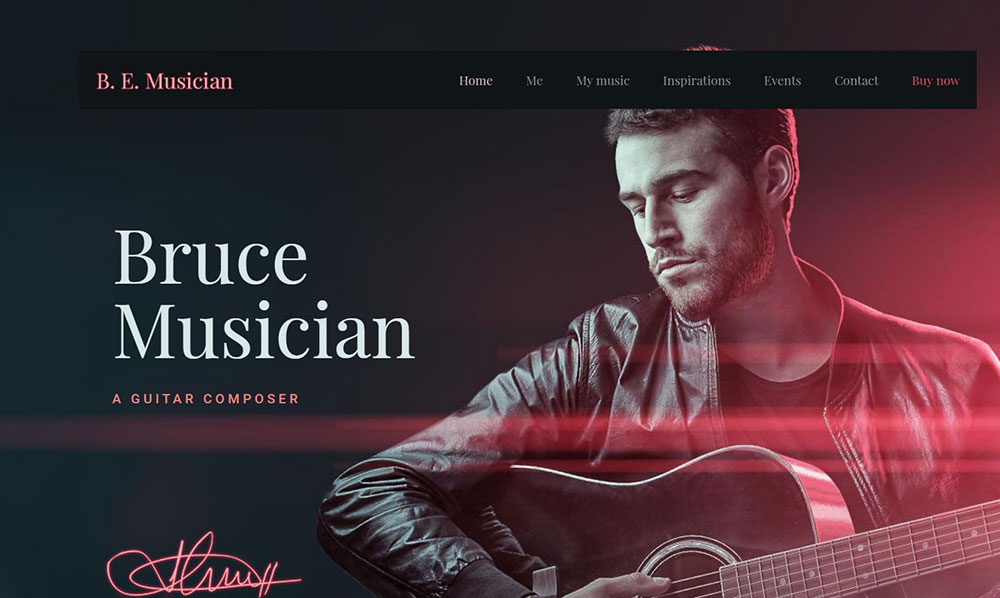
BE Music

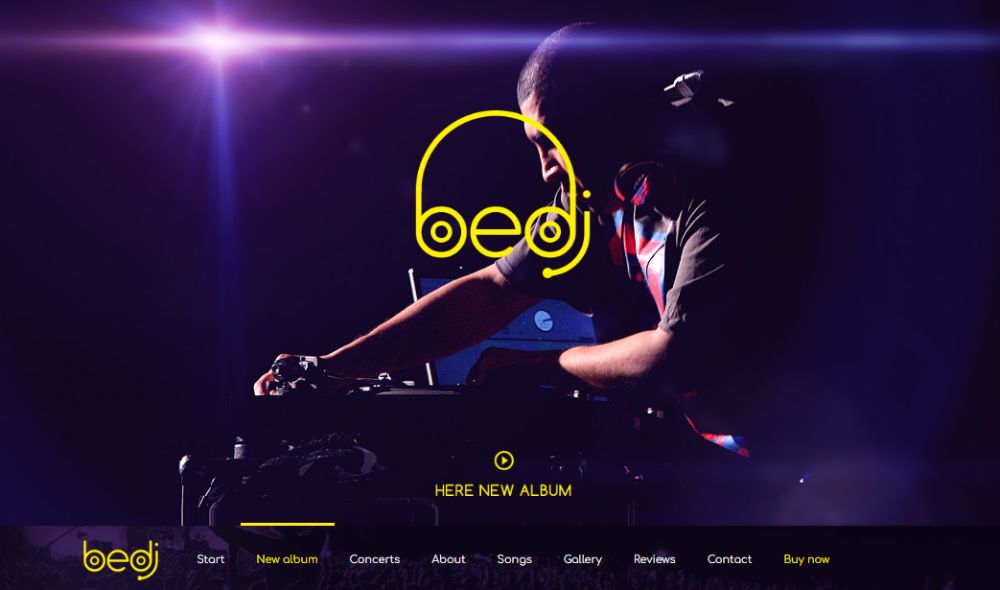
BE DJ
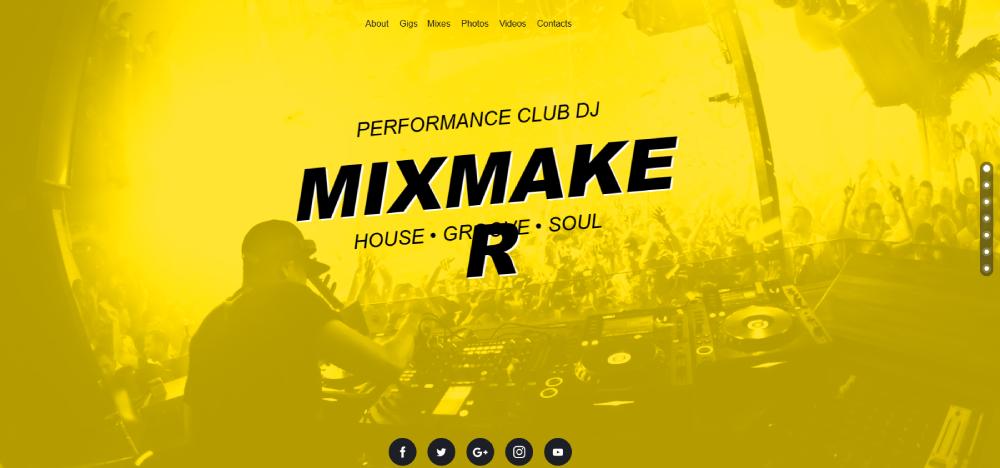
MixMaker
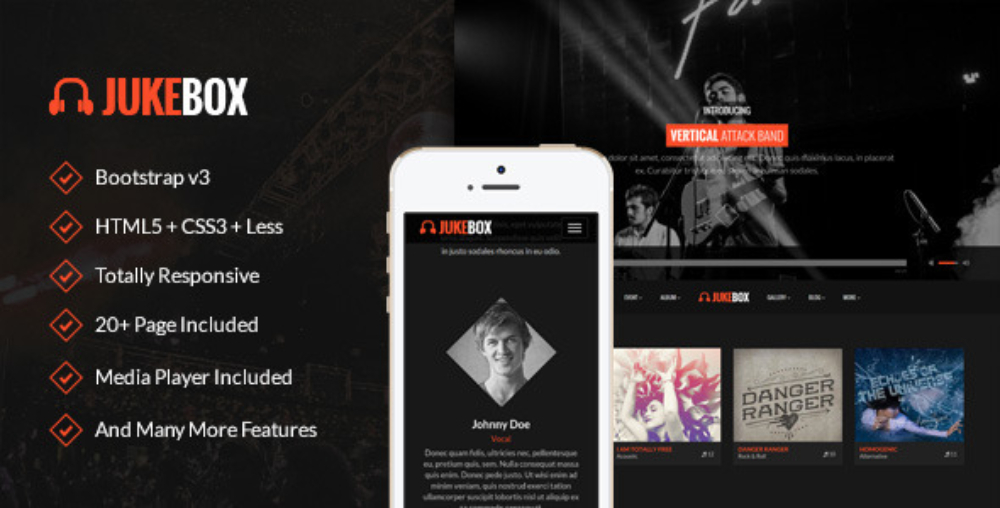
Jukebox
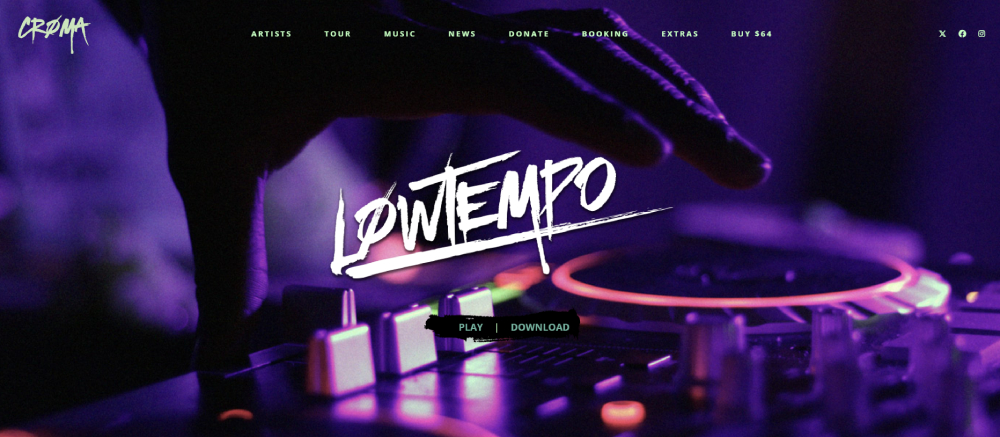
Croma
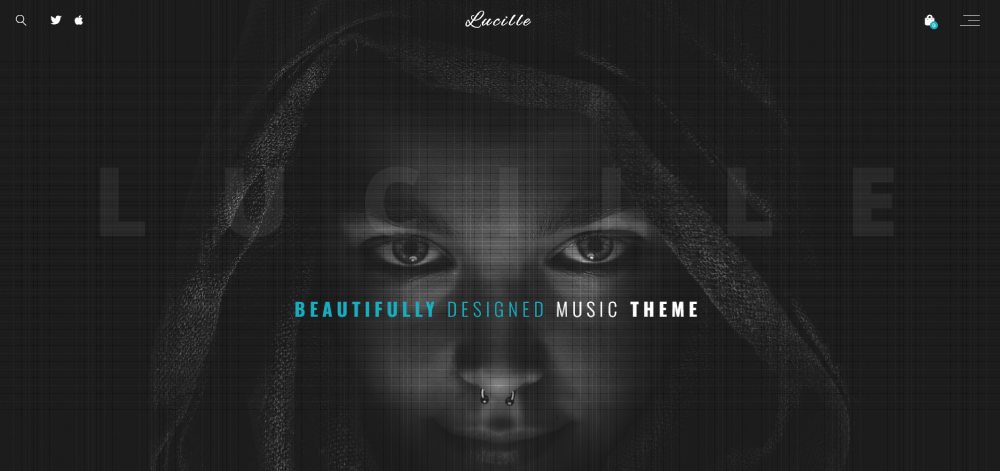
Lucille
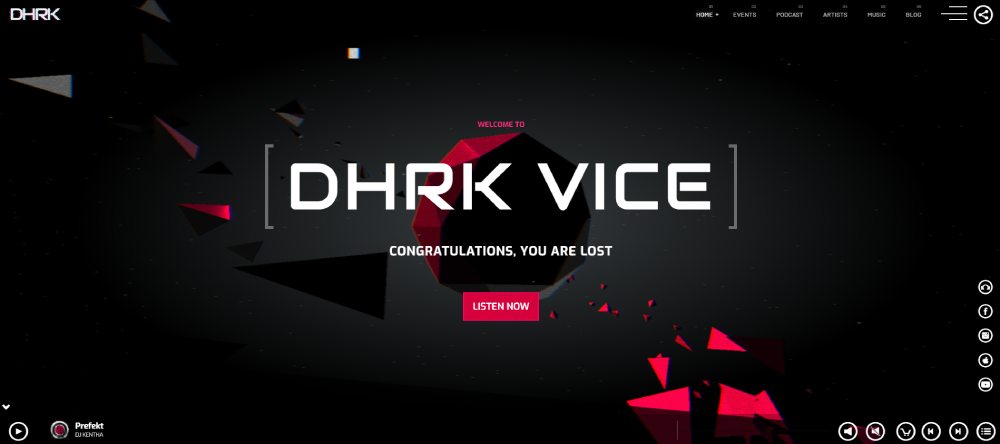
Vice
Ian
Kentha

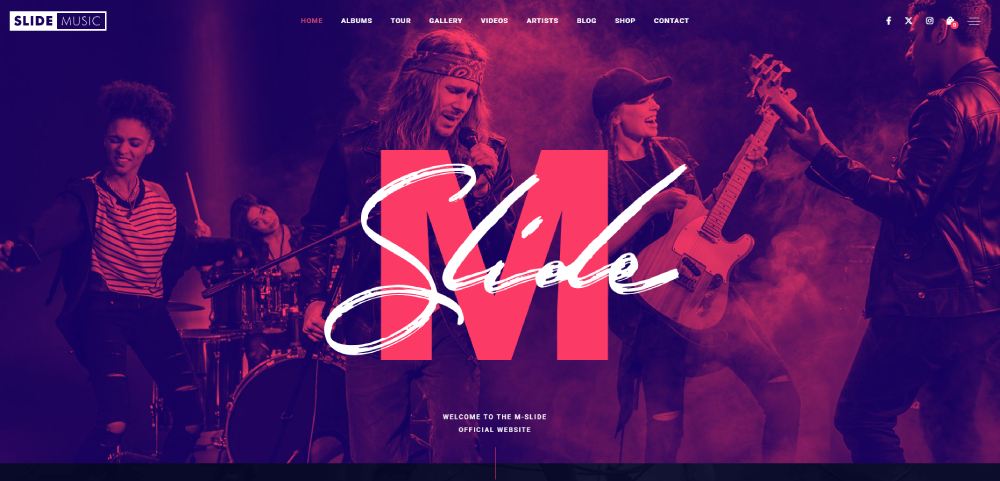
Slide
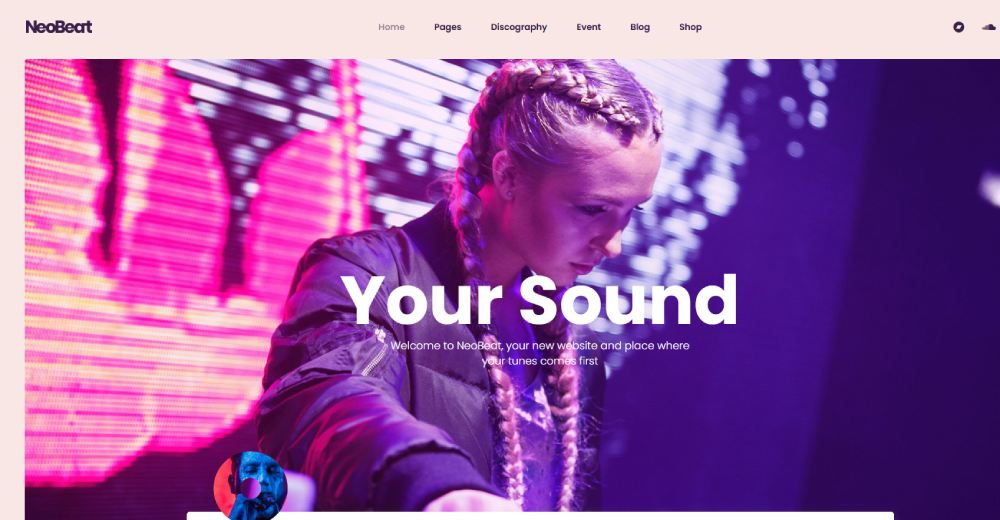
NeoBeat
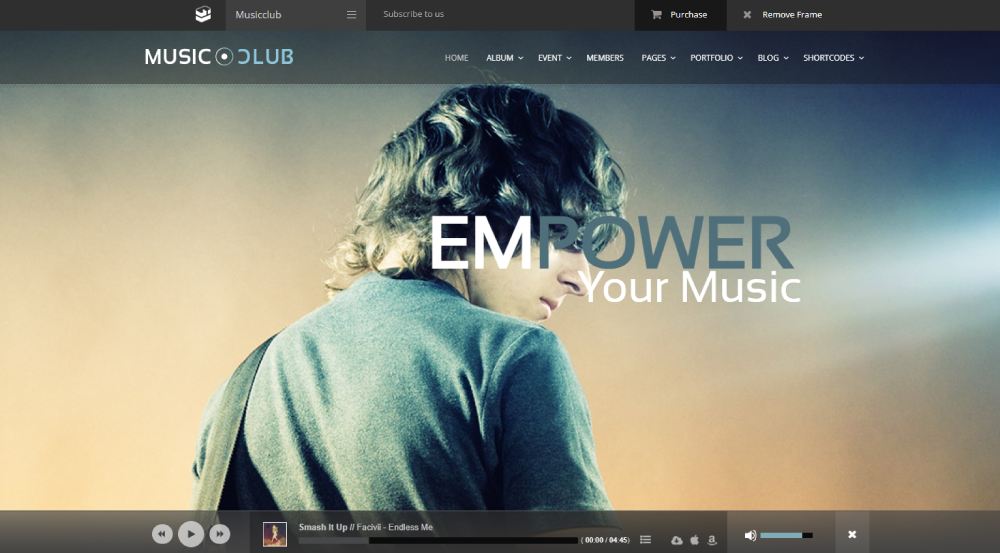
Club
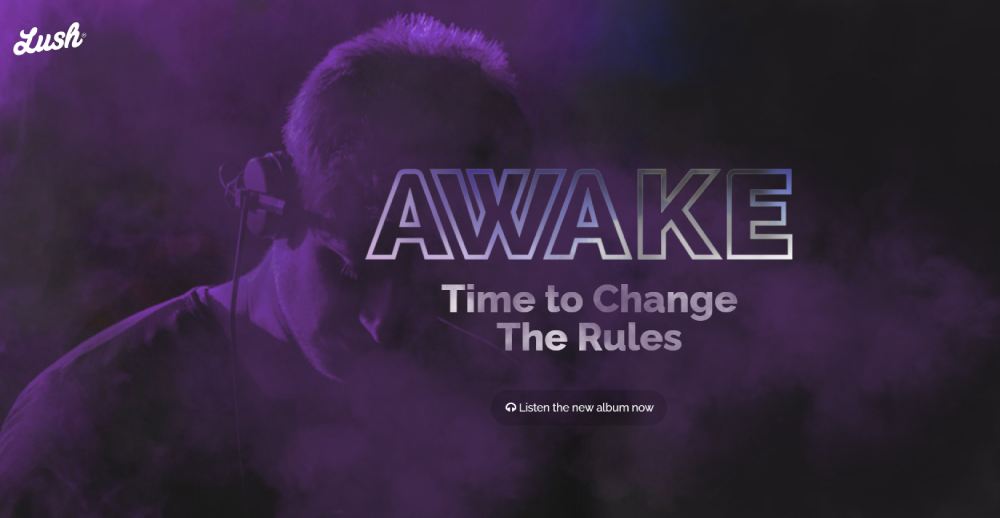
Lush
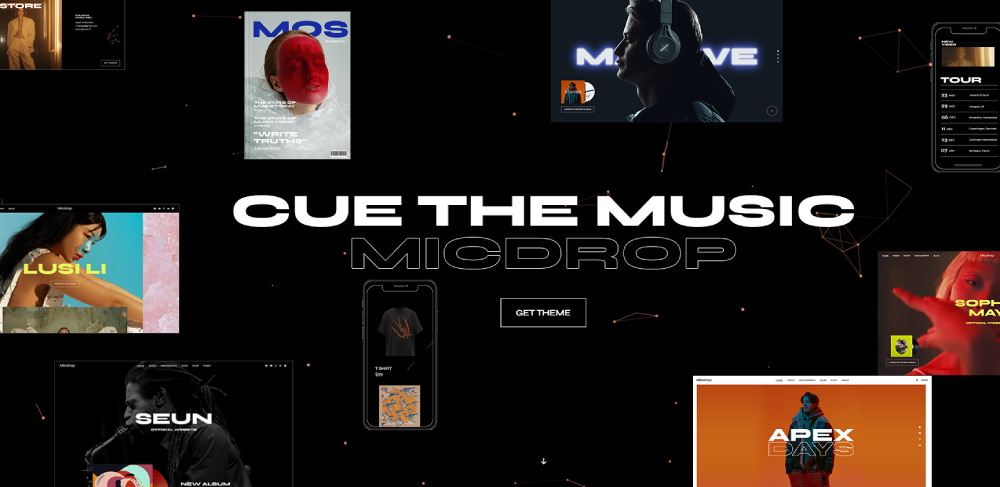
Micdrop
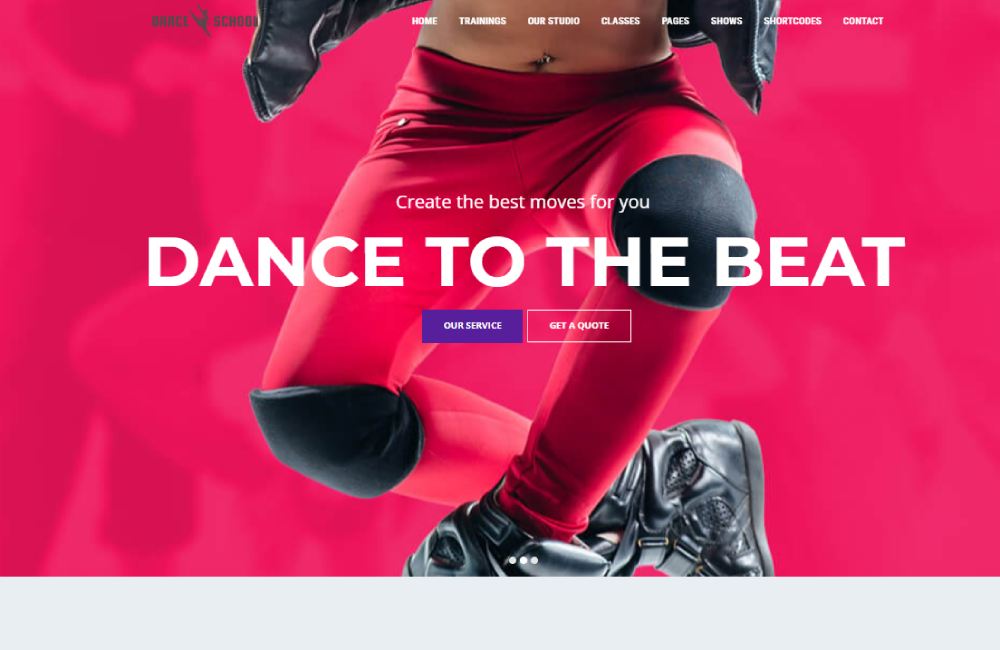
Dance Studio
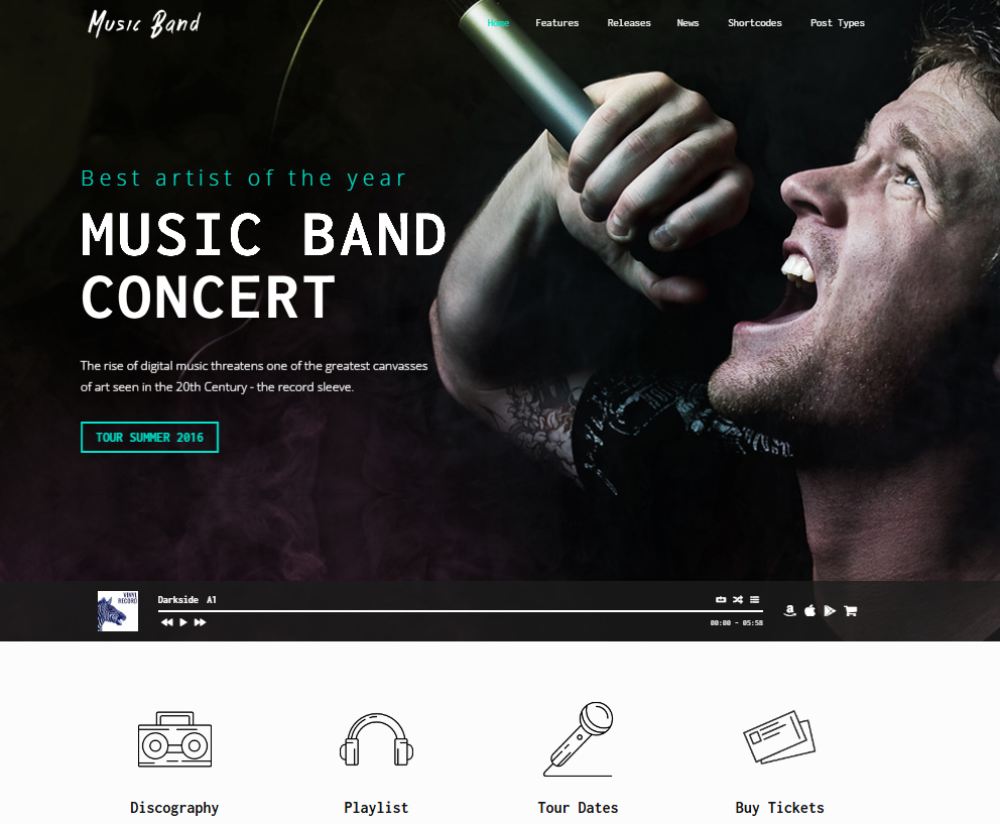
Music Band
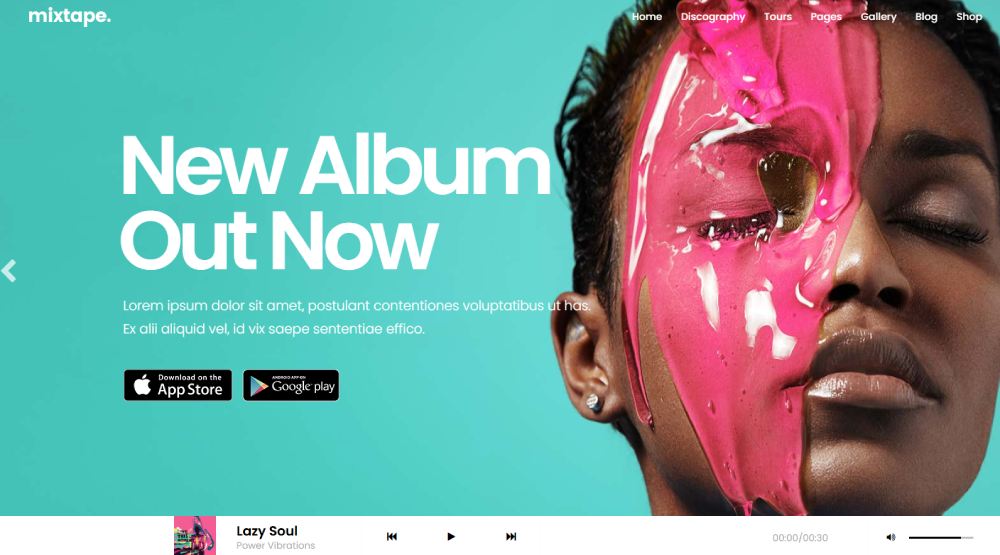
Mixtape
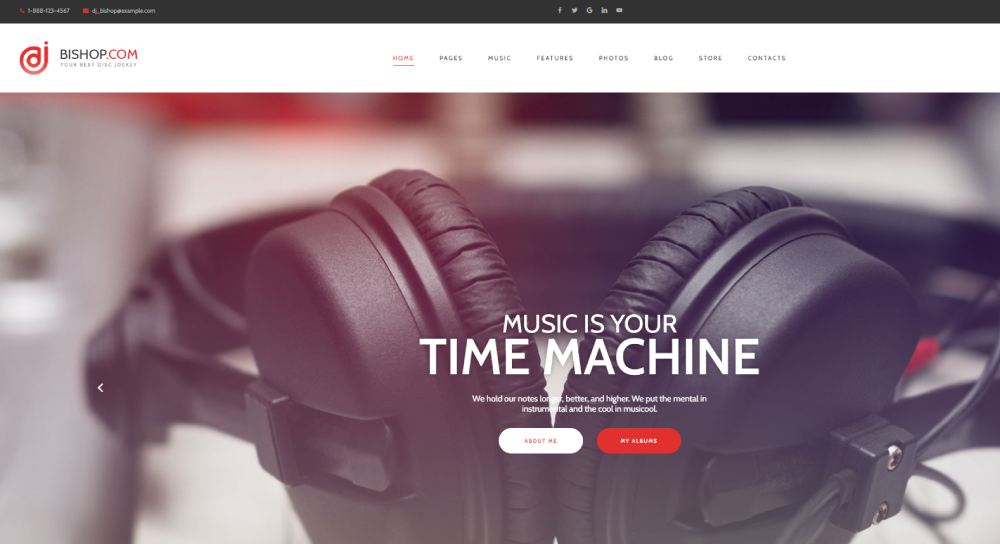
Bishop
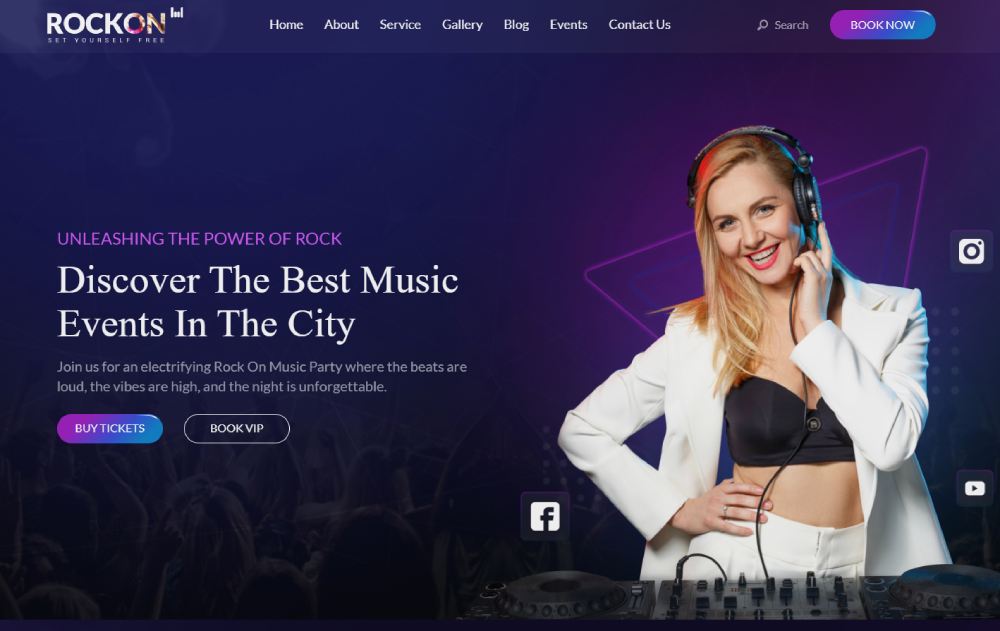
RockON DJ
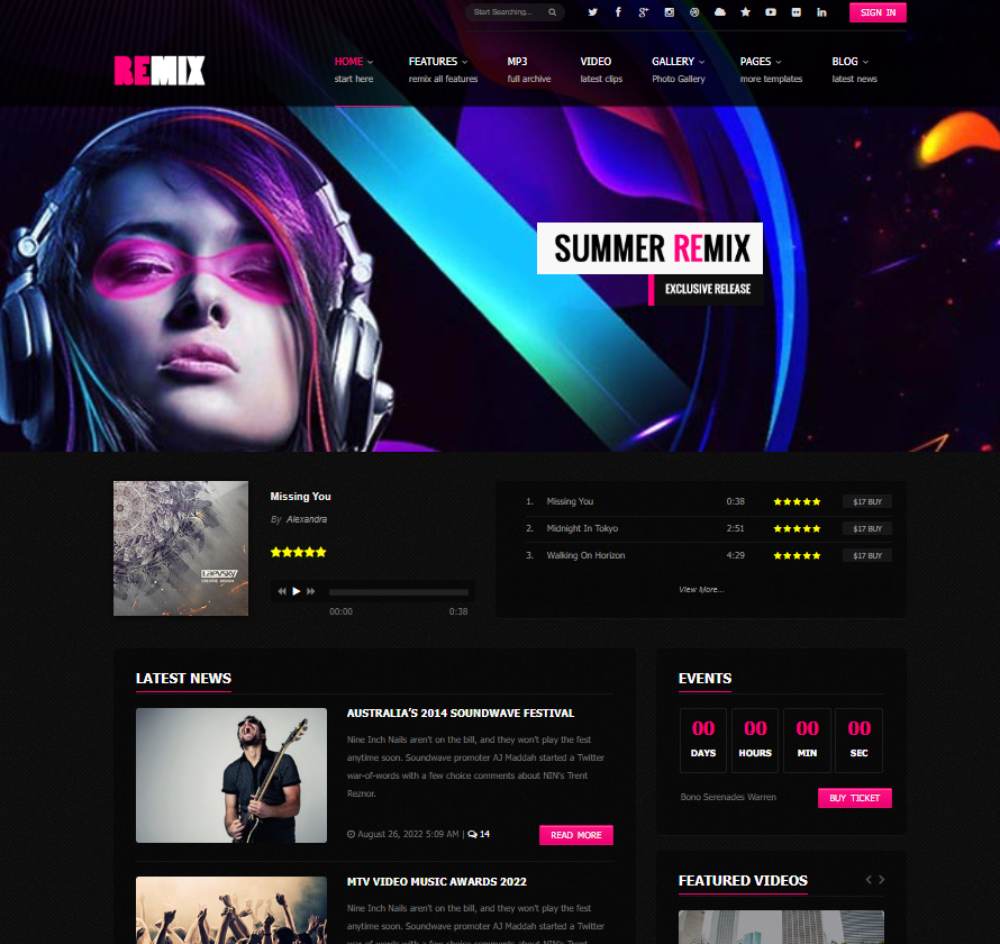
Remix
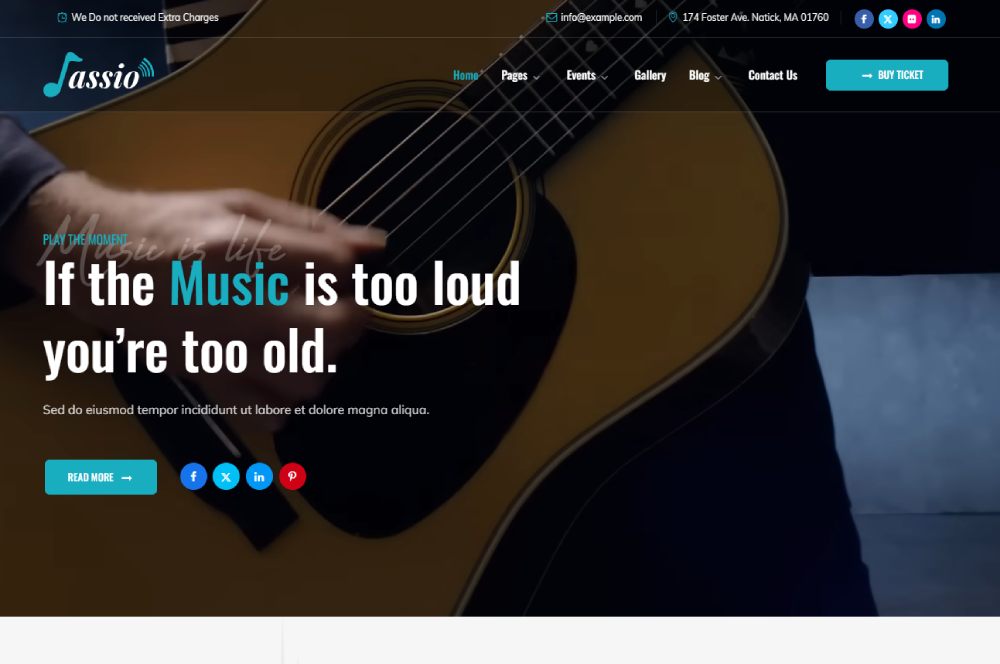
Jassio
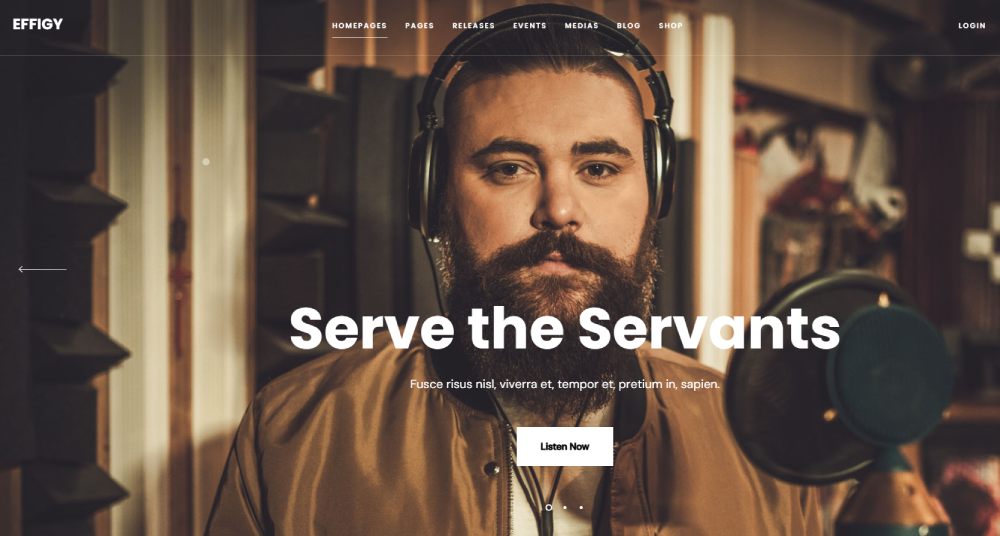
Effigy
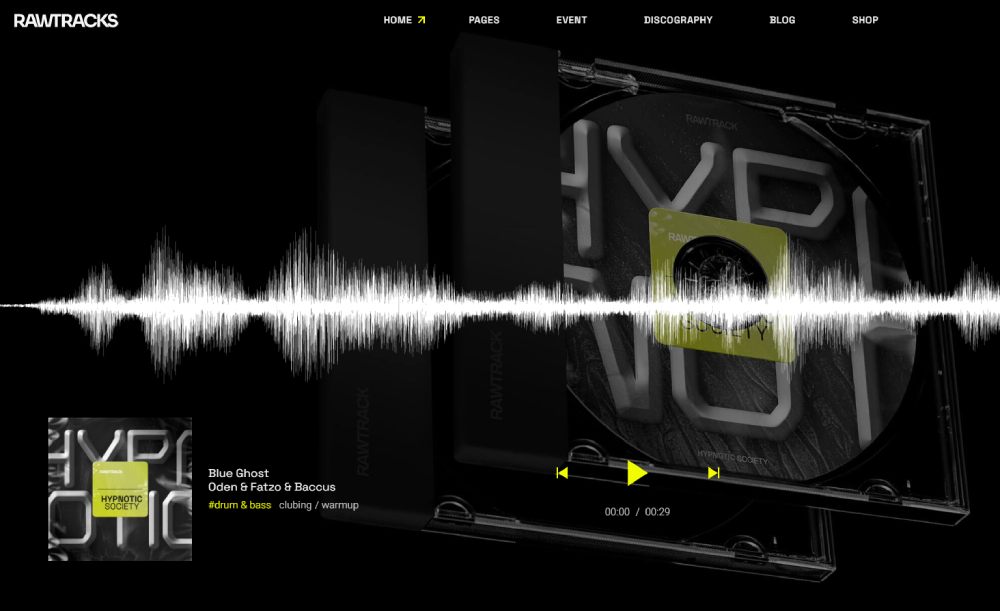
Rawtracks
Free vs. Premium Music Website Templates
The question everyone asks first. And the honest answer is: free templates are fine until they're not.
What Free Templates Actually Include
Free tiers on Wix and Bandzoogle give you a working website with basic features. On Wix, the free plan shows Wix branding and ads on your site. You don't get a custom domain (your URL looks like yourbandname.wixsite.com).
Bandzoogle's lowest tier starts at $8.29/month (paid annually), which isn't free but is close to it. That gets you up to 10 pages, 10 tracks, and 100 photos. Enough for a bedroom producer with a SoundCloud link and a contact form.
WordPress has genuinely free themes, but you still pay for hosting, a domain, and likely a few plugins. "Free" in WordPress-land can quietly cost you $50-100/year when everything adds up.
When Premium Pays for Itself
Working musicians selling merch, tickets, or lessons need premium features. Period.
Squarespace's Business plan runs about $26/month and charges 3% on transactions. Their premium templates come with unlimited pages, storage, and bandwidth, plus full e-commerce capability.
Bandzoogle's Standard plan at $12.95/month includes fan subscriptions, a full merch store with zero transaction fees, and unlimited everything. For musicians who sell directly to fans, that zero commission is a big deal.
Hidden Costs to Watch
Domain registration runs $10-20/year on most platforms (Bandzoogle and Squarespace include it free with annual plans).
Third-party plugins on WordPress add up fast. A premium audio player plugin, an events calendar, a mailing list integration, and suddenly you're paying $100-200/year on top of hosting.
Then there's the time cost. WordPress templates need more hands-on setup than Squarespace or Bandzoogle. If your time is worth anything, factor that in.
Features That Matter in a Music Website Template
You can find a gorgeous template that does absolutely nothing useful for a musician. Design is one thing. Function is another. Here's what actually matters when you're choosing between templates.
Audio and Video Player Integration
Spotify has over 751 million monthly active users as of late 2024. Apple Music, YouTube, SoundCloud, and Bandcamp each have their own massive audiences. Your template needs to support embeds from all of them, or at least the ones your fans use.
Native players (like Bandzoogle's) keep visitors on your site. Embedded players (like a Spotify widget on Squarespace) send them to the streaming platform when they want to keep listening. Both work. Just know the trade-off.
Video matters too. YouTube embeds are standard on every platform. But if your template buries the video section or makes it an afterthought, that's a problem. Music is visual now. Sites with video backgrounds or prominent video sections get more engagement.
Mobile Responsiveness for Audio Playback
This breaks more often than people expect.
A Google study found that 53% of mobile visitors leave if a page takes longer than 3 seconds to load. Music sites are inherently media-heavy. High-resolution album art, embedded players, and background images all slow things down on mobile.
Test your template on an actual phone before committing. Not just the layout, but whether the audio player works. Whether it auto-plays (please don't). Whether the controls are large enough to tap without accidentally skipping a track.
Huckabuy data shows a 2-second delay in page load time increases bounce rates by 103%. Music templates loaded with uncompressed images and multiple embeds hit that threshold fast.
E-Commerce for Merch and Downloads
Selling direct to fans is where artists actually make money. Streaming pays fractions of a penny per play. A $25 t-shirt or a $10 vinyl generates real revenue in a single transaction.
Bandzoogle charges zero transaction fees. Squarespace takes 3% on the Business plan (0% on Commerce plans). Shopify charges payment processing fees but gives you the strongest storefront tools.
Your template should handle product images, variant selection (sizes, colors), and checkout without looking like an afterthought bolted onto a music site.
Email Capture and Fan Engagement
The Musician's Census 2024 found that independent artists use an average of five different social media platforms for promotion. That's a lot of scattered effort. An email list on your own site is the one channel you actually own.
Look for templates with prominent signup forms, not just a tiny footer link. Bandzoogle includes a mailing list tool in every plan. On other platforms, you'd integrate Mailchimp or a similar service.
A good form design converts. A hidden one doesn't. Simple as that.
Page Speed With Media-Heavy Content
BBC's technical team found their site loses 10% of visitors for every additional second of load time. Music sites are worse because they're loaded with media by default.
Google PageSpeed Insights and GTmetrix are free tools to check where your template stands. Look for templates that use lazy loading for images, don't auto-load every embed on the page, and keep JavaScript bloat to a minimum.
This is one area where simpler templates outperform feature-packed ones. A minimalist website that loads in under 2 seconds will always beat a flashy one that takes 6 seconds to render on mobile.
How to Customize a Music Website Template
Picking a template is step one. Making it yours is where most people either get it right or completely lose the thread.
Pop Web Design data shows 75% of consumers judge a brand's credibility based on its website design. For musicians, that first impression might be the difference between a fan clicking play or bouncing back to search results.
Forrester research puts the ROI of UX investment at $100 returned for every $1 spent. That applies to music sites as much as e-commerce. A template that looks and works well converts visitors into subscribers, merch buyers, and ticket holders.
Customizing Templates Without Code
Start with branding basics. Swap the placeholder logo, pick a color scheme that matches your genre, and choose fonts that feel right. A hip-hop producer's site shouldn't look like a classical quartet's recital page.
Replace every stock photo with real assets. Press photos, album art, live shots. Your mileage may vary with stock imagery, but fans notice.
Platforms like Squarespace and Wix let you drag sections around, adjust spacing, and toggle elements on or off. No code required. Bandzoogle is even simpler, though the trade-off is fewer layout options.
One thing that trips people up: overloading the homepage. You don't need your bio, full discography, tour dates, merch store, and blog all above the fold. Pick two or three priorities and build around them.
Adding an EPK Page to Any Template
An electronic press kit is basically your resume for bookers, journalists, and label contacts. Not every template includes a dedicated EPK section, but you can build one on any platform.
What goes on it:
- Short bio (under 200 words)
- 2-3 press photos (high resolution, downloadable)
- Embedded audio or streaming links
- Press quotes or review excerpts
- Contact info or booking form
Bandzoogle includes an EPK template on every plan. On Squarespace or Wix, create a standalone page and build it manually using text blocks, image galleries, and embed widgets. Took me a while to figure out that naming the page "/epk" in the URL makes it easier for industry people to find.
Music Website Template Performance and Loading Speed
This is the section most musicians skip. And it costs them.
Google data shows bounce rate probability jumps 32% when page load time goes from 1 to 3 seconds. Go from 1 to 5 seconds and it climbs to 90%. Music sites are media-heavy by default, which puts them at a disadvantage before any optimization even starts.
Why Music Sites Load Slowly
Images are the biggest culprit. Uncompressed album art, full-resolution press photos, and background images can push a single page past 4-5 MB easily.
Embedded players add weight too. A Spotify embed, a YouTube video, a SoundCloud widget, and a Bandcamp player on the same page means multiple external scripts all fighting for bandwidth.
HTTP Archive's 2024 report found that 99.9% of scanned pages requested at least one image. For music sites, the number of images per page is typically much higher than average. Every album cover, every press shot, every banner adds load time.
How to Fix It
Compress images before uploading. Tools like TinyPNG or ImageOptim can cut file sizes by 50-70% without visible quality loss. Use WebP format where supported.
Use lazy loading. HTTP Archive data shows 29% of websites now use browser-level image lazy loading. It defers off-screen images until the visitor scrolls to them, cutting initial page weight significantly.
Limit embeds per page. You don't need Spotify, Apple Music, YouTube, and Bandcamp players all on the homepage. Pick one or two and link to the rest.
Etsy found that adding just 160KB to their mobile site increased bounce rates by 12%. For context, a single uncompressed album cover can be 500KB-2MB.
Testing and Benchmarking
Run your template through Google PageSpeed Insights and GTmetrix before you publish. Both are free.
Look at three metrics specifically:
- LCP (Largest Contentful Paint): should be under 2.5 seconds
- Total page weight: aim for under 3MB on mobile
- Number of HTTP requests: fewer than 50 is the sweet spot
Only 67% of websites had good LCP scores in 2025, according to Browserstack and SiteBuilder data. Music sites with heavy media tend to fall in the bottom third unless actively optimized.
A responsive template that loads fast on mobile is worth more than a visually complex one that takes 6 seconds to render. Most of your traffic is coming from phones anyway.
FAQ on Music Website Templates
What is a music website template?
A pre-built site layout designed for musicians, bands, and labels. It includes features like audio players, tour date modules, and merch store sections that generic templates don't offer.
Which platform has the best music website templates?
Bandzoogle is built specifically for musicians with native audio players and gig calendars. Squarespace offers the best visual design. Wix gives the most drag-and-drop flexibility. Your pick depends on priorities.
Are there free music website templates?
Yes. Wix offers a free tier with ads and no custom domain. WordPress has free themes, though hosting costs extra. Bandzoogle starts at $8.29/month, which is budget-friendly but not free.
Do I need a custom domain for my music site?
Absolutely. A URL like yourbandname.wixsite.com looks unprofessional. Most platforms include a custom domain with paid plans. Bandzoogle and Squarespace bundle it free on annual subscriptions.
Can I sell merch and music directly from a template?
Yes. Bandzoogle offers commission-free selling on all plans. Squarespace and Shopify support e-commerce with transaction fees. Look for templates with built-in store sections for the smoothest setup.
How do I add a music player to my website?
Bandzoogle includes a native streaming player. On Squarespace and Wix, you embed players from Spotify, SoundCloud, Bandcamp, or Apple Music using embed blocks or app integrations.
Are music website templates mobile responsive?
Most templates on Squarespace, Wix, and Bandzoogle are mobile responsive by default. Always test audio playback on an actual phone before publishing. Embedded players sometimes break on smaller screens.
What should a musician's website include?
At minimum: a bio page, embedded music player, upcoming show dates, email signup form, press photos, and social media links. An electronic press kit page is a strong addition for booking and press outreach.
How much does a music website template cost?
Free to $46/month depending on platform and plan. Bandzoogle runs $8-17/month. Squarespace costs $11-46/month. WordPress themes range from free to $200 one-time, plus hosting fees on top.
Can I switch templates later without losing content?
On Bandzoogle and Squarespace, yes. Your content stays when you swap templates. On WordPress, switching themes can break layouts and require manual fixes. Always back up before making changes.
Conclusion
The right music website templates give you a functional home base that handles everything from streaming integration to ticket sales. The wrong one wastes your time and sends fans elsewhere.
Match the platform to your situation. Bandzoogle for an all-in-one setup with zero transaction fees. Squarespace for visual polish and editorial layouts. WordPress for deep customization and multi-artist rosters. Wix for flexible drag-and-drop building.
Prioritize mobile responsiveness, fast load times, and a built-in or easily embeddable audio player. Those three things matter more than any design trend.
Test your site on a phone before you publish. Compress your images. Put your best track above the fold. And whatever you do, don't auto-play music on page load.
Your website is the one place online you fully control. Make it count.