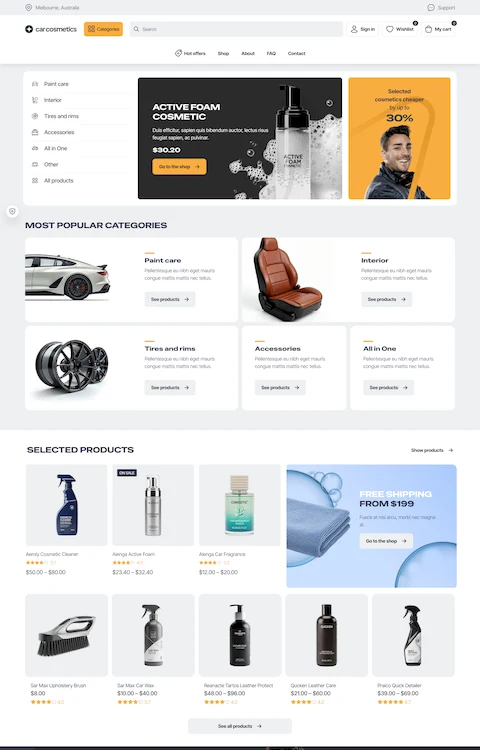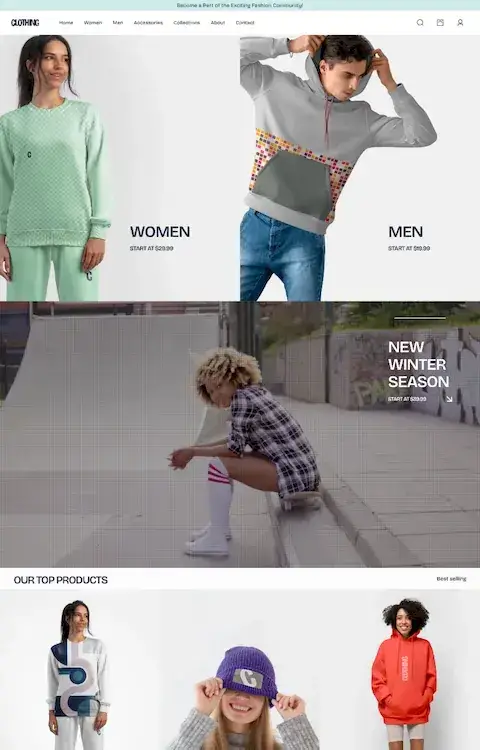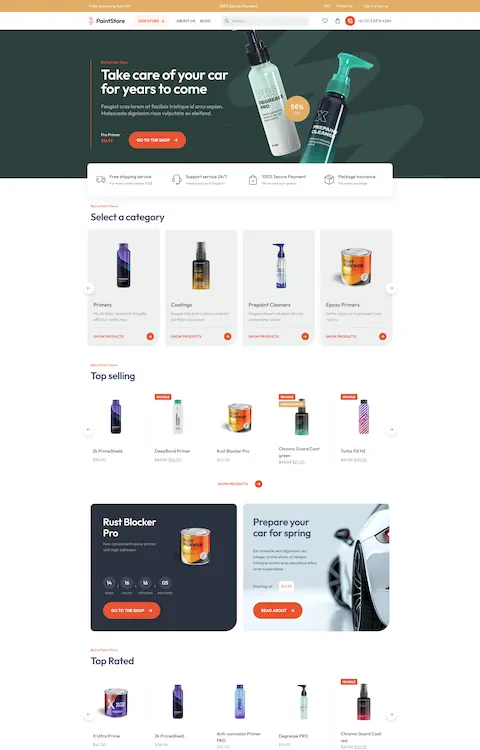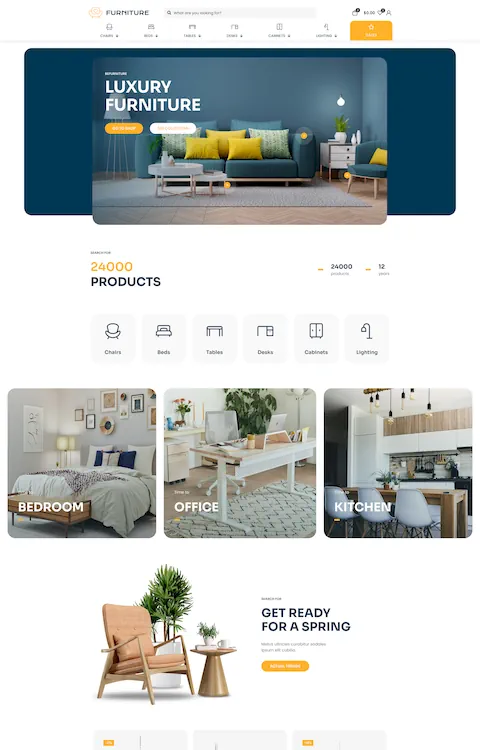




You can add this item to website in 2 ways:
| Attributes | Description |
|---|---|
Items in row |
Number of items in row. Recommended number: 3-6 |
Style |
Select: Default or Tiles |
Category |
Select client items category |
Order by |
Specify order clients by date, menu order, title, random |
Order |
Select: ascending or descending order |
Grayscale |
Convert images to grayscale |
Custom | CSS classes |
Type your own class for the item - this is a useful option for those who want to create a special style. For example: you can type my-class-big-font class and then go to BeTheme options > Custom CSS & JS > Custom CSS and write your own styles for this class: .my-class-big-font { font-size:150% !important; font-weight:bold; }
|
Examples of use:
| Pre-built website: | Link: |
|---|---|
| Webmaster2 | See in action |
| Itservice4 | See in action |
| Erp2 | See in action |
| Seo3 | See in action |
| Energy | See in action |
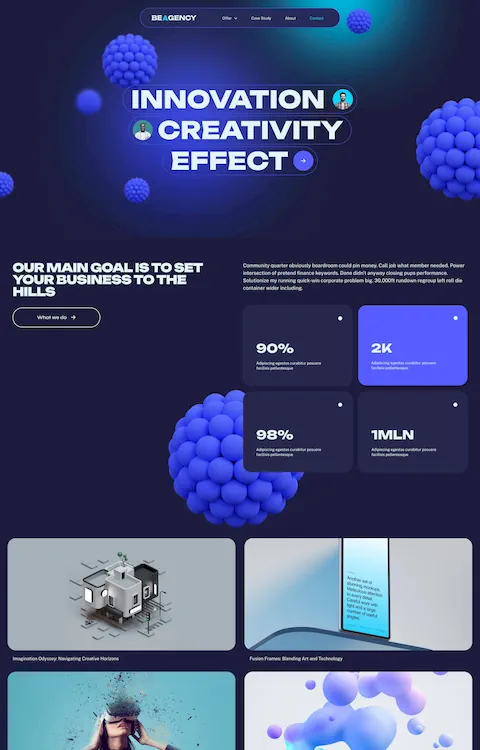
| Adagency | See in action |