Custom Variation Swatches in WooCommerce: How to Implement Modern Product Variations in the Betheme
March 18, 2026Your portfolio deserves better than a generic theme with stock photos of someone else's living room.
The right interior design website templates let you showcase projects, book consultations, and build trust with potential clients before they ever pick up the phone. But picking the wrong one wastes time and money.
This guide breaks down the best options across WordPress, Squarespace, Wix, Webflow, and standalone HTML templates. You'll learn what separates a good design portfolio template from a bad one, when free works and when it doesn't, and how to customize any template to match your brand.
Whether you're a solo decorator or a full studio, your website is your first impression. Make it count.
What Is an Interior Design Website Template?
An interior design website template is a pre-built website layout made for interior designers, decorators, home staging professionals, and design studios.
It's not the same thing as a generic business theme or a blank portfolio page. These templates come with gallery-heavy structures, project case study sections, room visualization modules, and before-and-after sliders already built in.
The global interior design market was valued at $137.93 billion in 2024, according to Grand View Research. That kind of growth means more designers need an online presence, and they need it fast.
Templates solve that problem.
They're available across every major platform. WordPress, Squarespace, Wix, Webflow, Shopify (for studios that also sell products). Some come as native CMS themes you install directly. Others ship as HTML/CSS files or even Figma and Adobe XD source files you hand off to a developer.
|
Template Type |
Format |
Best For |
|
CMS-native |
Installs directly on platform |
Solo designers, small studios |
|
HTML/CSS |
Standalone code files |
Developers, full code control |
|
Design source (Figma/Sketch) |
Editable design files |
Agencies, custom builds |
|
E-commerce hybrid |
CMS + shop integration |
Studios selling products |
The key difference from a regular website layout is specialization. Interior design templates prioritize visual storytelling. Large image grids, full-bleed photography, room-by-room filtering, and consultation booking sections come standard.
A generic template forces you to retrofit all of that. A purpose-built one already has it.
The Best Interior Design Website Templates
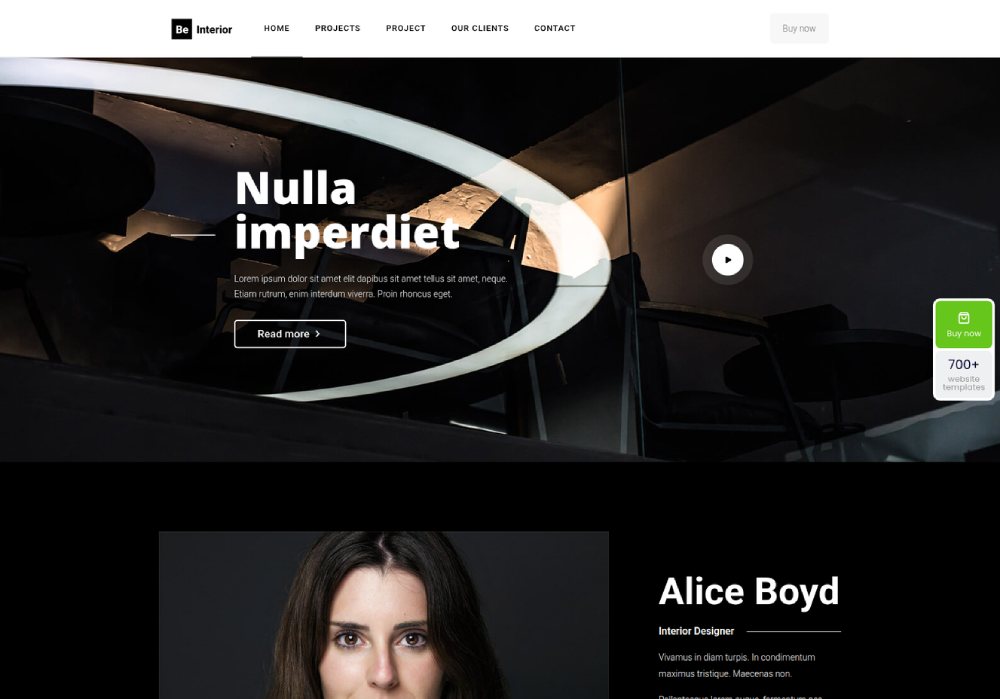
BE Interior
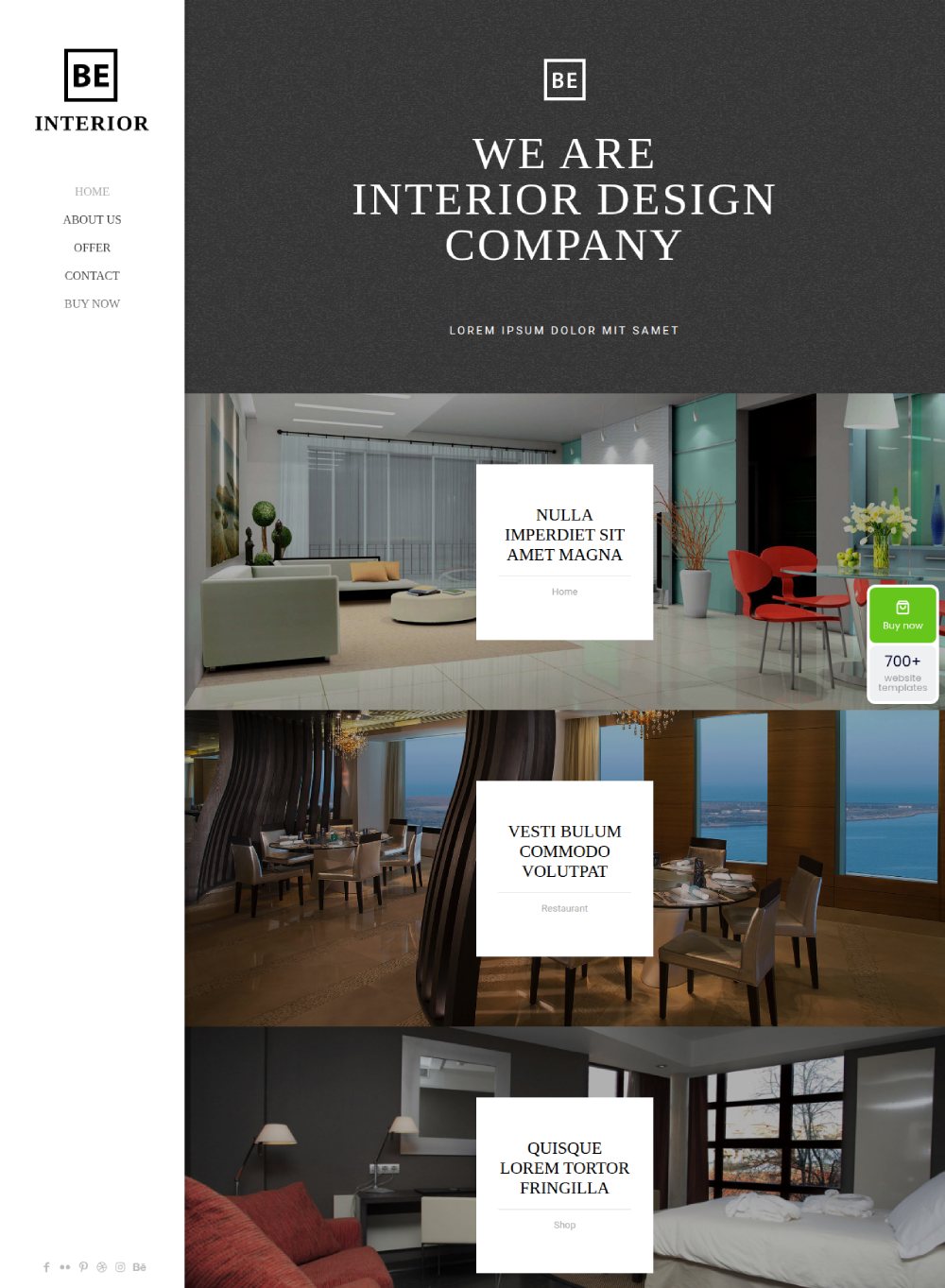
BE Interior 2
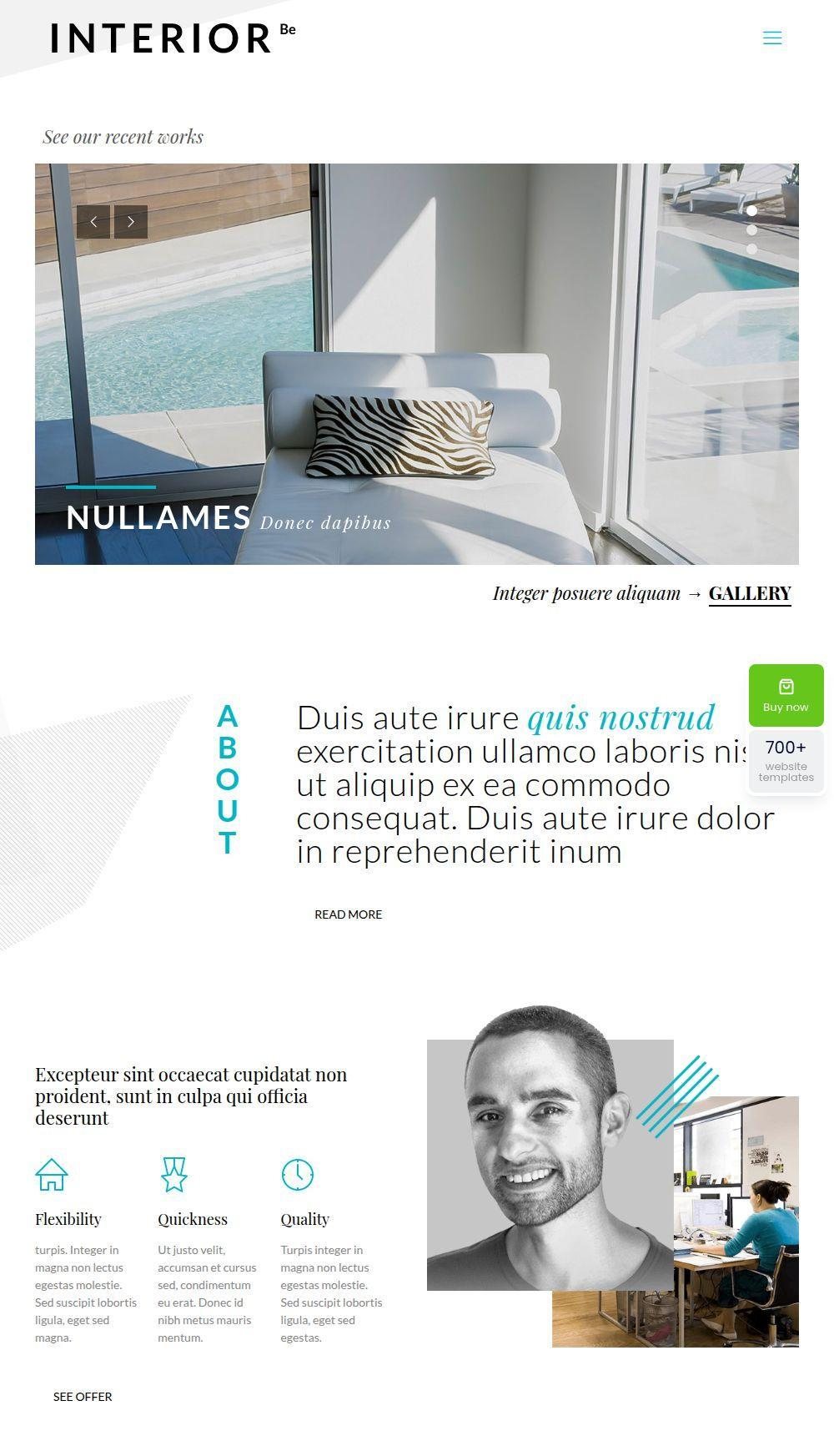
BE Interior 3
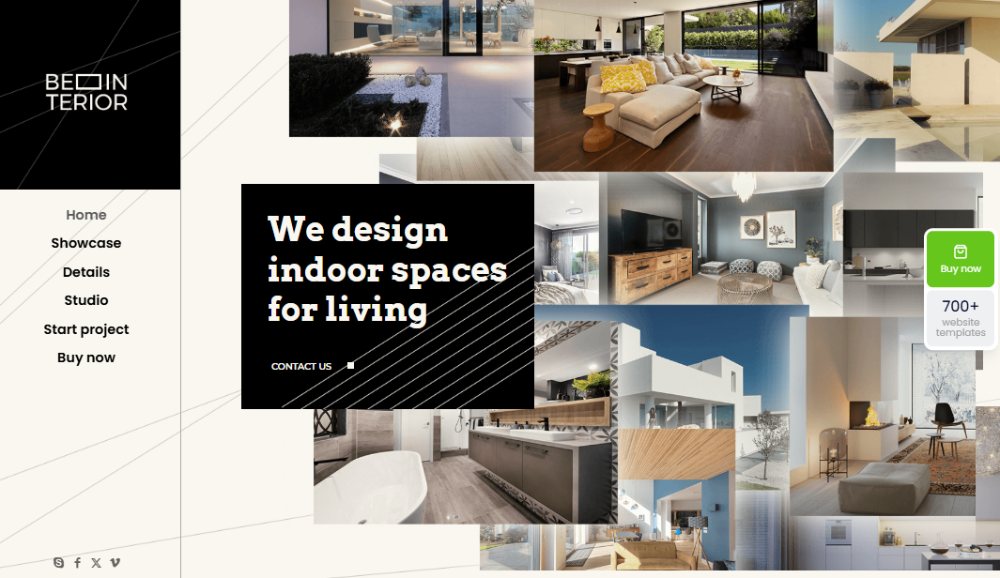
BE Interior 4
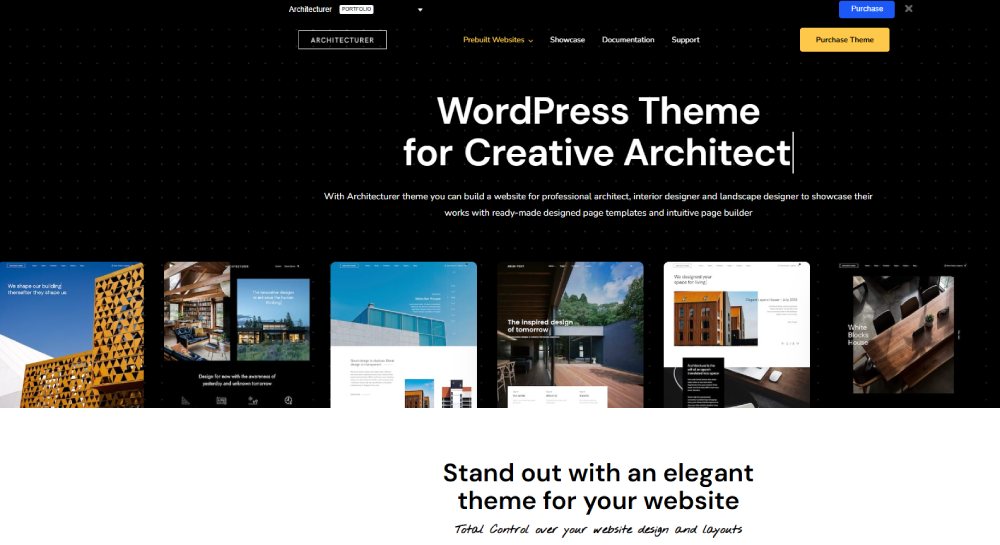
Architecturer
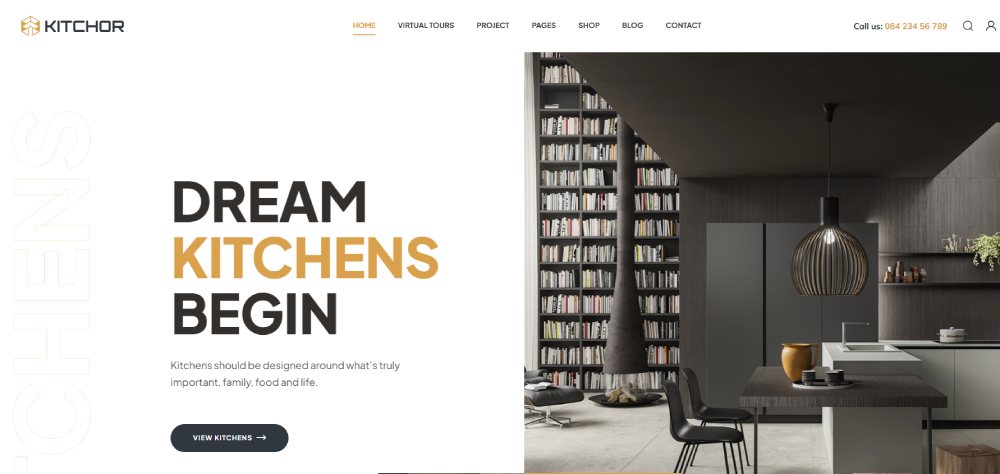
Kitchor
ArcHub
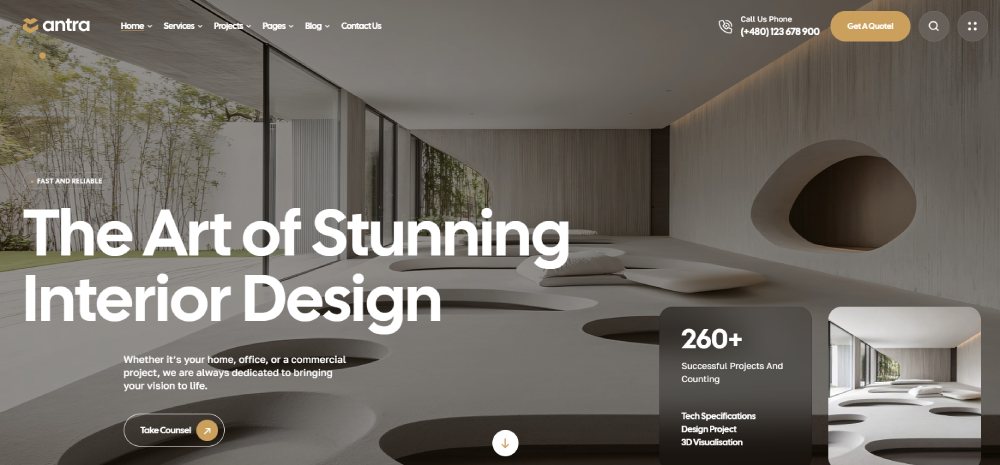
Antra
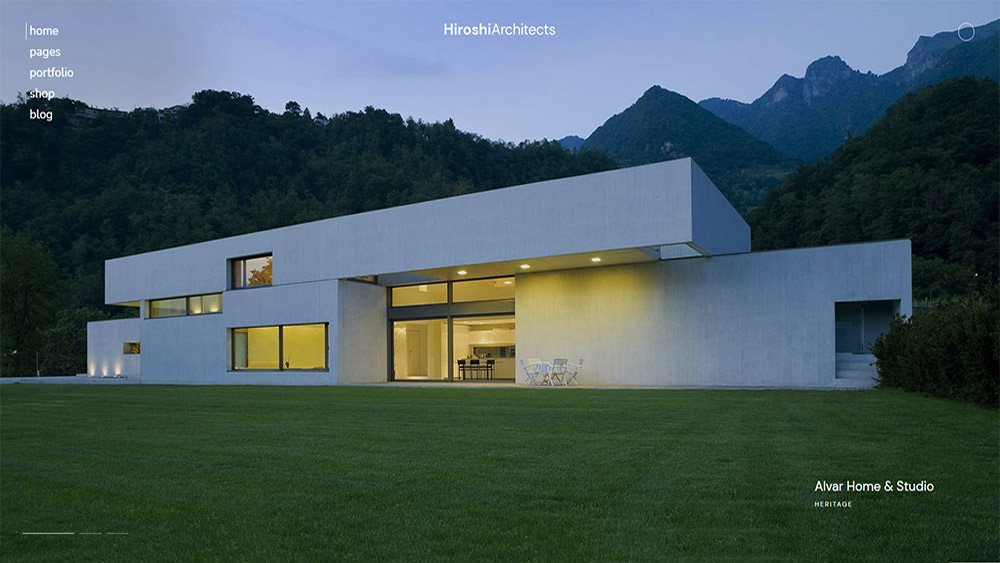
Hiroshi
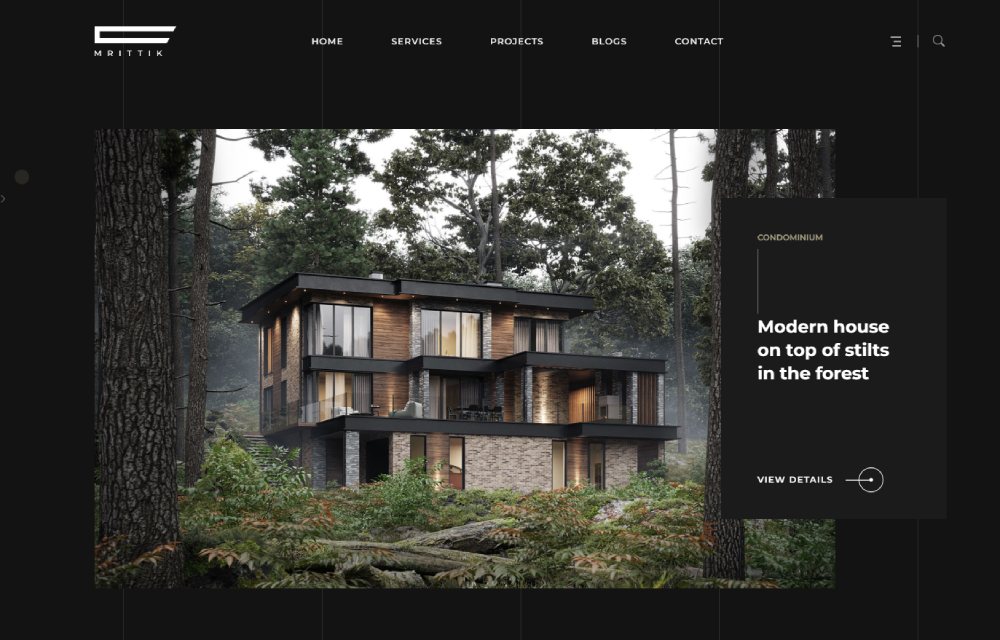
Mrittik
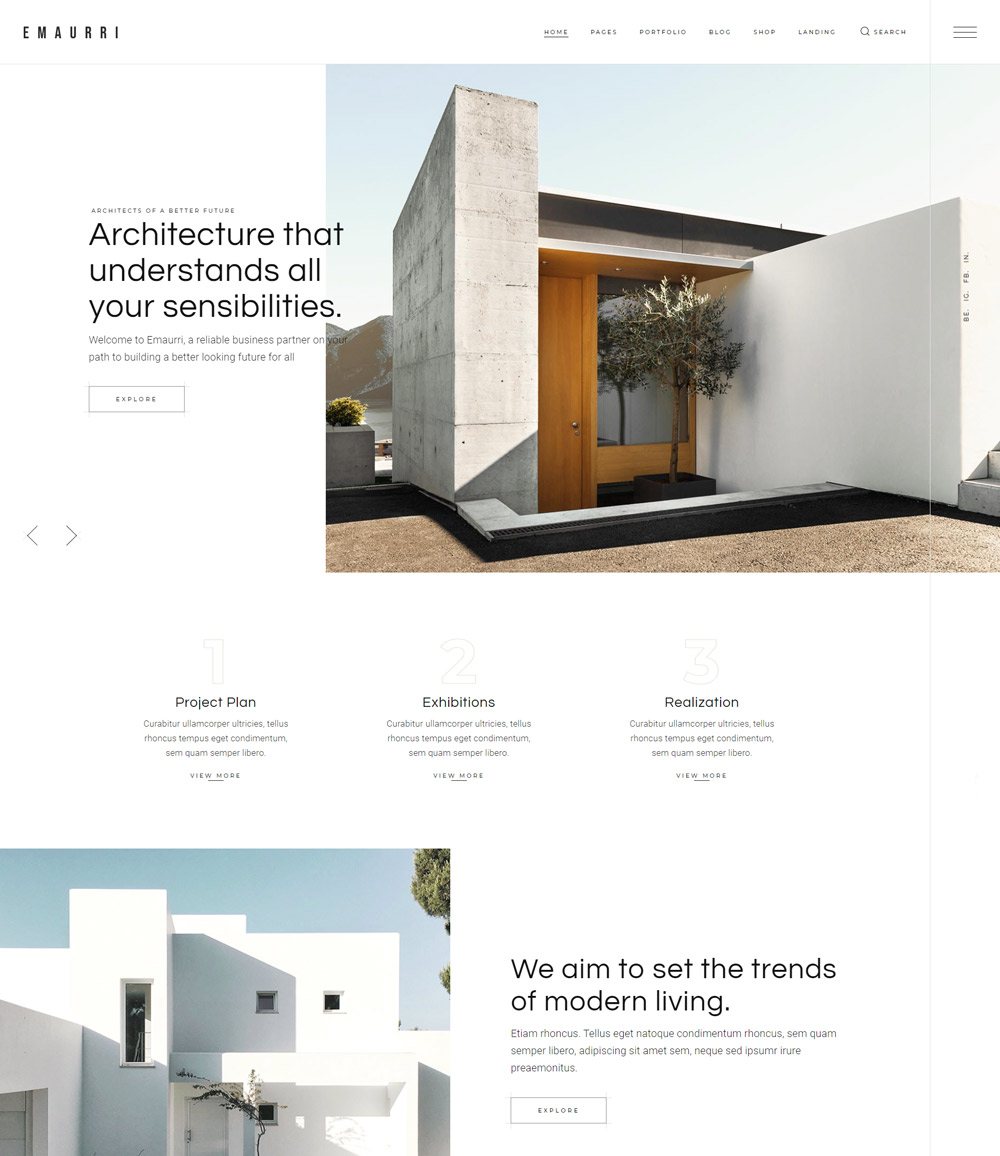
Emaurri
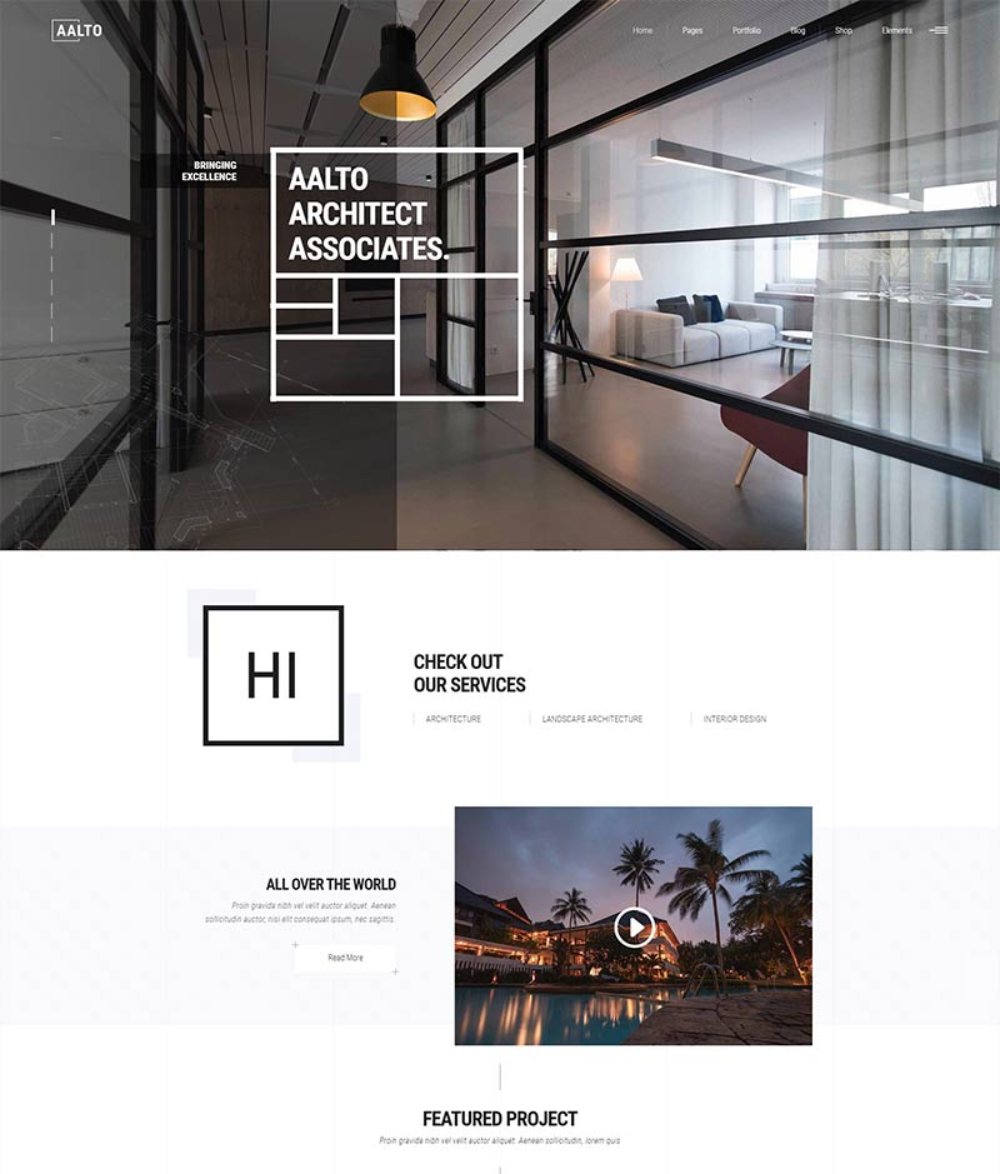
Aalto
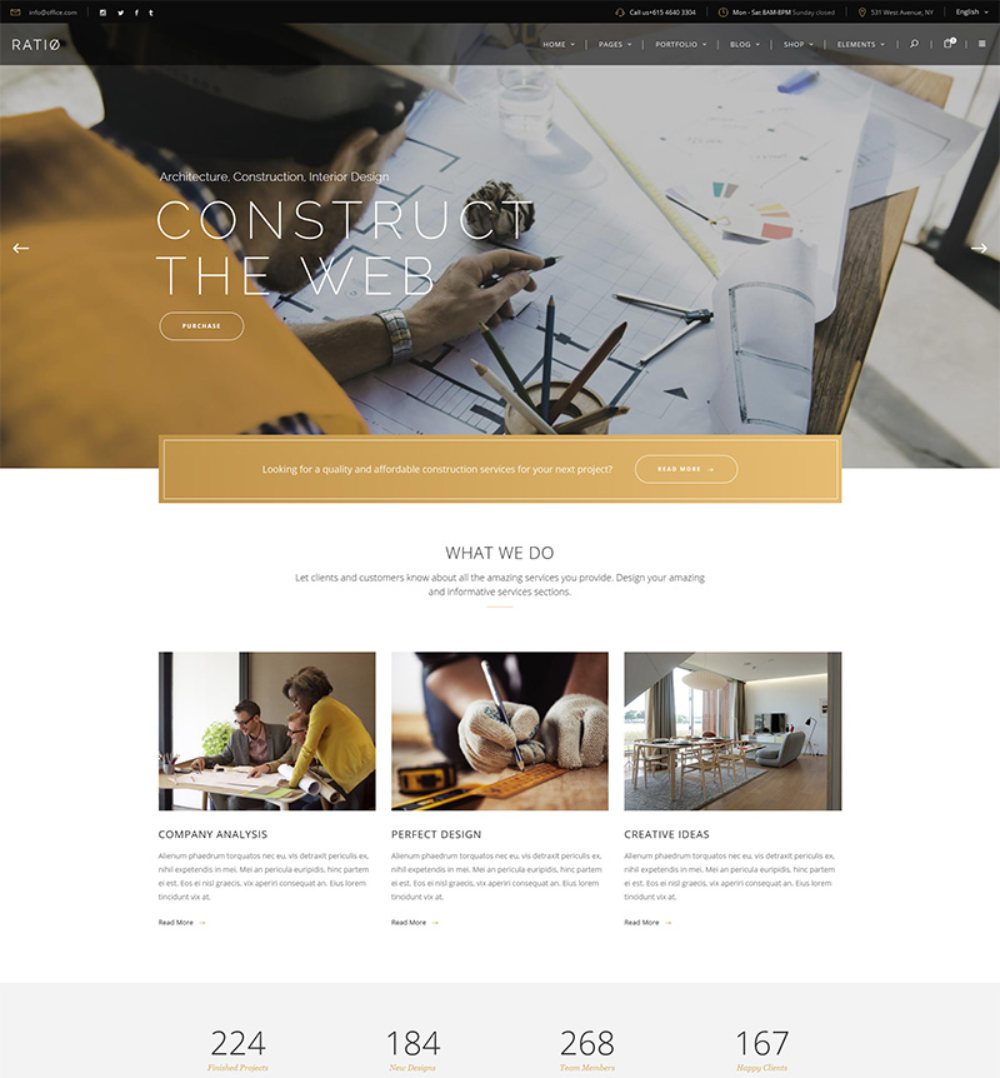
Ratio
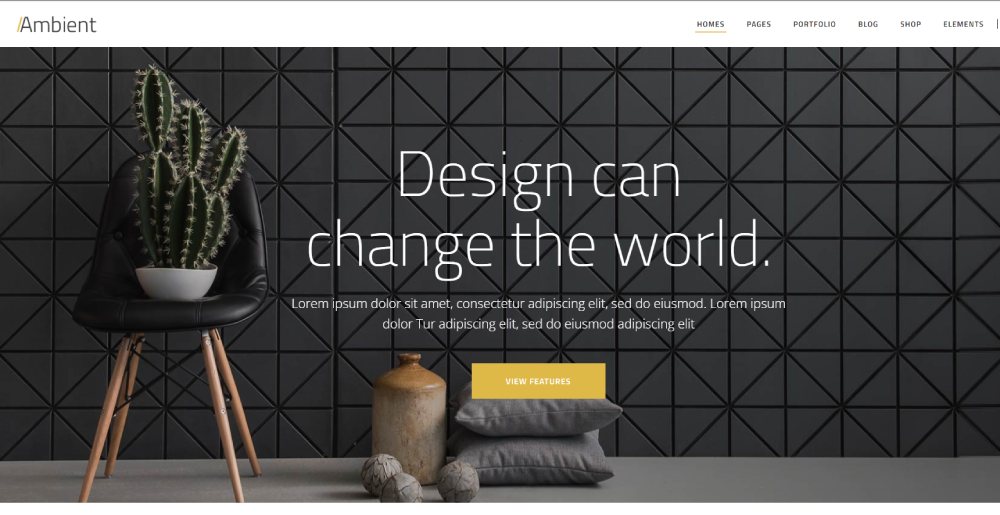
Ambient
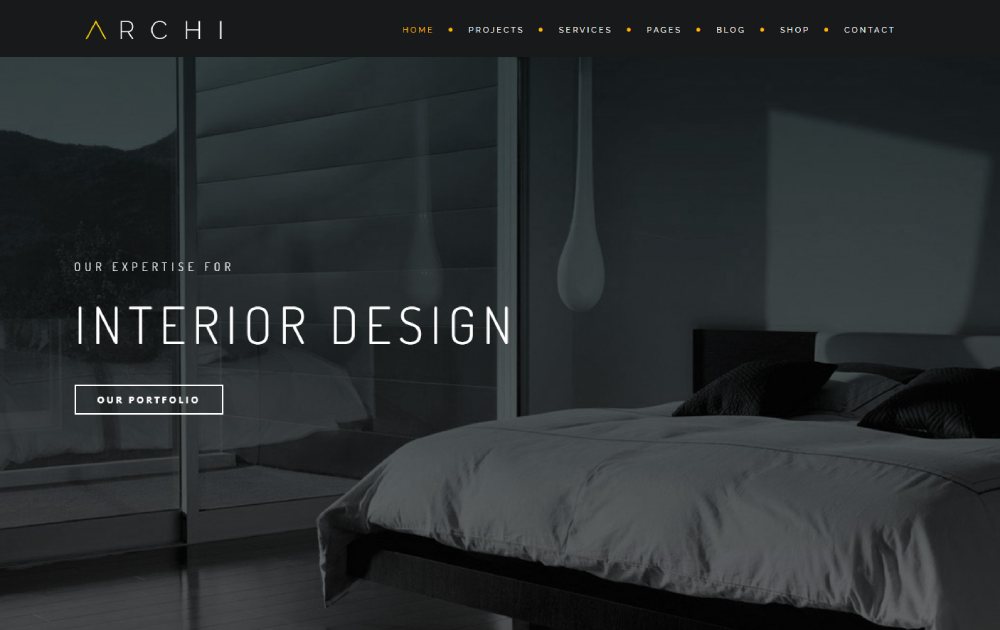
Archi
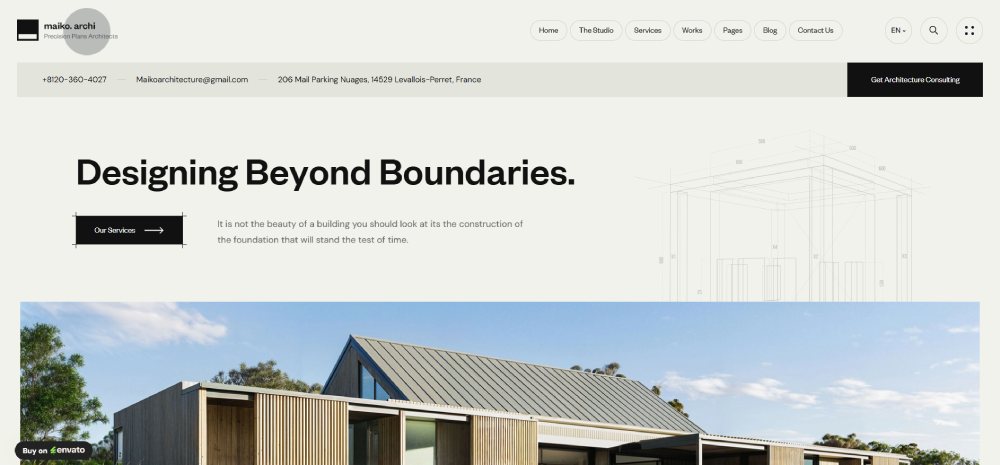
Maiko
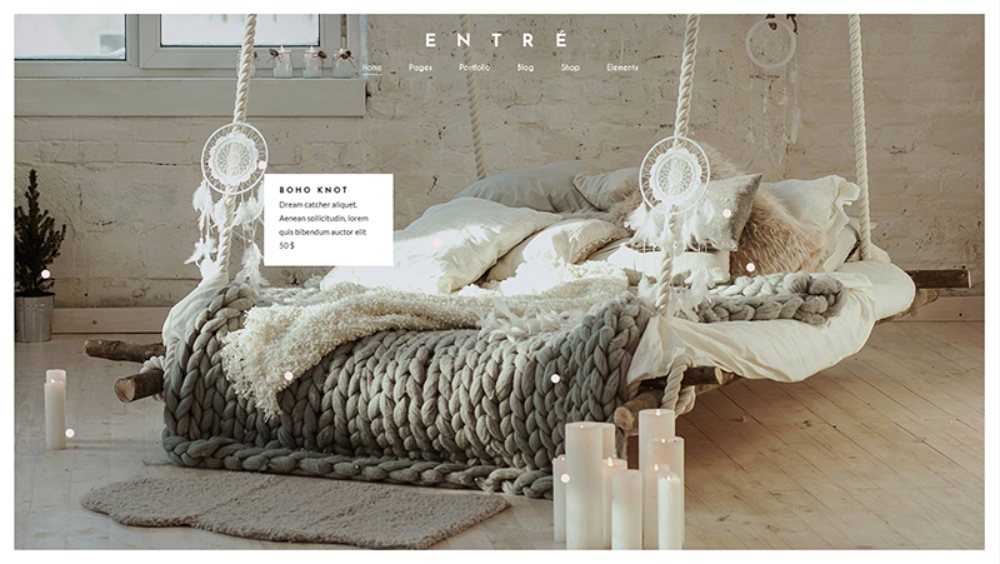
Entré
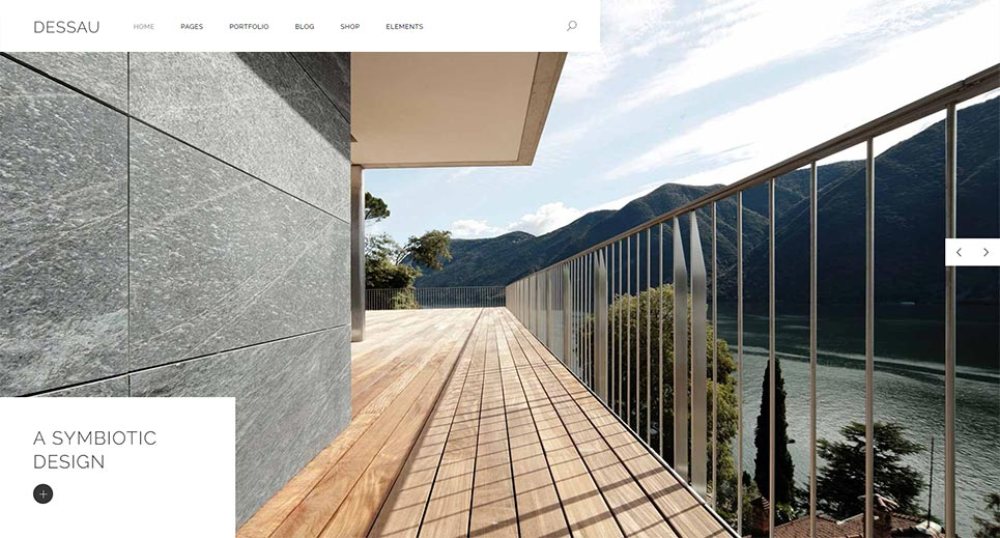
Dessau
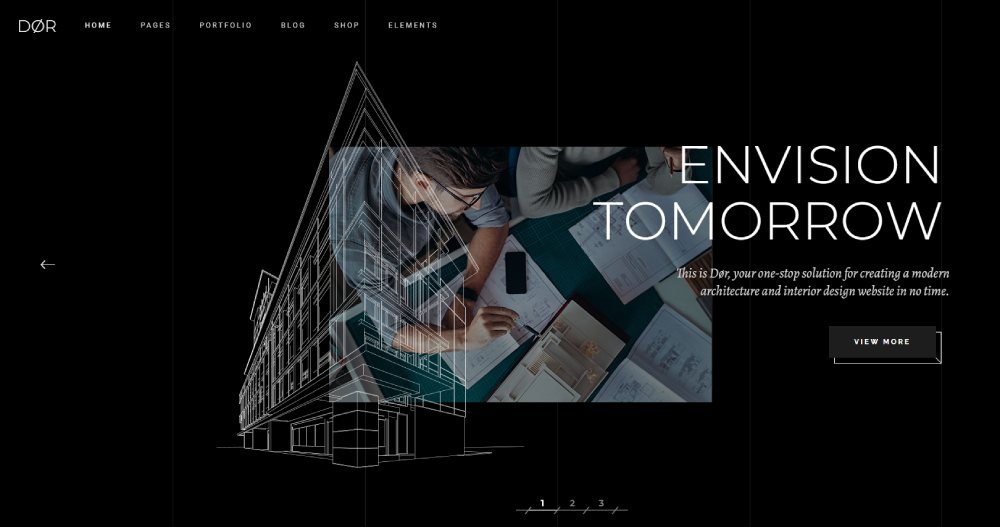
Dør
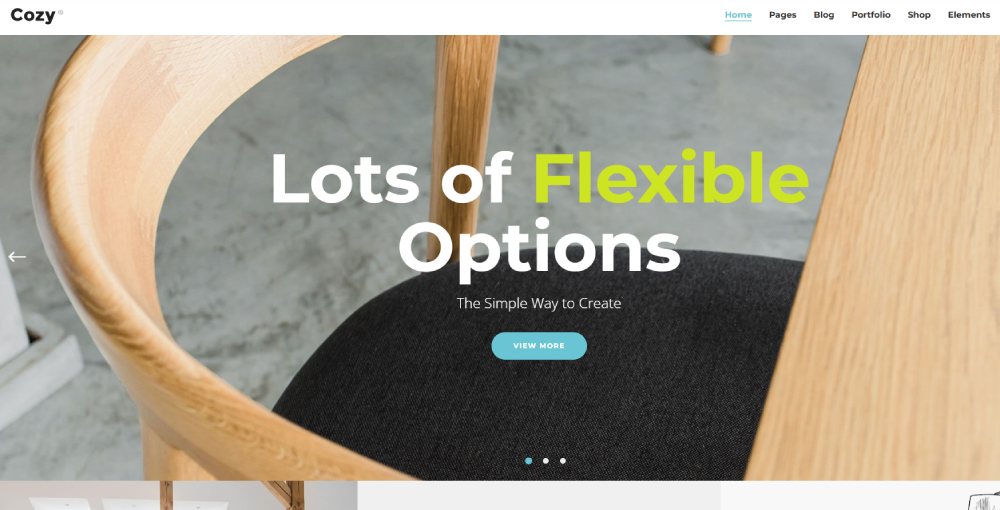
Cozy
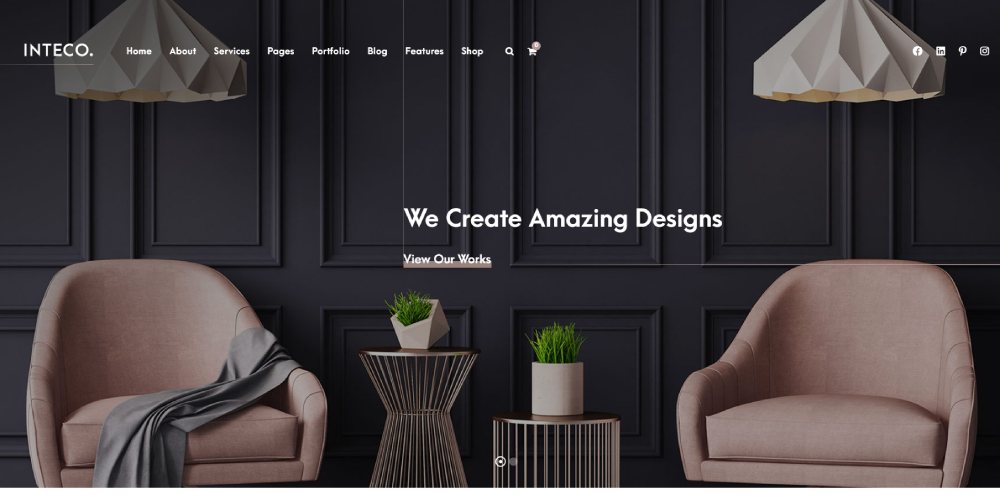
Inteco
What Makes a Good Interior Design Website Template?
Not all templates are built equal. Took me a while to learn that, honestly.
The ones that actually convert visitors into consultation requests share a few traits. And the ones that look pretty but don't perform? They're missing the same things.
Visual-First Layout
Full-bleed imagery matters more here than in almost any other industry. Interior design is visual by nature. If a template doesn't give you massive image sections, oversized project galleries, and room for high-resolution photography, skip it.
Portent research found that sites loading in 1 second convert at 3x the rate of sites loading in 5 seconds. Heavy images without proper optimization (lazy loading, WebP support) will tank your page speed and your leads with it.
Project Portfolio Structure
This is where most generic templates fall apart.
You need filtering by room type, design style, or service category. Clients looking at kitchen renovations don't want to scroll through 40 commercial office projects to find what they care about.
Good templates include:
- Filterable project grids with category tags
- Individual project pages with before-and-after modules
- Space for process descriptions alongside finished photos
- Lightbox galleries that keep visitors on the page
Booking and Contact Integration
According to BeBusinessed, 45% of small businesses use website templates as their primary online presence solution. For interior designers specifically, that template needs to do more than look good. It needs to bring in clients.
Built-in consultation forms, Calendly or Acuity Scheduling integration, and clear call to action buttons separate functional templates from decorative ones.
Mobile Responsiveness
StatCounter data shows mobile devices account for roughly 60-65% of all global web traffic. Your residential clients are browsing from their phones while sitting in the living room they want redesigned.
Templates without responsive design are dead on arrival. Check the demo on your phone before buying anything.
Social Proof Sections
A dedicated testimonial page or built-in review sections can make or break trust with potential clients.
Hostinger research shows that 94% of first impressions relate to website design. But once visitors get past the visuals, they look for proof that you've done good work for real people.
Free vs. Paid Interior Design Website Templates
The budget question comes up in every conversation about templates. And the answer depends entirely on where you are in your business.
Free templates get you online. Paid templates get you clients.
That's an oversimplification, but it's close to the truth.
What Free Templates Actually Include
BeBusinessed research found that 45% of small businesses use website templates as their primary web presence. Many of those start with free options.
Typical free template includes:
- 2-3 page layouts (home, about, contact)
- Basic image gallery (no filtering)
- Limited color and font controls
- Community forum support only
What's missing is the stuff that actually converts visitors. No before-and-after sliders, no project filtering by room type, no integrated booking forms, no priority support when something breaks.
What Paid Templates Add
Premium interior design templates typically cost between $49 and $199, depending on platform and developer.
The gap between free and paid:
|
Feature |
Free |
Paid ($49-$199) |
|
Page templates |
2-3 basic |
10-20+ specialized |
|
Image galleries |
Static grid |
Filterable, lightbox, masonry |
|
Booking integration |
None |
Calendly, Acuity built-in |
|
Support |
Forums |
Priority tickets, 12+ months |
|
Updates |
Rare |
Regular security and feature patches |
Clutch.co reports the global web design market is projected to reach $92.06 billion by 2030, growing between 9% and 11% annually. That growth is partly fueled by small businesses upgrading from free to paid solutions as they scale.
When Free Is Enough
If you're a freelance interior decorator just testing whether a website will bring leads, free works. Put up three project photos, a contact page, and your Instagram feed. See what happens.
When paid makes sense: you're an established studio, you need professional website credibility for high-end residential clients, or you're tired of fighting with a template that wasn't built for your industry. The $79 you spend on a proper theme pays for itself with one consultation booking.
How to Customize an Interior Design Website Template
Buying a template is step one. Making it yours is where the real work starts.
Most designers buy a template, swap in their logo, and call it done. That's a mistake. The demo content exists to sell the template, not to represent your brand. Every section needs to be rebuilt around your actual work, your voice, and your client's expectations.
Replace Demo Content With Real Project Photography
This is the single biggest upgrade you can make. Stock photos of staged living rooms will immediately signal "template site" to anyone who's seen more than three interior design websites.
Shoot your own projects. Hire a photographer if the budget allows. Use consistent lighting and angles across all portfolio images so your site feels cohesive rather than like a random collection.
Hostinger data shows that web design influences 94% of first impressions. Those impressions are shaped by the images more than anything else on a design studio's site.
Adjust Branding and Visual Identity
Your template's default color scheme and fonts were chosen to look good in a demo. They weren't chosen to match your brand.
Quick wins:
- Swap default fonts with your brand typeface (Google Fonts makes this free)
- Update the color palette to match your existing business cards and materials
- Replace the template's favicon and logo placeholder
If you're building a luxury website feel, consider a calm color palette with muted tones and generous white space.
Set Up Portfolio Filtering and Categories
Organize projects by room type (kitchen, bathroom, living room, bedroom), style (modern, transitional, traditional), or service (full renovation, e-design, staging).
Visitors looking for bathroom renovations don't want to scroll through office redesigns.
Connect Booking and Analytics Tools
Add Calendly or Acuity Scheduling for consultation requests. Connect Google Analytics and Meta Pixel for tracking visitor behavior.
Conversion rate data from Portent shows sites loading in 1 second convert at roughly 3x the rate of sites loading in 5 seconds. After customization, test your page speed to make sure added images and scripts haven't slowed things down.
Common Customization Mistakes to Avoid
Too many plugins or apps. Every widget you add increases page load time. Only install what you'll actually use.
Ignoring mobile. Customize on desktop, then check every page on your phone. StatCounter data shows roughly 60-65% of web traffic comes from mobile devices.
Keeping demo text. "Lorem ipsum" on a live site is an instant credibility killer. Write your own copy or hire someone. Even a simple website needs real words.
Interior Design Website Templates with E-Commerce Features
Selling products alongside design services is becoming standard for interior designers. E-design packages, mood boards, curated product shops, furniture collections. The revenue streams are there.
The online home decor market grew from $5.34 billion in 2023 to $5.97 billion in 2024, an 11.8% increase according to Halman Thompson. It's projected to reach $12 billion by 2030. Designers who sell directly through their website are tapping into that growth.
Shopify Templates for Interior Design Product Shops
Shopify holds roughly 30% of the U.S. e-commerce software market (BuiltWith/Statista). Its GMV reached $292 billion in 2024, according to Mobiloud.
For designers running a product-focused business alongside services, Shopify offers purpose-built store templates with inventory management, payment processing, and shipping calculations baked in. The app ecosystem has over 8,000 apps for extending functionality.
The tradeoff? Shopify is built for selling, not for showcasing design portfolios. You'll likely need to pair it with a separate portfolio section or use a theme that balances both product listings and project galleries.
WooCommerce-Compatible WordPress Templates
WooCommerce powers over 6.5 million websites globally and holds the largest share of e-commerce sites by raw count (ColorWhistle).
Why WooCommerce works for interior designers:
- Runs on WordPress, so your blog, portfolio, and shop live on one site
- Free core plugin (costs come from hosting, themes, and extensions)
- Over 6,000 extensions available
- Full design control through your existing WordPress theme
ThemeForest alone lists 1,500 WooCommerce-ready themes (Barn2 Media). Many interior design WordPress themes include WooCommerce compatibility, letting you add a shop page without switching platforms.
Selling Digital Products Through Your Template
Not everything you sell needs to ship.
Digital products interior designers sell online:
- E-design packages (room layouts, mood boards, shopping lists)
- Downloadable floor plan templates
- Color consultation guides
- Curated product sourcing lists
Statista data shows the e-commerce home decor market is expected to reach $60.99 billion by 2029, growing at an 8.51% annual rate. Digital products from designers represent a small but fast-growing slice of that market.
Platforms like Shopify, WooCommerce, and even Squarespace handle digital product delivery. The template you choose just needs to support product pages with instant download functionality.
For designers looking at product website structures beyond interior design, the same principles apply. Clean product photography, clear pricing, and smooth checkout experiences drive conversions regardless of the niche.
FAQ on Interior Design Website Templates
What is an interior design website template?
A pre-built website layout made specifically for interior designers, decorators, and design studios. It includes project galleries, portfolio sections, and consultation booking features. Available on platforms like WordPress, Squarespace, Wix, and Webflow.
Are free interior design website templates worth using?
For solo freelancers just starting out, yes. Free templates cover the basics. But they lack filterable portfolios, booking integration, and priority support. Upgrading to a premium theme makes sense once you're ready for client-facing credibility.
Which platform is best for interior design websites?
It depends on your skill level. WordPress offers the most customization. Squarespace delivers polished designs out of the box. Webflow gives advanced layout control. Wix works well for beginners who need a fast setup without code.
How much do premium interior design templates cost?
Most range from $49 to $199 depending on the platform and developer. WordPress themes from ThemeForest sit at the lower end. Webflow and custom HTML templates can run higher, especially with advanced animations or CMS features included.
Can I customize a template to match my brand?
Absolutely. Swap demo images with your own project photography, adjust the color palette and fonts, and add your logo. Most CMS-native templates include visual editors that let you change layouts without touching code.
Do interior design templates work on mobile devices?
Any template worth buying includes responsive design that adapts to phones and tablets. Around 90% of websites today use responsive layouts. Always preview the mobile demo before purchasing to check image scaling and navigation.
Should I use WordPress or Squarespace for my design portfolio?
WordPress gives you more flexibility through plugins like Elementor and WooCommerce. Squarespace is easier to maintain and handles high-resolution images well. Pick WordPress if you want full control. Pick Squarespace if you want simplicity.
Can I sell products through an interior design website template?
Yes. Shopify templates handle product shops natively. WordPress templates with WooCommerce support let you sell e-design packages, mood boards, and curated product collections alongside your portfolio. Squarespace also supports basic e-commerce.
How do I make my template load faster?
Compress all project images before uploading. Use WebP format where possible. Limit plugins and third-party scripts. Enable lazy loading so images load only as visitors scroll. Test page speed with Google PageSpeed Insights after every change.
What features should I look for in an interior design template?
Filterable project galleries, before-and-after sliders, consultation booking forms, blog layouts, and strong image handling. A built-in SEO-friendly structure and fast load times matter just as much as visual design for long-term results.
Conclusion
The best interior design website templates do more than look good. They bring in consultations, showcase your portfolio with purpose, and give potential clients a reason to trust you before they ever reach out.
Whether you build on WordPress with Elementor, go with Squarespace for its image handling, or choose Webflow for layout precision, the platform matters less than what you do with it.
Swap out every stock photo. Set up project filtering by room type and style. Connect a booking tool like Calendly or Acuity Scheduling. Test your site on mobile.
A template is a starting point. Your projects, your brand identity, and your attention to page speed and user experience turn it into something that actually works for your business.
Pick one, customize it properly, and start getting leads from your website instead of just from referrals.