The Best Gaming Website Templates for Your Next Project
January 30, 2026
10 Quick Tricks to Boost WooCommerce Sales with Betheme
February 13, 2026Your product deserves more than a generic storefront that looks like every other Shopify store on the internet.
The right product website templates turn browsers into buyers. The wrong ones bury your conversion rate.
But with thousands of options across WooCommerce, Webflow, Squarespace, and ThemeForest, finding a template that actually fits your product type feels overwhelming.
This guide cuts through the noise.
You'll learn which template categories exist, what separates high-converting layouts from pretty-but-useless designs, and how to match a template to your specific ecommerce needs.
No fluff. Just the information you need to pick a template that sells.
What is a Product Website Template
A product website template is a pre-designed layout built to showcase and sell physical goods, digital downloads, or software services online.
These templates include structured sections for product galleries, pricing displays, checkout flows, and customer reviews.
They work with platforms like Shopify, WooCommerce, Webflow, and Squarespace.
Most templates come with drag-and-drop customization, responsive design for mobile devices, and built-in ecommerce functionality.
You get a working storefront without coding from scratch.
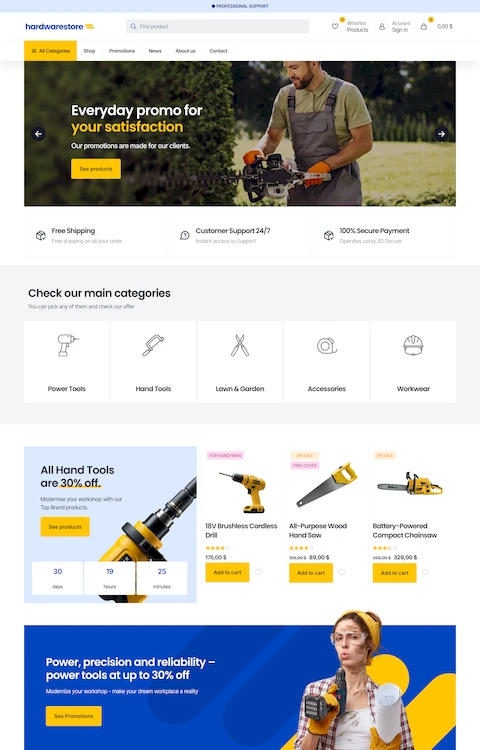
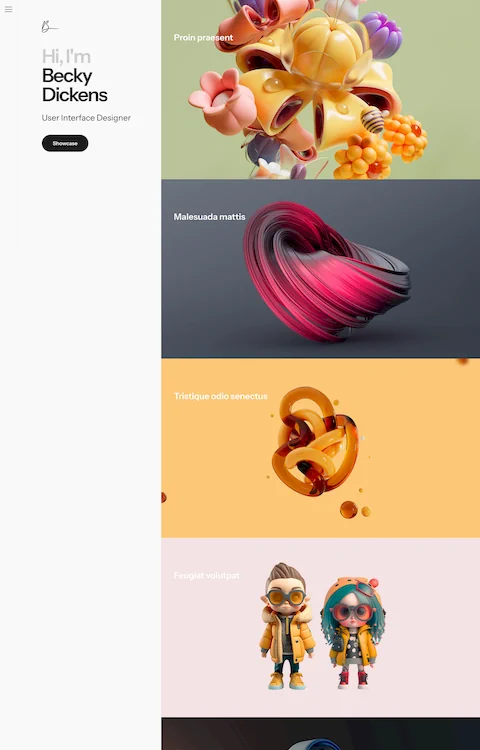
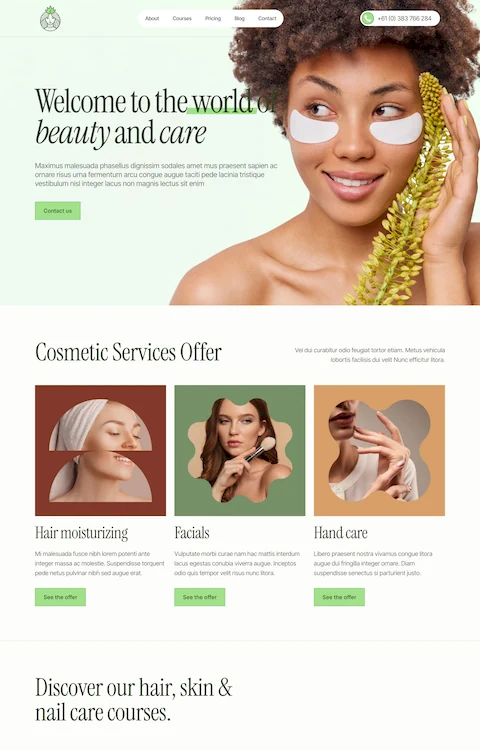
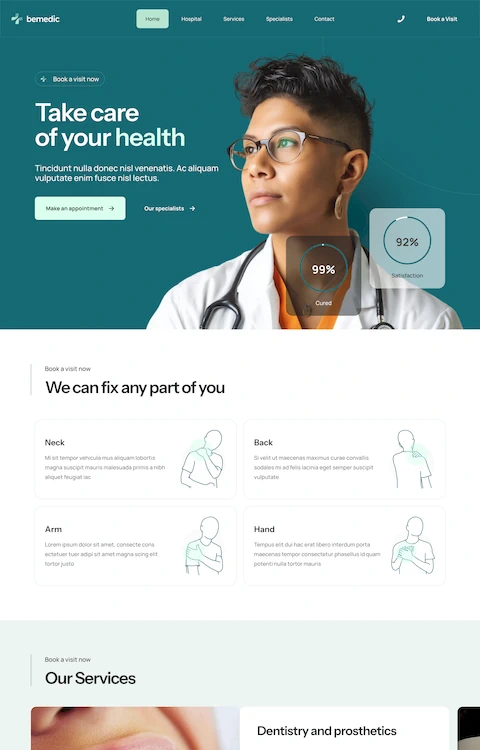
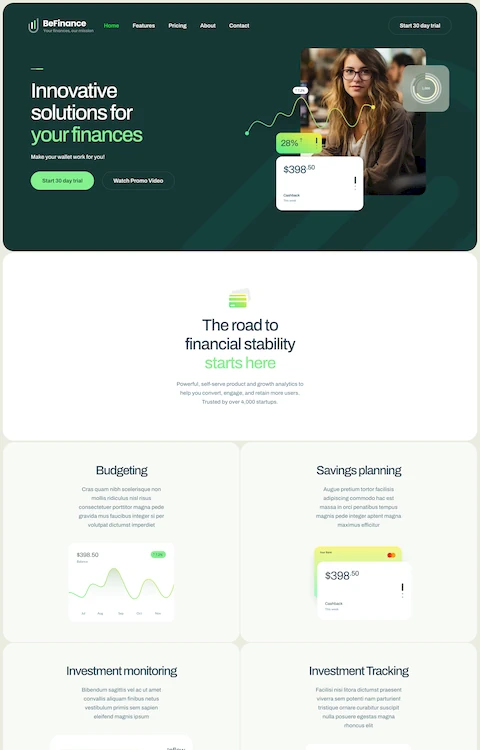
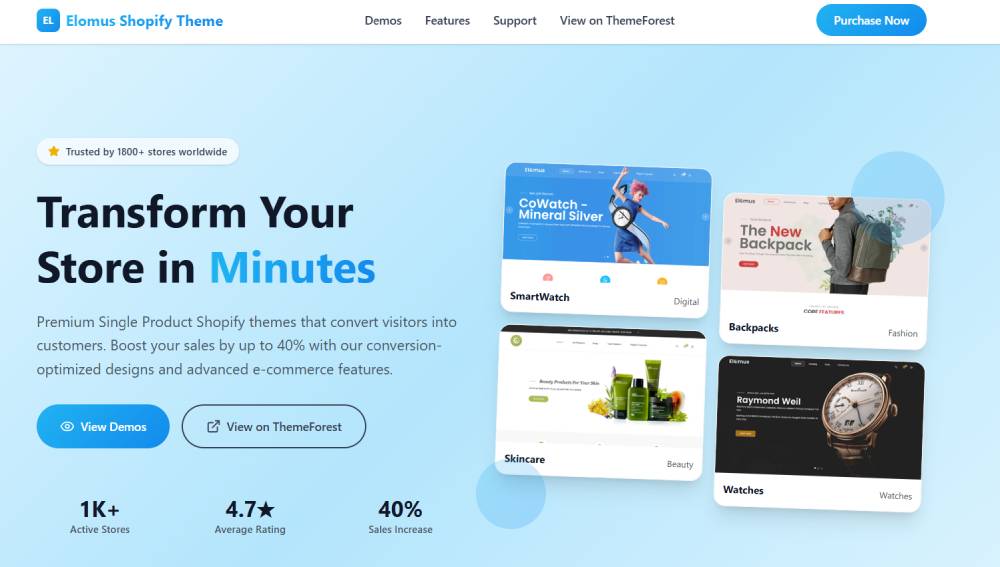
Product Website Templates
Product
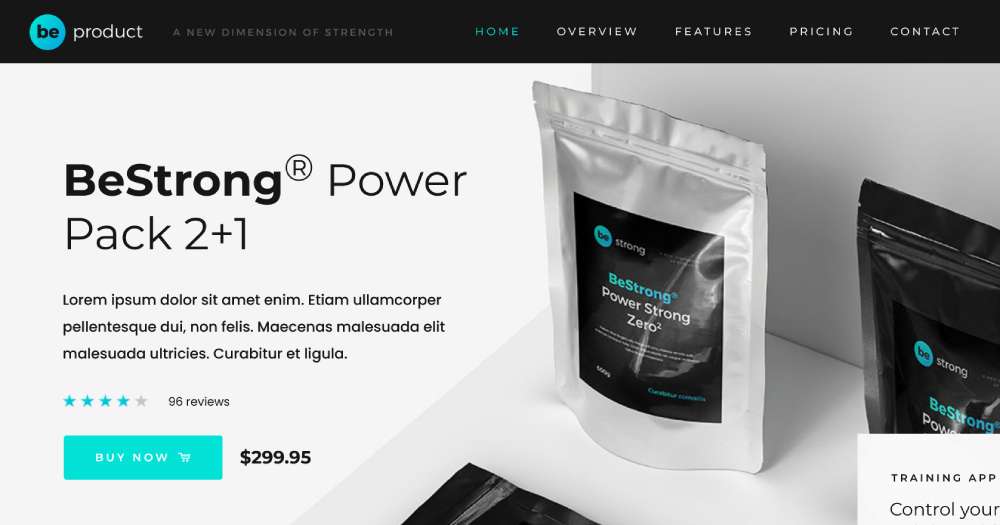
BE Product 2

BE Product 3

BE Product 4
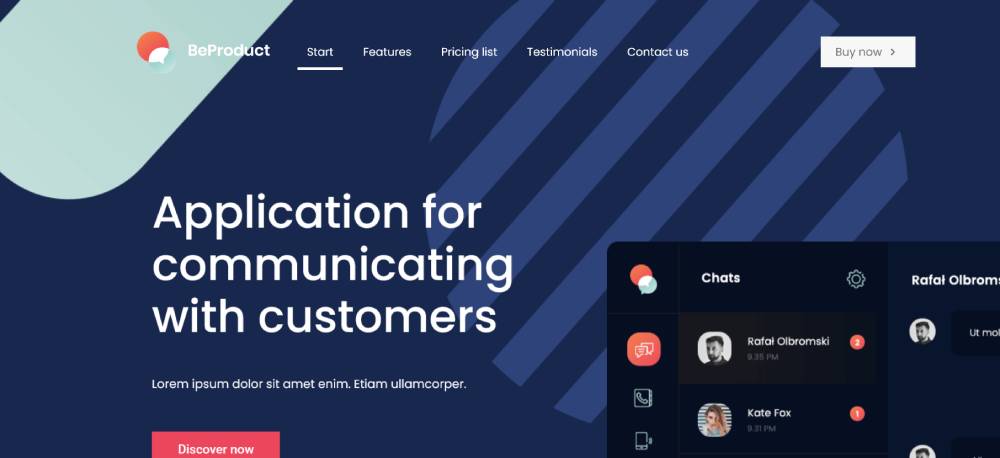
Elomus
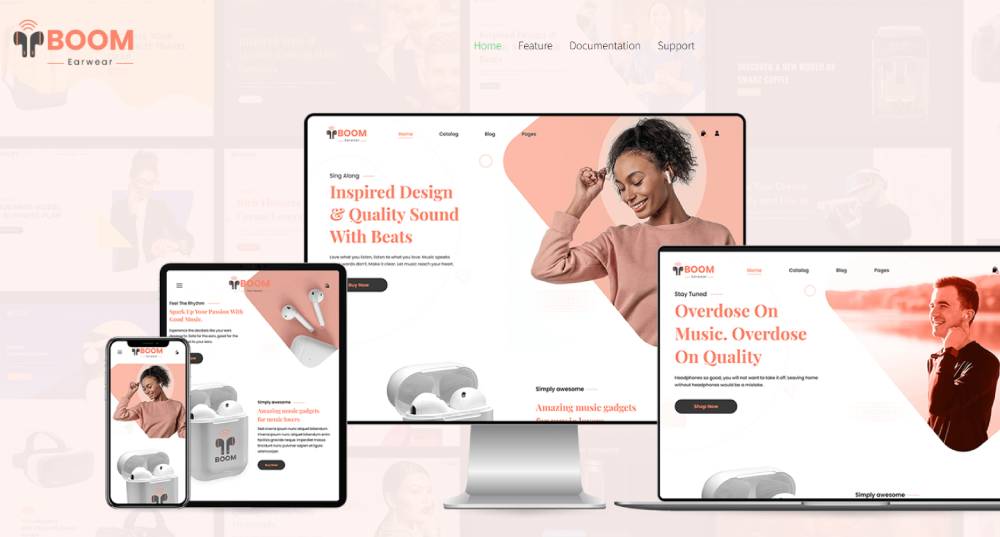
Boom
Framek

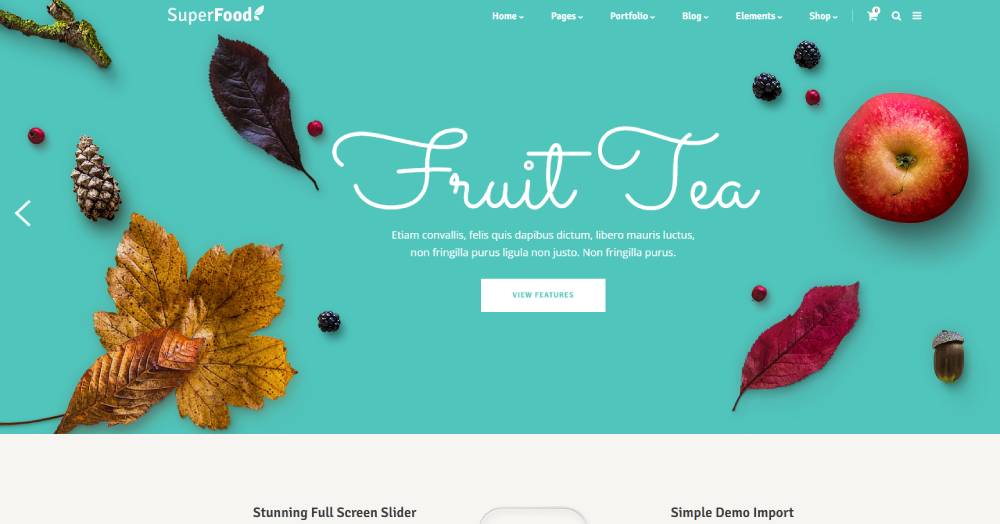
Superfood
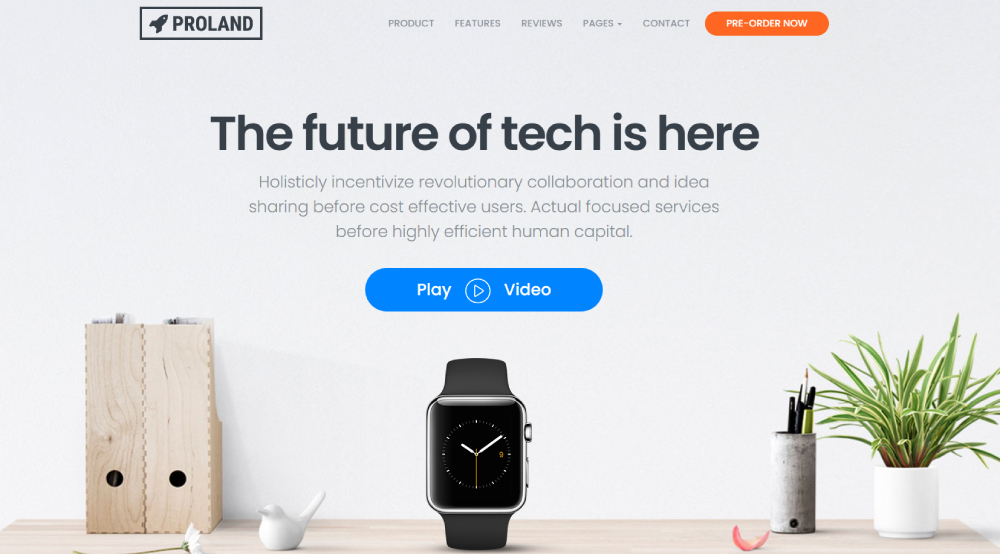
Proland
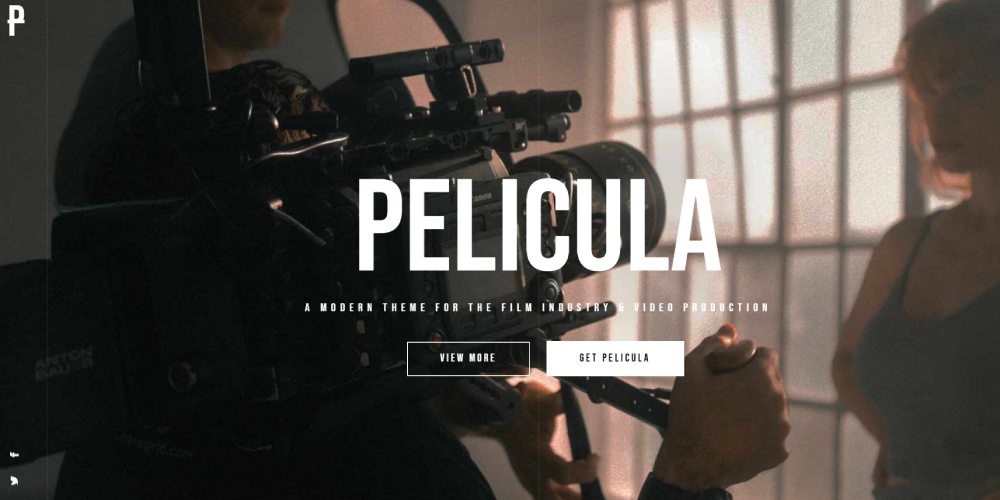
Pelicula
Smartic

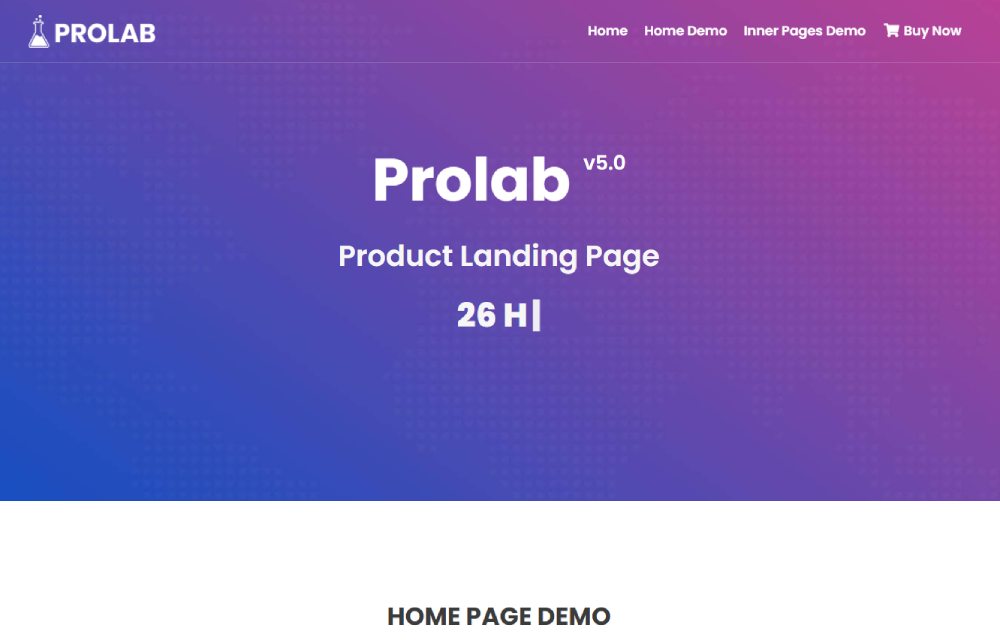
Prolab
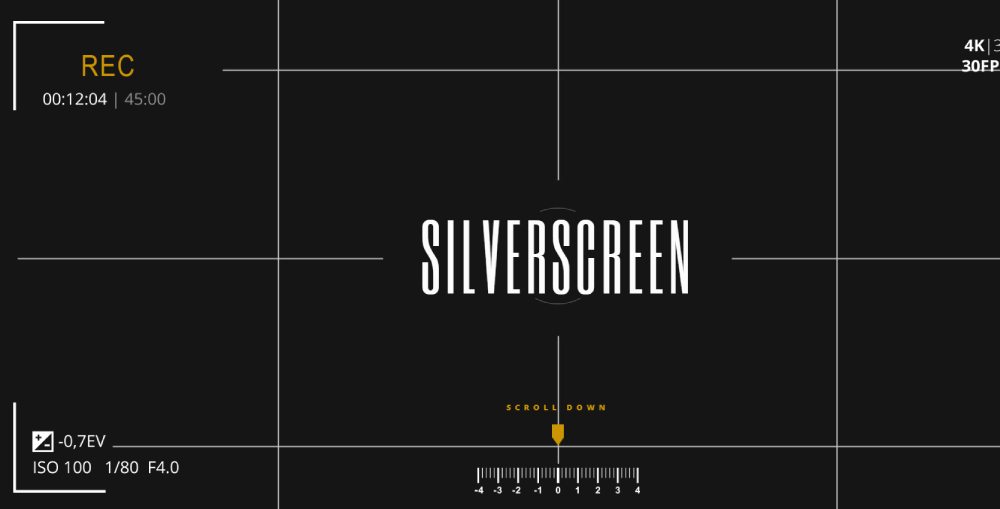
Silverscreen
Motiox

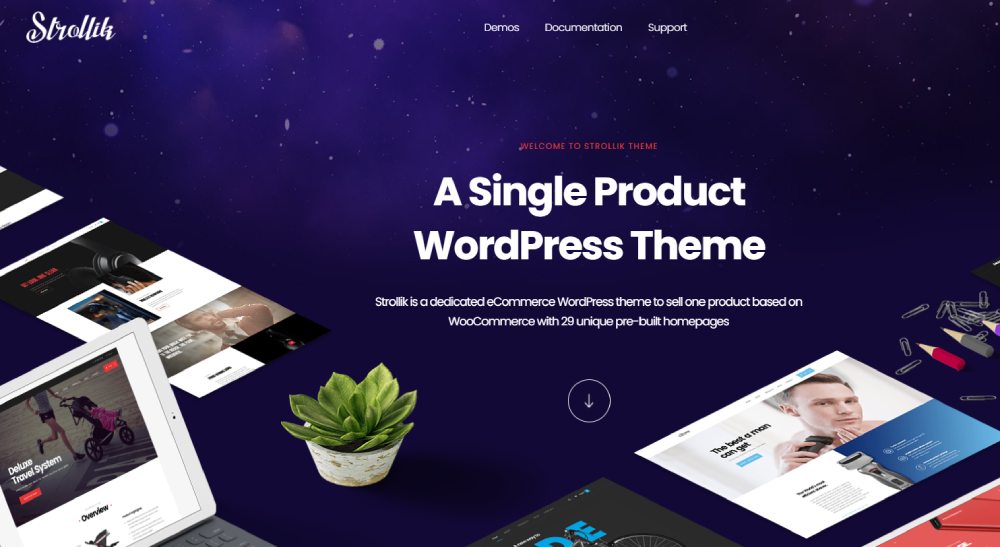
Strollik
Bomo

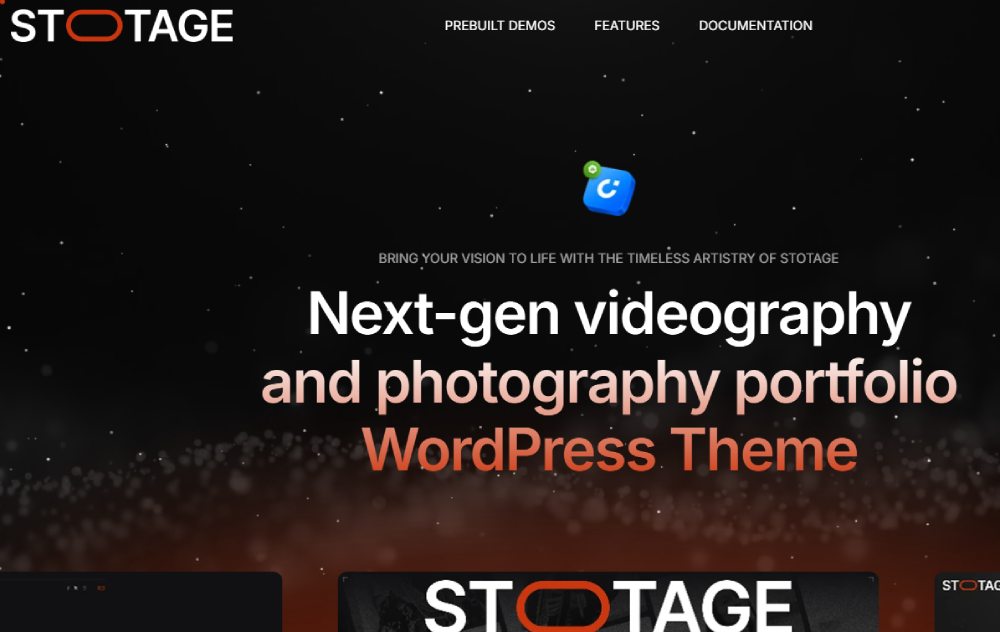
Stotage
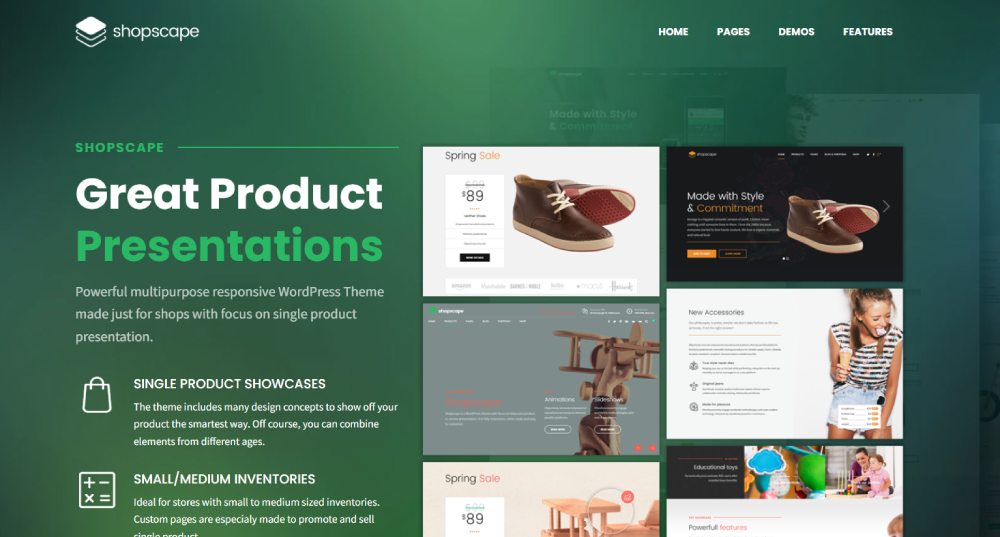
Shopscape
Buten

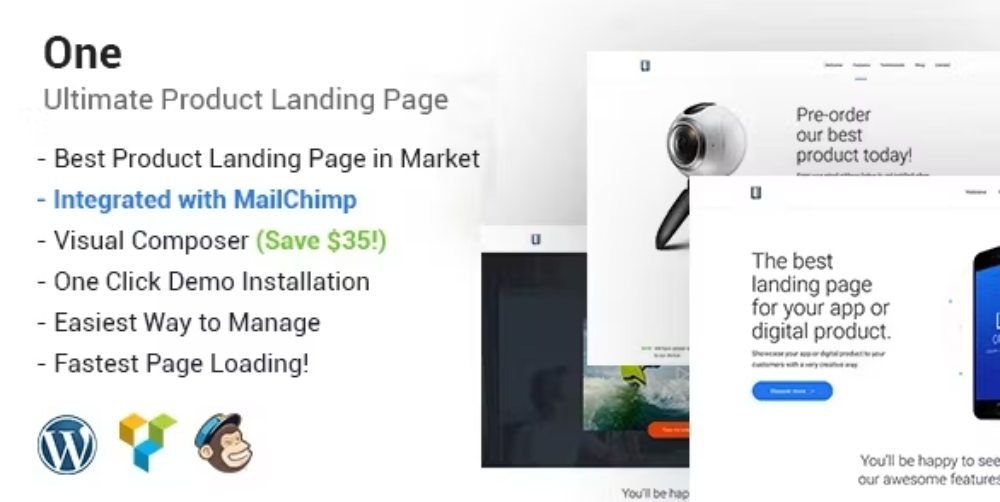
One
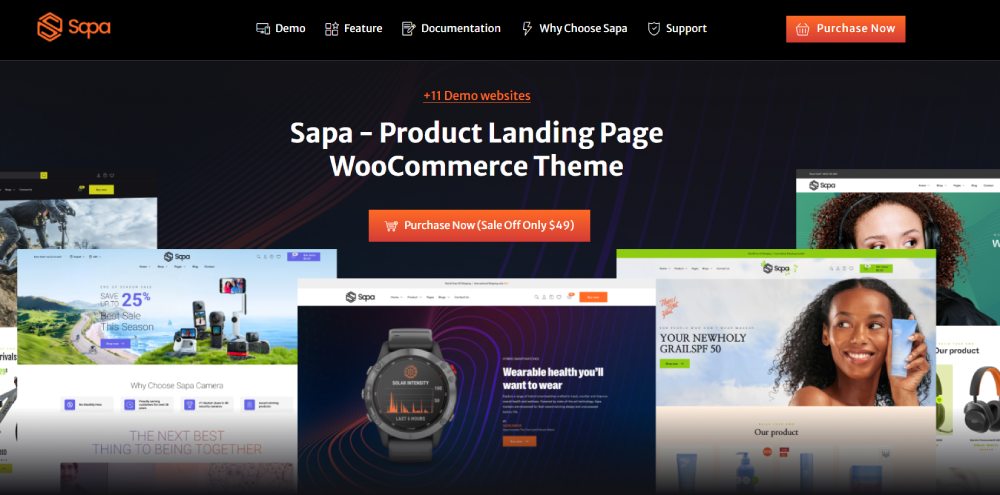
Sapa
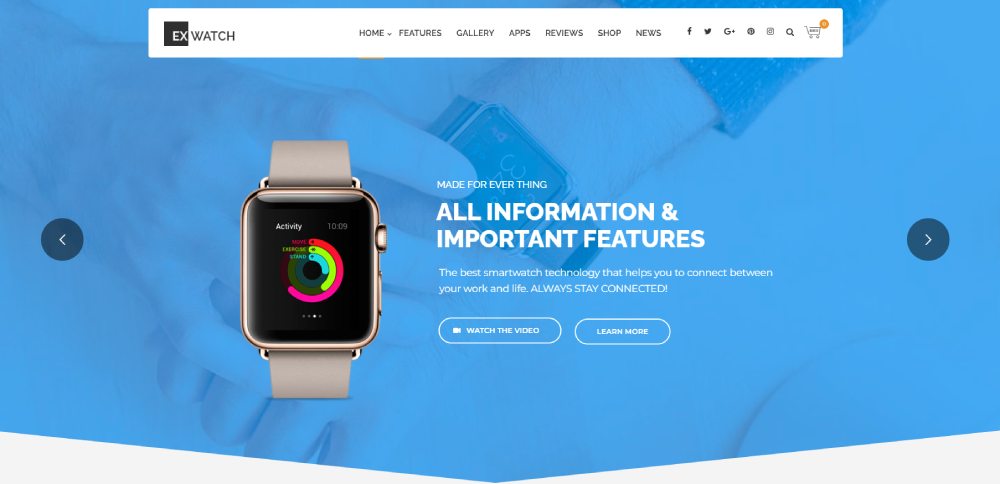
Ex
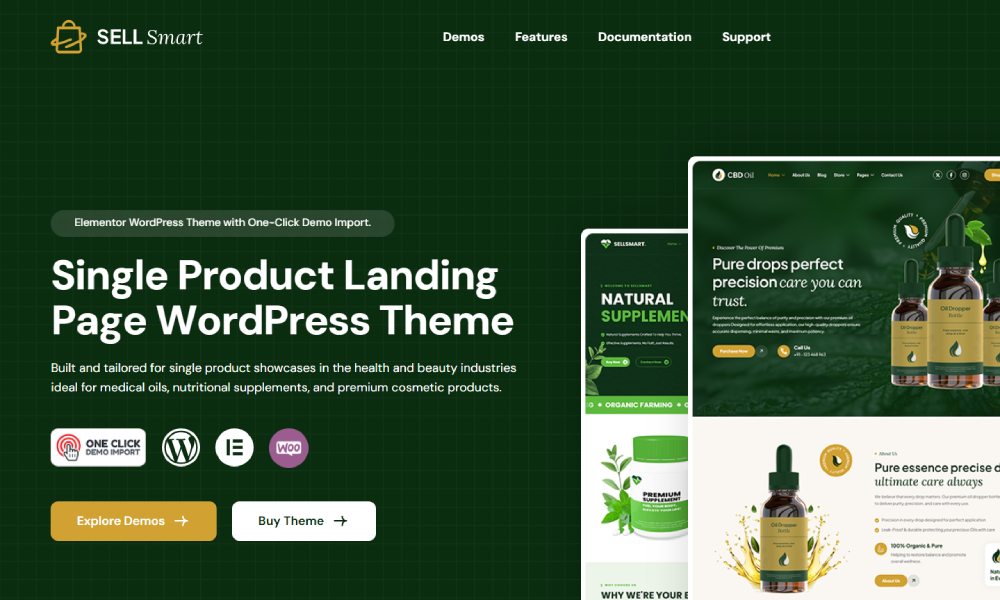
Sellsmart
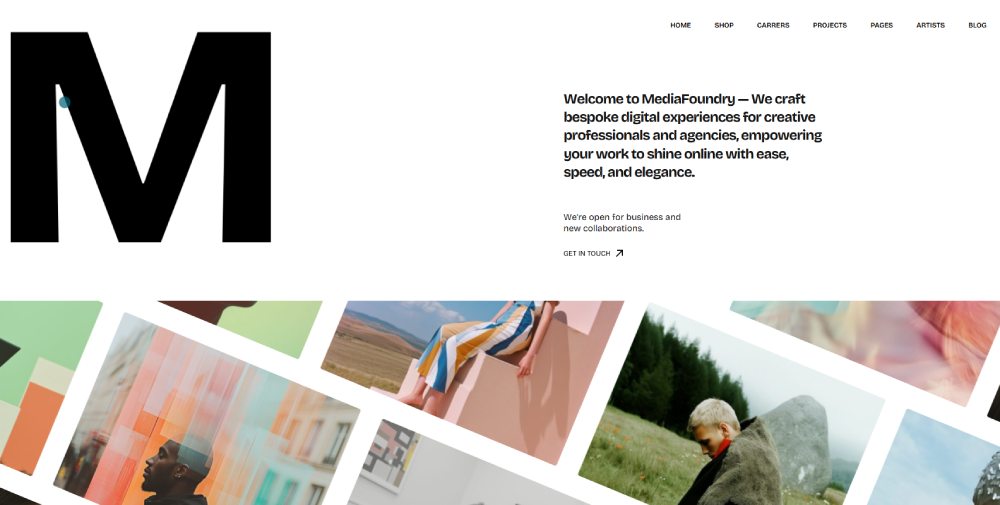
MediaFoundry
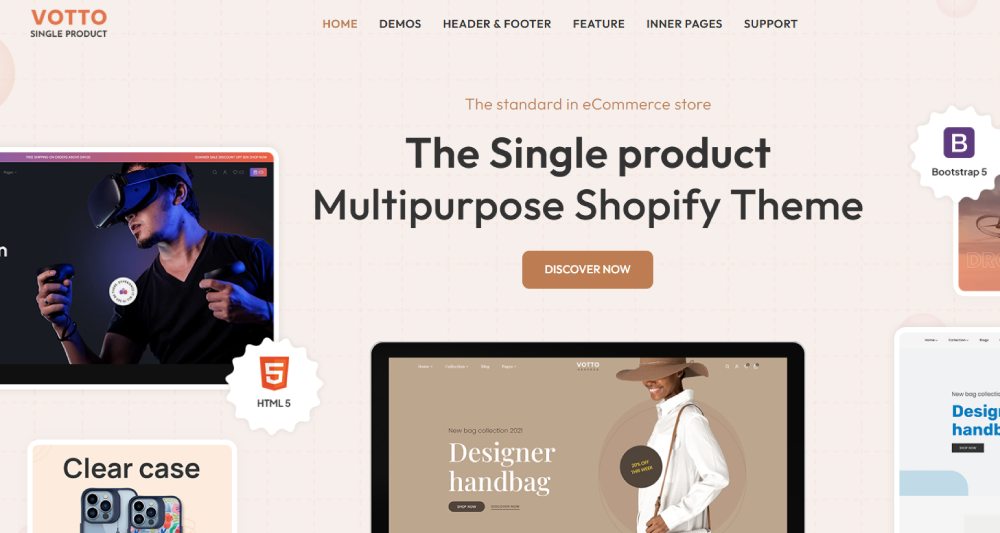
Votto
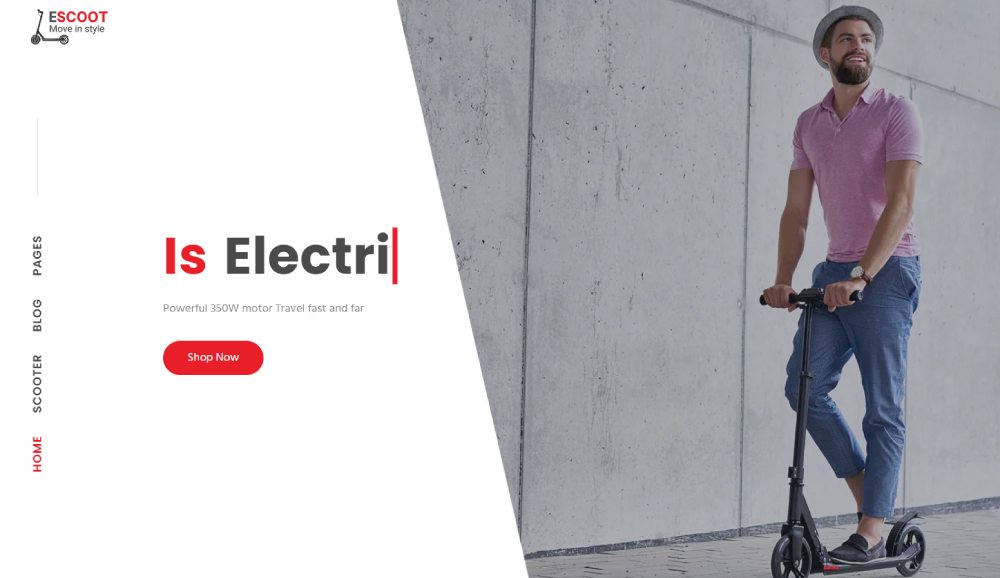
Escoot
What Types of Product Website Templates Exist
Product templates split into four main categories based on what you sell and how you sell it.
Single Product Page Templates
Built for one flagship item. Perfect for product landing pages where the entire page focuses on a single offering with strong visuals and a direct add-to-cart button.
Multi-Product Catalog Templates
Grid layouts with product filtering, category navigation, and search functionality. These handle inventory display for stores with dozens or hundreds of SKUs.
SaaS Product Templates
Feature comparison tables, tiered pricing page layouts, free trial signup forms, and integration showcases. Check SaaS landing pages for conversion-focused examples.
Physical Product Templates
Large product photography sections, size guides, shipping calculators, and return policy displays. Optimized for clothing websites, electronics, and home goods.
What Makes a Product Website Template Effective
Three factors determine whether a template converts visitors into buyers.
How Does Page Speed Affect Product Template Performance
Every second of load time drops conversions by 7%. Templates bloated with unused scripts and unoptimized images kill sales before visitors see your product.
Look for templates with lazy loading, WebP image support, and minimal render-blocking resources.
How Does Mobile Responsiveness Impact Product Templates
Over 60% of ecommerce traffic comes from phones. Templates need thumb-friendly buttons, readable text without zooming, and checkout forms that work on small screens.
Responsive websites adjust layouts automatically across devices.
What Layout Elements Increase Product Page Conversions
The elements that move the needle:
- Hero section with product image above the fold
- Strong call to action button in contrasting color
- Trust badges near the purchase button
- Customer review integration with photos
- Clear pricing display without hidden fees
How Do You Choose a Product Website Template
Match the template to your product type, technical ability, and growth plans.
What Technical Requirements Should You Check
Verify hosting compatibility, SSL certificate support, and update frequency. Abandoned templates with no updates in 12+ months will break with platform changes.
Check Core Web Vitals scores on the demo before buying.
What Design Factors Matter for Your Industry
Fashion websites need large imagery and lookbook layouts. Technology websites need spec tables and comparison features.
A template for jewelry websites won't work for selling software subscriptions.
What Customization Options Should a Template Include
Non-negotiable features:
- Color scheme controls for brand matching
- Typography options beyond two font choices
- Header and footer variations
- Section blocks you can reorder or hide
- Form design customization for lead capture
Templates with locked layouts force you into someone else's vision. Avoid them.
How Do Product Website Templates Affect Search Visibility
Template code quality determines whether Google can crawl, index, and rank your product pages.
What HTML Structure Should Product Templates Use
Proper heading hierarchy (H1 for product name, H2 for sections), Schema.org markup for products, and semantic HTML elements. Templates without structured data miss rich snippet opportunities in search results.
How Do Image Optimization Features Work in Templates
Look for automatic WebP conversion, lazy loading below the fold, and alt text fields for every image slot. PageSpeed Insights penalizes templates that serve uncompressed 3MB product photos.
What Internal Linking Options Should Templates Provide
Breadcrumb structure for category paths, related products sections, and website navigation examples that connect collections logically. Strong internal linking helps both users and crawlers.
How Do You Customize a Product Website Template
Most templates allow visual changes without touching code. Some require CSS or developer help.
What Branding Elements Can You Change
Logo placement, header layouts, favicon, and brand colors through a visual editor. Better templates include website footer customization with multiple column options.
How Do You Add Product-Specific Sections
Size guides for apparel, ingredient lists for cosmetics websites, warranty information blocks, and comparison charts. Modular templates let you drag these into any page.
How Do You Integrate Third-Party Tools
Common integrations:
- Google Analytics and Hotjar for behavior tracking
- Klaviyo or Mailchimp for email capture
- Stripe and PayPal for payment processing
- Yotpo or Judge.me for review collection
- Gorgias for customer support widgets
What Are Common Product Website Template Mistakes
Cheap templates cost more in lost sales than premium ones cost upfront.
How Does Template Bloat Slow Down Websites
Multipurpose themes pack features for every industry. You use 10% of the code but load 100%. Result: 5+ second load times that kill mobile conversions. Study bad design examples to see what to avoid.
Why Do Generic Templates Hurt Brand Recognition
When competitors use identical layouts, visitors can't distinguish your store. Unique websites convert better because they build trust through originality.
What Accessibility Issues Appear in Low-Quality Templates
Missing alt text, poor color contrast ratios, no keyboard navigation, broken screen reader support. These aren't just legal risks; they exclude 15% of potential customers. Review accessible websites for proper implementation.
How Much Do Product Website Templates Cost
Price ranges from $0 to $5,000+ depending on customization level and support.
What Do Free Product Templates Include
Basic layouts, limited color options, no premium support, infrequent updates. Fine for testing a product idea. Not for serious launches. Simple website templates often deliver more than bloated free options.
What Do Premium Product Templates Offer
Price range: $49 to $299 on ThemeForest and template marketplaces.
You get 6-12 months of updates, documentation, developer support tickets, and multiple demo variations. Premium website templates include conversion-optimized layouts tested with real stores.
What Are Custom Template Development Costs
Agency builds run $3,000 to $15,000 for a custom Shopify or WooCommerce theme. Freelancers charge $1,500 to $5,000. Timeline: 4 to 12 weeks depending on complexity.
Worth it only for established brands with proven product-market fit.
How Do You Install and Set Up a Product Website Template
Setup varies by platform but follows similar steps.
General installation process:
- Purchase and download the template ZIP file
- Upload through your platform's theme installer
- Activate and run the setup wizard
- Import demo content if available
- Replace placeholder images and text
Post-install configuration checklist:
- Connect payment gateway (Stripe, PayPal, or platform native)
- Set up shipping zones and rates
- Configure tax settings by region
- Import or manually add product catalog
- Test checkout flow with a $0 transaction
- Install Google Analytics tracking
- Submit sitemap to Google Search Console
Most templates include video walkthroughs. Budget 2 to 8 hours for a basic store setup, longer for catalogs over 100 products.
FAQ on Product Website Templates
What is the best platform for product website templates?
Shopify leads for physical products with built-in payment processing. WooCommerce offers more flexibility on WordPress. Webflow suits designers wanting custom control. Squarespace works for smaller catalogs under 50 items.
How much do product website templates cost?
Free templates exist but lack features. Premium templates on ThemeForest run $49 to $299. Custom development costs $3,000 to $15,000 through agencies. Budget templates often create more problems than they solve.
Can I customize a product template without coding?
Yes. Most modern templates include drag-and-drop editors like Elementor or Divi Builder. You can change colors, fonts, layouts, and sections visually. Complex changes to checkout flows may still require developer help.
What makes a product template mobile-friendly?
Responsive website templates automatically adjust layouts for phones and tablets. Look for thumb-friendly buttons, readable text without zooming, and checkout forms optimized for small screens. Test demos on your phone before buying.
How do product templates affect page load speed?
Bloated templates with unused features slow everything down. Check Core Web Vitals scores on demo pages using PageSpeed Insights. Templates with lazy loading, WebP images, and minimal scripts perform best.
Do product templates include payment integration?
Most ecommerce templates support Stripe, PayPal, and platform-native processors. Shopify themes connect automatically. WooCommerce templates require plugin setup. Always verify gateway compatibility before purchasing a template.
What template features increase product page conversions?
High-converting templates include sticky add-to-cart buttons, customer review sections with photos, trust badges near pricing, and product websites with clear shipping information above the fold.
How long does it take to set up a product template?
Basic setup takes 2 to 8 hours for stores under 50 products. Larger catalogs need 20+ hours for product data import, image optimization, and category organization. Video tutorials speed up the process significantly.
Should I use a free or premium product template?
Free templates work for testing ideas. Serious stores need professional website templates with regular updates, support access, and conversion-optimized layouts. The $100 investment pays back quickly in higher sales.
How do I know if a template fits my product type?
Match template strengths to your inventory. Furniture websites need room visualization features. Software products need feature comparison tables. Check if the demo showcases products similar to yours.
Conclusion
Choosing the right product website templates comes down to three things: your product type, technical requirements, and growth plans.
Skip the bloated multipurpose themes. Focus on responsive design, fast page load speed, and checkout flow optimization.
Whether you build on BigCommerce, Magento, or a WordPress commerce theme, the template should match your catalog size and industry.
Test mobile responsiveness before buying. Check Core Web Vitals on demo pages. Verify Stripe and PayPal integration works out of the box.
A $100 premium template with proper Schema.org markup and Google Analytics support beats a free option that costs you sales.
Your digital storefront is your 24/7 salesperson. Give it the right foundation.