

House Painters Website Design Examples That Look Good
August 7, 2025
The Best Designed Electrician Websites for Inspiration
August 12, 2025Most farm websites look like they were built in 2010. Generic stock photos of tractors, cluttered layouts, broken mobile views.
Your customers expect better. They shop on Whole Foods Market and Local Harvest. They know what professional online stores look like.
These agriculture website design examples show what actually works for farms, ranches, vineyards, and agricultural businesses selling direct to consumers.
You'll see real sites generating real revenue. Each example breaks down the specific design choices that build trust with buyers, from homepage layouts to product photography to e-commerce checkout flows.
Whether you're building on WordPress, Shopify, or Squarespace, these patterns apply.
What is Agriculture Website Design
Agriculture website design is the creation of digital platforms for farms, ranches, agricultural cooperatives, and agribusiness companies.
These sites serve specific functions: selling produce directly to consumers, showcasing farm-to-table operations, booking agritourism experiences, or connecting farmers with equipment suppliers.
Unlike generic business sites, agricultural web design requires seasonal content management, product catalog systems for perishable goods, and trust-building elements that connect urban buyers with rural producers.
Agriculture Website Design Examples
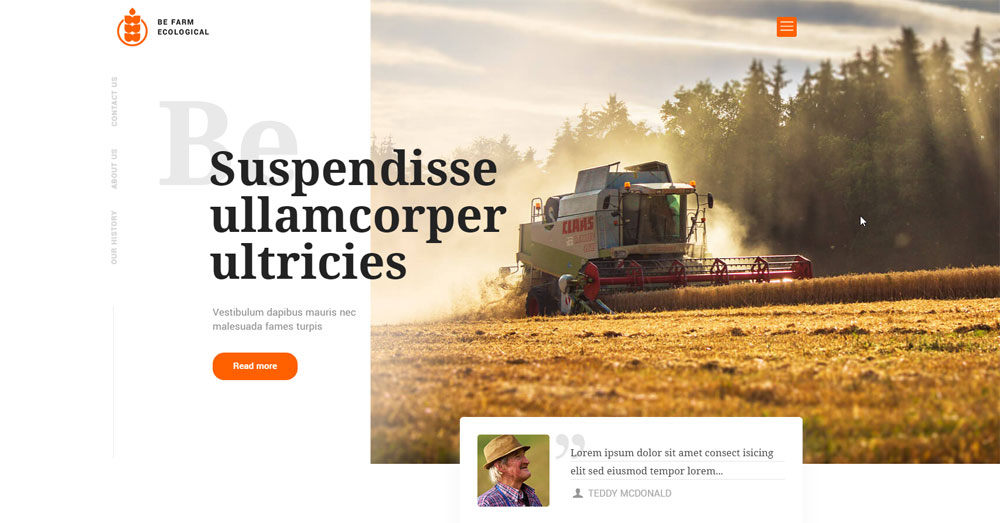
Farms Ecological
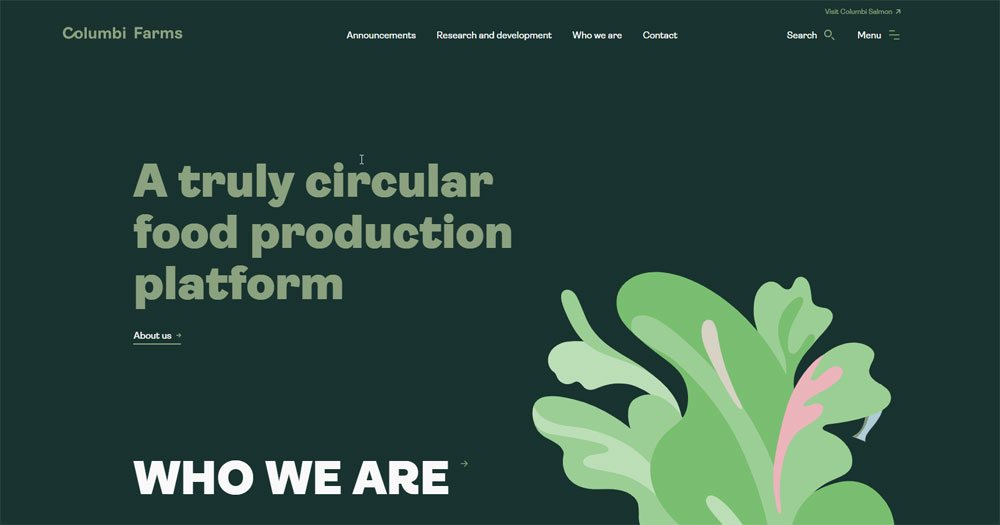
Columbi Farms
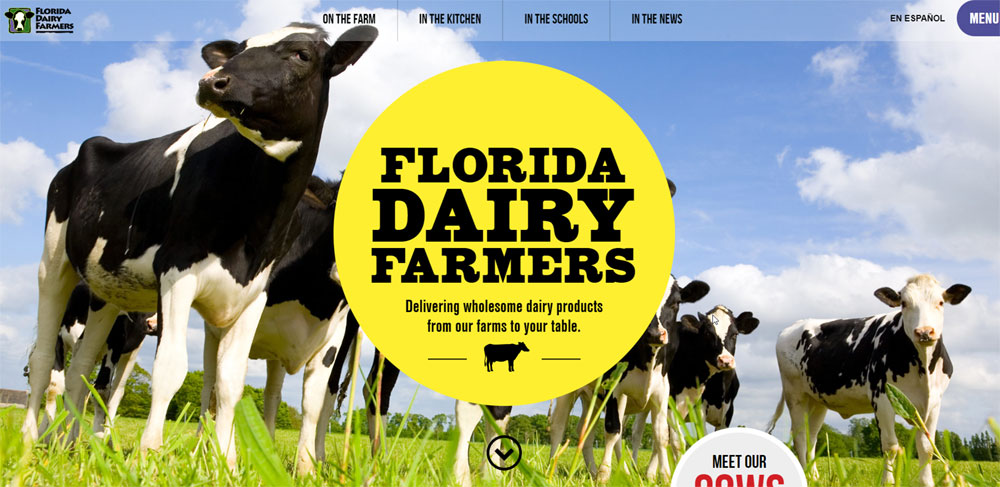
Florida Milk
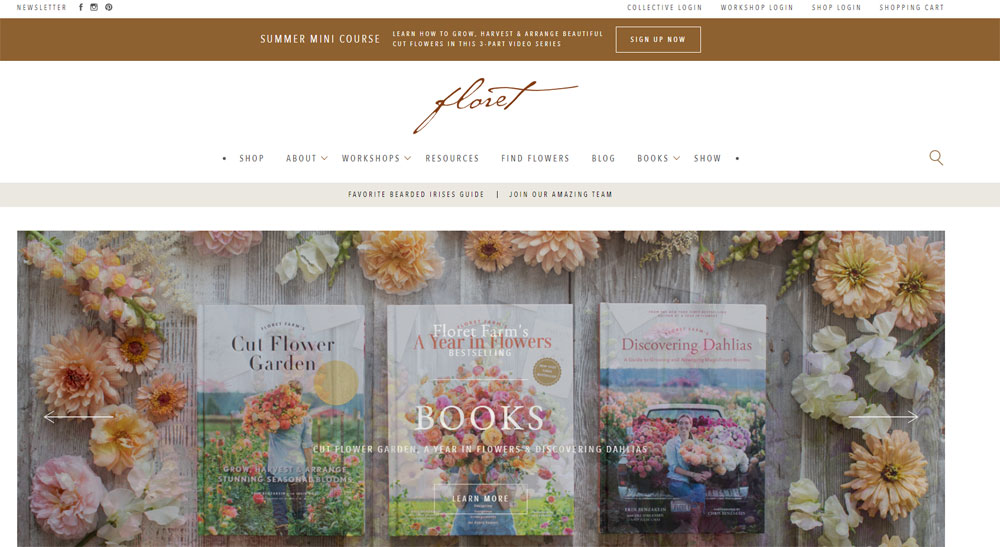
Floret
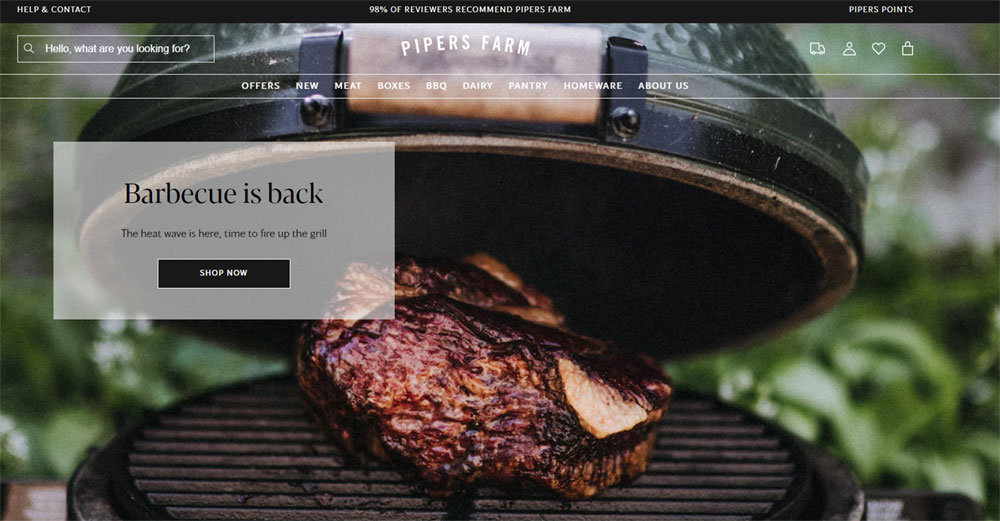
Pipers Farm
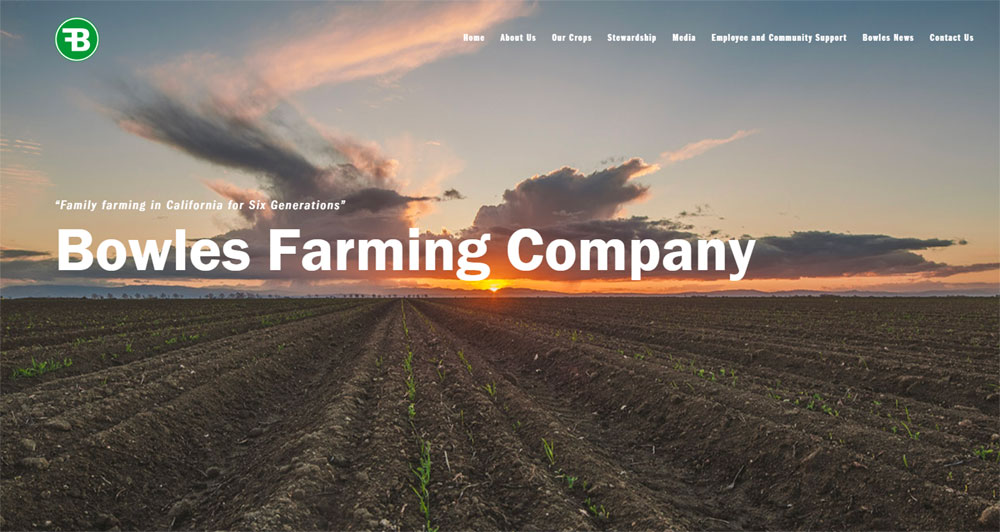
Bowles Farming Company
Farm
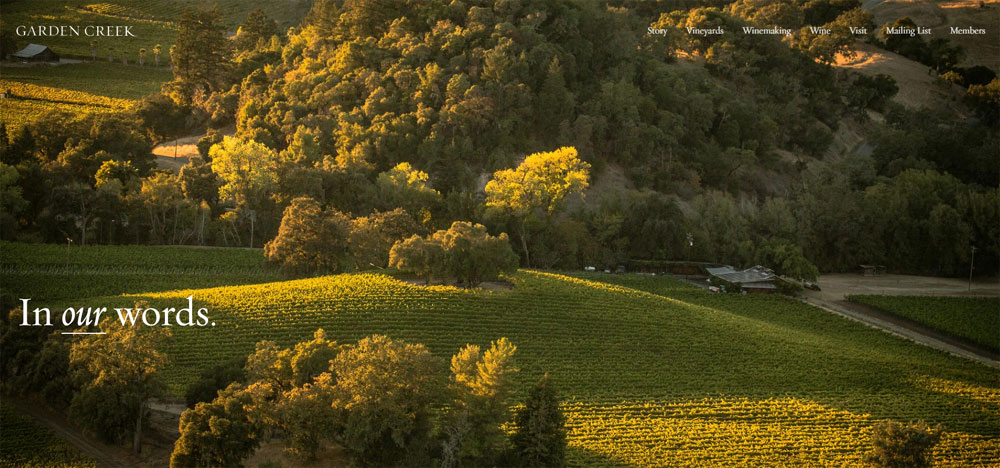
Garden Creek
Animals Australia

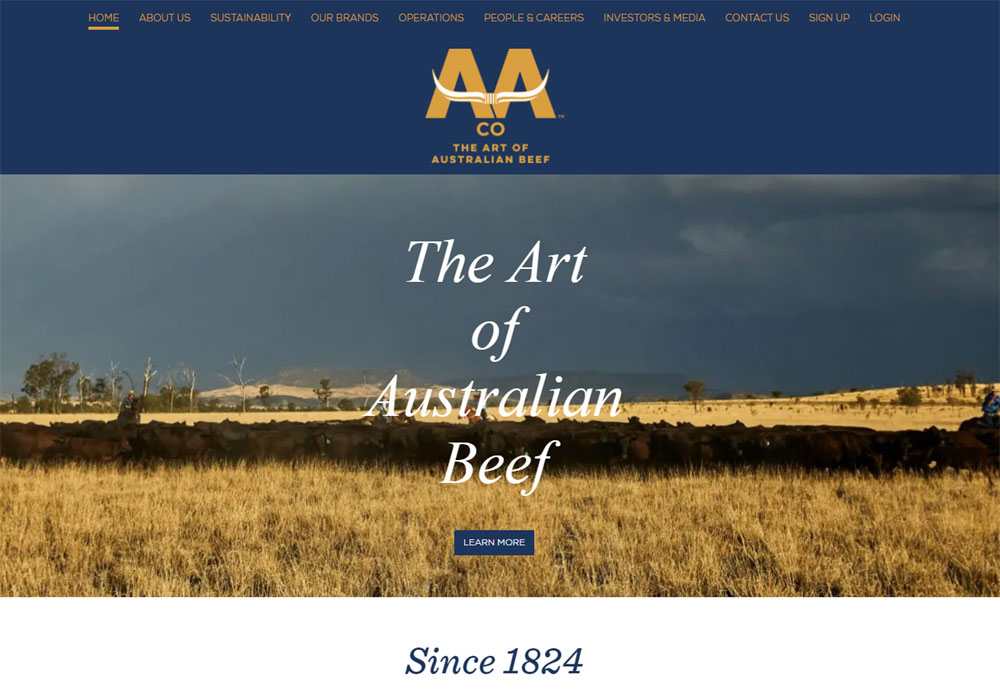
AUSTRALIAN AGRICULTURAL COMPANY
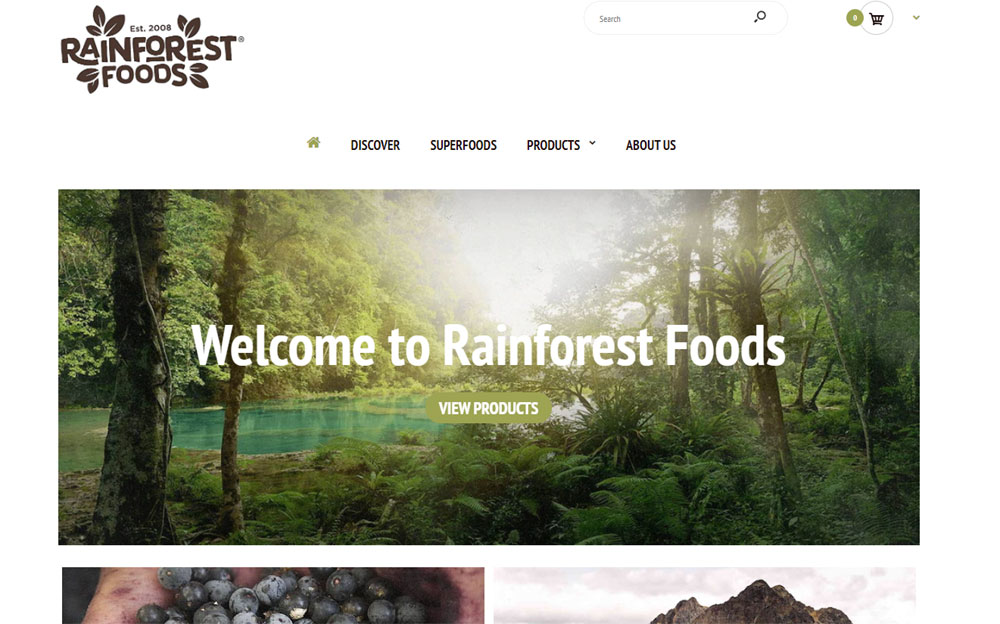
Rainforest Foods
Belfort Housing

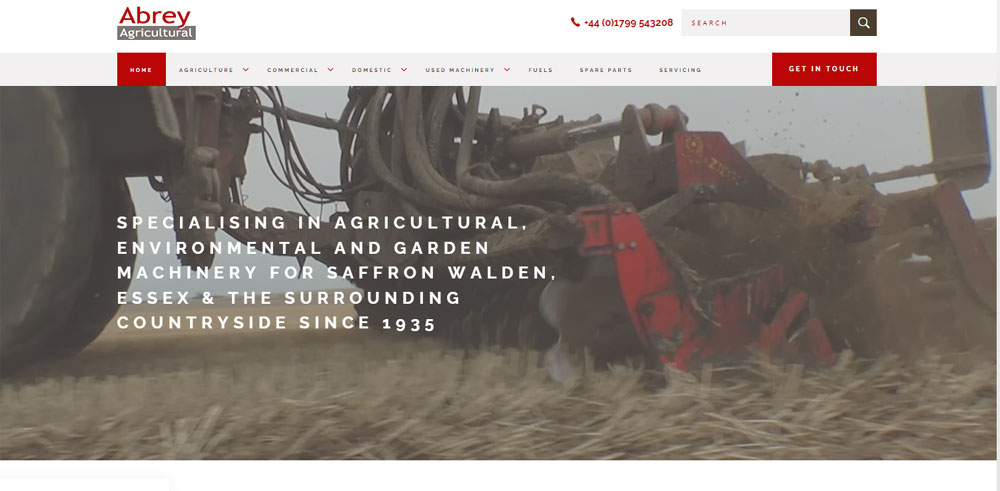
Abrey Agricultural
Farmkart

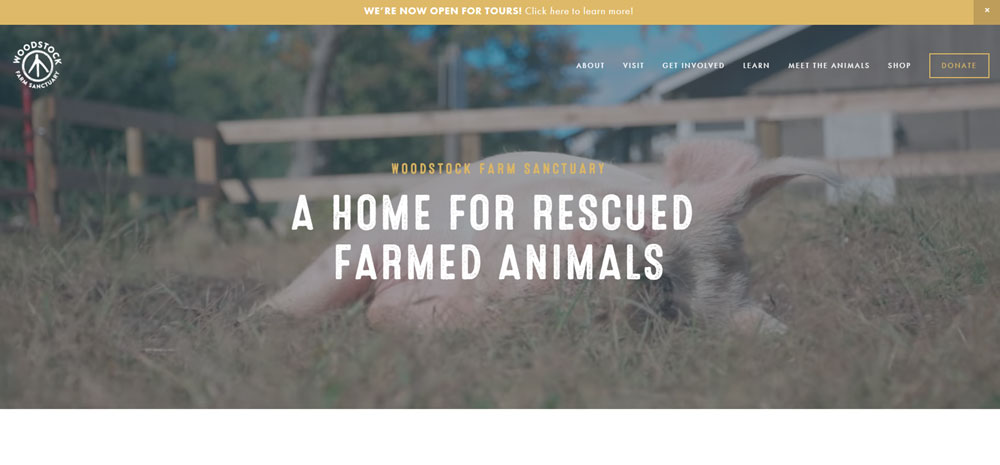
Woodstock Farm Sanctuary
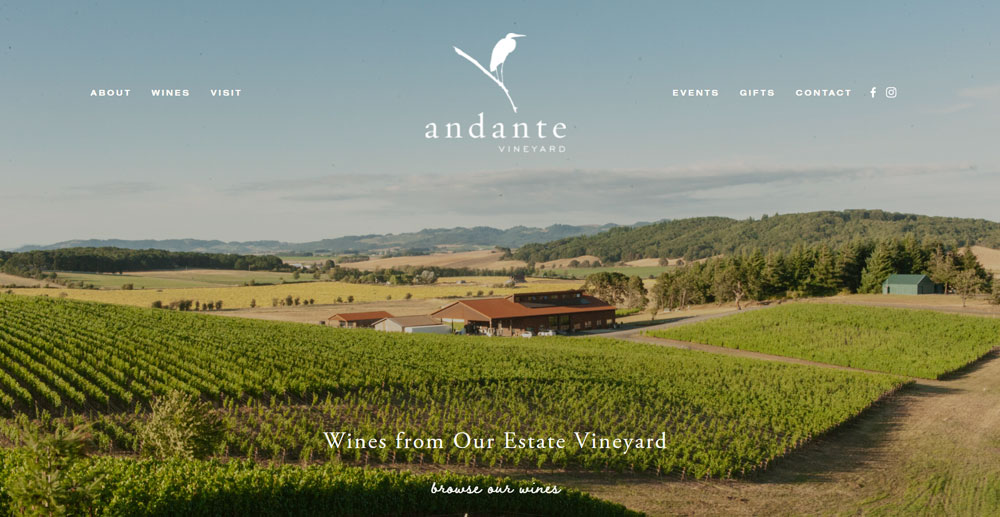
Andanté Vineyard
Olio Albori

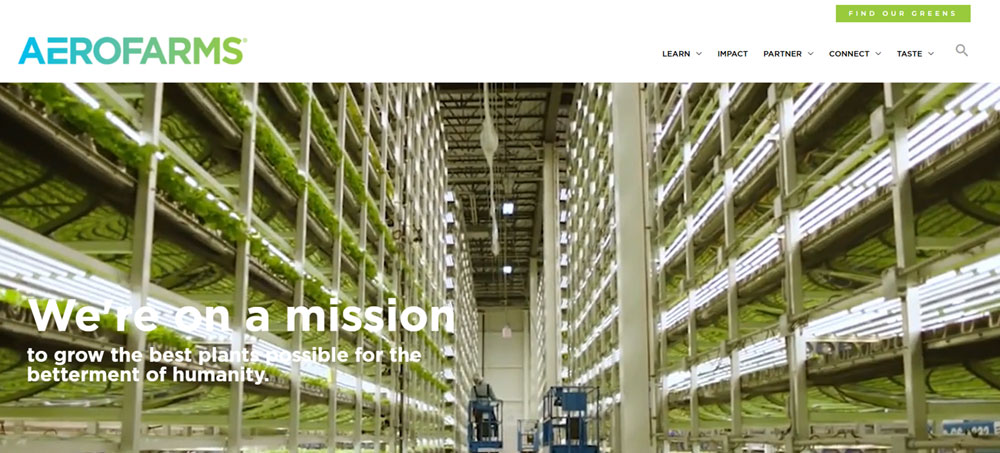
Aerofarms
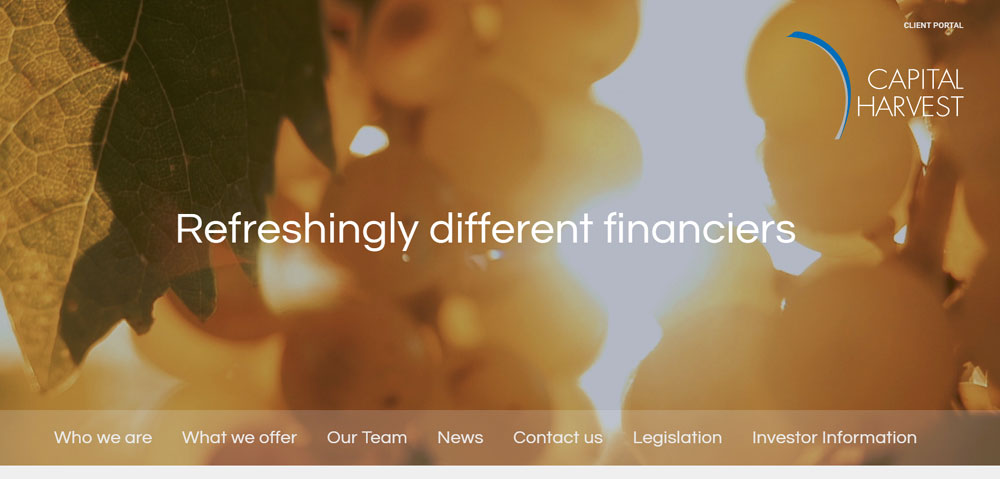
Capital Harvest
Crazy About Eggs

Bowery Farming

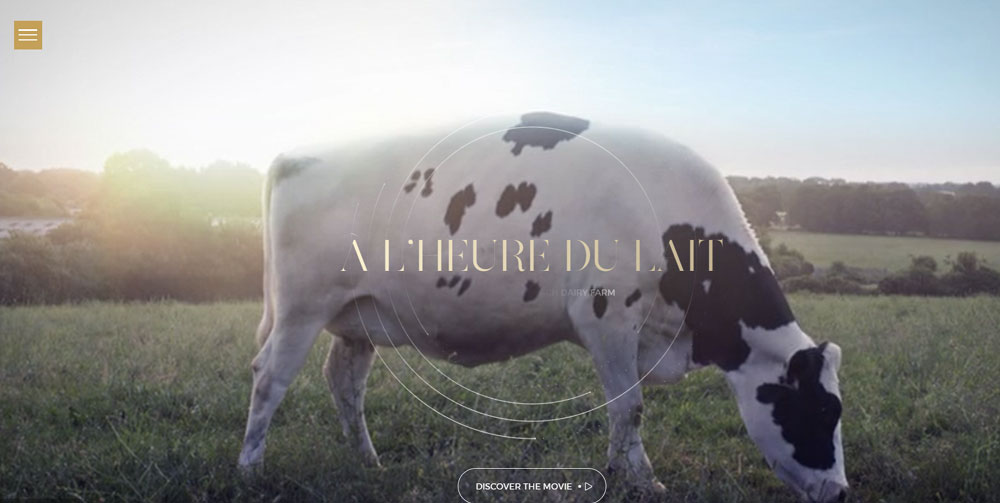
À l'heure du lait
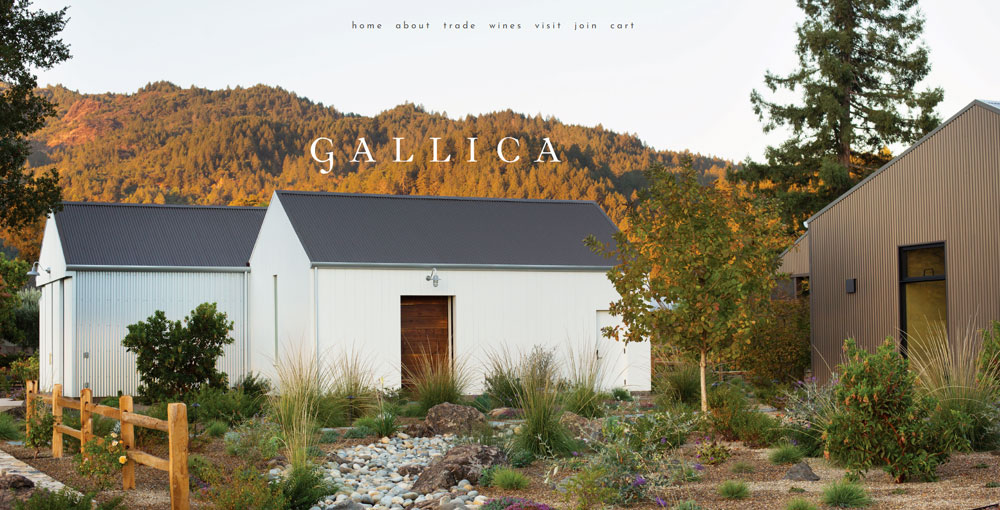
Gallica
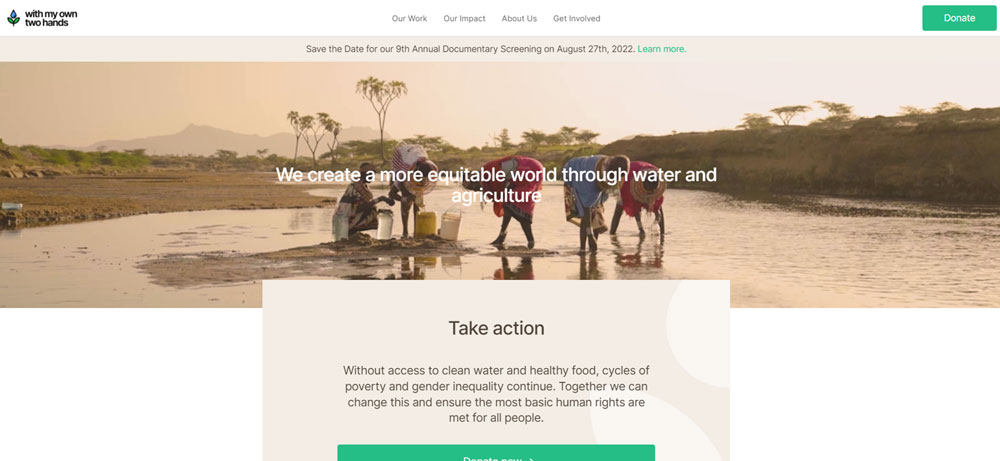
With My Own Two Hands
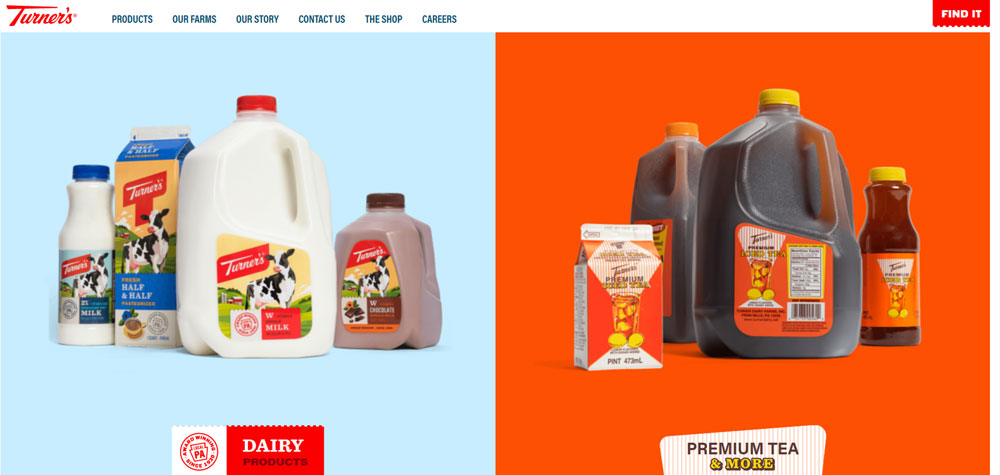
Turners Dairy Farm
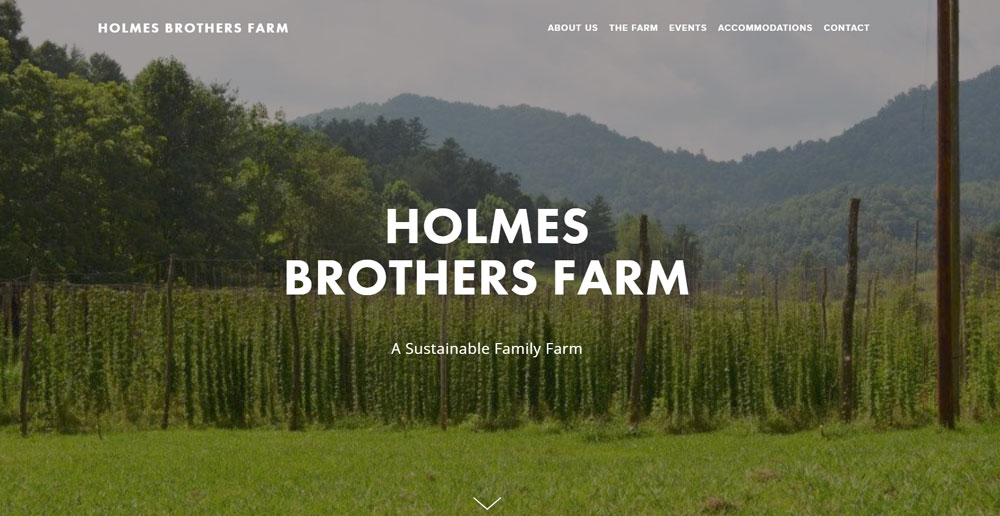
Holmes Brothers Farms
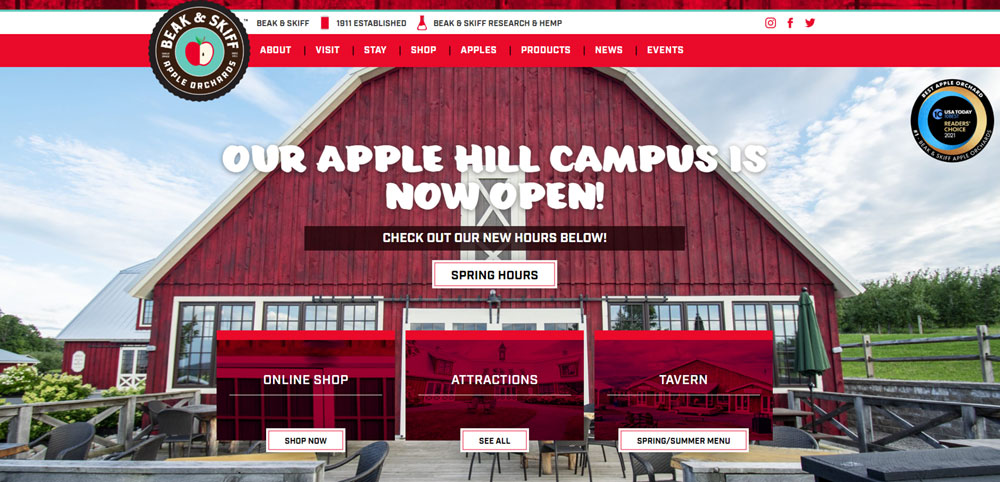
Beak and Skiff
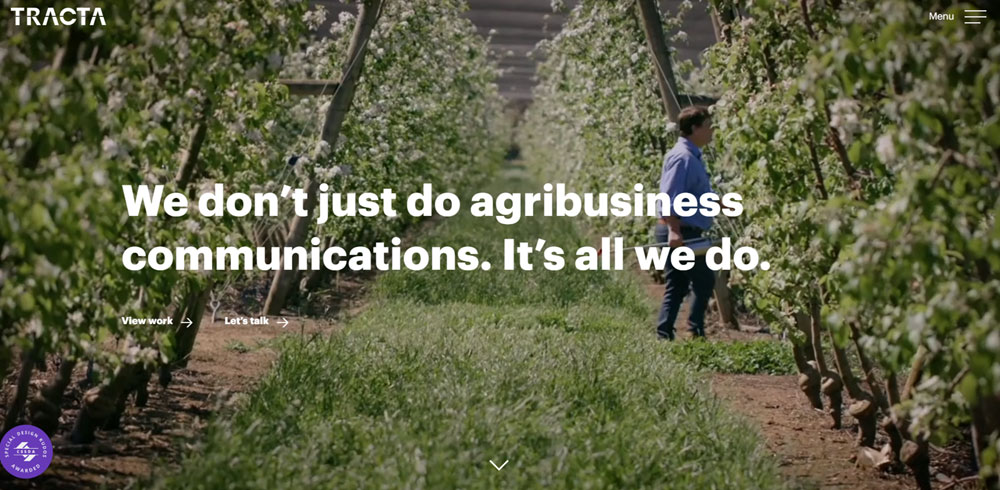
Tracta
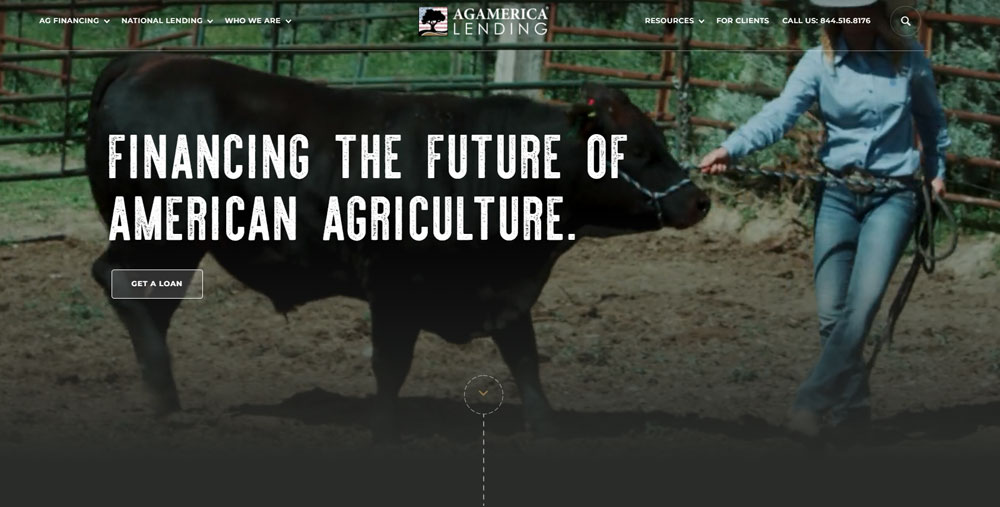
Ag America
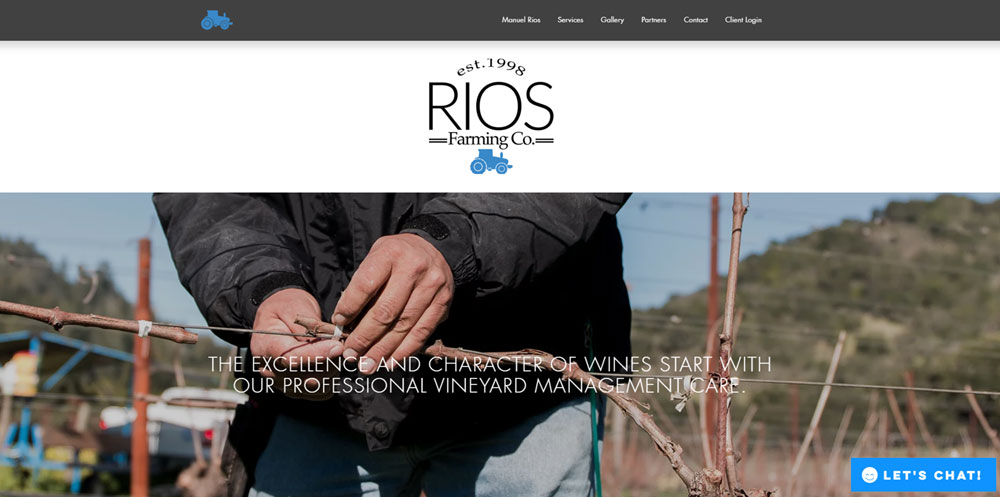
Rios Farming
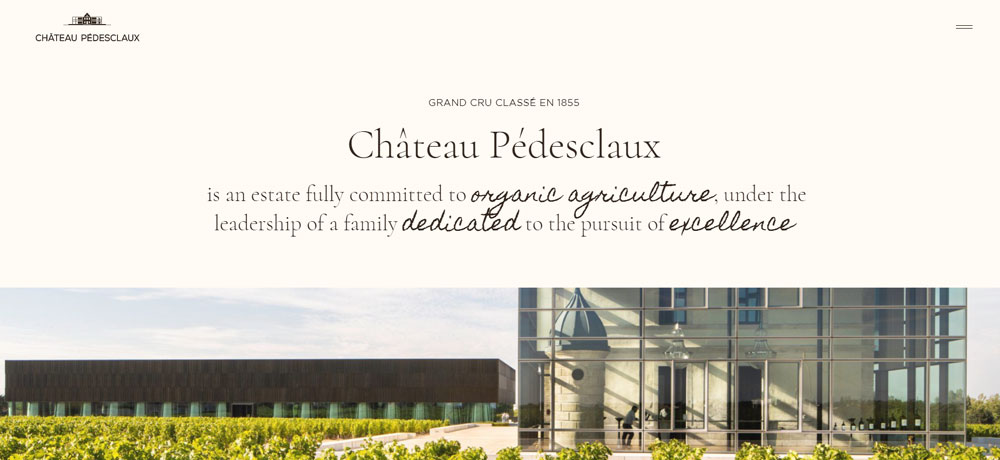
Château Pédesclaux
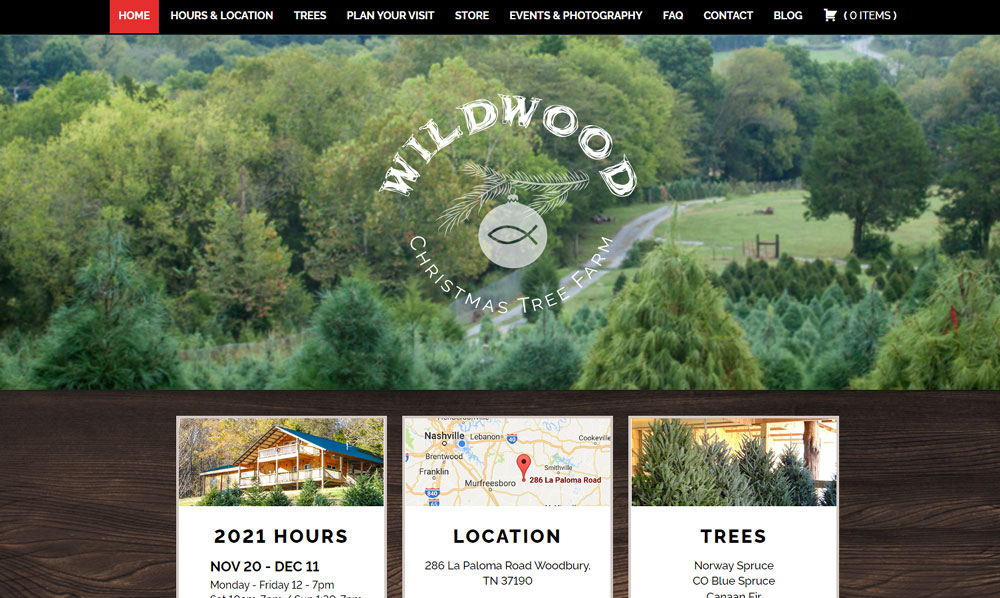
Wildwood Christmas Tree Farm
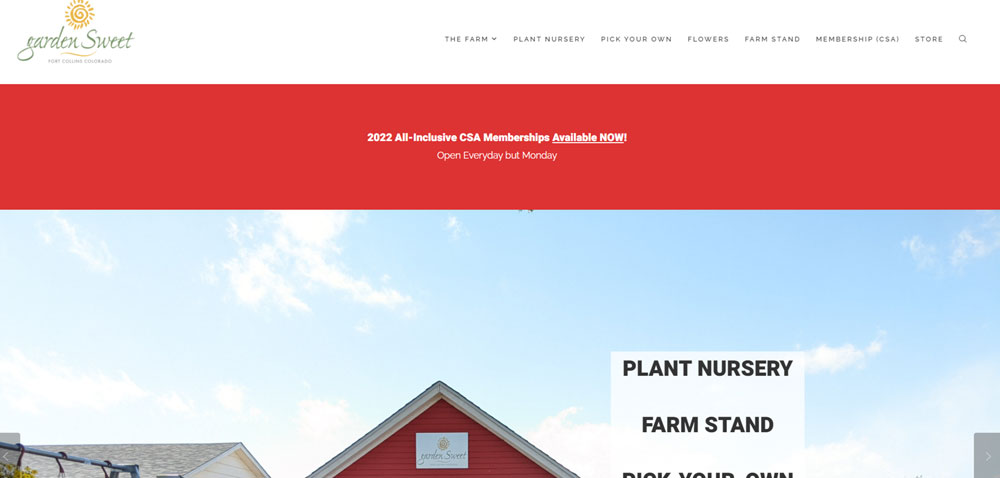
Garden Sweet
Carbon8
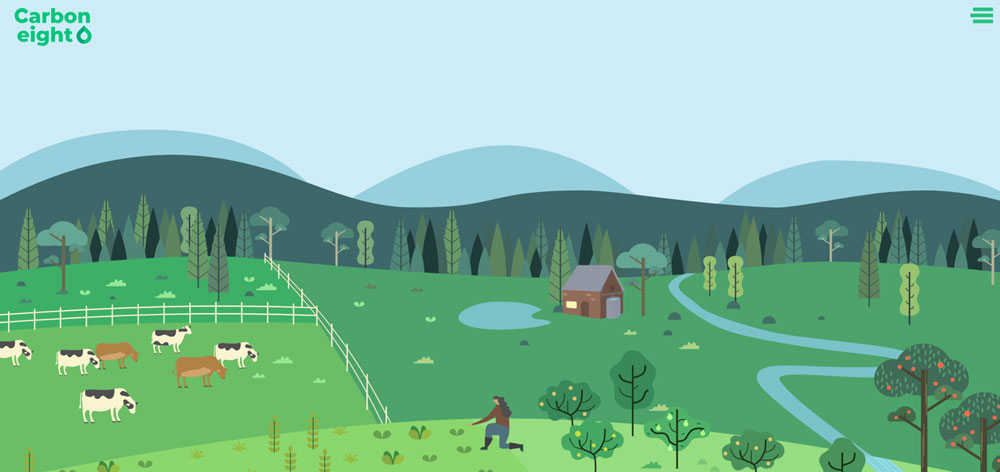
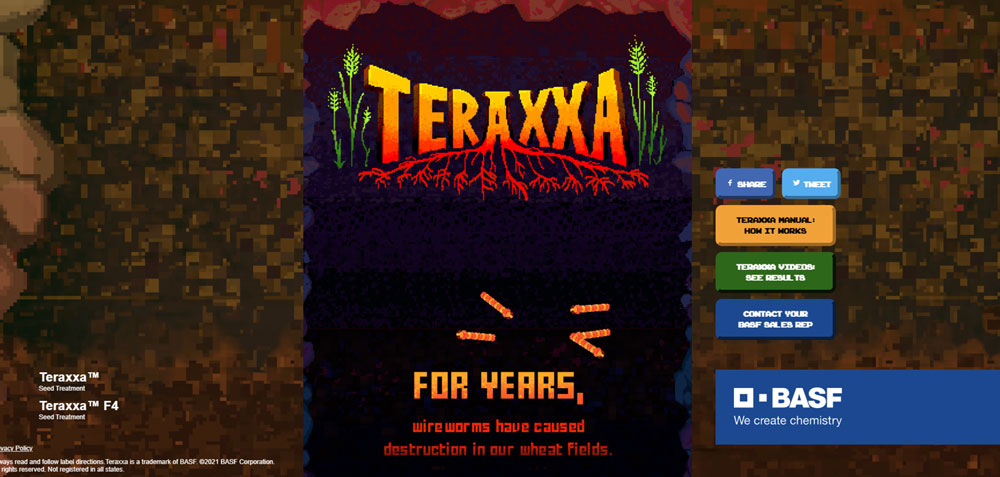
Teraxxa Seed Treatment
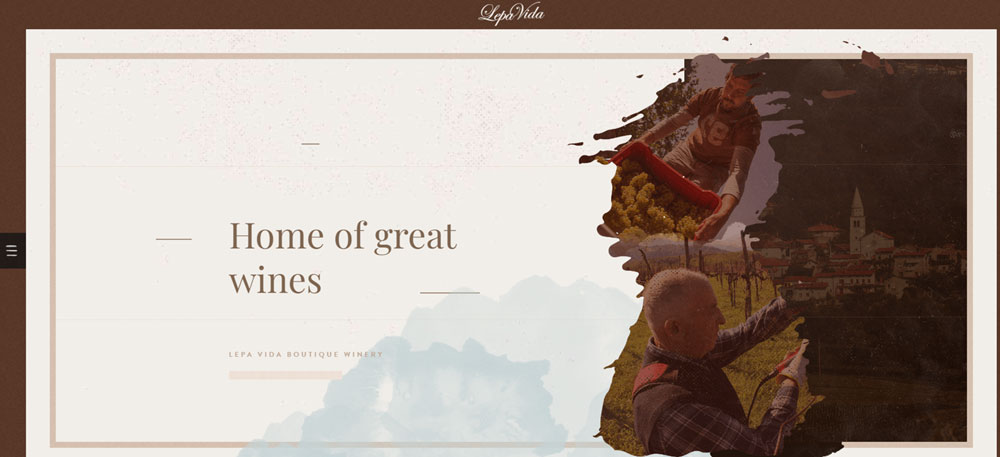
Lepa Vida
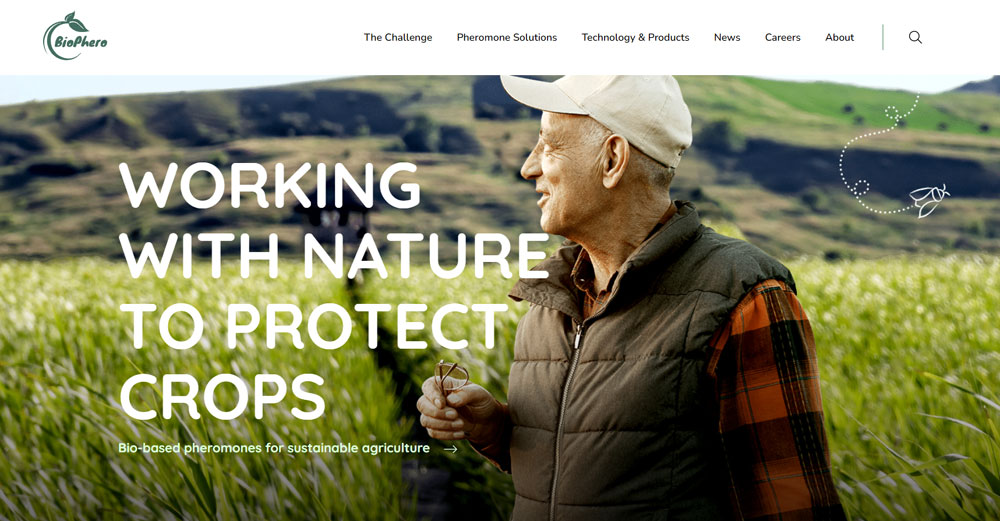
BioPhero
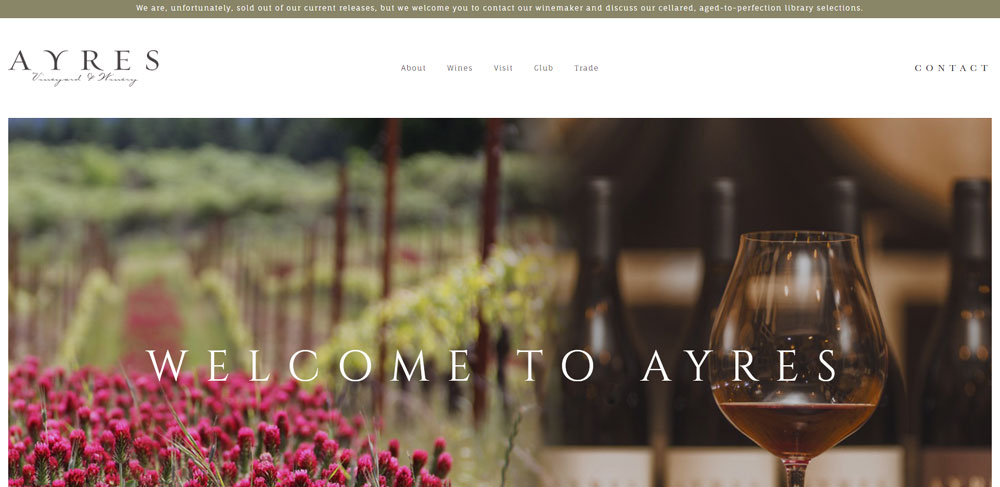
Ayres Vineyard & Winery
Guy Sanchez Huîtres

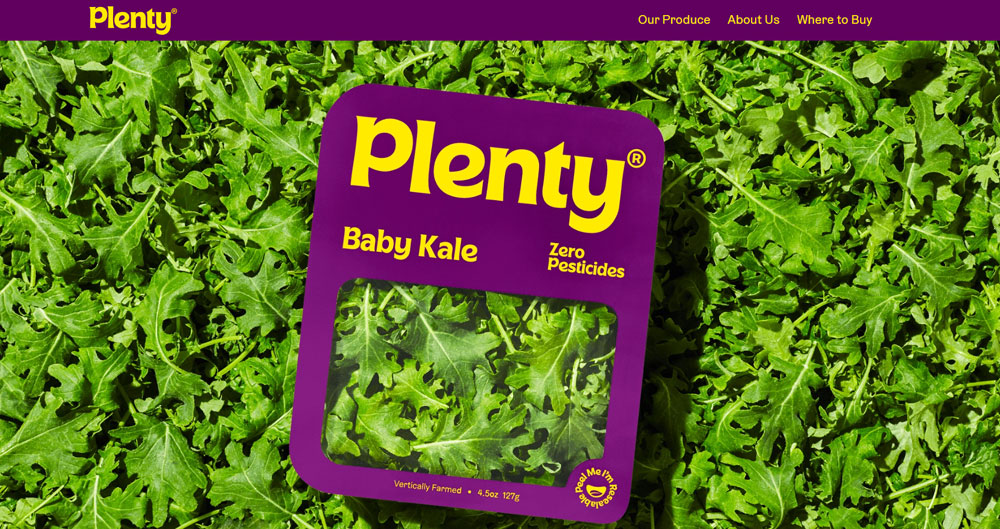
Plenty
NAKAHARA Farm

How Does Agriculture Website Design Differ From Other Industry Websites
Farm websites handle challenges that retail websites or B2C websites rarely face.
Seasonal availability changes everything. A strawberry farm needs different homepage content in June versus December.
Weather integration matters here. Crop calendars, harvest schedules, and growing conditions affect what products appear on the site and when.
Trust works differently too. Customers buying from farm websites want to see the land, meet the farmers, understand growing practices. Stock photos kill credibility instantly.
The audience splits between:
- Direct consumers seeking organic produce or farm-fresh products
- Wholesale buyers needing bulk ordering and delivery logistics
- Agritourism visitors booking farm stays or u-pick experiences
- B2B clients like restaurants and grocery chains
What Makes an Agriculture Website Design Effective
What Visual Elements Work Best for Farm and Agriculture Websites
Authentic photography beats everything else. Real shots of your fields, livestock, and team members.
A green color palette works naturally, but earth tones, warm browns, and harvest golds perform equally well depending on your brand positioning.
Hero Images and Video Backgrounds
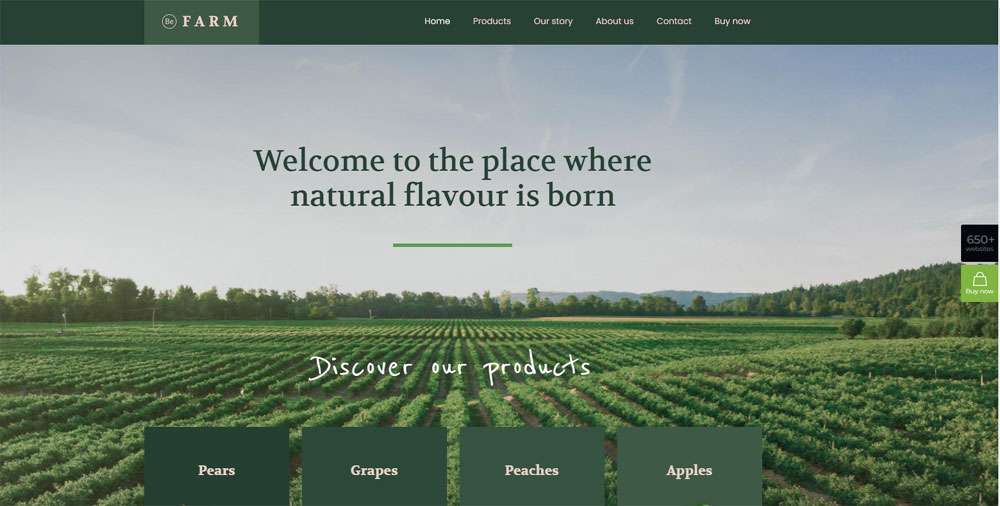
Your hero section should show the farm in action. Drone footage of fields, close-ups of produce, farmers at work.
Skip the generic tractor stock photos.
Color Schemes That Connect
Understanding color theory helps here. Greens signal organic and sustainable. Browns convey authenticity. Avoid overly corporate blues.
Typography Choices
Serif fonts suggest tradition and heritage. Sans-serif feels modern and clean. Many successful agricultural sites use typography that balances both.
What Navigation Structure Suits Agricultural Businesses
Keep it simple. Shop, About the Farm, Visit Us, Contact. Maybe a seasonal blog.
Good website navigation on agricultural sites groups products by category (vegetables, fruits, dairy, meat) rather than by availability.
Product Category Organization
Greenhouse nurseries need different structures than livestock farms. Organize around how customers actually shop.
Seasonal Content Management
Build navigation that accommodates changing inventory. What's available now should always be one click away.
What Trust Signals Do Agriculture Websites Need
Certifications matter: USDA Organic, Non-GMO Project Verified, Certified Humane, local farm bureau memberships.
Customer testimonials from restaurants, farmers market regulars, and CSA members build credibility fast. A dedicated testimonial page works better than scattered quotes.
Certification Badges and Organic Labels
Display these prominently. Footer placement and product pages both.
Farm Story and Team Photos
The "About" page does heavy lifting. Multi-generational farm history, sustainability practices, and real faces behind the operation.
What Design Patterns Do Top Agriculture Websites Share
After reviewing dozens of successful farm and agricultural business sites, clear patterns emerge.
Homepage structure follows a consistent flow:
- Hero image or video showing the farm
- Brief value proposition (organic, local, sustainable)
- Featured or seasonal products
- Trust signals and certifications
- Call-to-action for shopping or visiting
The best sites embrace white space generously. Cluttered agricultural sites feel cheap and untrustworthy.
Responsive design is non-negotiable. Farmers market customers browse on phones while standing at your booth.
Most successful agricultural e-commerce platforms use WooCommerce on WordPress or Shopify. Both handle seasonal inventory and subscription boxes (CSA memberships) effectively.
Contact form design stays minimal. Name, email, message. Maybe a dropdown for inquiry type.
Speed matters more than fancy animations. Rural customers often have slower connections.
Which Website Builders and Platforms Do Agriculture Businesses Use
WordPress dominates the agricultural website space. Roughly 60% of farm websites run on it, paired with WooCommerce for e-commerce.
Shopify works better for farms focused purely on direct-to-consumer sales. Clean checkout, built-in inventory management, subscription support for CSA boxes.
WordPress with WooCommerce
Most flexible option. Thousands of themes, complete design control, scales from small hobby farms to large agricultural cooperatives.
Pair it with Elementor or Divi Theme for drag-and-drop editing without coding.
Shopify for Farm E-Commerce
Best for farms selling products online as their primary business model. Handles seasonal inventory, subscription boxes, and shipping calculations automatically.
Squarespace and Wix
Good for simple business websites without complex e-commerce needs. Vineyard portfolios, agritourism booking pages, farm stay promotions.
Squarespace templates tend toward aesthetic design. Wix offers more flexibility but messier code.
Specialized Agricultural Platforms
Barn2Door, Local Line, and Farmigo cater specifically to farm direct sales. Built-in features for farmers markets, delivery routes, and pickup scheduling.
Higher monthly costs but less setup time.
How Much Does an Agriculture Website Design Cost
Prices range dramatically based on complexity and who builds it.
DIY Website Builders
$12-50/month for Squarespace, Wix, or Shopify Basic. Add $100-300 for a premium theme.
Total first-year cost: $250-900.
Freelance Web Designer
$1,500-5,000 for a custom WordPress site with e-commerce. Timeline: 4-8 weeks typically.
Check web design portfolios for agricultural or food website experience specifically.
Agency Development
Web design agencies charge $5,000-25,000+ for full agricultural website builds.
Includes brand strategy, custom photography direction, SEO setup, and ongoing support.
Ongoing Costs
- Hosting: $10-50/month
- Domain: $12-20/year
- SSL certificate: Often free with hosting
- E-commerce fees: 2.9% + $0.30 per transaction (Stripe, PayPal)
- Email marketing (Mailchimp, Constant Contact): $0-50/month
What Content Should an Agriculture Website Include
What Pages Does a Farm Website Need
Minimum viable farm site: Home, About/Our Story, Products or Services, Contact.
Add these based on your business model: Shop, Visit the Farm, CSA Membership, Wholesale Inquiries, Blog.
Homepage Essentials
Hero image of your farm, clear value proposition, featured products, trust badges, single primary call to action button.
About Page Structure
Farm history, family story, growing practices, sustainability commitments, team photos. This page converts browsers into buyers.
Contact Page Requirements
Physical address with Google Maps API embed, phone number, email, business hours, seasonal availability notes.
How Should Product Descriptions Be Written for Agricultural Goods
Lead with origin and growing method. "Hand-picked Honeycrisp apples from our 40-acre orchard in Yakima Valley, grown without synthetic pesticides."
Include weight, quantity, storage instructions, and seasonal availability dates.
What Photography Style Works for Agriculture Websites
Natural lighting, real farm settings, authentic moments. Smartphone photos beat stock images every time.
Hire a photographer for hero images and key product shots. Use Adobe Stock or Unsplash sparingly for supporting graphics only.
Product Photography Tips
Shoot produce at peak ripeness against simple backgrounds. Show scale with hands or common objects. Include lifestyle shots of products in use.
Farm Documentation
Photograph every season. Build a library of planting, growing, harvesting, and processing images for rotating homepage content.
How Do Agriculture Websites Handle E-Commerce
Agricultural e-commerce requires features that standard online stores lack.
Subscription Box and CSA Management
Recurring billing for weekly or bi-weekly farm boxes. WooCommerce Subscriptions or Shopify's native subscription apps handle this.
Allow customization: size preferences, item exclusions, delivery frequency changes.
Seasonal Inventory Management
Products appear and disappear based on harvest schedules. Set availability dates in advance; automate visibility.
Pre-orders for upcoming harvests work well for high-demand items.
Delivery and Pickup Options
Farm pickup, farmers market collection points, local delivery routes, regional shipping.
Each requires different checkout logic:
- Pickup: Date/time slot selection
- Local delivery: Zone-based fees, minimum orders
- Shipping: Weight-based rates, perishable handling fees
Payment Processing
Stripe and PayPal dominate. Both integrate with WordPress, Shopify, and Squarespace.
Accept SNAP/EBT for qualifying produce if selling directly to consumers. Requires additional setup through USDA authorization.
Wholesale and B2B Ordering
Separate login for restaurant and retail buyers. Bulk pricing page visibility, net payment terms, minimum order quantities.
Consider B2B website functionality as a separate section or subdomain for larger operations.
Mobile Shopping Experience
Farmers market customers browse on phones while standing at your booth. Fast load times and thumb-friendly buttons matter more than fancy animations.
Test checkout flow on mobile before launch. Abandoned carts spike when mobile UX fails.
FAQ on Agriculture Website Design
What platform works best for farm websites?
WordPress with WooCommerce handles most agricultural website needs. Shopify works better for farms focused purely on e-commerce sales.
Squarespace suits simpler sites like vineyard portfolios or agritourism booking pages without complex inventory management.
How much does an agriculture website cost to build?
DIY builds on Wix or Squarespace run $250-900 annually. Freelance designers charge $1,500-5,000 for custom WordPress sites.
Full agency development ranges from $5,000-25,000 depending on e-commerce complexity and custom features.
What pages should every farm website include?
Minimum pages: Home, About/Our Story, Products or Shop, and Contact. Add Visit the Farm, CSA Membership, Wholesale Inquiries, or Blog based on your specific business model.
Do agriculture websites need professional photography?
Yes for hero images and key product shots. Authentic smartphone photos of daily farm operations outperform stock images.
Build a seasonal photo library showing planting, growing, and harvesting throughout the year.
What colors work best for agricultural website design?
Earth tones dominate successful farm sites. Greens signal organic and sustainable practices. Browns convey authenticity and heritage.
Avoid corporate blues. Match your palette to your brand positioning and product type.
How do farms handle seasonal product availability online?
Set product visibility dates in WooCommerce or Shopify. Items appear automatically during harvest season and hide when unavailable.
Pre-orders work well for high-demand seasonal items like strawberries or holiday turkeys.
What trust signals matter most on agricultural websites?
USDA Organic certification, Non-GMO Project Verified badges, and local Farm Bureau memberships build credibility fast.
Customer testimonials from restaurants and CSA members matter more than generic reviews.
Should farm websites include a blog?
Blogs improve search rankings and build customer relationships. Write about seasonal updates, farming practices, recipes using your products, and behind-the-scenes farm life.
Post consistently or skip it entirely.
How do I accept online payments for farm products?
Stripe and PayPal integrate with WordPress, Shopify, and Squarespace. Both charge approximately 2.9% plus $0.30 per transaction.
SNAP/EBT acceptance requires separate USDA authorization for qualifying produce sales.
What makes agriculture websites different from other e-commerce sites?
Seasonal inventory management, subscription boxes for CSA programs, and multiple fulfillment options (farm pickup, local delivery, shipping) create unique technical requirements.
Trust-building through authentic storytelling matters more than in standard retail.
Conclusion
These agriculture website design examples prove that farm businesses can compete online with polished, professional digital storefronts.
The patterns are clear. Authentic farm product photography beats stock images. Earth-toned color schemes build trust. Seasonal content blocks keep inventory fresh and relevant.
Your platform choice matters less than execution. WooCommerce, BigCommerce, or Webflow can all deliver results when paired with solid agricultural branding and user friendly design.
Start with the basics: a compelling farm story, real photography, and a checkout that works on mobile.
Add crop calendar features and weather widget integration as you grow. Track performance with Google Analytics and refine your approach using Yoast SEO insights.
Your agricultural business deserves an online presence that matches the quality of what you grow.
























