



The coolest black website design examples
October 22, 2025
Inspiring Bank Website Design Examples
October 26, 2025Static hero images feel outdated the moment a competitor launches with motion.
Website design examples with video backgrounds prove that autoplay loops grab attention faster than any photograph, reduce bounce rates, and communicate brand personality within seconds.
The challenge? Most implementations fail. Files too large. Mobile fallbacks missing. Performance tanking.
This guide breaks down what actually works. You'll see real examples from creative agencies, hotels, automotive brands, and restaurants that balance visual impact with technical execution.
We cover file specifications, compression workflows, HTML5 implementation, accessibility requirements, and the exact tools professionals use.
By the end, you'll know how to add fullscreen video backgrounds without destroying your Core Web Vitals scores.
What is a Video Background Website
A video background website displays motion content behind the main page elements instead of static images.
The HTML5 video element autoplays silently, loops continuously, and creates an immersive web experience from the moment visitors land on your page.
This technique emerged around 2012 when browser support for HTML5 video became widespread.
Creative agencies adopted it first. Hotels followed. Now you see fullscreen video backgrounds across real estate, automotive, and fitness industries.
The difference from embedded video players? Background videos serve as ambient design elements rather than primary content. They set mood without demanding attention.
How Video Background Websites Work
The HTML5 video element sits behind your content layer using CSS positioning with z-index values.
Autoplay triggers on page load. The muted attribute satisfies browser restrictions on Chrome, Safari, and Firefox.
Loop attribute keeps the video cycling. A poster image displays during load time as fallback.
Types of Video Background Implementations
- Full-screen hero video - covers the entire viewport in the hero section, typical for landing pages
- Section-based video - plays within specific content blocks while other sections use static backgrounds
- Parallax video backgrounds - creates depth through scroll-triggered movement effects, similar to parallax scrolling techniques
- Split-screen video - divides the viewport with video on one side, content on the other
Websites with Video Backgrounds To Check Out
Talent10

Films by Brett Johnson
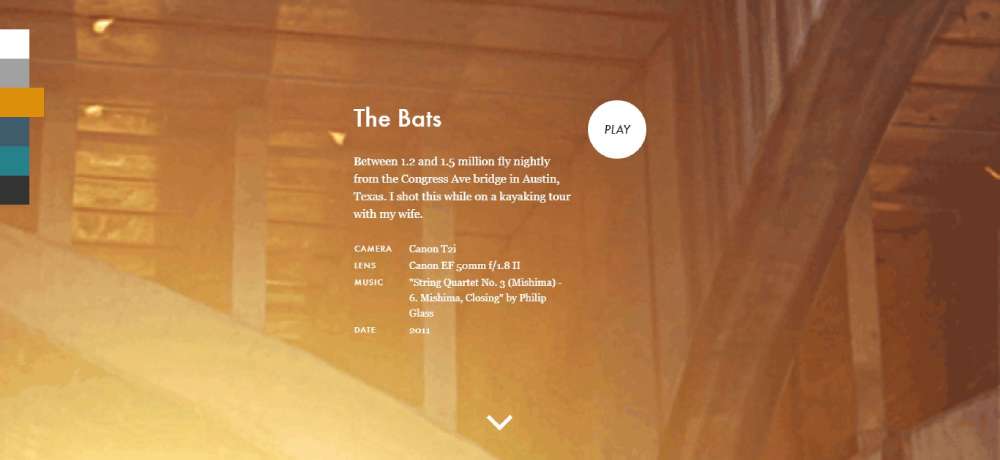
Hospitality Business AE

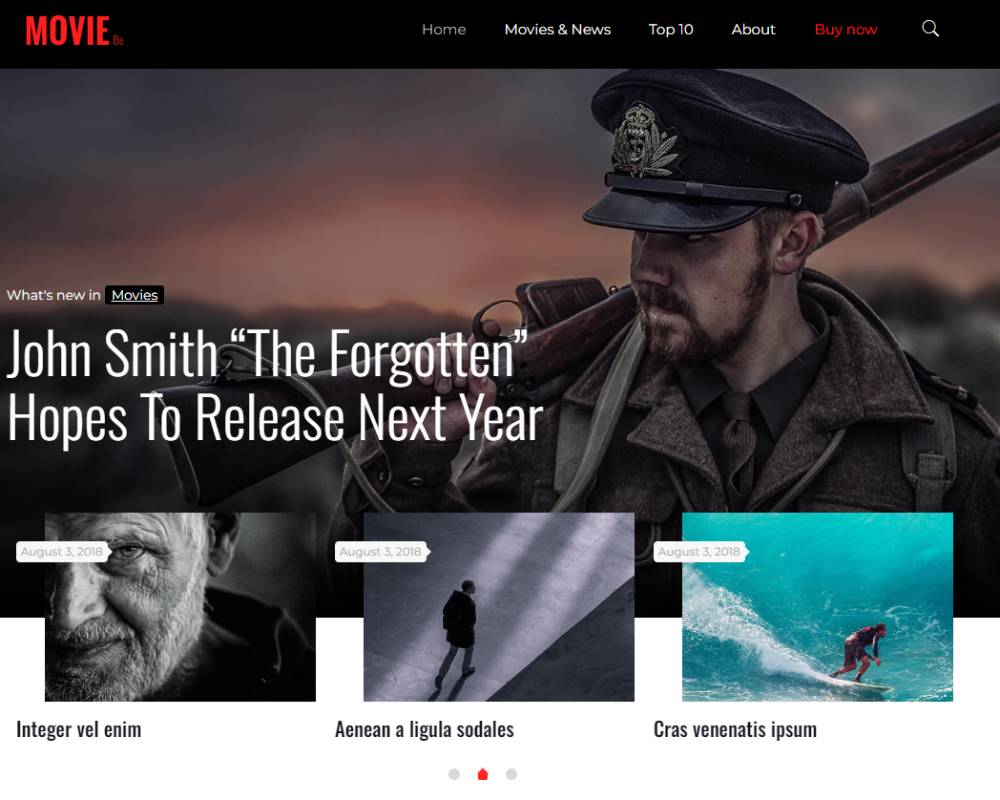
BeMovie

Pastamancini

mediaBOOM

DistroNation
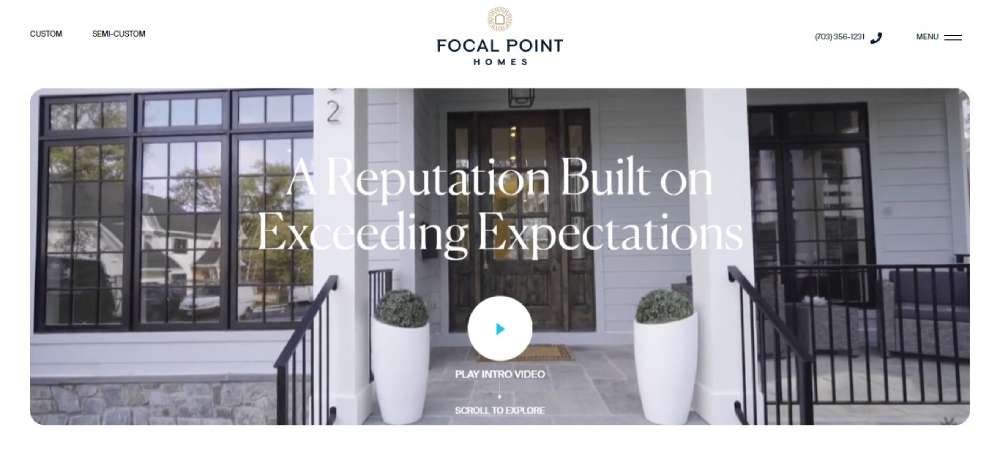
Biquiti

Focal Point Homes
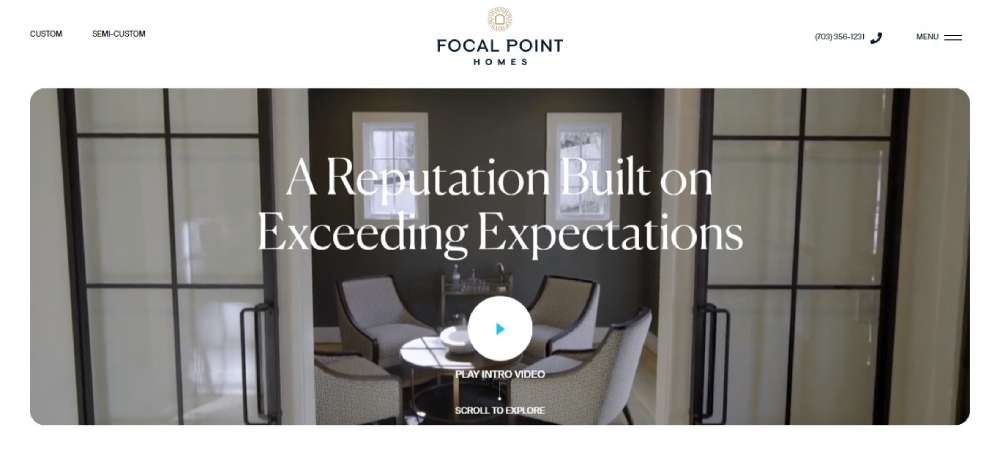
The Slow Mo Guys

BeWeddingVideos
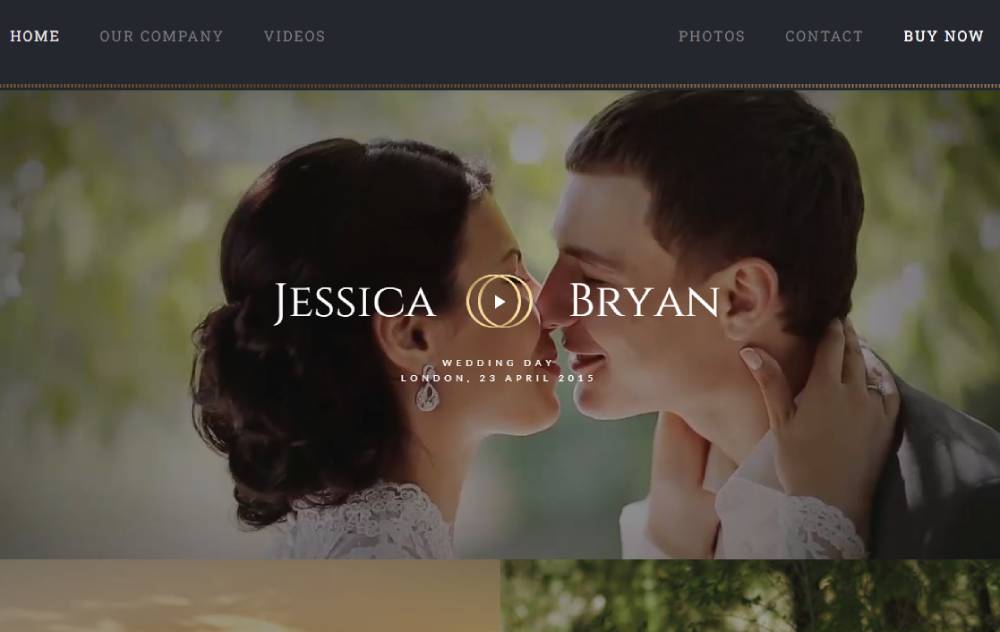
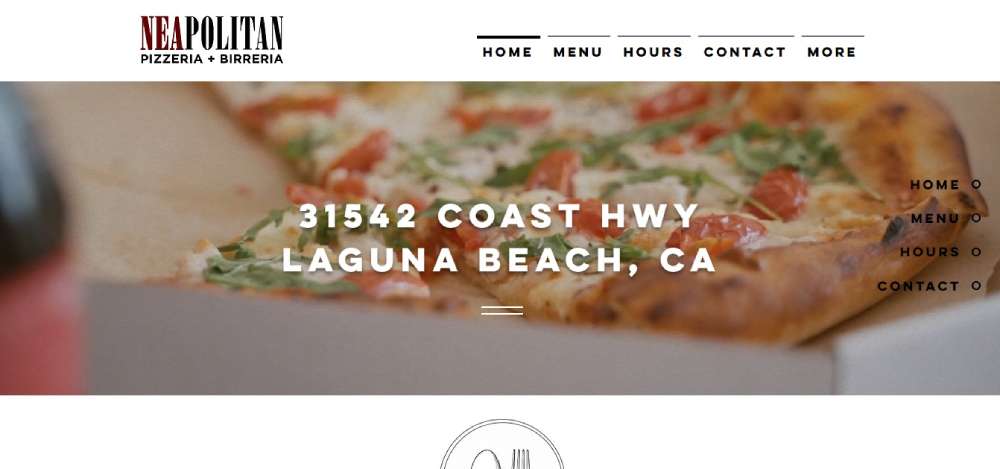
Neapolitan Pizzeria & Birreria
Video Creator Course

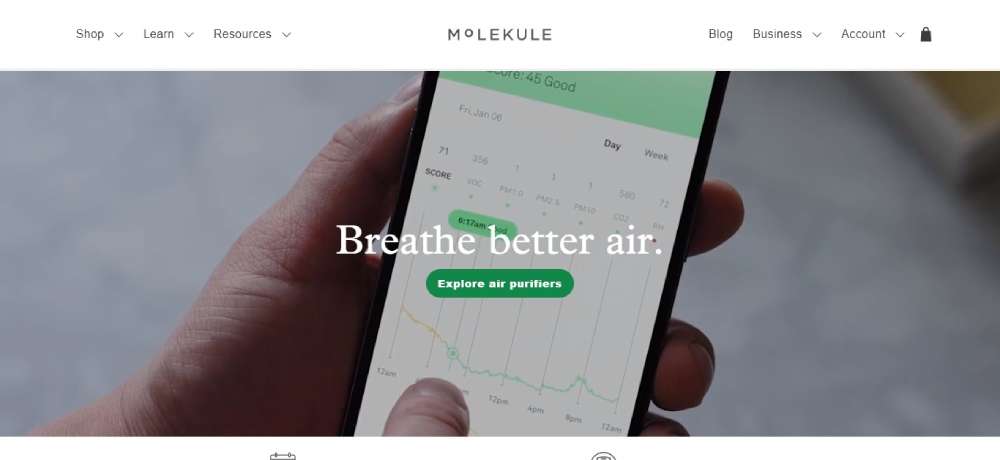
Molekule
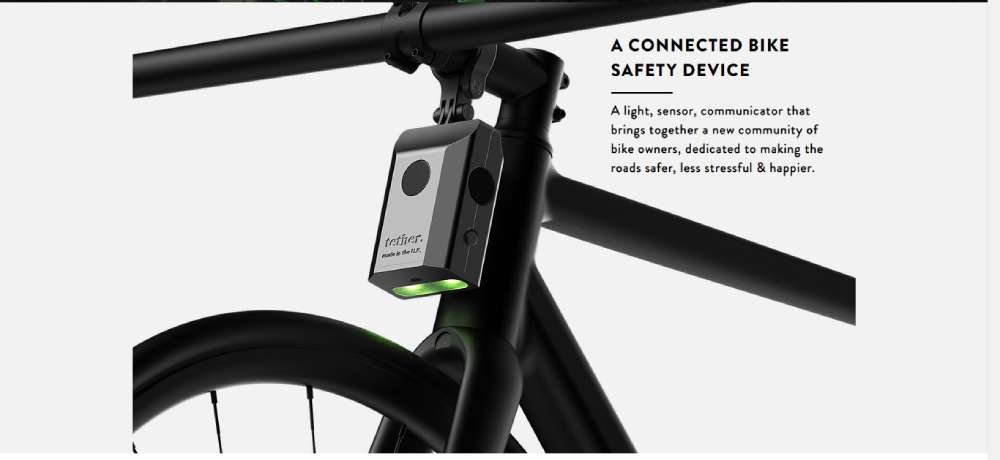
Tether
Fabio Formato

BeMovie2
Matter
THEDOPECOMPANY

Masthead

Visit Humboldt

Nova

BeVideo2
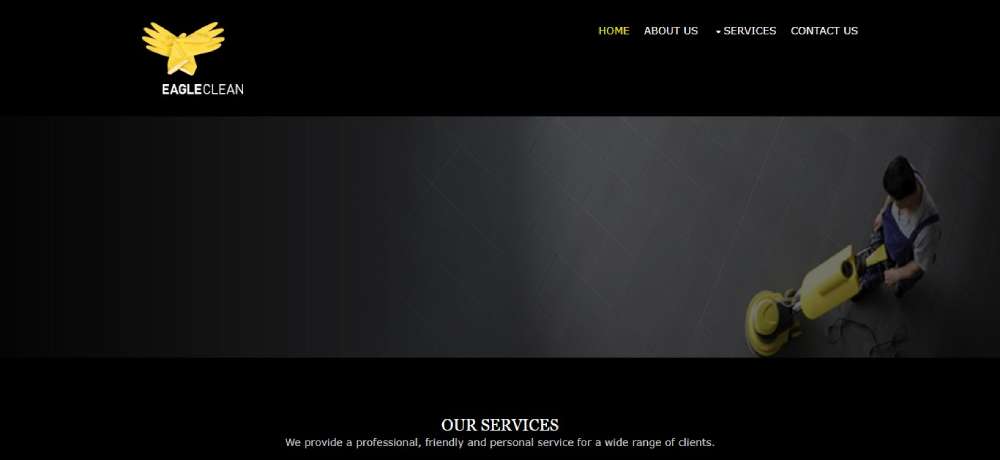
Eagleclean
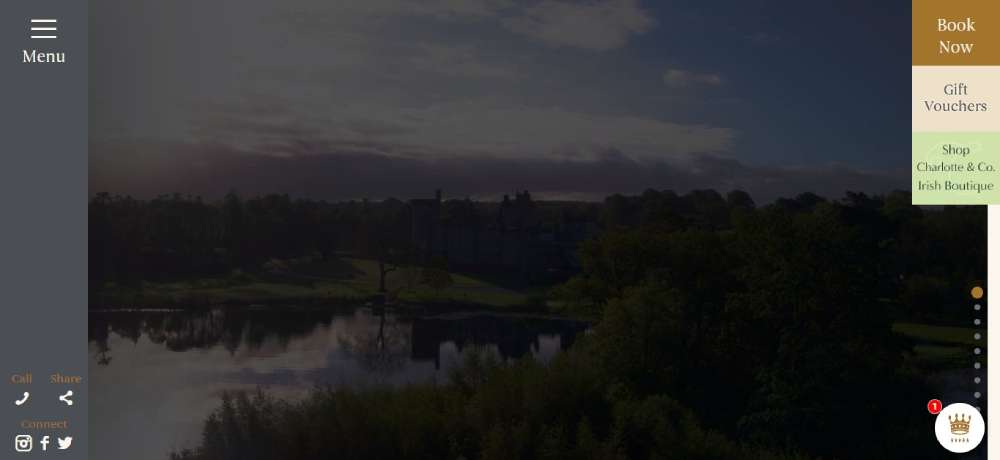
Dromoland Castle
Spring Mill Creative Campus

Y.CO Yachts

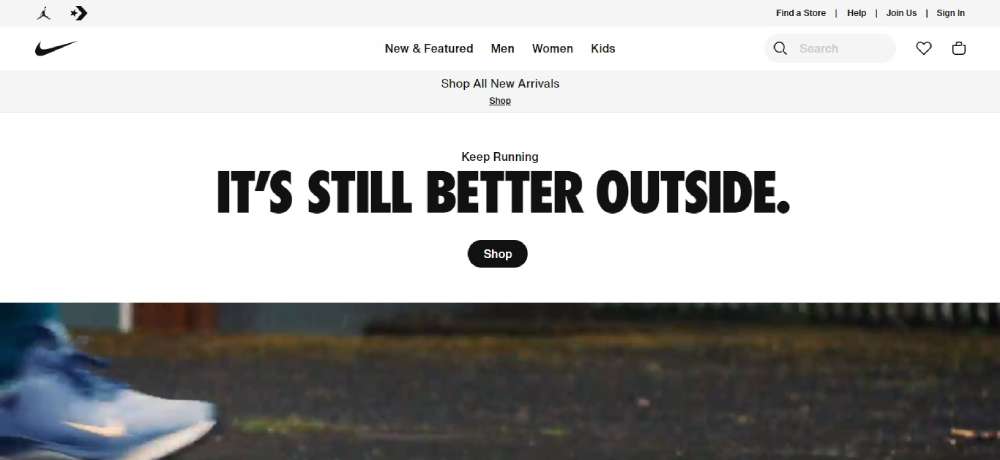
Nike
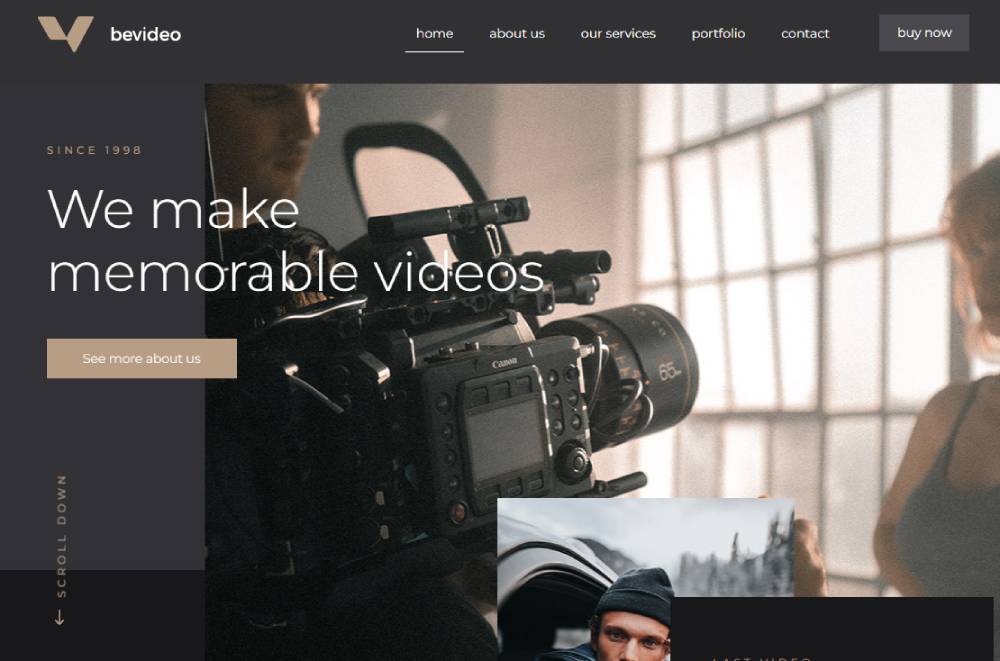
BeVideo3
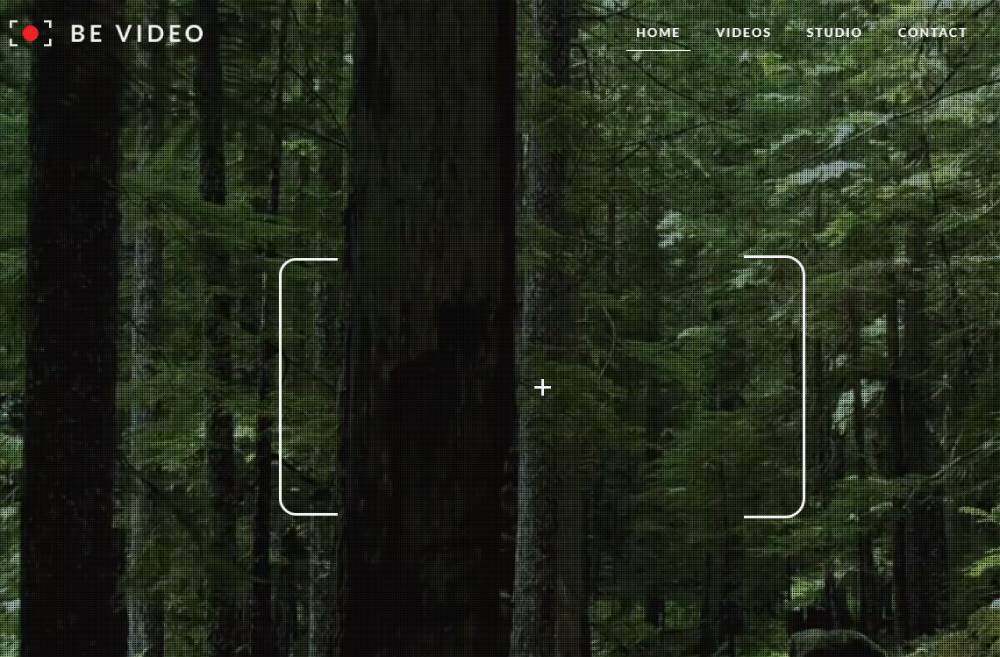
Sublimio

Bluzelle

Blacknegative

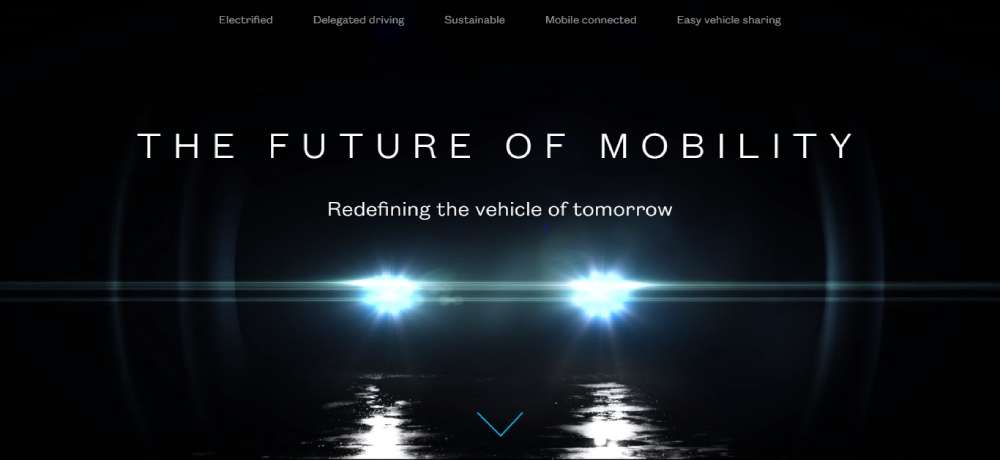
The Future Of Mobility
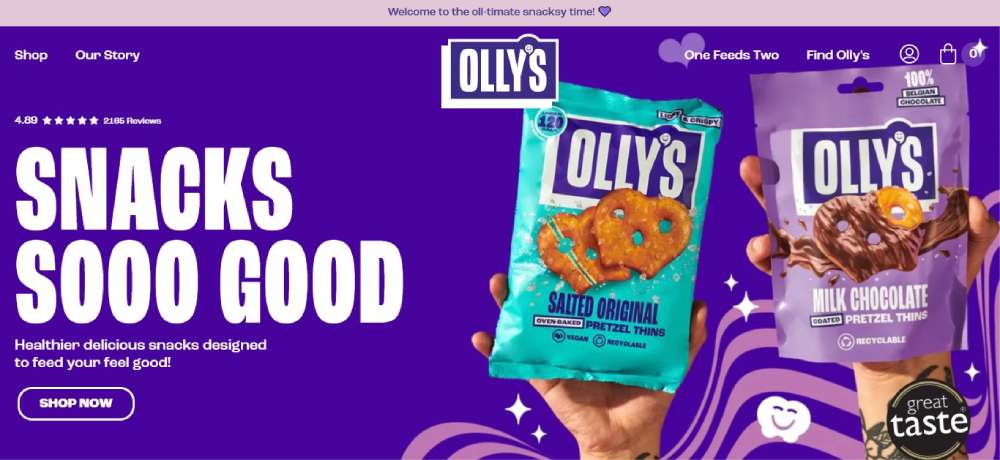
OLLYS SNACKS
Havana Club

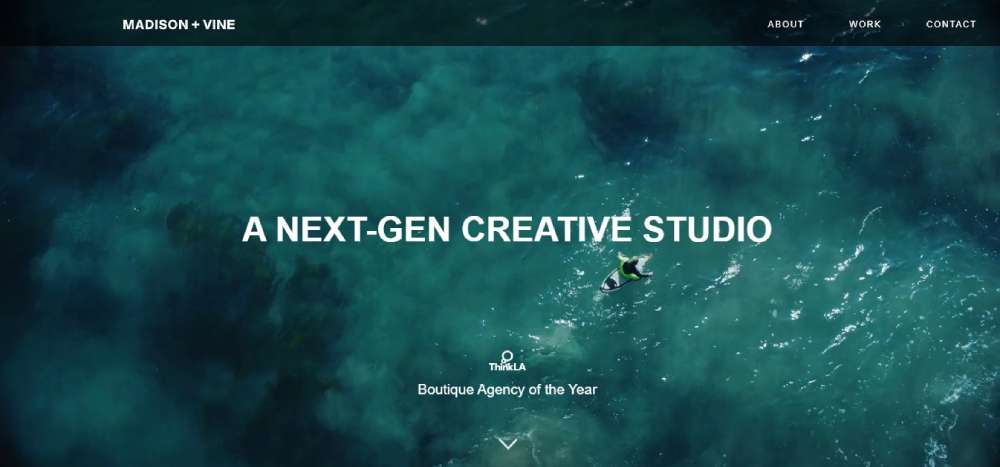
Madison + Vine
ENDLESS SUMMER

Better Angels

Sebastian Professional Limited Edition

HEURE BLEUE

Why Use Video Backgrounds on Websites
Video backgrounds grab attention within 50 milliseconds and communicate brand personality faster than any static image.
They reduce bounce rates by creating immediate emotional engagement.
Engagement Benefits
Sites with video backgrounds see 80% longer average session duration. Conversion rates increase 20-30% compared to static alternatives.
The motion draws eyes naturally. Visitors stop scrolling. They watch.
Brand Communication Advantages
A 15-second loop can show your product in action, your team at work, or your location's atmosphere.
Hotels show lobbies and pools. Automotive websites display cars on open roads. Restaurants capture sizzling dishes.
No copywriting required. The visual does the selling.
Limitations of Video Backgrounds
File sizes hurt Core Web Vitals scores. A 10MB video adds 2-3 seconds to load time on mobile networks.
iOS blocks autoplay in Low Power Mode. Android behavior varies by manufacturer.
Users with vestibular disorders may experience discomfort from constant motion. Accessibility compliance requires pause controls.
Best Industries for Video Background Website Design
Video works where products move, experiences matter, and emotion drives purchase decisions.
Ranking criteria: visual product nature, lifestyle marketing potential, and brand-driven customer acquisition.
Creative Agencies and Video Production Companies
Your portfolio IS video. Background loops showcase capability instantly. No click required to prove competence.
Agency landing pages with video backgrounds convert 40% better than static alternatives.
Hospitality and Hotels
Lobbies, pools, rooftop bars, room interiors. Guests book experiences, not square footage.
Video shows the vibe that photos cannot capture. Hotel websites with video see higher direct booking rates.
Real Estate and Property Development
Drone footage of neighborhoods. Walk-throughs of model units. Lifestyle shots of amenities.
Buyers imagine themselves living there. Real estate landing pages convert better with motion.
Automotive Brands
Cars belong in motion. Static images cannot convey acceleration, handling, or driving experience.
Background video loops of vehicles on scenic roads trigger emotional response that specification sheets never will.
Fashion and Apparel
Fabric moves. Models walk. Collections tell stories.
Clothing websites use runway footage and lookbook videos to create desire beyond product photography.
Food and Restaurant Industry
Steam rising. Cheese pulling. Chefs plating.
Food websites with video backgrounds make visitors hungry. That translates directly to reservations and orders.
Travel and Tourism
Destinations sell through experience preview. Beaches, cityscapes, adventure activities.
Tourism websites with video create wanderlust that static imagery cannot match.
Fitness and Wellness
Movement defines these industries. Athletes training, yoga flows, gym energy.
Fitness websites and fitness landing pages use video to inspire action and membership sign-ups.
Technical Requirements for Video Background Websites
Performance depends on proper file specifications. Get these wrong and your page load speed suffers.
Video File Specifications
- Resolution – 720p (1280×720) for most sites; 1080p only for large displays
- File size – target 5-10MB maximum
- Duration – 10-30 seconds creates natural loop without repetition fatigue
- Frame rate – 24-30fps provides smooth playback without bloated files
Supported File Formats
MP4 with H.264 codec covers Chrome, Safari, Firefox, and Edge.
WebM format offers smaller file sizes with VP9 compression.
Always include both formats for cross-browser compatibility. Provide a high-quality JPEG or PNG as fallback image.
Compression Tools and Methods
HandBrake handles most compression needs. Export at constant quality RF 23-28 for web-optimized results.
FFmpeg via command line offers precise control: ffmpeg -i input.mp4 -c:v libx264 -b:v 1000k -an output.mp4
Online tools like Veed.io and Clideo work for quick compression without software installation.
Video Background Performance Optimization
Every megabyte costs you visitors. Optimize aggressively or watch bounce rates climb.
File Size Reduction Techniques
Remove audio channels completely. Background videos should be silent anyway.
Drop resolution to 720p. Nobody notices the difference on most screens.
Lower bitrate to 1000-1500kbps. Test quality at each step until artifacts appear, then back off slightly.
Lazy Loading Implementation
Videos should load only when visible in viewport.
LazySizes with unveilhooks extension prevents hidden videos from consuming bandwidth. Critical for mobile first design.
This approach improves Core Web Vitals scores and reduces initial page weight.
CDN Hosting Considerations
Self-hosting via CDN like Cloudflare beats YouTube or Vimeo for background videos.
No player chrome, no branding, no related video suggestions.
Vimeo Pro offers direct MP4 links that work as background sources. Worth the subscription for sites with multiple video sections.
Mobile Handling for Video Background Websites
Over 60% of web traffic comes from mobile devices. Your video strategy must account for this.
iOS and Android Autoplay Restrictions
iOS blocks autoplay when Low Power Mode activates. Android behavior varies wildly by manufacturer and browser version.
Chrome requires the muted attribute for autoplay to function. Safari follows similar rules.
Static Image Fallback Implementation
CSS media queries hide video elements below 768px viewport width.
Serve optimized JPEG or WebP images instead. Same visual impact without battery drain or data consumption.
The poster attribute displays during load; separate fallback images handle complete video removal on mobile.
Data Usage Considerations
A 10MB video costs users real money on metered cellular plans.
Respect your audience. Test with throttled connections. Consider user context before forcing video on every device.
Accessibility Requirements for Video Backgrounds
WCAG compliance matters for legal protection and good UX. Motion affects real people with real conditions.
Pause Control Implementation
Add a visible pause button using JavaScript. Position it where users expect controls.
Auto-pause after 30 seconds reduces cognitive load for extended browsing sessions.
Motion Sensitivity Considerations
Vestibular disorders affect roughly 35% of adults over 40.
Respect the prefers-reduced-motion CSS media query. When detected, swap video for static images automatically.
Screen Reader Alternatives
Background videos carry no critical information. Keep it that way.
Add descriptive alt text to fallback images. Never bury important content inside video-only presentations.
Common Mistakes in Video Background Implementation
I've seen these errors destroy otherwise solid websites. Avoid them.
Performance Errors
- Files exceeding 10MB that murder load times
- Infinite loops without pause options consuming resources
- Missing WebM fallbacks breaking Firefox playback
- No poster image causing blank screens during load
Design Errors
- Text overlay competing with busy video footage
- Irrelevant stock video that confuses brand messaging
- Excessive camera movement causing viewer disorientation
- Poor loop points creating jarring visual jumps
Following proper web design principles prevents most of these issues.
Technical Errors
- No mobile fallback strategy leaving blank sections
- Audio channels included triggering autoplay blocks
- Wrong codec selection breaking Safari compatibility
- CSS positioning failures letting video overflow containers
How to Create a Video Background Website
Step-by-step process from video selection through live deployment.
Video Selection and Sourcing
Custom footage always wins for brand authenticity. Hire a videographer if budget allows.
Stock alternatives from Pexels, Envato Elements, or Artgrid work for generic applications. Match your color scheme and brand aesthetic.
Video Preparation and Compression
- Export source video at highest quality from Adobe Premiere Pro or similar
- Open in HandBrake; set output to MP4 with H.264 codec
- Adjust resolution to 1280×720 maximum
- Set constant quality RF value between 23-28
- Remove audio track completely
- Export; repeat process with WebM format using VP9 codec
HTML Implementation
Basic structure uses the video element with multiple source children for format fallbacks.
Attributes required: autoplay, muted, loop, playsinline, and poster.
List WebM source first for browsers that support it; MP4 as universal fallback.
CSS Styling for Video Backgrounds
Position fixed or absolute with z-index below content layers.
Use object-fit: cover for responsive scaling without distortion. Set width and height to 100% of container.
Dark overlay divs improve text readability against busy footage.
Testing and Performance Validation
Run Google PageSpeed Insights before and after video implementation. Track LCP and CLS changes.
GTmetrix waterfall shows exact video load timing. WebPageTest provides filmstrip view of render progression.
Test on real mobile devices. Emulators miss autoplay quirks.
Video Background Website Builders and Tools
Not everyone codes from scratch. These platforms simplify implementation.
WordPress Themes and Plugins
Slider Revolution offers the most control over video backgrounds with extensive customization options.
BeTheme includes native video background support across multiple pre-built layouts. Divi and Elementor handle basics well.
Combine with WP Rocket for lazy loading optimization on video-heavy pages.
Webflow Video Capabilities
Native background video support with visual controls. No coding required for basic implementation.
Vidzflow integration adds advanced features for conversion tracking and A/B testing video variants.
Performance depends on your compression work before upload.
Website Builder Limitations
Squarespace restricts video to specific sections and templates. Limited format control.
Wix handles basics but optimization options remain minimal. File size limits frustrate professional use.
Shopify requires apps for video backgrounds. Added complexity for e-commerce implementations.
For serious video background work, custom development or Webflow offers the most flexibility while maintaining user friendly website standards.
FAQ on Websites With Video Backgrounds
What is the best file format for video backgrounds?
MP4 with H.264 codec provides the best browser compatibility across Chrome, Safari, Firefox, and Edge.
Include WebM as a secondary format for smaller file sizes. Always add both formats for reliable cross-browser playback.
How long should a background video loop be?
Keep loops between 10-30 seconds maximum.
Shorter videos load faster and feel less repetitive. Ensure seamless loop points to avoid jarring visual jumps when the video restarts.
Do video backgrounds hurt website performance?
Yes, if implemented poorly. Large files increase load times and damage Core Web Vitals scores.
Compress videos under 10MB, use lazy loading, and serve static fallback images on mobile to maintain performance.
Why won't my background video autoplay on mobile?
iOS and Android browsers restrict autoplay to save battery and data.
Videos must include the muted attribute for autoplay to work. Low Power Mode on iOS blocks autoplay entirely regardless of settings.
What resolution should I use for video backgrounds?
p (1280×720) works for most websites without excessive file sizes.
Use 1080p only for large displays where quality difference becomes noticeable. Higher resolutions rarely justify the performance cost.
How do I make video backgrounds accessible?
Add a visible pause button for users who need to stop motion. Respect the prefers-reduced-motion CSS media query.
Never place critical information inside video content alone.
Should I host videos on my server or use YouTube?
Self-host via CDN for background videos. YouTube and Vimeo add player chrome, branding, and related video suggestions.
Vimeo Pro offers direct MP4 links that work as clean background sources.
What industries benefit most from video backgrounds?
Creative agencies, hotels, real estate, automotive, fashion, restaurants, and fitness brands see the strongest results.
Video works where products move, experiences matter, and emotion drives purchase decisions.
How do I add a video background in WordPress?
Slider Revolution offers the most control for WordPress video backgrounds.
BeTheme, Divi, and Elementor include native support. Compress videos before upload and combine with caching plugins for optimization.
Can video backgrounds work on mobile devices?
Technically yes, but performance suffers. Best practice: serve static images on screens below 768px width.
Use CSS media queries to hide video elements and display optimized JPEG or WebP alternatives instead.
Conclusion
Website design examples with video backgrounds demonstrate that motion content transforms ordinary pages into immersive brand experiences.
The technical requirements matter. MP4 and WebM formats, 720p resolution, 10-30 second loops, and proper compression through HandBrake or FFmpeg.
Mobile handling separates professional implementations from amateur attempts. Static fallback images, CSS media queries, and respect for autoplay restrictions.
Accessibility cannot be optional. Pause controls, reduced motion preferences, and screen reader alternatives protect your users and your legal standing.
Start with one hero section. Test performance with PageSpeed Insights. Optimize until load times stay under three seconds.
The brands winning attention right now use video strategically. Your competitors already noticed.
























