



Jewelry Website Design Examples That Will Inspire
August 7, 2025
House Painters Website Design Examples That Look Good
August 7, 2025Scroll down and the background stays still while everything else moves. That simple trick changed web design forever.
Websites using the parallax scrolling effect create depth, guide attention, and turn passive visitors into engaged users. Nike, Apple, and Spotify built entire campaigns around this technique.
But parallax done wrong destroys performance and frustrates users.
This guide covers how the effect works, which CSS properties and JavaScript libraries power it, and when you should skip it entirely. You will see real examples, learn optimization techniques for mobile devices, and understand the impact on Core Web Vitals and search engine crawling.
What is Parallax Scrolling
Parallax scrolling is a web design technique where background images move slower than foreground content during vertical scrolling, creating an illusion of depth and three-dimensional space.
The effect originates from a natural phenomenon. Objects closer to your eyes appear to move faster than distant ones.
Web designers replicate this through layered elements moving at different scroll speeds. Nike Better World launched in 2011 and popularized this technique across the industry.
Today you see it everywhere. Single page websites, startup landing pages, and product websites rely on it for visual storytelling.
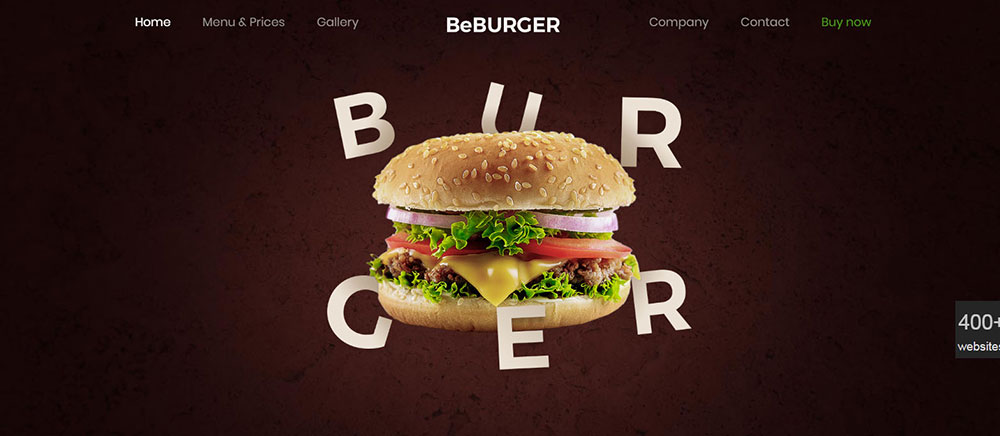
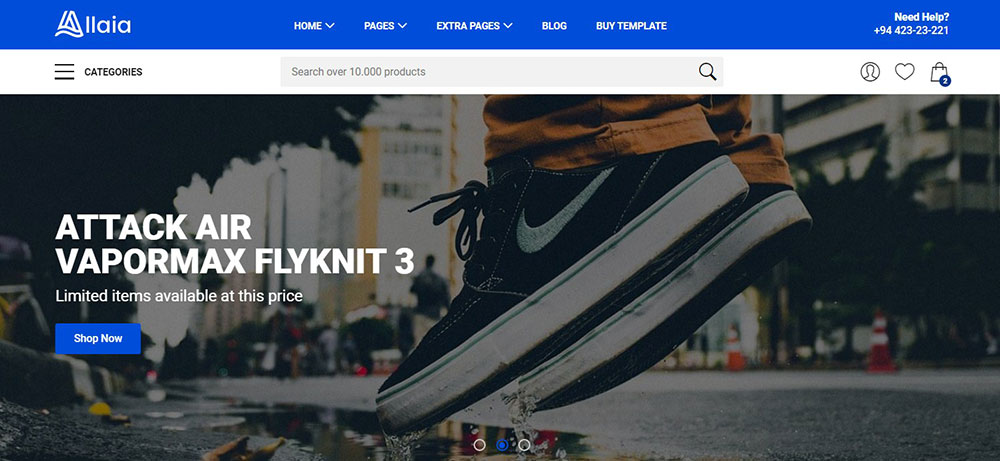
Parallax Scrolling Website Templates







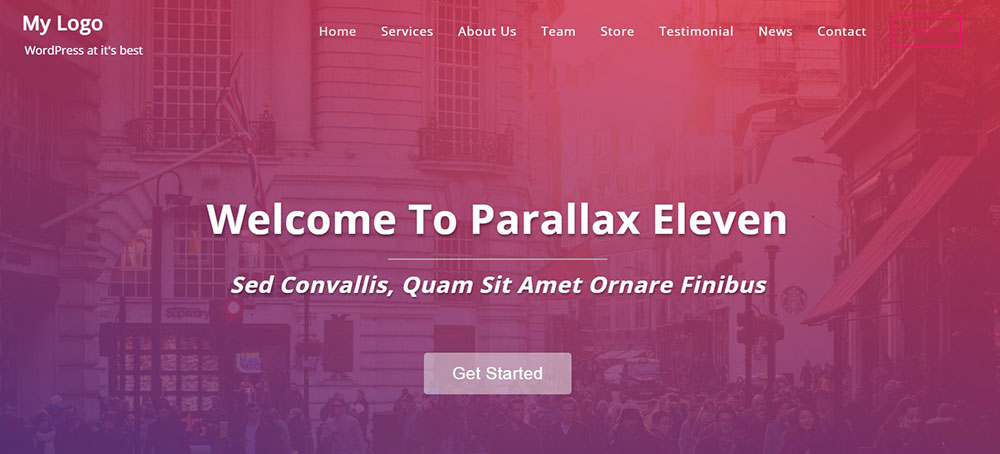







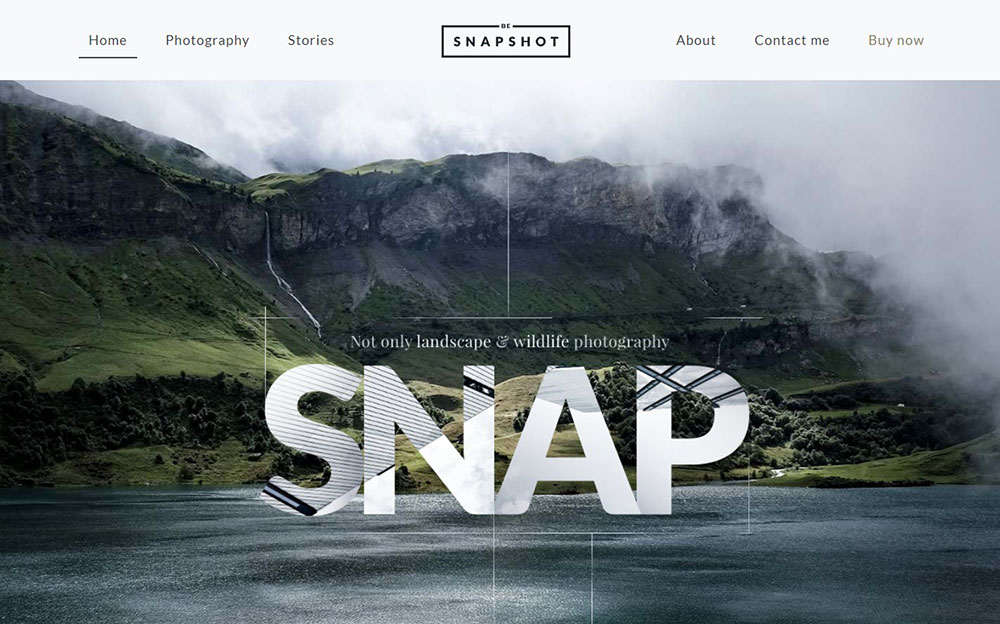






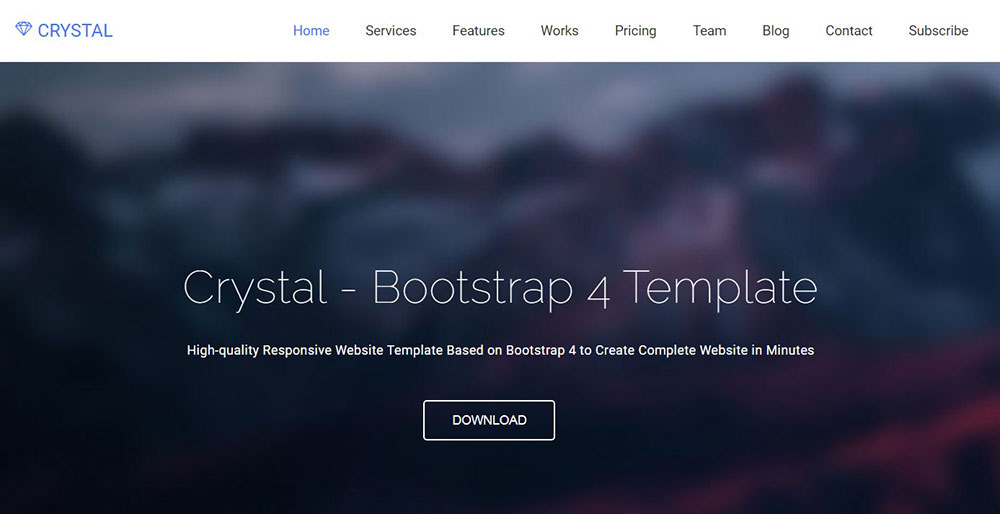

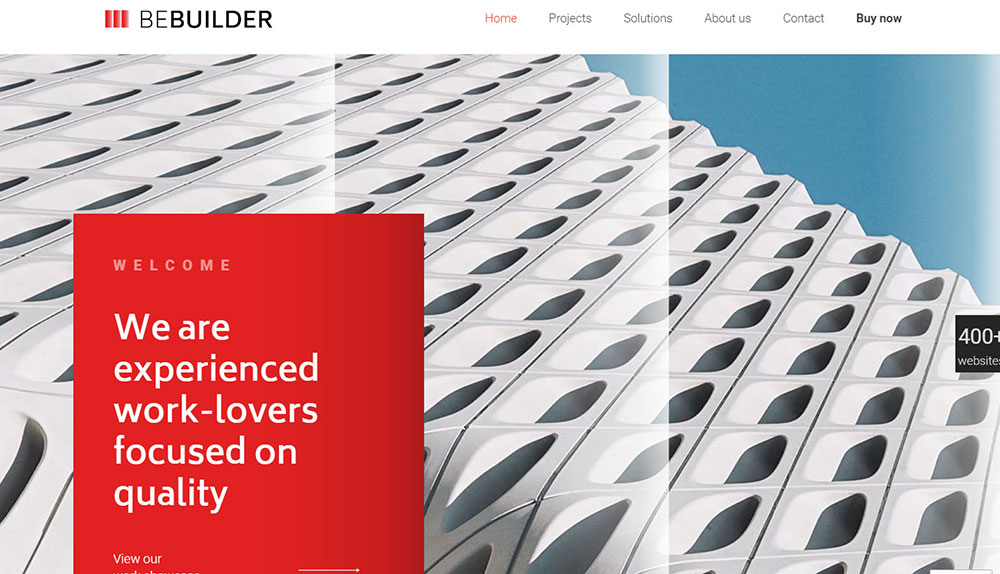

How Does Parallax Scrolling Work on a Website?
The browser tracks your scroll position and translates different page layers at varying rates along the z-axis.
Background layers move slower. Foreground layers move faster. This speed differential creates perceived depth.
Two primary methods exist:
- Pure CSS using
background-attachment: fixedandtransform: translateZ()with perspective - JavaScript scroll event listeners calculating element positions based on viewport scrolling
The CSS approach uses GPU acceleration for smoother performance. JavaScript offers more control but requires requestAnimationFrame to avoid scroll jank.
Modern implementations combine both. CSS handles simple background movement while JavaScript manages complex scroll-triggered animations.
What Types of Parallax Scrolling Exist?
Four distinct types serve different design purposes. Each creates unique visual effects and requires specific implementation approaches.
Background Parallax
Fixed background images stay in place while content scrolls over them. Simple to implement with pure CSS. Works well for hero sections and content dividers.
Foreground Parallax
Multiple content layers move at different speeds in the same scroll direction. Creates depth between text, images, and decorative elements. Common in creative websites and portfolios.
Mouse-Movement Parallax
Elements respond to cursor position rather than scroll events. Subtle shifts create interactive depth. Popular in website headers and interactive websites.
Scroll-Triggered Parallax
Animations activate when elements enter the viewport. Libraries like GSAP ScrollTrigger and AOS handle intersection detection. Perfect for animated landing pages with sequential reveals.
How Do You Create a Parallax Scrolling Website?
Implementation depends on complexity. Simple effects need only CSS. Advanced motion requires JavaScript libraries.
What CSS Properties Create the Parallax Effect?
Core properties for pure CSS parallax:
perspectiveon the parent container (typically 1px)transform: translateZ()on child elementstransform-style: preserve-3dfor nested depthbackground-attachment: fixedfor simple fixed backgrounds
The will-change property hints to browsers which elements animate, improving frame rates.
What JavaScript Libraries Support Parallax Scrolling?
Popular options ranked by capability:
- GSAP with ScrollTrigger offers the most control and best performance
- Locomotive Scroll provides smooth scrolling with parallax built in
- Rellax.js is lightweight at 1.4kb for simple effects
- Parallax.js specializes in mouse-movement reactions
- ScrollMagic handles scroll-based scene management
Lax.js and SimpleParallax.js work for basic implementations without heavy dependencies.
What HTML Structure Works Best for Parallax Layouts?
Wrap sections in container divs with defined heights. Place background elements as siblings to content, not nested inside.
Structure example:
- Outer wrapper with
perspectiveset - Section containers with
transform-style: preserve-3d - Background layer with negative
translateZand scaled up - Content layer at
translateZ(0)
This separation allows independent layer control and cleaner responsive adjustments.
How Does Parallax Scrolling Affect Website Performance?
Heavy parallax implementations impact Core Web Vitals. Poorly optimized effects cause visible scroll jank and high CPU usage.
What Performance Metrics Does Parallax Impact?
Largest Contentful Paint suffers when large parallax images load above the fold without optimization.
Cumulative Layout Shift increases if parallax elements resize or reposition during scroll calculations.
Frame rate drops below 60fps create visible stuttering. This happens when JavaScript recalculates positions on every scroll event without throttling.
How Do You Optimize Parallax for Mobile Devices?
Mobile optimization strategies:
- Disable complex parallax on screens under 768px
- Use
prefers-reduced-motionmedia query to respect accessibility settings - Replace JavaScript scroll listeners with CSS-only solutions where possible
- Implement lazy loading for off-screen parallax images
- Reduce layer count on touch devices
Many responsive websites disable parallax entirely on mobile. The effect often causes performance issues on lower-powered devices and conflicts with touch scrolling behavior.
Test on real devices. Chrome DevTools throttling does not accurately simulate mobile GPU limitations.
What Are the Advantages of Parallax Scrolling Websites?
Parallax creates visual depth without 3D modeling or complex animations. Simple CSS transforms produce cinematic effects.
Key benefits:
- Guides user attention through controlled scroll-based reveals
- Reduces bounce rates by encouraging continued scrolling
- Creates memorable brand experiences that differentiate from competitors
- Supports visual storytelling without video file overhead
- Works with existing HTML/CSS skills; no specialized software needed
The technique pairs well with minimalist website approaches where fewer elements need stronger visual impact.
Scroll-triggered motion breaks content into digestible chunks. Users engage longer when information unfolds progressively rather than appearing all at once.
What Are the Disadvantages of Parallax Scrolling Websites?
Performance costs remain the biggest drawback. Heavy parallax effects drain mobile batteries and cause frame drops on older devices.
Common problems:
- Accessibility issues for users with vestibular disorders
- SEO challenges when content loads dynamically via JavaScript
- Slower initial page loads from large background images
- Inconsistent behavior across browsers, especially Safari
- Touch device conflicts with native scroll momentum
Sites prioritizing good UX often limit parallax to specific sections rather than full-page implementations.
Development time increases significantly. Testing across devices, browsers, and screen sizes multiplies QA requirements.
How Does Parallax Scrolling Affect User Experience?
User response varies dramatically based on implementation quality and audience expectations.
Does Parallax Scrolling Improve Engagement?
Studies show increased time-on-page for well-executed parallax sites. The 2011 Nike Better World campaign saw sharing rates spike after launch.
Creative landing pages benefit most. Product demos, brand stories, and portfolio showcases gain from controlled narrative pacing.
Engagement drops when parallax interferes with task completion. Users searching for specific information get frustrated by scroll-locked animations.
Does Parallax Scrolling Cause Motion Sickness?
Yes, for approximately 35% of users with motion sensitivity. Vestibular disorders make parallax scrolling physically uncomfortable.
Mitigation strategies:
- Implement
prefers-reduced-motionmedia query detection - Provide a toggle to disable animations site-wide
- Limit parallax speed differential between layers
- Avoid horizontal movement combined with vertical scroll
Accessible websites default to reduced motion when system preferences indicate sensitivity.
How Does Parallax Scrolling Affect Search Engine Crawling?
Google Chrome renders JavaScript before indexing, but crawl efficiency decreases with heavy client-side rendering.
SEO considerations:
- Content hidden until scroll events fire may not get indexed
- Single-page parallax sites consolidate ranking signals into one URL
- Large image files slow crawl budget consumption
- Lazy-loaded content requires Intersection Observer implementation for proper indexing
Server-side rendering or static generation solves most indexing issues. Frameworks like Next.js pre-render content before JavaScript executes.
Internal linking suffers on single-page designs. Without distinct URLs, users cannot bookmark or share specific sections, and search engines cannot rank individual content pieces.
When Should You Avoid Parallax Scrolling?
Skip parallax when function matters more than form.
Poor fit scenarios:
- E-commerce product listings where quick scanning matters
- News websites prioritizing content density and fast updates
- Form-heavy pages like checkout flows or account registration
- Documentation sites where users search for specific information
- Sites targeting older demographics or accessibility-focused audiences
B2B websites with complex service offerings need clear website navigation over visual effects.
Budget constraints also matter. Parallax done poorly looks worse than no parallax at all. Bad design damages credibility faster than simple layouts build it.
Mobile-only audiences present another red flag. If analytics show 70%+ mobile traffic, invest in mobile first design patterns instead.
FAQ on Websites Using The Parallax Scrolling Effect
What is the parallax scrolling effect in web design?
Parallax scrolling creates depth by moving background and foreground layers at different speeds during vertical scroll. The technique mimics natural depth perception where distant objects appear to move slower than close ones.
Is parallax scrolling bad for SEO?
Not inherently. Problems arise when content loads only via JavaScript scroll events. Google Chrome renders pages before indexing, but heavy client-side rendering slows crawl efficiency. Server-side rendering and proper HTML structure solve most issues.
Does parallax scrolling work on mobile devices?
Yes, but with limitations. Touch scrolling conflicts with some parallax implementations. Many sites disable complex effects on screens under 768px. CSS-only solutions using background-attachment: fixed fail on iOS Safari entirely.
What JavaScript libraries create parallax effects?
GSAP with ScrollTrigger leads for complex animations. Locomotive Scroll handles smooth scrolling with built-in parallax. Rellax.js weighs only 1.4kb for simple effects. ScrollMagic and Lax.js offer additional options for scroll-triggered motion.
How does parallax affect website loading speed?
Large background images increase initial load time and impact Largest Contentful Paint scores. JavaScript calculations on scroll events cause frame drops without proper throttling. Lazy loading and image optimization reduce performance penalties significantly.
Can parallax scrolling cause motion sickness?
Yes. Approximately 35% of users experience discomfort from vestibular disorders triggered by screen motion. Implement prefers-reduced-motion media queries and provide animation toggle controls for user friendly website experiences.
What is the difference between CSS and JavaScript parallax?
CSS parallax uses transform: translateZ() with perspective properties for GPU-accelerated performance. JavaScript parallax calculates element positions via scroll event listeners, offering more control but requiring requestAnimationFrame optimization to prevent jank.
Which websites use parallax scrolling best?
Apple product pages demonstrate subtle scroll-triggered reveals. Spotify Wrapped layers data visualizations effectively. The Firewatch game site creates environmental depth through illustrated layers. NASA uses parallax for technology website storytelling.
Should I use parallax on my website?
Depends on your goals. Parallax suits beautiful websites focused on brand storytelling and visual impact. Skip it for content-heavy sites, e-commerce listings, or audiences with accessibility needs. Test performance on target devices first.
How do I make parallax accessible?
Detect prefers-reduced-motion system settings and disable animations automatically. Add visible controls letting users toggle effects off. Limit speed differential between layers. Avoid combining horizontal movement with vertical scroll to reduce disorientation.
Conclusion
Websites using the parallax scrolling effect deliver visual depth and storytelling power that static layouts cannot match. The technique transforms ordinary scroll behavior into an immersive experience.
Success depends on execution. Use GSAP ScrollTrigger or Locomotive Scroll for complex animations. Stick with Rellax.js or pure CSS for simpler effects.
Always test on real devices. Implement prefers-reduced-motion` for accessibility. Optimize images and use lazy loading to protect your Cumulative Layout Shift scores.
Skip parallax when speed matters more than style. E-commerce catalogs, documentation sites, and finance websites need function over flair.
The right parallax implementation creates unique websites that users remember. The wrong one drives them away. Choose based on your audience, your content, and your performance budget.
























