


Stunning Event Planner Website Design Examples to Inspire
January 9, 2026
Retail Website Design Examples That Drive Sales
January 11, 2026A slow, generic-looking website costs financial firms clients before a single consultation happens. Visitors judge credibility in seconds, and the wrong template sends them straight to a competitor.
Finance WordPress themes solve this by packaging industry-specific layouts, loan calculators, appointment booking forms, and compliance-ready footers into a single installable theme.
This guide breaks down how to pick the right one. You will find direct comparisons of premium themes across speed scores, page builder compatibility, plugin support, and pricing, plus setup steps and the design mistakes that quietly kill conversions on financial websites.
What Is a Finance WordPress Theme
A finance WordPress theme is a pre-built website template designed for banks, accounting firms, insurance companies, investment advisors, and other financial service providers running their sites on WordPress.
These themes come with industry-specific page templates, loan calculator widgets, appointment booking forms, and pricing table layouts built in.
Most premium finance themes on ThemeForest or WordPress.org include one-click demo import, so you can launch a full financial website without touching code.
They typically support WooCommerce for selling financial products online, Contact Form 7 or Gravity Forms for lead capture, and WPML for multilingual support if your firm operates across borders.
The whole point is speed to launch. A financial advisor in Dallas or an insurance broker in London picks one of these themes, imports a demo, swaps in their own copy and branding, and they are live within a day or two.
Stock ticker widgets, interest rate comparison tables, team member profile sections, service listing grids. All of that comes packaged in. You are not building from scratch.
I have set up dozens of finance websites on WordPress and the theme choice always determines at least 70% of how the final site looks and performs. Pick wrong and you are fighting the theme the entire project.
Finance WordPress Themes To Check Out
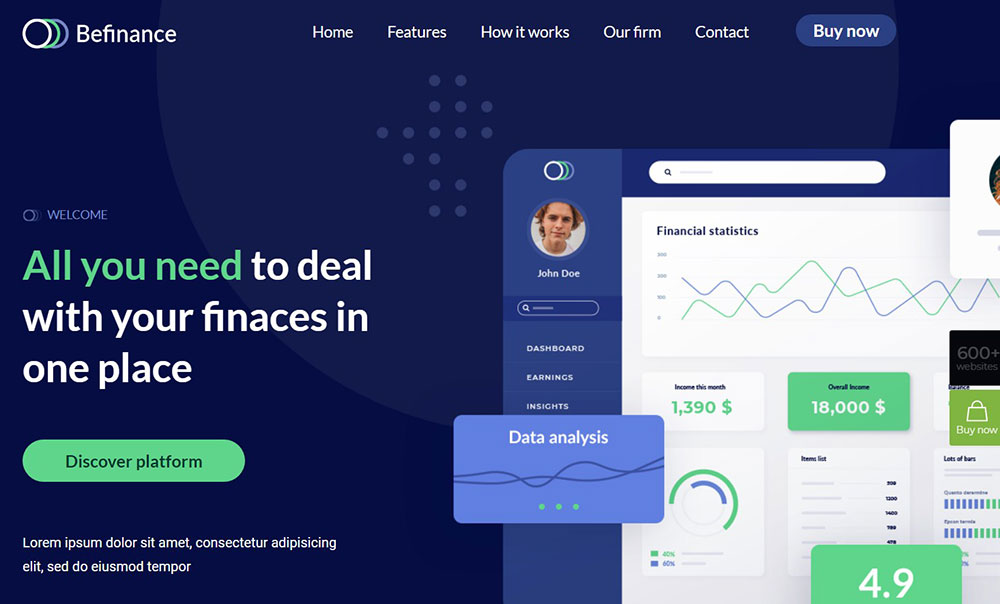
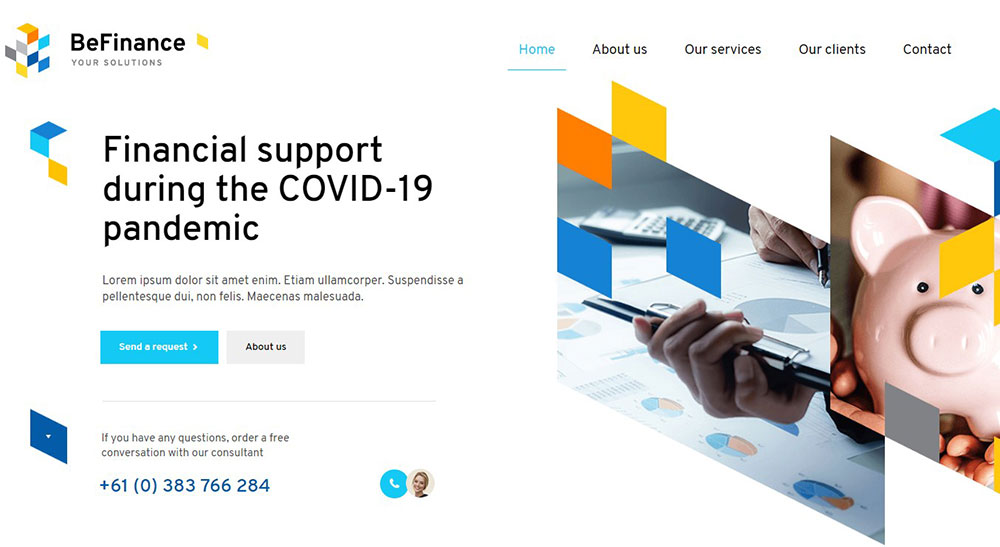
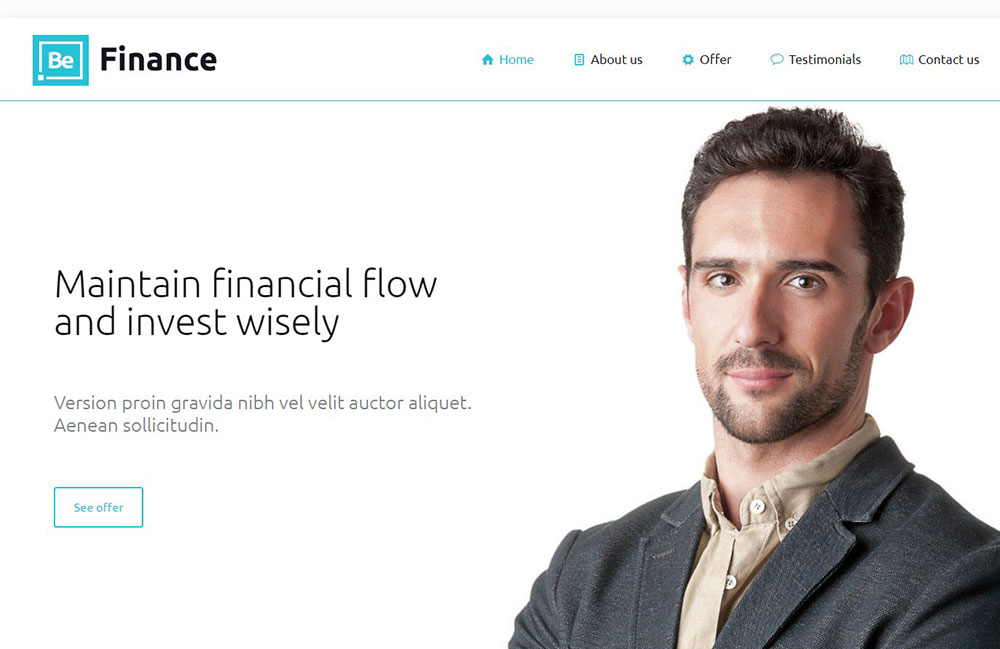
BeTheme
BeTheme is the definitive multipurpose theme. It has a huge array of power tools and design elements it places at your disposal. It’s easy for beginners to work with. If trying to satisfy multiple clients has become more stressful than rewarding, BeTheme has a solution for that as well.
BeTheme’s selection of hundreds of customizable, responsive pre-built websites is the highlight and a proven stress reducer. These professionally crafted, pre-built websites cover 30 industry sectors, all the common websites, and an impressive range of business niches.
The customizability of the theme makes it a dream come true for its users. There are 4 types of Page Builders that you can use with it: WPBakery, BeBuilder, and Elementor among them.
And now with the BeBuilder Woo, it’s even more impressive.
But this is us talking about our theme. Why believe us, right? Here’s what a user had to say on Themeforest recently:

And there are thousands of reviews like this one.
Check out BeTheme and see why our users love it!
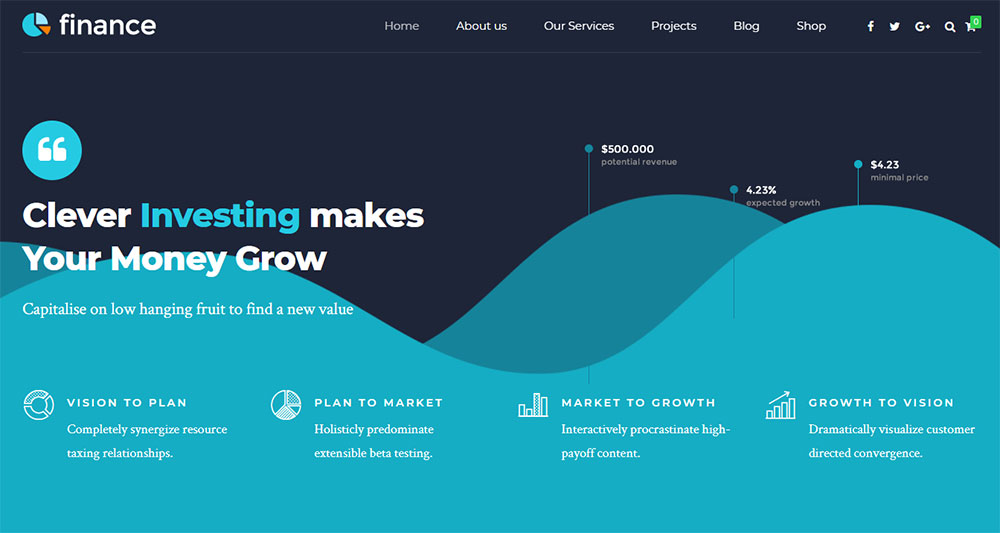
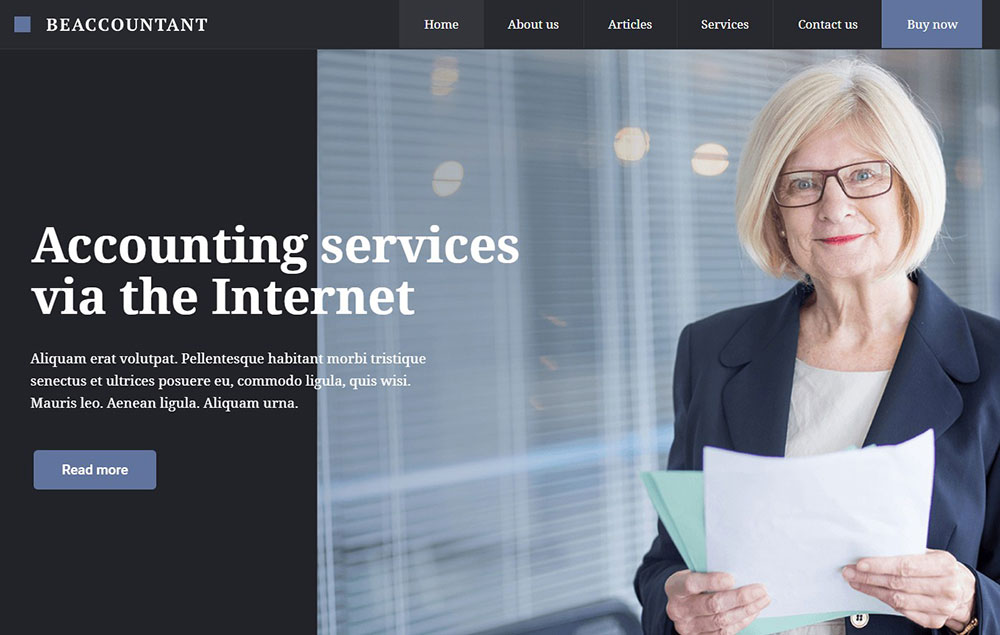
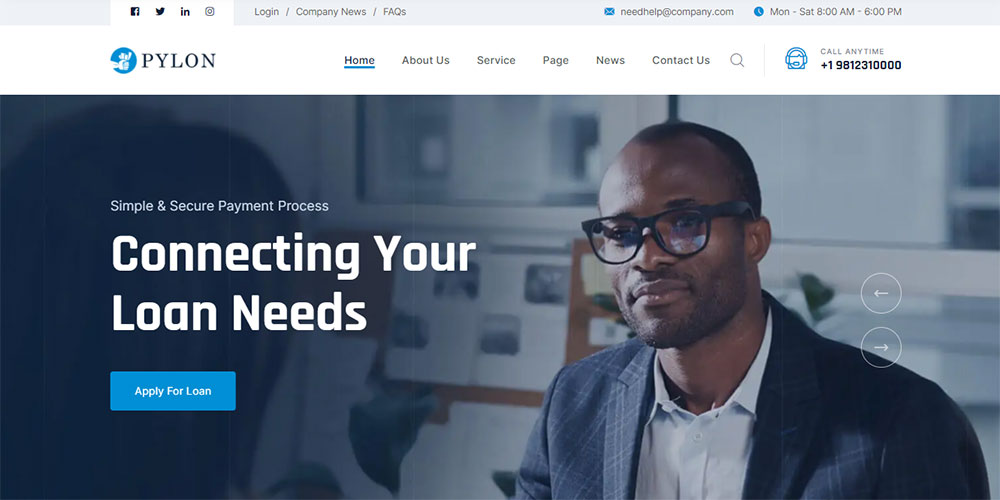
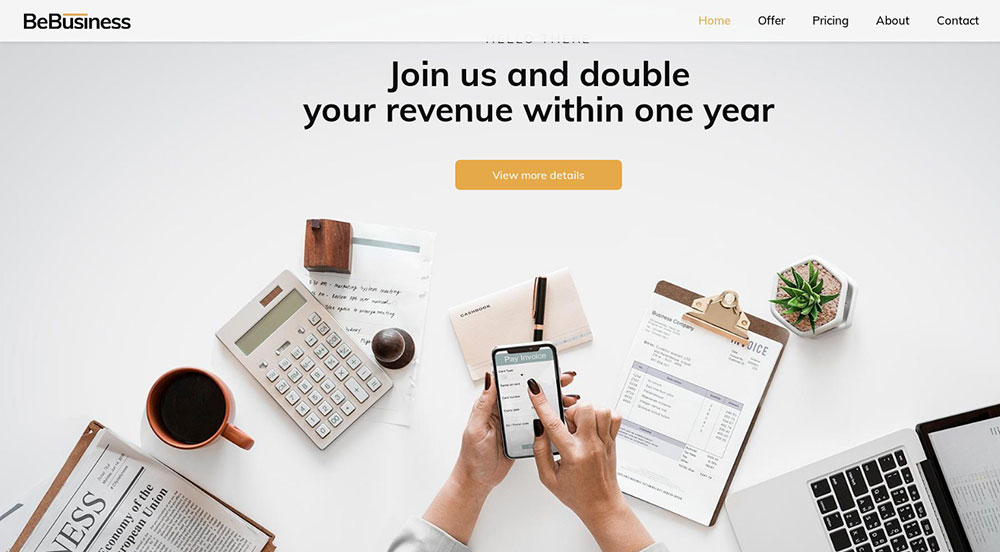
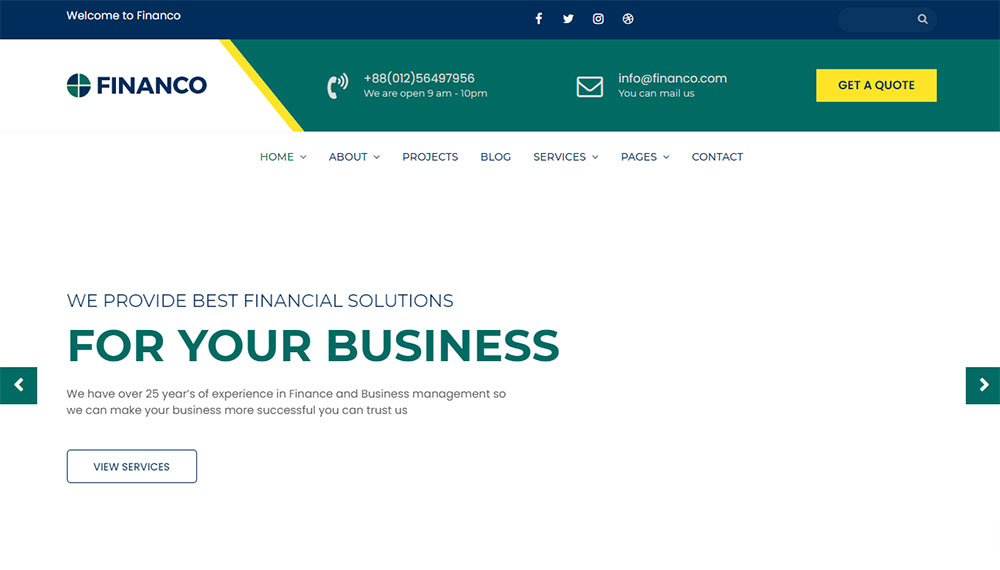
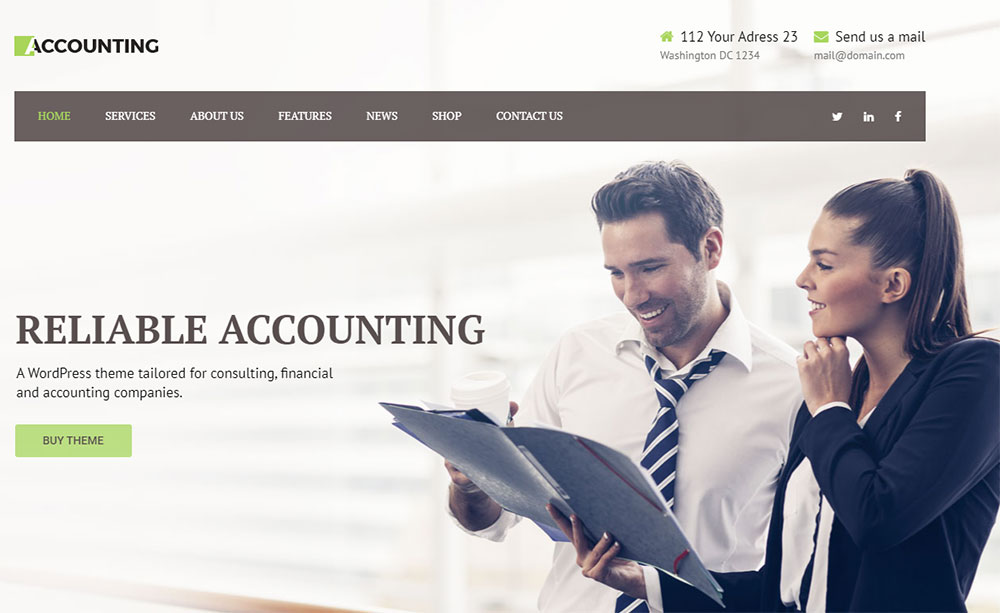
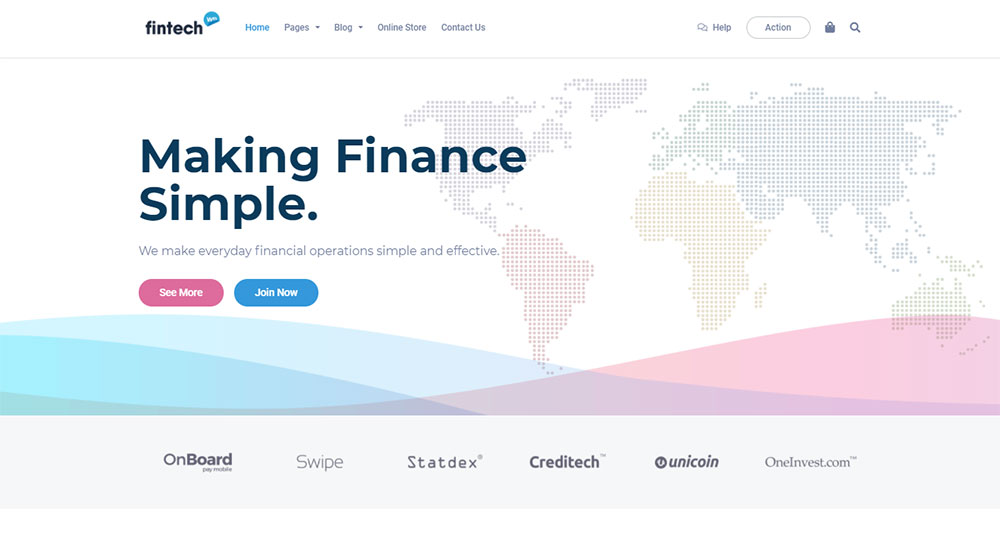
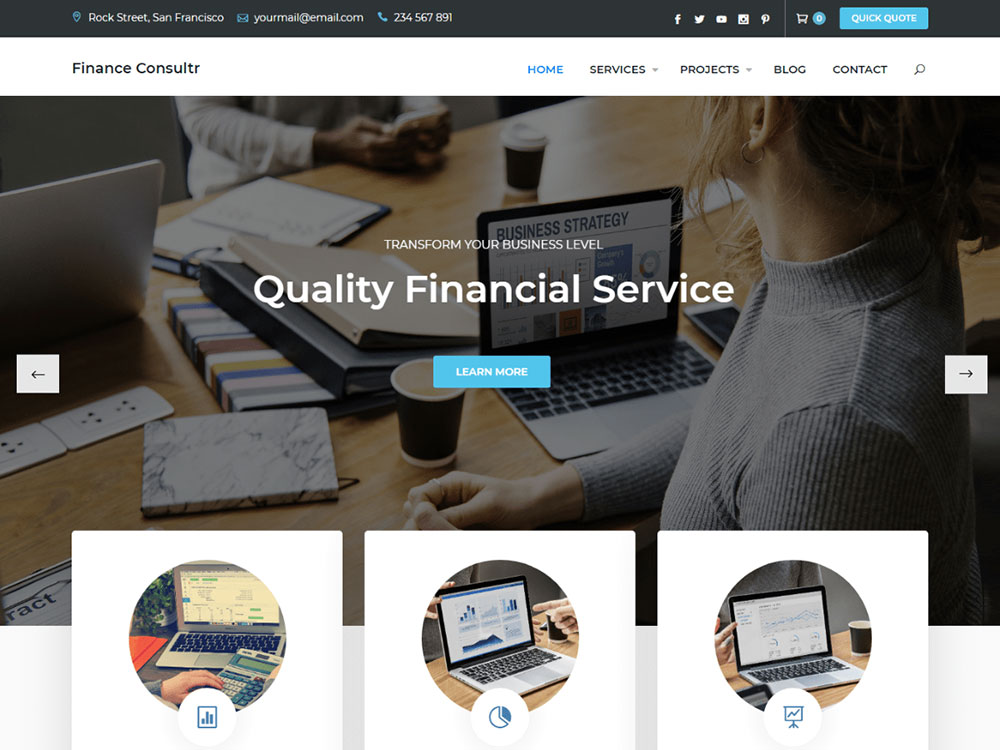
FinancePlus



























How Does a Finance WordPress Theme Differ from a General Business Theme
A general business website theme tries to work for everyone. A finance theme does not.
The difference sits in the pre-built components. Finance themes ship with loan calculators, mortgage payment estimators, ROI calculators, interest rate tables, and appointment scheduling modules that a generic corporate theme simply does not include.
Footer areas in finance themes are built to handle compliance text, regulatory disclosures, and licensing information. That sounds small, but anyone who has worked on a banking site or credit union site knows how much legal copy lives at the bottom of every page.
The color schemes skew toward navy, dark green, charcoal, and white. Trust colors. You rarely see neon gradients or playful pastels in a well-designed finance theme because the audience expects stability and seriousness.
Page speed matters more here than in most niches. When someone is checking their loan rates or looking up a financial advisor, a slow-loading page kills trust immediately. Good finance themes keep their file sizes lean, minimize HTTP requests, and support lazy loading images out of the box.
Typography choices are different too. Finance themes lean on clean serif or sans-serif Google Fonts like Inter, Poppins, or Merriweather, nothing decorative or hard to read at small sizes.
Security features also get more attention. SSL compatibility, GDPR cookie consent integration, and regular update cycles from developers are expected, not optional.
What Types of Financial Websites Use WordPress Themes
Financial websites cover a wide range of services, each with specific design and functionality requirements. The right WordPress theme depends entirely on what type of financial business it serves.
Which Finance WordPress Themes Work for Banking and Credit Union Websites
Bank websites need branch locator maps, loan comparison tables, and secure online banking portals. Themes like flavor theme developer and flavor theme developer handle these well with Elementor-based layouts, RTL support, and GDPR-ready footers.
Which Finance WordPress Themes Work for Accounting and Tax Firm Websites
Accountant websites focus on service pages, team credentials, and client testimonial pages. Clean layouts with prominent call to action buttons for free consultation bookings perform best here.
Which Finance WordPress Themes Work for Insurance Company Websites
Insurance sites require quote request forms, policy comparison grids, and claims submission pages. The form design matters a lot here because a confusing multi-step form kills conversions fast.
Which Finance WordPress Themes Work for Investment and Stock Trading Websites
Stock market and investment sites need real-time data feeds, portfolio display sections, and market analysis blog layouts. These are closer to fintech websites in their requirements, often pulling API data for live stock tickers and cryptocurrency prices.
Which Finance WordPress Themes Work for Financial Advisor and Consulting Websites
Financial advisor themes prioritize trust signals. Author bios with credentials, client success stories, consulting-style service breakdowns, and booking integrations for one-on-one sessions. Similar to how professional websites in law or medicine are built, credibility comes first.
Which Finance WordPress Themes Work for Cryptocurrency and Fintech Websites
Crypto and fintech themes go darker, bolder, and more data-heavy. Dark themed websites with neon accents are standard in this space. They need coin listing tables, wallet integration sections, and NFT website-style visual components for token displays.
These themes overlap with technology websites in their design DNA, heavy on data visualization and light on traditional corporate aesthetics.
How to Choose a Finance WordPress Theme for Your Website
Picking the wrong theme is expensive. Not in dollars, but in the weeks you spend trying to make it do things it was not built to do. These are the factors that actually matter.
What Page Builder Compatibility Should a Finance WordPress Theme Have
Elementor is the most widely supported drag-and-drop builder for finance themes right now. It gives full control over service grids, pricing page layouts, and call-to-action sections without custom code.
WPBakery still ships with many ThemeForest themes but feels dated compared to Elementor's interface. Gutenberg works if you want to stay lightweight, but lacks the visual editing depth most finance sites need.
What Speed and Performance Standards Should a Finance WordPress Theme Meet
Target a Largest Contentful Paint under 2.5 seconds and a Cumulative Layout Shift below 0.1. Those are Google's Core Web Vitals benchmarks.
Check the theme's demo site through GTmetrix or PageSpeed Insights before buying. If the developer's own demo scores poorly, your production site will be worse. Look for themes under 2MB total file size with minified CSS and JavaScript.
What Security Features Should a Finance WordPress Theme Support
SSL compatibility is non-negotiable. Beyond that, look for themes that play well with security plugins like Wordfence, support two-factor authentication, and include GDPR cookie consent integration.
Regular update cycles from the developer matter more than any single feature. A theme last updated 8 months ago is a security risk, period.
What Plugin Compatibility Does a Finance WordPress Theme Require
At minimum, your finance theme should support:
- WooCommerce for selling financial products, courses, or consultation packages
- Yoast SEO or Rank Math for on-page optimization
- Contact Form 7 or Gravity Forms for lead capture and quote requests
- WPML or Polylang for multilingual support
- WP Rocket or LiteSpeed Cache for performance
- Stripe and PayPal gateway integration for payments
- Slider Revolution if the theme uses hero sliders (check if it is bundled free)
Some themes bundle premium plugins at no extra cost. Others require separate purchases. Always check which plugins are included and which ones you will need to buy on top of the theme price.
How to Install and Set Up a Finance WordPress Theme
Most finance themes follow the same installation path regardless of whether they come from ThemeForest, WordPress.org, or a developer's own site. The whole process takes 20 to 40 minutes if you know where to click.
How to Import Demo Content from a Finance WordPress Theme
Go to Appearance > Themes > Add New > Upload Theme, then upload the .zip file. After activation, most premium themes trigger an install wizard that walks you through required plugins like Elementor, Slider Revolution, or WPBakery.
The one-click demo import button usually lives under a branded menu item in your WordPress dashboard sidebar. Pick the finance demo that matches your niche, hit import, and wait. Larger demos with multiple pages can take 3 to 5 minutes depending on your hosting server speed.
One thing that tripped me up early on: always install the recommended plugins before importing demo content. If you skip that step, sections of the demo will look broken because the shortcodes have nothing to render.
How to Customize the Homepage Layout of a Finance Theme
Open the homepage in Elementor or whichever page builder the theme uses. The demo homepage typically includes a hero section with a background image or video, a services grid, a stats counter row, team member cards, client testimonials, and a contact form near the footer.
Replace the placeholder content section by section. Swap the hero image for something that actually represents your firm. Update the service titles, descriptions, and icons.
The website layout should follow a clear visual hierarchy. Services or value proposition first, social proof second, contact or booking action third. Do not bury your phone number or booking link below three scrolls of generic content.
If you want a cleaner look, strip out sections you do not need. Most finance demos ship with 8 to 12 homepage sections and honestly, 5 or 6 well-built ones perform better than a page that goes on forever. White space between sections helps visitors breathe and focus.
How to Configure Service Pages and Team Member Sections
Service pages in finance themes use custom post types or page builder templates with icon boxes, expandable accordions, and pricing tables.
Duplicate the demo service page, change the title, update the copy, and publish. Repeat for each service: tax preparation, wealth management, bookkeeping, insurance consulting, whatever your firm offers.
For team member sections, fill in each person's name, title, credentials, photo, and a short bio. Link to individual author pages if your site publishes financial blog content, because Google's E-E-A-T guidelines give weight to clearly identified expertise on YMYL topics like finance.
How to Set Up a Financial Blog with a WordPress Theme
Go to Settings > Reading and set your posts page to whichever page the demo assigns as the blog archive. Most finance themes include 2 to 4 blog layout options: grid, list, masonry, and classic.
Grid works best for finance blogs because it lets visitors scan multiple article titles at once. Add categories that match your service areas, like "Tax Planning," "Investment Strategies," "Market Analysis," and "Personal Finance Tips."
Every post should have an author bio box with credentials visible. Took me a while to realize this, but finance blog posts with a visible CPA or CFP designation next to the author name consistently outperform anonymous ones in organic search.
What Are Common Design Mistakes with Finance WordPress Themes
Picking a good theme does not save you from making bad choices during setup. These are the mistakes I see over and over on financial websites.
Too many animations. Parallax effects, sliding counters, fade-in text blocks. They look impressive on the theme demo but on a real finance site they undermine trust. A person checking mortgage rates does not want their screen bouncing around. Keep motion minimal and purposeful.
Skipping mobile layout testing is another big one. Over 60% of traffic to most financial advisor sites comes from mobile devices, yet many people only preview their site on desktop during setup. Check every page on an actual phone, not just the browser's responsive preview mode.
Ignoring accessibility compliance. Financial websites in the US can face ADA lawsuits if their sites are not accessible to users with disabilities. Check color contrast ratios, add alt text to every image, and make sure all forms are keyboard-navigable. Most themes do not handle this well out of the box.
Using generic stock photos of handshakes and skyscrapers. Everyone has seen those images a thousand times and they signal "template site" immediately. Custom photography or at least carefully selected, less overused stock images make a difference. Sites with original visuals feel more like user friendly websites than sites plastered with obvious fakes.
Neglecting the footer. Finance visitors actually read footers. They look for licensing numbers, regulatory disclosures, physical office addresses, and compliance statements. A thin footer with just a copyright line is a missed opportunity and potentially a legal issue depending on your jurisdiction.
Loading too many plugins that the theme already handles. If your finance theme includes a built-in contact form module, do not also install Contact Form 7. Redundant plugins slow the site down and create conflicts that are annoying to debug.
How Much Do Finance WordPress Themes Cost
Free finance themes exist on WordPress.org but most are limited to basic blog layouts with minimal customization. They work for a personal finance blog but not for a professional firm site.
Premium themes on ThemeForest range from $39 to $79 for a regular license. That includes 6 months of developer support and lifetime theme updates. Extending support to 12 months adds $10 to $25 depending on the theme.
Some developers sell directly from their own sites. Prices vary but usually fall between $49 and $99 for a single site license. Multi-site or developer licenses that let you use the theme on unlimited client projects typically cost $199 to $399.
The theme price is rarely the full cost.
Total first-year cost for a fully functional finance WordPress theme setup with premium plugins typically lands between $150 and $500, depending on which plugins you actually need versus which ones the theme bundles for free.
Annual renewal costs drop significantly after year one since the theme itself does not require yearly payments on ThemeForest (just support extension if you want it). Plugin subscriptions are the recurring expense to watch.
Compared to hiring a developer to build a custom financial website from scratch, which starts around $3,000 to $5,000 for a basic site and climbs to $15,000 or more for something complex, a premium theme is a fraction of the cost. The tradeoff is less uniqueness and more reliance on the theme developer for updates and bug fixes.
FAQ on Finance WordPress Themes
What is a finance WordPress theme?
A finance WordPress theme is a pre-built website template designed for financial services like banking, accounting, insurance, and investment firms. It includes industry-specific layouts, calculator widgets, appointment forms, and compliance-ready footer areas.
Are finance WordPress themes mobile responsive?
Most premium finance themes are fully mobile responsive and retina ready. Always test the developer's demo on a real phone before buying. Browser preview tools do not catch every layout issue on smaller screens.
Do finance WordPress themes work with Elementor?
The majority of finance themes on ThemeForest ship with Elementor or WPBakery compatibility. Elementor gives better drag-and-drop control over service grids, pricing tables, and team member sections without writing custom code.
How much does a premium finance WordPress theme cost?
Prices range from $39 to $79 on ThemeForest for a regular license. Direct developer purchases run $49 to $99. Factor in premium plugin costs like Elementor Pro or WPML, which add $50 to $200 annually.
Can I use WooCommerce with a finance WordPress theme?
Most premium finance themes support WooCommerce for selling consultation packages, financial courses, or digital products. Check the theme's feature list for WooCommerce compatibility before purchasing, since a few lightweight themes skip it.
Do finance themes include loan calculator widgets?
Many finance themes bundle loan calculators, mortgage estimators, and ROI calculators as built-in widgets. Others rely on third-party plugins like WP Starter Finance Calculator. Always verify which calculators come included versus requiring separate installation.
Are free finance WordPress themes good enough for a professional site?
Free themes on WordPress.org work for personal finance blogs but lack the pre-built demo templates, plugin bundles, and dedicated support that professional financial firms need. Premium themes pay for themselves in saved setup time.
How do I install a finance WordPress theme?
Go to Appearance, then Themes, then Add New, and upload the .zip file. Activate the theme, install recommended plugins through the setup wizard, then import demo content with one click from the theme's dashboard panel.
What plugins are required for a finance WordPress theme?
Core plugins include Yoast SEO for optimization, Contact Form 7 or Gravity Forms for lead capture, WPML for multilingual support, and WP Rocket for caching. Most themes list required and recommended plugins during installation.
Do finance WordPress themes support GDPR compliance?
Premium finance themes typically include GDPR cookie consent integration and privacy policy page templates. Full compliance also depends on your hosting setup, form plugins, and how you handle user data across your WordPress installation.
Conclusion
The right finance WordPress theme gives your financial services site a professional foundation without months of custom development. But the theme alone is not the whole picture.
Page builder compatibility with Elementor or WPBakery, Core Web Vitals performance, WooCommerce integration, and WPML multilingual support all determine whether your site actually converts visitors into clients.
Check the developer's update history before buying. Test the demo on mobile. Audit plugin requirements so you are not surprised by extra costs after purchase.
A well-chosen responsive finance theme with strong developer support, SEO-optimized code, and pre-built templates for service pages, team sections, and financial blog layouts will save you time, money, and frustration for years.
























