
Stunning Examples of Amazing Website Templates
December 24, 2025
Top Examples of DJ Website Templates That Rock
December 28, 2025Building a website from scratch takes weeks. Simple website templates cut that timeline to hours.
These pre-built layouts give you responsive design, clean code, and professional aesthetics without writing a single line of HTML5 or CSS3.
Whether you need a landing page for your startup or a full business website with multiple sections, templates provide the foundation.
This guide covers everything from choosing the right template to customizing colors, fonts, and layouts. You'll learn what separates lightweight themes from bloated ones, how to evaluate performance before purchasing, and when templates make more sense than custom builds.
No fluff. Just practical decisions that get your site live faster.
What is a Simple Website Template
A simple website template is a pre-built layout with HTML5, CSS3, and JavaScript files that provides ready-made design structures for quick site deployment.
These starter themes eliminate coding from scratch. You get functional pages, responsive grids, and modular design blocks within minutes of download.
WordPress themes, Bootstrap framework templates, and Squarespace designs all fall under this category.
Template marketplaces like ThemeForest and TemplateMonster host thousands of options across every industry vertical.
The core appeal? Speed to launch. A clean layout that took someone else weeks to build becomes yours in a single click.
Examples of Simple Website Templates
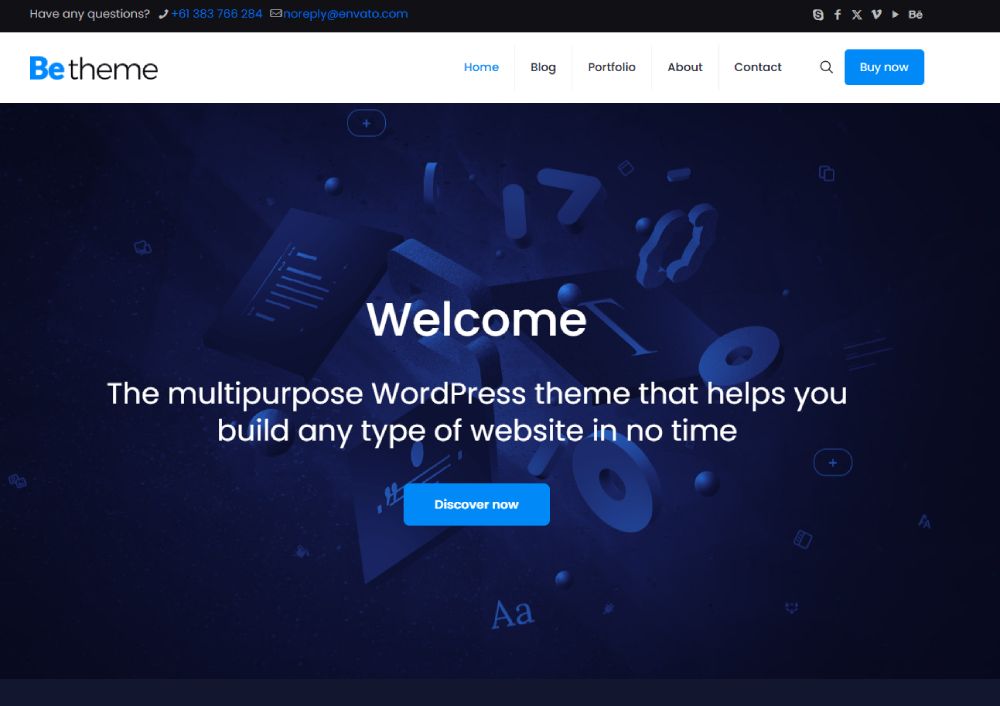
Betheme
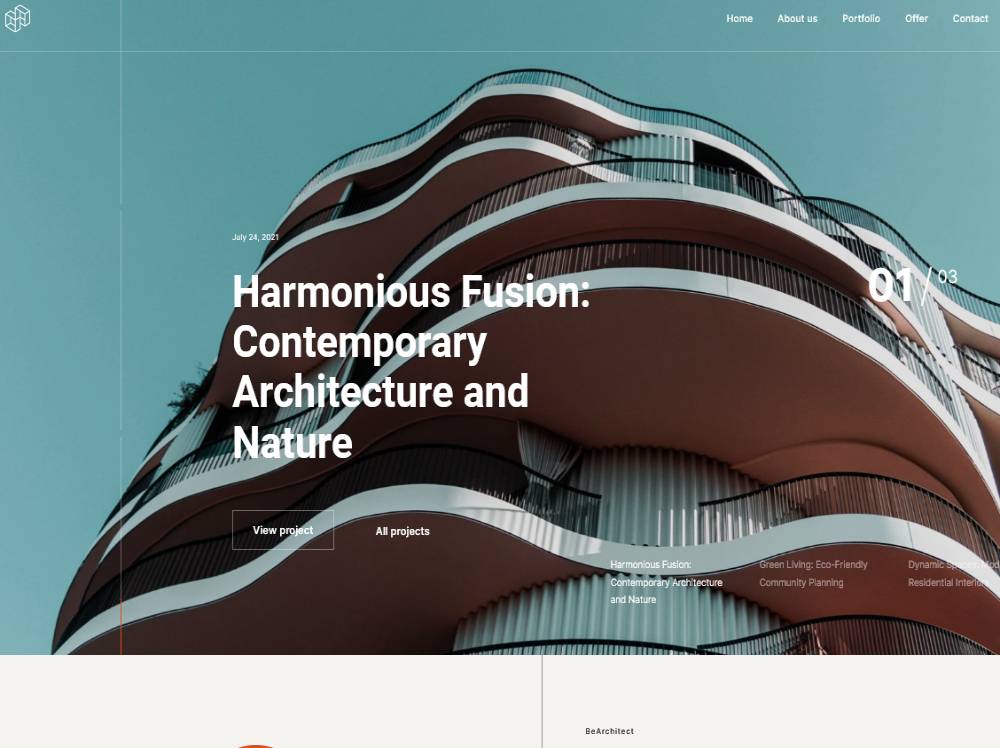
BE Architect 6
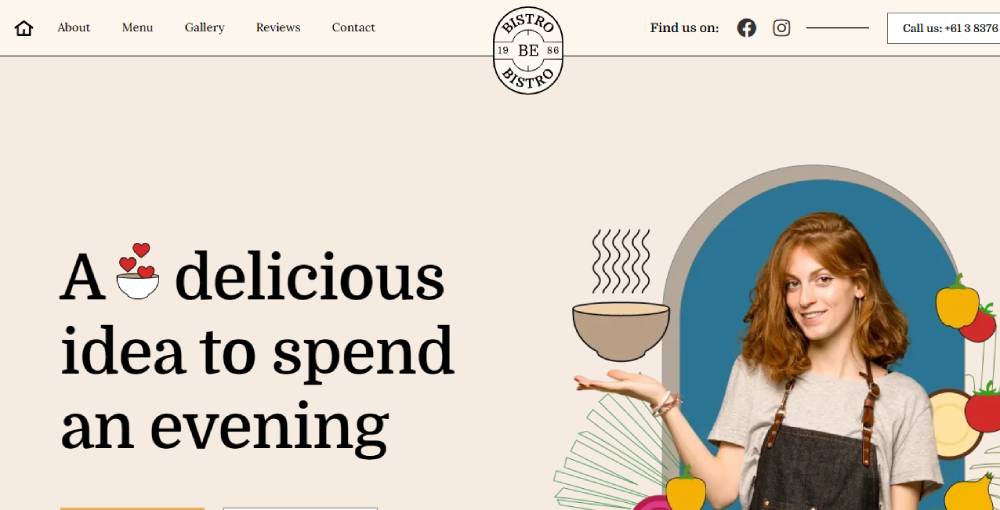
BE Bistro 5
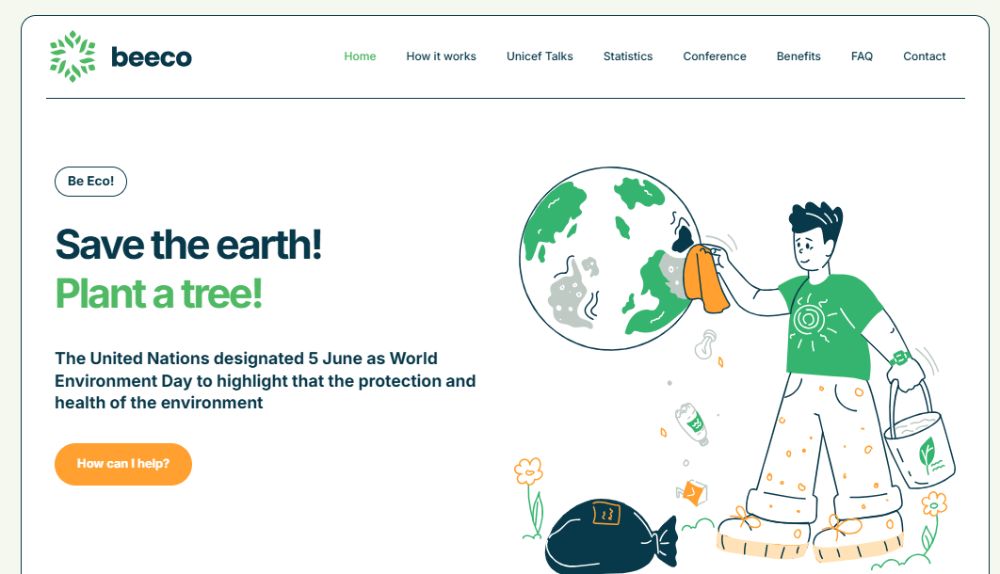
BE Eco 4
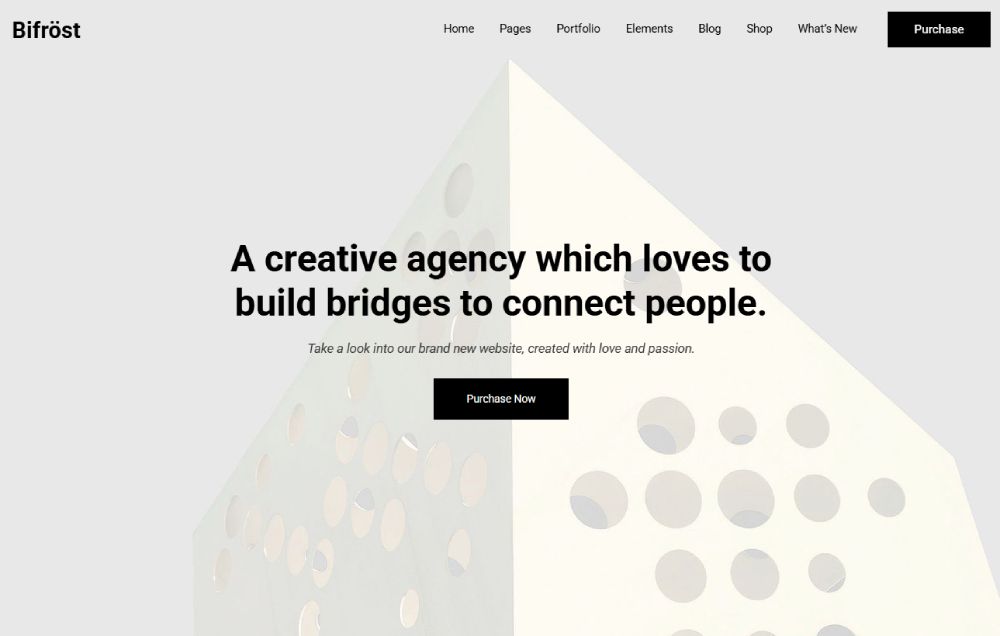
Bifrost
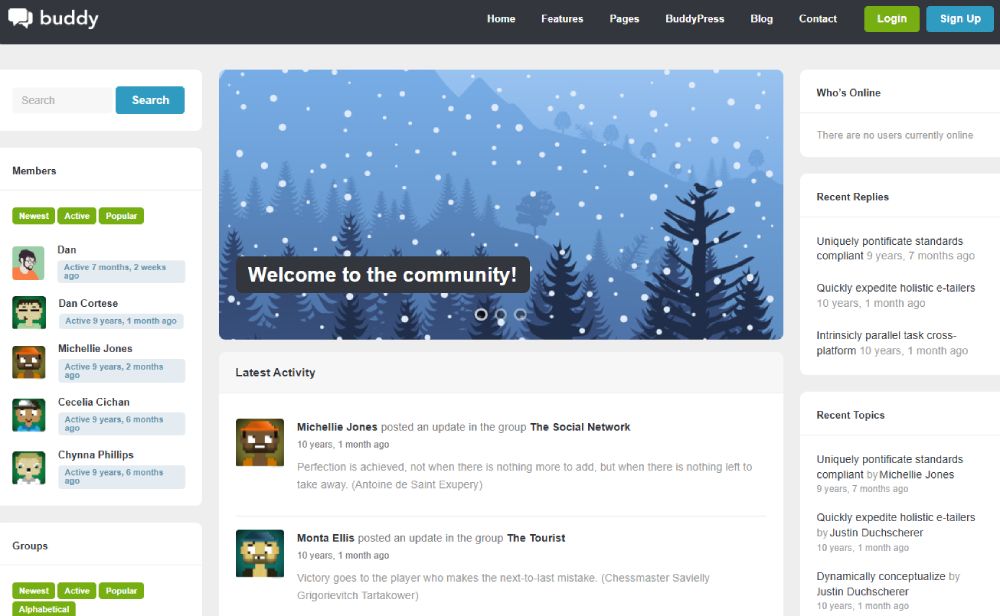
Buddy
Smiltė

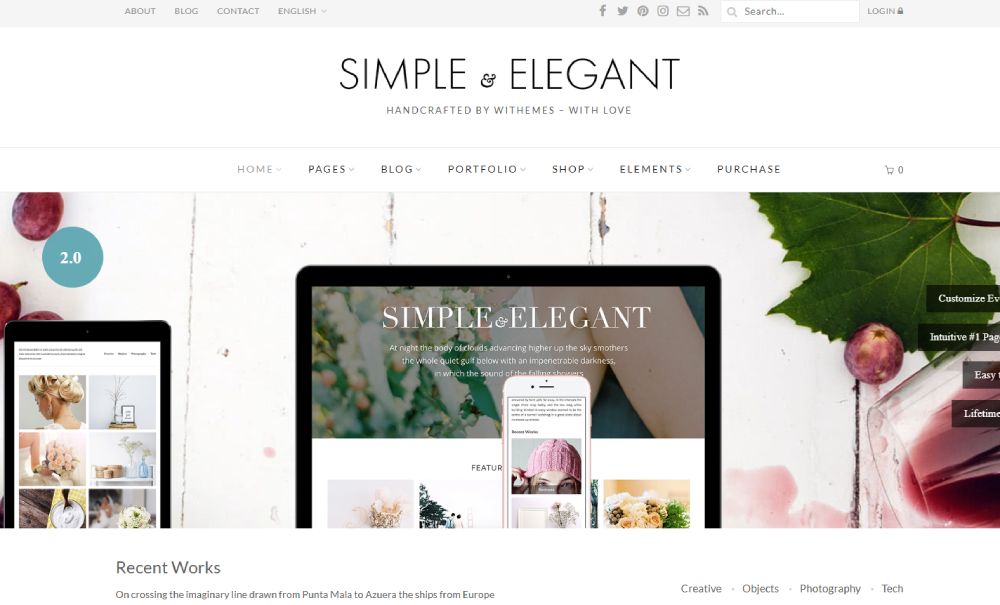
Elegant
Scribbler

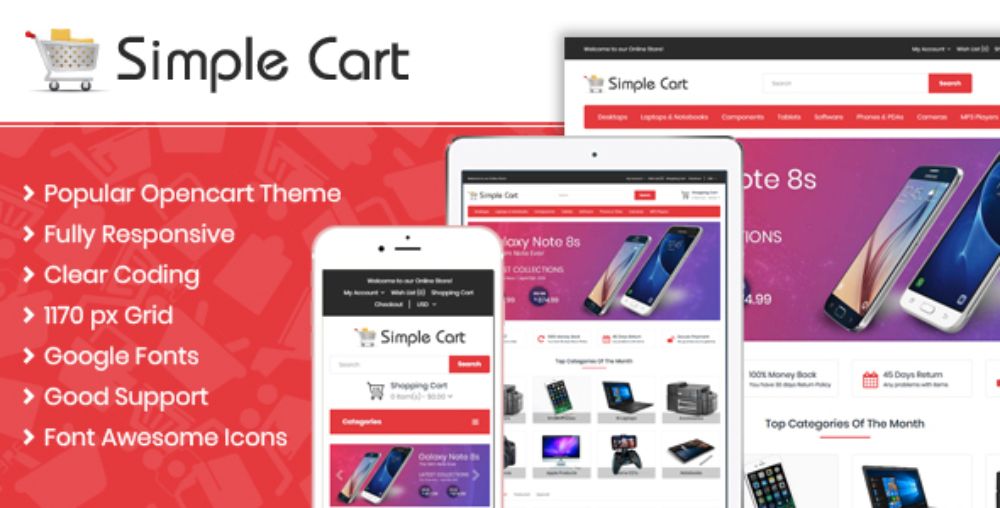
Cart
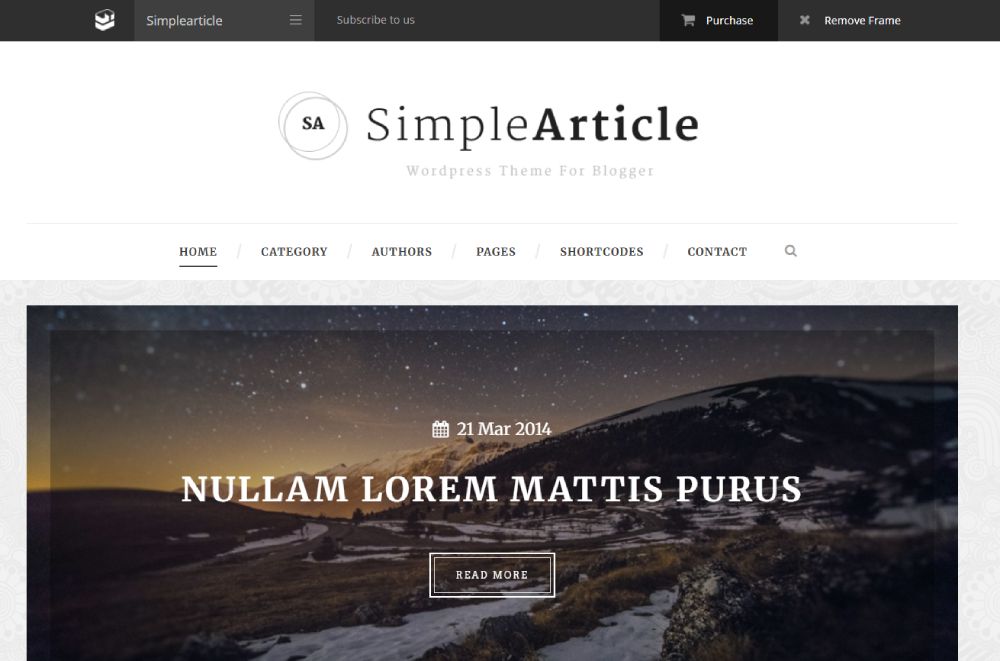
Article
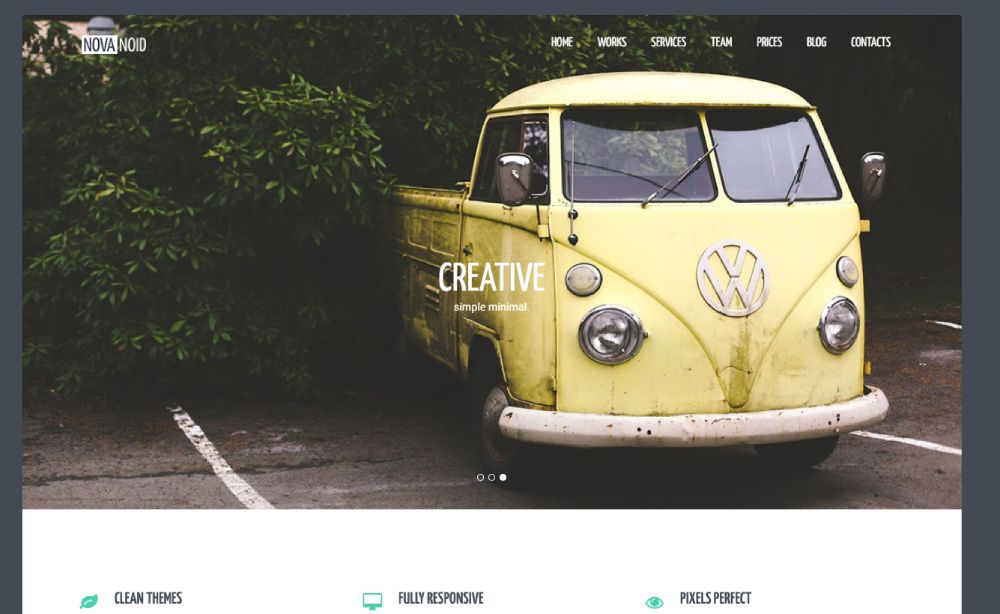
Novanoid
Prime
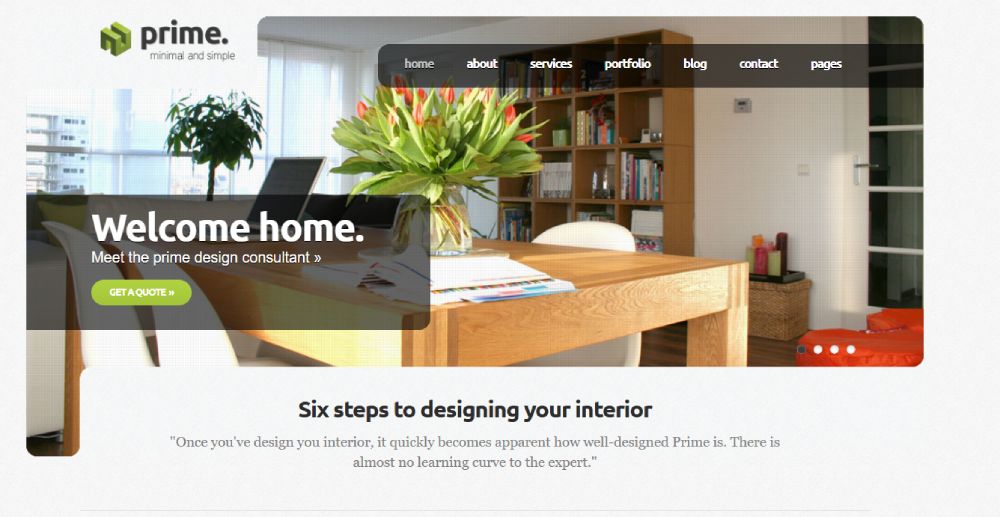
Mixel
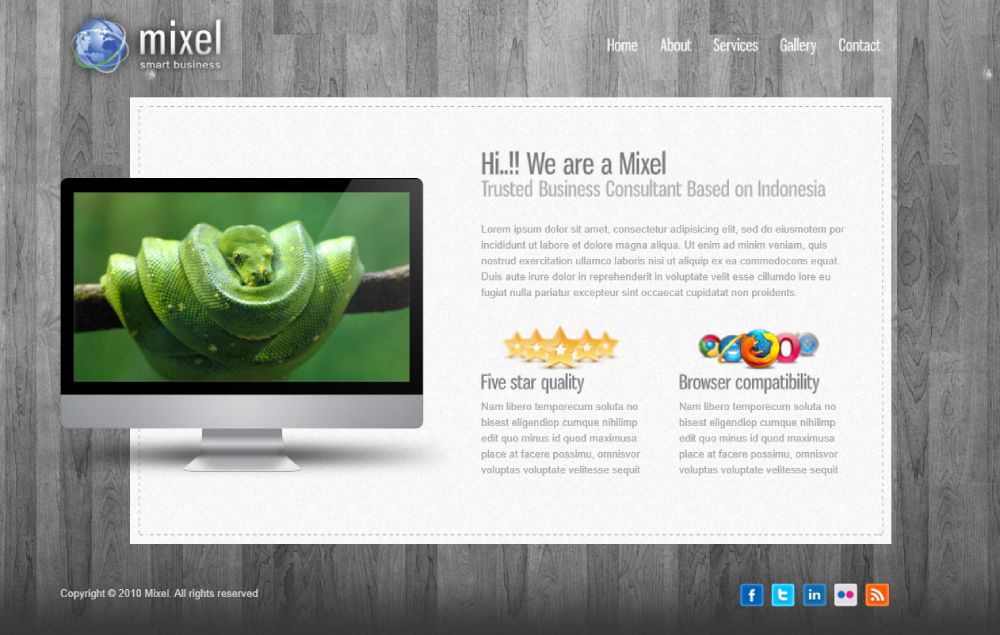
Clean Mail
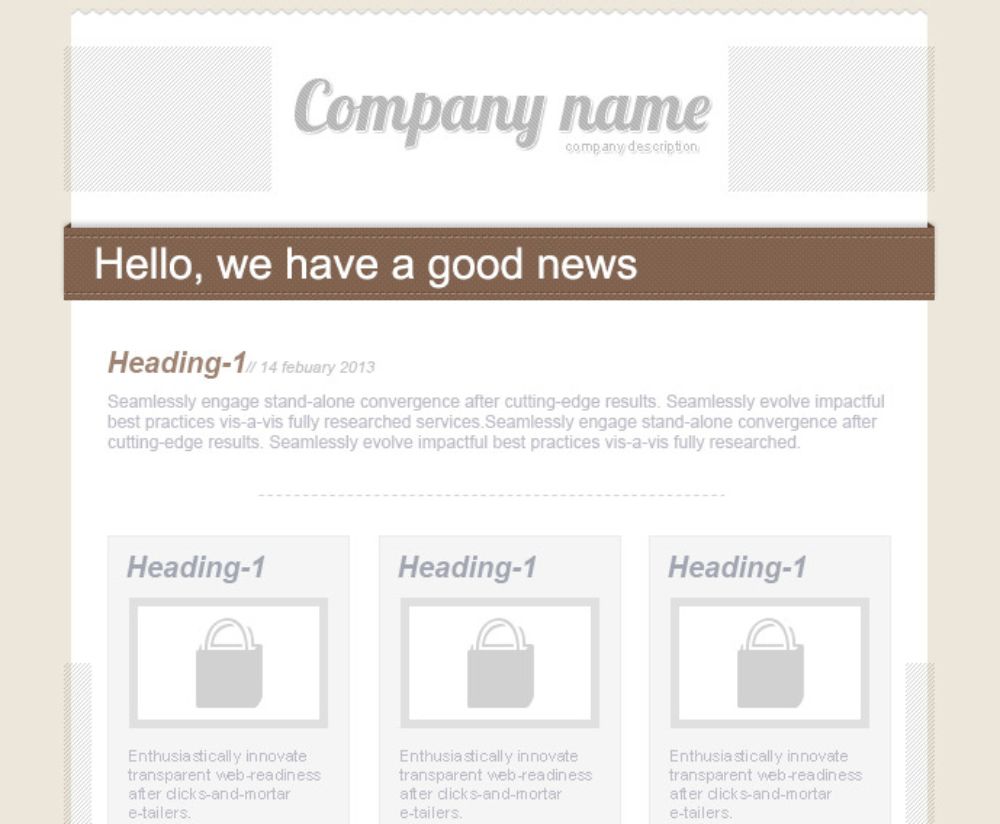
Endymion
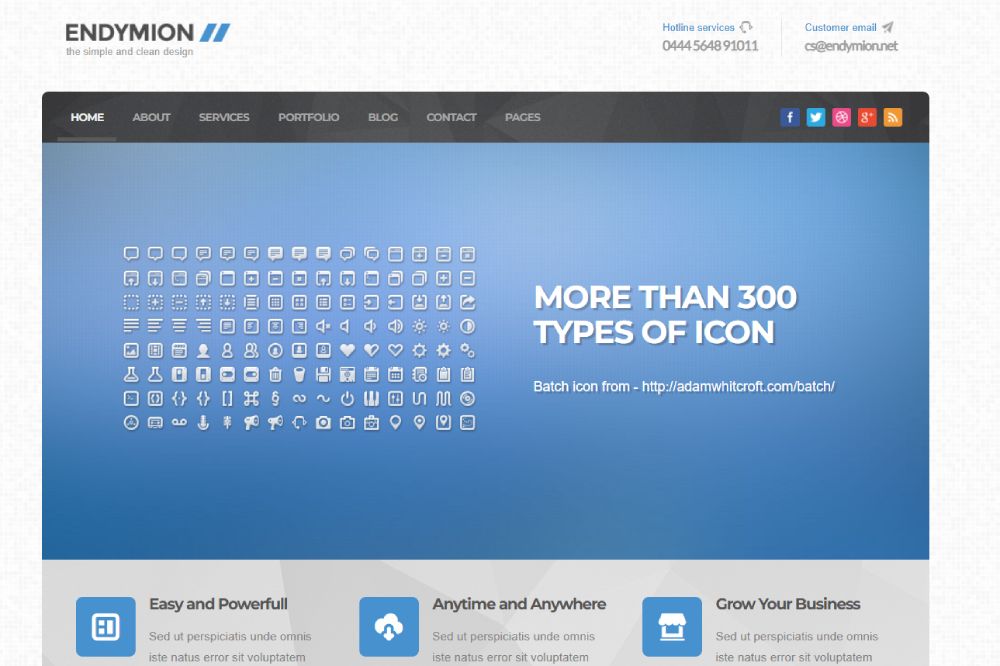
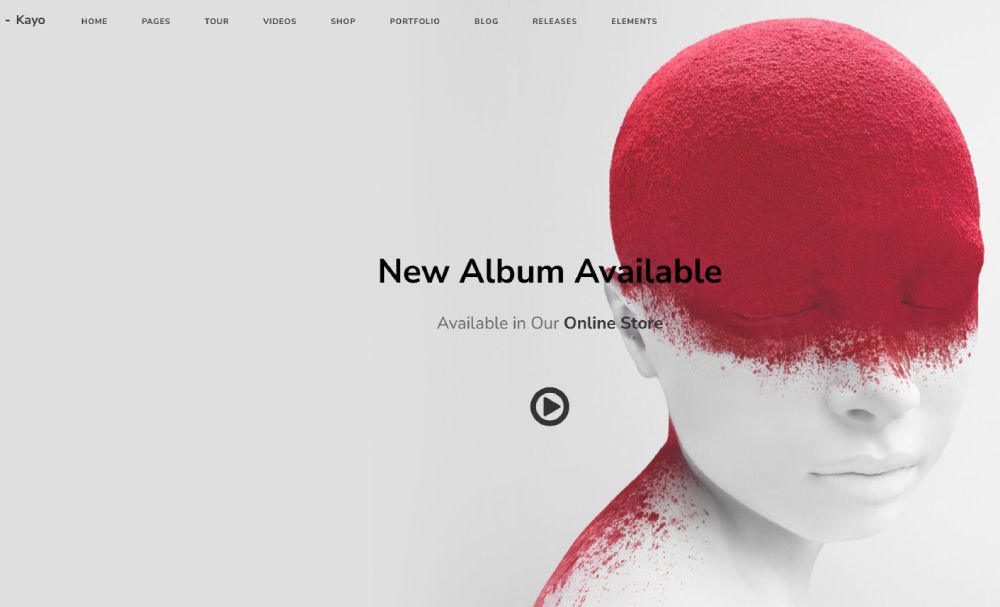
Kayo
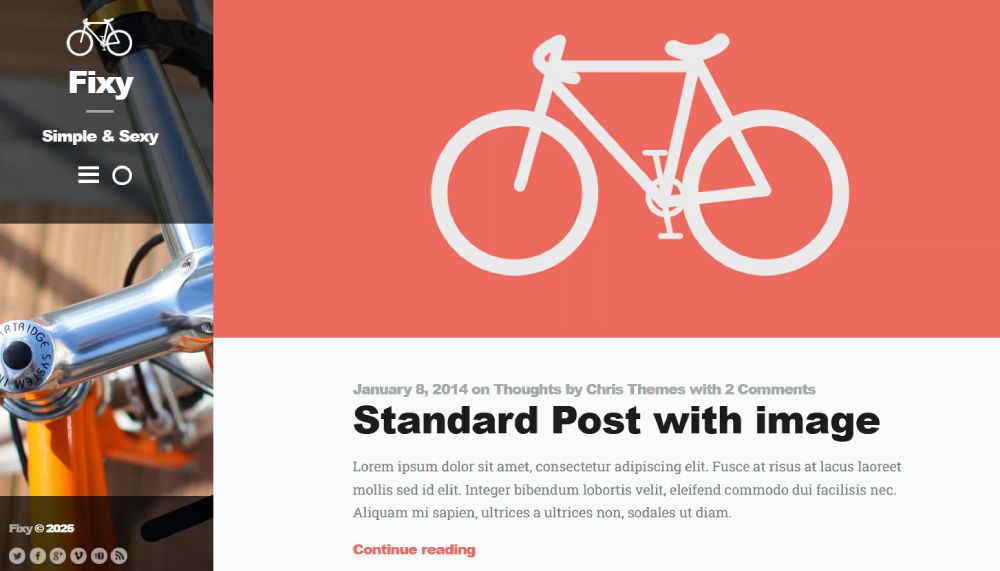
Fixy
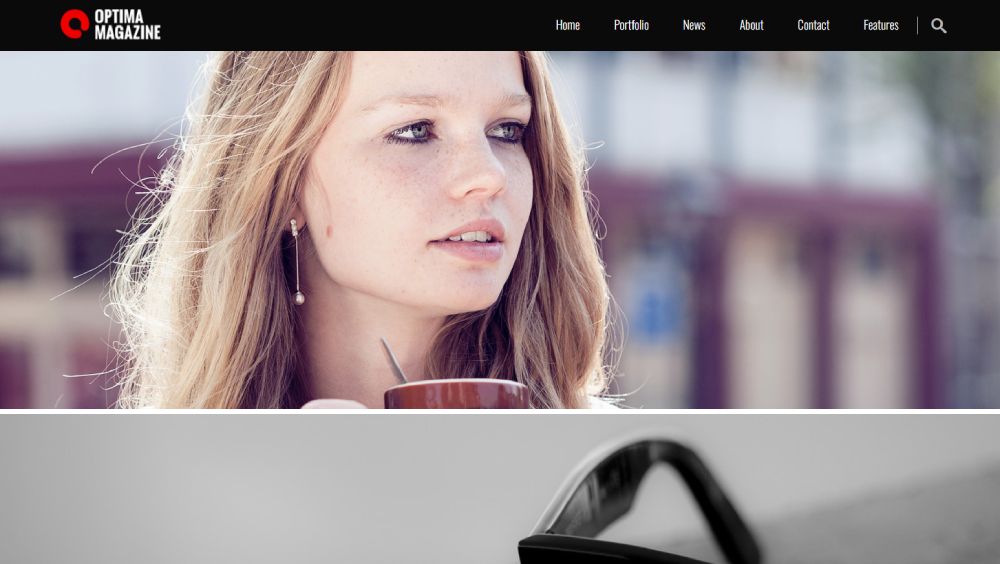
Optima
Types of Simple Website Templates
Landing Page Templates
Single-page designs focused on one conversion goal.
Perfect for startup landing pages, email capture, or product landing pages promoting a specific item.
SaaS landing pages typically include pricing tables, feature grids, and testimonial sections.
Portfolio Templates
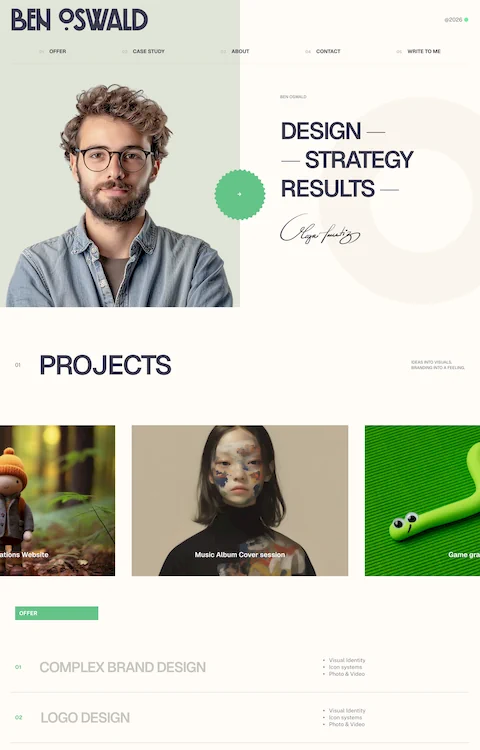
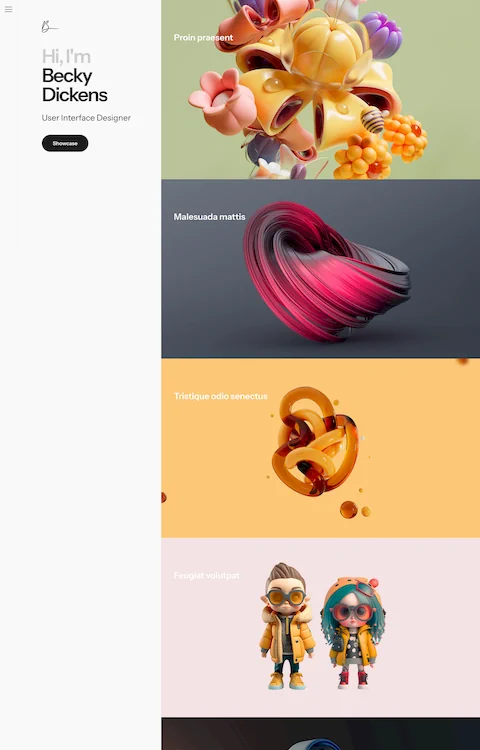
Grid-based layouts showcasing visual work. Graphic designers portfolio websites need image galleries with lightbox functionality.
Photographer website templates emphasize full-width images and minimal text interference.
Writers and developers prefer text-focused portfolio layouts with project descriptions.
Business and Corporate Templates
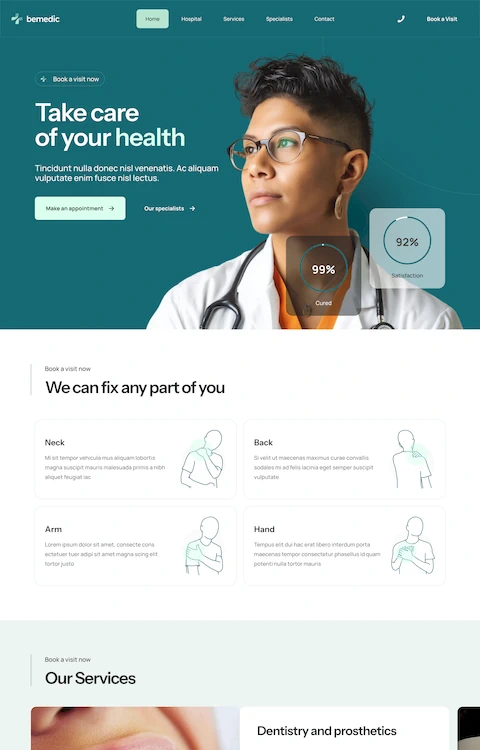
Professional websites for service companies need clear navigation and trust signals.
B2B websites focus on lead generation forms and case study sections.
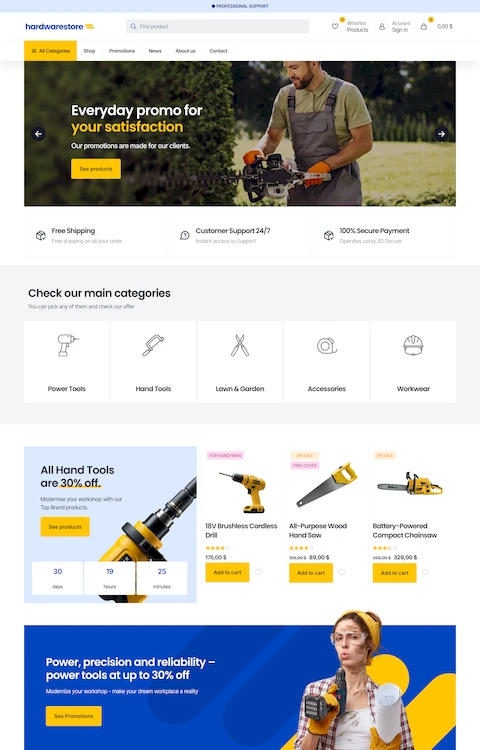
B2C websites prioritize product displays and shopping cart integration.
Blog Templates
Content-first layouts with blog design optimized for readability.
Features include category filtering, author bios, related posts, and comment sections.
Websites with good typography choices make long-form reading comfortable.
E-commerce Templates
Product grid layouts with cart functionality, checkout flows, and payment gateway hooks.
Shopify themes dominate this space. WooCommerce templates work for WordPress users.
Clothing websites need size charts and multiple product images. Jewelry websites require zoom functionality.
Simple Website Template Components
Header Section
The header contains your logo, primary navigation, and often a call-to-action button.
Sticky headers remain visible during scroll. Transparent headers work over hero section images.
Navigation Patterns
Horizontal menus suit sites with 5-7 main pages. Mega menu dropdowns organize larger sites.
Hamburger menus collapse navigation on mobile devices. Website navigation examples show these patterns in action.
The website menu structure directly impacts user experience and bounce rates.
Content Blocks and Grids
Most templates use 12-column grid systems inherited from Bootstrap or Foundation.
Common blocks: feature sections, team member cards, service descriptions, testimonial page layouts.
White space between sections improves scanning and reduces cognitive load.
Footer Structure
The website footer holds contact information, social links, newsletter signups, and secondary navigation.
Multi-column footers organize links by category. Minimal footers show just copyright and essential links.
Responsive Breakpoints
Standard breakpoints: 1200px (desktop), 992px (tablet landscape), 768px (tablet), 576px (mobile).
Responsive websites adapt layouts at each threshold. Images resize, columns stack, fonts scale.
Chrome DevTools and mobile first design testing catch display issues before launch.
How to Choose a Simple Website Template
Industry and Niche Fit
Real estate landing pages need property listing features. Fitness landing pages work better with class schedules and trainer bios.
Restaurant websites require menu displays and reservation forms. Lawyer websites need practice area pages and attorney profiles.
Match the template's built-in sections to your actual content needs.
Performance Requirements
Check Google PageSpeed Insights scores before purchasing. Aim for 90+ on mobile.
Core Web Vitals matter: LCP under 2.5 seconds, CLS below 0.1, FID under 100ms.
Lightweight themes with minimal JavaScript load faster than feature-heavy alternatives.
Customization Depth
Some templates offer theme options panels for non-coders. Others require CSS editing for basic changes.
Web design tools compatibility determines your editing workflow.
Browser and Device Testing
Test demos across Chrome, Firefox, Safari, and Edge. Check mobile rendering on iOS and Android.
Cross-browser compatibility issues appear in older templates lacking modern CSS features.
Accessible websites meet WCAG guidelines for screen readers and keyboard navigation.
Simple Website Template Installation and Setup
Download and Access Methods
ThemeForest delivers a ZIP file containing all template assets. GitHub repositories offer clone or direct download options.
WordPress themes install through the dashboard: Appearance > Themes > Add New > Upload.
Squarespace and Wix templates activate instantly within their platform interfaces.
File Structure Overview
Standard folders: /css for stylesheets, /js for scripts, /images for media, /fonts for typography files.
The index.html file serves as your homepage. Additional HTML files handle inner pages.
Documentation folders contain setup guides and changelog notes.
Configuration Requirements
Update config files with your site title, meta descriptions, and Google Analytics tracking codes.
Connect contact forms to email services like Formspree or your server's mail function.
Replace favicon.ico with your brand icon in 16x16 and 32x32 pixel sizes.
Testing Checklist
- All internal links resolve correctly
- Images display at proper dimensions
- Forms submit without errors
- Mobile menu toggles function
- Fonts load from Google Fonts or local files
- No console errors in Chrome DevTools
Simple Website Template Customization Options
Color Scheme Changes
Most templates use CSS variables for color scheme management. Change values in :root to update globally.
Color theory basics: limit palettes to 3-5 colors maximum.
Dark themed websites need careful contrast ratios for readability.
Typography Adjustments
Typography controls 95% of web design's visual impact.
Swap font-family declarations in CSS. Link new free fonts from Google Fonts in the HTML head.
Body text works best at 16-18px. Headlines scale from 24px to 72px depending on hierarchy.
Image Placeholder Replacement
Match original image dimensions to avoid layout shifts. Compress files through TinyPNG or Squoosh.
Websites with video background elements need MP4 files under 5MB for reasonable load times.
Unsplash and Pexels provide royalty-free stock photos sized for web use.
Section Reordering
Cut and paste HTML sections to rearrange page flow. Maintain proper div nesting.
CSS flexbox order property reorders elements without touching markup.
Page builders handle this visually through drag-and-drop interfaces.
Code Editing Requirements
Basic changes: HTML text editing, CSS color values, image src paths.
Intermediate changes: adding new sections, modifying grid layouts, JavaScript tweaks.
Advanced changes: integrating APIs, custom animations, database connections.
Simple Website Template Performance Considerations
Page Load Time Benchmarks
Target under 3 seconds for full page load. Each additional second drops conversions by 7%.
Lighthouse audits in Chrome provide specific optimization recommendations.
Minimalistic websites naturally load faster with fewer assets to fetch.
Image Optimization Requirements
Use WebP format for 25-35% smaller file sizes than JPEG. Serve responsive images with srcset attributes.
Lazy loading defers off-screen images until users scroll near them.
Hero images should stay under 200KB. Thumbnail grids under 50KB each.
Code Minification Status
Production templates should include minified CSS and JavaScript files.
Unminified versions help with editing. Minified versions deploy to live servers.
Tools like Terser and CSSNano handle minification automatically.
CDN Compatibility
Cloudflare, Amazon CloudFront, and Netlify CDNs cache static assets globally.
Relative file paths work better than absolute URLs for CDN deployment.
Enable gzip compression on your server or through CDN settings.
Core Web Vitals Metrics
LCP (Largest Contentful Paint): main content visible under 2.5 seconds.
CLS (Cumulative Layout Shift): visual stability score below 0.1.
FID (First Input Delay): interactive response under 100 milliseconds.
Simple Website Template Compatibility
Browser Support List
Modern templates support Chrome, Firefox, Safari, Edge from the last 2 versions.
Internet Explorer 11 support adds significant code overhead. Most templates dropped it after 2020.
Test rendering differences in Safari, which handles flexbox and grid slightly differently.
Mobile Responsiveness Details
Responsive website templates use media queries at standard breakpoints.
Touch targets need minimum 44x44 pixel tap areas. Hover states require touch alternatives.
User friendly website designs prioritize thumb-zone navigation on mobile.
CMS Integration Options
Static HTML templates convert to WordPress themes with PHP templating.
Headless CMS platforms like Contentful or Strapi pair with any front-end template.
Shopify themes use Liquid templating language. Different syntax, same concepts.
Third-Party Plugin Compatibility
Contact Form 7, WPForms, and Gravity Forms integrate with most WordPress templates.
Analytics scripts paste into header or footer includes. Same for chat widgets and pixel tracking.
Conflicts occur when templates bundle outdated plugin versions.
Simple Website Templates vs Custom Web Design
Cost Comparison
Templates: $0-200 one-time purchase. Custom design: $3,000-50,000+ depending on complexity.
Premium websites with custom functionality justify higher budgets for established businesses.
Startups and small businesses gain more value from template-based launches.
Time to Launch
Template sites launch in days or weeks. Custom builds take 2-6 months minimum.
One page website templates deploy fastest, often within hours of purchase.
Complex SaaS websites need more configuration regardless of starting point.
Uniqueness and Branding
Popular templates appear on thousands of sites. Unique websites require heavy customization or custom builds.
Creative websites push template boundaries through color, typography, and imagery changes.
Aesthetic websites emerge from any starting point with thoughtful design decisions.
Long-Term Maintenance
Templates receive updates from developers. Custom sites need in-house or agency maintenance.
WordPress theme updates sometimes break customizations. Child themes protect modifications.
Static HTML templates require manual security patches and feature additions.
Use Case Recommendations
Choose templates for: MVPs, landing pages, small business sites, portfolios, blogs, quick launches.
Choose custom for: complex web applications, unique interaction patterns, enterprise platforms, competitive differentiation.
Business website needs often fall somewhere between, starting with templates then evolving.
FAQ on Simple Website Templates
What is a simple website template?
A simple website template is a pre-designed layout with HTML, CSS, and JavaScript files ready for customization. These starter themes provide responsive grids, navigation menus, and content blocks that you modify with your own text, images, and brand colors.
Are simple website templates free?
Both options exist. Free templates work for basic projects, while premium themes from ThemeForest or TemplateMonster cost $20-80 and include better documentation, support, and features. WordPress themes range from free to $200 depending on complexity.
Can I customize a website template without coding?
Yes. Platforms like Squarespace, Wix, and Webflow offer visual drag and drop builders. WordPress page builder plugins like Elementor provide similar functionality. Basic text and image changes require no coding knowledge at all.
How do I install a website template?
Download the ZIP file, extract contents, and upload via FTP to your hosting server. WordPress themes install through the dashboard under Appearance > Themes. Hosted platforms like Squarespace activate templates with one click.
Are website templates mobile-friendly?
Most modern templates include responsive design that adapts to phones and tablets automatically. Check demo sites on mobile before purchasing. Look for templates built with Bootstrap framework or CSS flexbox for reliable mobile rendering.
Do website templates hurt SEO?
No, if you choose well-coded templates with clean HTML5 markup and fast loading speeds. Templates with bloated JavaScript or poor Core Web Vitals scores can hurt rankings. Always check Google PageSpeed Insights before committing.
What is the difference between a theme and a template?
Themes work within CMS platforms like WordPress and include dynamic functionality. Templates are static HTML/CSS files you edit directly. Both provide pre-built designs, but themes integrate with content management systems while templates stand alone.
How long does it take to launch a site using a template?
Basic sites launch within hours. Adding custom content, images, and configuration takes 1-3 days. Complex sites with multiple pages and integrations need 1-2 weeks. Still faster than custom development by months.
Can I use the same template for multiple websites?
Depends on the license. Most ThemeForest templates allow single-site use per purchase. Some developers offer unlimited licenses at higher prices. Free templates typically permit unlimited use. Always read license terms before deploying.
What makes a good simple website template?
Clean code structure, fast load times under 3 seconds, responsive breakpoints, browser compatibility, and clear documentation. Good templates use semantic HTML, organized CSS, and minimal JavaScript dependencies. Regular updates from developers indicate quality support.
Conclusion
Simple website templates remove the technical barriers between your idea and a live site. The right template gives you professional design, mobile responsiveness, and clean code without the agency price tag.
Focus on templates with fast load times and solid Core Web Vitals scores. Check cross-browser compatibility before purchasing.
Customization depth matters. Some projects need just color and font changes. Others require CSS grid modifications or JavaScript tweaks.
Match the template to your actual content needs. A minimalist website works for portfolios. E-commerce sites need product grids and checkout flows.
Start with your goals, not the prettiest demo. Test on mobile. Read the documentation.
Templates handle the foundation. Your content and brand decisions shape everything else.