
How to Fix “This Page Can’t Load Google Maps Correctly”
February 24, 2026
A Strategic Guide to Ecommerce Popups That Actually Sell
February 26, 2026Most websites look fine. They just don't convert.
The gap between a site that "exists" and one that actually generates leads comes down to structure. Marketing website templates solve this by giving you conversion-focused layouts, pre-built landing pages, and CTA placements tested across thousands of campaigns.
But not all templates are equal. Some load slow, break on mobile, or bury the signup form where nobody scrolls.
This guide covers what makes a marketing template work, which components matter most, how to pick one for your industry and platform, and the customization mistakes that quietly kill your conversion rate. Whether you are building on WordPress, Webflow, or HubSpot, you will find something useful here.
What Is a Marketing Website Template
A marketing website template is a pre-built web page layout designed to convert visitors into leads, subscribers, or customers through strategic placement of calls to action, lead capture forms, and conversion-focused sections.
It is not the same thing as a generic website theme. A standard theme gives you structure. A marketing template gives you structure plus a sales framework baked into every section.
Think of it this way. A regular WordPress theme handles your blog, your about page, your contact form. Fine.
A marketing website template handles your sales funnel. It includes dedicated landing page layouts, pricing tables, testimonial blocks, and lead generation sections that are already wired for conversion rate optimization.
Platforms like HubSpot, Webflow, and Squarespace offer marketing-specific templates that come with analytics integration, A/B testing capabilities, and CRM hookups right out of the box.
Elementor and Unbounce take it further with drag and drop editors built specifically for marketers who need to launch campaign pages fast, without waiting on a developer.
Marketing Website Templates
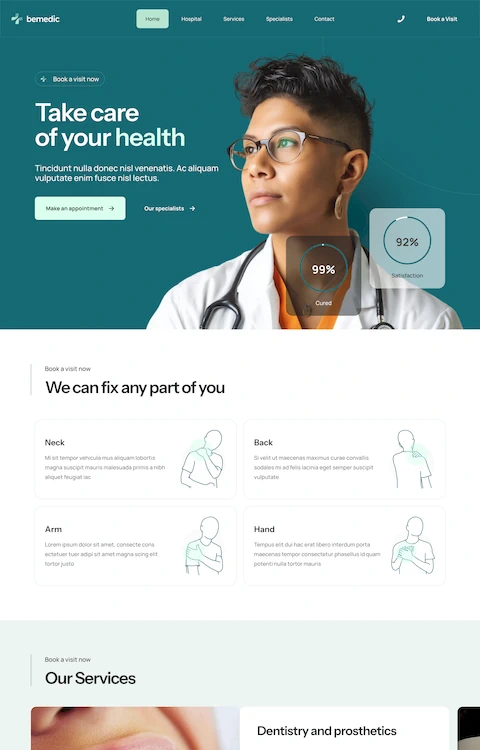
BE Marketing

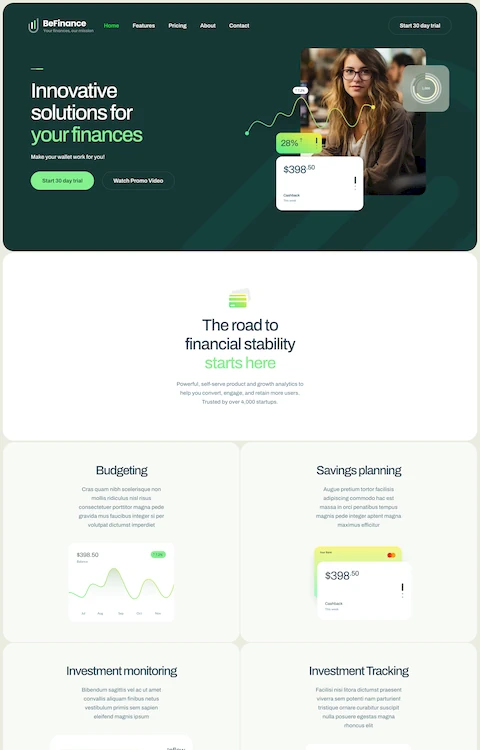
BE Marketing 2
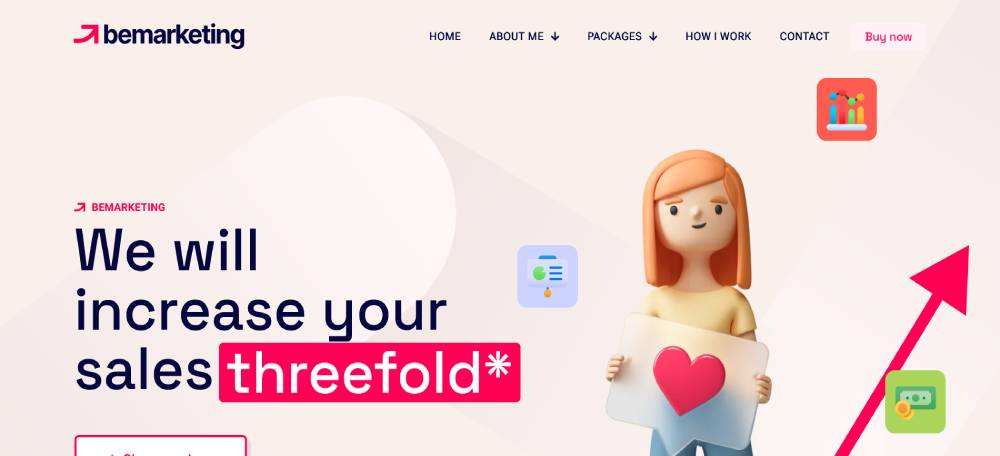
BE Agency 9

BE Agency 8
Nimo

SEOWP

Ewebot

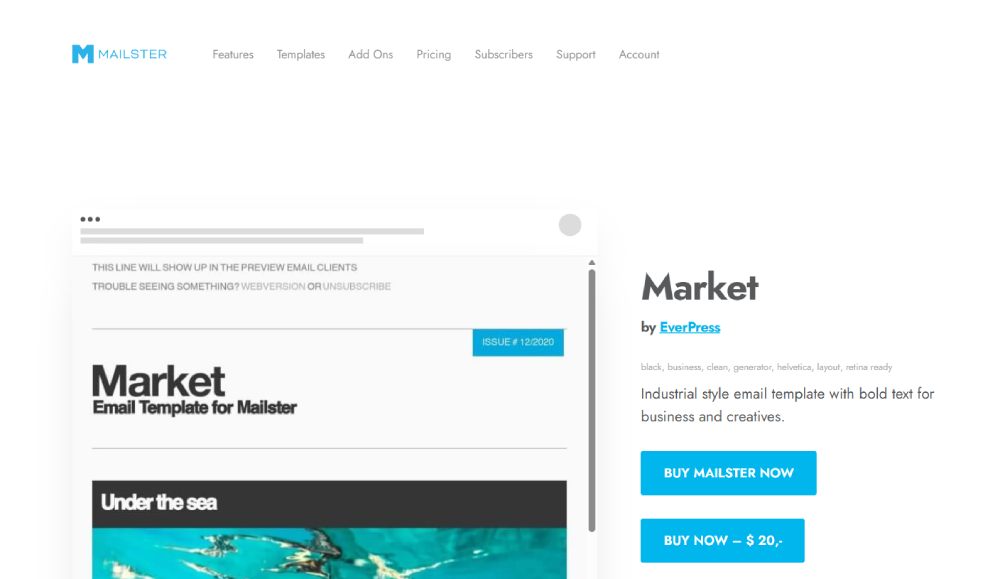
Market
Artistic
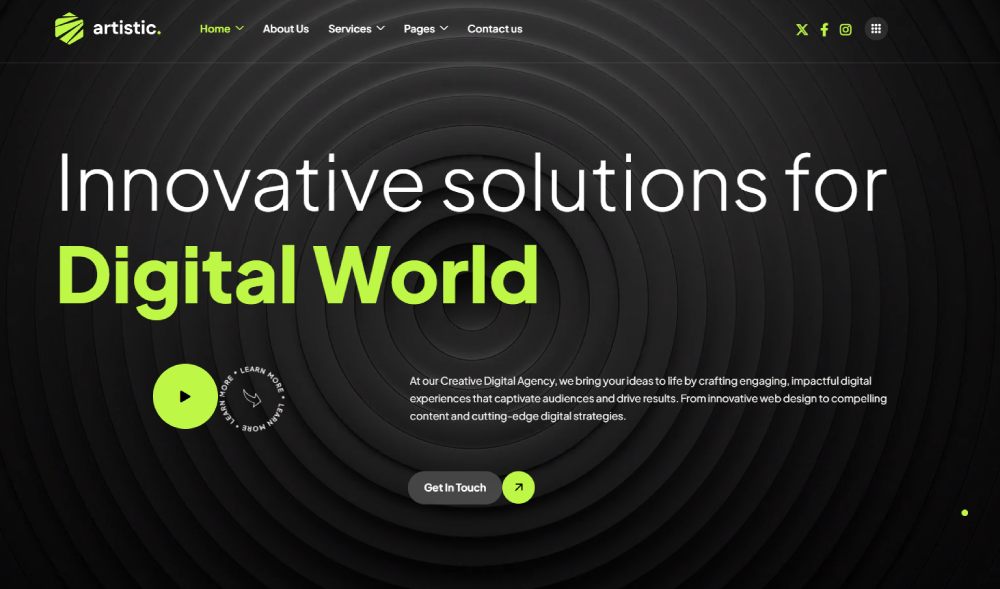
Seofy

LandPress
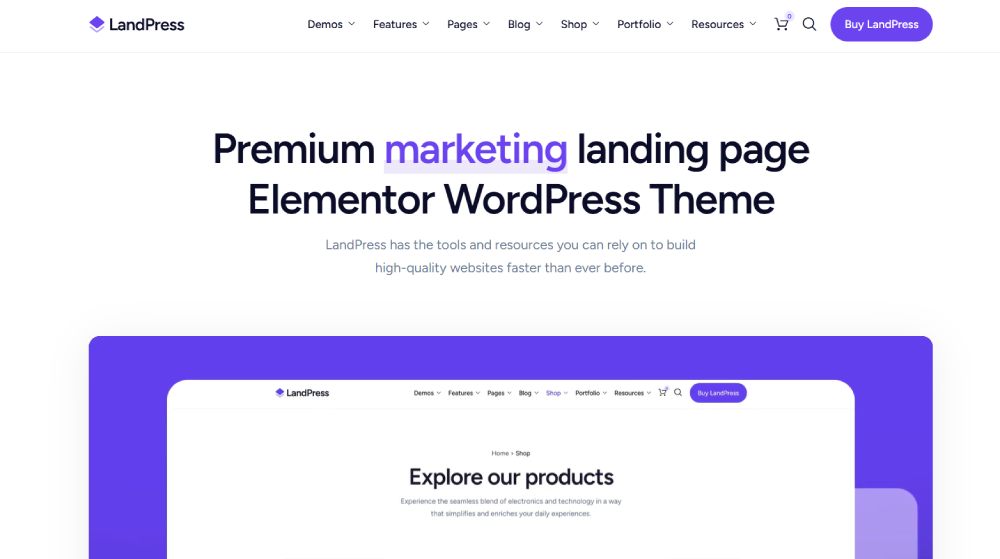
Borgholm
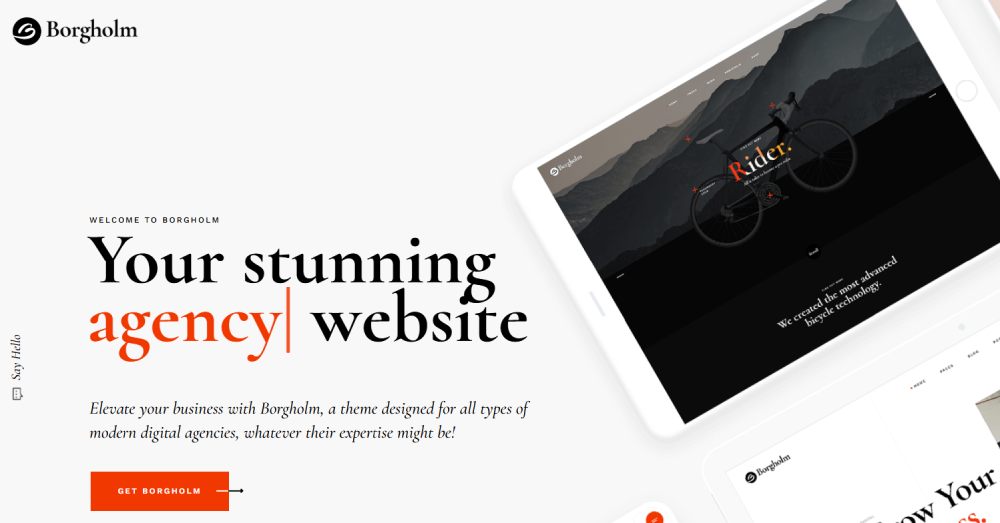
Choicy

Digital
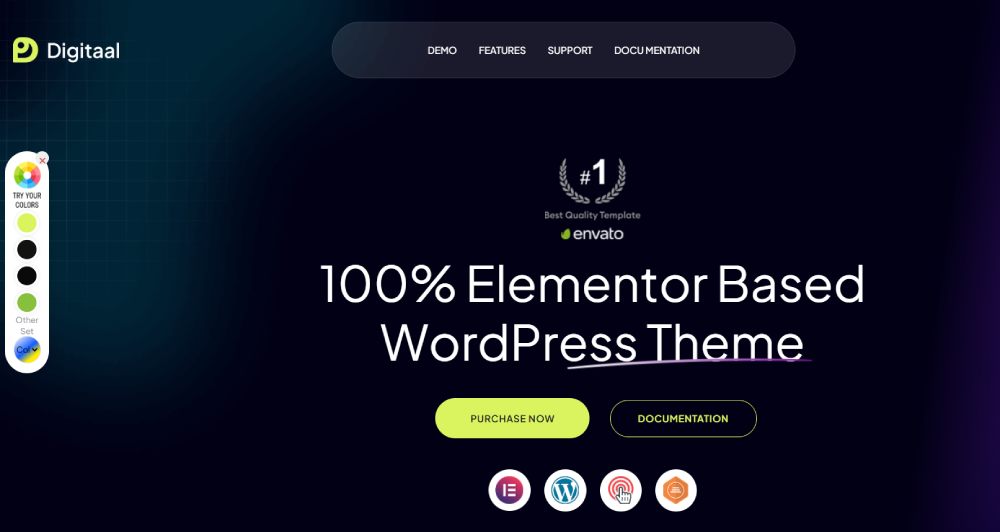
SEO Lounge

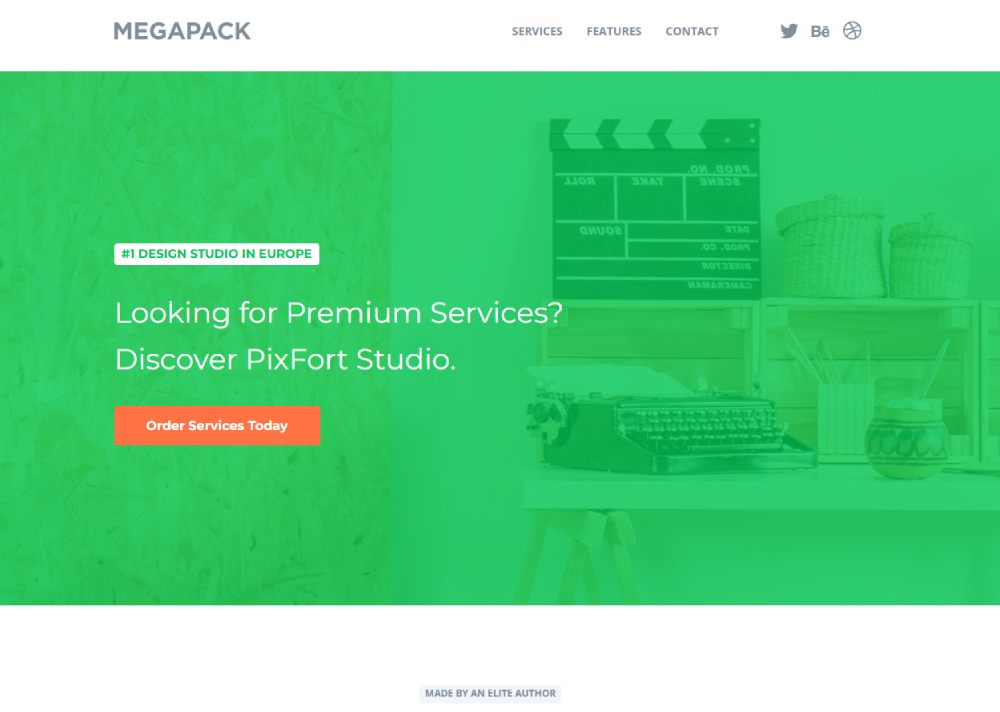
MEGAPACK
Seocify

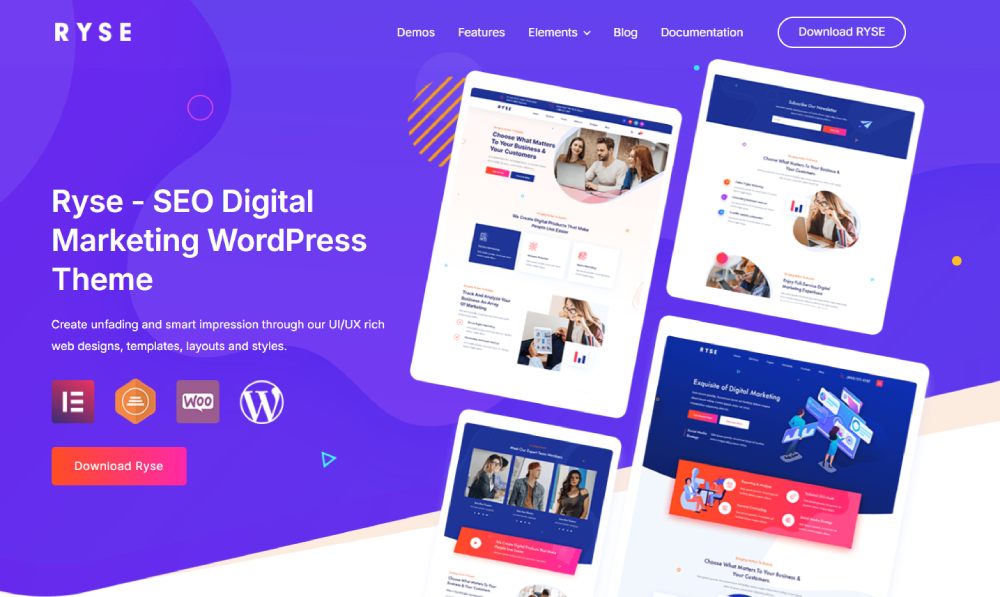
Ryse
SEOCrawler

Panda

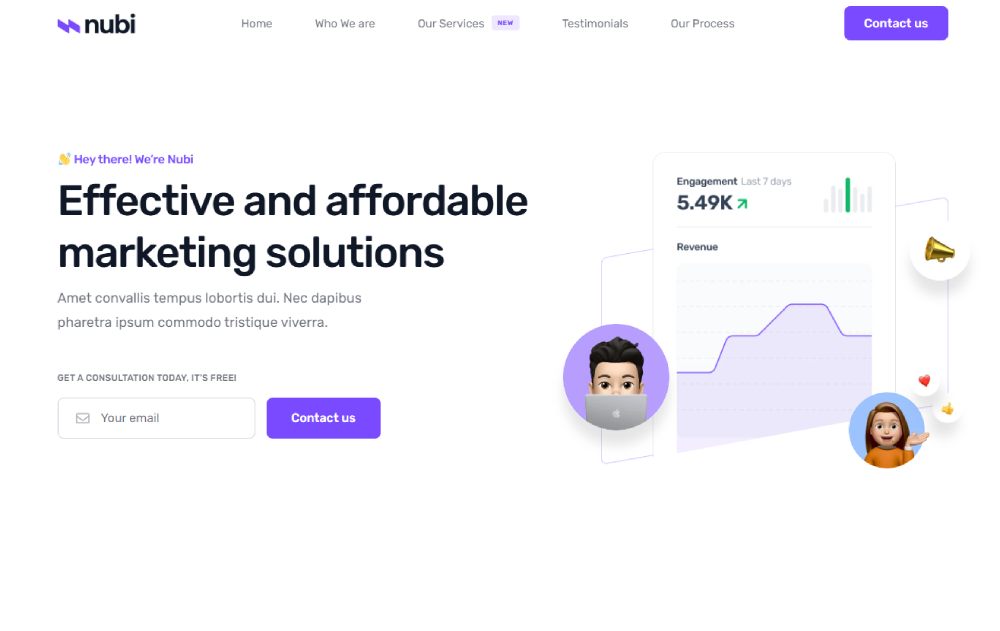
Nubi
SEOINUX

Kudos

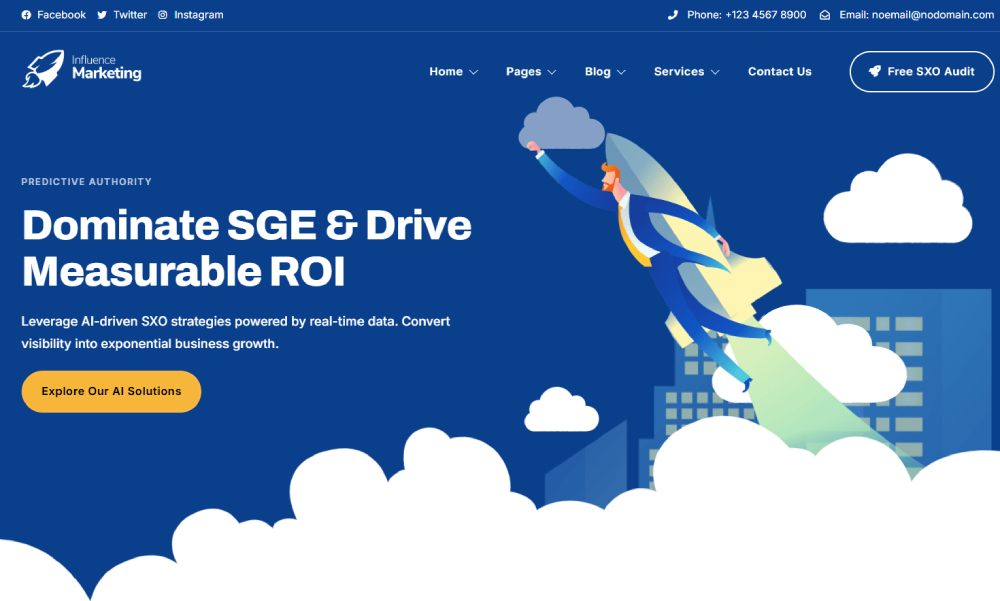
Influence
How Does a Marketing Website Template Differ from a Standard Website Template
A standard website template focuses on presenting information. A marketing template focuses on getting a response.
That difference shows up in every layer of the design.
Standard templates prioritize content display, blog layouts, image galleries, and general website navigation. They work well for informational sites, personal blogs, or portfolio pages.
Marketing templates prioritize user action. Every section is built around a specific goal: click, subscribe, buy, or book a call.
Here is where the differences get specific:
- Page structure. Marketing templates place the value proposition above the fold in a dedicated hero section, followed by social proof, features, and a closing CTA. Standard templates follow a more neutral content hierarchy.
- Built-in conversion elements. Pricing pages, email capture forms, countdown timers, and call to action buttons come pre-designed. Standard templates rarely include these.
- Analytics-ready. Most marketing templates from Webflow, HubSpot, or Leadpages include Google Analytics and Google Search Console integration by default.
- A/B testing support. Split testing landing pages is built into the workflow. Standard themes don't account for this.
If your site exists to generate marketing qualified leads, a standard theme will slow you down. You will end up rebuilding half the pages anyway.
What Are the Core Components of a Marketing Website Template
Every marketing website template is built from the same set of conversion-focused components. The difference between a good template and a bad one comes down to how well these parts are designed, placed, and connected.
These are the sections you should expect to find in any template worth using.
What Does the Hero Section Include in a Marketing Template
The hero section sits at the top. It carries your headline, subheadline, primary CTA button, and usually a product image or short video.
Strong marketing templates give you room for a clear value proposition in the header area, not a vague tagline. Templates with video backgrounds tend to perform well for SaaS and product pages where showing the tool in action matters.
How Are Call-to-Action Blocks Structured in Marketing Templates
CTAs appear in multiple locations: hero section, after feature blocks, mid-page breaks, and at the bottom before the footer.
Good templates repeat the CTA without making it feel aggressive. Button design, color theory, and surrounding white space all affect click-through rate.
What Role Do Landing Page Layouts Play in Marketing Templates
Landing pages are the backbone. Most marketing templates include 3-5 landing page variations: one for lead generation, one for product launches, one for webinars or events, and one for general campaigns.
Each landing page type strips away distracting navigation and focuses the visitor on a single action. That is why bounce rate reduction depends heavily on which layout you pick.
How Do Lead Capture Forms Work Inside a Marketing Template
Lead capture forms are pre-wired to connect with email marketing platforms like Mailchimp, ConvertKit, or your CRM through Zapier.
Good form design in a marketing template keeps fields to a minimum, uses clear labels, and places the form where visitor attention peaks. Typically right after a benefit section or a testimonial page block.
Which Industries Use Marketing Website Templates
Almost every industry uses them. But some depend on marketing templates more than others because their entire business model runs on online lead generation and digital customer acquisition.
SaaS and Software Companies
SaaS websites rely heavily on marketing templates for product demos, free trial signups, and feature comparison pages. Companies like Stripe and Hotjar use layouts that prioritize above-the-fold messaging with clear CTAs leading to signup flows.
Software websites in general follow the same pattern, with more emphasis on pricing page design and integration showcases.
Digital Marketing Agencies
Digital marketing agency websites use templates to showcase case studies, client results, and service packages. The template handles lead routing, meeting booking, and portfolio displays.
Agency websites focused on creative services lean toward templates with strong visual hierarchy and illustration-heavy layouts.
E-commerce and Retail
Shopify merchants use marketing templates for product landing pages, seasonal campaign pages, and abandoned cart recovery flows.
Retail websites and B2C websites need templates that handle product photography, customer reviews, and quick checkout prompts without cluttering the page.
Real Estate
Realtor websites use marketing templates with property listing sections, virtual tour embeds, and contact forms that qualify leads by budget and location.
Real estate landing pages are among the most conversion-dependent in any industry.
Health and Wellness
Healthcare websites, fitness websites, and wellness websites all use marketing templates to book appointments, sell memberships, and promote programs.
Personal trainer websites and yoga websites tend to use templates with strong visual branding and class scheduling integrations.
Finance and Fintech
Finance websites and fintech websites need templates that balance trust signals with conversion elements.
Compliance requirements make clean typography and straightforward layouts more important here than in most other industries. Bank websites follow strict accessibility and clarity standards.
Education
Educational websites use marketing templates to promote courses, handle enrollment, and showcase instructor credentials.
Coaching websites and teacher websites follow similar patterns with a stronger focus on personal branding and membership website structures.
Hospitality and Events
Hotel websites and tourism websites depend on marketing templates for booking flows, seasonal promotions, and destination showcases.
Event landing pages need countdown timers, speaker sections, and registration forms. Conference websites and event planner websites rely on these heavily during launch campaigns.
What Are the Best Marketing Website Templates in 2025
Before picking a template, you need to know what you are evaluating. Ranking marketing templates by "looks nice" is a waste of time. The criteria that actually matter are measurable.
Here is what separates a high-converting marketing template from a decorative one:
- Page load speed. Measured through Google PageSpeed Insights and GTmetrix. Templates scoring below 80 on mobile are a problem.
- Mobile responsiveness. Not just "it fits on a phone." The layout, CTAs, and forms need to function properly on every screen size. Responsive websites perform better on every metric.
- Conversion-focused layout. Strategic CTA placement, minimal distractions, clear visual hierarchy.
- CMS compatibility. Does it work with WordPress, Webflow, Shopify, or HubSpot without heavy modification?
- Built-in SEO structure. Clean HTML, proper heading hierarchy, image optimization, and schema markup support.
- Customization depth. Can you modify sections with a drag and drop editor, or do you need a developer for every change?
Templates that score well across these six areas consistently outperform those chosen purely for aesthetic design.
The actual template picks depend on your platform, budget, and industry. A SaaS landing page template from Unbounce will look nothing like a fitness landing page built in Elementor. And that is the point.
What matters is that the template you choose checks every box above before you start worrying about color scheme or font pairing.
Look, I have seen people spend three weeks picking between two templates that both convert at roughly the same rate. The real difference shows up in how you customize them, not which one you start with. Pick one that loads fast, works on mobile, and gives you clean code. Then make it yours.
How Do You Choose a Marketing Website Template for Your Business
Your business model decides the template. Not your taste.
A startup landing page needs fast load times and a single focused CTA. A B2B website needs case studies, long-form content sections, and meeting booking integration.
Start with these four filters before you even browse templates:
- Business goal. Lead generation, direct sales, bookings, or email list growth. Each goal requires a different page structure.
- Target audience. A buyer persona targeting enterprise clients needs a different layout than one targeting individual consumers.
- CMS platform. WordPress with Elementor, Webflow, Shopify, HubSpot. Your platform limits your template options, so pick the platform first.
- Budget. Free templates from Canva or Bootstrap work for testing. Paid templates from Unbounce or Leadpages include A/B testing and analytics out of the box.
What Should a Small Business Look for in a Marketing Template
Speed and simplicity. Small business websites need templates that load under 2.5 seconds on mobile and don't require a developer to update.
Look for built-in contact forms, Google Analytics integration, and a clean website layout that works across devices without custom code.
What Should a SaaS Company Look for in a Marketing Template
Feature comparison sections, free trial signup flows, and interactive landing pages that demo the product without leaving the page.
SaaS website templates from Webflow or HubSpot typically handle these better than generic WordPress themes.
What Matters Most for an E-commerce Marketing Template
Product photography display, quick-add-to-cart CTAs, and trust signals placed near the buy button. Shopify templates built for marketing handle this natively.
Templates for clothing websites or jewelry websites need high-resolution image galleries with minimal layout friction.
How Do You Customize a Marketing Website Template
Customization is where most people either make the template theirs or break it entirely. The goal is to match your brand without destroying the conversion structure the template was built around.
Took me a while to learn this, but the sections in a marketing template are placed where they are for a reason. Moving the testimonial block below the footer because "it looks better there" will cost you conversions.
How Do You Adjust the Color Scheme and Typography
Start with your brand colors and map them to the template's primary, secondary, and accent color slots. Most web design tools like Figma or Elementor let you swap the full palette in one step.
For fonts, stick to two typefaces max. One for headings, one for body text. Templates with good typography already have this dialed in, so check if the defaults work before changing anything. Sometimes the free fonts bundled with the template are better than what you'd pick yourself.
How Do You Add or Remove Sections from a Marketing Template
Every section serves the funnel. Before removing anything, ask: does this section move the visitor closer to the CTA?
If you are adding sections, keep the visual hierarchy intact. A feature block followed by social proof followed by a CTA is a pattern that works. Dropping a random blog feed in the middle of that sequence kills momentum.
Drag and drop editors in Elementor, Webflow, and Unbounce make reordering painless. Just respect the flow.
How Do You Connect a Marketing Template with Analytics and CRM Tools
At minimum, connect Google Analytics, Google Search Console, and your email platform.
Most templates have a dedicated integration panel or support Zapier for connecting Mailchimp, ConvertKit, Stripe, or Hotjar. If you are running paid campaigns, add your retargeting pixel during setup, not after launch.
Semrush or Ahrefs should be connected to track organic search engine visibility from day one.
What Makes a Marketing Website Template Convert Visitors
A template converts when every element on the page reduces friction and increases trust. That is it. No secret formula.
The difference between a page that converts at 2% and one that converts at 8% usually comes down to five or six specific design decisions.
How Does Page Speed Affect Conversion in Marketing Templates
Google's Core Web Vitals data shows that pages loading in under 2.5 seconds convert significantly better than slower pages. Every additional second increases bounce rate.
Check your template's score in Google PageSpeed Insights and GTmetrix before committing. Templates heavy on animations or uncompressed images will tank your page load speed on mobile.
Where Should Testimonials and Social Proof Appear on a Marketing Page
Place testimonials immediately after your main feature or benefit section. This is where doubt forms, and social proof kills doubt.
Logos of known clients near the hero section, detailed reviews mid-page, and a final trust block before the closing CTA. That sequence handles objections in the right order. Professional websites almost always follow this pattern.
How Does Mobile Responsiveness Affect Marketing Template Performance
Over 60% of marketing page traffic comes from mobile in 2025. If your template's forms break on a phone screen or your CTA button is too small to tap, you are losing the majority of potential leads.
Mobile first design is not optional for marketing templates. Test every page on at least three screen sizes before going live. Responsive website templates handle this automatically, but always verify.
What Are Common Mistakes When Using a Marketing Website Template
I have seen the same mistakes repeated across hundreds of marketing sites. Most of them are easy to avoid if you know what to look for.
- Overloading with plugins. Every plugin you add to WordPress or Shopify increases load time. Three or four well-chosen plugins beat fifteen mediocre ones. Sites end up looking like examples of bad design because of plugin bloat alone.
- Ignoring mobile testing. Previewing on desktop and calling it done. The template might look perfect at 1440px and fall apart at 375px.
- Weak CTAs. Using "Submit" or "Click Here" instead of action-specific language like "Start Free Trial" or "Get My Quote."
- Generic copy. Leaving the template's placeholder text or writing vague headlines like "We Help You Grow." That tells the visitor nothing.
- No A/B testing. Launching a single version and never testing alternatives. Unbounce and Leadpages make split testing landing pages straightforward. There is no excuse to skip it.
- Ignoring page load time. Using full-resolution images, uncompressed video backgrounds, and heavy JavaScript without checking website performance metrics.
- Skipping the website checklist. Going live without checking broken links, missing meta tags, or form connections that don't actually send data anywhere.
Most of these take under an hour to fix. The cost of not fixing them is measured in lost leads and wasted ad spend.
How Do Marketing Website Templates Support Search Engine Visibility
A well-built marketing template does half the search engine optimization work for you. The other half is your content.
Templates from Webflow, HubSpot, and modern WordPress themes built on Tailwind CSS or Bootstrap come with clean HTML structure that search engines can crawl efficiently. Cheap or outdated templates often ship with bloated code that Google struggles to parse.
How Does Heading Structure in a Template Affect Search Rankings
One H1 per page, followed by H2s and H3s in logical order. That is the rule, and a good marketing template enforces it automatically.
Templates that let you assign any heading level to any text block (looking at you, some Wix themes) create heading hierarchy problems that confuse search engines and hurt your rankings.
Why Does Clean Code Matter in a Marketing Website Template
Clean code means faster rendering, fewer crawl errors, and better indexing. Templates validated against W3C standards with proper Schema.org markup give search engines exactly what they need to understand your page.
Sites built on clean website templates consistently outperform visually similar sites running on bloated code. Cloudflare caching helps, but it can not fix fundamentally messy HTML.
How Do Marketing Templates Handle Image Optimization
Good templates serve images in WebP format, use lazy loading, and set proper width and height attributes to prevent layout shift.
If your template does not handle image optimization natively, you will need a plugin like ShortPixel or Imagify for WordPress, or manual compression through Figma's export settings. Unoptimized images are the single biggest reason marketing pages fail Core Web Vitals checks.
FAQ on Marketing Website Templates
What is a marketing website template?
A marketing website template is a pre-designed web page layout built for lead generation and conversions. It includes structured sections like hero areas, CTA blocks, lead generation landing pages, and email capture forms, all optimized for turning visitors into customers.
Are marketing website templates free?
Some are. Platforms like WordPress, Canva, and Bootstrap offer free marketing templates with basic functionality. Paid options from Unbounce, HubSpot, or premium website templates providers include A/B testing, analytics integration, and CRM connections that free versions lack.
Which platform has the best marketing website templates?
Webflow and HubSpot lead for marketing-specific templates with built-in conversion tools. WordPress with Elementor offers the most variety. Shopify works best for e-commerce marketing pages. Your business model and budget decide the right platform.
Can I customize a marketing website template?
Yes. Most templates support full customization through drag and drop editors. You can adjust colors, fonts, sections, and CTAs without coding. Figma works well for designing changes before applying them in Elementor, Webflow, or any page builder.
Do marketing website templates work on mobile?
Good ones do. Look for templates labeled mobile first or fully responsive. Always test forms, buttons, and navigation on multiple screen sizes before launch. Over 60% of marketing traffic in 2025 comes from mobile devices.
How do marketing website templates affect page speed?
Template quality directly affects page load speed. Clean-coded templates built on Tailwind CSS or Bootstrap load faster than bloated alternatives. Check scores in Google PageSpeed Insights before committing. Heavy animations and uncompressed images are the usual problems.
What industries use marketing website templates most?
SaaS, digital marketing agencies, e-commerce, real estate, finance, healthcare, and education. Any industry that depends on online lead generation or digital customer acquisition uses marketing templates. B2B landing pages and agency landing pages are among the most common.
What is the difference between a landing page template and a marketing website template?
A landing page template is a single page focused on one conversion goal. A marketing website template is a full site framework with multiple page types: landing pages, pricing pages, about sections, and blog layouts working together inside one conversion funnel.
How do I pick the right marketing template for my business?
Filter by business goal first, then CMS platform, then budget. A one page website works for simple campaigns. Multi-page templates suit companies with broader digital marketing strategy needs, multiple service lines, or product catalogs.
Do marketing website templates help with search engine rankings?
Indirectly, yes. Templates with clean HTML, proper heading hierarchy, Schema.org markup, and fast load times give search engines what they need to crawl and index your pages. Pair that with strong content and you improve search engine visibility significantly.
Conclusion
Picking the right marketing website templates is not about finding the prettiest design. It is about choosing a conversion-focused framework that fits your CMS, loads fast, and works on every screen size.
The template handles the structure. You handle the strategy.
Get your heading hierarchy right, place social proof where doubt forms, keep your lead capture forms short, and test everything with tools like Hotjar and Google PageSpeed Insights.
Whether you are building B2B website templates on Webflow or launching video landing pages through Unbounce, the same principles apply. Clean code, clear CTAs, and mobile responsive layouts beat a fancy design every single time.
Stop browsing templates. Start building.